

19 Best Moodle Bootstrap Templates For E-Learning Sites 2026
When you decide to work with Moodle Bootstrap templates, you come to this collection and pick from the best available on the market today. These guarantee you a spectacular outcome.
Moodle is one of the famous open-source learning management systems. Moodle is the best choice among the open-source LMS software since it has more support and plugins to help you.
Many Moodle partners have also joined in improving this open-source platform in recent years. As a result, many excellent templates have hit the market that you can use for your outstanding website.
With the premium Moodle Bootstrap template, the author will support you in doing some basic customizations and installation. One of the drawbacks of the Moodle platform is the very steep learning curve for beginners and new users.
Table of contents — all 21 templates
It will take a couple of weeks to get an overview of the platform’s working principle. To customize a Moodle theme, you have to get expert help. If you wish to use a free template, read the installation guide to get the best result.
Another drawback of Moodle is the user interface. Though you get plenty of options and support, the Moodle UI is still not great. This Moodle Bootstrap templates list shows that almost all the templates use a similar interface.
If you are still in a dilemma in selecting the learning management software, look at the e-learning industry post to compare all types of LMS.
For serious online course-providing companies, it is better to go for the premium LMS like Adobe Captivate or use the WordPress education themes that support LMS. Saying that let us get into the collection of these outstanding tools now.
Premium Moodle Bootstrap Templates
1. Adaptable
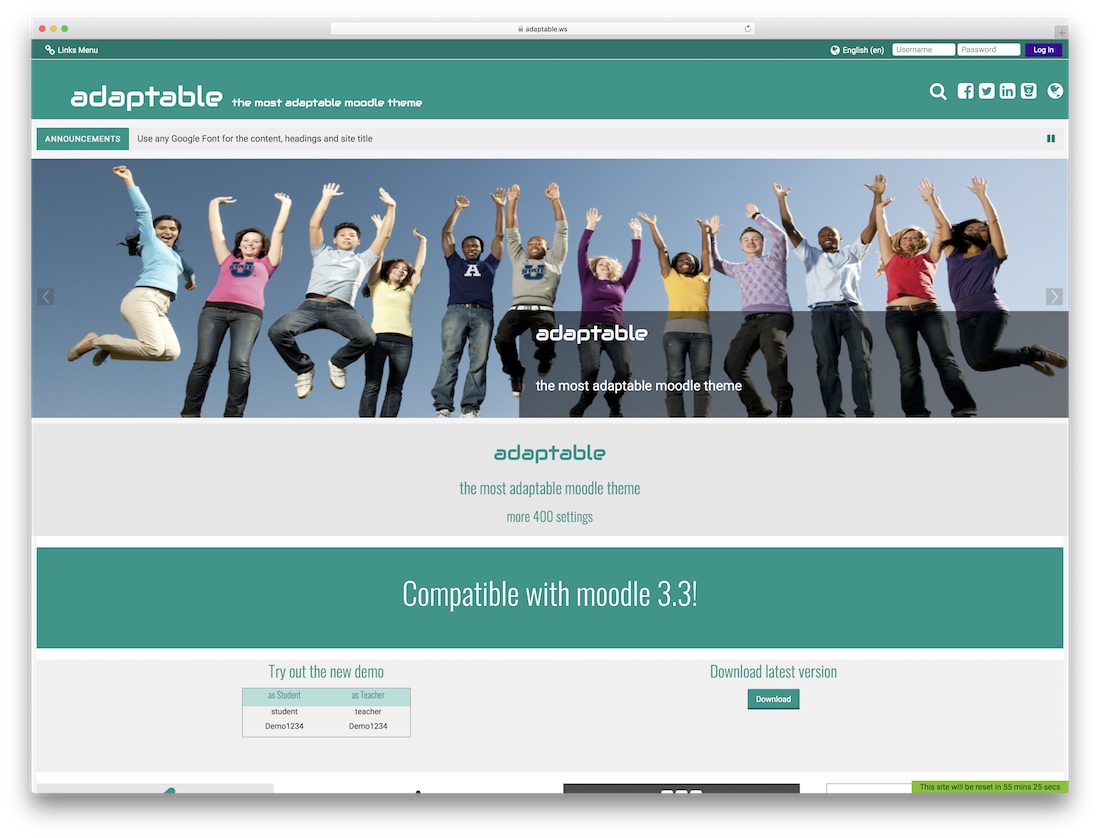
Free Bootstrap · Best for: free installs wanting premium-level options
The closest a free Moodle theme gets to premium territory — a full-width, one-page layout that surfaces everything on the homepage. A flash notification bar like the tickers on news website templates handles announcements, and because it builds directly on the Moodle platform, every stock feature carries through untouched.
2. Academi
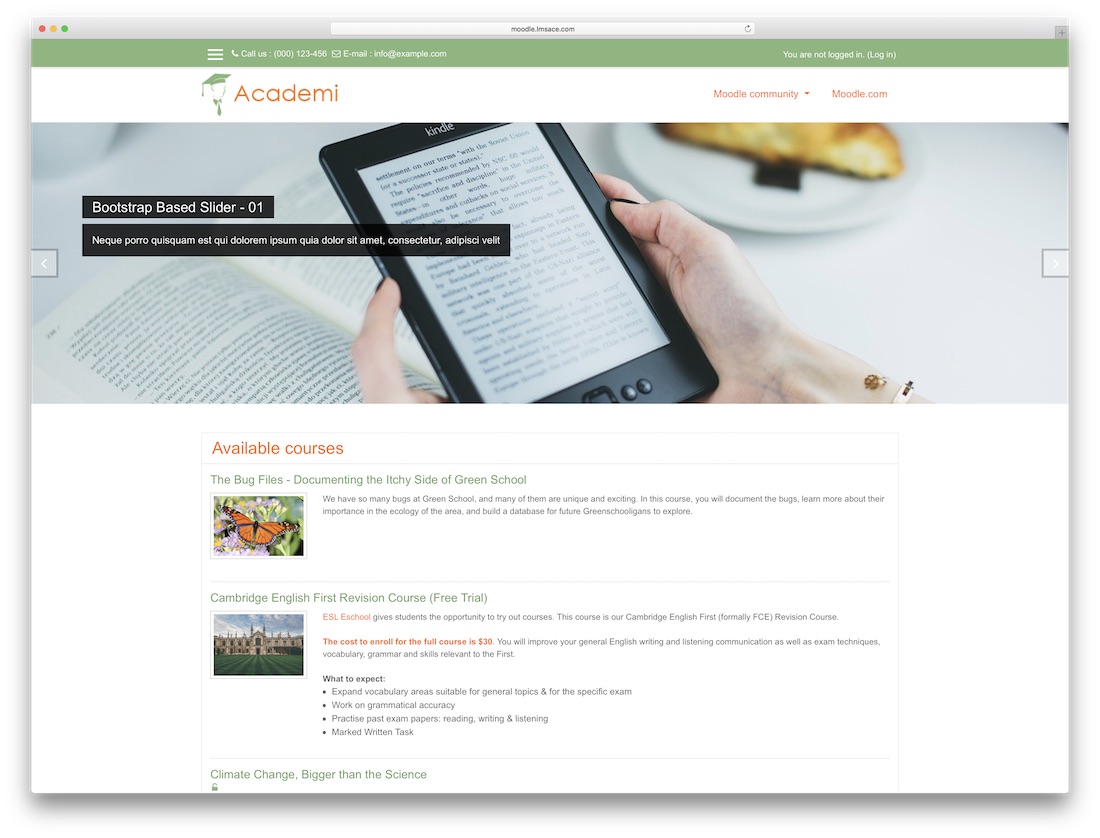
Free Bootstrap · Best for: dependable free all-rounder
Every feature works as advertised, and maker LMSACE ships marketing blocks most free Moodle themes skip. An auto-playing homepage slider, promoted-courses and marketing-spot blocks, color pickers, a calendar, accordion, and login and registration pages are all here; only the visual styling shows its age.
3. Eguru
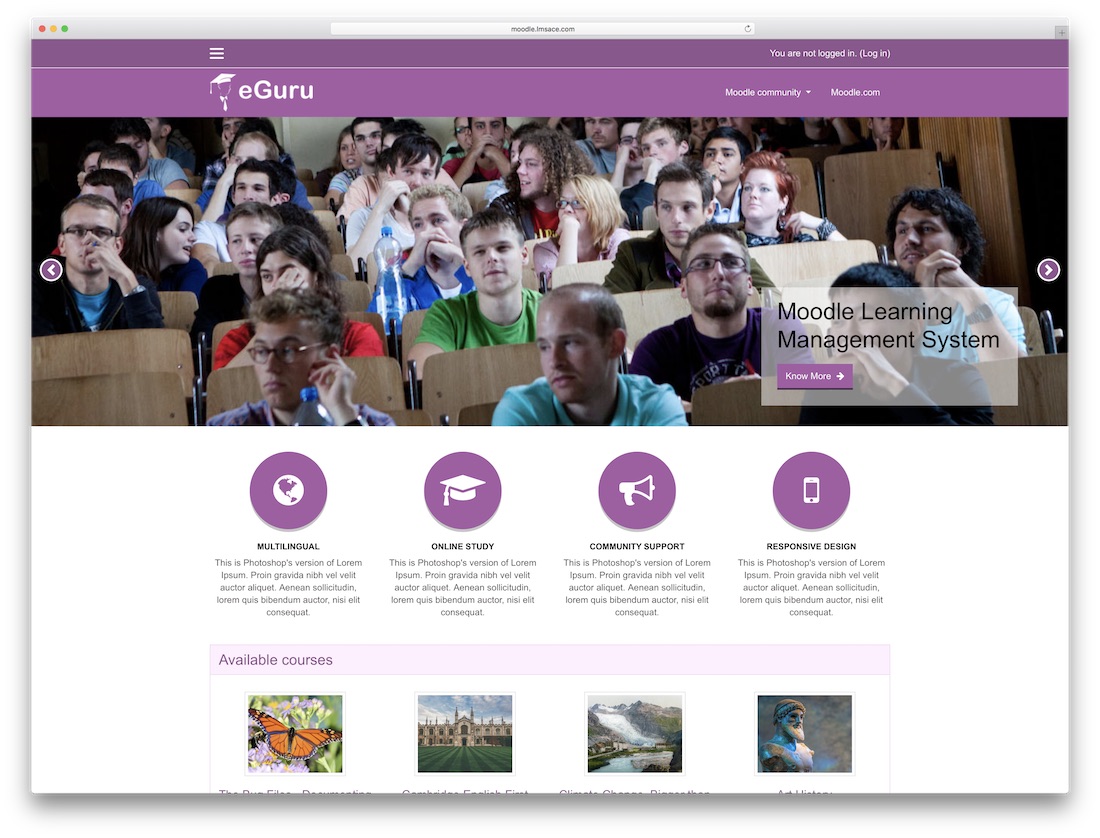
Free Bootstrap · Best for: classic sidebar-based course sites
Keeps the traditional Moodle sidebar, so calendars and quick course links stay one glance away. Courses sit in a grid with cover images, an image slider tops the homepage, and multiple languages are supported. There are no conversion gimmicks — it is deliberately plain.
4. Klass
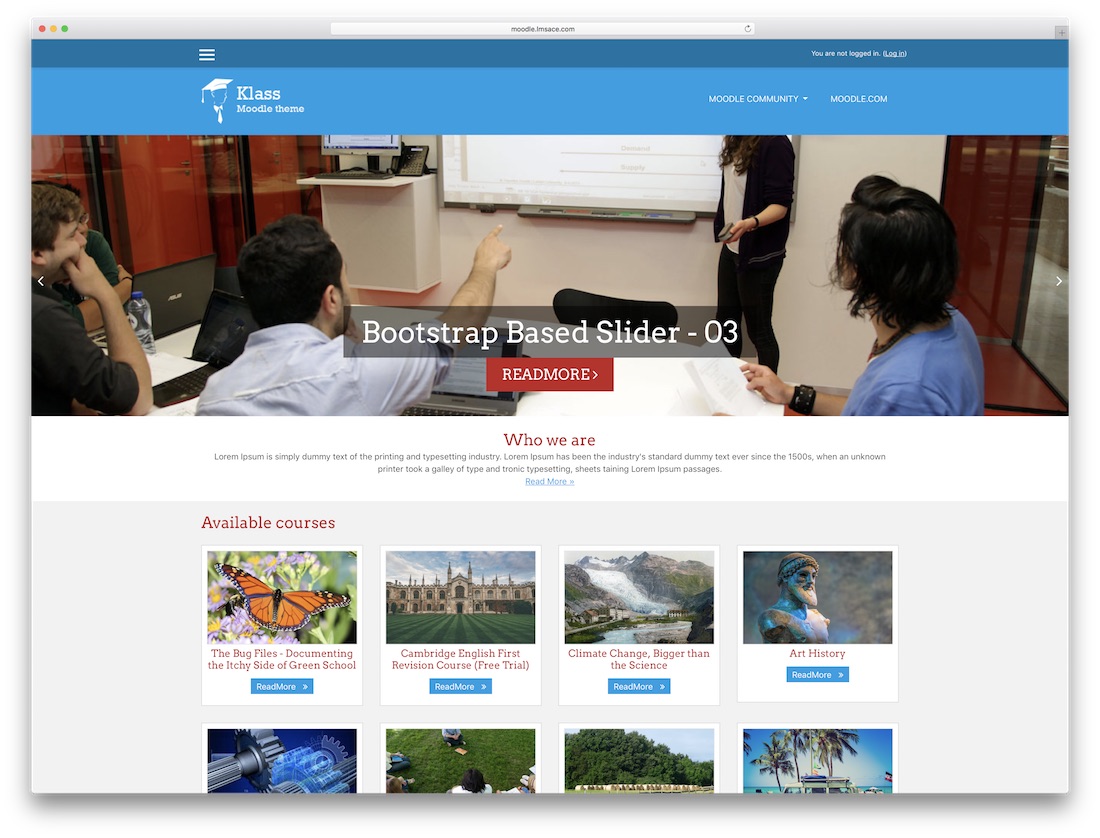
Free Bootstrap · Best for: full-width take on Eguru’s formula
Effectively Eguru without the sidebar — the same fundamentals stretched across a full-page layout. Adjustable floating grid boxes organize courses in the extra width, and the template stays responsive, speed-optimized, and cross-browser compatible. Pick between the two by whether you want that sidebar.
5. Snap
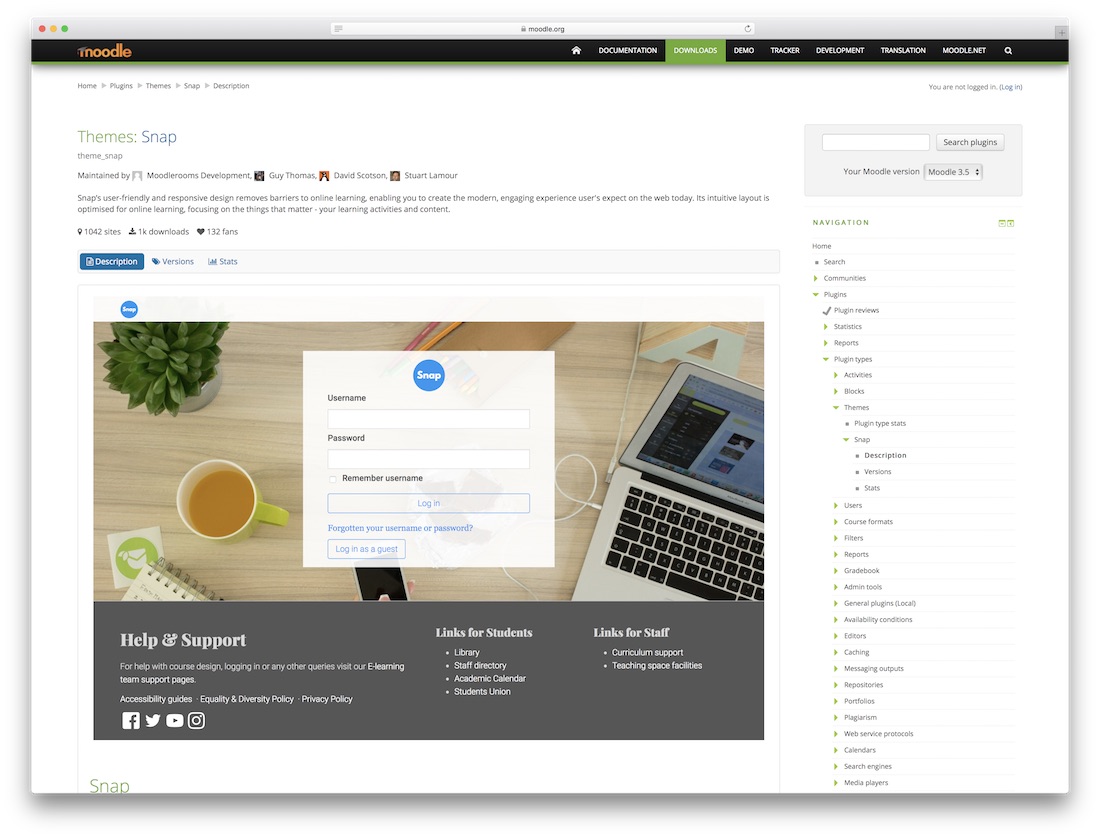
Free Bootstrap · Best for: modern UX on a free theme
Maintained by Open LMS, Snap reworks Moodle’s default experience further than any other free entry here. A dynamic course table of contents, feed-style updates, and a featured-courses section bring it close to commercial HTML website templates, and accessibility is treated as a core feature rather than an afterthought.
More info / Download6. Lambda

Premium Bootstrap · Best for: multi-page course sites with skin options
Ships three demo variations that share one layout, so you can switch skins later without rebuilding pages. The multi-page structure covers the usual e-learning subpages, member login sits at the top of the homepage, and the header slider leaves enough pause between slides to actually read each caption. The yellow color scheme is kept deliberately restrained.
7. New Learning
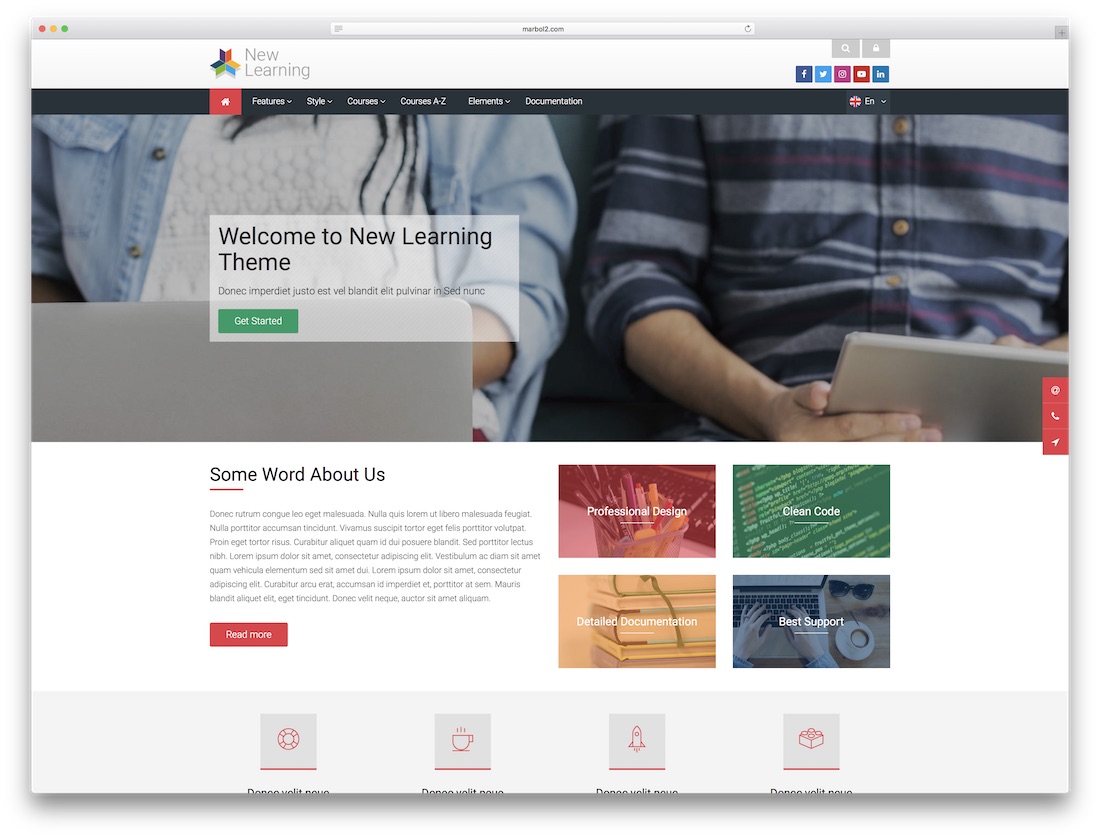
Premium Bootstrap · Best for: colorful full-width course landing pages
Transparent color overlays on its content blocks give the full-width layout a livelier feel than most Moodle skins manage. Member login and search sit in the top bar where returning students expect them, and the visual effects stay clean rather than busy.
8. Academic

Premium Bootstrap · Best for: big course catalogs needing clean navigation
The courses page leads with search and easy navigation, so students find a class without digging through categories. Generous white space keeps a packed catalog readable on the full-width layout, an image slider tops the homepage, and the footer takes an Instagram widget for social proof.
9. Macro Learning
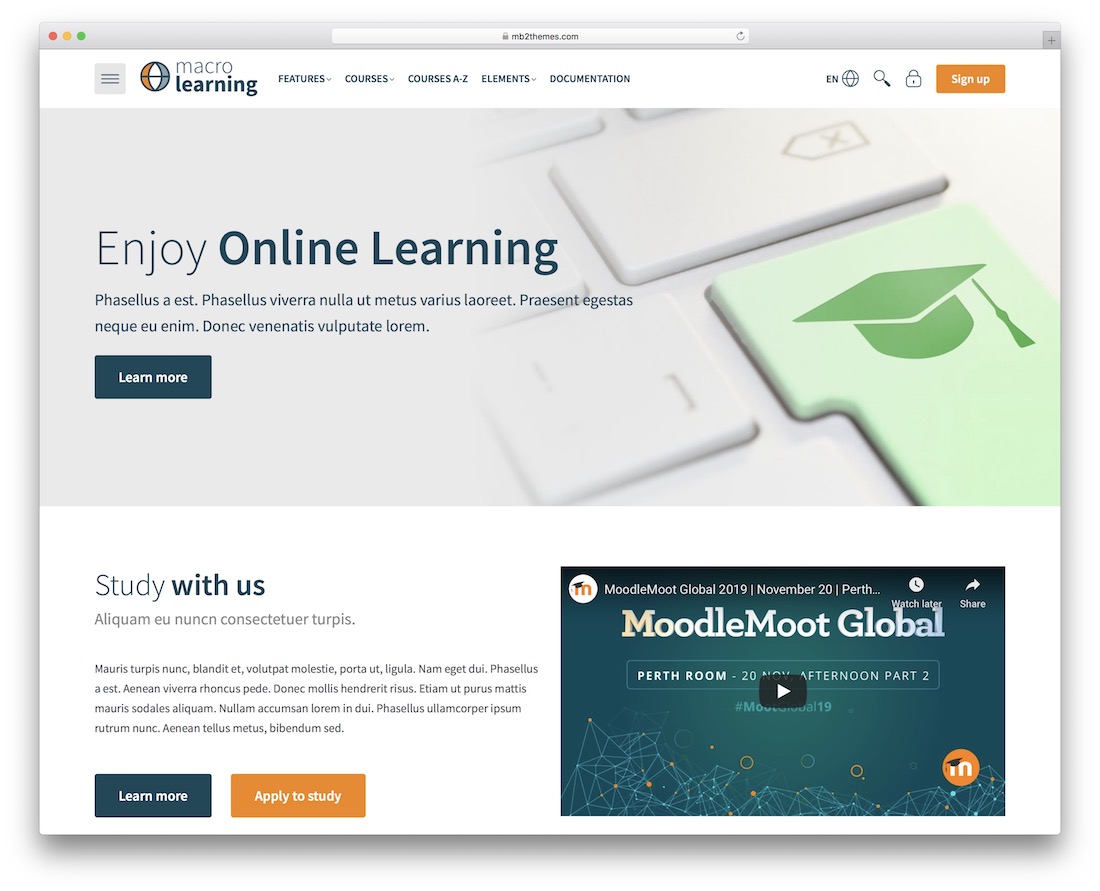
Premium Bootstrap · Best for: no-code Moodle site assembly
Layout changes never require touching theme code — a page builder and slides plugin are part of the bundle. The drag and drop page builder pairs with a courses dashboard, custom login page, badges, and sticky navigation, with social media integration and precise styling controls on top.
10. Alanta

Premium Bootstrap · Best for: multilingual and RTL learning portals
RTL compatibility and multi-language options make this one of the safer picks for institutions teaching across regions. Several preset color skins handle branding without code edits, the codebase is kept clean for customization, and marketing and SEO groundwork is already in place.
11. IQ
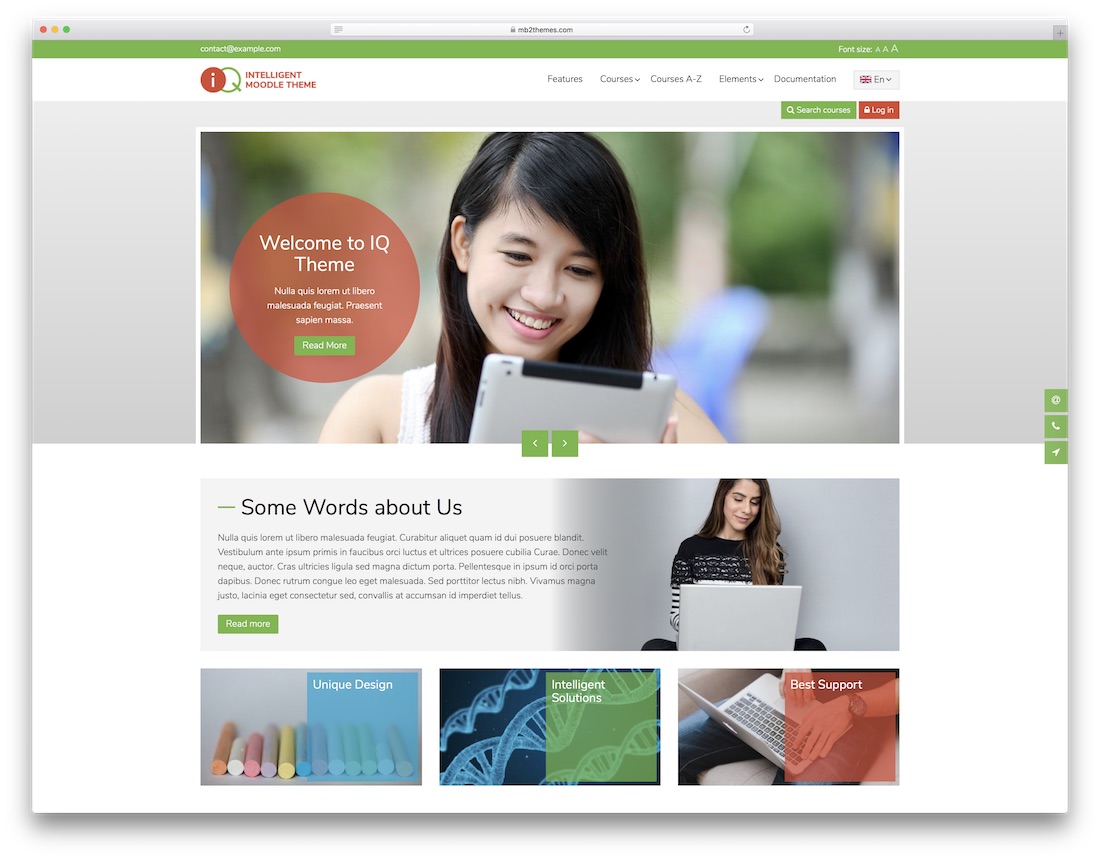
Premium Bootstrap · Best for: academies mixing several course formats
Supports multiple course formats, so lecture series, workshops, and self-paced classes can live on one site. You keep full access to the course back end after launch, blog posts can be categorized for content marketing, and the site can be translated and localized — no coding needed for layout edits.
12. Klassroom

Premium Bootstrap · Best for: schools wanting calendars built in
Calendar pages and course categories come wired in — two things many Moodle skins push off to plugins. Preset color skins, sliders, and sticky navigation round out the kit, RTL languages are supported, and the minimal design keeps attention on coursework rather than chrome.
13. School
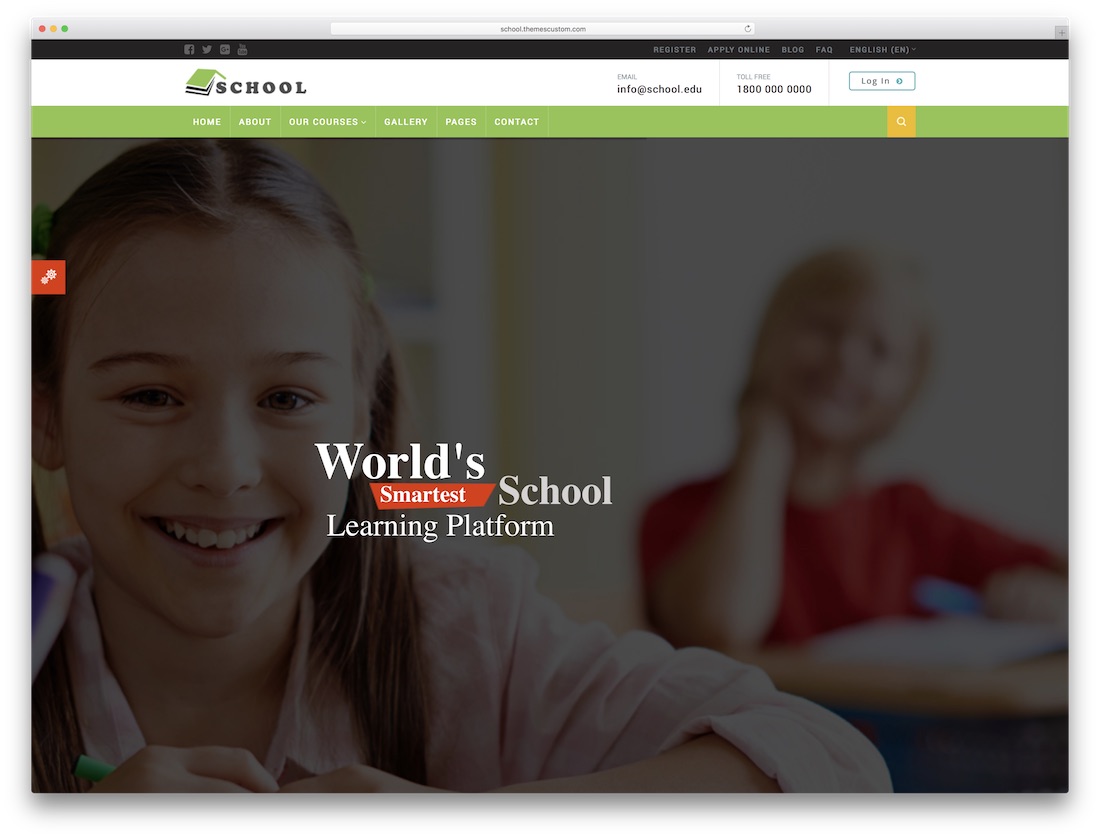
Premium Bootstrap · Best for: schools and colleges wanting subtle animation
A deliberately small feature set where everything included actually works — parallax, custom icons, and interactive content blocks. The header slider pairs images with animated text on this template for schools and colleges, and four ready-made element blocks help assemble inner pages quickly.
14. Alpha
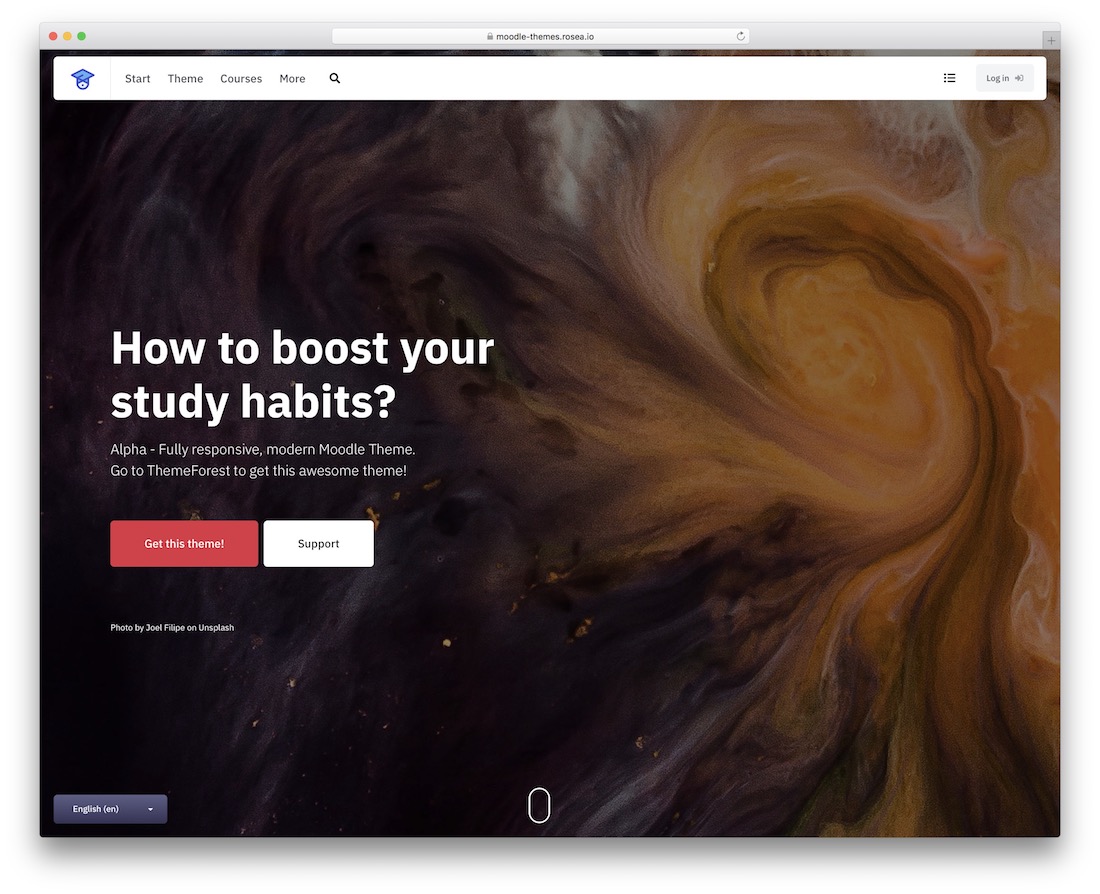
Premium Bootstrap · Best for: block-built front pages for any institution
Twelve front-page blocks let you assemble the homepage section by section instead of accepting one fixed layout. A hero slider, login page, testimonials, and sticky navigation are all included, it renders cleanly on retina screens, and it stays compatible with other Moodle plugins for anything the theme itself does not cover.
15. Apple of Knowledge
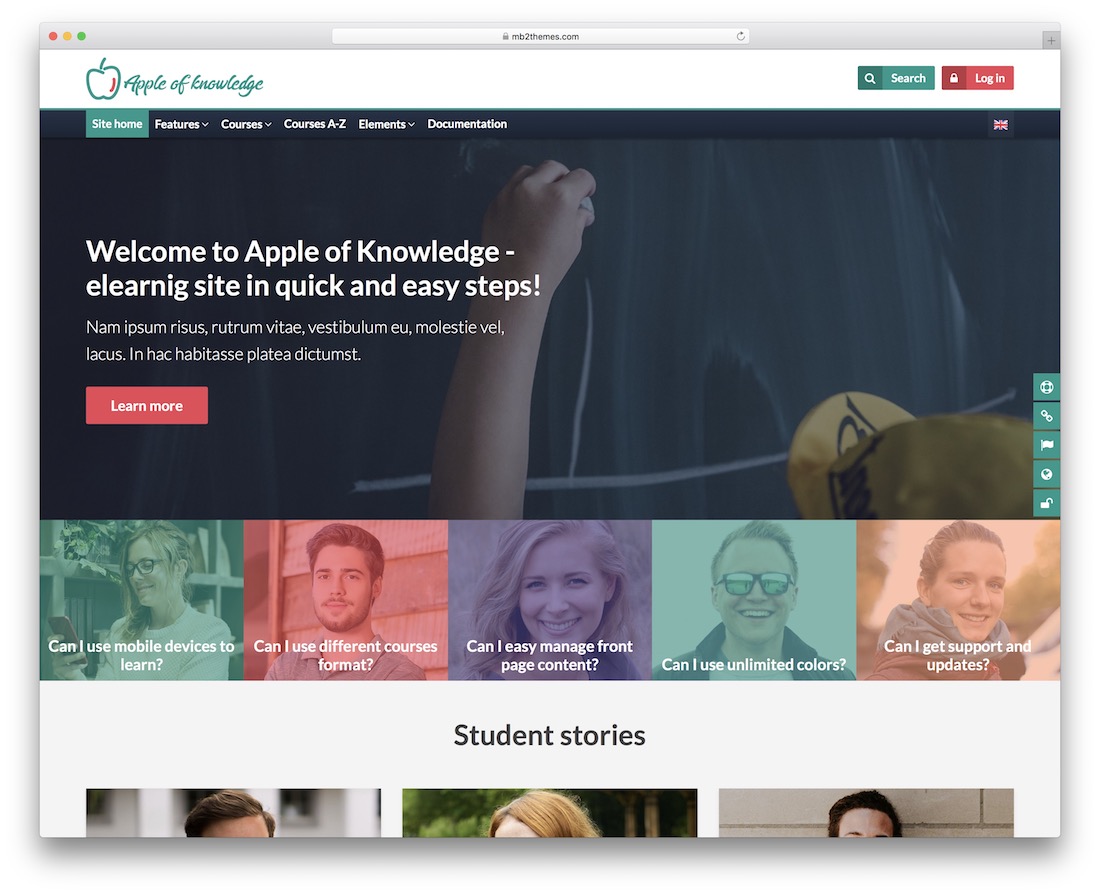
Premium Bootstrap · Best for: first Moodle builds needing guidance
Documentation and a support team back its drag and drop builder — reassuring if this is your first Moodle site. The feature sheet covers a course dashboard, shortcodes, sticky navigation, multilingual and RTL output, and social media integration, with support for extra Moodle plugins beyond that.
16. Drona
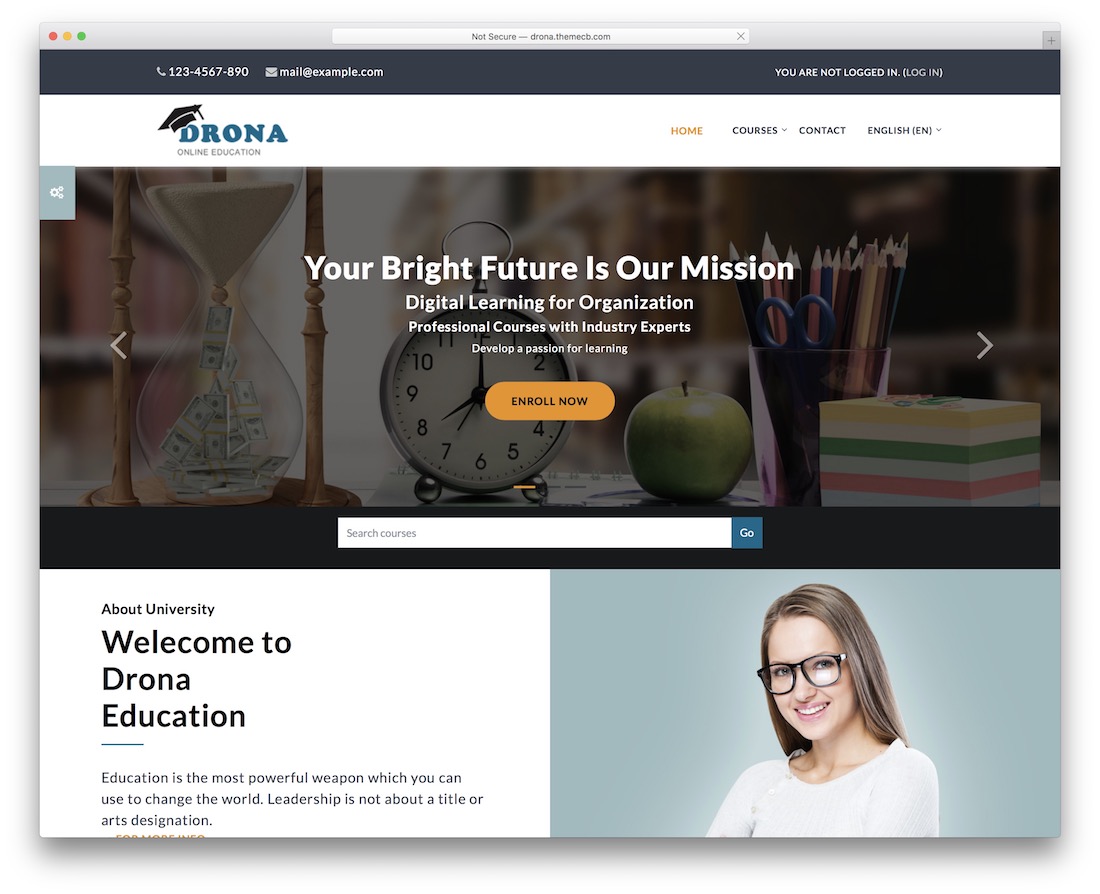
Premium Bootstrap · Best for: campus-life showcases with staff profiles
Teacher profiles, a photo gallery, and a video section make this the pick when people sell the school as much as courses do. News blocks, four footer areas, a smooth slideshow, and custom logo support fill out the homepage, and the whole template can be translated.
17. Trending
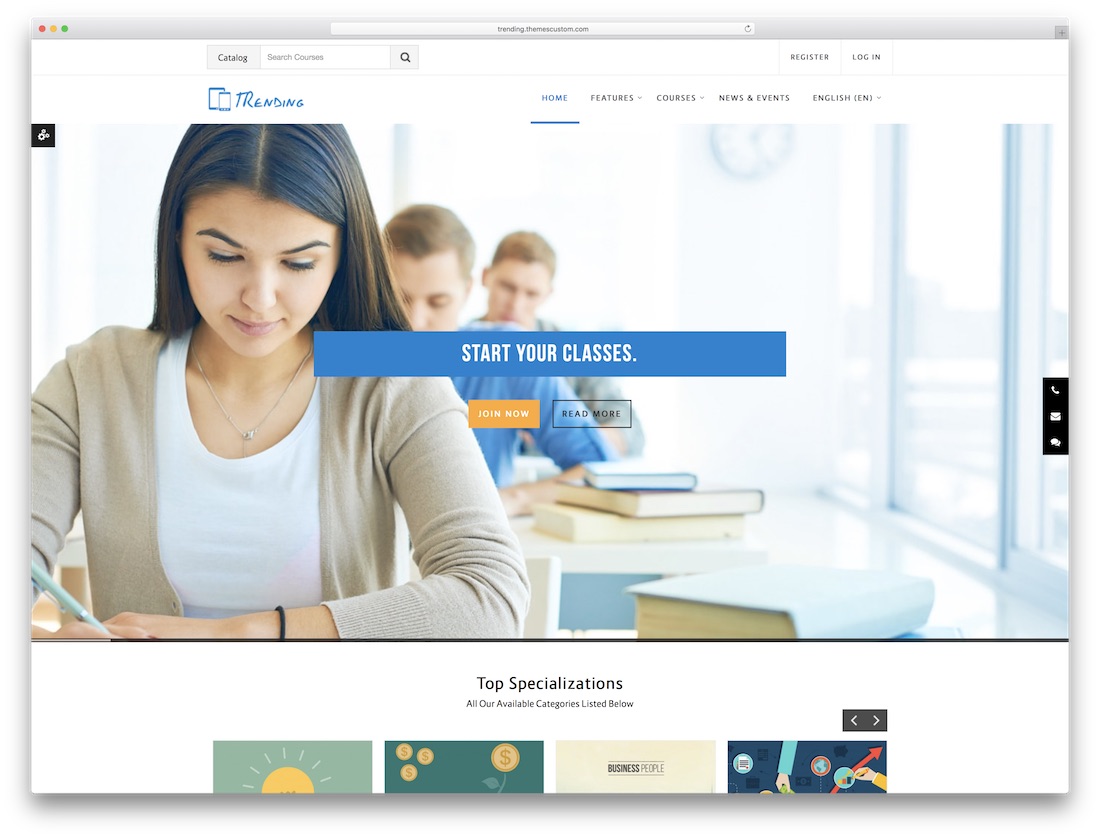
Premium Bootstrap · Best for: course marketing with lead capture
Filter and search on the course pages plus a subscription form put actual enrollment mechanics ahead of decoration. The homepage still brings the visual toolkit — image slider, parallax sections, carousels, and custom icons — arranged so visitors get a complete overview of your course lineup.
18. LearningZone
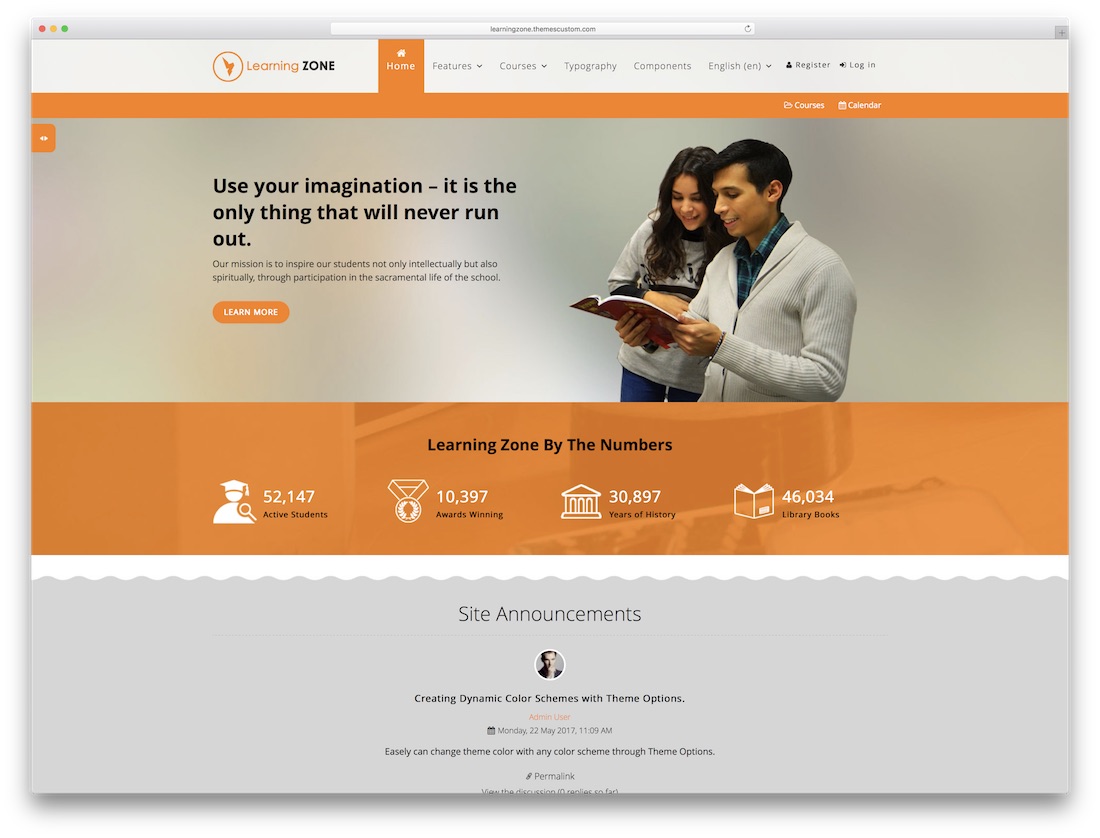
Premium Bootstrap · Best for: long-running installs across Moodle versions
Its supported-version list stretches from legacy Moodle releases right up to current ones — useful insurance for long-lived installs. From the same author as Trending, it adds a homepage banner section holding up to three banners, a site announcement slider, trainer profile blocks, and a customizable login page, with RTL and multi-language output.
19. University
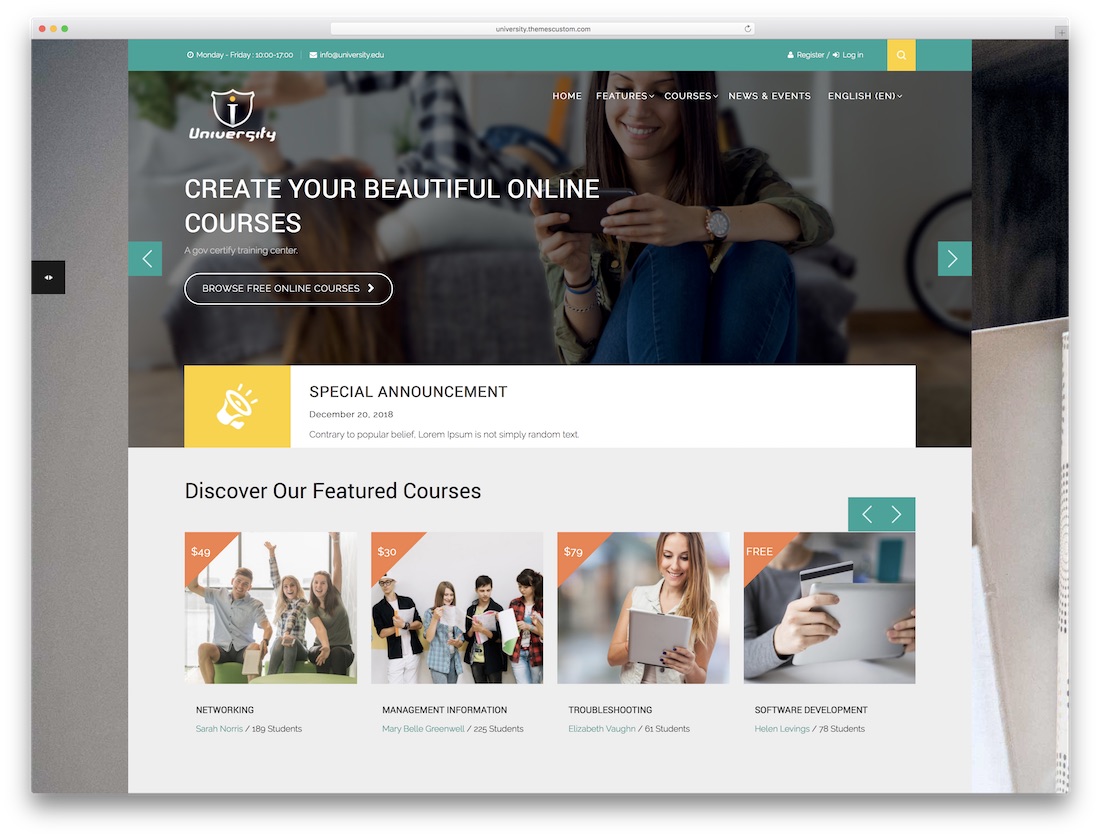
Premium Bootstrap · Best for: selling courses like store products
Presents courses the way online stores present products — cards, carousels, and a lightbox gallery. The design borrows from e-commerce website template patterns, while the boxed-width layout and flat color palette keep text and multimedia tidy; it ships mobile-optimized, speed-optimized, and cross-browser tested.
Frequently Asked Questions
How do I install a Moodle theme?
Upload the theme package via Site administration → Plugins → Install plugins (or unzip into the /theme directory), then select it under Appearance → Themes. Purge caches after switching.
Do these themes work with current Moodle versions?
Check each theme’s supported-version note before installing — Moodle theme APIs change between major releases, and a theme built for an older core needs an updated release for current Moodle.
Can I customize a Moodle theme without coding?
Boost-based themes expose brand color, logo, and login-page settings in the admin UI. Deeper layout changes require SCSS overrides — most premium entries here document their variable sheets.
What is the difference between Boost child themes and standalone themes?
Boost children inherit Moodle’s default structure and stay compatible through upgrades with less work; standalone themes redesign more aggressively but carry more upgrade risk.

Related Posts



Comments (0)