
23 Free Bootstrap Cards Examples 2026
Choose from our collection of the best Bootstrap card design examples to make content distribution WAY more appealing to the eye.
We thoroughly tested each to present you with the most reliable alternatives.
In short, you can’t go wrong with these.
You can display various content, such as text, images, and more.
MAKE IT POP.
You can also include links, card titles, card header footer, etc.
Card components are amazing and flexible for displaying various web elements on your website.
Our Bootstrap card examples provide all the flexibility to show your desired content.
Take content distribution to the NEXT LEVEL.
Best Bootstrap Card Templates
1. Responsive Bootstrap Card-UI
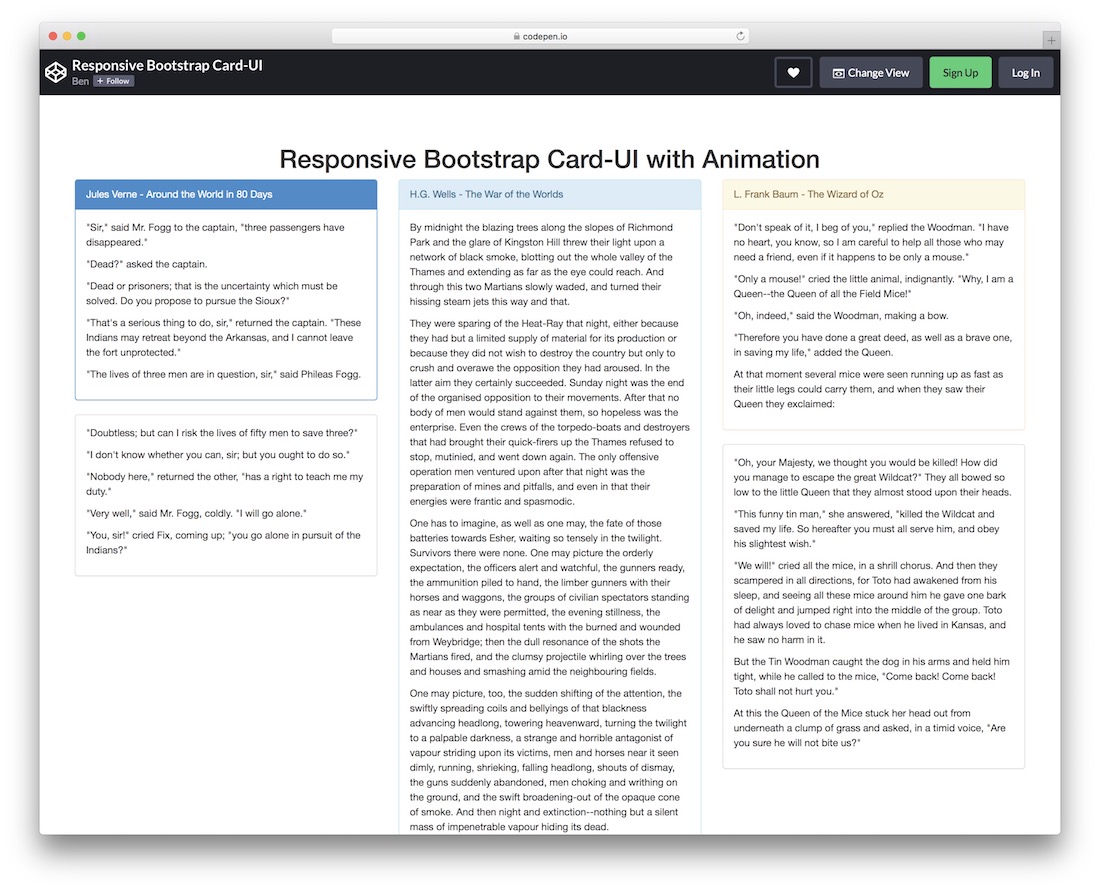
A simple Bootstrap card that can conveniently break down different text content you would like to share.
Always focus on delivering the best user experience. If you have a lot of text, this free snippet can help you achieve amazing results.
Using a different background for the top section/tab can make the title pop, but you don’t necessarily need to follow the default configurations.
Feel free to alter colors and text before integrating it into your application.
More info / Download Demo2. Bootstrap Card Grid
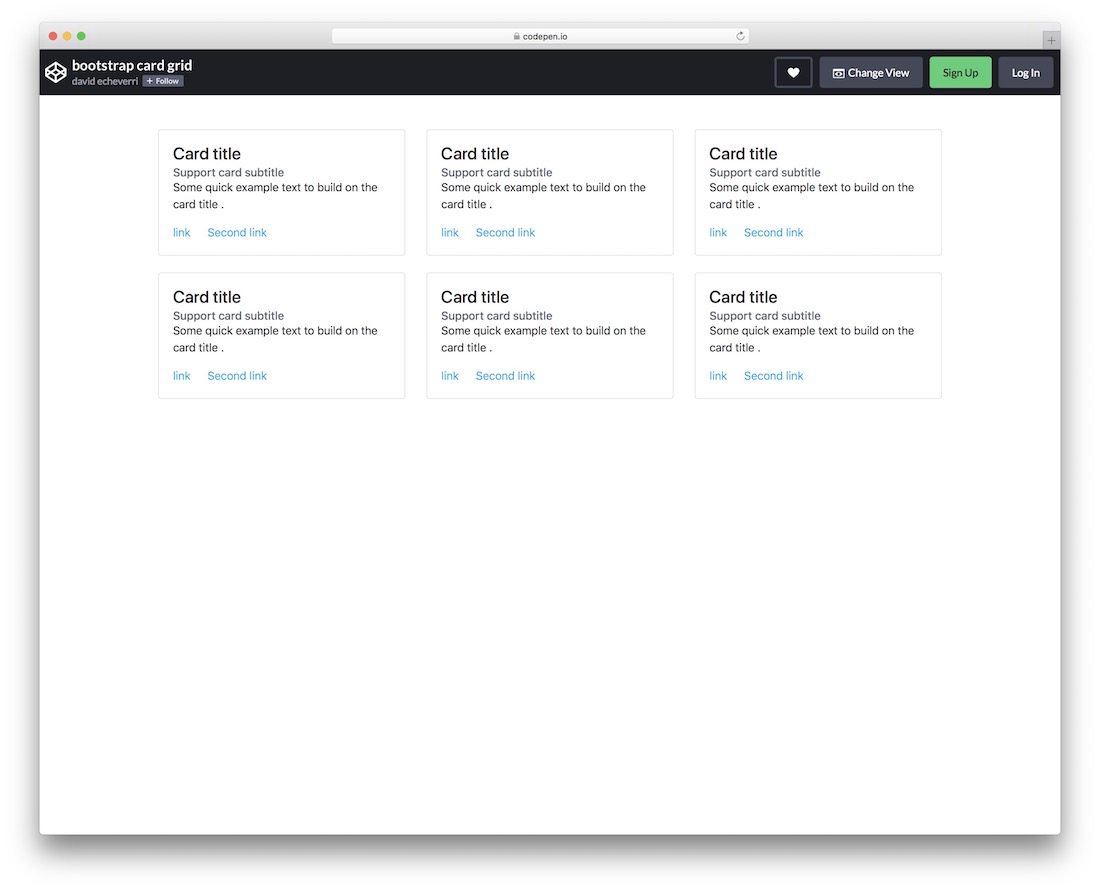
Bootstrap Card Grid is a collection of six small boxes that can present titles, subtitles, text, and two links. Its minimal design ensures a quick embed, especially when used as-is.
The cards stack neatly, one on top of the other, on mobile, ensuring the great experience your users deserve. Use them to guide your users to different sections, even products.
More info / Download Demo3. Bootstrap Card with Thumbnail
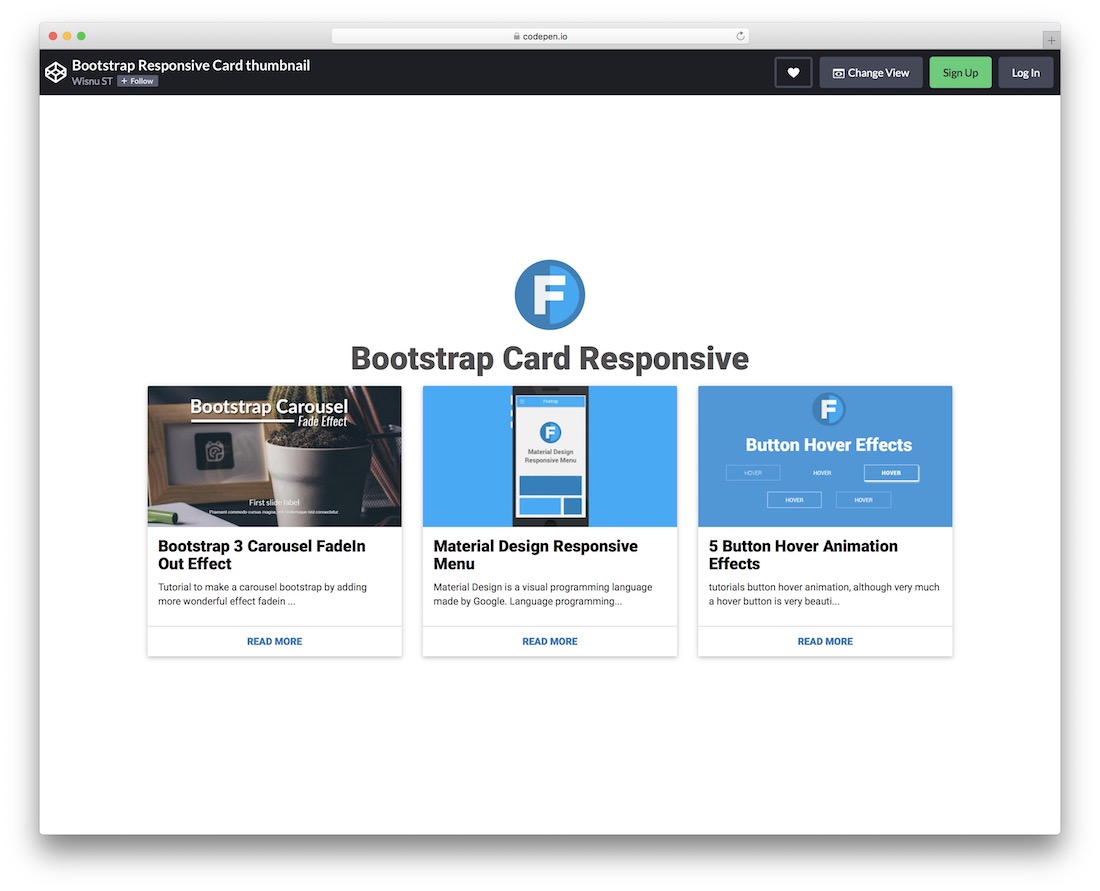
A modern Bootstrap card template with thumbnails for you to take content distribution to the next level. The BENEFIT of using this free widget is high as it will elevate your application’s design and UX.
Due to the Bootstrap base, the layout is also fully optimized for mobile devices.
And for what can you use it? You get the gist of featured posts, popular products, and services.
More info / Download Demo4. Responsive Bootstrap cards by Bahaà Addin Balashoni
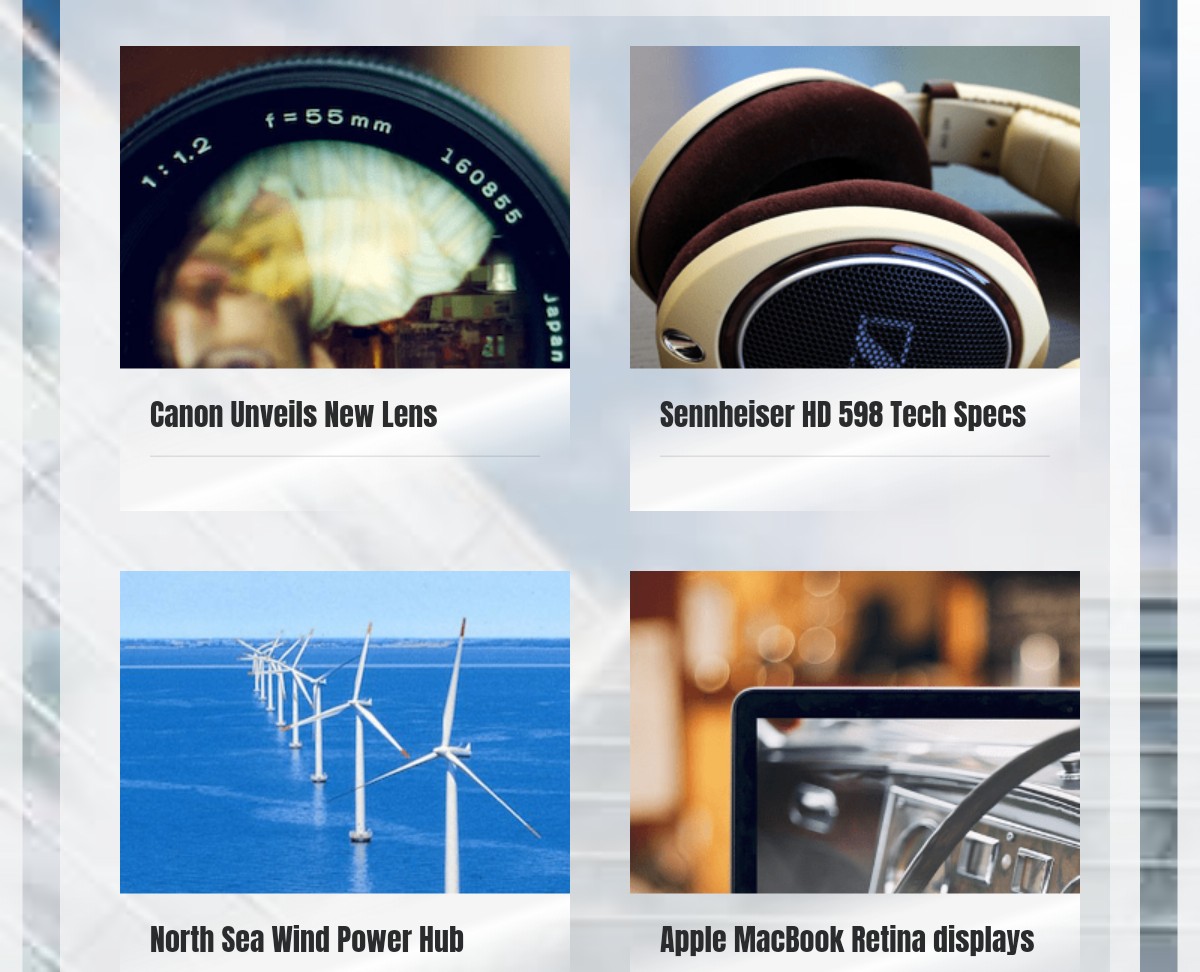
This is an amazing, free, and responsive Bootstrap card template created by a CodePen user. This example gives you 9 card components. Each card has a title, image, and card text.
When clicking a card, the card text appears. At the end of each card text, a ‘read more’ link is provided, allowing users to click and read more.
These cards are responsive and can easily be viewed on any screen size. They will adapt to all kinds of screens, whether small or big.
These kinds of Bootstrap cards are very useful for showcasing products. You can also use these templates to display portfolio items.
More info / Download Demo5. Bootstrap cards by Paolo Ocampo
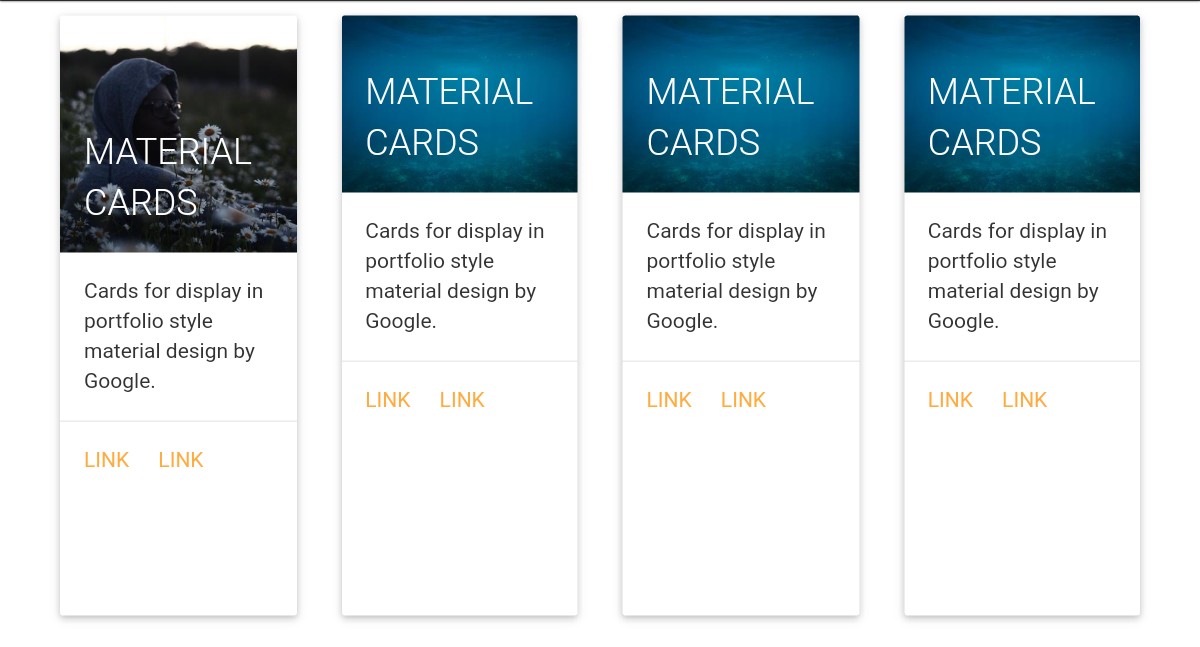
This template, made by Paolo Ocampo, gives you high-quality material cards. Each card has an image, card title, some text, and links.
These cards are great for displaying various content, such as text, image, links, etc. As material design has been used, these cards look cool. Material design by Google has made the template awesome.
Making CHANGES in this example is very easy as the code of this template is very simple.
As you can include different types of content, such as images, in these cards, your site WILL LOOK MORE interesting and appealing if you use them.
More info / Download Demo6. Bootstrap cards template by Jake Smith
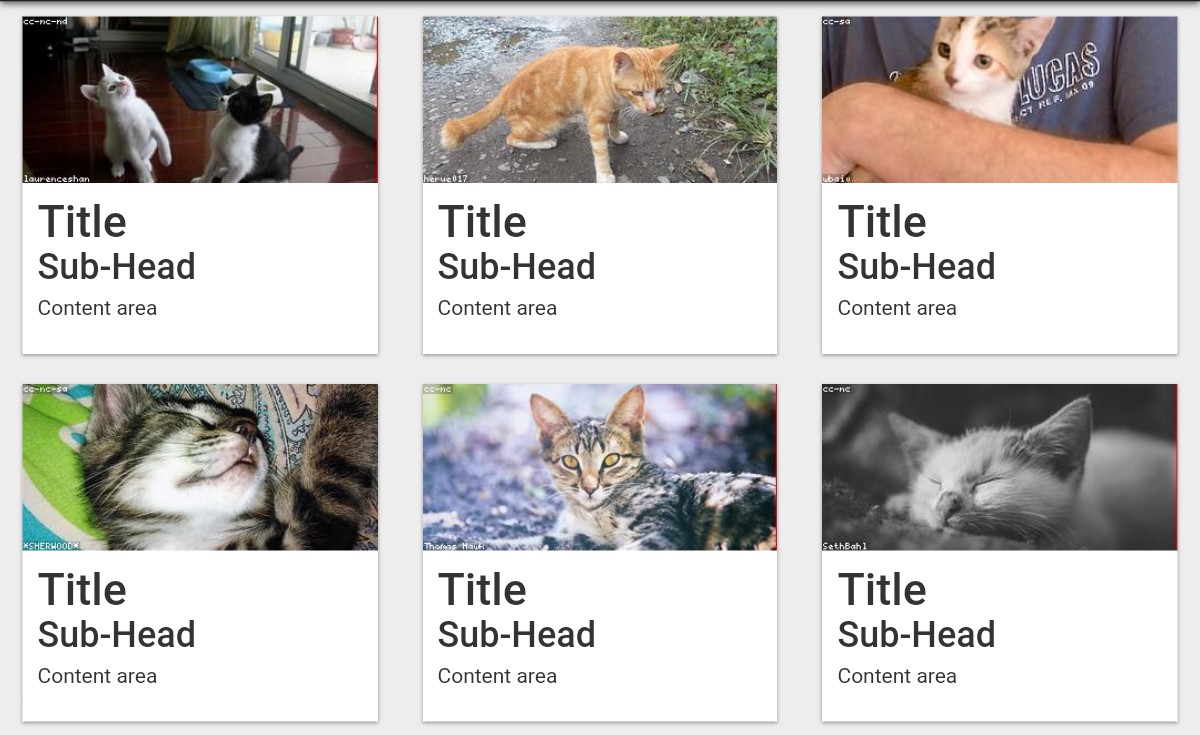
This is a high-quality, free, Bootstrap cards template developed by Jake Smith, a CodePen user. This example provides six sample Bootstrap cards, each featuring a title, subheading, text, and an image.
As you can see from the screenshot, the content area is blank, you need to add text in the content area.
The pictures used in this template are just sample images. You need to add suitable images in these cards.
More info / Download Demo7. Bootstrap cards by Nihar Bheemanathi
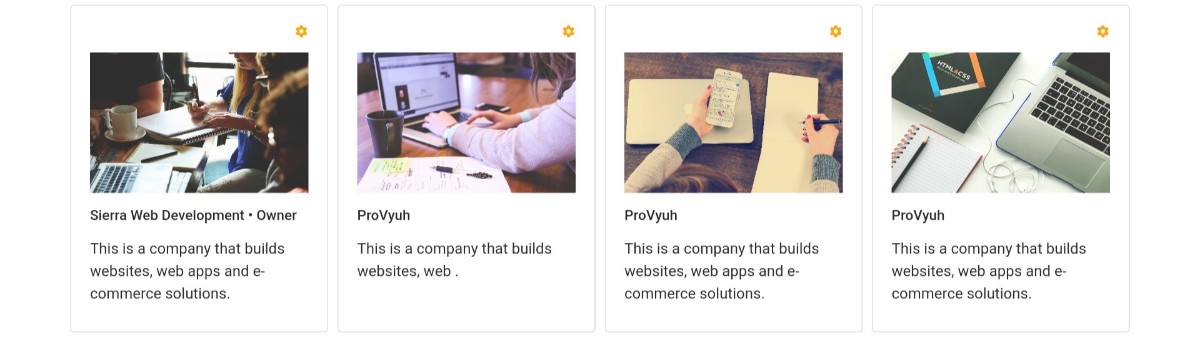
This is a GREAT Bootstrap cards template made by Nihar Bheemanathi. This example shows you four cards. Each card has an interesting photo. The cards have yellow ‘setting’ icons.
Each card has a title and some text.
These cards can be used to display portfolio items or products. Customizing these cards is very easy, allowing you to enhance them and make necessary adjustments by modifying the code.
Look at this card’s example and see if it will be appropriate for your website.
More info / Download Demo8. Bootstrap cards example by a CodePen user
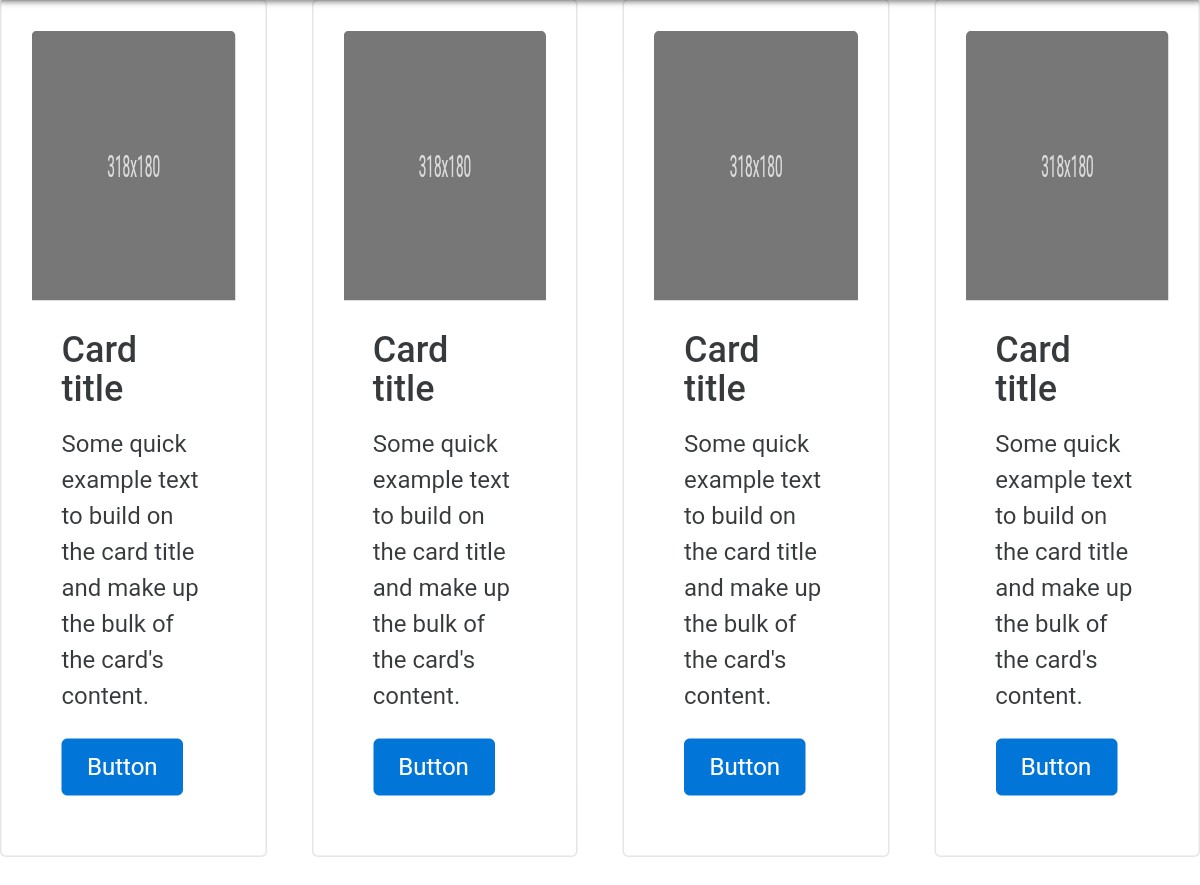
This Bootstrap card example, made by a CodePen user, has four sample Bootstrap cards. The title of all the cards is ‘Card Title’. You can easily add images to these cards.
You need to change these titles to meaningful card titles and example texts. Below the text is a button. You also need to change the button’s caption.
More info / Download Demo9. Alternating horizontal Bootstrap cards by duness
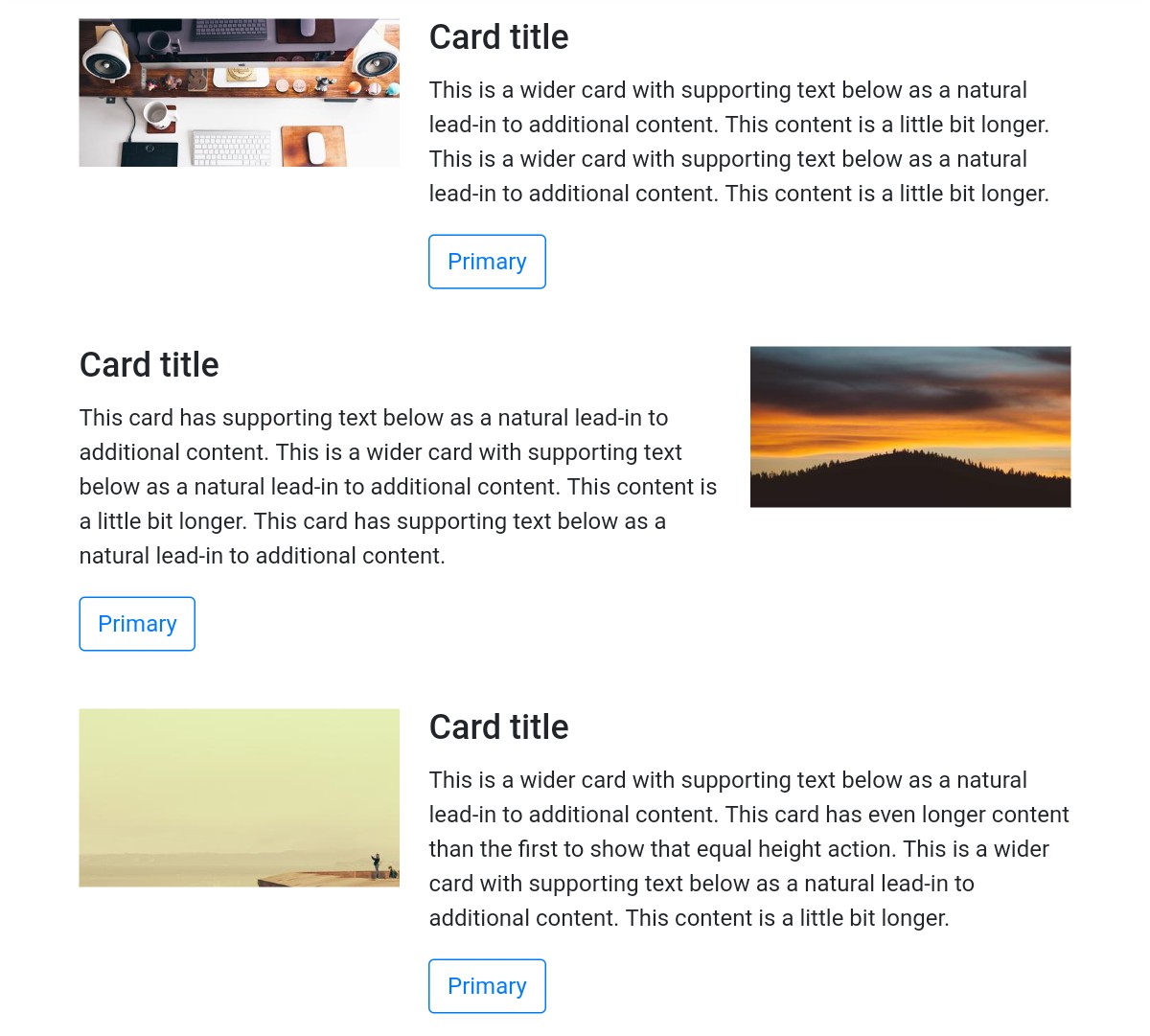
As this card’s name suggests, the cards change when you reload the web page. Whenever the webpage reloads, cards with different images appear.
This kind of alternating cards will engage your website visitors. Each card has supporting text and a button.
The cards are wide. Each card occupies the entire width of the webpage. The cards are not placed side by side; rather, they are placed horizontally.
More info / Download Demo10. Bootstrap cards with carousel by a CodePen user
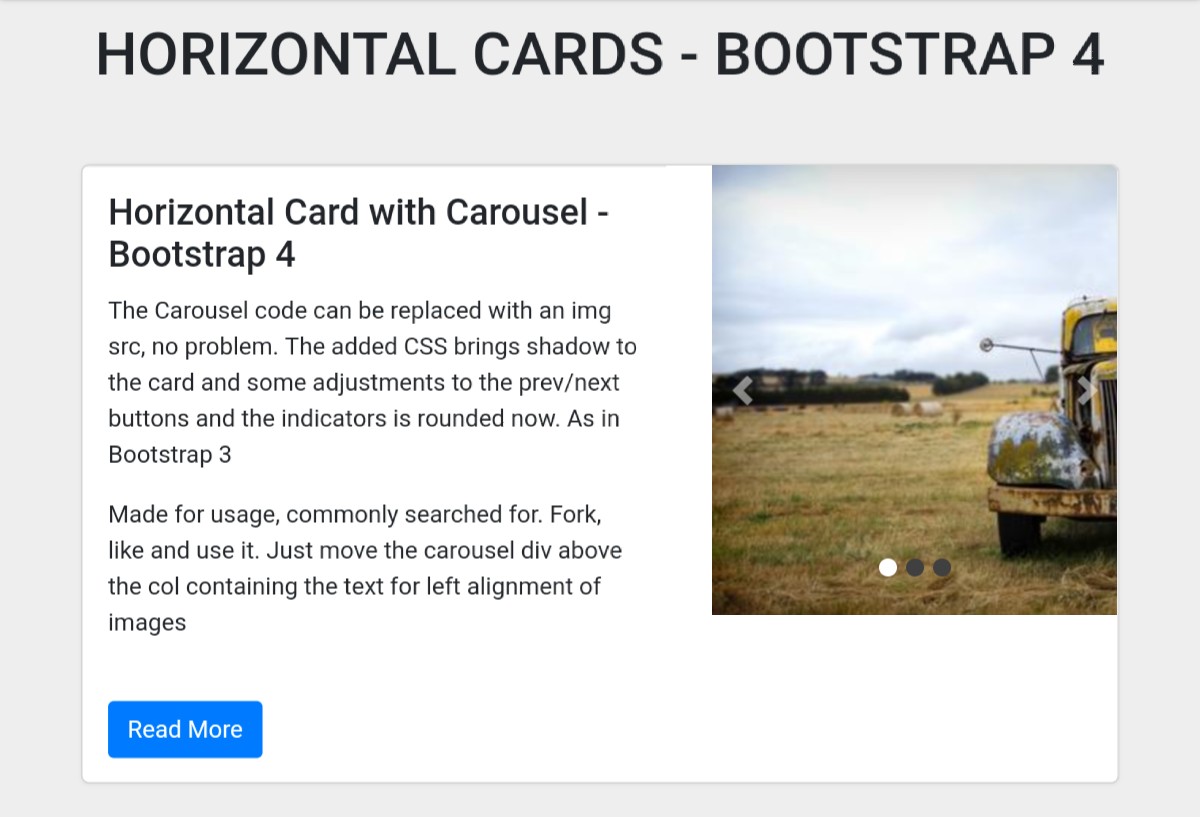
This is an impressive Bootstrap card example that includes a carousel. The carousel has made this template more interesting.
As you can see in the screenshot, it’s a very wide card featuring a title, text, a button, and a carousel with three slides. Each slide contains a nice picture. The slides change AUTOMATICALLY.
You can also change slides by clicking the arrow buttons. Although the template looks awesome, you can try to enhance the design.
You can EASILY modify the design by modifying the CSS code in this example.
More info / Download Demo11. Cards template by Bekir Bayar
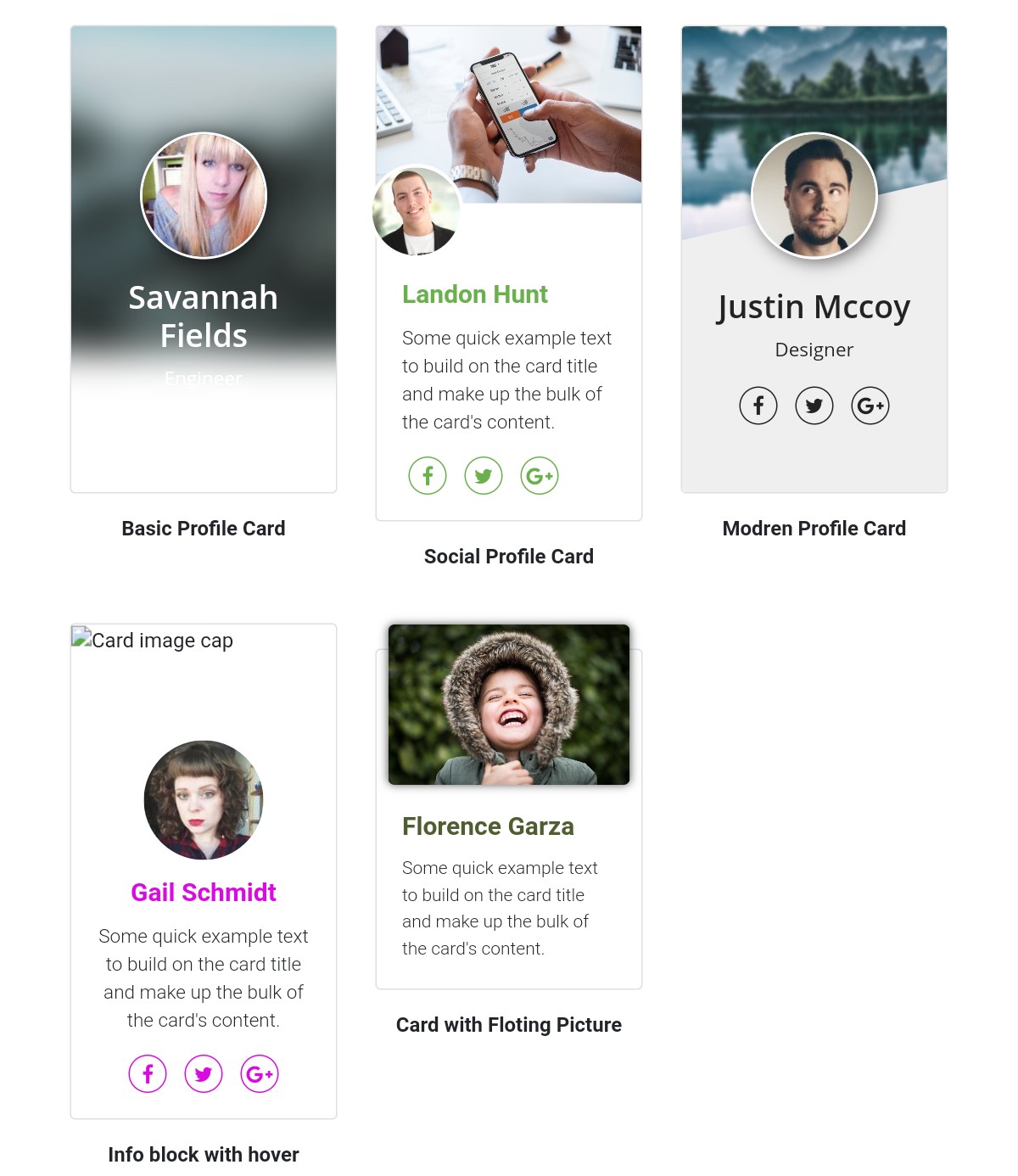
This is a high-quality Bootstrap card example created by Bekir Bayar. Professional profiles are shown these cards. There is a photo of the progressional on each card and their name.
The cards have social icons. These icons will link to the professionals’ social profiles. You can add some text describing them. Besides the profile picture, each card has a background image.
More info / Download Demo12. Bootstrap card tile layout by Matt Ruddick
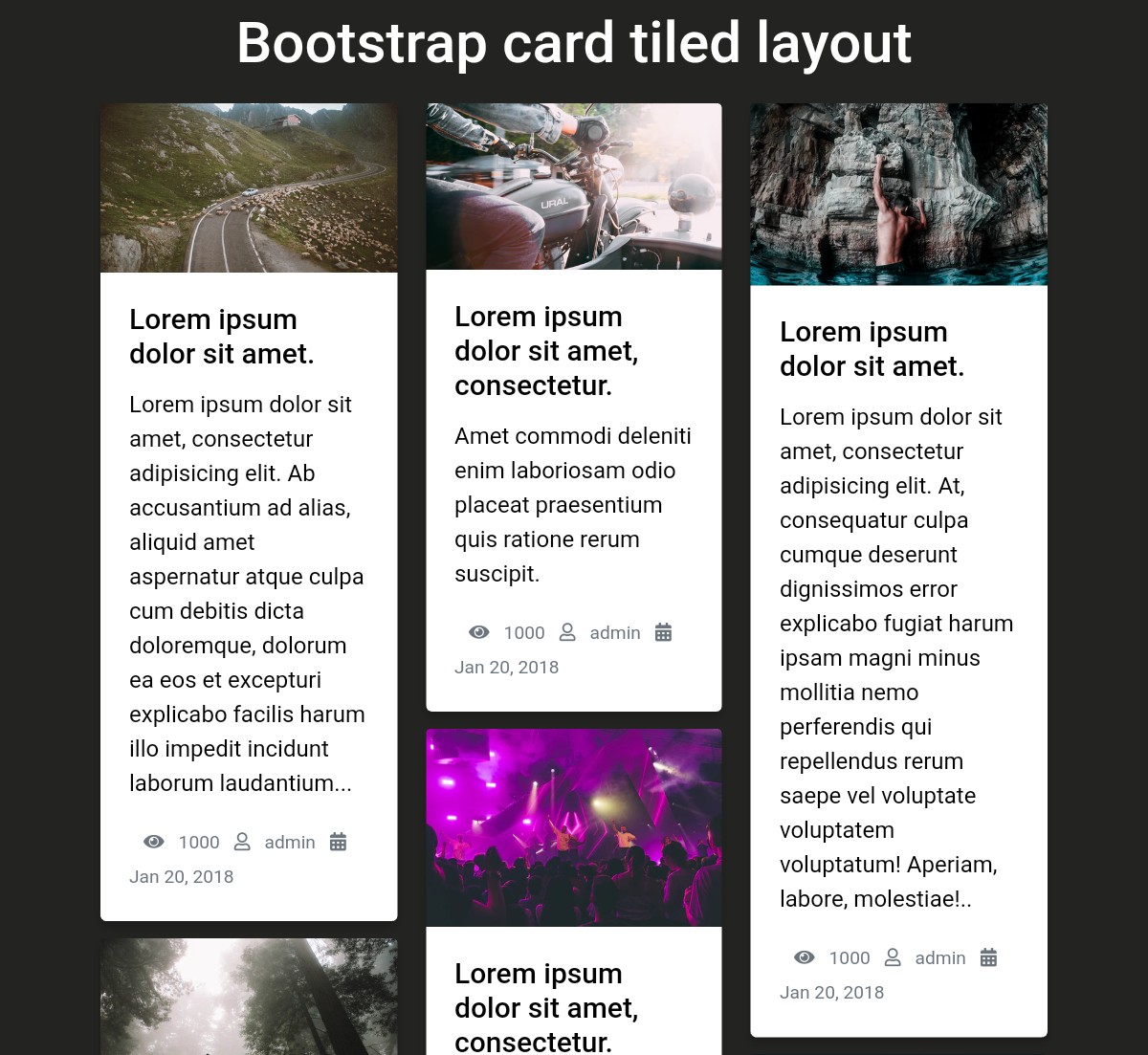
You can use Bootstrap cards to show a collection of blog posts on your website.
This example demonstrates a collection of blog posts with photos, blog post titles, descriptions, number of views, the author’s name, and the date the post was published.
By displaying your blog posts in this way, you can give your users a quick overview of your posts and help them find the one that will be most useful to them.
More info / Download Demo13. Responsive Bootstrap 4 cards by a CodePen user
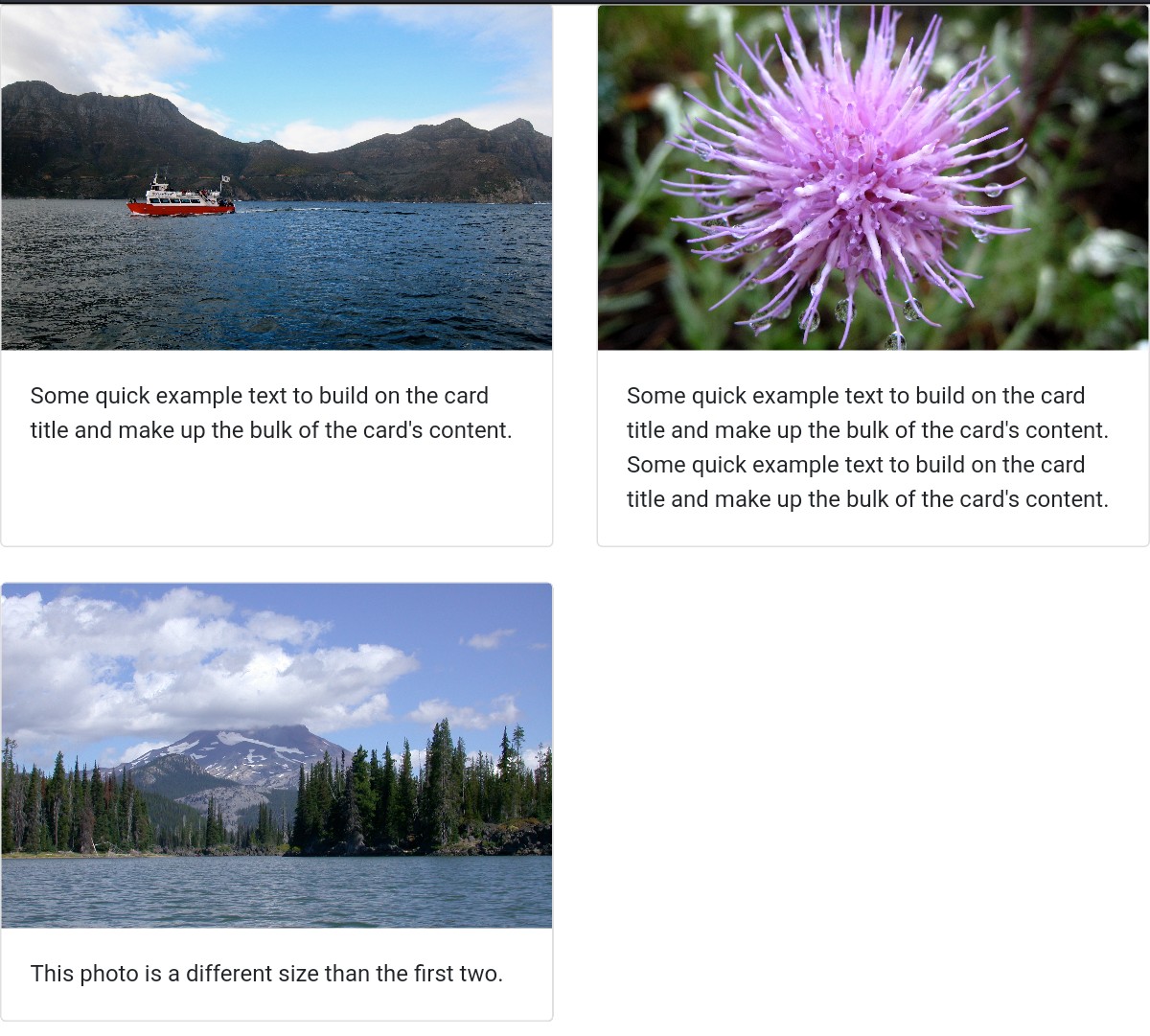
This is an amazing, free, responsive Bootstrap 4 card example created by CodePen user ‘sepuckett86’. The cards look pretty simple because they only contain images and texts.
These cards don’t have texts and other elements such as buttons and social icons. That means there are just very few elements in them. If you need them, you can add them.
Adding a new element is easy if you know how to work with Bootstrap cards.
More info / Download Demo14. Bootstrap cards by a CodePen user
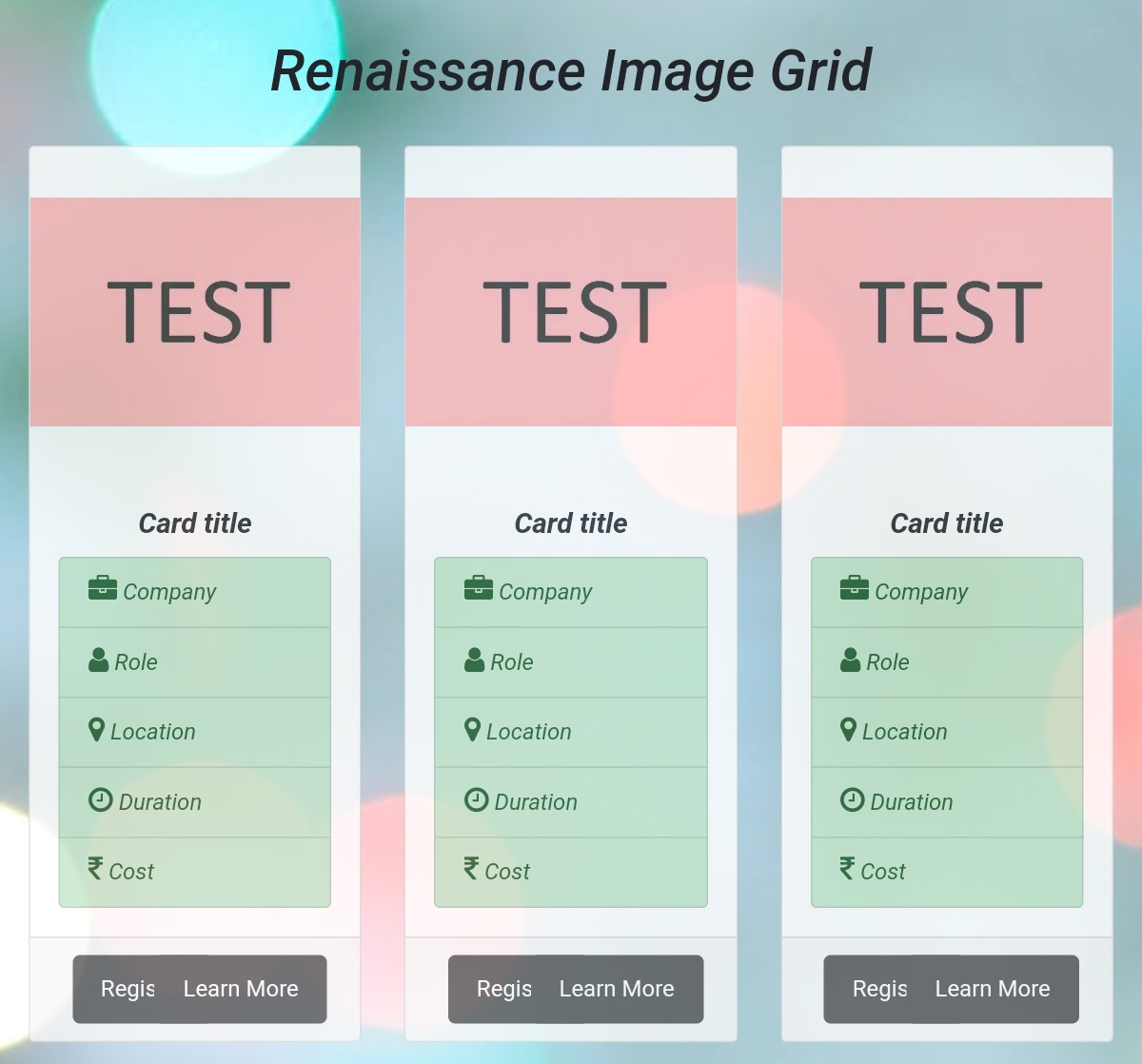
This Bootstrap template, developed by a CodePen user, provides sample Bootstrap cards. Each card has a sample title, a ‘register’ button, a ‘Learn More’ button, and labels.
The quality of this template is IMPRESSIVE. The design utilizes Bootstrap, which gives the template a standard appearance.
Although the template looks good, you always have the option to enhance the design. Modify this card template to enhance its appearance and ensure it aligns with your site’s design.
More info / Download Demo15. Bootstrap cards by Akshay Bawane
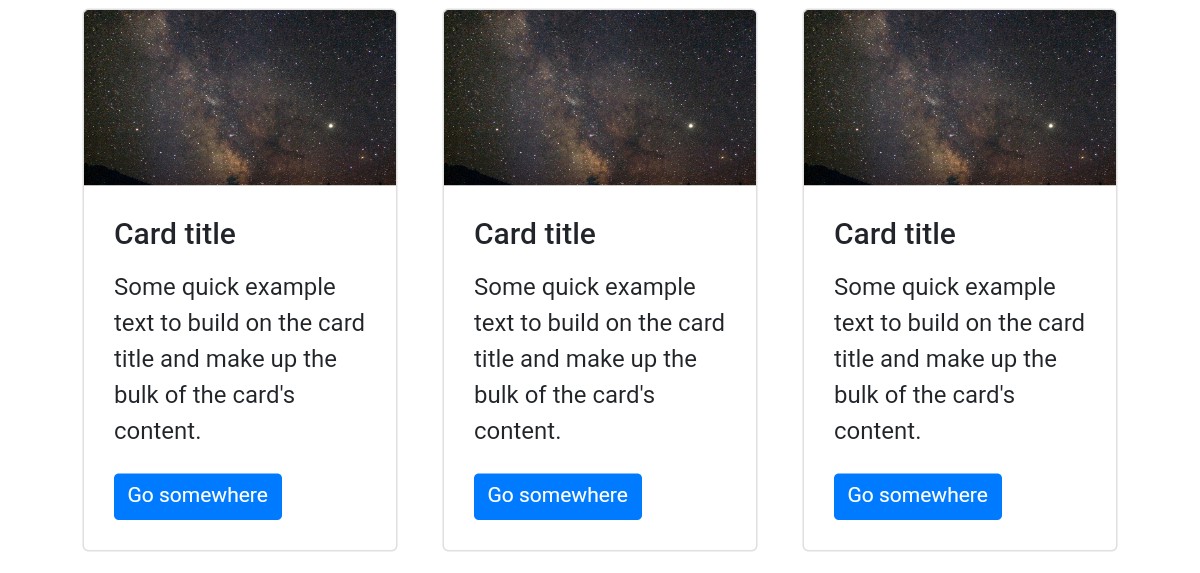
This example demonstrates interesting Bootstrap cards. A CodePen user has designed these cards with Bootstrap and CSS.
These cards are FREE of cost and CUSTOMIZABLE. You can easily integrate these cards into any website.
These cards feature images, text, card titles, and buttons.
They look interesting because the images are cool. The button’s color is blue, while the text color in the button is white.
More info / Download Demo16. Cards template by Tanner Gaucher
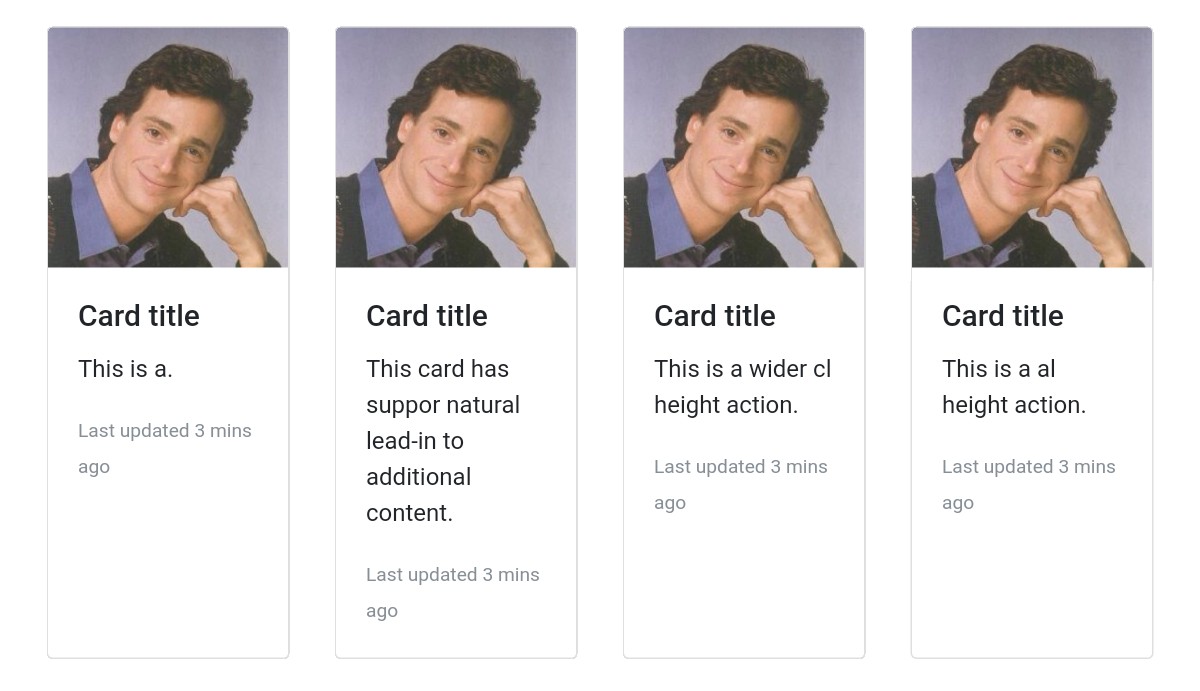
This is a cool Bootstrap template developed by a CodePen user. These cards can display profiles of professionals and be used for other purposes.
This example displays some cool Bootstrap cards. The cards will make your site more interesting as these cards have good pictures, titles, and descriptions.
These cards are FULLY customizable. You can easily customize them by adding CSS code.
More info / Download Demo17. Bootstrap cards by Aldo

This simple and awesome Bootstrap cards template shows an image gallery. Each card in this example displays just one picture. Several images are shown in cards.
There are pictures of different sizes.
If you need to DEMONSTRATE images in a picture gallery, you can easily do so using Bootstrap cards. So if you have a website that allows people to download wallpapers, you can display them using cards.
Cards are also very useful for showing the images of your employees on your site.
More info / Download Demo18. Responsive cards by Julia
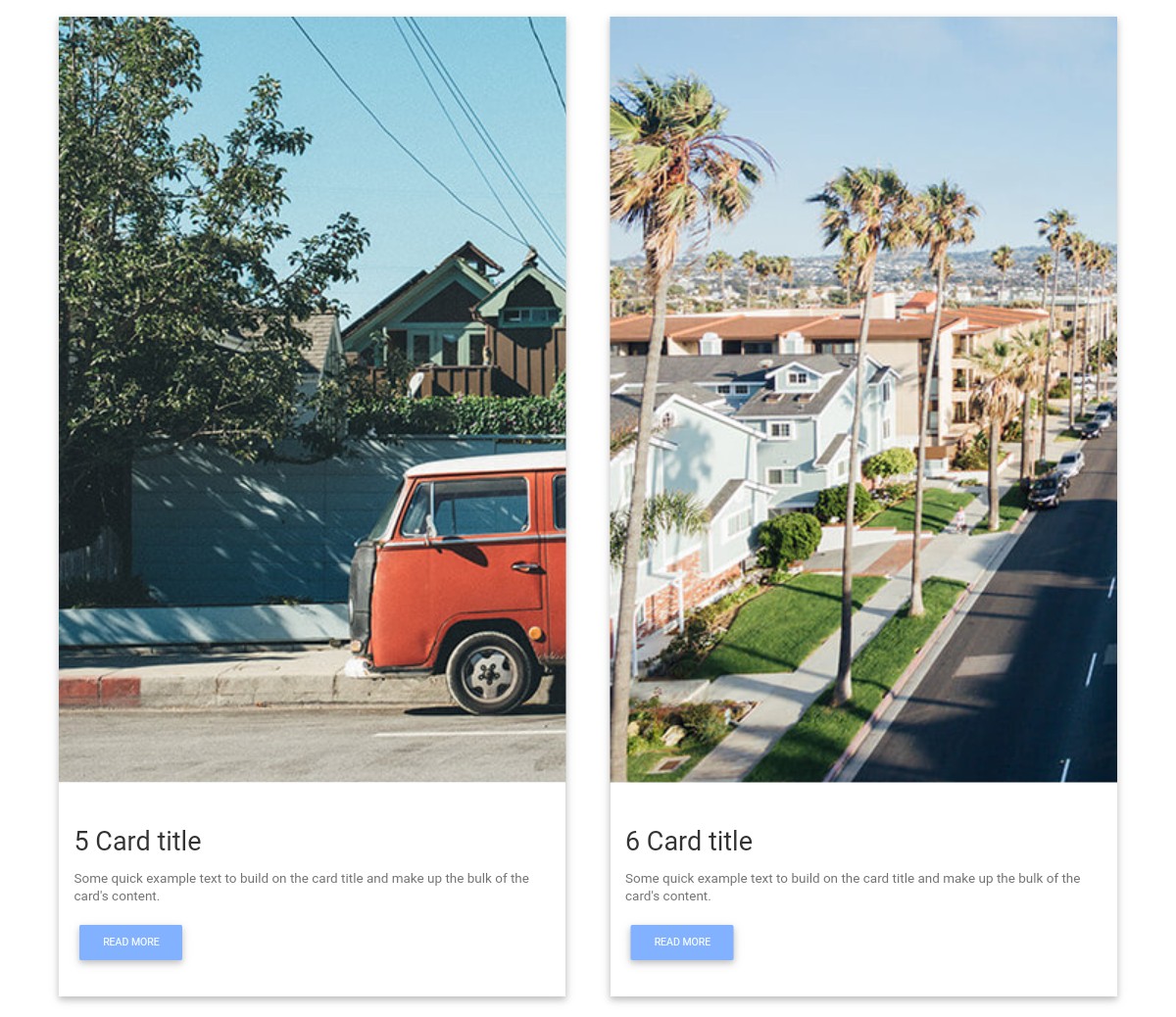
This is a responsive cards template made by Julia. This example features multiple cards that include images, titles, sample text, and ‘Read More’ buttons.
This example is RESPONSIVE. It automatically fits into any screen size so the user can view the cards easily.
You can easily enhance this open-source template by changing the code. You can tweak the design almost effortlessly by adding custom CSS.
More info / Download Demo19. Cards example by Jens Grochtdreis
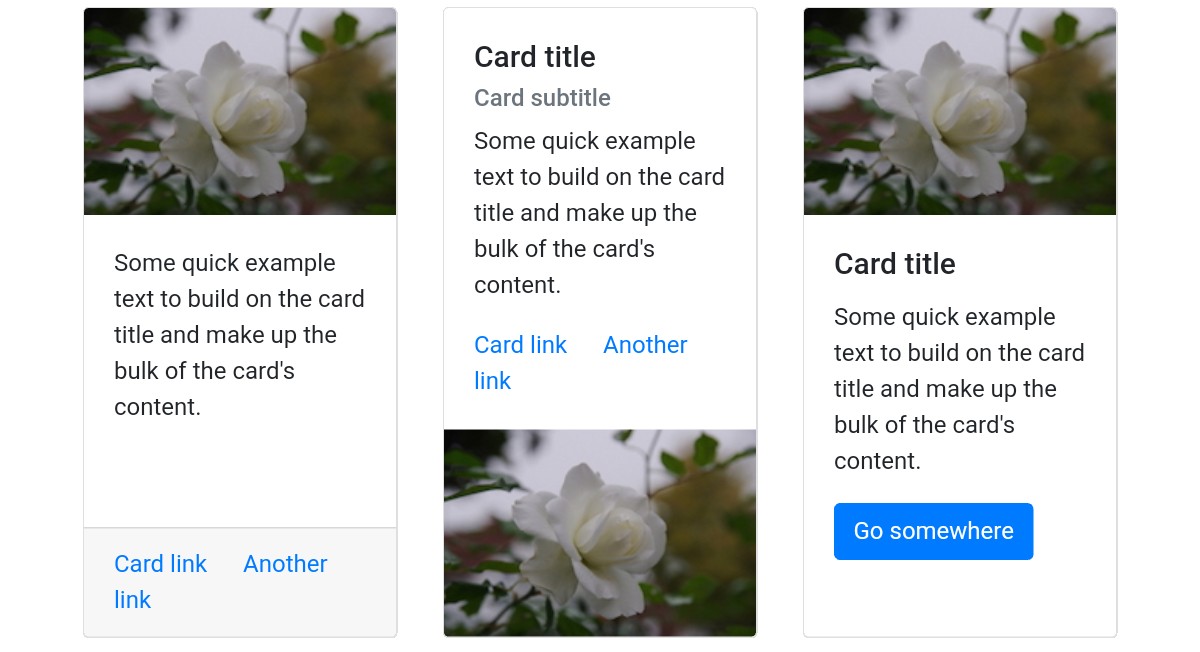
This is a free, high-quality Bootstrap cards example made by Jens Grochtdreis, a CodePen user. As we can see from the screenshot, the cards contain images, titles, sub-titles, buttons, and links.
This example shows a variety of cards that you can use on your website.
The images, texts, buttons, titles, sub-titles, and links used in this example are just samples.
If you WANT TO ADD this template to your website, you must add your texts, titles, images, and buttons.
More info / Download Demo20. Cards template by Lisa Miller
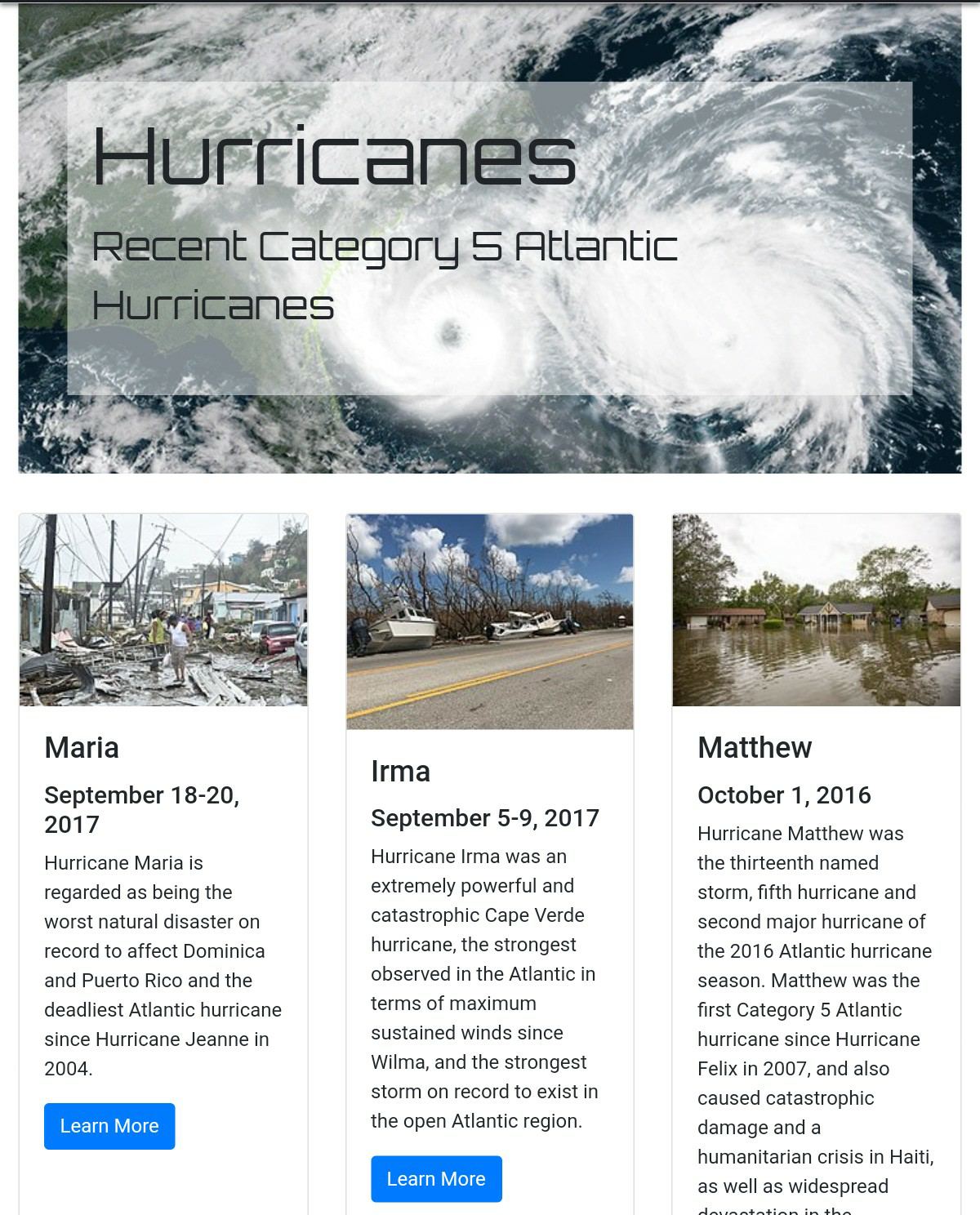
This card template, created by Lisa Miller, provides you with numerous Bootstrap cards. These cards demonstrate articles. On top of the cards, there is a high-quality picture.
Each card has a title, and just below the title is a sub-title containing a date.
Below the date is a text description of the article. Just below the description text, you can see a ‘LEARN MORE’ button, which the user can click to view and read the entire article.
More info / Download Demo21. Bootstrap cards example by Thomas Nicolosi

This Bootstrap cards template, developed by Thomas Nicolosi, provides simple Bootstrap cards that you can easily integrate into your website. You can add images to make the cards more interesting and useful.
This template includes sample card titles and texts that you need to replace with your own. You can also add other card elements, such as subheadings, buttons, card headers, and footers.
More info / Download Demo22. Bootstrap cards by Mary Czapkowska
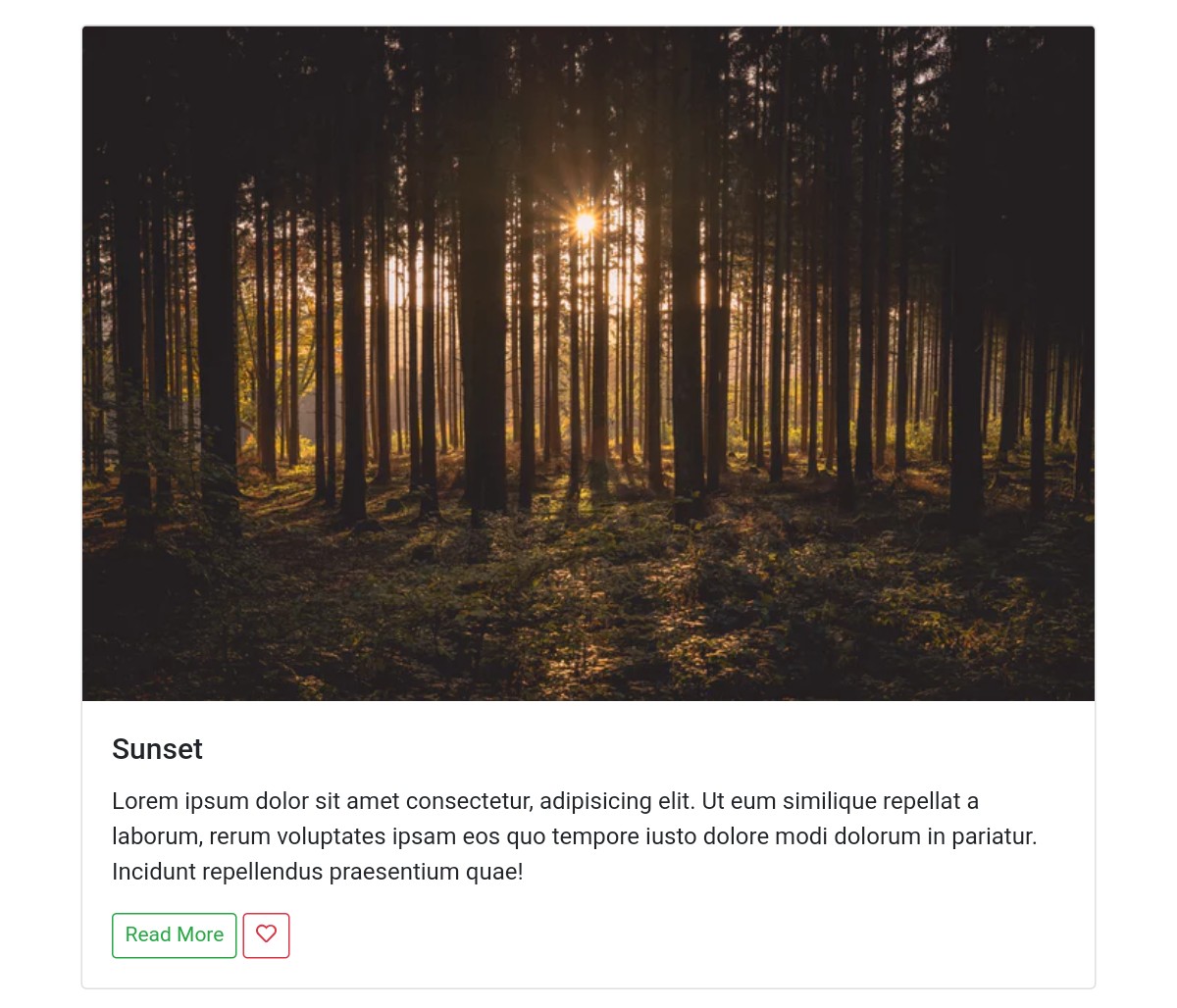
This card template, created by Mary Czapkowska, provides high-quality Bootstrap cards. These cards look great, as they have been designed using Bootstrap.
The cards contain beautiful images, card titles, description texts, and buttons. Every card has a ‘Read More’ button, allowing users to read the entire article.
If you need this kind of Bootstrap cards, use this one and save your time. You can save time because you don’t have to write code from scratch.
More info / Download Demo23. Bootstrap cards by Alex McCarthy
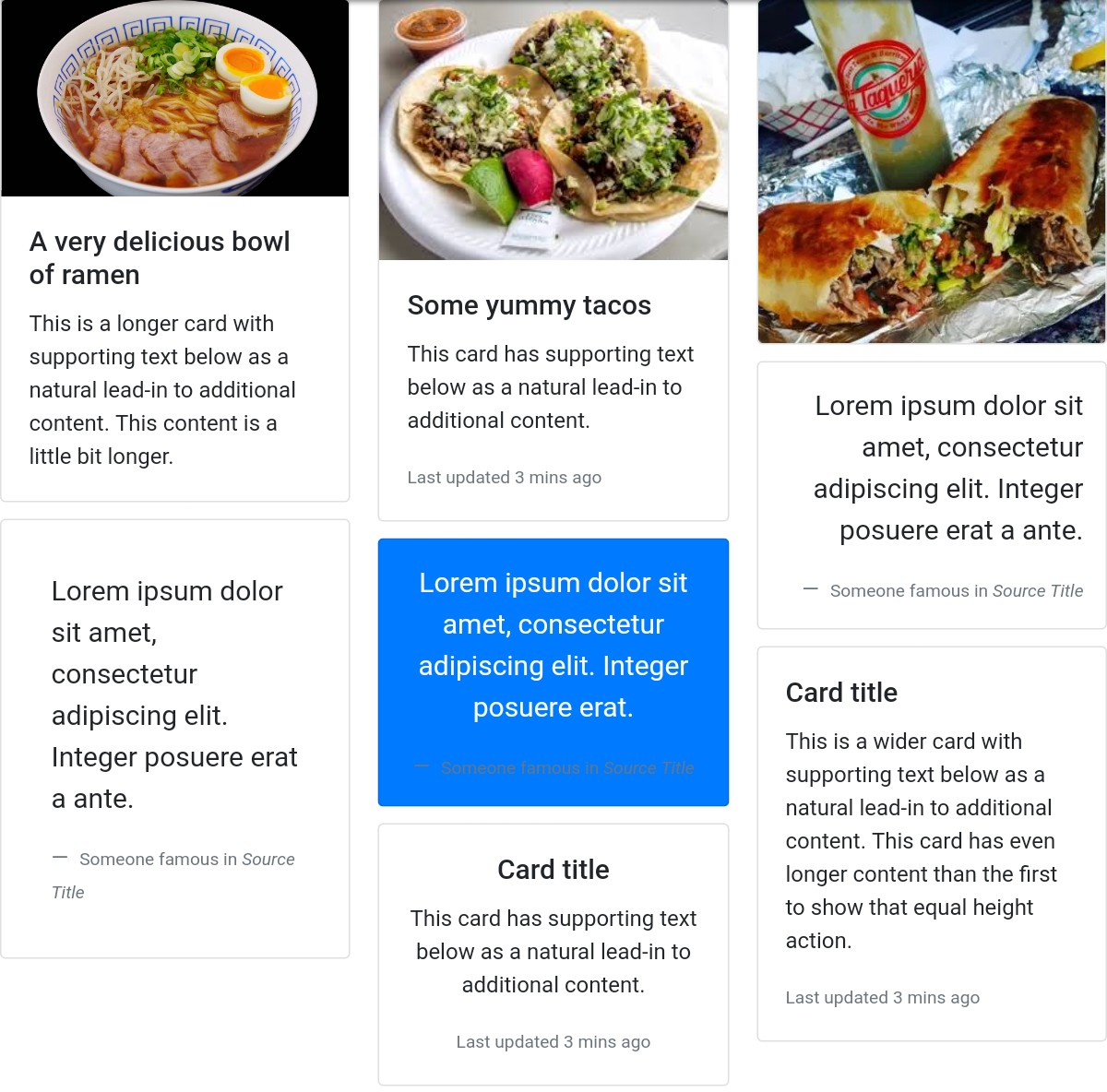
This is an amazing, free, fully customizable template developed by a CodePen user named ‘Alex McCarthy’. This CodePen user has designed this template using Bootstrap and custom CSS.
This template offers a selection of high-quality Bootstrap cards featuring images, including food-related pictures.
You can replace these card pictures with different images if you need to show different images.
Click the’ Demo’ button below to take a close look at these cards. If you LIKE this template, you can download it by clicking the ‘Download’ button.
More info / Download Demo
Related Posts

Comments (0)