

24 Best Photography Website Templates 2026
A showcase of the best photography website templates available for download and installation is now ready. Building a photography portfolio has never been easier.
Remarkably, the ability to freeze and capture moments in time has become commonplace. Most people agree that photography is an art form. Only a select few possess the eye and instinct of a photographer. A sense of perspective and spatial awareness is always necessary.
Those qualities also apply to website design. For photographers, a website can provide unprecedented exposure. In an instant, works of art can be shared with the entire world. This unmediated connection between artists and fans can only take place online.
Table of contents — all 24 templates
- Elena Voss
- Talva by Squarespace
- Nevins by Squarespace
- Divi Photo Marketplace Themes
- Jevelin Photo Agency Template
- Gleam Photography Studio Template
- Solene Wedding Photography Template
- Ashade – Creative Photography Template
- Pofo
- Outdoor
- Norm
- Oculus
- Odry Photo Website Template
- Skylith
- Art
- Missio
- Kotlis
- Emily
- Crea;tink
- Inshot
- Sepia
- Arcon
- LeadGen
- Lydia
How we judge a photography template
- Gallery behavior — masonry vs uniform grids, lightbox quality, and keyboard navigation.
- Image performance — srcset/lazy-loading support so full-bleed imagery doesn’t sink load times.
- Business fit — wedding, studio, agency, or fine-art presentation are different jobs; pick by demo content.
- Maintenance — WordPress for frequent updates and client plugins, HTML for a fast static portfolio, Squarespace for zero upkeep.
| Template | Platform | Best for |
|---|---|---|
| Elena Voss | Astro + Tailwind | Gallery-first photography portfolios |
| Talva | Squarespace | Minimal image-led portfolios |
| Nevins | Squarespace | Minimalist one-page portfolio |
| Divi | WordPress | Full studio sites with a visual builder |
| Jevelin | WordPress | Photo agencies and multi-photographer teams |
| Solene | WordPress | Wedding photographers |
| Pofo | WordPress | Premium creative portfolios |
| Oculus | WordPress | Dark, cinematic showcases |
| Skylith | HTML | Fullscreen visual-first showcase |
| Inshot | HTML | Flexible gallery layouts |
| Lydia | HTML | Freelancers and small studios |
1. Elena Voss
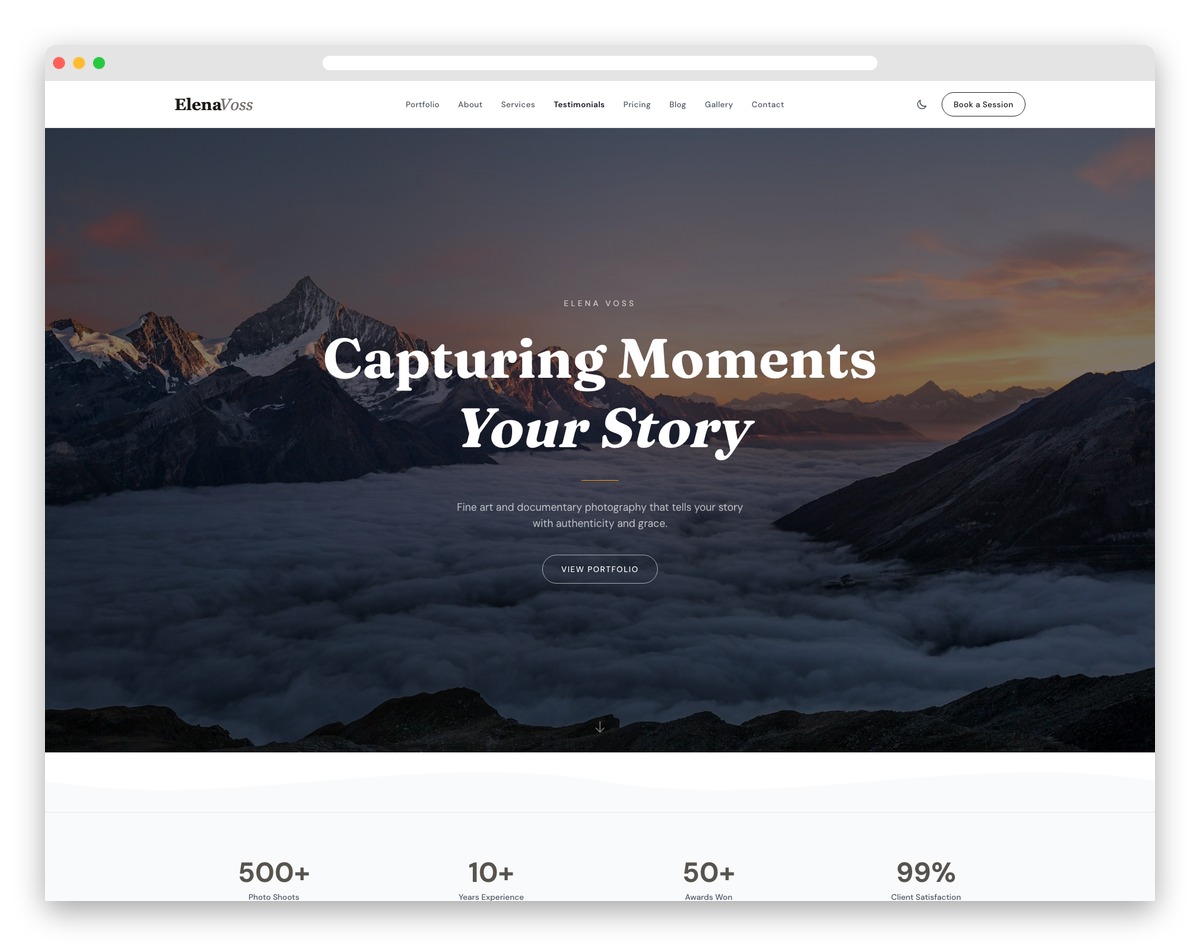
Free Astro Tailwind · Best for: Gallery-first photography portfolios
Photographers sell through their images—every pixel of white space and transition timing matters. Elena Voss delivers a gallery-first experience with masonry layouts, lightbox zoom, and category filtering (wedding, portrait, commercial) that lets your work breathe. Minimal chrome keeps eyes on the photographs while session pricing and booking forms convert admirers into paying clients, and the about section weaves your creative story with gear highlights.
Key features:
- Fullscreen hero with parallax effect
- Photography portfolio with category filters
- Lightbox gallery with smooth transitions
- Client testimonials slider
- Booking inquiry form
- Blog for behind-the-scenes stories
However, the website and its design will also attract attention. HTML and WordPress templates offer extensive customization options, allowing you to craft a page that never falls short.
Users can make aesthetic and practical choices without any advanced web development expertise. You can tweak every detail and alter any setting. That being said, let’s examine some of the top HTML5/CSS3 photography website templates.
Before choosing a template, see how working photographers present their work in our photography portfolio websites.
Best Photography Website Templates for WordPress

Are you a photographer looking for a custom, website? PhotoWebDesigns delivers white-glove service to showcase your portfolio and grow your brand.”
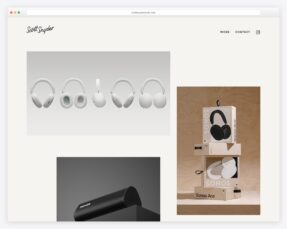
2. Talva by Squarespace
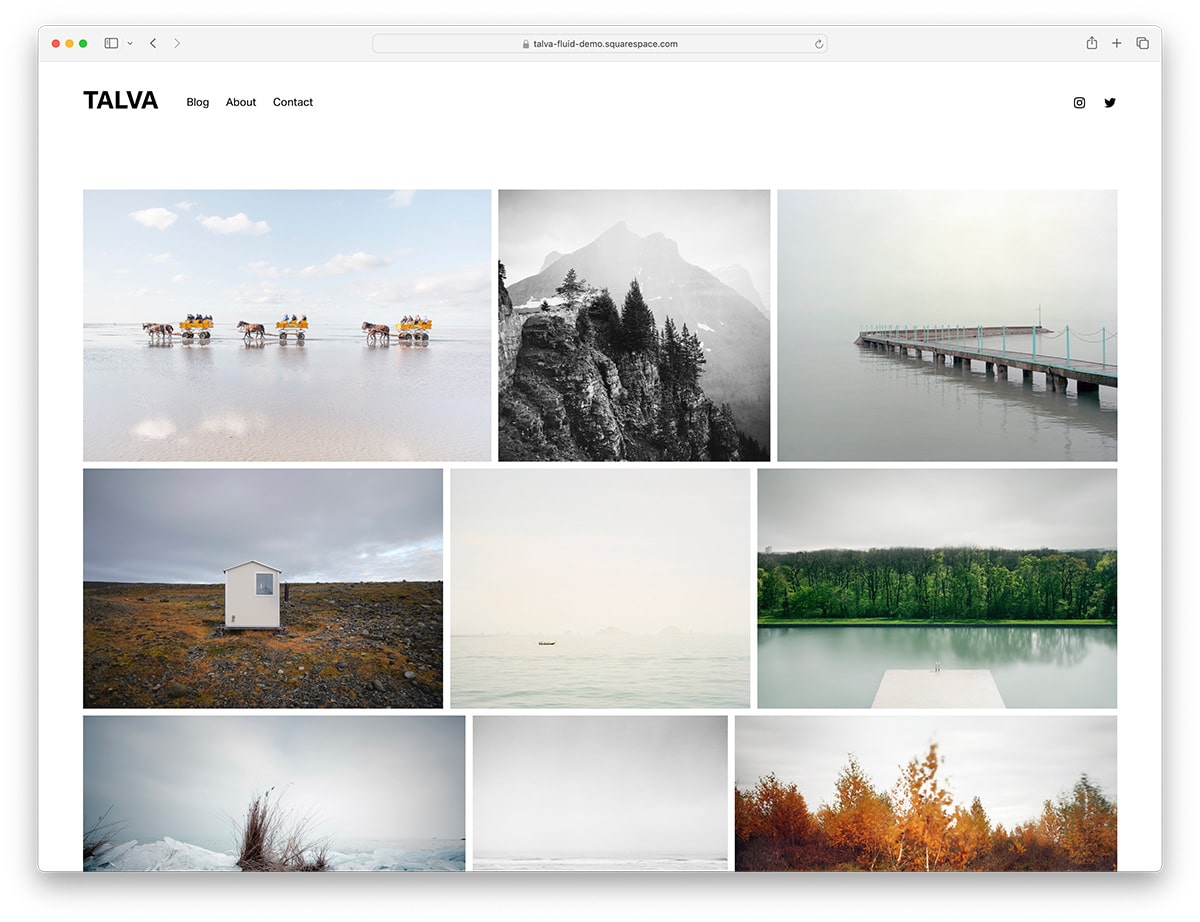
Squarespace · Best for: Minimal image-led portfolios
Talva comes with a Squarespace subscription, so there is no separate template purchase before your portfolio goes live. The simple, image-centric layout suits amateur and professional photographers alike, built for one of the most popular drag-and-drop website builders.
3. Nevins by Squarespace
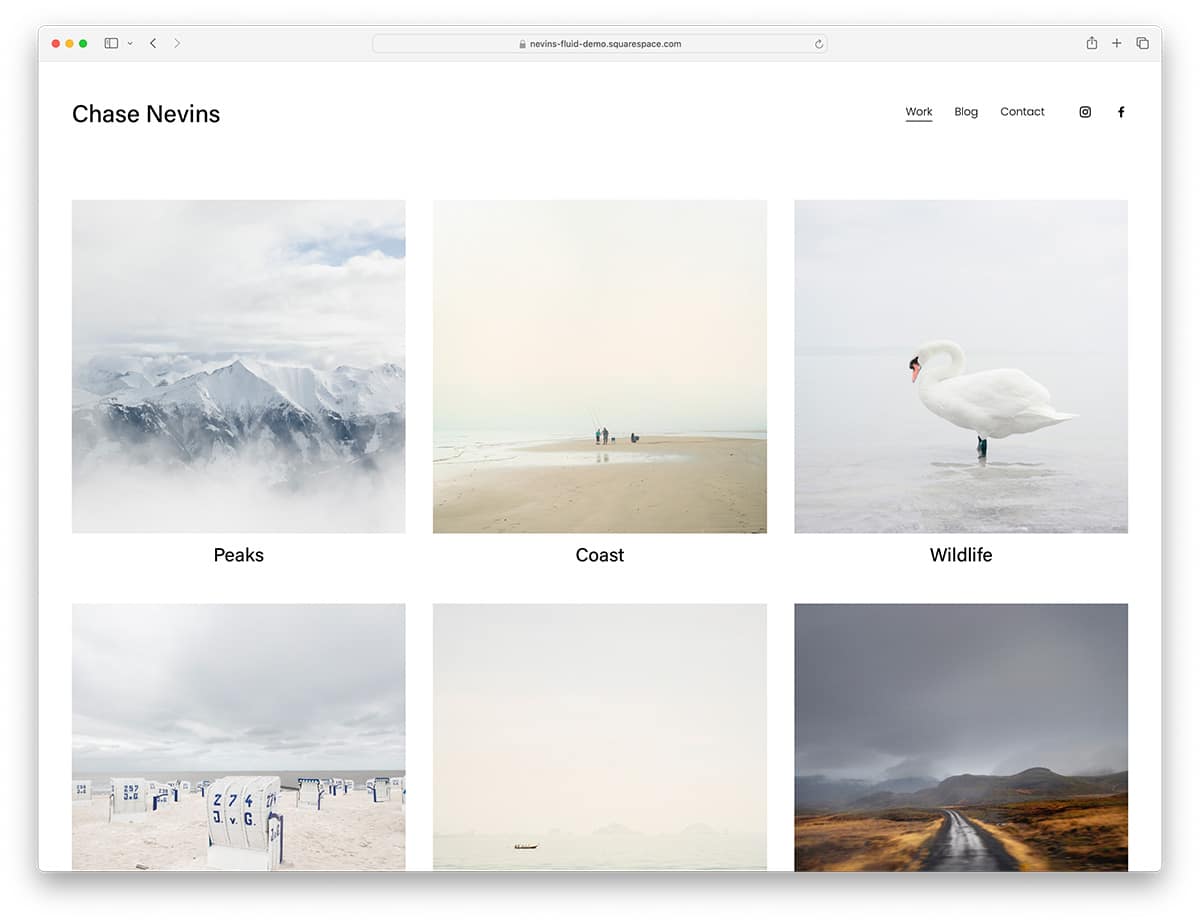
Squarespace · Best for: Minimalist one-page portfolios
Nevins is the true DIY route — drag-and-drop sections with no prior site-building experience assumed. The minimalist Squarespace design keeps every section fully customizable, so rearranging galleries and pages takes minutes rather than code.
4. Divi Photo Marketplace Themes

Premium WordPress · Best for: Full studio sites with a visual builder
Divi’s drag-and-drop builder reaches details most themes lock away — animations, shape dividers, and border options per element. Amateur or professional, you can restyle every color and text block of a studio site without code, which makes Divi the pick when your brand needs exact visual control.

5. Jevelin Photo Agency Template
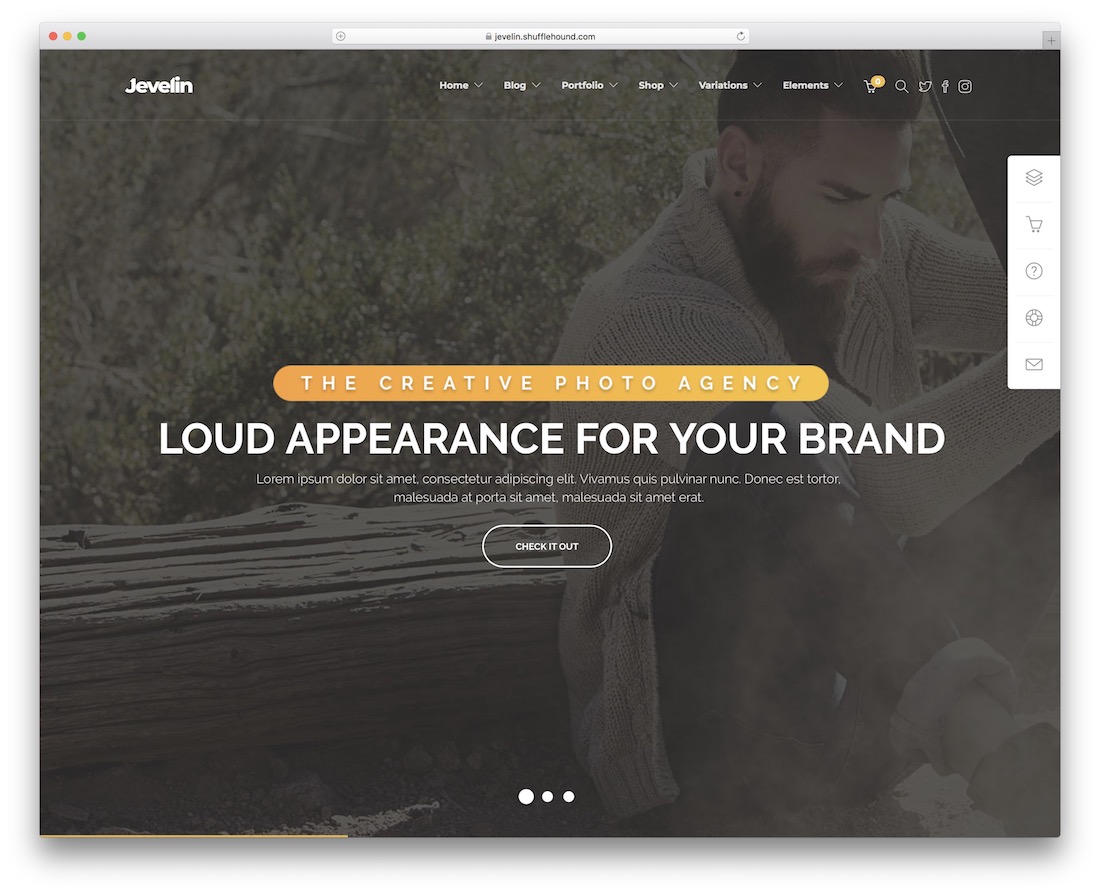
Premium WordPress · Best for: Photo agencies and multi-photographer teams
Jevelin’s photographer demo opens on a full-screen slideshow with text overlays and call-to-action buttons — services first, gallery second. The agency-style layout adds a blog section, testimonials, skill bars, Google Maps, and a working contact form, and stays responsive across devices.
6. Gleam Photography Studio Template
Premium WordPress · Best for: Studio marketing sites
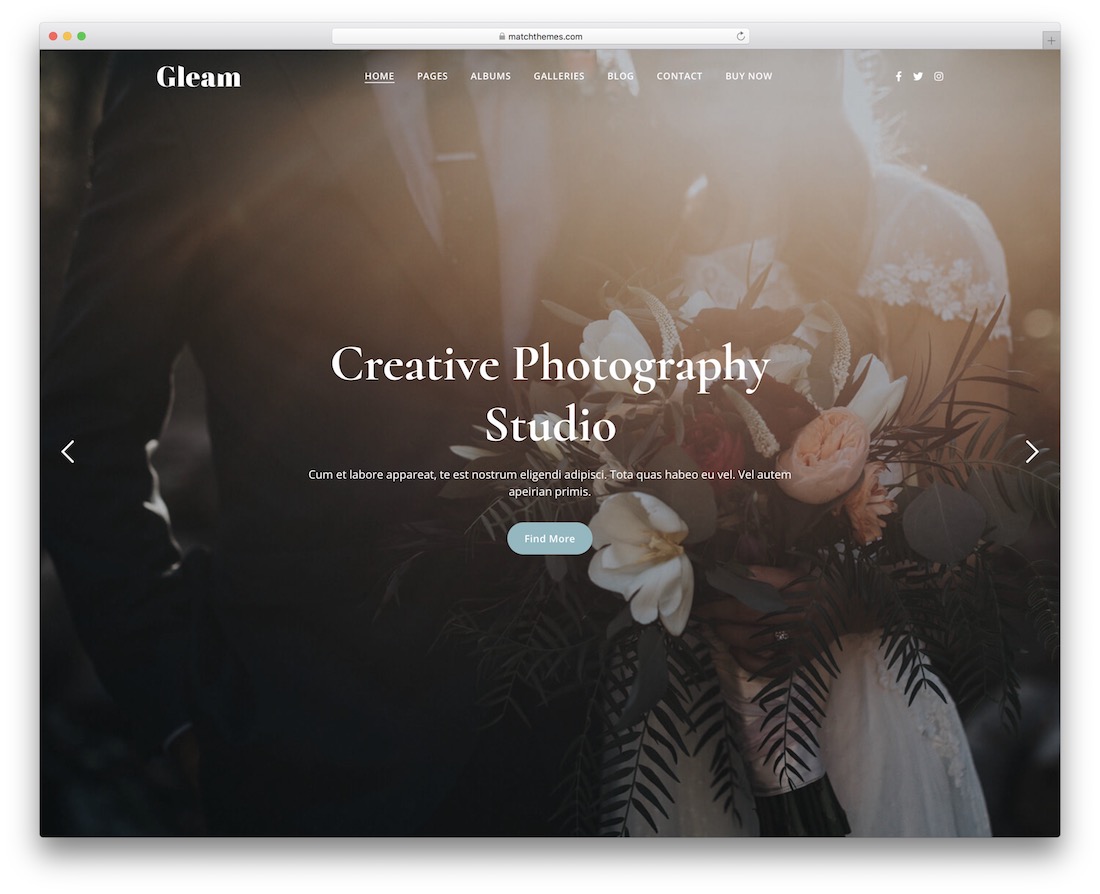
Gleam ships eight clean, minimal demos with albums and galleries already predefined, so a studio site starts populated rather than empty. A blog section is ready for drawing search traffic to your work, and any layout tweaks run through the Elementor drag-and-drop page builder.
7. Solene Wedding Photography Template
Premium WordPress · Best for: Wedding photographers
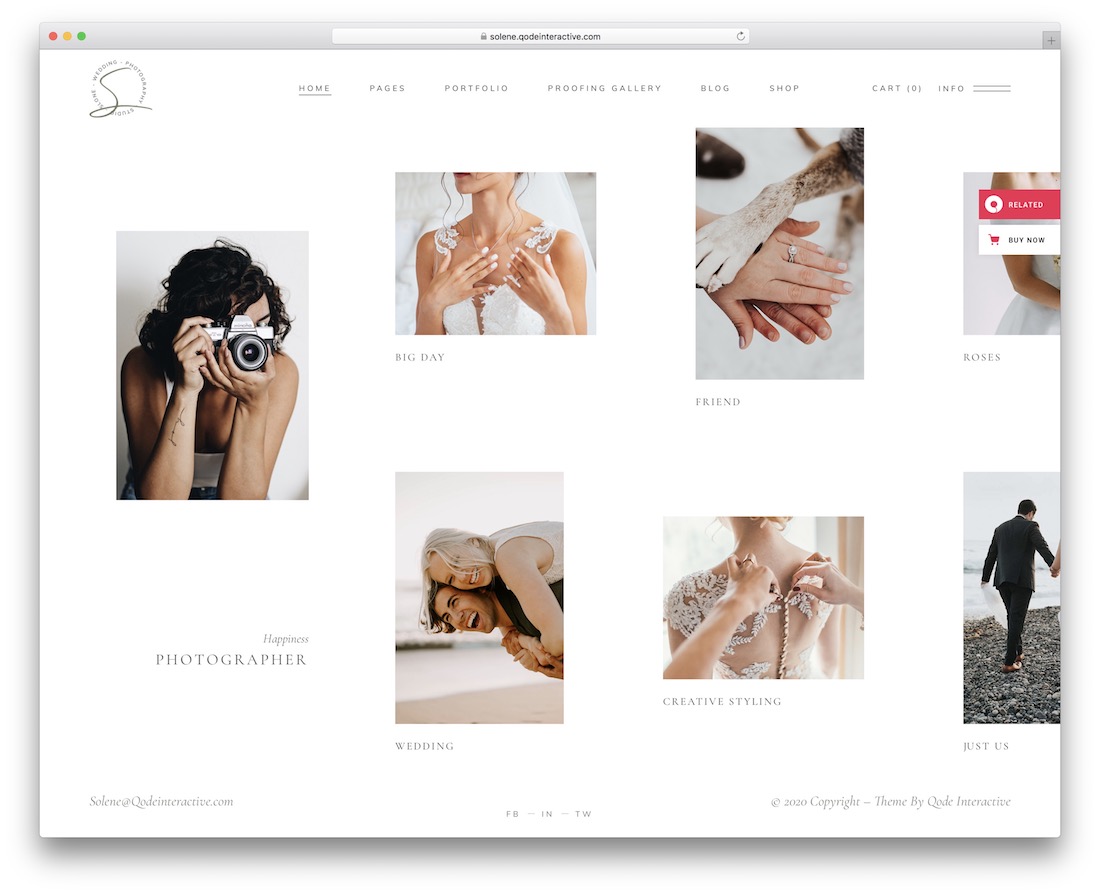
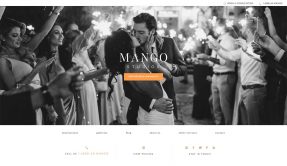
Solene is built around wedding portfolio presentation, with photo selling and service promotion wired in rather than bolted on. Prospective couples browse your galleries, a blog lets you cover each shoot in more personal detail, and social media integration puts sharing buttons on your content. No coding is needed to assemble any of it.
8. Ashade – Creative Photography Template
Premium WordPress · Best for: Bold dark creative portfolios
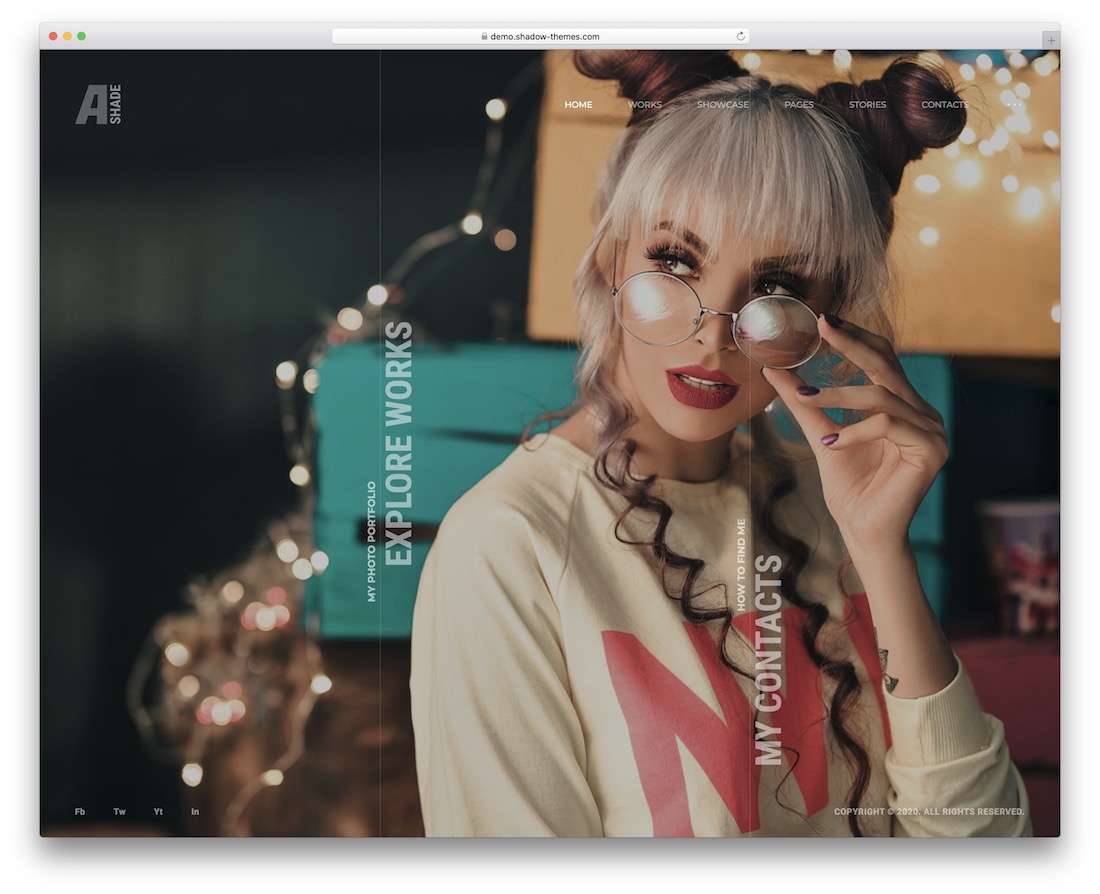
Ashade commits to a bold, dark presentation that makes your portfolio images the brightest thing on screen. Through Elementor you can build a website that carries your full business details, choosing among its layouts for an easy-to-navigate, responsive portfolio that pitches services next to the work.
9. Pofo
Premium WordPress Bootstrap · Best for: Premium creative portfolios
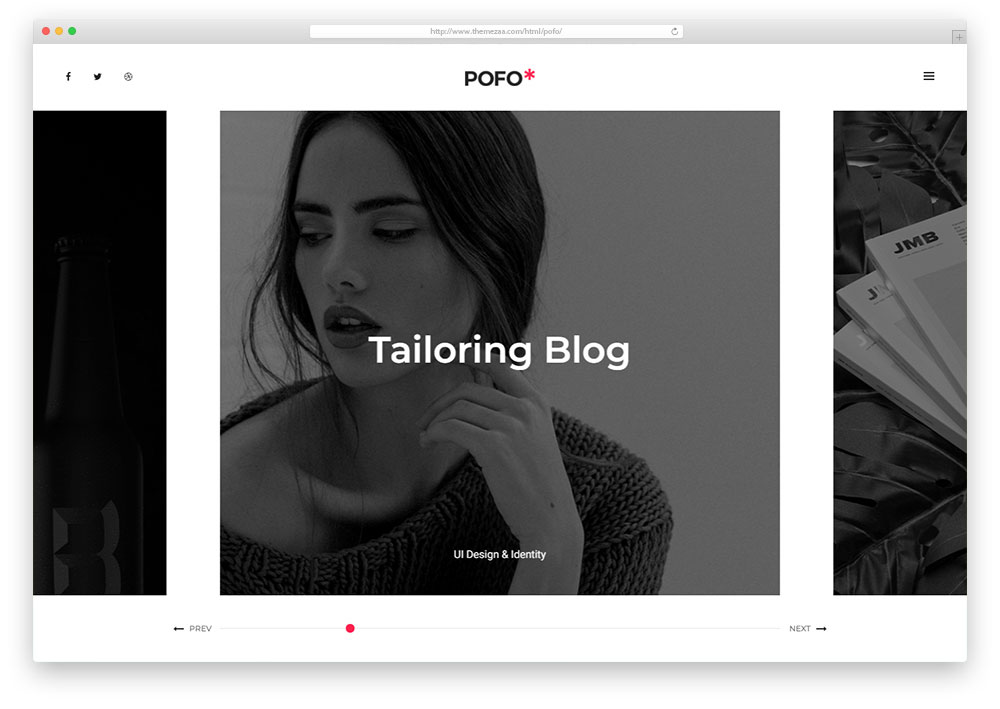
Pofo names its portfolio range outright: grid, masonry, metro, and vertical or horizontal slider layouts. More than 25 demos and over 150 building elements come in the Bootstrap-based package, with Slider Revolution, an Ajax contact form, parallax, animated skill bars, and video backgrounds included — photographs stay the focal point in every demo.
10. Outdoor
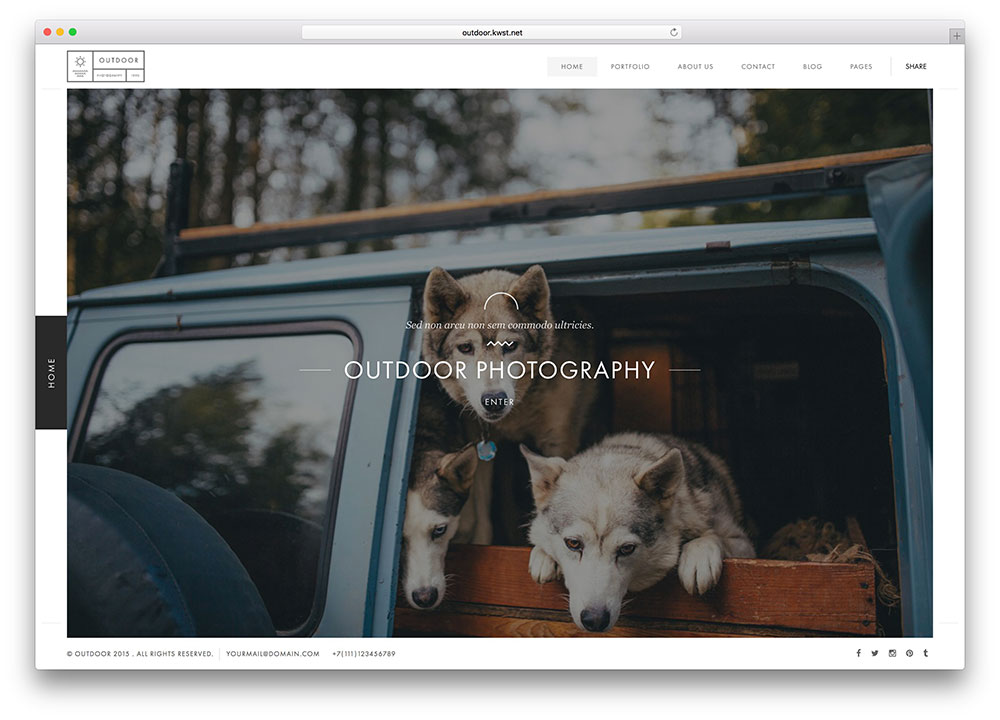
Premium HTML · Best for: Fullscreen outdoor and landscape showcases
Outdoor offers six home styles — static image, video, multi-slideshow, horizontal carousel, slideshow, and slider — before you even reach the galleries. Four portfolio page styles and nine single-project layouts follow, with the Isotope premium plugin bundled, YouTube video backgrounds, touch and swipe support, Ajax-powered PHP contact forms, and documentation that explains every feature.
11. Norm
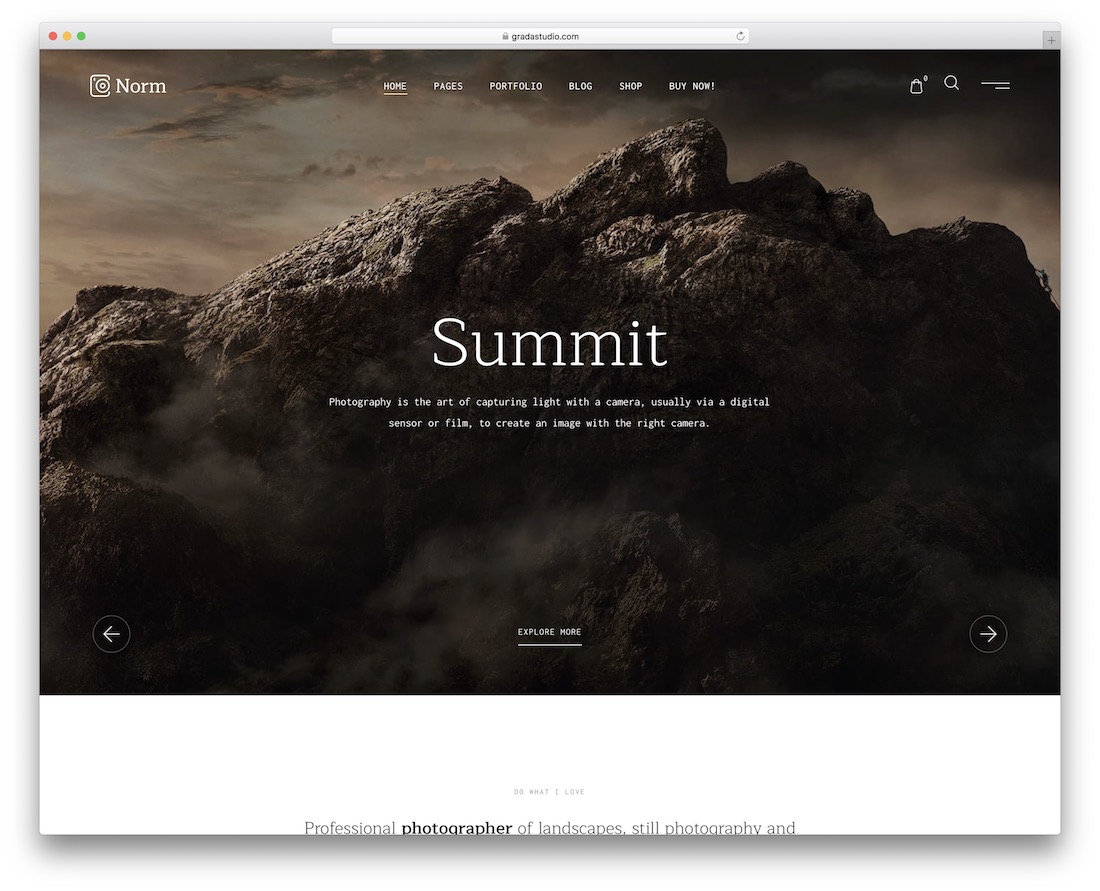
Premium WordPress · Best for: Elementor-built photo sites with a shop
Norm is built for Elementor end to end — headers and footers included, assembled through custom Elementor widgets. WooCommerce integration turns galleries into a print or preset shop, Slider Revolution is bundled, and a child theme plus translation-ready files round out a broad selection of front and internal page layouts.
12. Oculus
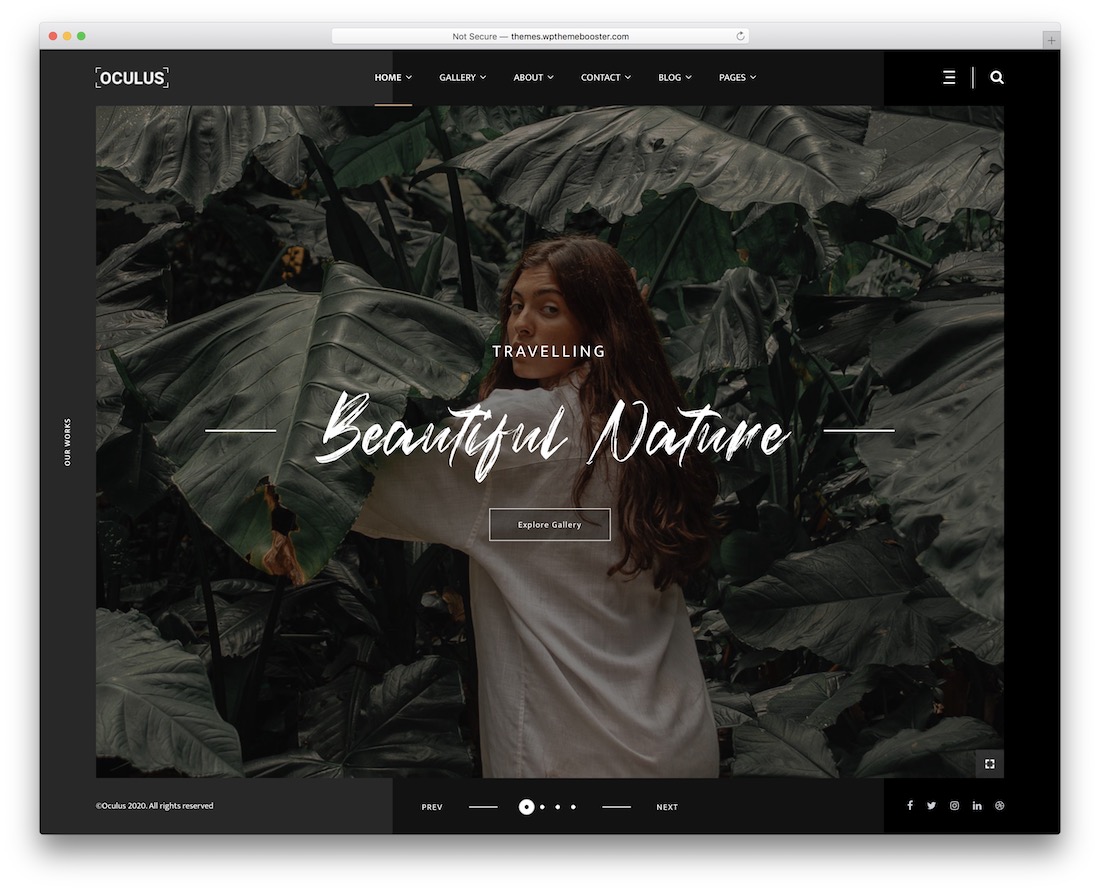
Premium WordPress · Best for: Dark, cinematic showcases
Oculus leans dark and cinematic, framing photographs the way a screening room frames film. Multiple home and header styles, image and text sliders, portfolio layouts, and contact forms are covered, and performance holds up across devices and browsers without technical babysitting.
13. Odry Photo Website Template
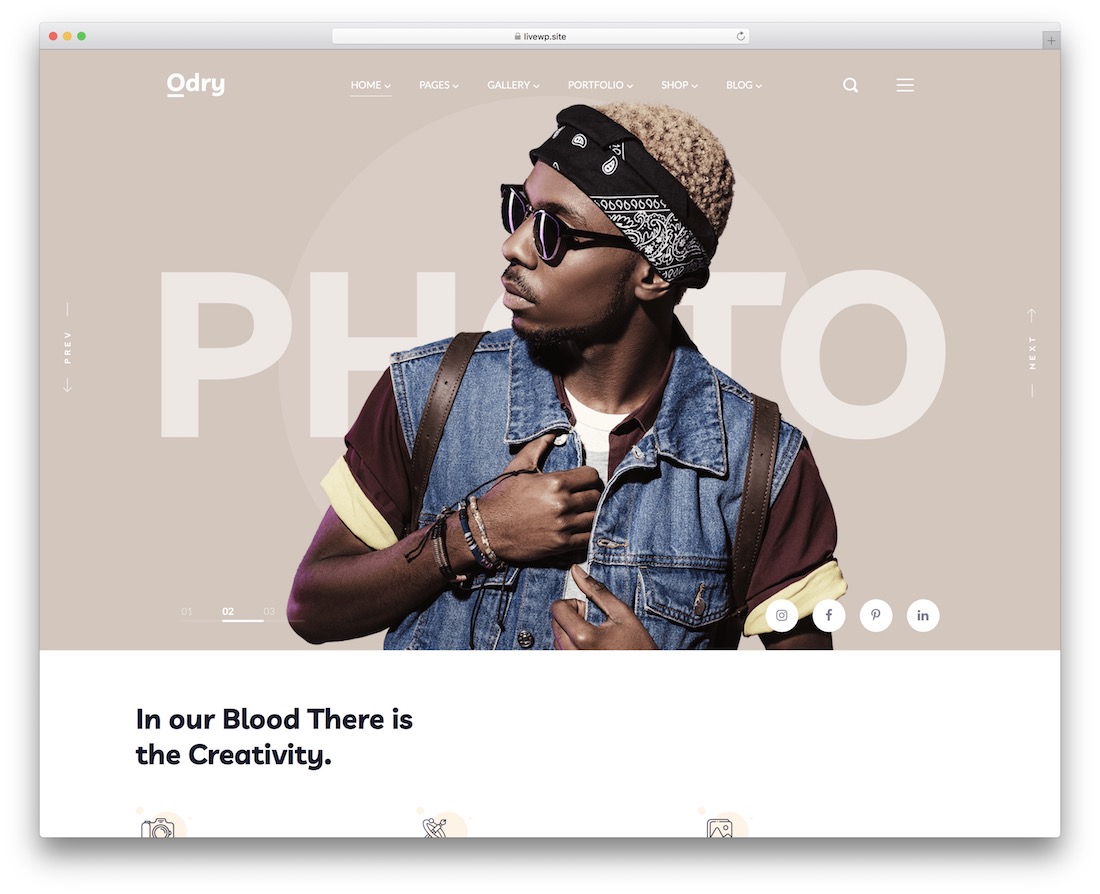
Premium WordPress · Best for: Photographers selling prints online
Odry pairs its portfolio with WooCommerce, so selling photos happens on the same site that showcases them. One-click demo data installation, drag-and-drop page building, gallery functions, a translation option for local audiences, a coming-soon page, and SEO-ready settings all come pre-configured for agencies and solo professionals alike.
Best Photography Website Templates
14. Skylith
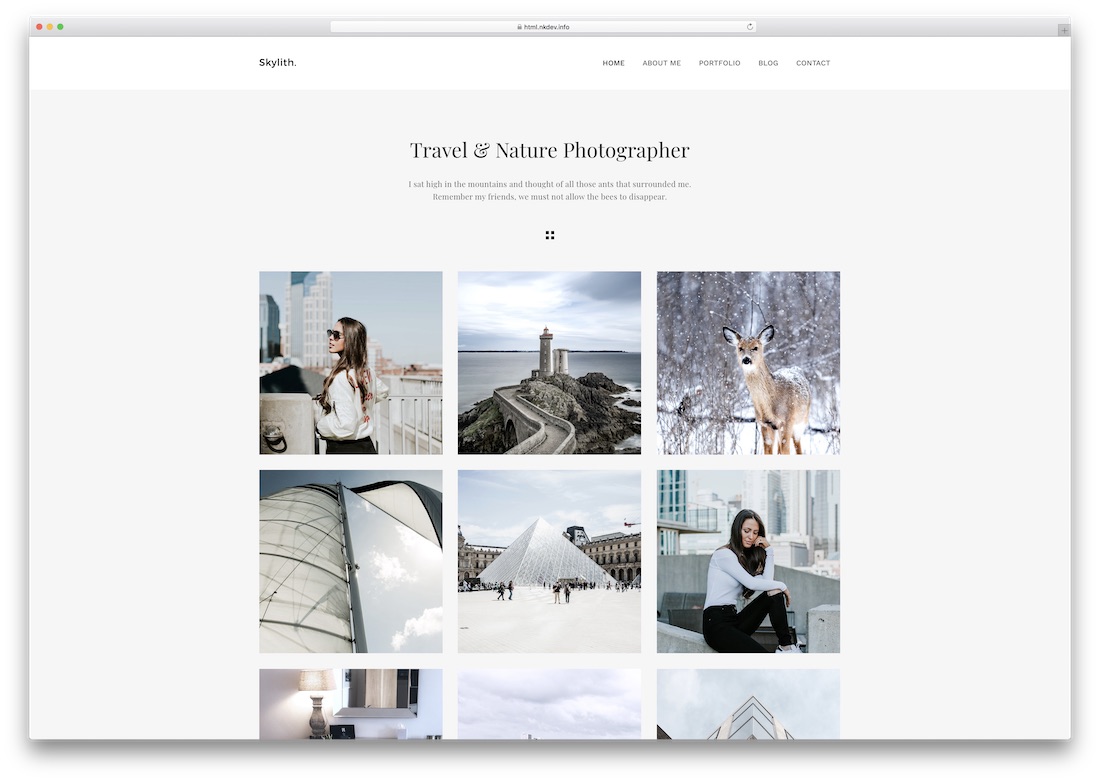
Premium HTML · Best for: Fullscreen visual-first showcases
Skylith spans more than thirty predefined demos, several aimed squarely at photography portfolios. It is a multi-purpose website template with Instagram and Twitter feed integration, blog pages, and a contact form, and its documentation is clear enough to build a working page without leaning on the support team.
15. Art
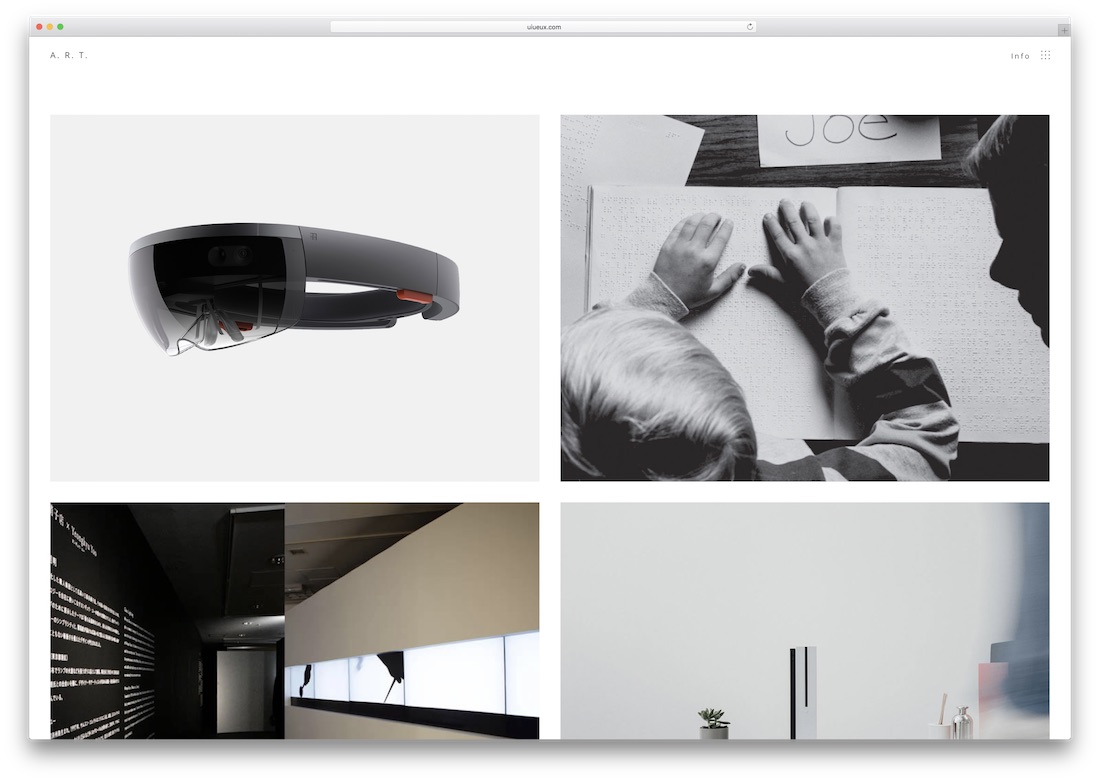
Premium HTML · Best for: Minimal typography-led photo portfolios
Art is deliberately plain, with toggles where they count: image lazy loading on or off, sidebar in or out, custom logo in. Unlimited layouts, header types, and blog pages plus fifteen scrolling animations make this website template for photographers more flexible than its minimal look suggests.
Want to elevate your website creation skills? Create a website for photographers using these Squarespace templates.
16. Missio
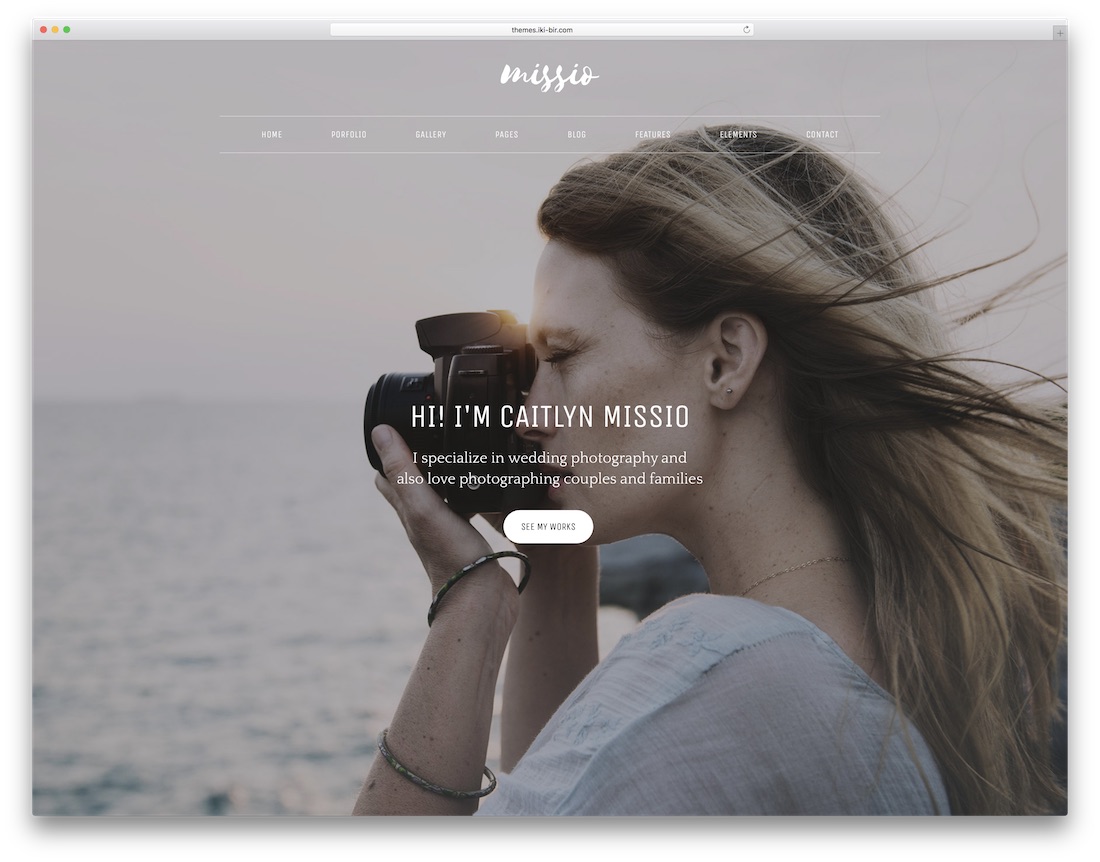
Premium HTML Bootstrap · Best for: One-page or multipage photo sites
Missio ships more than forty demos across one-page and multipage layouts, backed by five bundled premium plugins. Sixteen color schemes, seven font options, and two icon sets set the styling range, while Slider Revolution and parallax sections with image or video backgrounds carry the visuals for amateurs and professionals alike.
17. Kotlis
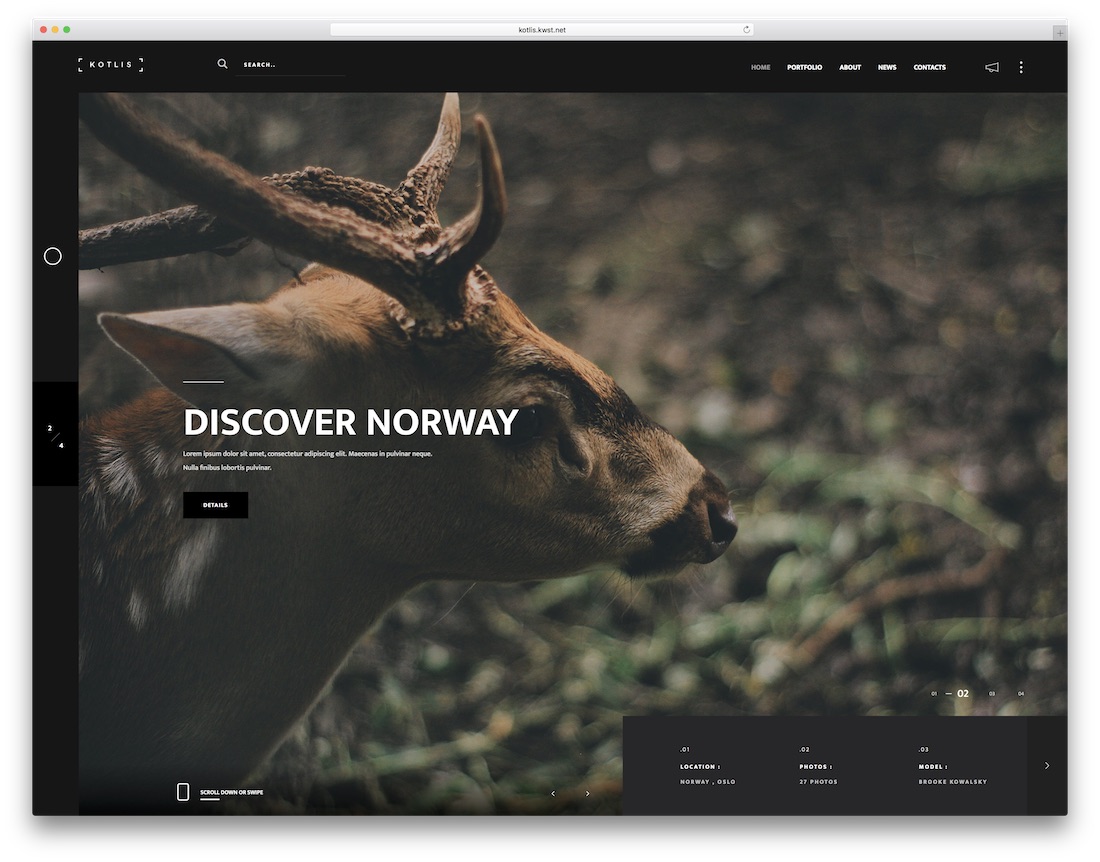
Premium HTML Dark Mode · Best for: Slideshow-heavy portfolios
Kotlis offers seven homepage styles — half slider, multi-slideshow, slider, slideshow, fullscreen image, carousel, and video. Six portfolio page styles with four single-project variations follow, galleries run horizontal or vertical through a LightGallery lightbox, and light and dark versions, video backgrounds, plus Ajax contact and subscription forms are all included.
18. Emily
Premium HTML · Best for: Animated personal portfolios
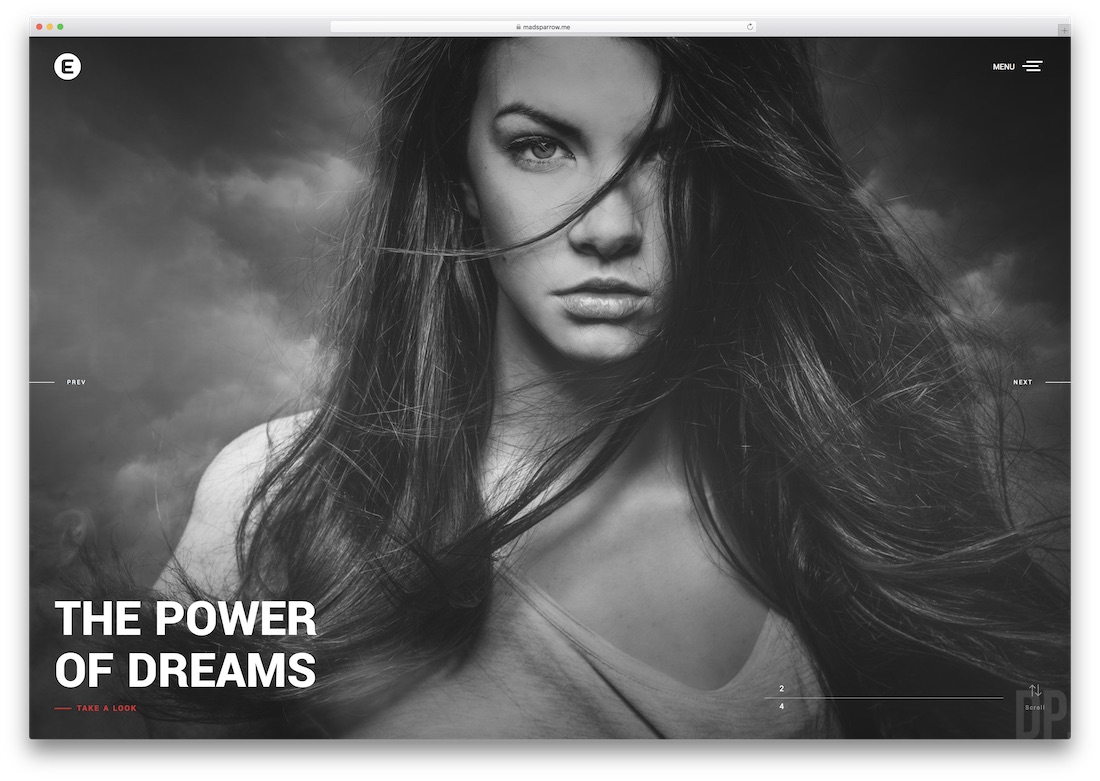
Emily animates its page transitions, so moving between galleries feels like part of the show. A full-screen image slider stays crisp on every device, colors can follow your branding exactly, and the clean, organized code plus SEO groundwork keep the site easy to modify and findable in search.
19. Crea;tink
Premium HTML · Best for: Agencies choosing from many demos
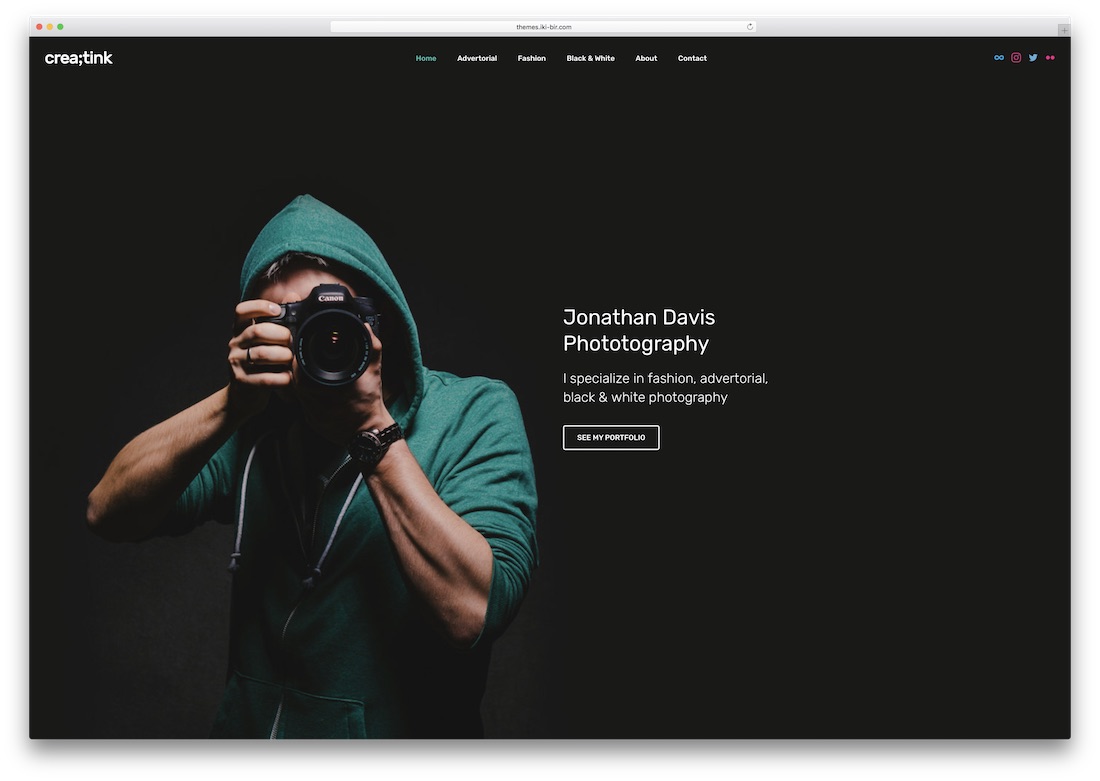
Crea;tink includes nine photography demos inside a multi-concept website template counting over three hundred UI elements and more than two hundred HTML files. Four premium plugins cover sliders and the contact page, and the commented code keeps editing manageable for individual photographers and agencies alike.
20. Inshot
Premium HTML · Best for: Flexible gallery layouts
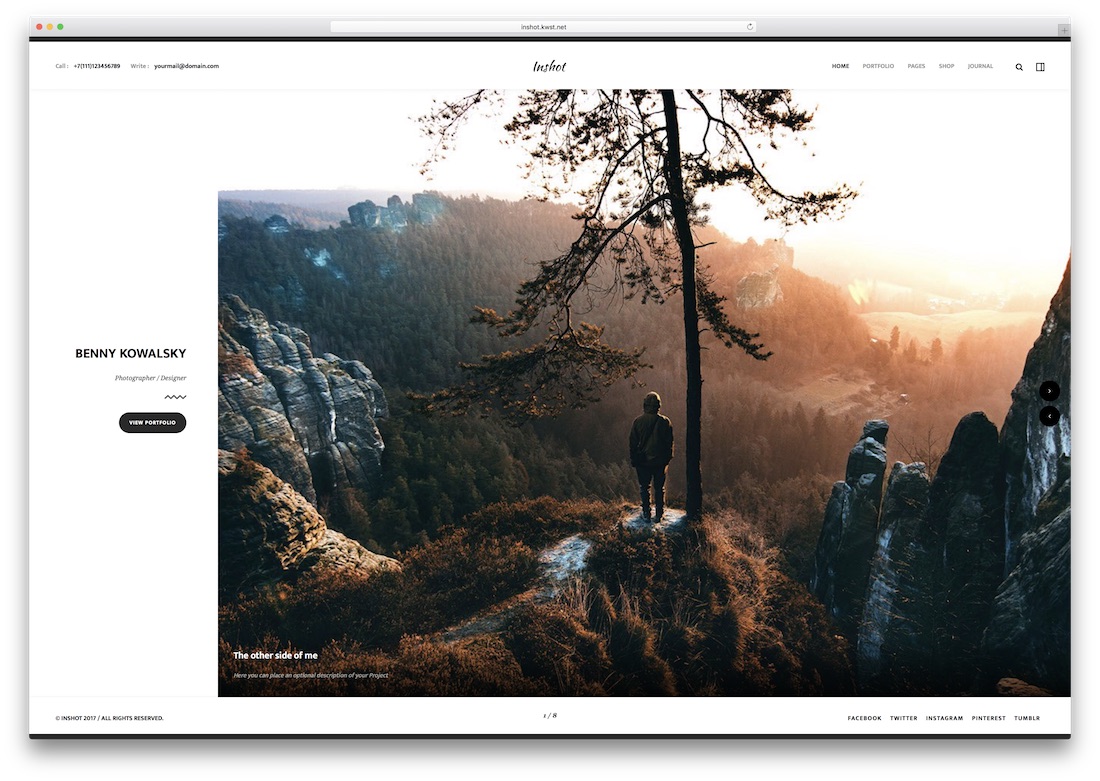
Inshot’s seven index pages and six portfolio styles let you change how a portfolio reads without redesigning it. Video backgrounds are supported, and the template is retina-, touch-, and swipe-ready, so images stay crisp and galleries stay navigable on phones as well as large screens.
21. Sepia
Premium HTML Bootstrap Dark Mode · Best for: Portfolio-layout variety
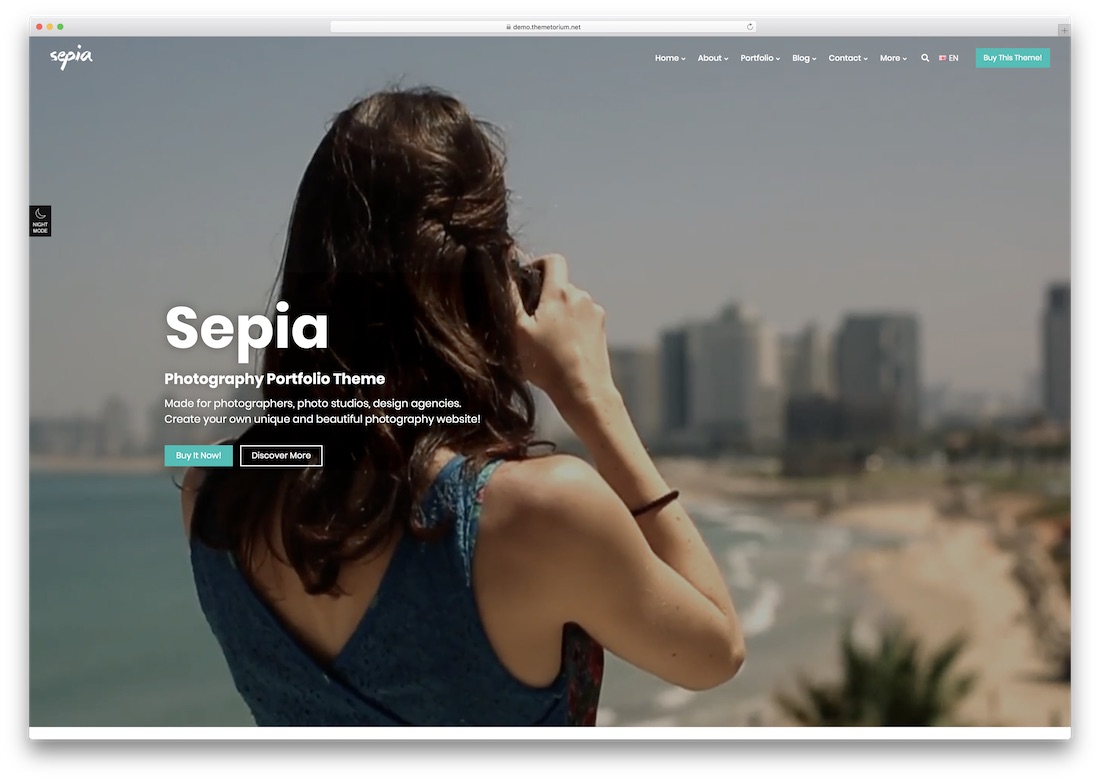
Sepia counts 41 portfolio styles and 10 blog layouts, in both light and dark versions. More than seven home pages and nearly every inner-page template you might need come in the Bootstrap-powered package, so the same purchase can produce very different-looking portfolio sites.
22. Arcon
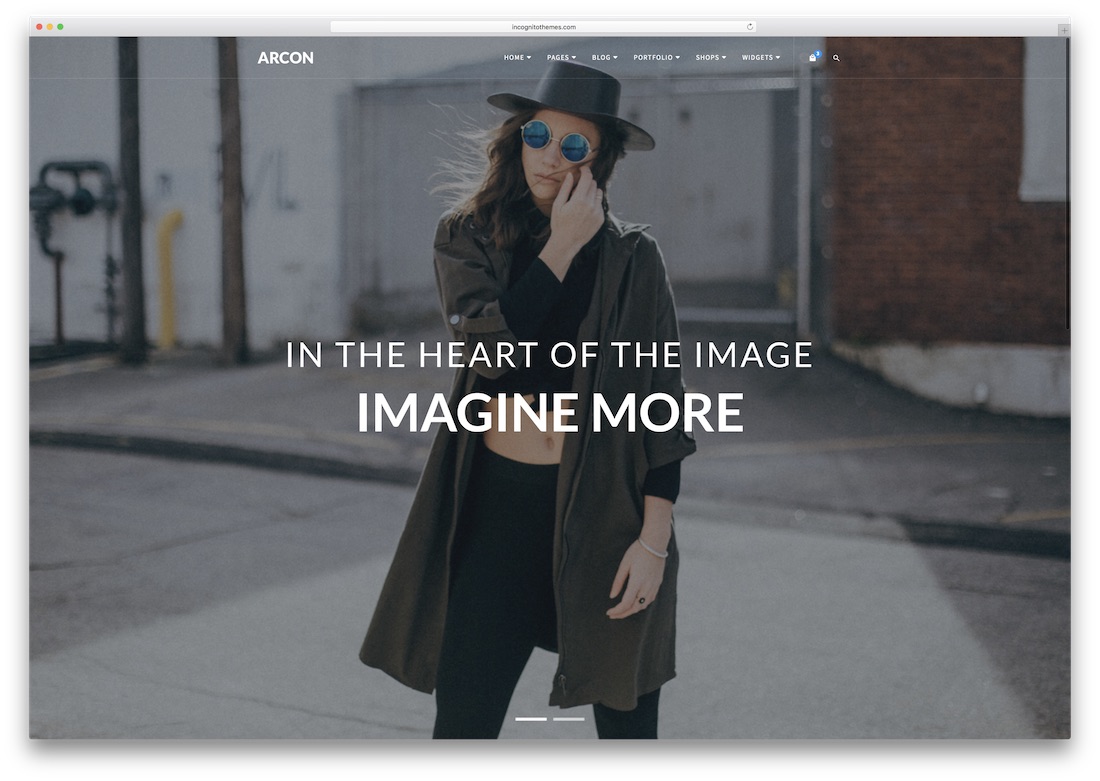
Premium HTML · Best for: Multipurpose sites with a photography demo
Arcon’s footer reveal effect and full-screen image slider give its dedicated photography demo a distinctive rhythm. A full-width portfolio sits below the slider, and because the template is multipurpose across niches, a photographer branching into video or design work will not outgrow it.
23. LeadGen
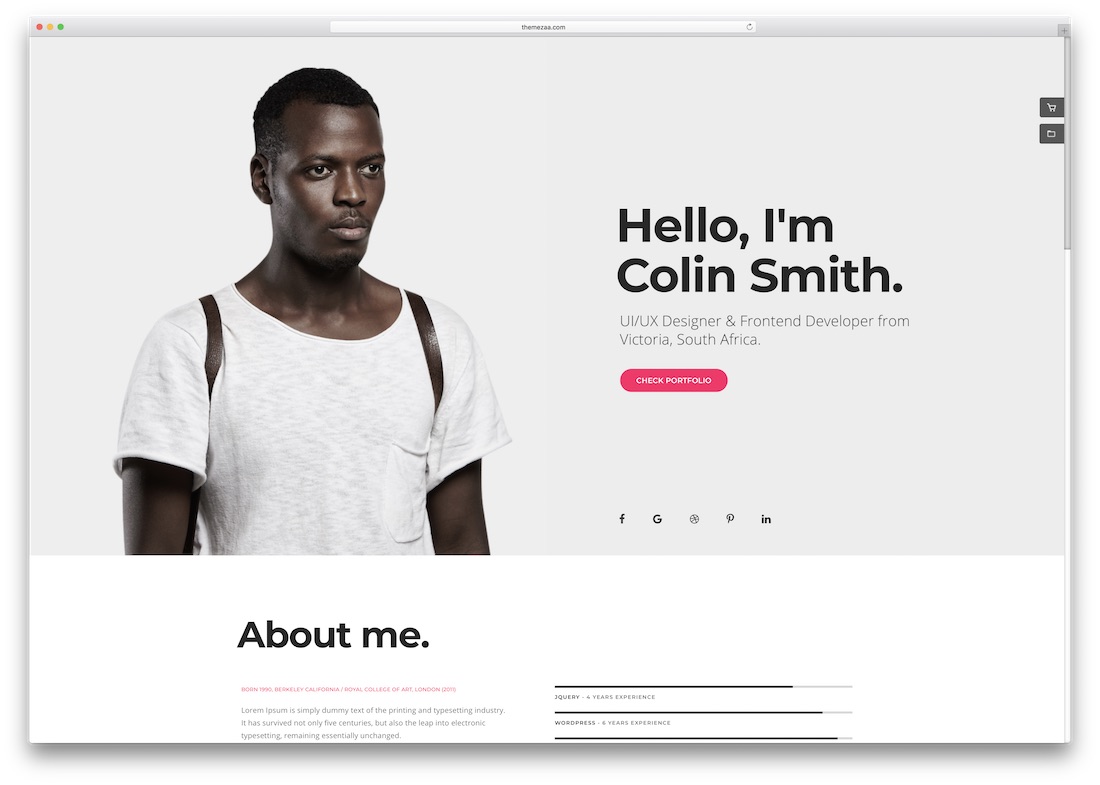
Premium HTML Bootstrap · Best for: Marketing-led photography businesses
LeadGen treats a photography site as a marketing problem — it is a multipurpose marketing template with social media features built in. Headers and footers can be static or sticky to suit your branding, and the Bootstrap base keeps layouts consistent across browsers and devices for agencies, freelancers, and marketers.
24. Lydia
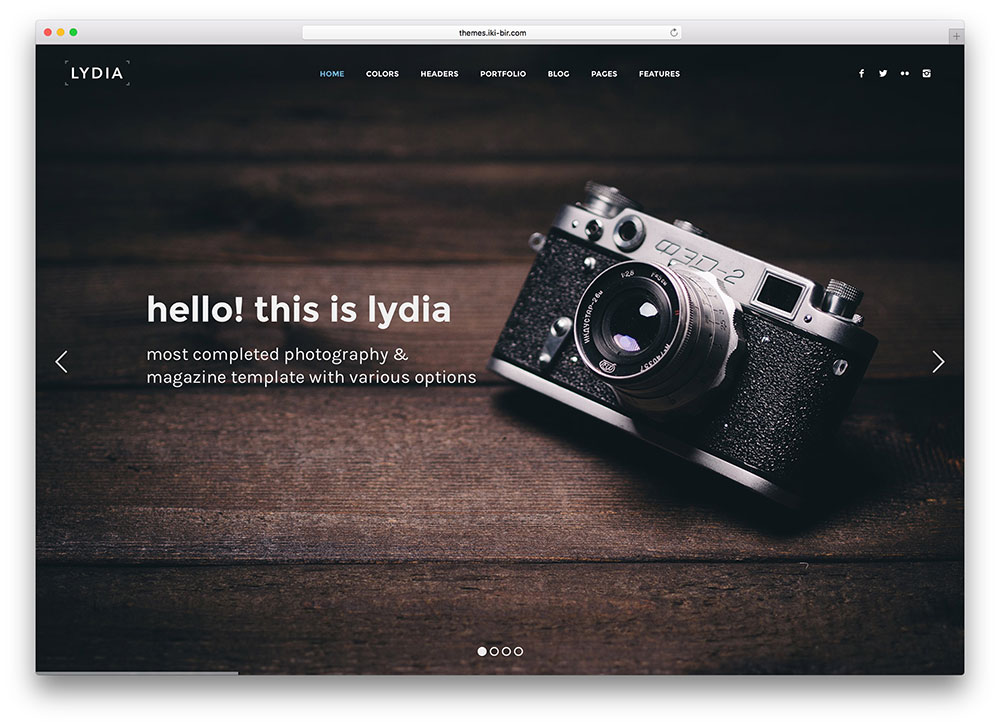
Premium HTML Bootstrap · Best for: Freelancers and small studios
Lydia pulls your Flickr and Instagram feeds straight into the site, so the portfolio stays current where your audience already follows you. Multiple blog layouts, widget-ready footers, and Google Maps are included in the Bootstrap-based HTML5 package, with free updates, support, and SEO-ready markup for freelancers, studios, and agencies.
Ending Notes
These HTML5/CSS3 photography website templates would be suitable for most users. However, they can be challenging to manage as your website grows, because HTML is much more difficult to manage, and these templates lack a content management system. You might consider WordPress photography themes if you want a simple admin interface without writing code.
WordPress is the most popular CMS and will help manage your photography website and portfolio. It will also enhance your website’s security and reliability. I am not saying that HTML themes are bad, but not everyone wants to deal with HTML and CSS. Instead, they want a simple admin dashboard for content management.
Alternatively, consider these beautiful portfolio website templates, which work well for photographers and designers.
Frequently Asked Questions
Which platform is best for a photography website?
WordPress gives you galleries plus blogging and client plugins; static HTML is faster and cheaper for a pure portfolio; Squarespace trades flexibility for zero maintenance. This list includes all three, labeled per entry.
How many photos should a portfolio site show?
Fewer than you think — 15 to 30 strong images beat 200 average ones. Organize by series or genre, lead with your best, and keep each gallery under a screen-height of scrolling before a break.
How do I stop my photo site from loading slowly?
Export at display resolution, serve WebP or AVIF with srcset, and lazy-load everything below the fold. Full-resolution originals belong in client delivery galleries, not on your public site.
Do these templates support client proofing?
Not natively — proofing (selection, downloads, payments) comes from services like Pixieset or Pic-Time. Use the template for your public presence and link client galleries from the menu.

Related Posts



Comments (0)