
9 Best Free Social Sharing Widgets for Websites (2026)
Last updated: March 2026
8 Best Social Sharing Widgets & Libraries in 2026
Social sharing buttons seem simple, but the implementation choices have real consequences for page performance, user privacy, and GDPR compliance. The traditional approach — loading third-party JavaScript from Facebook, Twitter, and LinkedIn — adds 200-500 KB of scripts, sets tracking cookies, and slows page load. Modern alternatives range from lightweight self-hosted libraries to the browser-native Web Share API.
This guide compares the best options in 2026, with a focus on privacy, performance, and actual functionality. For industry context, see our web design statistics report.
The Privacy Problem with Social Sharing Scripts
Before evaluating specific tools, it is worth understanding what “privacy-friendly” means in this context. Traditional social sharing widgets (AddThis, ShareThis, AddToAny) work by loading JavaScript from a third-party CDN. That script creates tracking pixels, sets cookies, and reports user browsing behavior back to the widget provider. AddThis (owned by Oracle) collects data across all sites using the widget to build advertising profiles. ShareThis monetizes aggregated user data.
Under GDPR, CCPA, and similar regulations, loading these scripts without user consent is legally questionable. If your site uses a cookie consent banner, social sharing scripts should be blocked until the user consents to tracking cookies — but most implementations load them immediately.
Privacy-friendly alternatives work differently. They construct share URLs using the platform’s native share endpoints (e.g., https://twitter.com/intent/tweet?text=...) without loading any third-party JavaScript. No cookies, no tracking, no external requests until the user clicks a share button.
Third-Party Sharing Services
1. AddToAny
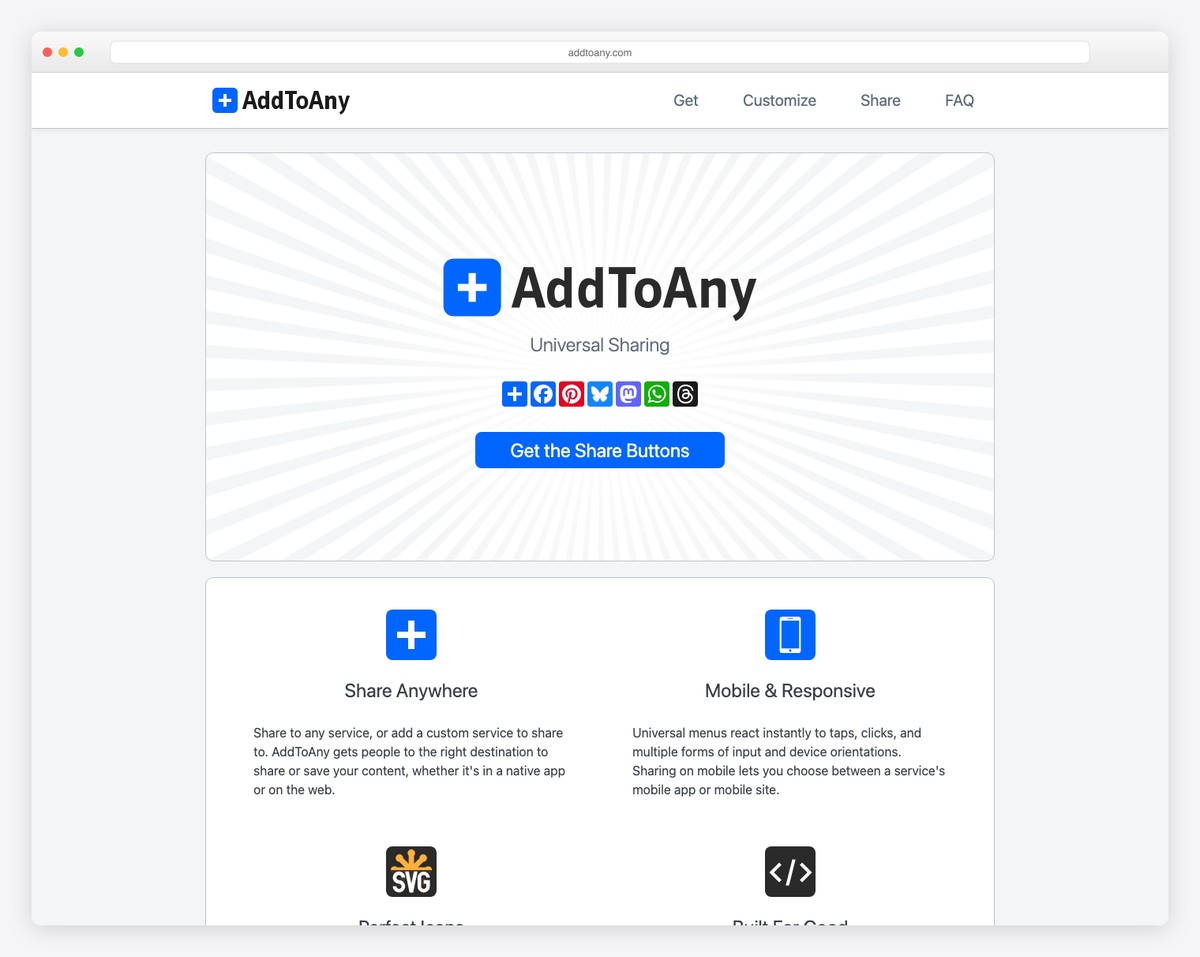
AddToAny is the most widely used free social sharing widget. It provides a floating share bar, inline buttons, and a “share to any” dialog that lists 100+ social networks and messaging apps. The widget auto-detects the page title, URL, and image for share metadata. A WordPress plugin makes integration one-click.
AddToAny is the best option if you want maximum platform coverage with minimal setup. The script loads asynchronously (~50 KB) and does not block page rendering. Share count display is available for some platforms. The privacy trade-off is moderate — AddToAny tracks shares and page views but does not build cross-site user profiles the way AddThis does.
2. ShareThis
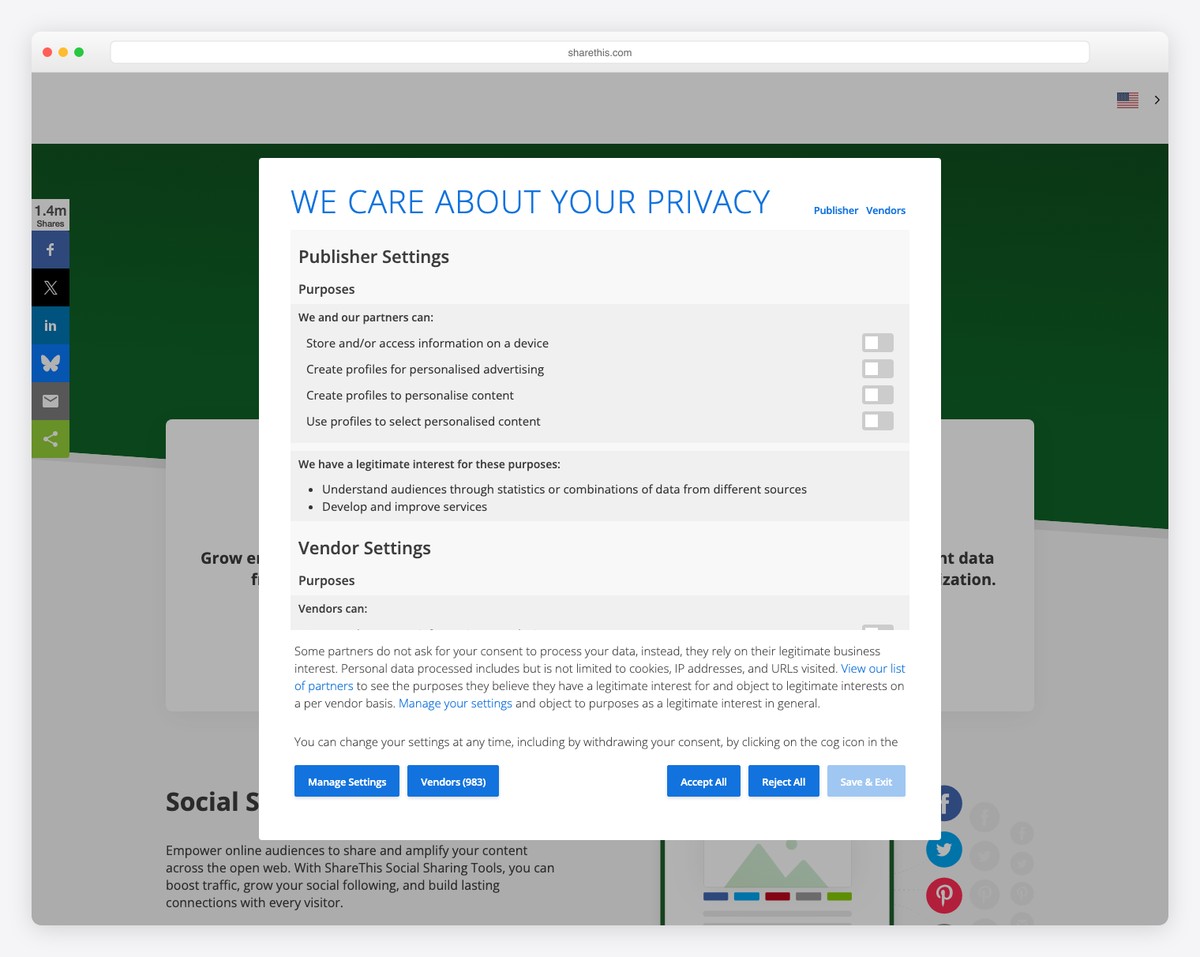
ShareThis provides customizable share buttons with analytics. The dashboard shows which content gets shared most, to which platforms, and share-driven traffic. ShareThis monetizes through data collection — the free tier is supported by aggregated, anonymized data selling. The Pro tier ($9/month) removes ShareThis branding and provides advanced analytics.
ShareThis buttons are visually polished and easy to customize (sticky bars, inline, popup). The script is heavier than AddToAny (~80 KB) and the data collection practices require explicit disclosure in your privacy policy.
3. AddThis
AddThis (Oracle) was the original social sharing widget and still powers millions of sites. It offers the widest platform support (200+ networks), share counts, follow buttons, and related content recommendations. However, AddThis is the most privacy-invasive option — Oracle uses AddThis data for its advertising data cloud.
AddThis loads the heaviest script (~100 KB), sets the most tracking cookies, and has faced GDPR enforcement actions. For GDPR-regulated sites, AddThis requires clear consent before loading. For new projects, AddToAny provides equivalent functionality with less privacy overhead.
Lightweight & Privacy-Friendly Options
4. Sharect
Sharect adds a “share selected text” tooltip that appears when users highlight text on your page — similar to Medium’s highlight-to-tweet feature. At 3 KB with no dependencies, it is the lightest interactive sharing widget available. When a user selects text, a floating tooltip offers Twitter and Facebook share options pre-populated with the selected text and page URL.
Sharect is privacy-friendly because it loads no external scripts and makes no network requests until the user explicitly clicks a share button. It is ideal for blogs, articles, and long-form content where quote-sharing drives engagement.
5. Simple Sharing Buttons
Simple Sharing Buttons is a CSS-only approach: styled anchor tags that link to each platform’s share URL. No JavaScript whatsoever. The entire implementation is HTML and CSS, making it the most performant and privacy-friendly widget possible. Each button is a link like https://twitter.com/intent/tweet?url={url}&text={title} that opens the platform’s native share dialog.
The trade-off: no share counts, no analytics, no auto-detection of page metadata (you set URL and title manually or with minimal JS). For sites that prioritize performance and privacy above share analytics, this approach is ideal.
6. Social Share Kit
Social Share Kit provides pre-styled share buttons with optional JavaScript enhancements (popup windows, share counts via third-party APIs). At 5 KB total (CSS + optional JS), it supports Facebook, Twitter/X, LinkedIn, Pinterest, email, and others. The buttons work without JavaScript (as plain links) and progressively enhance when JS is available.
Social Share Kit is a good middle ground between CSS-only buttons and full-featured widgets. It provides visual polish, responsive layouts (horizontal, vertical, sticky), and icon choices without the tracking overhead of AddToAny or ShareThis.
CSS-Only Share Buttons (Sash Pattern)
The purest approach: plain HTML anchor tags styled with CSS. No library, no JavaScript, no dependencies. Each social platform has a public share URL that accepts parameters:
| Platform | Share URL Pattern |
|---|---|
| X (Twitter) | https://twitter.com/intent/tweet?url={url}&text={title} |
https://www.facebook.com/sharer/sharer.php?u={url} | |
https://www.linkedin.com/sharing/share-offsite/?url={url} | |
https://pinterest.com/pin/create/button/?url={url}&media={image}&description={title} | |
https://www.reddit.com/submit?url={url}&title={title} | |
mailto:?subject={title}&body={url} |
Style these links as buttons with SVG icons from any icon library. Total overhead: under 500 bytes of CSS, zero JavaScript, zero tracking, full GDPR compliance. This is the recommended approach for performance-focused and privacy-conscious sites.
Web Share API (Native Browser Sharing)
The Web Share API is a browser-native feature that triggers the operating system’s share dialog. On mobile, this opens the native share sheet showing all installed apps (WhatsApp, Telegram, Instagram, email, etc.). On desktop, support is available in Chrome, Edge, and Safari.
The API is simple:
navigator.share({
  title: 'Article Title',
  text: 'Check out this article',
  url: 'https://example.com/article'
});
Zero dependencies, zero file size, zero privacy concerns, and access to every app installed on the user’s device. The limitation: it requires user interaction (cannot be triggered programmatically), requires HTTPS, and desktop support is still incomplete (Firefox does not support it on desktop). The recommended pattern is to use the Web Share API as the primary share method with CSS-only button fallbacks for unsupported browsers.
| Platform | Web Share API Support |
|---|---|
| iOS Safari | Full support (iOS 12.2+) |
| Android Chrome | Full support (Chrome 61+) |
| Android Firefox | Full support |
| Desktop Chrome | Supported (Chrome 89+) |
| Desktop Edge | Supported |
| Desktop Safari | Supported (Safari 15+) |
| Desktop Firefox | Not supported |
How to Choose
| Priority | Best Choice | Why |
|---|---|---|
| Maximum platform coverage | AddToAny | 100+ platforms, auto-detection, WordPress plugin |
| Share analytics | ShareThis Pro | Dashboard with share data and traffic attribution |
| GDPR compliance / privacy | CSS-only buttons or Web Share API | Zero third-party scripts, zero cookies |
| Performance (Core Web Vitals) | CSS-only buttons | Zero JavaScript, zero network requests |
| Mobile-first sharing | Web Share API + fallback | Native share sheet, all installed apps |
| Quote/text sharing | Sharect | Highlight-to-share like Medium |
| Quick setup, decent styling | Social Share Kit | Pre-styled buttons, progressive enhancement |
The Recommendation
For most sites in 2026, the best approach is CSS-only share buttons with the Web Share API as a progressive enhancement. Create styled anchor tags for the 4-6 platforms your audience actually uses (likely X/Twitter, Facebook, LinkedIn, and email). Add a “Share” button that triggers navigator.share() where supported. Total implementation: under 1 KB, zero privacy concerns, excellent Core Web Vitals.
Use AddToAny only if you need 100+ platform support or share counts. Avoid AddThis for new projects due to its heavy tracking and Oracle data collection. And if share analytics matter, consider using UTM parameters on your share URLs instead of a tracking widget — they provide better attribution data in Google Analytics without the privacy overhead.

Related Posts



I found this site to be really too awesome!! Its DA is 94 but I think it can be increased by google coz it deserves!!
We aren’t really looking into numbers such as Domain Authority, Domain Raiting, Domain Value or whatever ratings are cool these days. We are here to share the best content that users love and the rest will follow.
Great List Mate… !! I love it.
personally, I am using the AddToAny Plugin but the problem is that it is quite late to load its things which can piss off the Readers from sharing my stuff.
Any Suggestion of Widgets for Social Sharing that would load its things fast ??
Thanks.
Khasu,
AddToAny is a great plugin and it doesn’t take too long to load. However, you might want to consider upgrading your hosting which really holds you back. Here are some great options to consider.
It helps me lot to choose sharing widget.
Thank for this post, Actually I am using Buffer, one of the best sharing option toll that i ever used, keep writing.
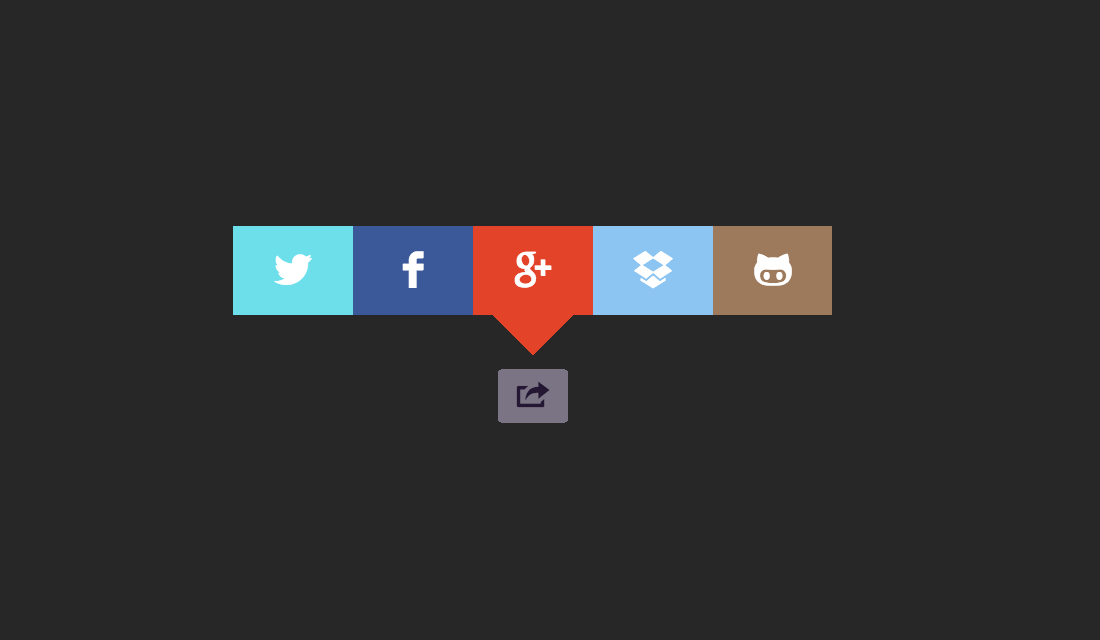
Alex – From which of the widgets is the first image in the post?
I’d love to know too!
Thank for this post, Actually I am using shareolic and its loads very slow , I think Share this is better than this.
They are really great social sharing plugins for WordPress powered sites and blog to help generate more sharing and networking via thee major social media networks on the Internet. They are helpful for any website!
AddThis is suck because blocked so many speed of our themes. I am looking for light for speed up my blog