
9 Best Church Website Builders 2026 (Tested and Compared)
A church website in 2026 needs to do far more than list service times and an address. Congregations expect online giving, sermon archives they can revisit during the week, live stream access for members who can’t attend in person, and event registration that actually works on a phone. The right website builder handles all of this without requiring a dedicated IT volunteer.
After testing the platforms most commonly used by churches — from purpose-built church tools to general builders adapted for ministry — here are the 9 best church website builders in 2026, ranked by how well they serve the specific needs of congregations large and small.
Quick Comparison
| Builder | Best For | Online Giving | Live Streaming | Free Plan | Starting Price |
|---|---|---|---|---|---|
| Tithe.ly Sites | Best overall | Yes (built-in) | Yes (embed) | Free tier | $0–$49/mo |
| Squarespace | Best design | Via embed | Via embed | 14-day trial | $16/mo |
| Wix | Best free option | Via apps | Via embed | Yes | $17/mo |
| Subsplash | App + website combo | Yes (built-in) | Yes (built-in) | No | Custom quote |
| Clover Sites | Small churches | Yes (built-in) | Yes (embed) | No | $49/mo |
| WordPress | Large churches | Via plugins | Via plugins | Yes (self-hosted) | ~$5/mo hosting |
| Sharefaith | Sermon management | Yes (built-in) | Yes (built-in) | No | $45/mo |
| Ministry Designs | Done-for-you | Yes (built-in) | Yes (embed) | No | $100/mo |
| GoDaddy | Quick-start | Via PayPal | Via embed | Yes (limited) | $10/mo |
9 Best Church Website Builders
1. Tithe.ly Sites — Best Overall Church Website Builder
Best for: Churches that want giving, streaming, and website in one platform | Free tier available • Premium from $49/mo
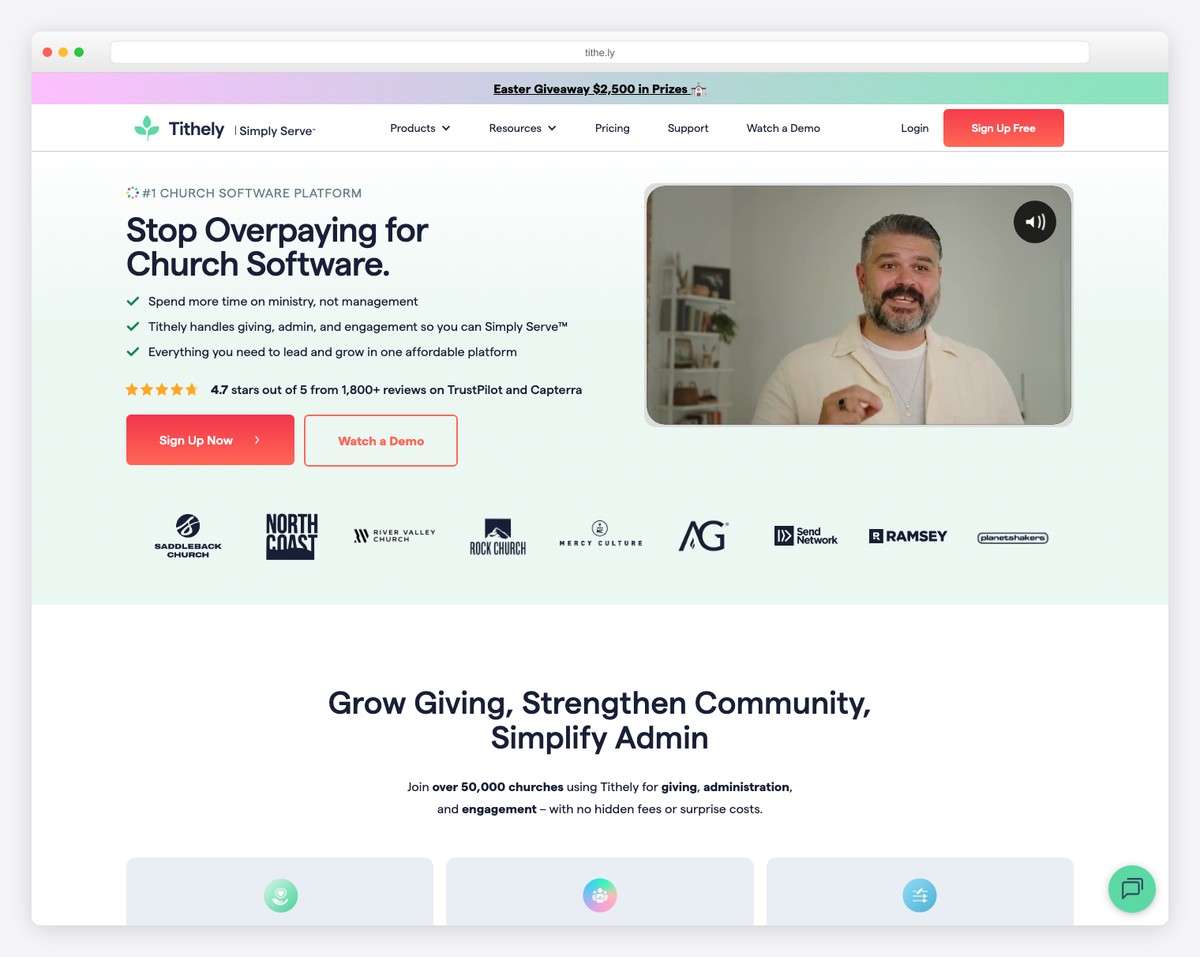
Tithe.ly Sites is the most complete church-specific website builder available in 2026. Built by the same company behind the Tithe.ly giving platform used by over 40,000 churches, it integrates online donations directly into your website without any third-party embeds or extra fees. Members can give one-time or set up recurring tithes, and the church admin dashboard tracks everything in real time.
The website builder itself uses a drag-and-drop editor with church-specific content blocks: sermon archives with audio and video players, event calendars with registration, small group directories, staff pages, and prayer request forms. Templates are designed for churches rather than adapted from generic business layouts, so you get homepage sections for service times, upcoming events, and a “New Here?” welcome area out of the box.
Where Tithe.ly truly stands apart is its ecosystem. The giving platform, church app (Tithe.ly Church App), ChMS integration, and website all share the same backend. A member who gives through the app sees the same profile as the website. For churches that want one vendor handling everything — and zero technical overhead — Tithe.ly is the clear winner.
Pricing: Free tier includes basic website with Tithe.ly branding. Premium Sites from $49/mo removes branding and adds custom domain, advanced features. Online giving charges 2.9% + $0.30 per transaction.
Pros
✅ Built-in online giving with recurring donations
✅ Church-specific content blocks and templates
✅ Integrated church app and ChMS
✅ Free tier available to get started
Cons
❌ Design customization more limited than Squarespace
❌ Premium pricing is higher than general builders
❌ 2.9% + $0.30 transaction fees on giving
❌ Smaller template library than Wix or Squarespace
2. Squarespace — Best Design for Churches
Best for: Churches that prioritize visual branding and modern design | From $16/mo • 14-day free trial
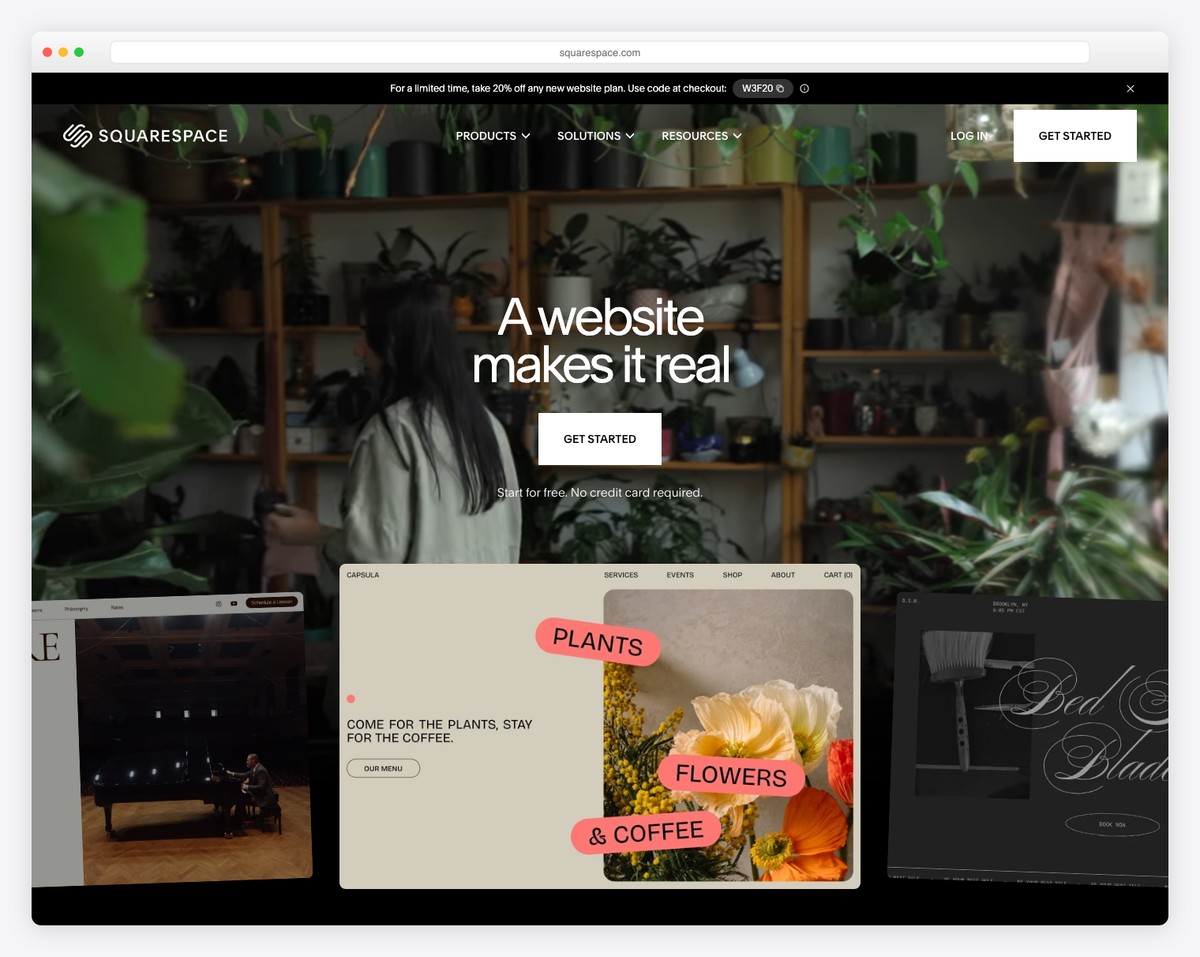
Squarespace isn’t built specifically for churches, but it produces the best-looking church websites of any platform on this list. The Fluid Engine editor lets you create visually striking pages with full-bleed hero images, video backgrounds, and typography that feels contemporary — important for churches trying to reach younger demographics or present a welcoming first impression online.
For church-specific features, you’ll rely on embeds and integrations. Online giving works through embedding Tithe.ly, Pushpay, or PayPal donation forms. Live streaming integrates via YouTube or Vimeo embeds. The built-in scheduling system handles event registration, and you can create members-only pages for small group resources or leadership documents. The blog feature works well as a sermon notes archive.
The tradeoff is clear: Squarespace gives you the most beautiful website but requires assembling church-specific features from third-party tools. For churches with a tech-savvy volunteer or staff member who can set up these integrations, the design quality is worth it. For churches that want everything built in, a purpose-built platform like Tithe.ly is less work.
Pricing: Basic $16/mo, Core $23/mo, Plus $39/mo, Advanced $99/mo (billed annually). 14-day free trial. Free custom domain for the first year.
Pros
✅ Best-designed templates of any builder
✅ Built-in event scheduling and registration
✅ Unlimited storage and bandwidth
✅ Members-only pages for leadership resources
Cons
❌ No built-in giving or sermon management
❌ Church features require third-party embeds
❌ No church app companion
❌ No free plan — only a 14-day trial
3. Wix — Best Free Church Website Builder
Best for: Churches on a tight budget that need a full-featured site at no cost | Free plan available • Paid from $17/mo
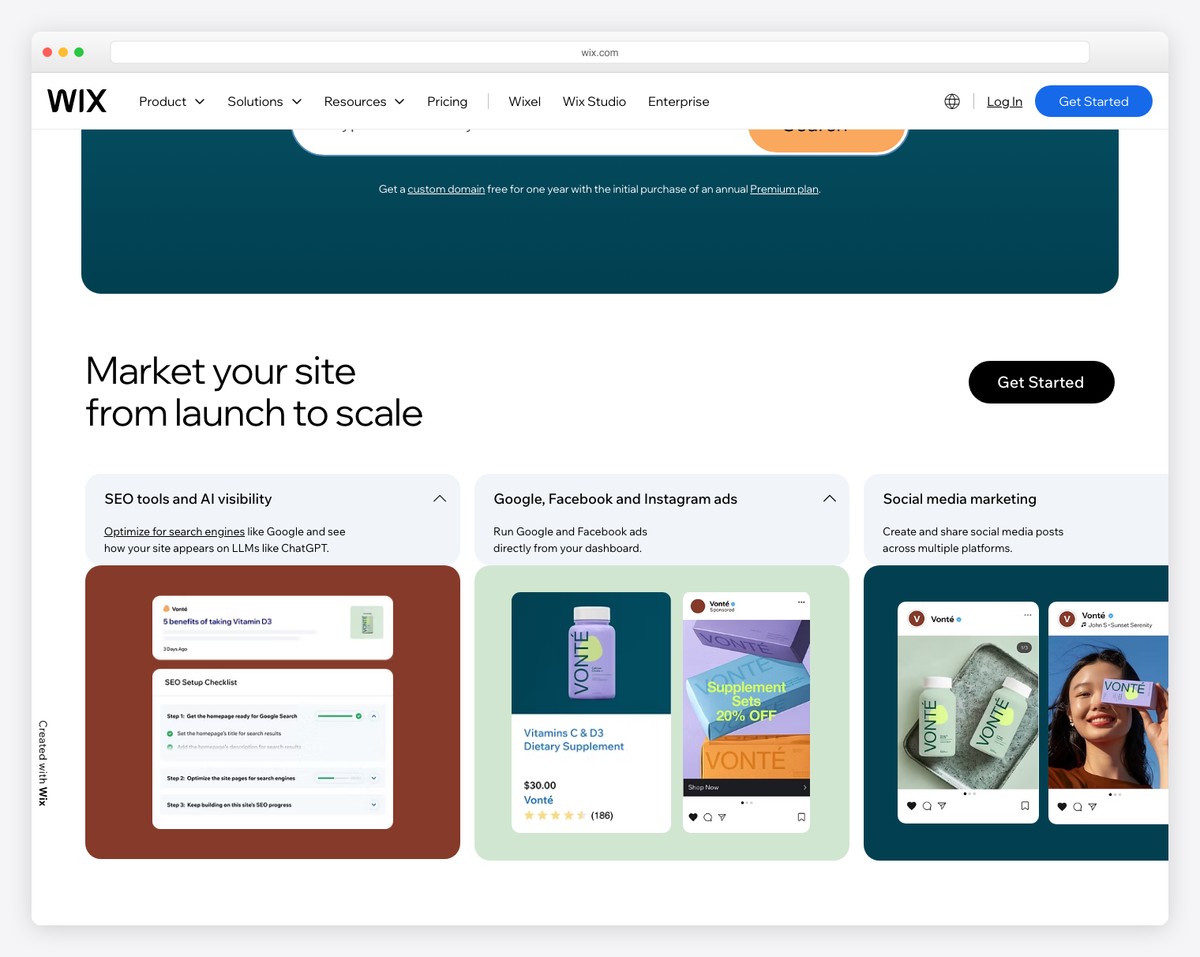
Wix is the best free option for churches that need more than a single-page placeholder. The free plan includes access to the full drag-and-drop editor, hundreds of templates (including several designed for religious organizations), and the Wix App Market where you can add event calendars, contact forms, and member login areas — all without paying anything.
For online giving, the Wix App Market includes donation apps like Donorbox and PayPal Donate buttons that you can add to any page. The built-in Wix Events feature handles event creation, RSVP tracking, and even ticketed events for fundraisers. You can create a members area for small groups, prayer chains, or volunteer coordination — each with its own login and content access.
The free plan comes with Wix branding and a wixsite.com subdomain, which looks less professional for a church. Upgrading to Light ($17/mo) removes the branding and connects a custom domain. For churches that collect donations online, the Core plan ($29/mo) removes transaction fees. Considering many church-specific builders start at $45-100/mo, Wix’s paid plans are a fraction of the cost.
Pricing: Free plan available. Light $17/mo, Core $29/mo, Business $39/mo (billed annually). Free plan includes 500MB storage, Wix branding, and wixsite.com subdomain.
Pros
✅ Genuinely usable free plan
✅ 800+ templates including religious designs
✅ App Market for donations, events, and members
✅ Paid plans far cheaper than church-specific tools
Cons
❌ No built-in sermon archive or giving tools
❌ Free plan shows Wix branding
❌ Donation apps may charge their own fees
❌ No church management system integration
4. Subsplash — Best Church App + Website Combo
Best for: Churches that want a branded mobile app alongside their website | Custom pricing • Demo available
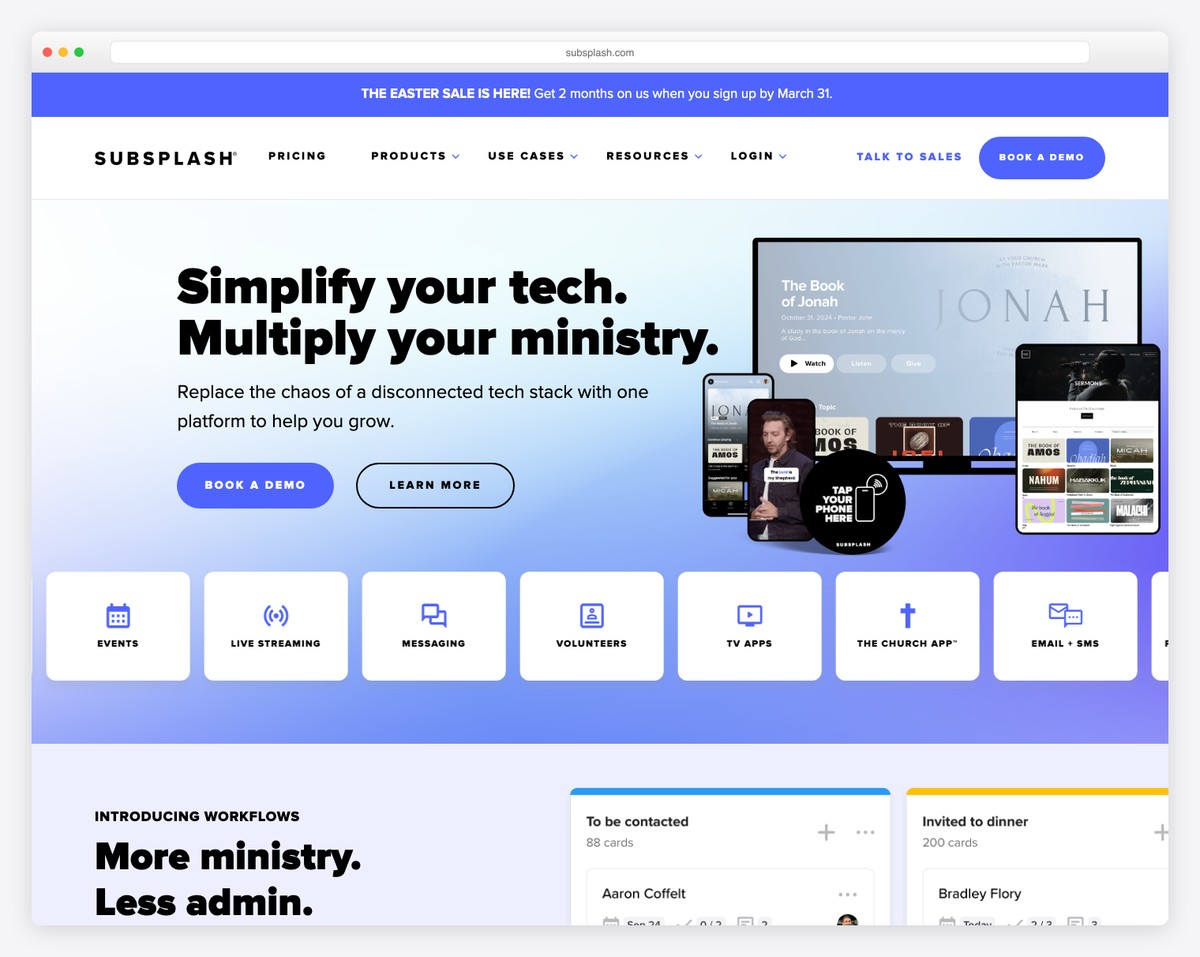
Subsplash is the leading platform for churches that want both a website and a custom-branded mobile app published to the App Store and Google Play. The app and website share the same content — sermons uploaded once appear in both places, giving totals sync across platforms, and push notifications let you reach members directly on their phones.
The giving platform is one of the strongest in the church space. It supports one-time and recurring giving, text-to-give (members text an amount to a dedicated number), giving kiosks for in-person donations, and detailed reporting for treasurers. The sermon media tools handle audio, video, and notes with automatic podcast feed generation — so your sermons appear on Apple Podcasts and Spotify without extra work.
Subsplash also includes live streaming infrastructure, event registration, digital bulletin boards, and volunteer scheduling. The platform is used by some of the largest churches in the U.S. (Life.Church, Elevation Church), which speaks to its scalability. The downside is cost — Subsplash uses custom quotes rather than published pricing, and most churches report paying $150-300/mo for the full suite.
Pricing: Custom quotes based on church size and features. Most churches pay $150–$300/mo for website + app + giving. Giving transaction fees: 2.9% + $0.30. Free demo available.
Pros
✅ Custom-branded app on iOS and Android
✅ Text-to-give and giving kiosks
✅ Auto-generated sermon podcast feeds
✅ Scales from small church to megachurch
Cons
❌ No published pricing — requires sales call
❌ Expensive compared to self-service builders
❌ Website design less customizable than Squarespace
❌ Overkill for churches under 100 members
5. Clover Sites — Best for Small Churches
Best for: Small to mid-size churches that want church-specific features without complexity | From $49/mo
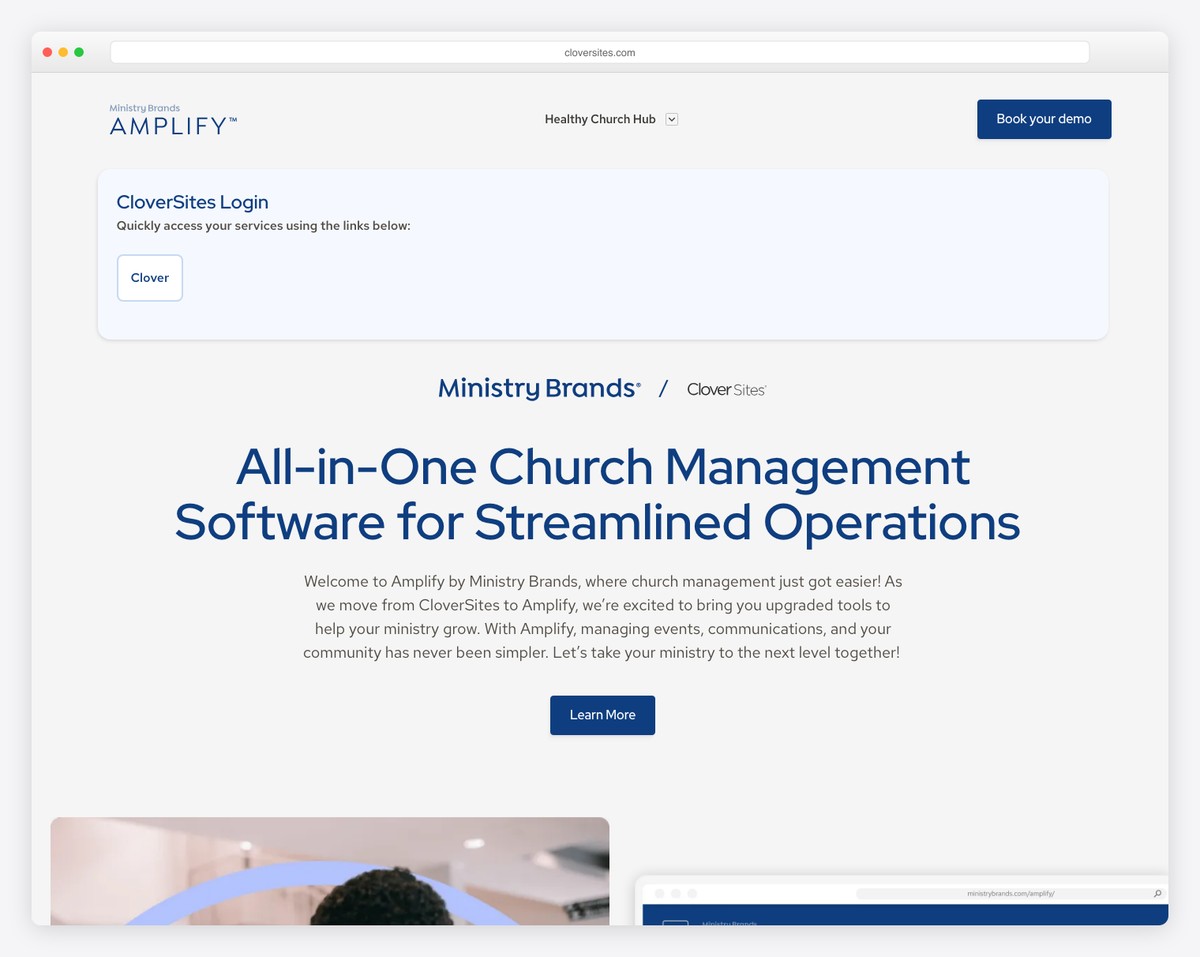
Clover Sites is designed specifically for small to mid-size churches where the “webmaster” is usually a pastor or volunteer with no technical background. The drag-and-drop editor is intentionally simpler than platforms like Squarespace or Wix — fewer options means fewer ways to break things, which is exactly what churches with rotating volunteer teams need.
Every template includes the pages a church actually needs: Home, About, Sermons, Events, Giving, Contact, and Staff. The sermon archive supports audio and video uploads with series grouping, so members can browse sermons by topic or date. Online giving integrates with Clover Give (their donation platform) or third-party providers like Tithe.ly. Event pages include registration forms and calendar integration.
What makes Clover stand out for small churches is the support model. They offer free website setup assistance — you send them your content and they build the initial site for you. Ongoing support is responsive and church-focused, meaning they understand ministry terminology and use cases. For a 50-200 member church without a dedicated tech team, Clover removes the friction of getting online.
Pricing: Standard $49/mo, Premium $69/mo (includes additional features and priority support). Free setup assistance included. Clover Give transaction fees: 2.75% + $0.45.
Pros
✅ Built exclusively for churches
✅ Free website setup assistance
✅ Simple enough for non-technical volunteers
✅ Sermon archive with series grouping
Cons
❌ More expensive than general website builders
❌ Limited design customization options
❌ No free plan or trial
❌ Smaller feature set than Subsplash or WordPress
6. WordPress — Best for Large Churches
Best for: Large churches that need maximum flexibility, SEO, and multi-campus support | Free software • Hosting from ~$5/mo
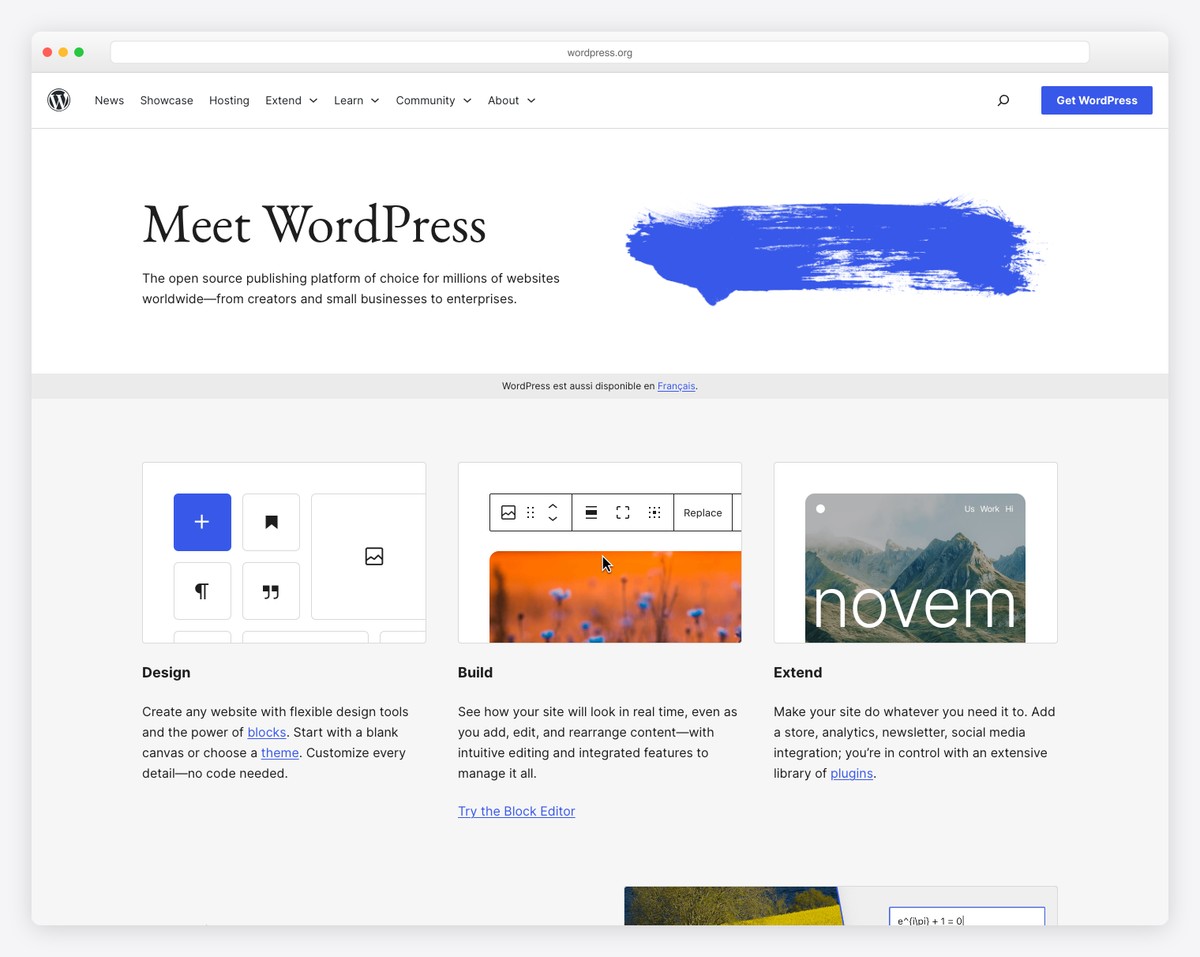
WordPress (self-hosted, wordpress.org) powers more church websites than any other platform, including megachurches like Saddleback, North Point, and Gateway Church. The reason is flexibility: with 60,000+ plugins and thousands of church-specific themes, you can build exactly the site your congregation needs — sermon podcasting, multi-campus navigation, volunteer management, online courses, and anything else.
Church-specific plugins like Jeanne (free) and Church Content Pro handle sermon archives with speaker, series, and topic taxonomy. GiveWP and Charitable provide online giving with recurring donations, fund designation (tithes, missions, building fund), and donor management. The Events Calendar plugin (free) rivals any church-specific platform’s event system. For live streaming, embedding YouTube Live or Resi is straightforward.
The tradeoff is maintenance. WordPress requires hosting, security updates, plugin compatibility management, and backups. For large churches with a communications director or tech team, this is manageable and worthwhile — you get the best SEO of any platform, complete design control, and no platform lock-in. For small churches without technical support, the maintenance burden makes managed platforms like Tithe.ly or Clover a better fit.
Pricing: WordPress software is free. Hosting: shared from ~$5/mo (Bluehost, SiteGround), managed from $25/mo (Flywheel, WP Engine). Church themes: $50-80 one-time. Premium plugins: $0-199/yr each. Total cost typically $10-50/mo.
Pros
✅ Most flexible — build anything you need
✅ Best SEO of any platform
✅ Thousands of church plugins and themes
✅ No platform lock-in — you own everything
Cons
❌ Requires hosting and ongoing maintenance
❌ Steeper learning curve than managed builders
❌ Plugin compatibility issues possible
❌ Security is your responsibility
7. Sharefaith — Best for Sermon Management
Best for: Churches that want robust sermon archives with media library access | From $45/mo
Sharefaith is unique among church website builders because it bundles a website with a massive media library. Your subscription includes access to thousands of sermon presentation graphics, motion backgrounds, video loops, social media templates, and church print materials — resources that would cost hundreds per year from stock media sites. For churches that produce weekly sermon slides and social graphics, this alone can justify the subscription.
The sermon management system is the platform’s strongest web feature. It handles audio and video sermon uploads organized by series, speaker, date, and topic. Members can stream sermons directly on the website, download audio for offline listening, and read accompanying sermon notes. The system automatically generates a podcast feed for Apple Podcasts and Spotify distribution. Unlimited media storage means your entire sermon archive — years of content — lives in one searchable place.
The website builder itself is functional but not flashy. Templates are church-specific and include standard pages (About, Sermons, Events, Staff, Giving), and the editor handles the basics well. Built-in online giving supports recurring donations. Where Sharefaith falls behind Squarespace or Wix is design flexibility — you’re working within tighter layout constraints. But for churches that value sermon tools and media resources over cutting-edge design, it’s a strong package.
Pricing: Starter $45/mo, Standard $60/mo, Premium $80/mo. All plans include media library access and unlimited sermon storage. Annual billing saves 20%.
Pros
✅ Extensive media library included
✅ Best sermon archive and podcast tools
✅ Unlimited media storage
✅ Built-in online giving
Cons
❌ Website design less modern than competitors
❌ Higher starting price than general builders
❌ Limited design customization
❌ No free plan or trial
8. Ministry Designs — Best Done-For-You Church Website
Best for: Churches that want a professional website without building it themselves | From $100/mo
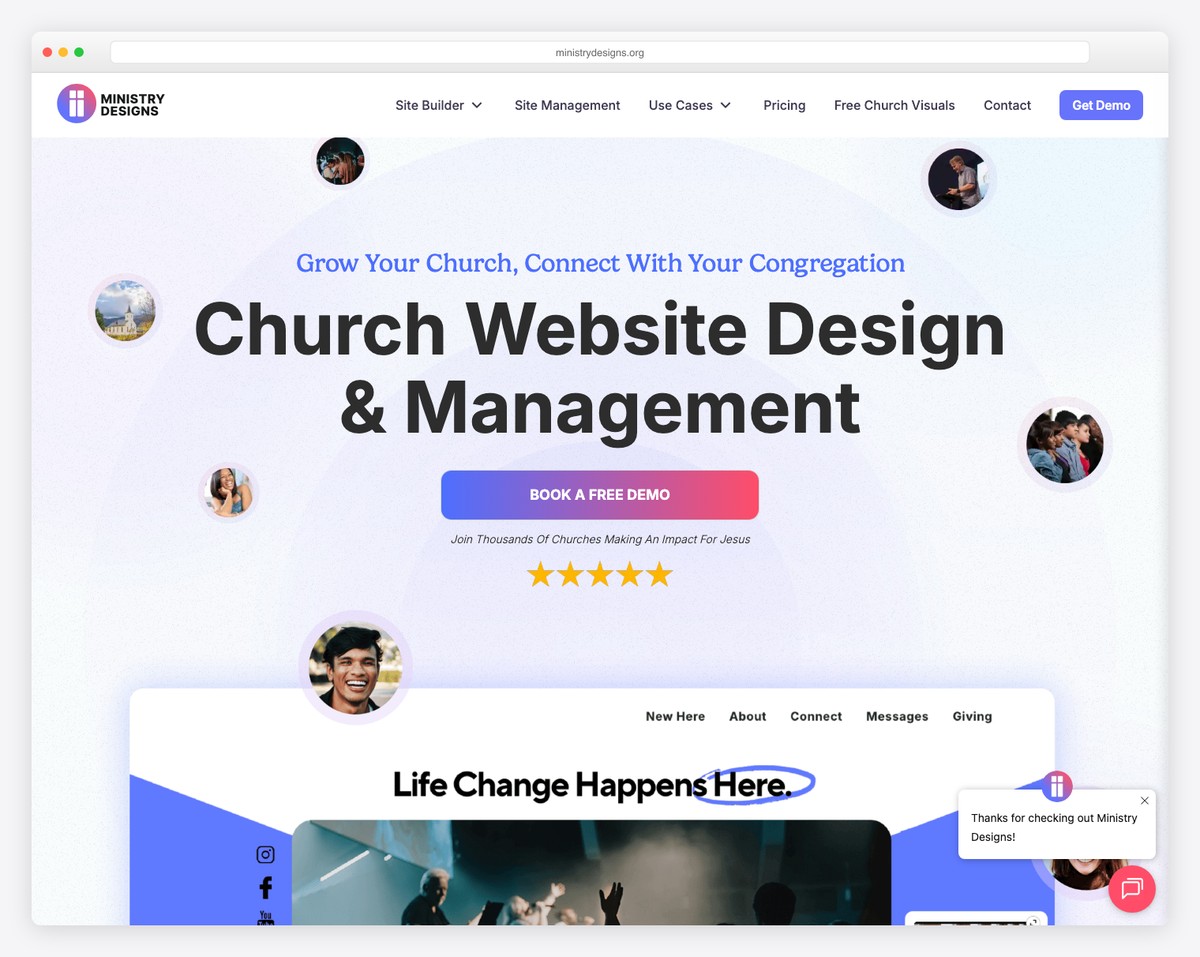
Ministry Designs takes a fundamentally different approach from every other option on this list: they build the website for you. Rather than handing your pastor or volunteer a drag-and-drop editor, Ministry Designs assigns a dedicated designer who creates a custom church website based on your branding, content, and needs. You send them updates via email, and they make the changes — typically within 24-48 hours.
The websites themselves are built on WordPress, which means you get the SEO benefits, plugin ecosystem, and flexibility of WordPress without needing to manage it. Ministry Designs handles hosting, security updates, backups, and plugin maintenance. Sites include online giving integration (Tithe.ly, Pushpay, or others), sermon archive pages, event calendars, and responsive design — all professionally implemented.
This model works best for churches that have tried DIY website builders and ended up with an outdated site because nobody had time to maintain it. The $100+/mo cost is higher than any self-service builder, but it includes what most churches actually spend in volunteer hours, frustration, and opportunity cost. If your church’s website has looked the same since 2019, a managed service might be the honest answer.
Pricing: Standard from $100/mo, Premium from $150/mo (includes more pages and priority updates). Custom design setup fee varies. Hosting, maintenance, and support included in monthly price.
Pros
✅ Fully managed — zero DIY required
✅ Professional custom design
✅ WordPress-based (great SEO)
✅ Hosting, security, and updates included
Cons
❌ Most expensive option on this list
❌ Updates take 24-48 hours (not instant)
❌ Less control over day-to-day changes
❌ Dependent on their team’s availability
9. GoDaddy — Best Quick-Start for New Churches
Best for: Church plants and new congregations that need a website up today | Free plan available • Paid from $10/mo
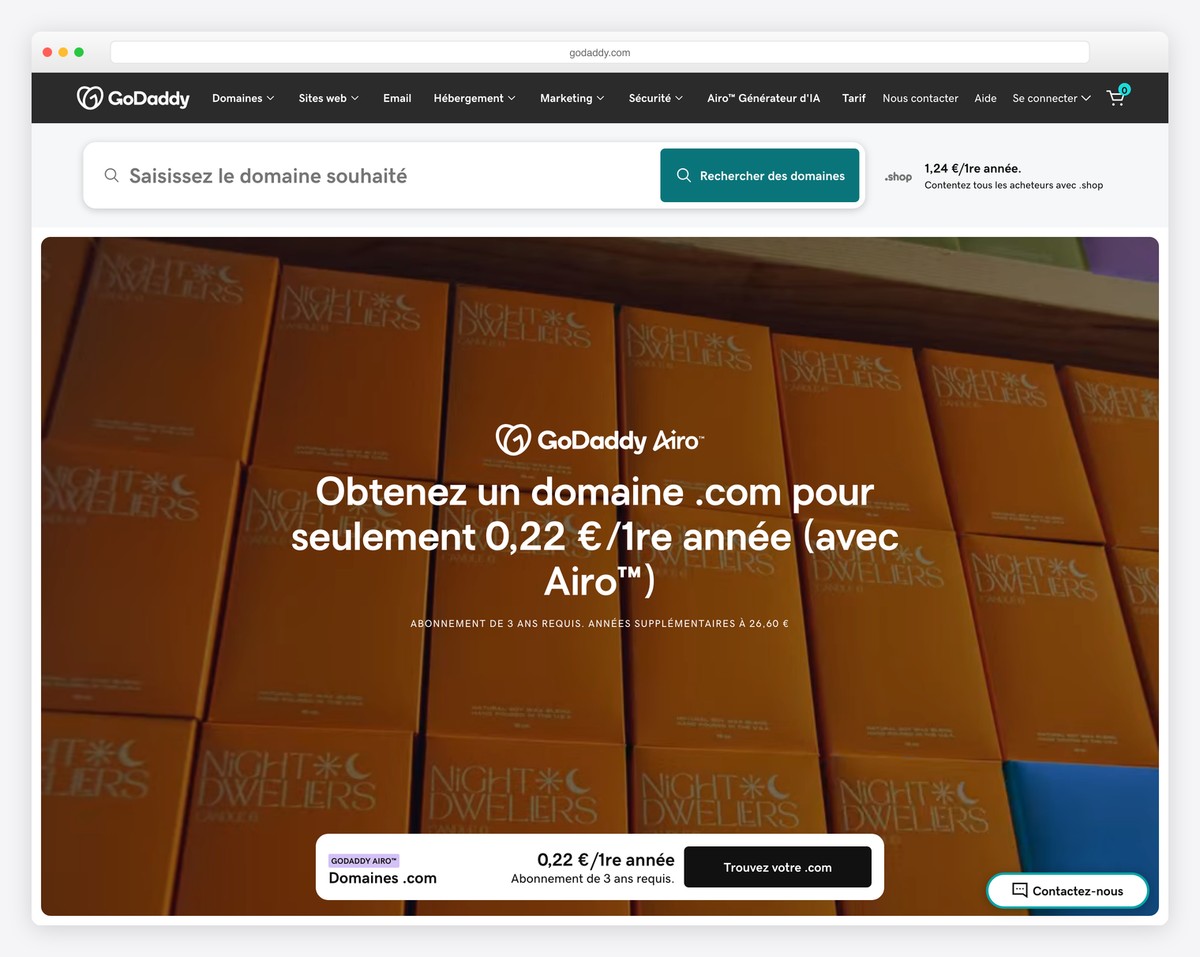
GoDaddy is the fastest way to get a church website online. The AI-powered builder asks a few questions about your church — name, denomination, what you want visitors to do — and generates a complete website in minutes. You can customize from there, but many church plants find the AI-generated starting point is 80% of what they need. For a congregation that formed last month and needs a website by Sunday, GoDaddy delivers.
The platform handles the basics well: service times, location with embedded Google Maps, staff bios, photo galleries, contact forms, and event listings. Online giving works through PayPal integration — not as seamless as Tithe.ly’s dedicated giving tools, but functional for churches just getting started. The built-in email marketing tool lets you send weekly newsletters and event announcements to your congregation list.
GoDaddy’s limitations become apparent as a church grows. There’s no sermon archive management, no church management system integration, and the design options — while clean — are more generic than church-specific platforms offer. Think of GoDaddy as the starter home of church websites: affordable, functional, and ready fast. When your church outgrows it, you can migrate to WordPress, Tithe.ly, or another platform with more church-specific features.
Pricing: Free plan (GoDaddy branding, limited features). Basic $10/mo, Standard $15/mo, Premium $20/mo, Commerce $25/mo (billed annually). Custom domain typically $12-20/yr separately.
Pros
✅ Fastest setup — website in under an hour
✅ AI-powered builder generates starting point
✅ Most affordable paid plans
✅ Built-in email marketing
Cons
❌ No sermon archive or church-specific features
❌ Online giving limited to PayPal
❌ No ChMS integration
❌ Design feels generic, not church-focused
How to Choose the Right Church Website Builder
The best builder depends on your church’s size, technical capacity, and what you need the website to accomplish:
Church plant or new congregation (under 50 members): Start with GoDaddy or Wix to get online quickly and affordably. Both have free plans. Once you’re established and need giving tools and sermon archives, migrate to a church-specific platform.
Small church (50-200 members): Clover Sites or Tithe.ly Sites give you church-specific features without technical complexity. Clover’s free setup assistance is especially valuable if nobody on staff is comfortable with website builders.
Mid-size church (200-1,000 members): Tithe.ly Sites offers the best balance of features and price. If design quality is a top priority and you have a capable volunteer, Squarespace with Tithe.ly giving embedded produces the most visually impressive result. If sermon content is central to your ministry, Sharefaith’s media library and sermon tools add significant value.
Large church or multi-campus (1,000+ members): WordPress gives you the flexibility large churches need — multi-campus navigation, custom integrations with your ChMS, advanced SEO for outreach, and no platform limitations. Subsplash is the alternative if you want a managed platform with a branded mobile app.
No technical volunteers at all: Ministry Designs builds and maintains the website for you. It costs more, but it actually gets done — which matters more than saving $50/mo on a platform nobody maintains.
Our top pick: For most churches, Tithe.ly Sites is the best overall choice — it combines a church-focused website builder with the most widely-used giving platform in the church space, all from a single dashboard. For churches that want the best-looking website and don’t mind assembling integrations, Squarespace paired with Tithe.ly giving is hard to beat. And for churches on a tight budget, Wix‘s free plan gets you online with zero cost.
Frequently Asked Questions
Do churches need a website?
Yes — a church website is often the first impression for visitors deciding whether to attend. Over 60% of first-time church visitors check the website before showing up on Sunday. They’re looking for service times, location, what to expect, and whether the church feels welcoming. Beyond first impressions, a website serves existing members with sermon archives, event registration, online giving, and small group information. In 2026, a church without a website is invisible to the people most likely to visit.
What’s the best free church website builder?
Wix offers the best free plan for churches — you get a full drag-and-drop editor, event management, member areas, and donation app integrations at no cost (with Wix branding). Tithe.ly Sites also has a free tier with built-in giving tools included. For a completely free self-hosted option, WordPress with a church theme and GiveWP plugin gives you the most flexibility.
How do I add online giving to my church website?
Church-specific builders like Tithe.ly Sites, Subsplash, Clover Sites, and Sharefaith include online giving built in — you just activate it and connect your bank account. For general builders like Squarespace or Wix, you embed a giving form from Tithe.ly, Pushpay, or Donorbox. For WordPress, plugins like GiveWP and Charitable add giving pages with recurring donations, fund designation, and donor receipts. Most giving platforms charge 2.9% + $0.30 per transaction, though some offer lower rates for churches.
Can I live stream services through my website?
Yes, but most churches embed a live stream rather than hosting it directly on their website. The typical setup is streaming via YouTube Live, Facebook Live, or Vimeo, then embedding the player on a dedicated “Watch Live” page. Subsplash and Sharefaith include built-in live streaming infrastructure. For WordPress, plugins like Church Live handle the embed and scheduling automatically. The key is having a reliable internet connection at your venue (25+ Mbps upload) and a basic camera/encoder setup.
How much should a church website cost?
Church websites range from free to $300/mo depending on the approach. Free options include Wix (with branding) and Tithe.ly Sites (basic). Budget options ($5-25/mo) include GoDaddy and WordPress with affordable hosting. Mid-range church-specific platforms ($45-70/mo) include Tithe.ly Sites premium, Clover Sites, and Sharefaith. Premium managed services ($100-300/mo) include Ministry Designs and Subsplash. Most churches with 100-500 members spend $30-70/mo total on their web presence including hosting, domain, and giving platform fees.
What pages should a church website have?
Every church website needs at minimum: a Home page with service times and a welcoming message, an About page with your church’s beliefs, story, and staff, a Visit/New Here page that tells first-time visitors what to expect, a Sermons page with audio or video archives, an Events page with a calendar and registration, a Give page for online donations, and a Contact page with address, map, and a form. Additional valuable pages include Ministries (children’s, youth, small groups), Volunteer sign-up, Prayer request form, and a Blog or news section for church updates.

Related Posts



Thanks for this post, it’s probably the best I have seen for churches looking for a comprehensive list for DIY specific website builders. Many on the list are the second best option to having a church website design company build a custom website for you. Nice Work!