
40 Best Admin Dashboard Templates 2026 (Free & Paid)
Compare 40 admin dashboard templates: 19 free options followed by 21 paid alternatives. Start with AdminLTE 4 or Tabler for Bootstrap 5, Gentelella or Adminator for vanilla JavaScript without Bootstrap, and Shadcn Admin for React. Each entry links to a product or repository and a live demo.
An admin dashboard template supplies the interface for an admin panel: navigation, charts, tables, forms and account screens. Most options here need your own database, authentication, permissions and API integration. Filament is a Laravel panel builder and SvelteForge includes backend code; check what the selected edition implements and what you must configure.
Free tool by Colorlib · Form Workbench
Build a form to use in your dashboard
Arrange fields visually and export Bootstrap, Tailwind or plain CSS. HTML, React / Next.js and Vue outputs keep your code editable.
Completely free · No signup · Reopen saved forms
Review the export in your chosen template and connect your own API. Database, authentication and permissions are not included.
Browse the 19 free templates, compare paid templates, or use the shortlist below. For layout ideas before choosing a codebase, see our dashboard design examples.
Top picks at a glance
Table of contents — all 40 admin dashboard templates
- AdminLTE 4
- Gentelella
- Tabler
- Adminator
- CoreUI
- Notika
- CoolAdmin
- Shadcn Admin
- Vuestic Admin
- Filament
- Nalika
- Metis
- Kiaalap
- ElaAdmin
- Concept
- Sufee
- SRTDash
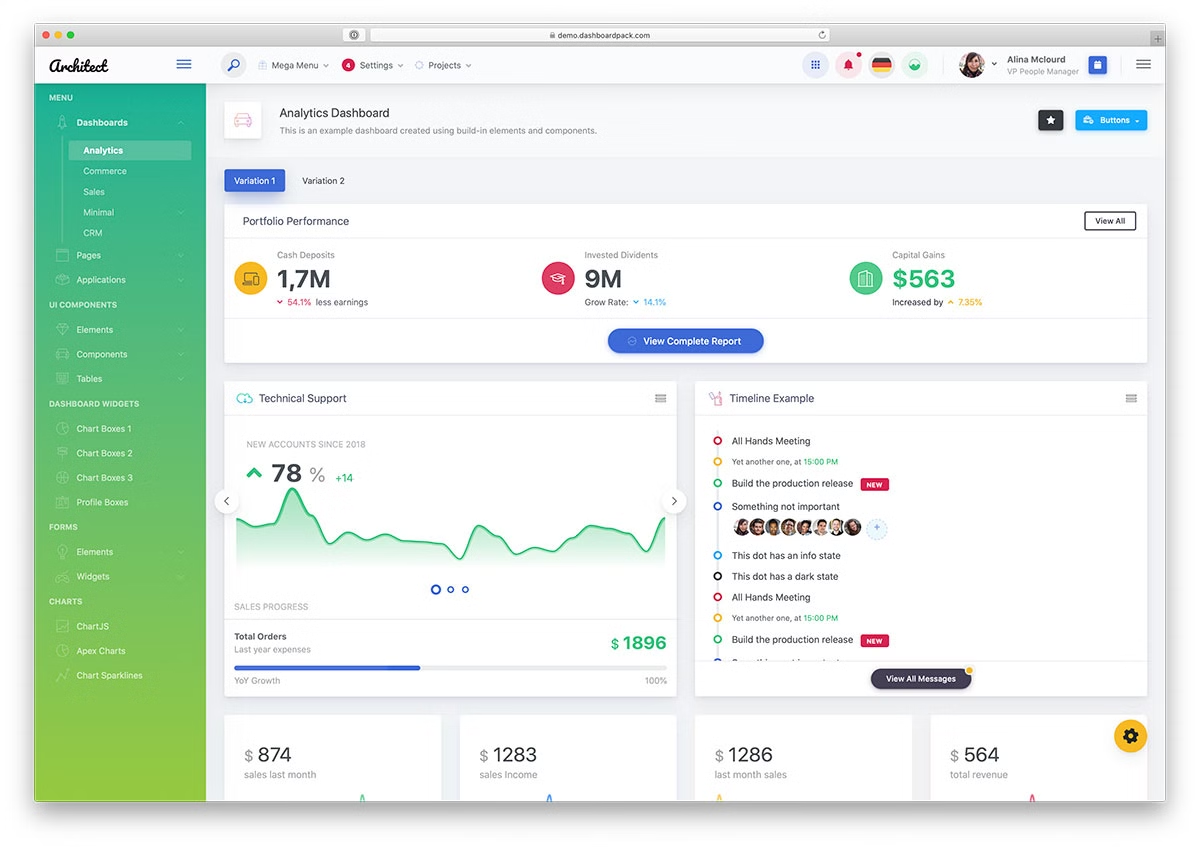
- ArchitectUI
- SvelteForge Admin
- Admindek
- Adminty
- Kero
- Sales Dashboard
- Cryptocurrency Dashboard
- Finance SaaS Dashboard
- Marketing Dashboard
- Analytic Dashboard
- Directory Dashboard
- User Management Dashboard
- Hospital HTML Dashboard
- Apex Dashboard
- Haze Dashboard
- Zenith Dashboard
- TailPanel
- Flux Dashboard
- Ember Dashboard
- Signal Dashboard
- Vault Dashboard
- Fortress Dashboard
- Metronic
Compare admin dashboard templates by stack and use case
These ten options cover the main stack choices. “Included screens” describes UI coverage, not connected business services. Check the linked edition and its dependencies before choosing a license.
| Template | Stack / edition | License / cost | Choose it for | Included screens |
|---|---|---|---|---|
| AdminLTE 4 | Bootstrap 5; vanilla JS | Free / MIT | Bootstrap admin panels | Tables, forms, calendar, kanban, mailbox and account screens |
| Gentelella | Vanilla JS, SCSS, Vite; no Bootstrap | Free / MIT | Internal tools without a UI framework | 58 HTML pages; inbox, kanban, calendar and settings |
| Tabler | Bootstrap 5 | Free / MIT | Teams wanting a broad Bootstrap UI kit | Dashboard, form, table, sign-in and error-page demos |
| Adminator | Vanilla JS and SCSS; no Bootstrap | Free / MIT | A compact dashboard with custom styling | 18 pages; dashboard, email, calendar, charts and maps |
| CoreUI | Bootstrap 5 edition; other editions separate | Free / MIT; PRO separate | Projects already using Bootstrap | Dashboard, charts, tables, forms and account screens |
| Shadcn Admin | React, Vite, shadcn/ui, Tailwind | Free / MIT | React teams assembling an application UI | Tasks, users, chats and settings; partial auth integration |
| Vuestic Admin | Vue 3, Vite, Vuestic UI | Free / MIT | Vue applications | Projects, users, payments and billing screens |
| Filament | Laravel, Livewire, Tailwind | Free / MIT core; plugins vary | A Laravel admin generated around your data | Resource forms and tables, actions and dashboard widgets |
| Admindek | Bootstrap 5, vanilla JS, Vite | Paid; choose a license tier | A larger Bootstrap page catalogue | CRM, commerce, invoice, email and user-management screens |
| Apex Dashboard | Next.js, React, shadcn/ui, Tailwind | Paid; choose a license tier | React teams needing more prebuilt app screens | 12 dashboards; 115 components; 14 email templates and commerce workflow examples |
The free projects listed here publish MIT licenses for their own code. Bundled libraries can have separate terms, and a free download does not include hosting or support. Paid products may have different project, developer and SaaS allowances; check the product’s current terms.
19 Free Admin Dashboard Templates
These 19 entries provide free downloads or open-source code. CoreUI and ArchitectUI also offer paid editions, and Filament extensions can have separate prices. Select the free edition linked in the entry and check bundled-library terms.
1. AdminLTE 4
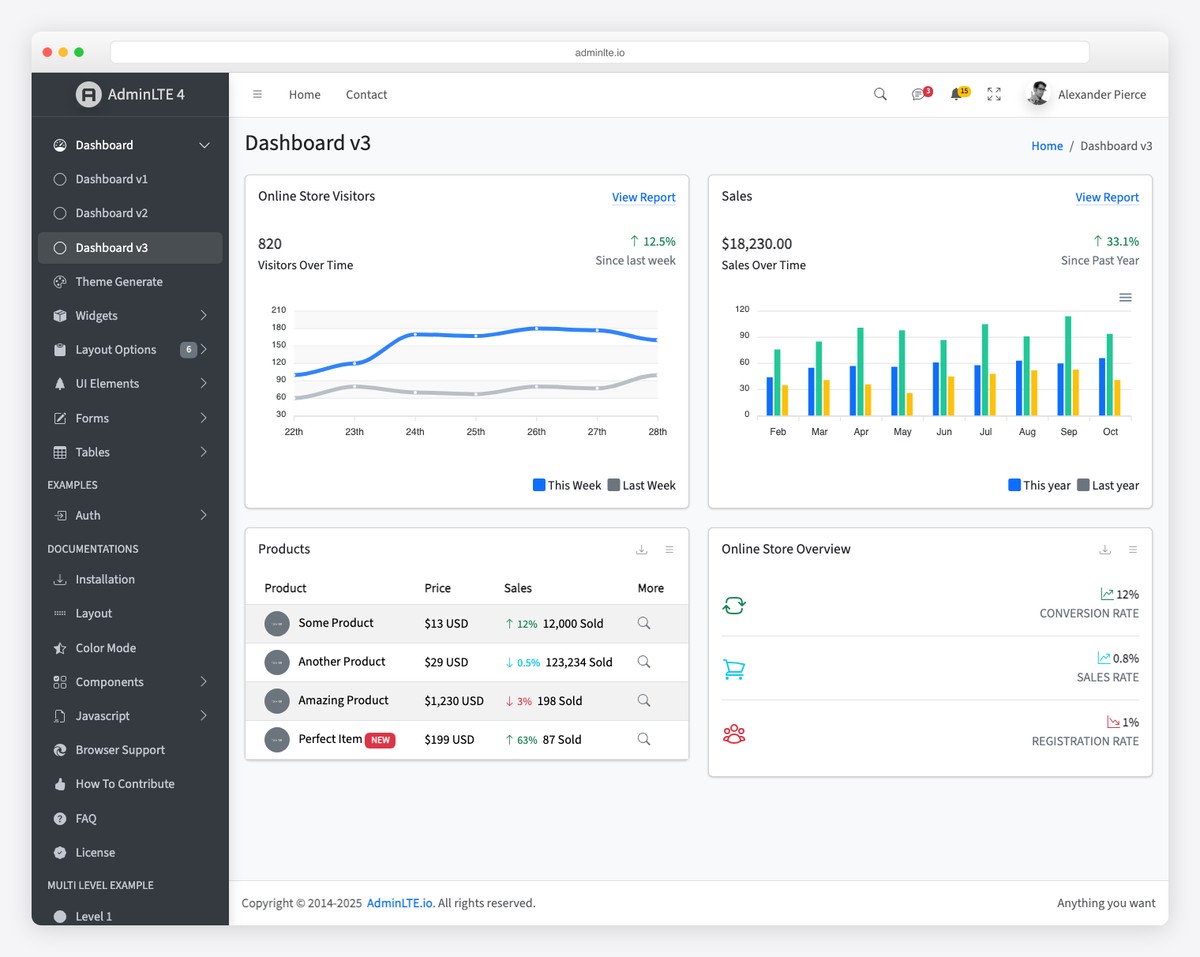
Why we like it: The most battle-tested admin template in existence — whatever problem you hit, someone has already solved it.
More than a template, AdminLTE is an ecosystem: a decade of production use, ports and starter kits for Laravel, Django, Rails, and ASP.NET, and a long tail of third-party plugins and Stack Overflow answers no other free admin can match. Version 4 moves the whole thing to Bootstrap 5 with no jQuery and noticeably better accessibility across its 30+ pre-built pages.
AdminLTE 4 isn’t limited to Bootstrap, either: there are official React/Next.js, Vue/Nuxt, Angular, Laravel and Django integrations, all free on GitHub.
2. Gentelella
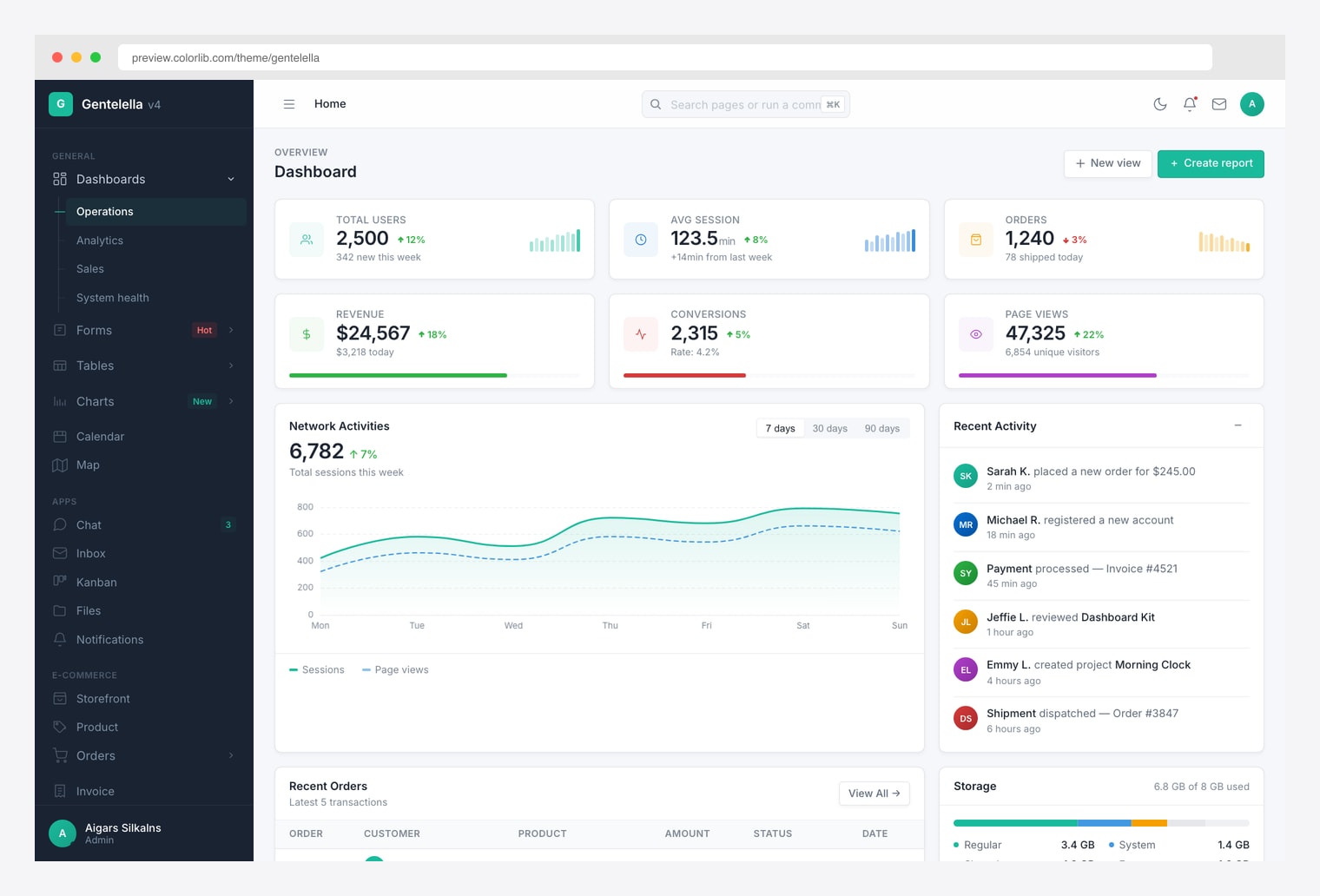
Why we like it: v4 is a clean rewrite — 58 pages, 20 chart types, a ⌘K command palette, live theme generator, and no-flash dark mode.
What sets Gentelella apart is that the application pages actually function: the inbox threads, the kanban drags, the calendar schedules, the chat replies — none of them are static mockups. ECharts powers 20 chart types, DataTables drives the grids, Leaflet handles maps, and a component playground exposes copy-paste HTML source for every element on every page.
3. Tabler
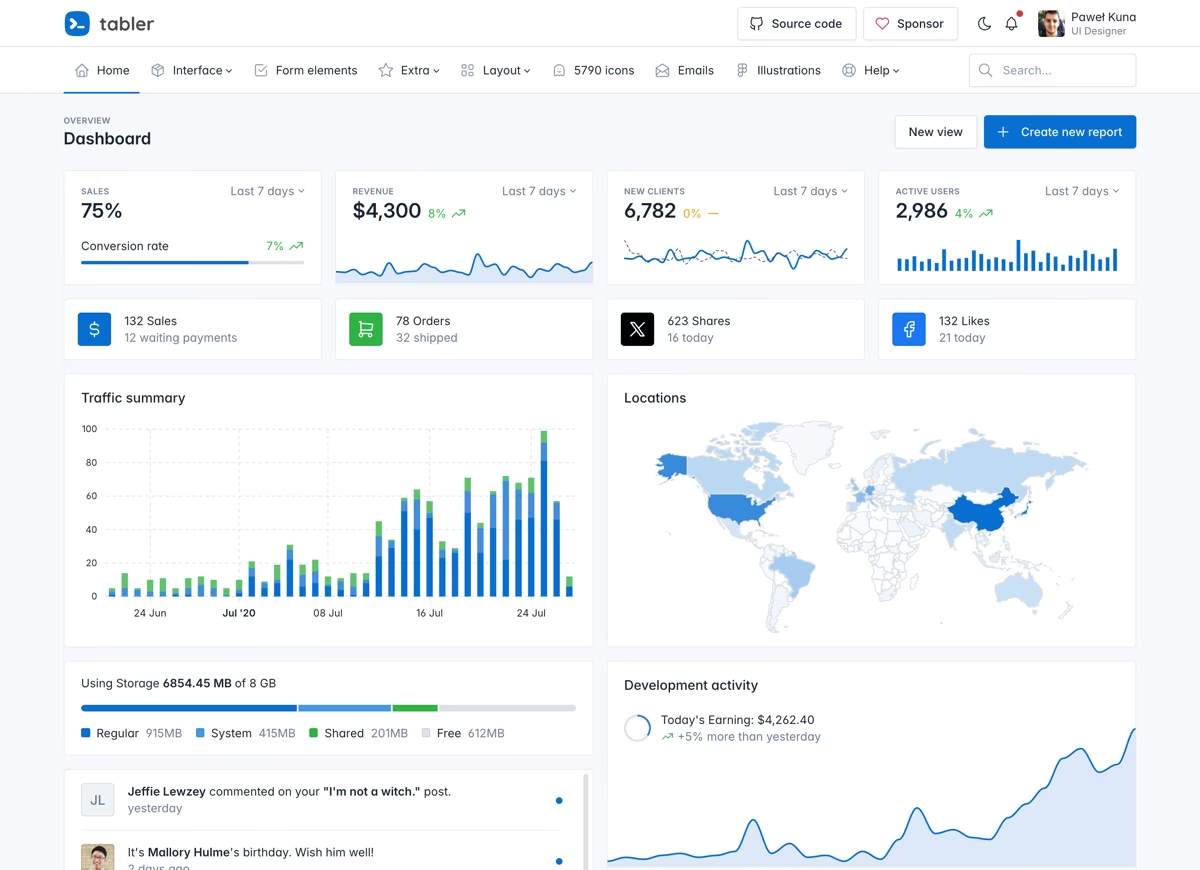
Why we like it: Widely considered the best-looking free admin template available — and it ships alongside Tabler Icons, an open-source icon set the rest of the industry borrows.
Tabler is maintained at a near-commercial cadence, with frequent releases and a design system so consistent it feels like a paid product. Hundreds of components and ready pages cover everything from charts to form wizards, with dark mode and RTL built in — all on standard Bootstrap 5, so nothing about your workflow has to change.
4. Adminator
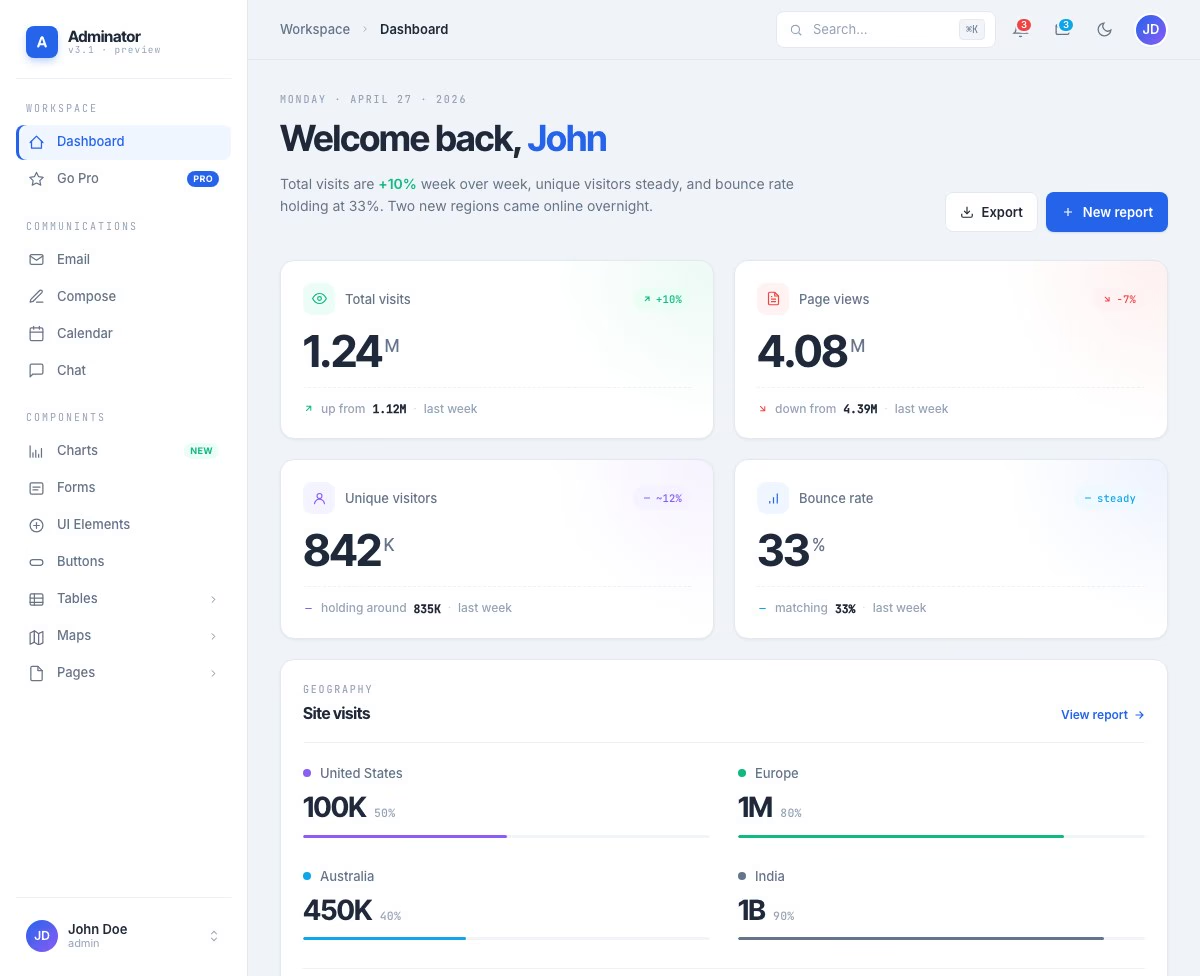
Why we like it: A compact interface with design tokens, dark mode and a command palette.
Adminator’s current version uses custom CSS and vanilla JavaScript rather than Bootstrap. Its 18-page collection includes dashboard, email, calendar, chart and map screens. Choose it when you want a small interface to customize directly; choose AdminLTE or Tabler when Bootstrap compatibility matters.
5. CoreUI
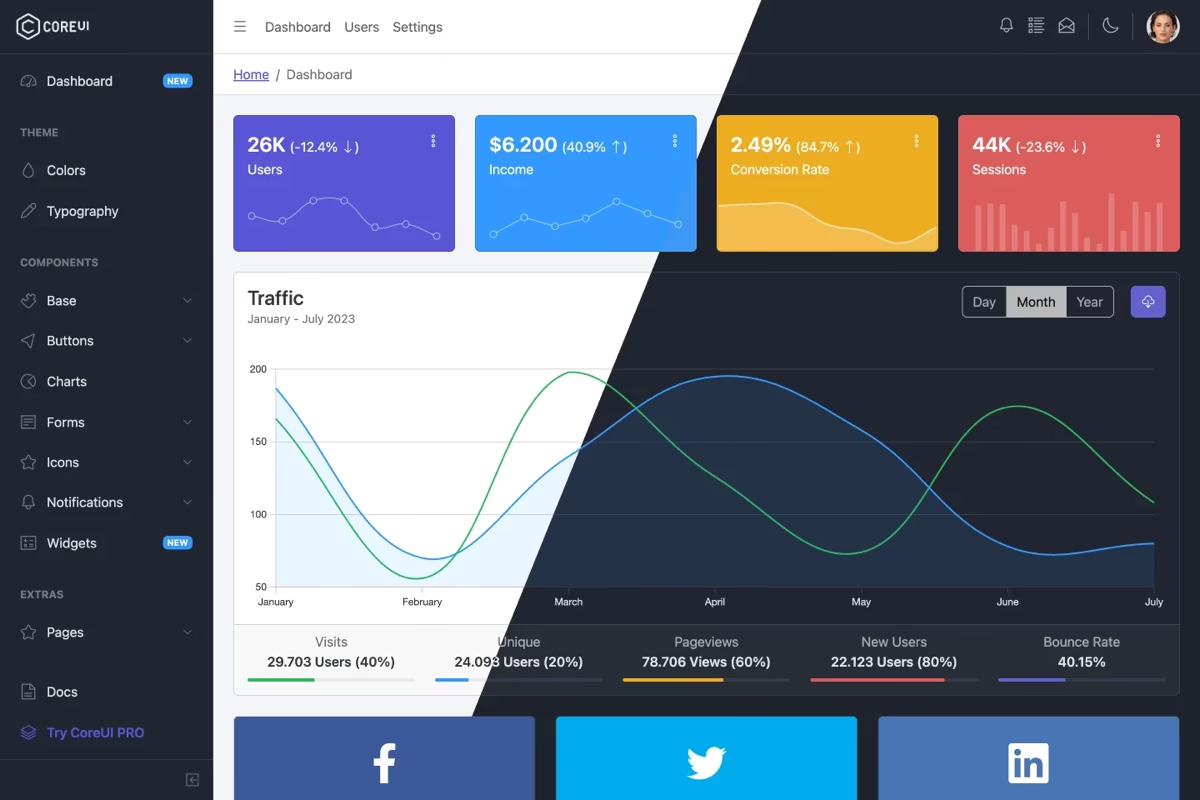
Why we like it: Maintained by a company rather than a side project — steady releases for nearly a decade across Bootstrap, React, Vue, and Angular editions.
CoreUI builds its own component library on top of Bootstrap 5, then mirrors it across free React, Vue, and Angular versions — so switching stacks doesn’t mean redesigning your admin. The free tier inherits the engineering discipline of the commercial Pro line, which is why it turns up so often in enterprise environments.
6. Notika
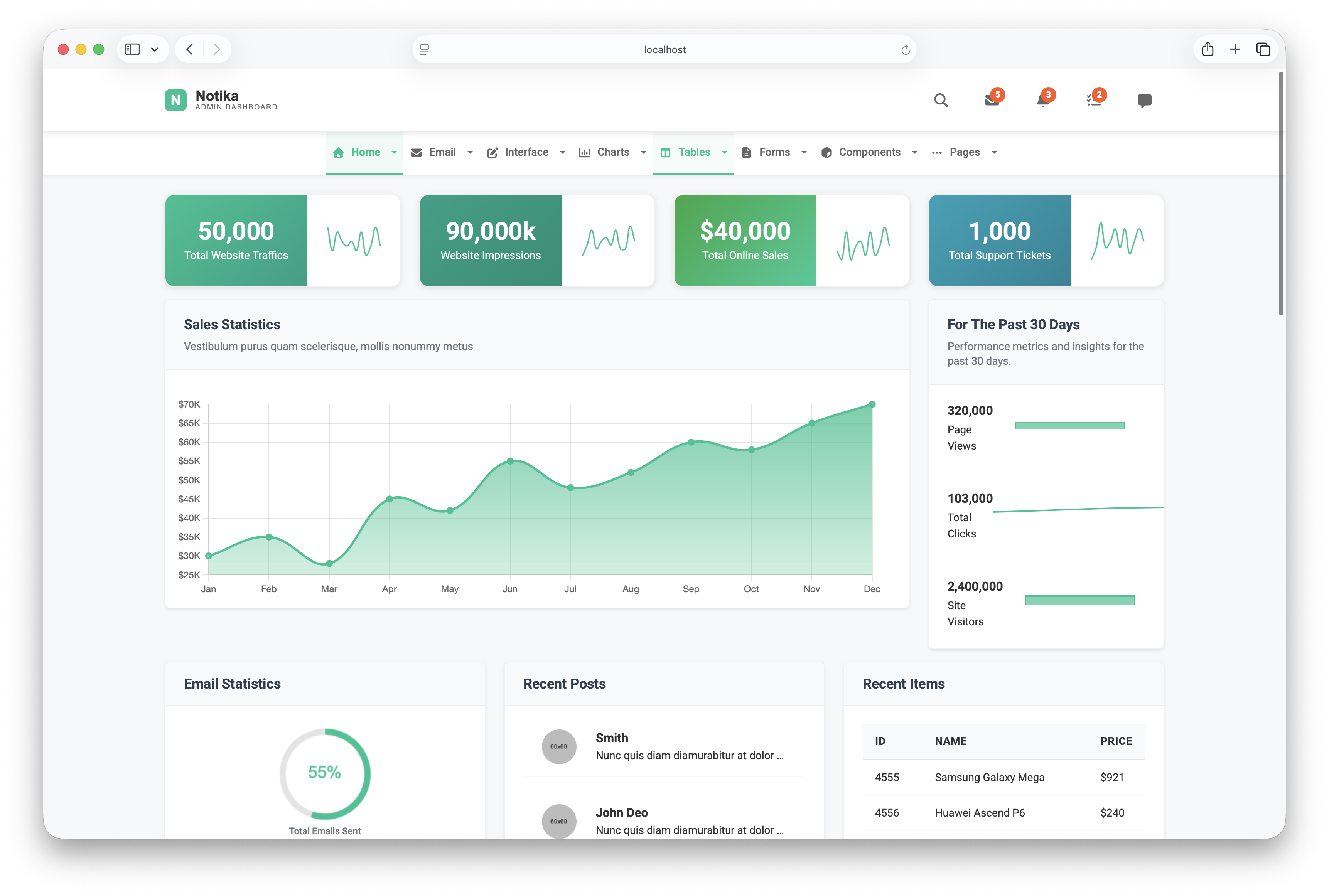
Why we like it: Vite with hot reloading, SCSS, and ES6 modules — the most modern build setup of any free Bootstrap admin template.
Notika is one of the few free admin templates built around horizontal top navigation instead of a sidebar — the full viewport width goes to your data, which makes a real difference for wide tables and side-by-side charts. Its 41 pages span five dashboard variants, analytics views, an email system, and a complete UI component set.
Working on layout and usability before choosing a template? Our dashboard design examples show approaches to chart hierarchy, navigation and data presentation.
Free tool by Colorlib · Form Workbench
Need a custom form for your admin interface?
Customize a form in the browser, test it and download code you can reopen later.
Completely free · No signup · Reopen saved forms
Review the export in your chosen template and connect your own API. Database, authentication and permissions are not included.
7. CoolAdmin
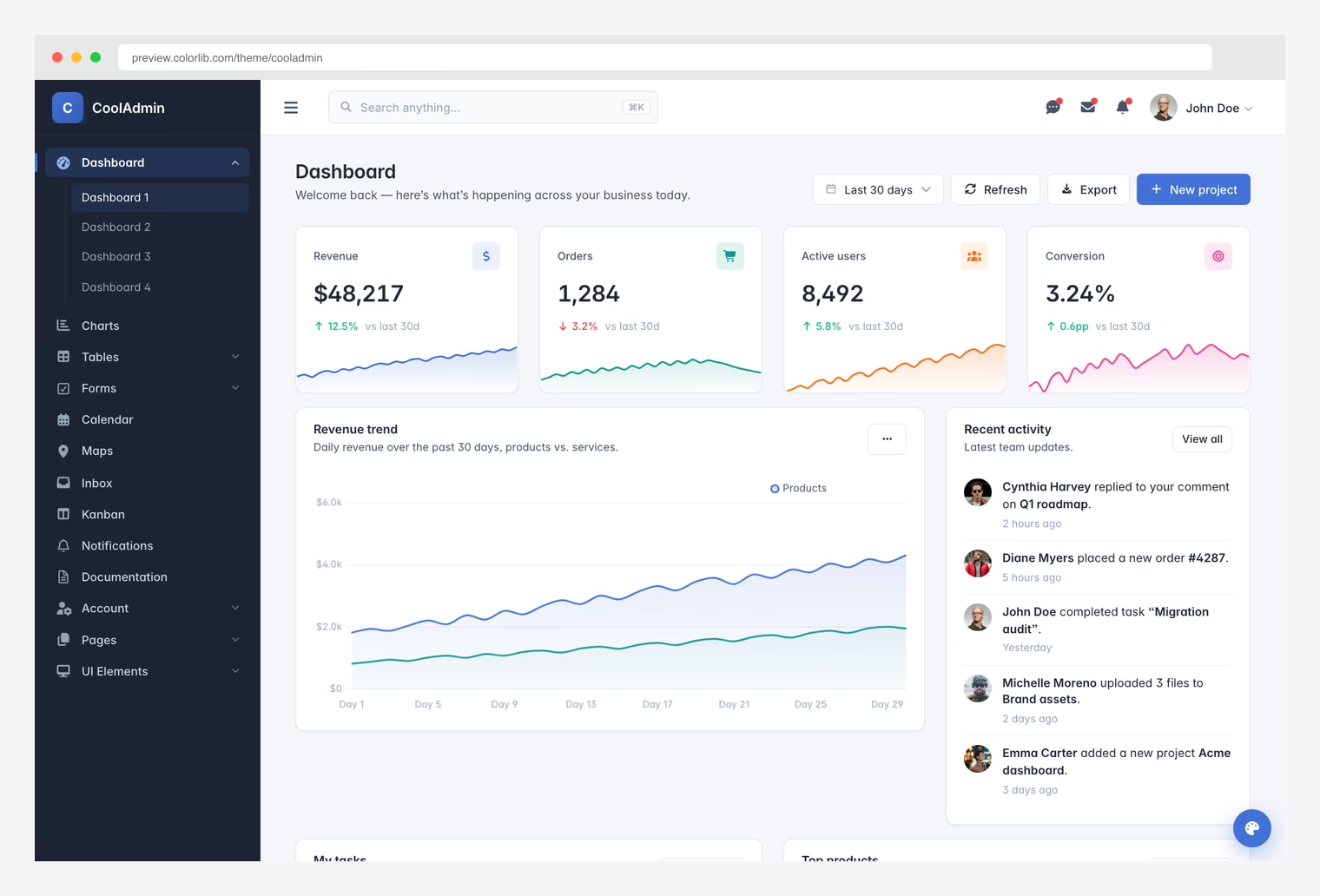
Why we like it: Cmd+K command palette, a 6-preset theme switcher, and four distinct dashboards — with no jQuery anywhere.
CoolAdmin sweats details you rarely get for free: loading skeletons, toast notifications, a working refresh button on every dashboard, per-page SEO meta, and accessibility passes (skip links, ARIA labels, visible focus outlines). Add the drag-and-drop kanban board, print-ready invoice, and multi-step form wizard, and it covers ground most free templates skip entirely.
8. Shadcn Admin
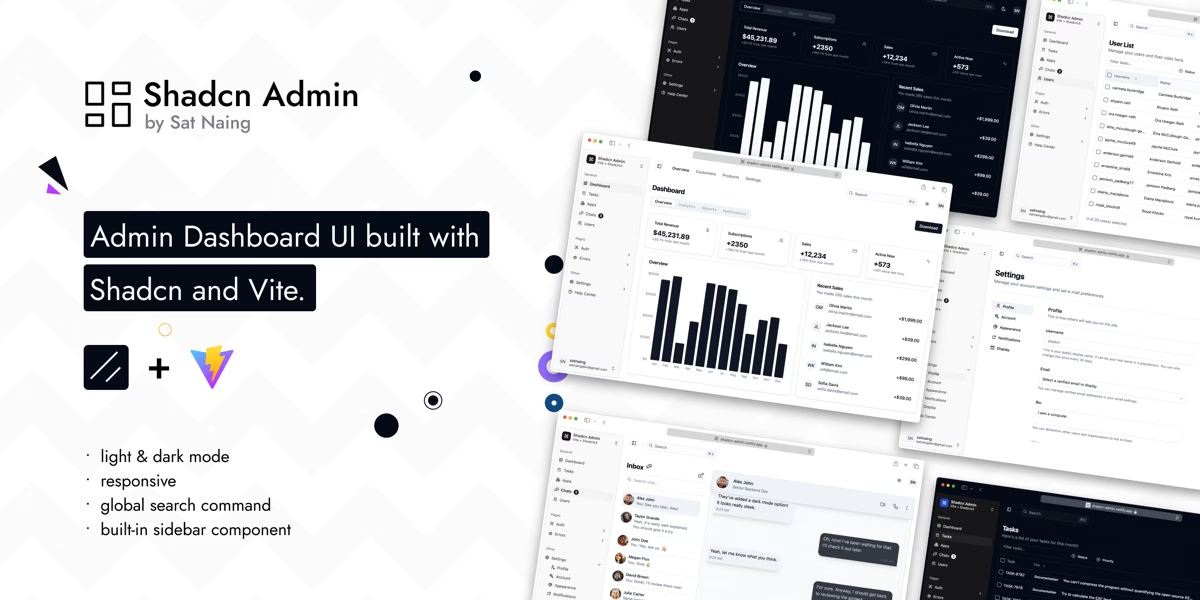
Why we like it: One of the fastest-growing admin projects on GitHub — the shadcn/ui aesthetic everyone wants, already assembled into a working dashboard.
Shadcn Admin covers the pages a real app needs — dashboard, tasks, chats, users, auth flows, error pages, and settings — with accessibility and responsiveness treated as first-class concerns. Because every component is vendored shadcn/ui code rather than a black-box library, you customize by editing the source directly, exactly how that workflow is meant to feel. Light/dark themes and a command palette are included.
9. Vuestic Admin
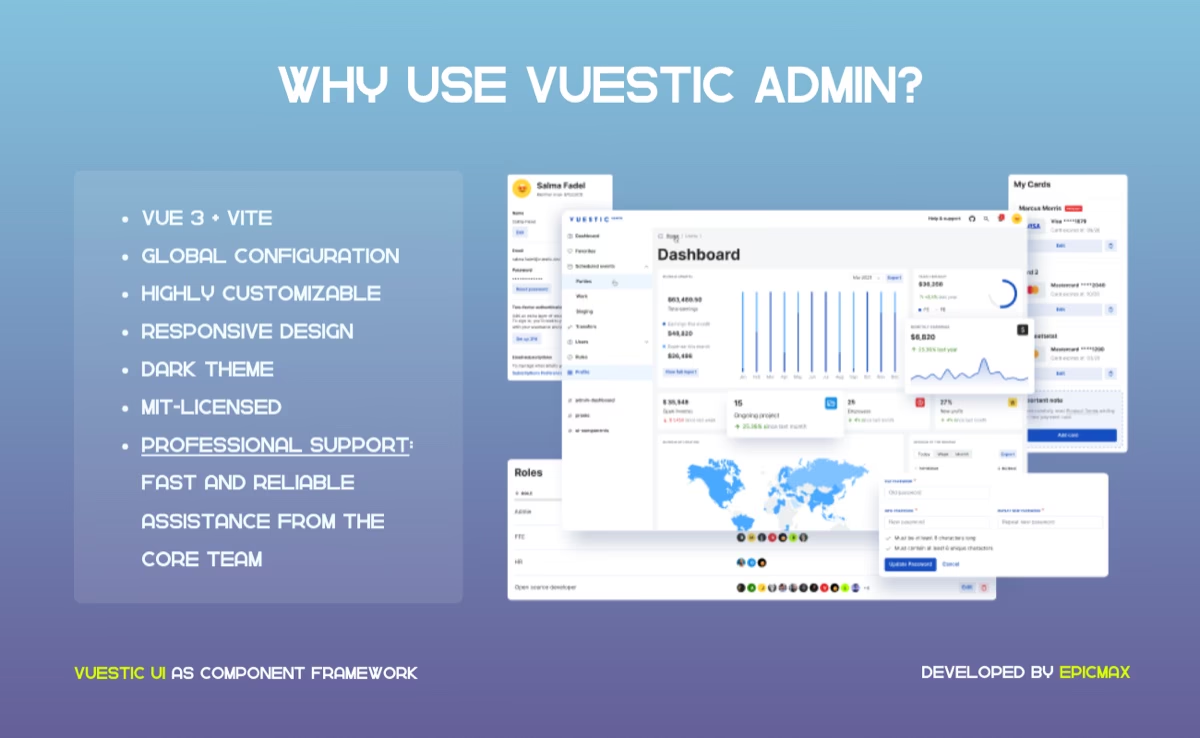
Why we like it: The strongest free Vue 3 admin around — built by Epicmax on their open-source Vuestic UI kit and kept current with the Vue ecosystem.
Vuestic Admin is a finished dashboard — projects, payments, users, and billing screens — sitting on top of the Vuestic UI library and its dozens of documented components. Extending it means composing documented components rather than reverse-engineering template markup, and dark theme, i18n, and responsive layouts come standard.
10. Filament
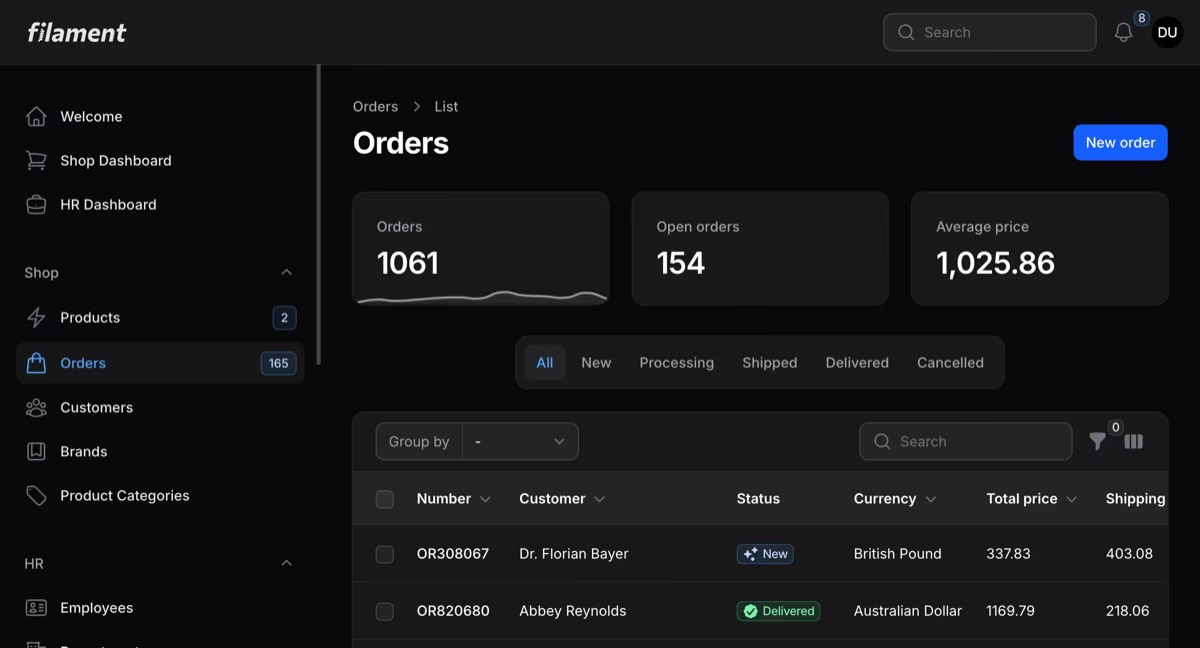
Why we like it: The Laravel ecosystem’s default answer to admin panels — server-driven, gorgeous out of the box, and one of the most actively developed projects on this entire list.
Filament builds a complete admin from your Eloquent models: resource CRUD with searchable tables, filters, and bulk actions, a deep form builder, dashboard widgets and charts, and notifications — all rendered server-side with Livewire, so there’s no separate frontend to maintain. Dark mode ships by default, and a large plugin ecosystem covers most of what the core doesn’t.
11. Nalika
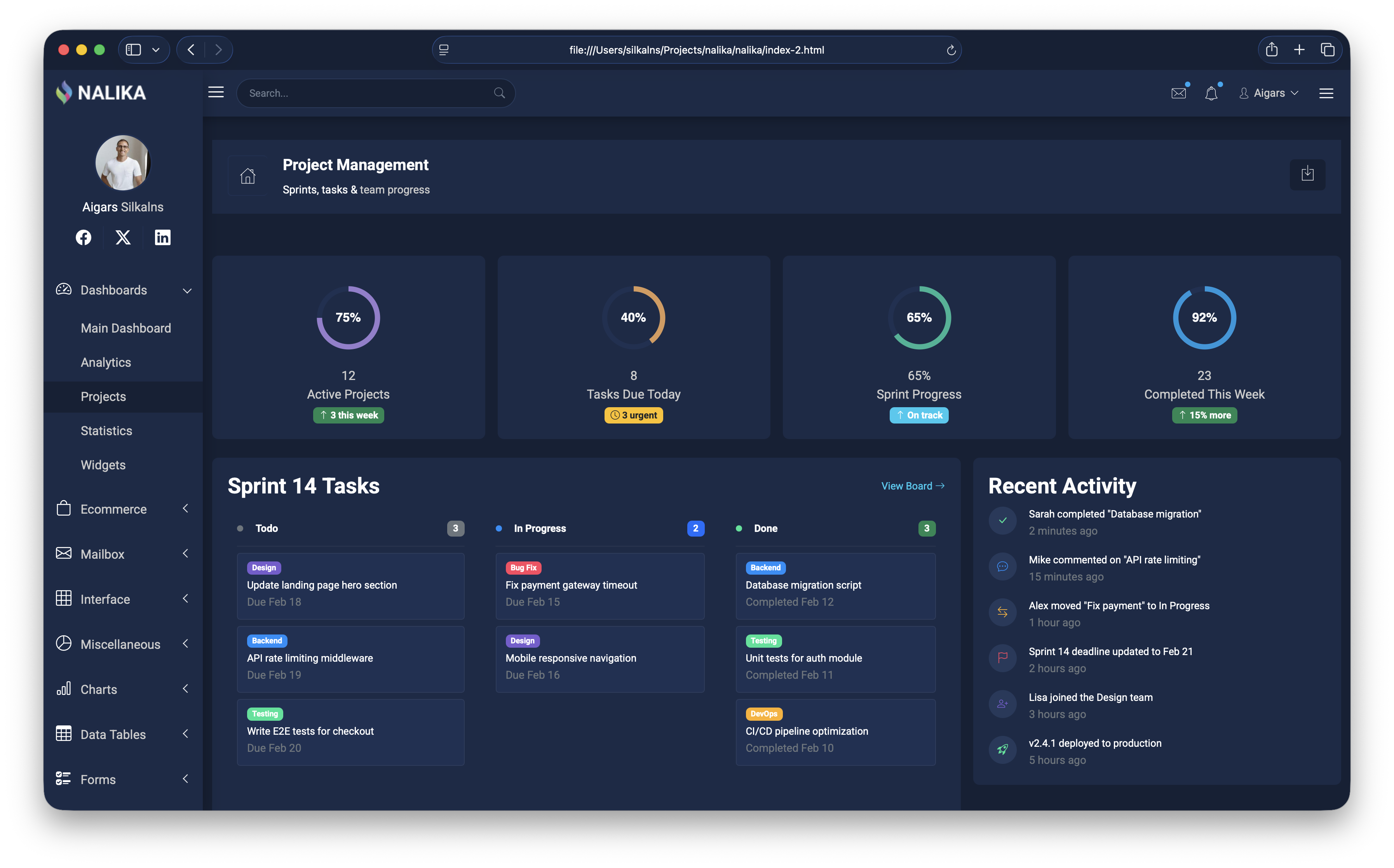
Why we like it: Recently rebuilt from scratch — jQuery removed and every legacy library swapped for a modern equivalent, same sleek dark design.
Nalika is dark-first, not dark-mode: every chart color, border, and elevation was chosen for a dark canvas, so nothing looks inverted or washed out. That matters when users live in the dashboard all day — monitoring, ops, trading. ApexCharts and Chart.js handle visualization, Swiper the carousels, Tom Select the dropdowns, all CDN-loaded with zero local vendor files to maintain.
12. Metis
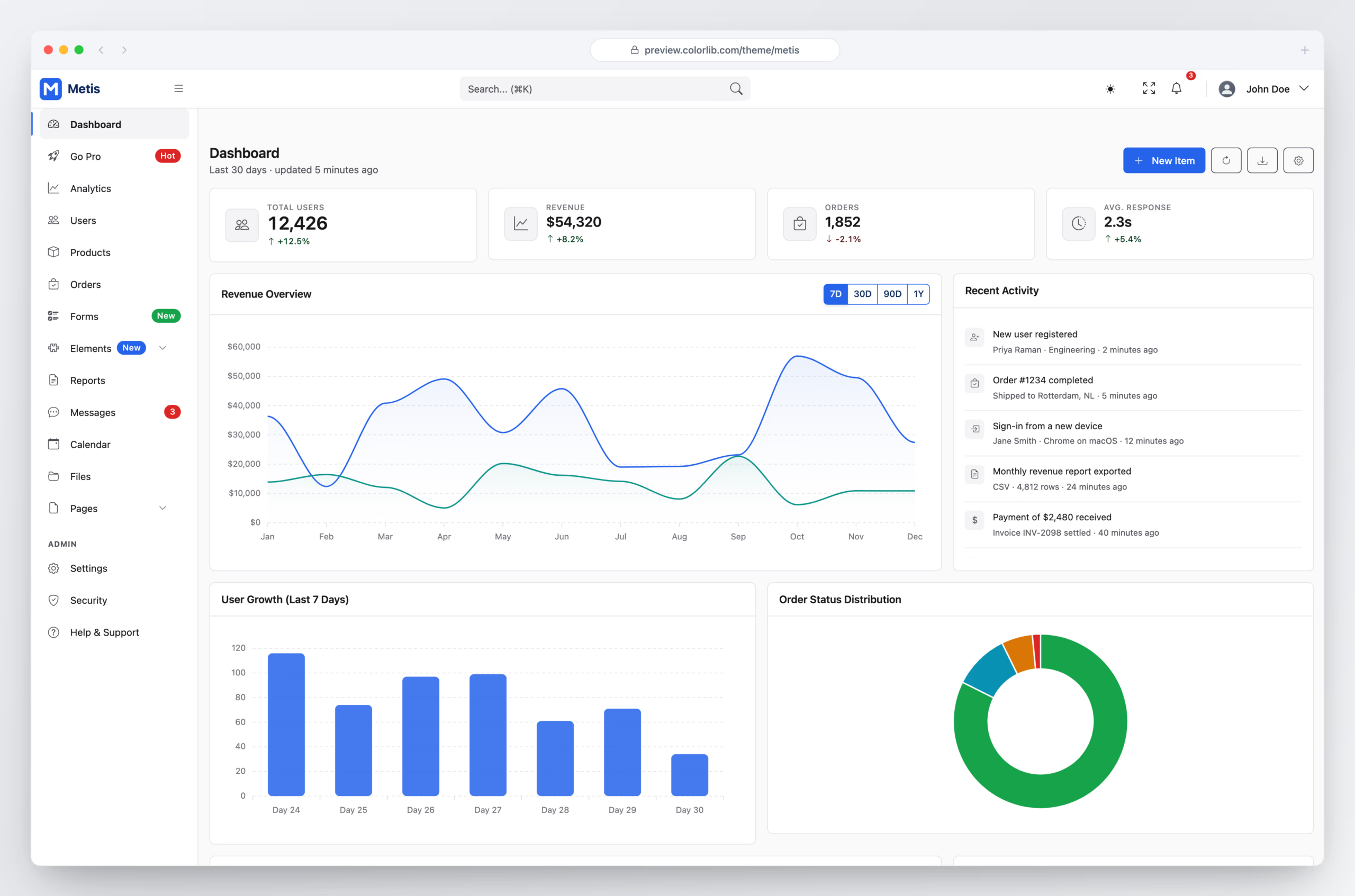
Why we like it: Structure comes from hairline borders rather than drop shadows, and the accent color is reserved for things you can actually click — it reads like a tool, not a brochure.
Metis is one of the longest-running Bootstrap admin templates, and the 2026 rebuild moves it to Bootstrap 5.3 with Alpine.js and a Vite build. The interface is deliberately neutral: flat bordered panels, a single blue accent used only for primary actions and the active nav item, and metric cards set in tabular figures so the numbers stay aligned.
Its 30 pages cover the usual dashboard, table and form screens plus a complete authentication set — sign in, register, forgot and reset password, two-step verification and a lock screen — along with 404, 500 and maintenance pages. Light and dark themes are each designed rather than color-flipped, and there are no third-party runtime requests at all: fonts, icons and charts are self-hosted, so it runs offline and behind a strict CSP.
13. Kiaalap

Why we like it: Three home styles and 50+ pages cover student management, course tracking, and faculty dashboards.
Kiaalap is drawn specifically for education: dedicated screens for students, professors, departments, and library management sit alongside the standard dashboards, forms, and tables — domain modeling you’d otherwise have to design yourself. Plenty of teams use it well outside the classroom too, since the underlying components are general-purpose.
14. ElaAdmin

Why we like it: More pages, libraries, and elements than many premium templates — genuinely surprising for a free release.
ElaAdmin competes on sheer surface area: a deep UI element library, multiple chart libraries, validated form layouts, and a thick stack of internal pages. That breadth pays off mid-project — when a requirement appears out of nowhere, odds are ElaAdmin already has the page half-built, which is exactly when switching templates would hurt most.
15. Concept
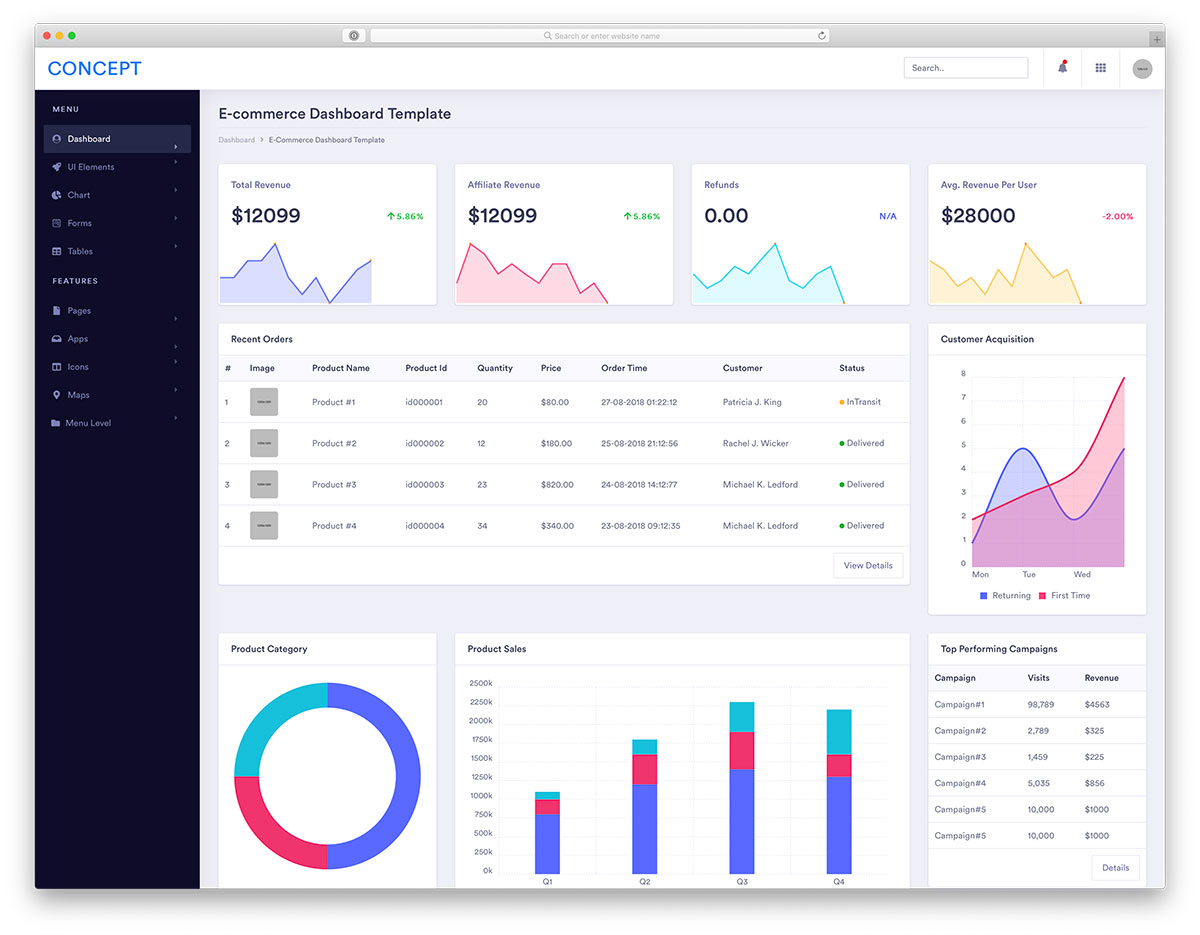
Why we like it: Multiple dashboard styles cover different verticals — start with the layout closest to your use case.
Concept’s trick is shipping several fully distinct dashboard designs in one download — finance, sales, eCommerce, and an influencer-analytics layout you won’t find in other free packs — rather than one dashboard with swapped widgets. Each arrives with charts and tables already arranged for its vertical, so the layout decisions are made before your first commit.
16. Sufee
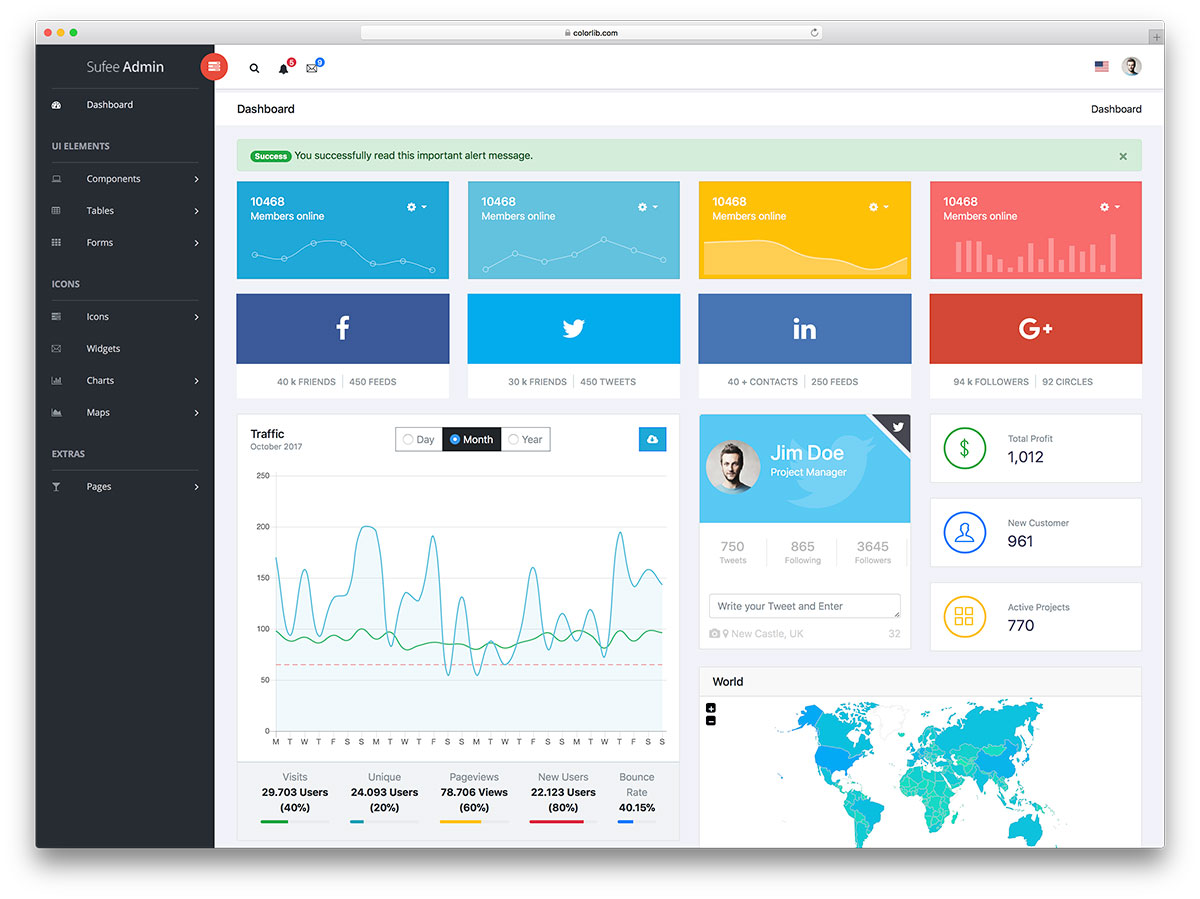
Why we like it: Login, registration, and password reset pages plus two map styles — features many free templates skip.
Sufee is the free template for skipping the peripheral work: it ships both Google Maps and vector map implementations, two icon sets, animated statistics counters, and the complete auth trio — login, registration, and password reset. Those are precisely the pages that otherwise eat your first day on a new admin.
17. SRTDash
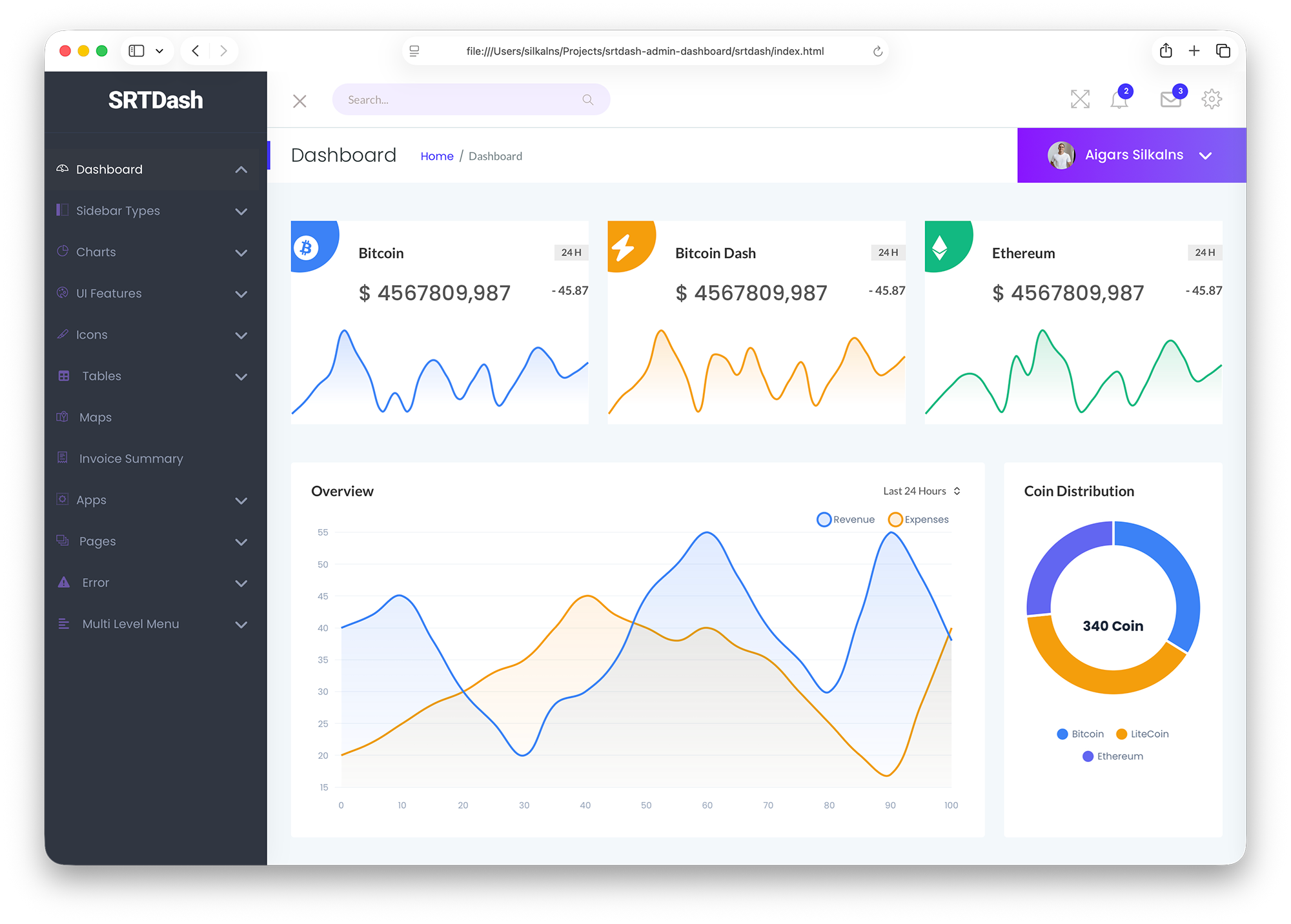
Why we like it: Recently modernized with a complete core overhaul — 3 index pages and 56+ sections give you plenty of building blocks.
SRTDash treats its 56+ sections as a kit of parts: instead of fixed pages, you compose reports from ready-made chart, table, and widget blocks across 3 index variants. The visual language stays deliberately quiet — exactly right for financial reporting and KPI overviews, where the numbers should carry the story.
18. ArchitectUI
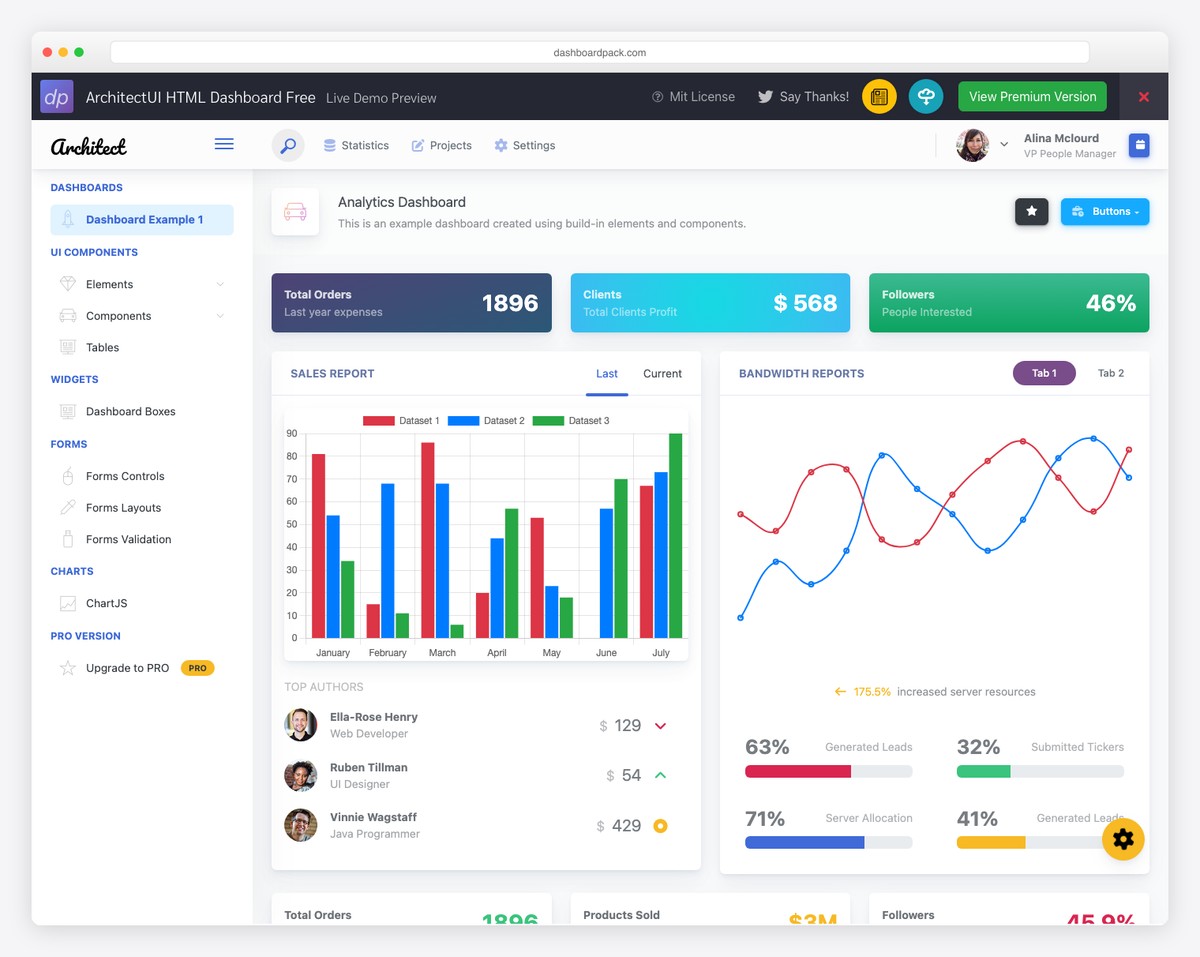
Why we like it: Four framework variants sharing the same Bootstrap 5 design — rare among free templates.
An agency can standardize on one design language while individual clients run React, Vue, Angular, or plain HTML — every variant ships the same 10 color skins, collapsible sidebar, and real-time search, so switching stacks doesn’t mean redesigning. PRO versions add pages, components, and support when a project outgrows the free tier.
19. SvelteForge Admin
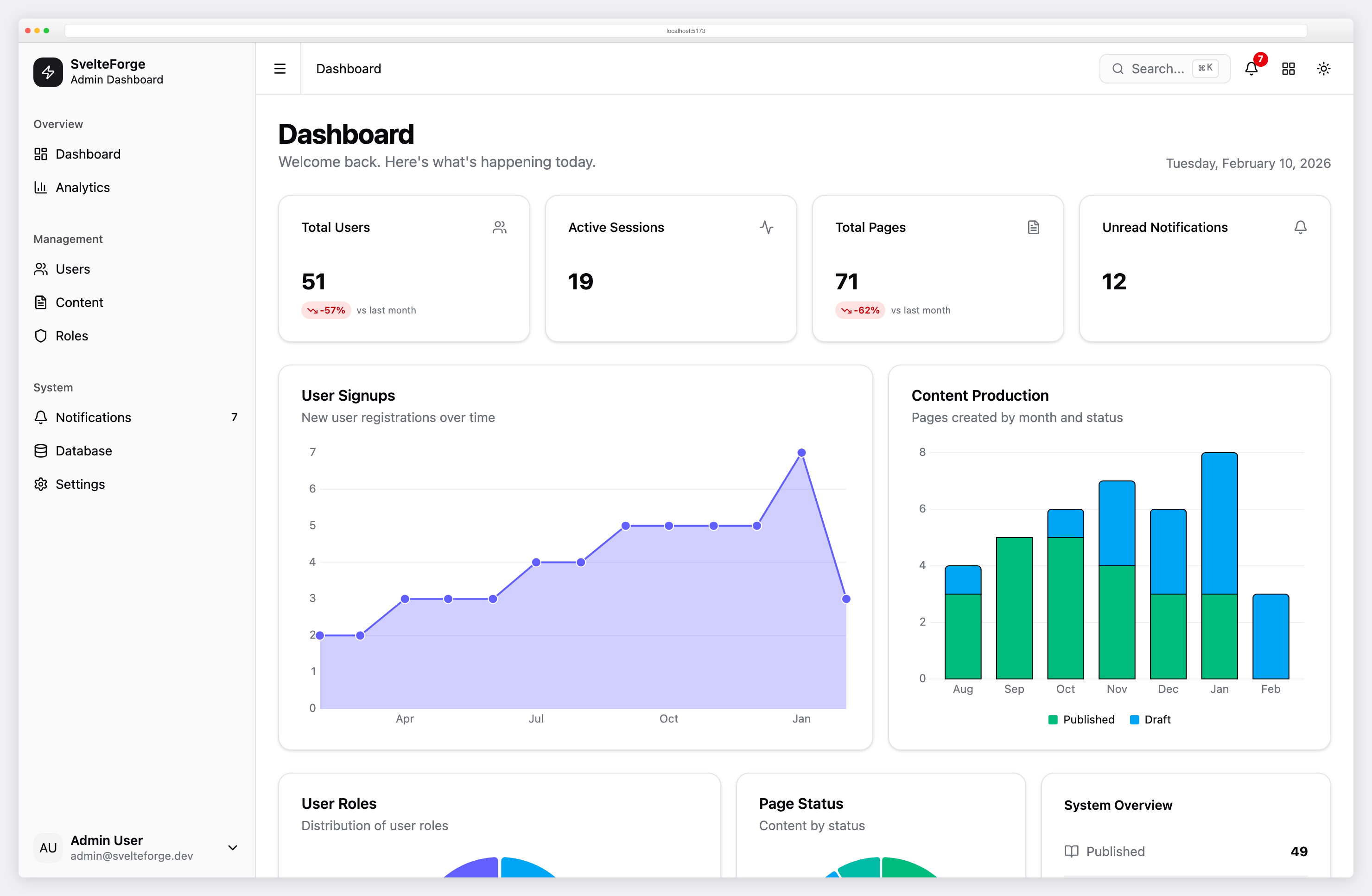
Why we like it: The only Svelte admin here with built-in auth, role-based access control, and a real ORM — a complete backend, not just UI.
SvelteForge Admin v1.4.0 is a free, MIT-licensed SvelteKit 3 dashboard with session authentication, optional Google and GitHub OAuth, role-based permissions, user and content management, SQLite via Drizzle ORM, and 17 developer documentation pages. The Premium v2.1.0 edition adds workspaces, billing, MFA and passkeys, a form builder, CRM, and more. Both require Node.js 22.17+ and pnpm 12.9.1.
Free Download Demo Premium Details
21 Paid Admin Dashboard Templates
The following entries require a purchase at their linked destinations. Compare the included edition, support period and license terms before buying. A demo of payments, trading, patient records or permissions does not provide the corresponding backend service.
20. Admindek
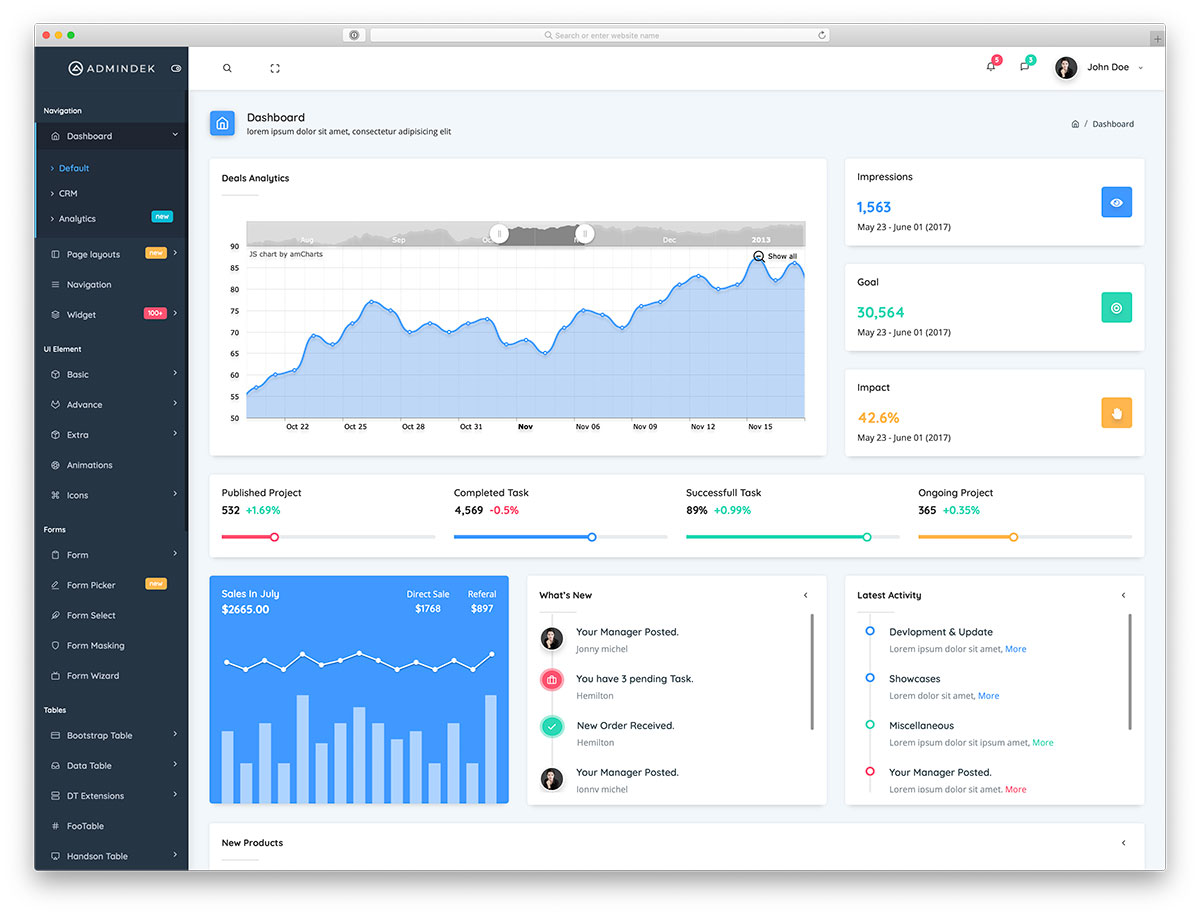
Why we like it: A larger Bootstrap catalogue with CRM, commerce and app layouts.
The linked Admindek HTML edition is a paid product. Its current catalogue includes analytics, CRM, commerce and finance dashboards alongside email, calendar, invoices and user-management screens. Use those layouts as a starting point and connect your own data, accounts and permissions; the CRM demo is not a live sales service.
21. Adminty
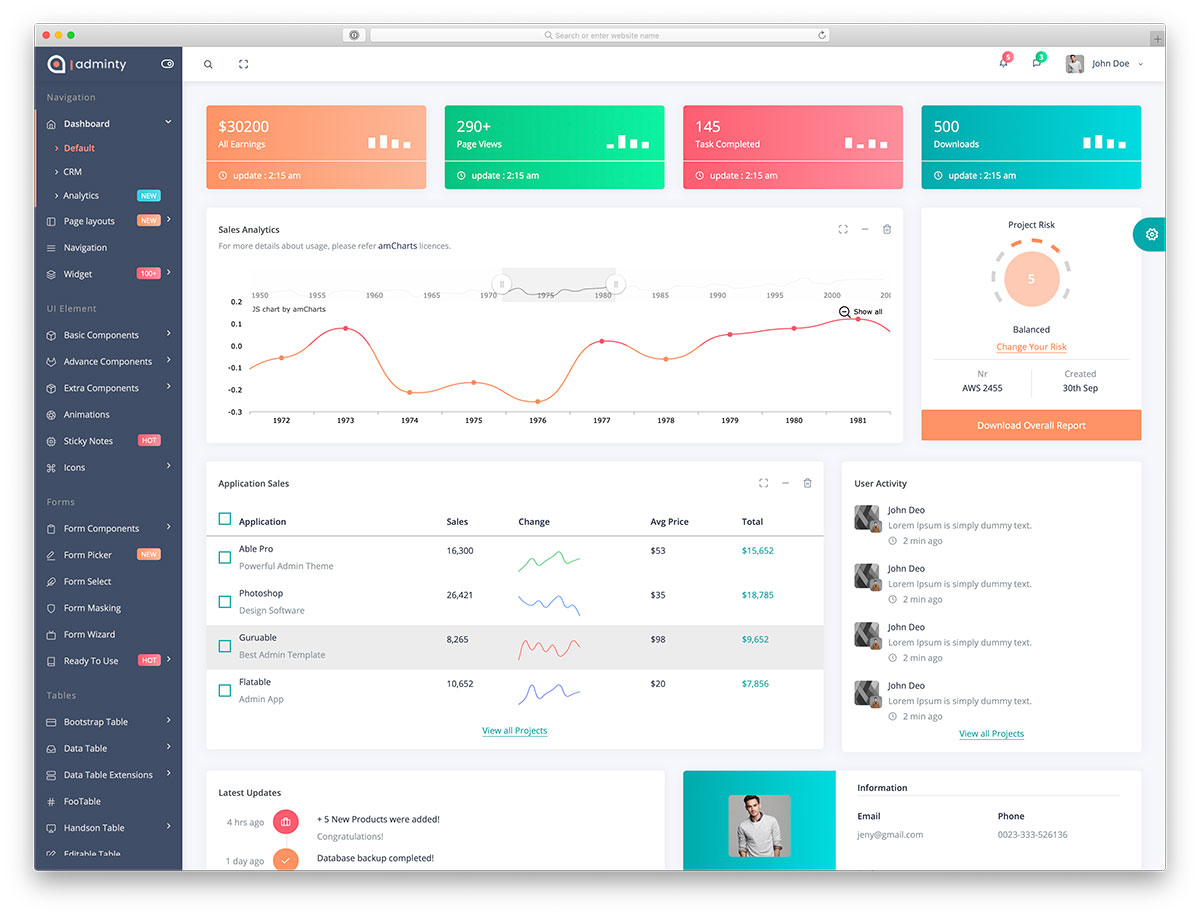
Why we like it: Multiple dashboard and navigation layouts for data-heavy applications.
Adminty is a paid Bootstrap 5 template with dashboard variants, commerce screens, messaging layouts, forms, tables and charts. Compare its vertical and horizontal navigation in the demo, then check the included pages and support period for your license.
22. Kero
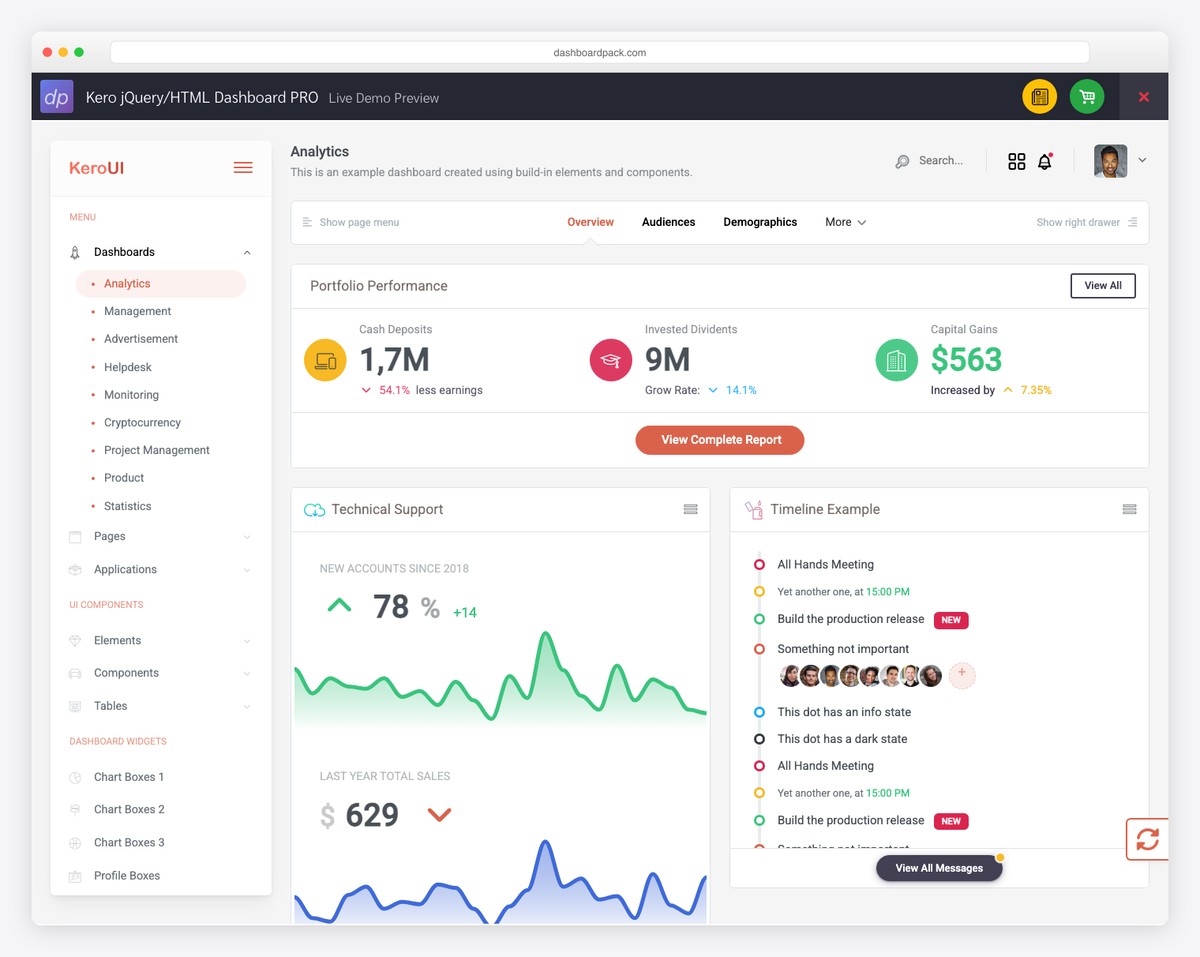
Why we like it: Multiple layouts and pre-built pages give you a solid foundation without overcomplicating the design.
Kero keeps things deliberately simple: tables, forms, charts, and notification widgets in a clean visual hierarchy across multiple layouts. It’s a better base when you’d rather build up your own admin than strip down an overloaded one.
23. Sales Dashboard
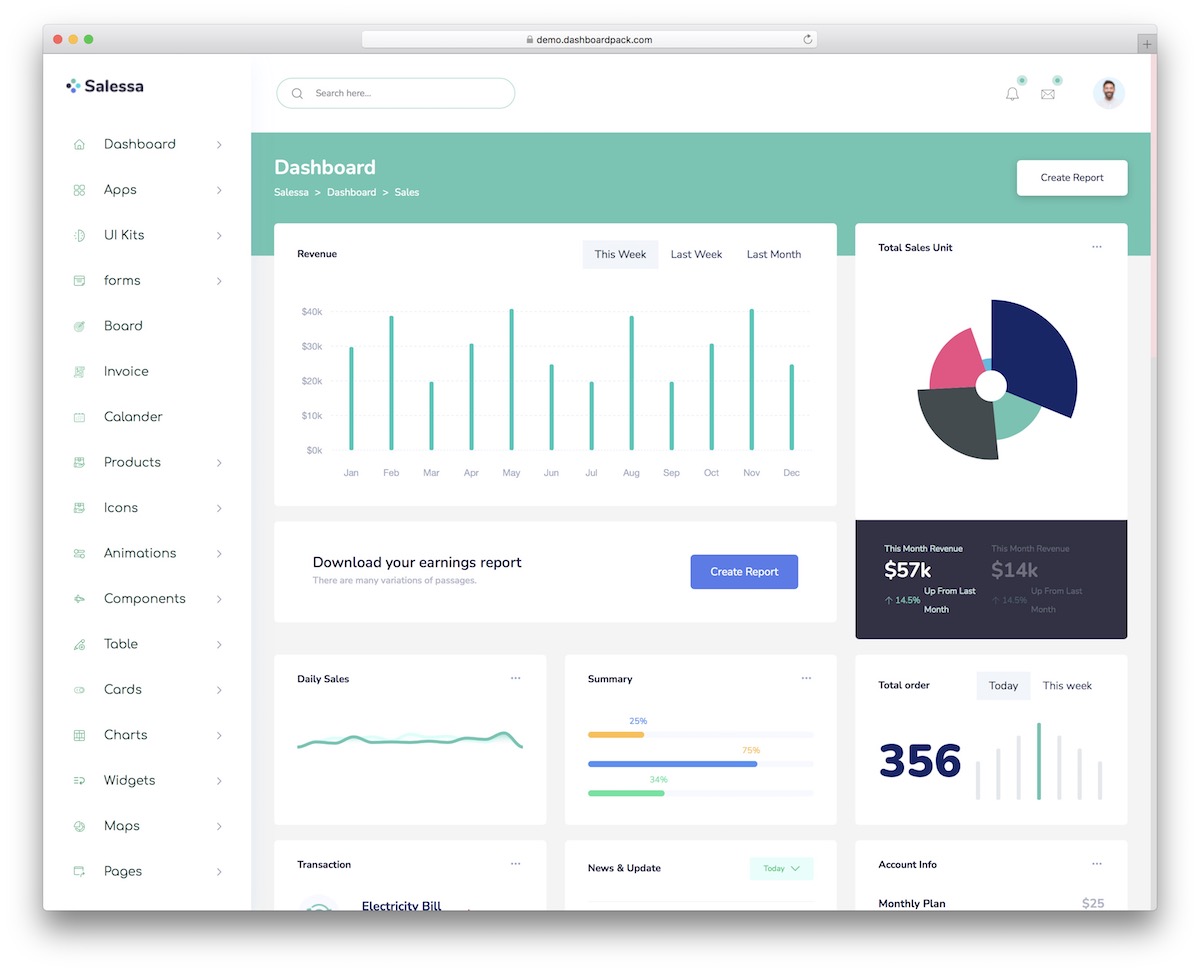
Why we like it: Revenue charts, order tables, and sales funnels are ready to use out of the box.
The order flow is drawn end to end — catalog, product detail, cart, checkout, and a printable invoice — rather than left as a dashboard with commerce widgets bolted on. Fifty-eight static pages sit behind that, with five charting libraries wired up and data tables that sort, search, collapse on mobile, and export.
24. Cryptocurrency Dashboard
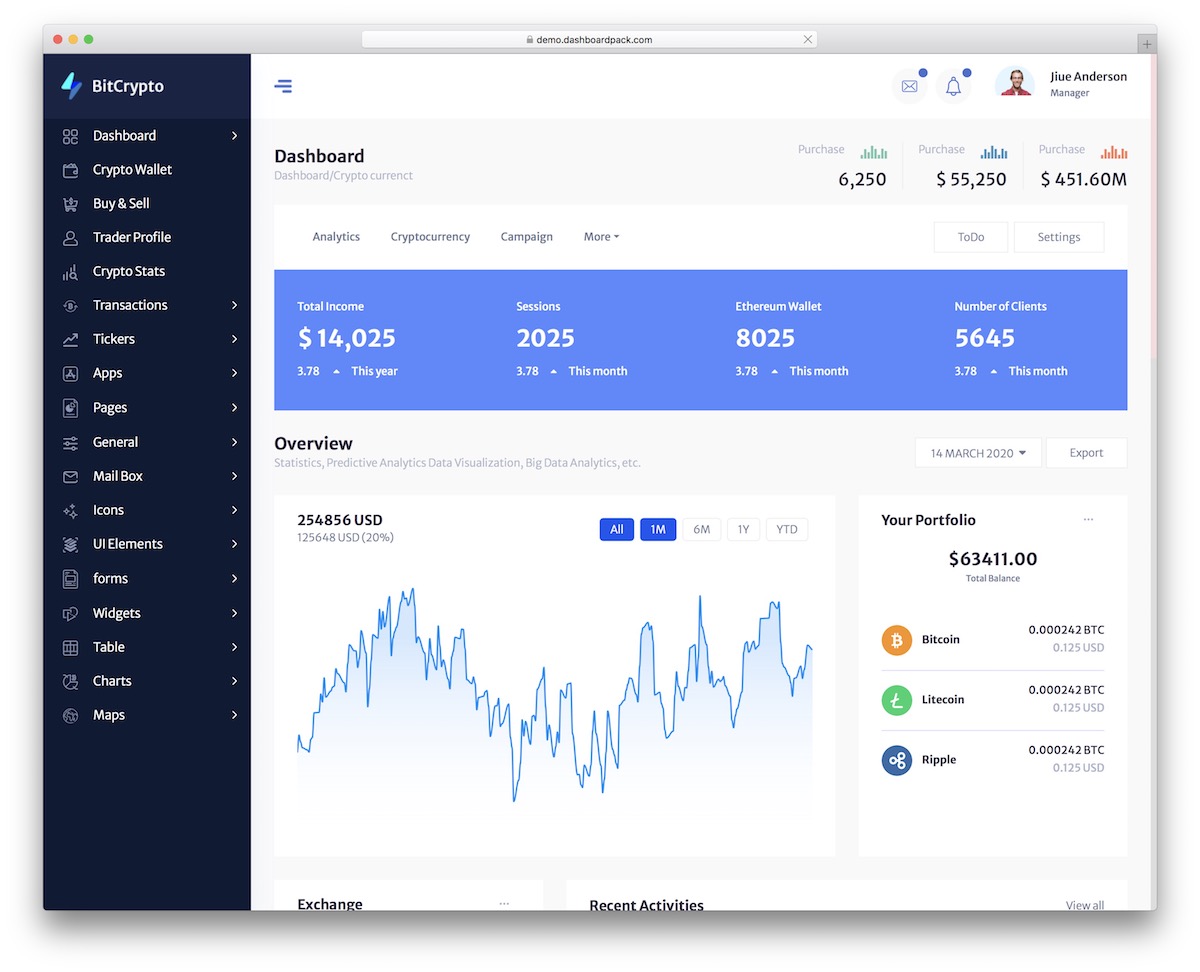
Why we like it: Pre-built components for portfolio tracking and token analytics save significant design time.
Transactions are modeled as a lifecycle — request, cancel, refund, payment detail — so the awkward states are already designed, not just the happy path. Across 77 pages you also get per-asset wallet balances, a buy and sell flow, live ticker strips in light and dark treatments, and three sidebar shells to choose between.
25. Finance SaaS Dashboard
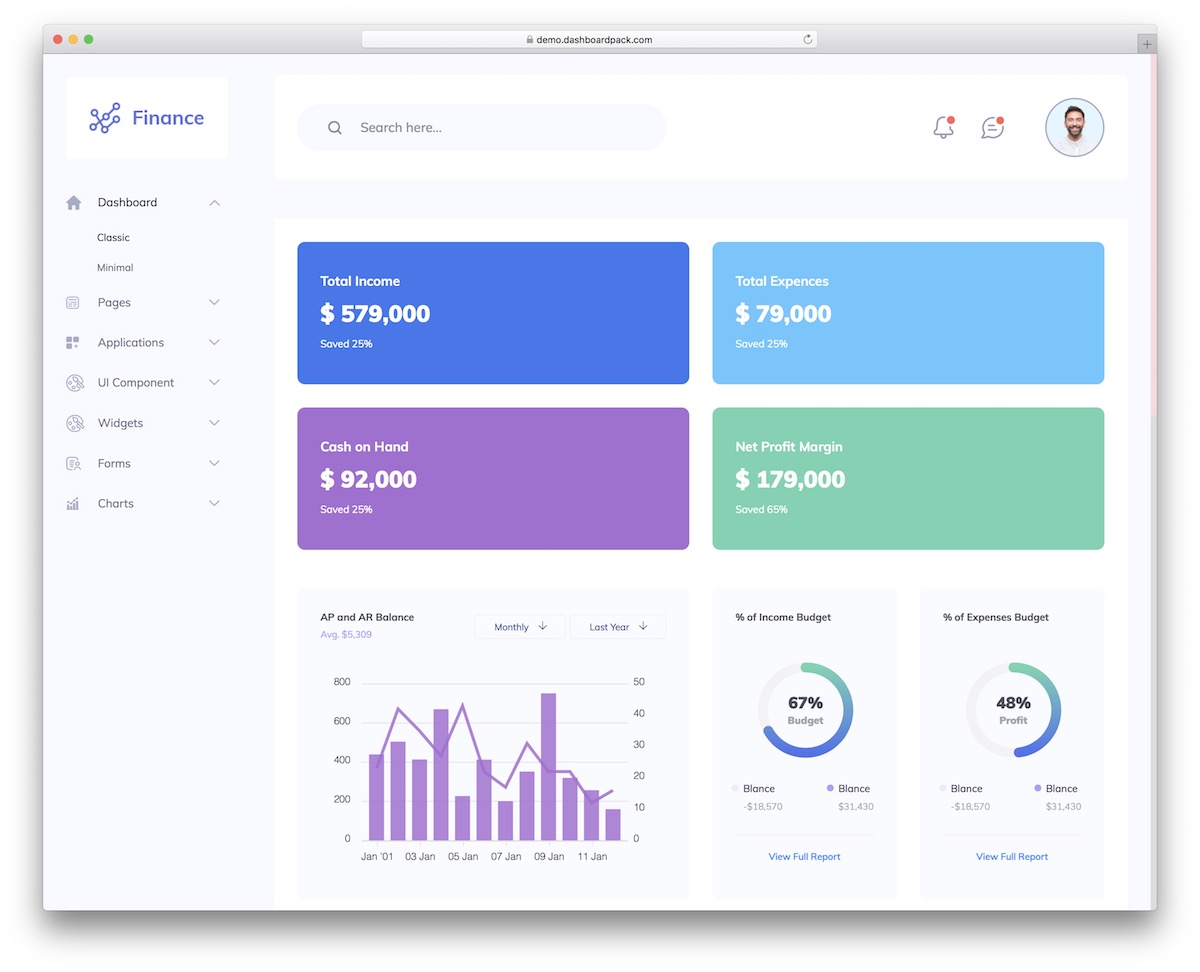
Why we like it: Financial chart widgets and SaaS metrics pages are ready to connect to your data source.
Five separate finance views — overview, banking, investing, crypto, and a trading screen with candlesticks, a Level-2 order book, and an options chain — rather than one dashboard with the numbers swapped out. Reports cover P&L, balance sheet, and cash flow, and the data tables carry faceted filters, column visibility, and CSV export.
26. Marketing Dashboard
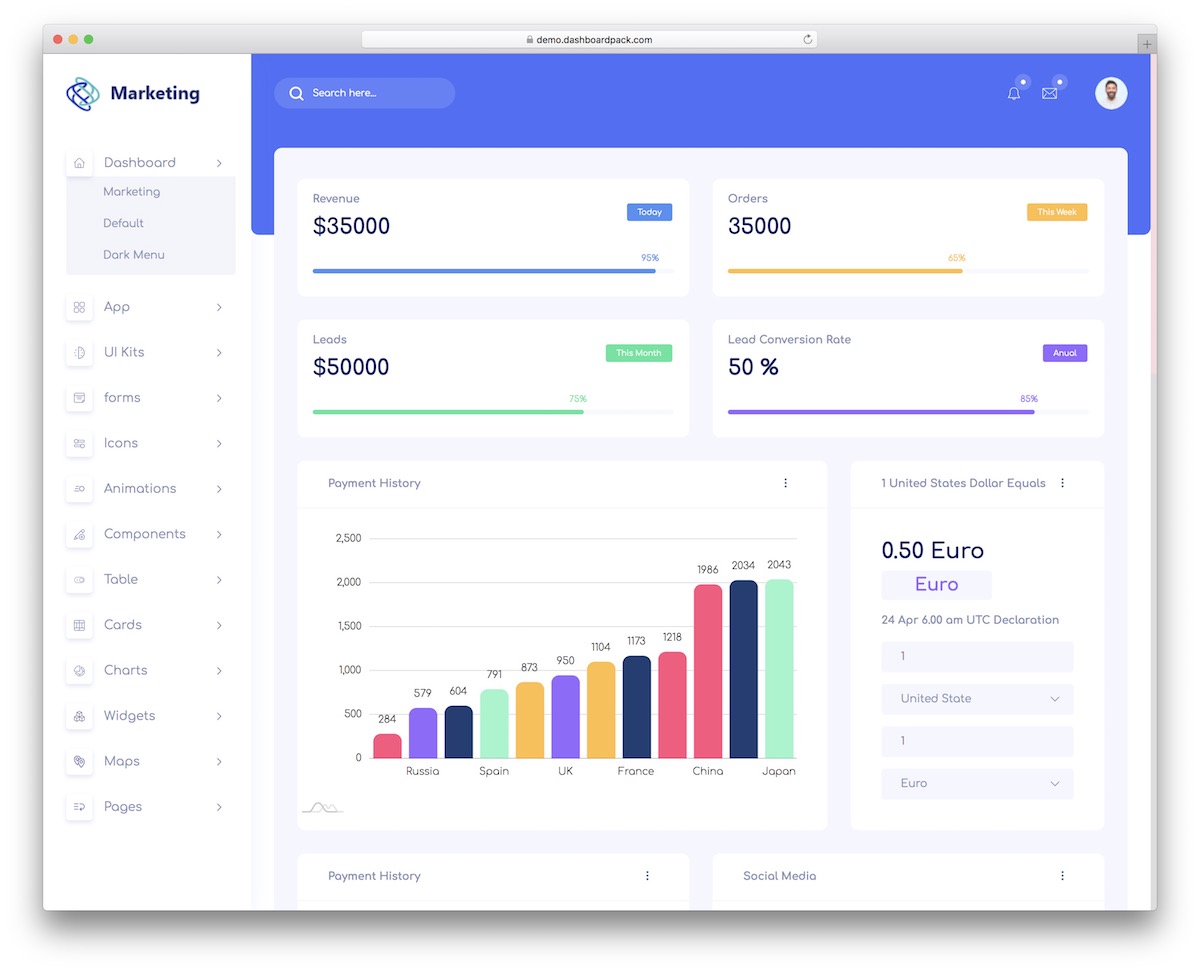
Why we like it: Dark mode, a sticky sidebar, and subtle animations make a polished home for marketing data.
The funnel is the organizing idea: conversion stages, traffic sources, revenue, and team performance sit on one screen instead of being scattered across separate reports. Fifty-five pages back that up, with three dashboard layouts including a dark sidebar variant, four charting libraries, two mapping options, and a rich text editor for campaign notes.
27. Analytic Dashboard
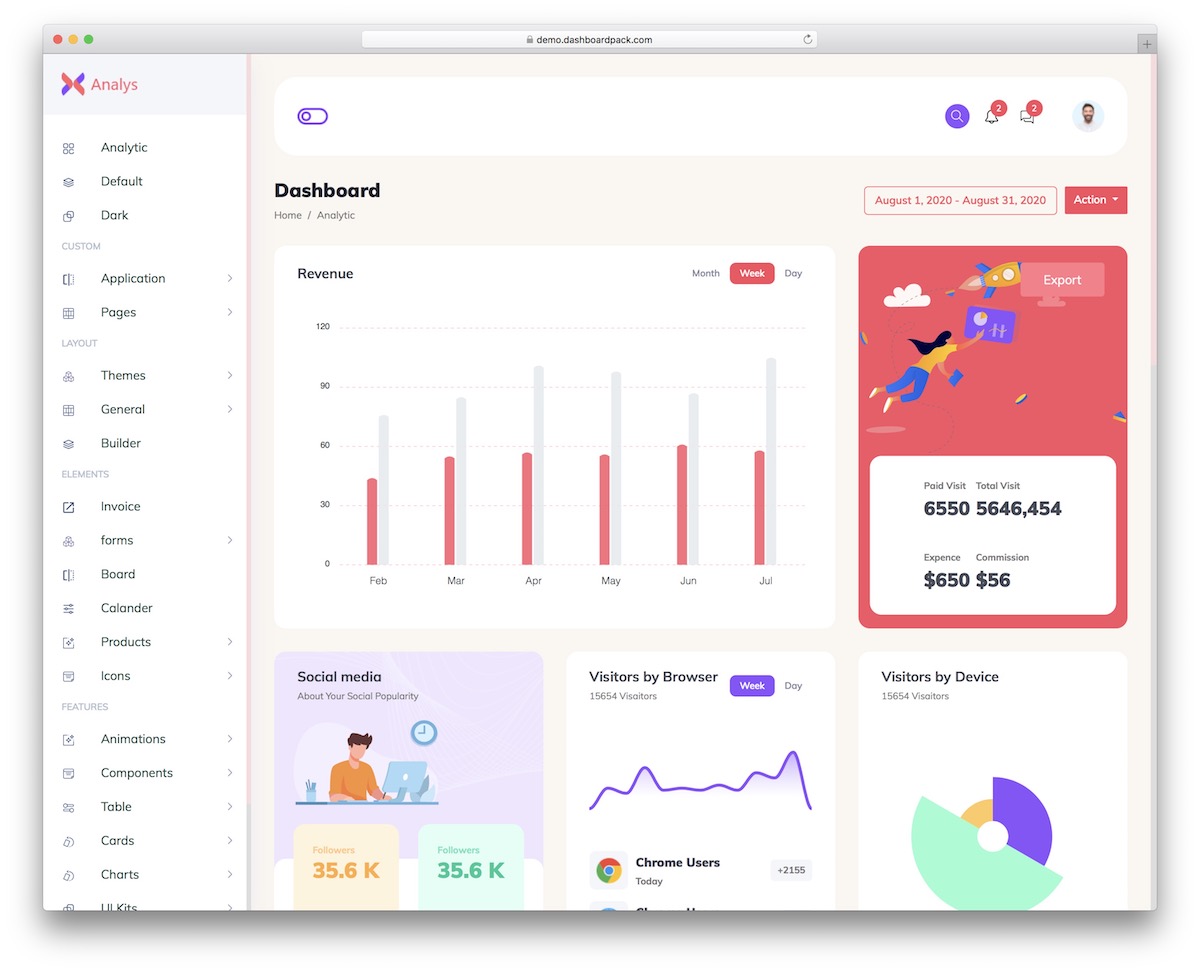
Why we like it: Metrics widgets and chart components are pre-built for the most common analytics use cases.
A page builder and WYSIWYG editor come with it, so report layouts can be composed rather than hand-coded — unusual in a dashboard template. The other 64 pages cover the reporting basics: five charting libraries to pick between per widget, data tables with export buttons, vector maps, and a dark variant of the main dashboard.
28. Directory Dashboard
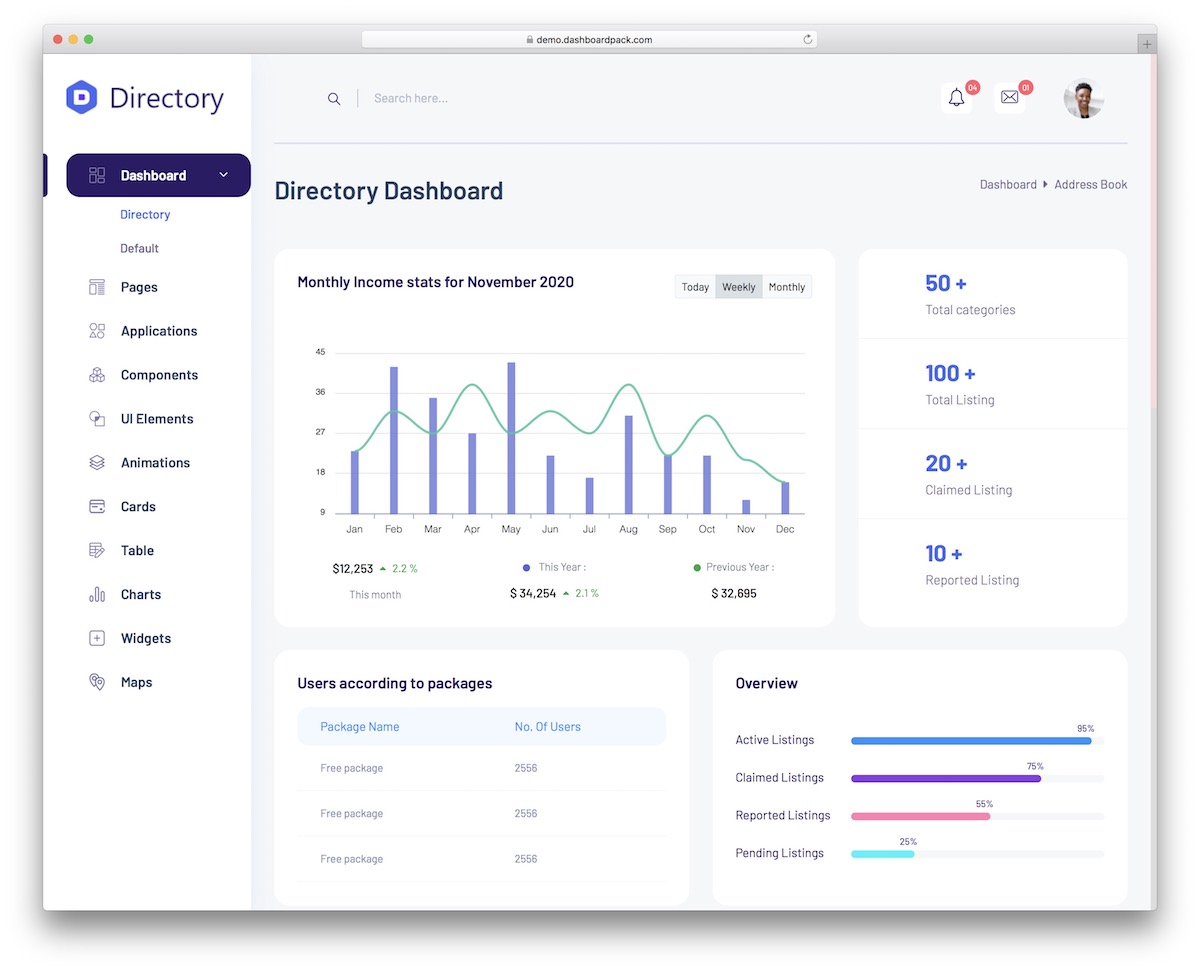
Why we like it: User profiles, activity monitoring, and listing management views are already in place.
Listings have to look good as well as tabulate, so this one ships both: a Swiper-backed media gallery and draggable card tiles alongside the usual data tables. Across 40 pages you also get vector and JavaScript maps for location-based directories, and Select2 filtering for the long option lists that listing sites accumulate.
29. User Management Dashboard
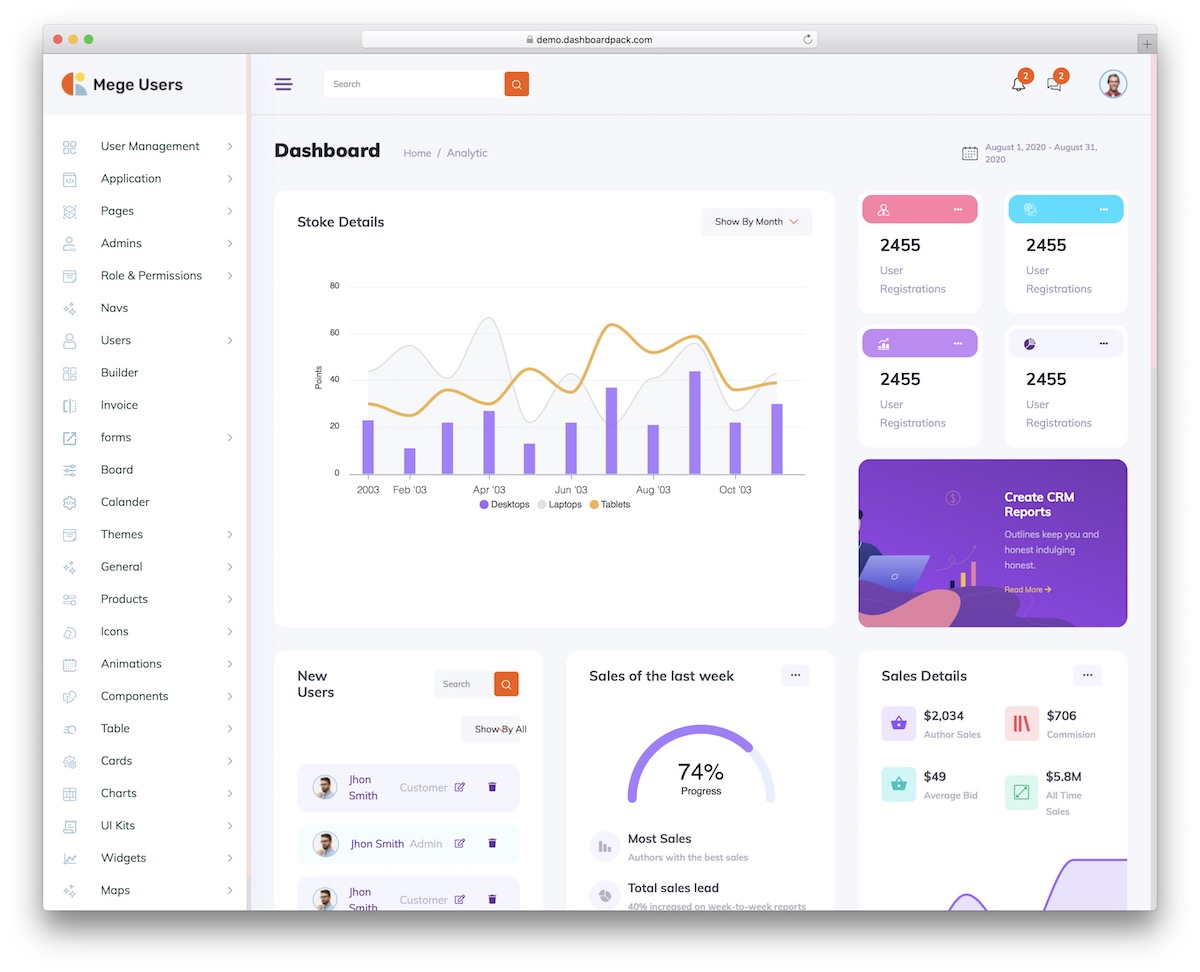
Why we like it: User tables, role views, and profile pages are pre-built — the most common admin panel requirement.
The current edition uses Tailwind CSS and vanilla JavaScript. Its 50 screens cover users, roles, access reviews, onboarding and audit views, with searchable tables and CSV export. These are interfaces for your application: enforce permissions, authentication and audit storage on your backend.
30. Hospital HTML Dashboard
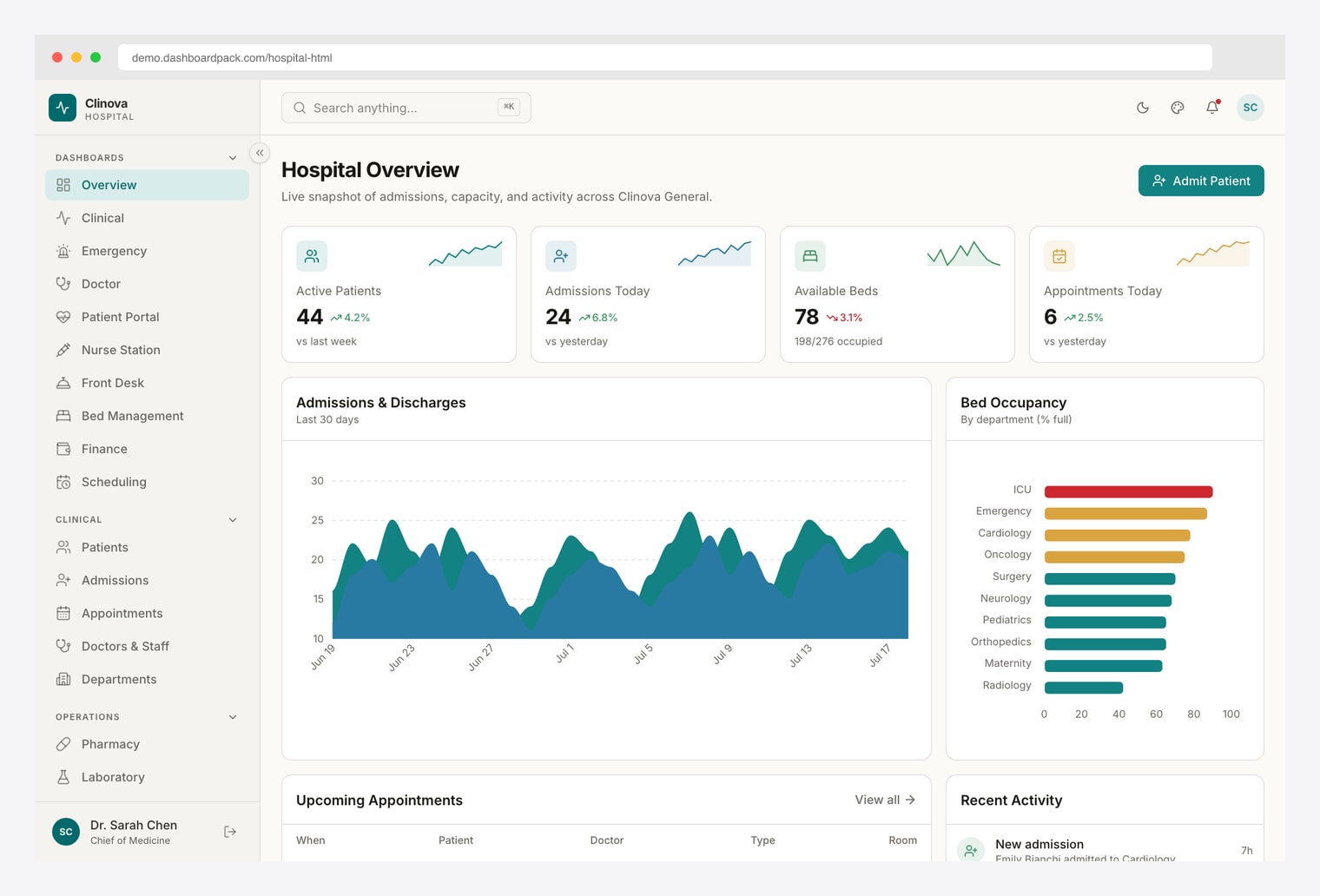
Why we like it: A ground-up rebuild on Vite 8 and Tailwind CSS v4 — 10 role-based hospital dashboards, a ⌘K command palette, and dark mode, with no jQuery in sight.
Ten role-based views (Overview, Clinical, Emergency, Doctor, Patient Portal, Nurse Station, Front Desk, Bed Management, Finance, Scheduling) span 35 pages, with a patients table (faceted filters, CSV export), a four-step admit wizard, appointments calendar, pharmacy, laboratory, and billing. ApexCharts render every metric, and a runtime customizer offers 300+ theme, color, and density combinations. A React/Next.js edition (Hospital React Dashboard) is available if you prefer a component framework.
31. Apex Dashboard
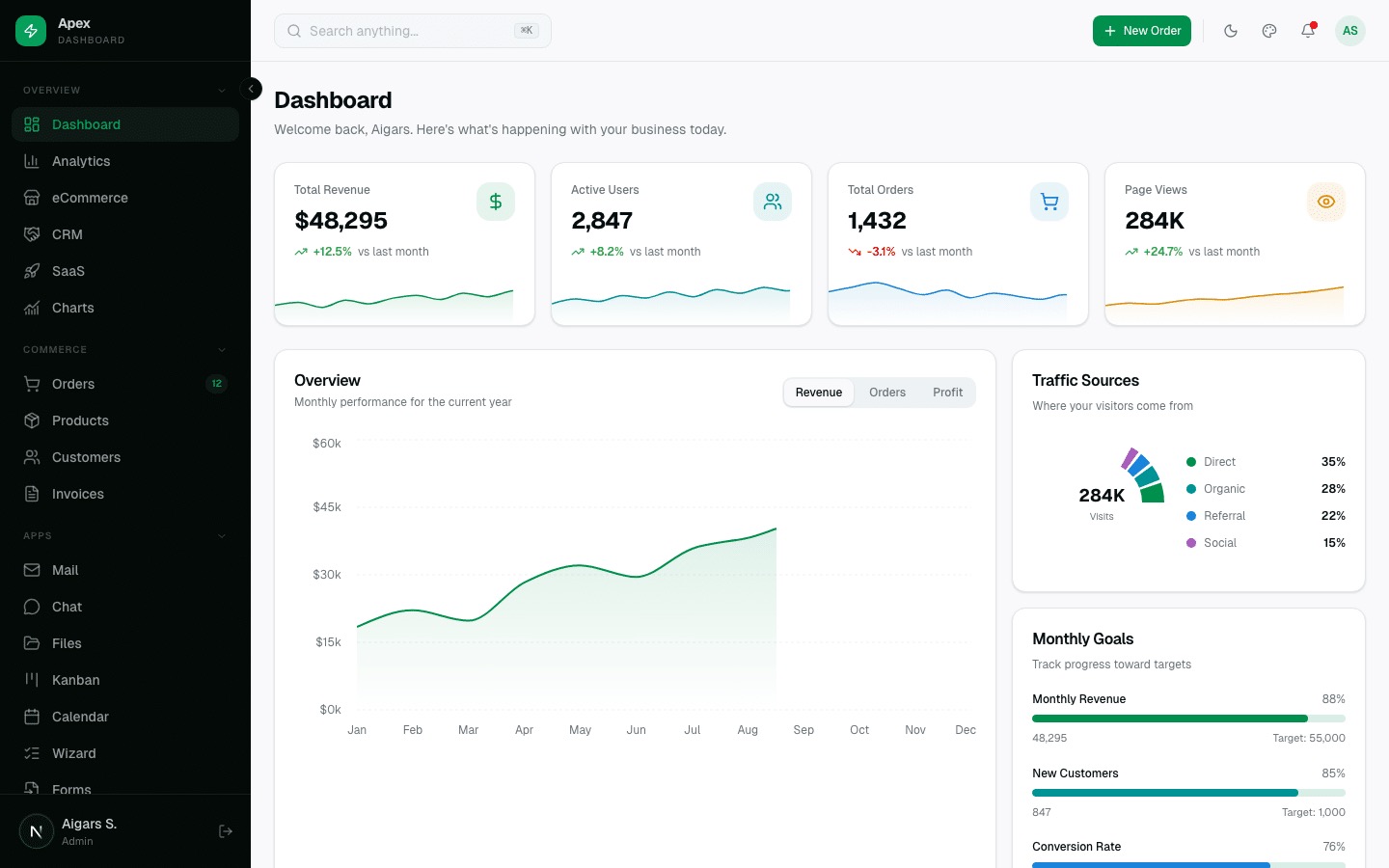
Why we like it: Apex Dashboard v3.2.0 combines 12 dashboard variants with a 115-component explorer, making it easy to inspect the UI before choosing a paid template. It is a Next.js 16.4.3 and React 19.3.1 alternative to the Bootstrap products in this collection, built with TypeScript 7, Tailwind CSS v4 and shadcn/ui.
The download includes six layouts, 114 blocks, 92 Storybook stories and an independent starter. Mail, Chat, Files, Kanban and Calendar examples accompany CRUD screens, theme controls, RTL and internationalization. The new 14 email templates and 28 variants and store operations demonstrate inventory, partial fulfillment and returns; the static demo uses sample data and exports email content without sending it.
More info / Buy (from $69) Demo
Prefer a different stack? Compare the separate Angular edition and Django edition products. Their implementations and feature sets differ from the Next.js edition.
32. Haze Dashboard
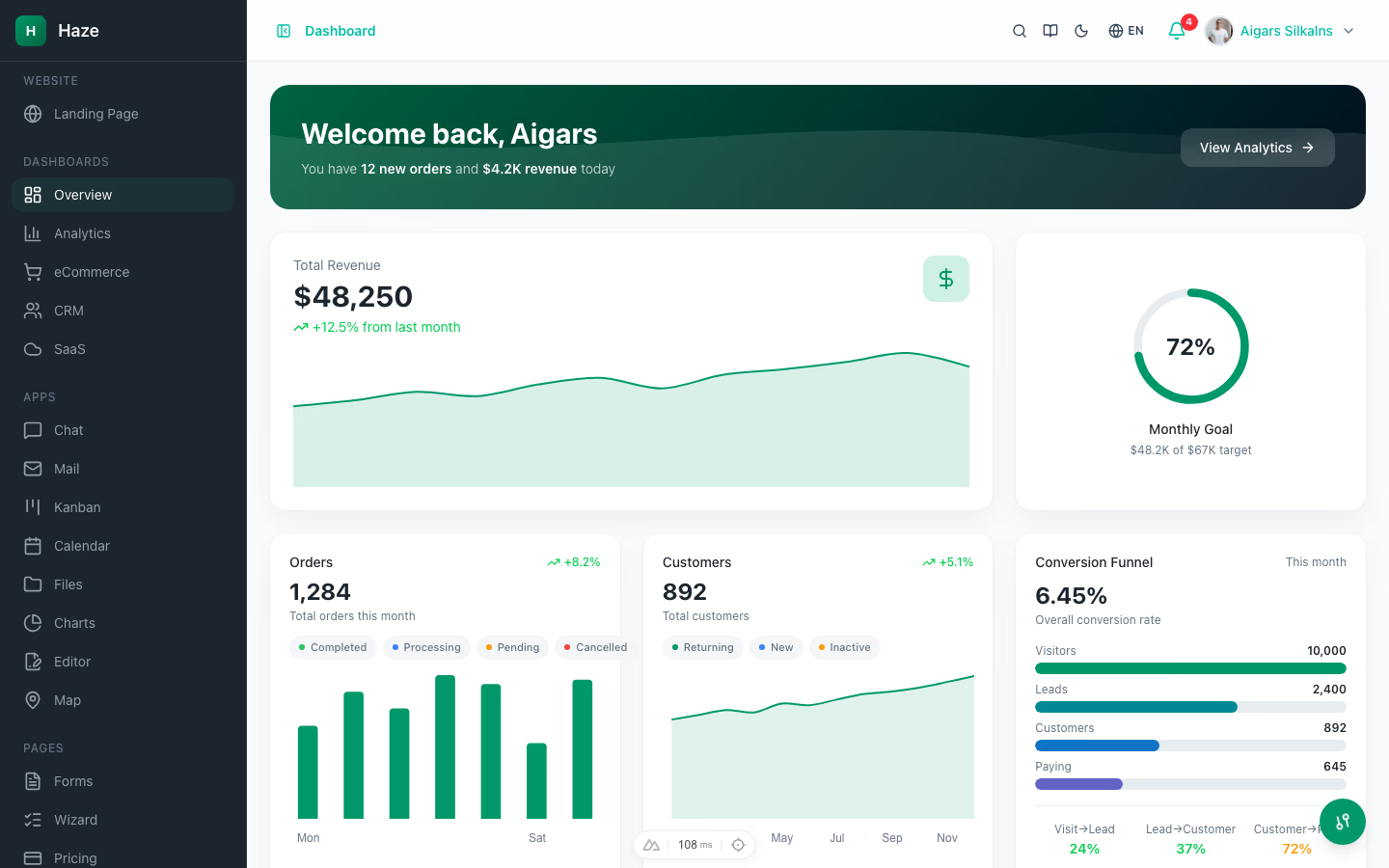
Why we like it: Six CRUD resources backed by 33 mock API routes that actually paginate, search, and filter — mock-data depth rarely seen even in paid templates.
Haze spans 90+ pages: 5 dashboard variants, 8 interactive app modules (chat, mail, kanban, calendar, files, charts, rich-text editor, maps), 11 auth flows, and an in-app docs section. A runtime theme customizer toggles color mode, accent presets, density, and RTL, with i18n in English, German, and French.
Vue team? The Nuxt edition delivers the same design and mock API depth on Nuxt 4 + Nuxt UI, including a storefront with cart and multi-step checkout.
33. Zenith Dashboard
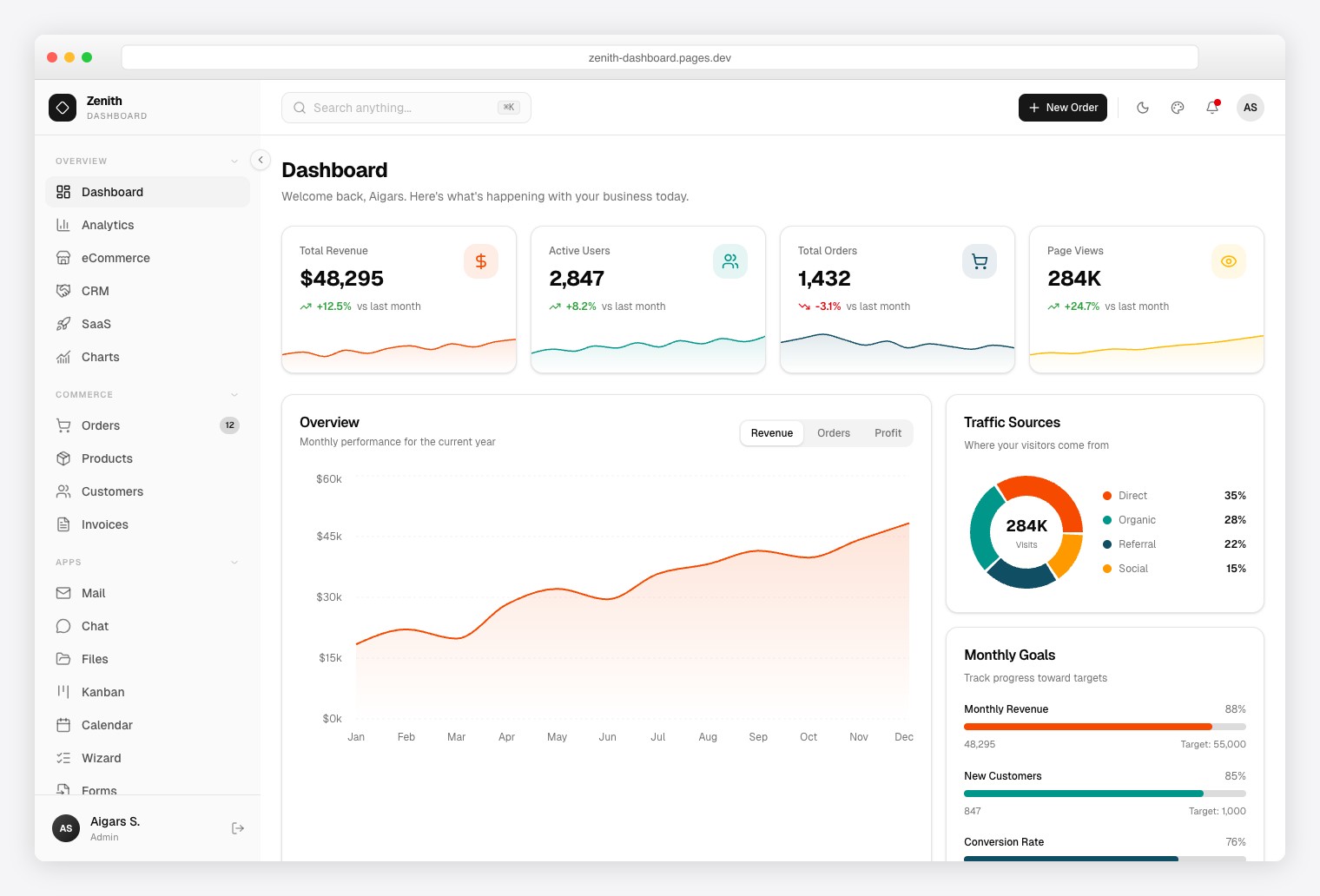
Why we like it: The achromatic, zero-chroma design re-brands with minimal CSS changes — the easiest template on this list to make your own.
Ultra-minimal admin with 50+ pages and 6 dashboard variants (Overview, Analytics, eCommerce, CRM, SaaS, Finance), data grids, a rich text editor, maps, form validation, and a live theme customizer with density modes.
Python team? The Django edition ships the same achromatic design with a real multi-tenant backend — org switcher, role-based access control, Stripe-style billing, 2FA, and a REST API.
34. TailPanel

Why we like it: A compact React dashboard with typed components and familiar table and form libraries.
The current TailPanel product uses React, TypeScript and Vite, with Tailwind CSS for styling. Its 14 dashboard and utility pages cover analytics, commerce, charts, tables, forms, calendar, profiles, settings and account screens. It includes TanStack Table, Recharts and React Hook Form. Choose it for a React application; it is not a plain-HTML, framework-free download.
35. Flux Dashboard
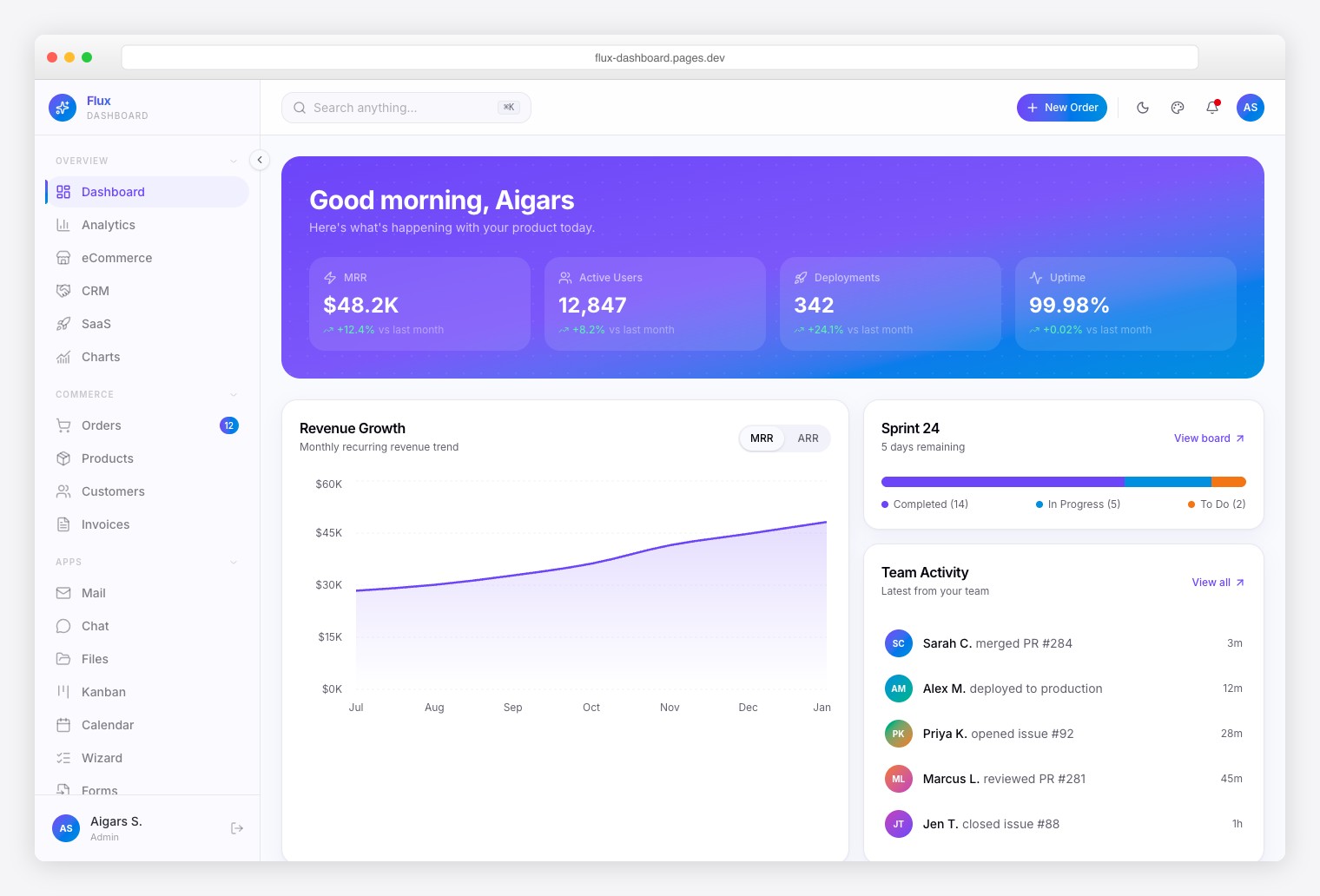
Why we like it: Seven specialty pages — Roadmap, Feature Flags, Deployment Log, Sprint Board, Feedback Board, Changelog, Team Feed — that generic dashboards don’t have.
Gradient-forward admin with 64+ pages, 5 dashboard variants, smooth animations, a command palette with fuzzy search, CSV export, dark/light/system themes, RTL, and i18n.
36. Ember Dashboard
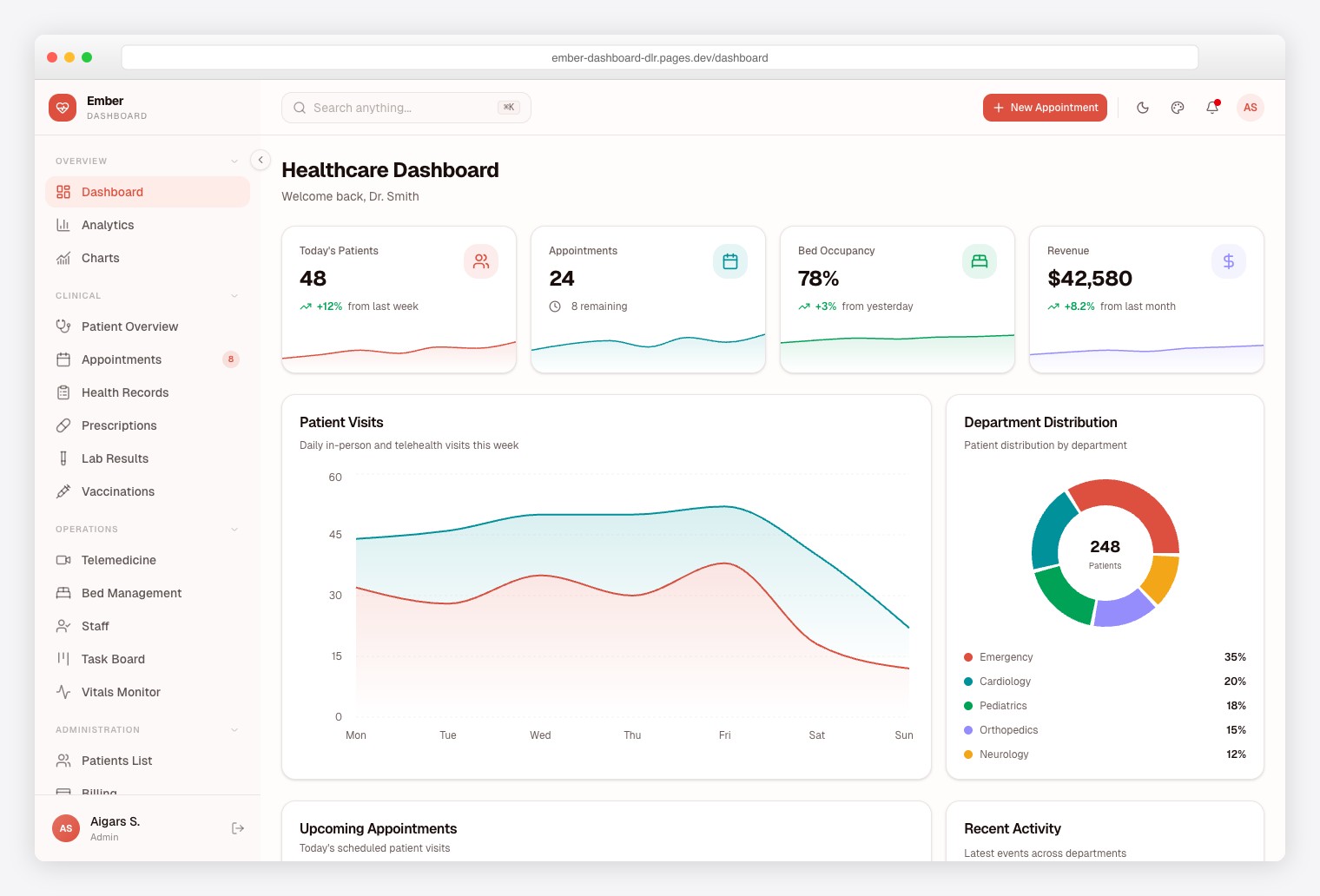
Why we like it: Eleven healthcare-specific modules — the only admin dashboard built specifically for medical SaaS, saving months of domain research.
50+ pages covering Patient Management, Appointments, Telemedicine, Prescriptions, Lab Results, Bed Management, Vitals Monitoring, and Billing, with a testing suite included — useful for healthcare compliance work.
37. Signal Dashboard
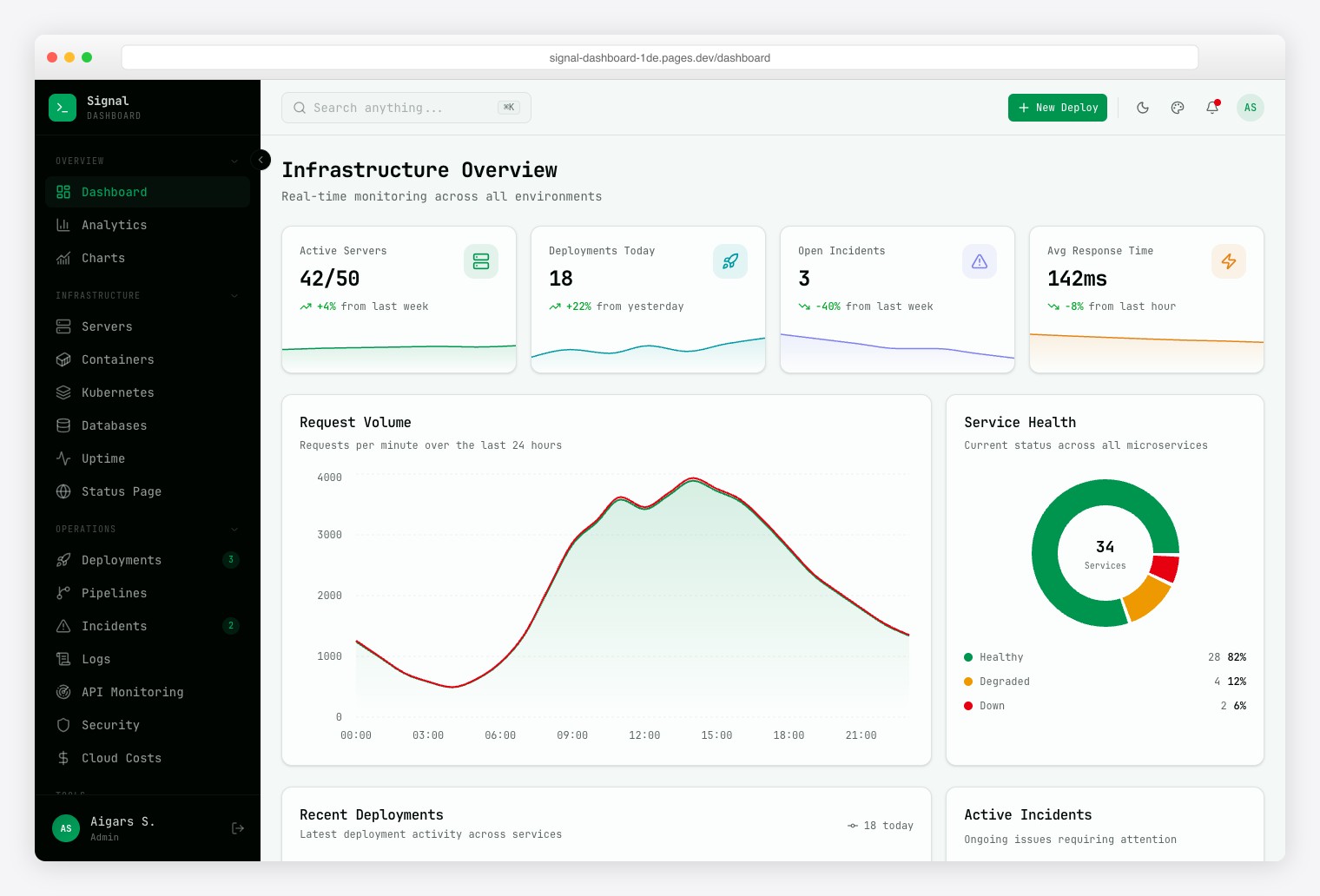
Why we like it: Thirteen infrastructure views — Server Fleet, Kubernetes, CI/CD Pipelines, Log Explorer, and more — purpose-built for DevOps.
Terminal-inspired design with monospace typography across 57+ pages: containers, deployments, incidents, uptime monitoring, API latency, cloud costs, and a public status page. Also available as a Laravel variant.
38. Vault Dashboard
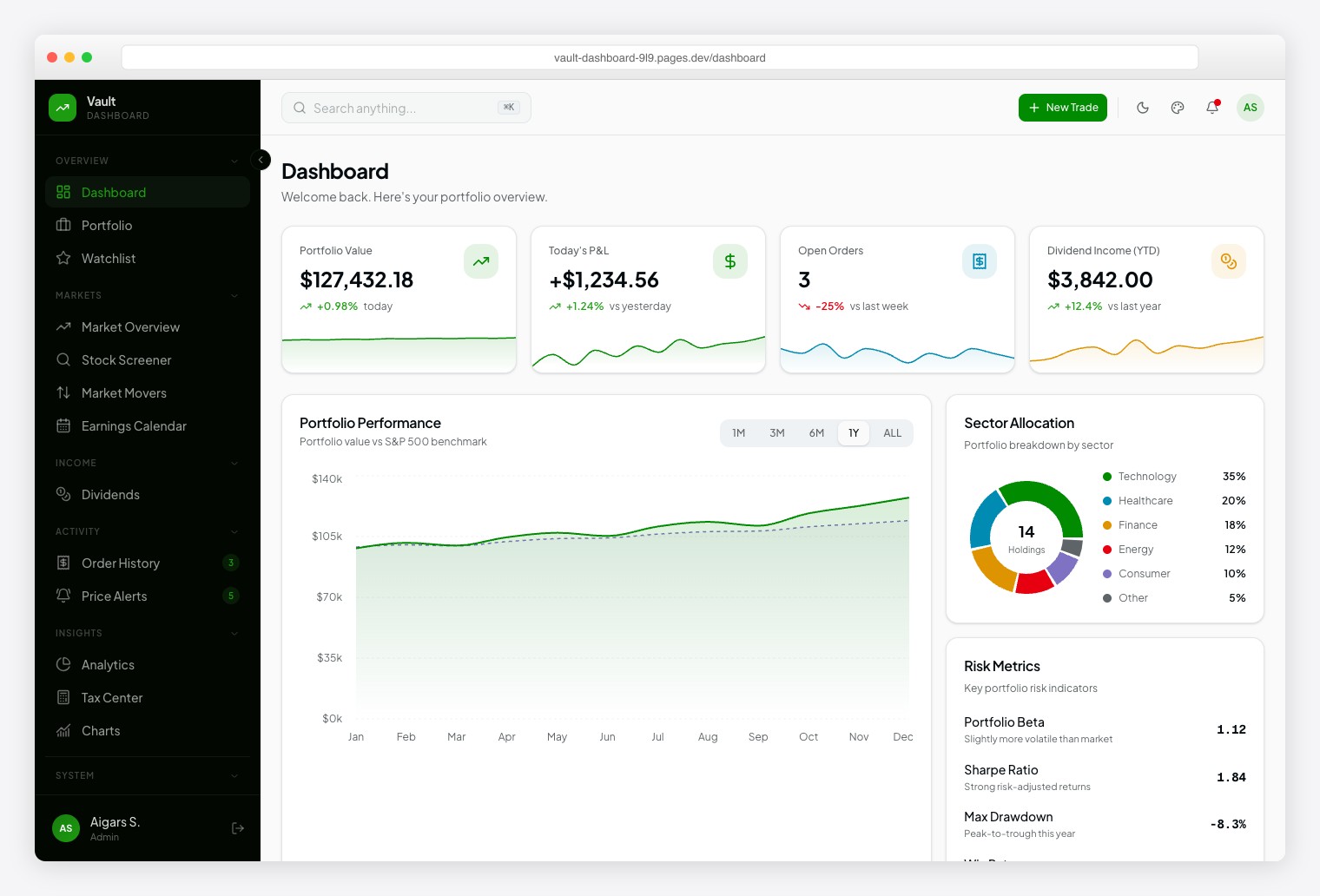
Why we like it: Thirteen investment modules and 10+ chart types (candlestick, treemap) cover the data patterns of professional trading platforms.
Robinhood-inspired down to the typography — a readable sans for navigation, a monospaced face for figures. Screens cover Portfolio, Watchlist, Stock Screener, Earnings Calendar, Dividends, Price Alerts, and a Tax Center, with dark/light themes and RTL support.
39. Fortress Dashboard
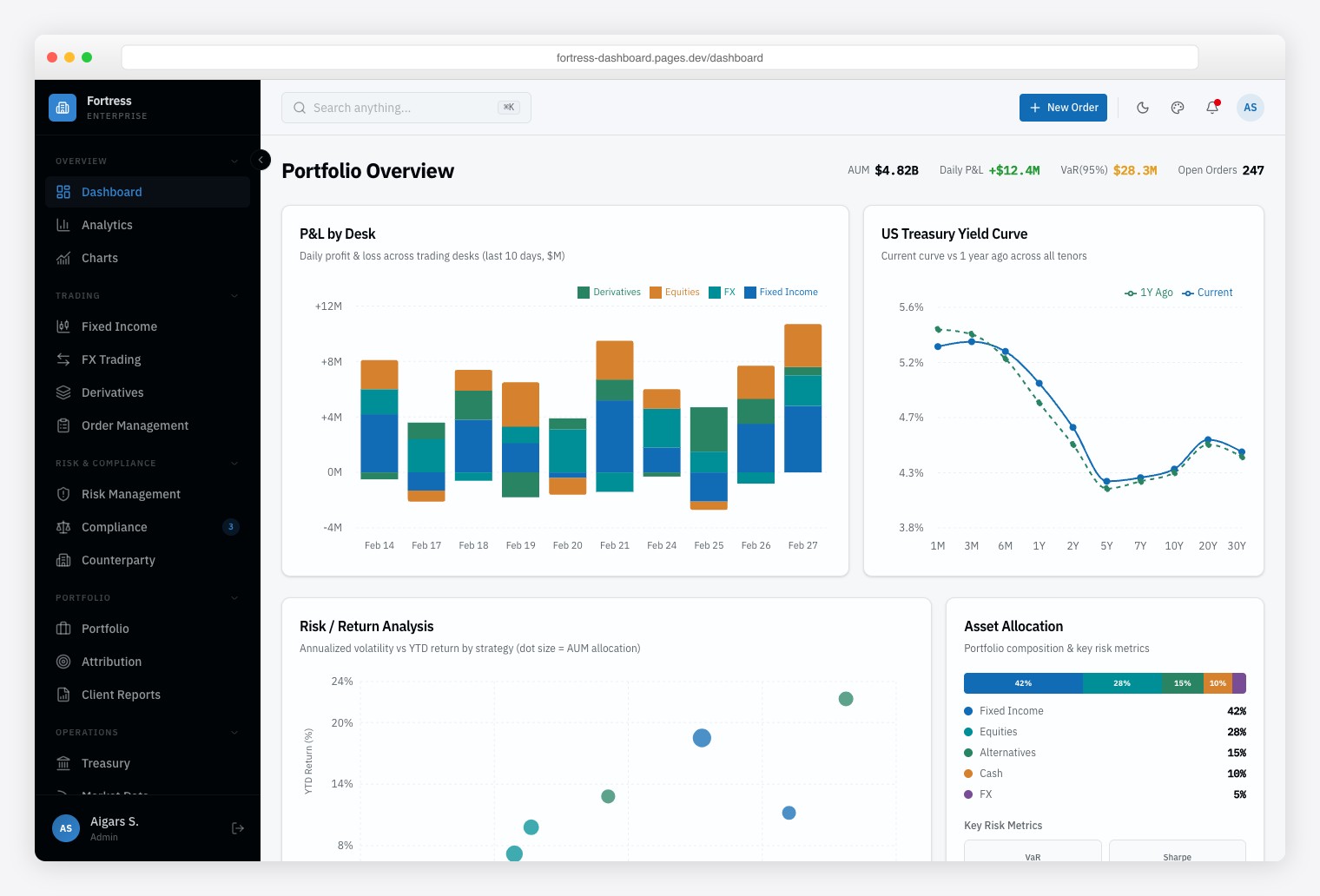
Why we like it: Bloomberg-style data density — multi-panel layouts built for 50+ data points on screen without scrolling.
Thirteen modules span multi-asset trading (Fixed Income, FX, Derivatives), risk analytics, and regulatory compliance monitoring, laid out in dense multi-panel screens modeled on professional trading terminals. Testing and component documentation are included.
40. Metronic
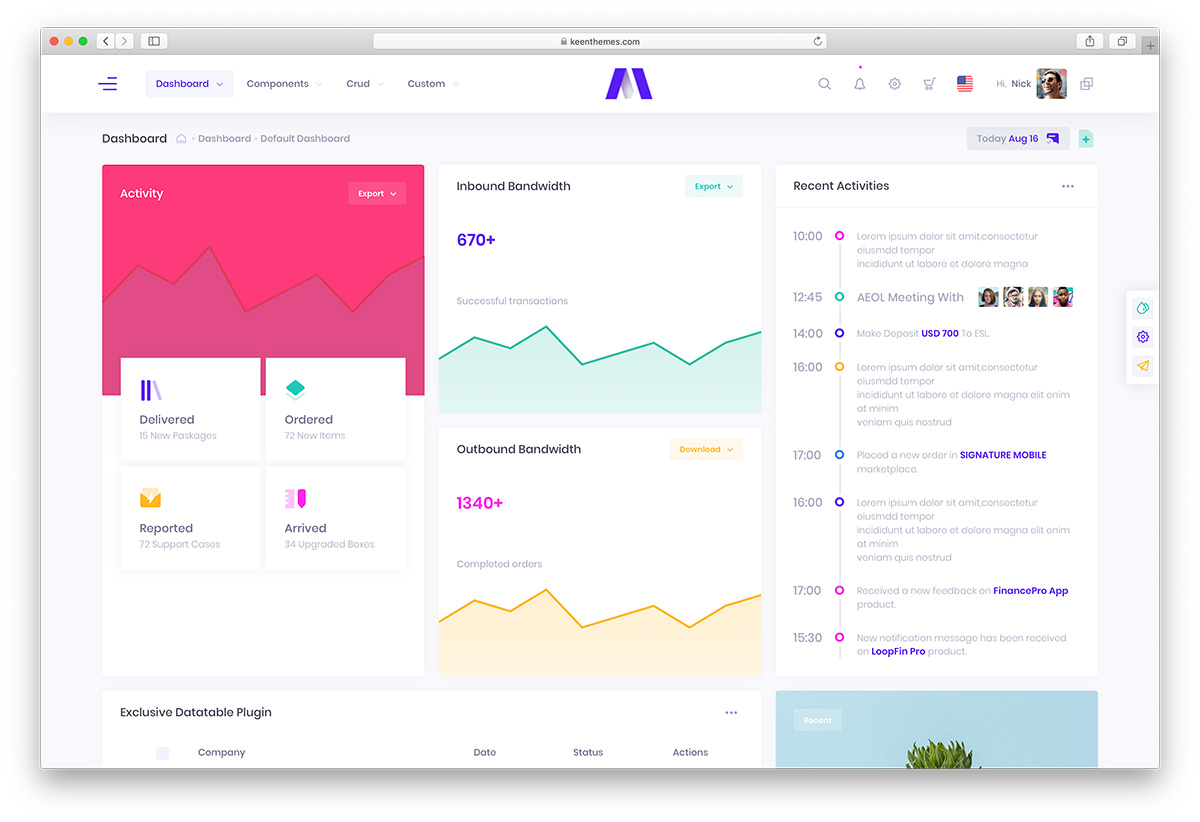
Why we like it: One of ThemeForest’s best-selling admin templates — regularly updated, so your investment keeps growing.
Available as both HTML (Bootstrap 5) and Angular templates with numerous layout variations, strong documentation, and an active community — a safe choice where long-term maintenance matters.
How to choose an admin dashboard template
Start with your application stack. For Bootstrap 5, compare AdminLTE and Tabler. For plain JavaScript without Bootstrap, compare Gentelella and Adminator. React teams can start with Shadcn Admin or compare the paid Apex and TailPanel editions. Vue teams can use Vuestic Admin; Laravel teams should evaluate Filament for a server-connected panel.
List the screens your users need. A support tool needs tickets and account history; a sales tool needs customers, orders and reports. Compare the actual demo pages instead of choosing by total page count. For specialist layouts, see Kiaalap for education, the paid Hospital Dashboard for healthcare, or Signal for DevOps. These interfaces still need your application’s services.
Separate UI behavior from backend features. Dragging a kanban card, filtering a table or filling in a login screen does not establish persistent storage, secure authentication or authorization. Check the edition’s documentation for what is implemented and what uses mock data. For dashboard hierarchy, chart selection and navigation ideas, use our dashboard design examples.
Evaluate the cost of integration. A free template can suit a large project; a paid template can save layout work when it matches your stack and screen requirements. Check dependency versions, update history, keyboard navigation, mobile tables and the license for any charting or other bundled libraries. Confirm support scope before paying.
Frequently Asked Questions
What is an admin dashboard template?
An admin dashboard template is a reusable interface for an admin panel, with navigation, tables, charts, forms and account screens. Most templates need your own backend for data, authentication and permissions. A panel builder such as Filament also provides server-side application features within its supported framework.
Which free admin dashboard template should I choose?
Choose AdminLTE 4 or Tabler for Bootstrap 5, Gentelella or Adminator for vanilla JavaScript without Bootstrap, Shadcn Admin for React, and Vuestic Admin for Vue. Laravel developers can use Filament to build a panel around application data. Compare the specific edition and screens you need.
Should I use Bootstrap or Tailwind CSS for an admin dashboard?
Choose the CSS framework your team can maintain and that fits the application. AdminLTE and Tabler use Bootstrap 5. Shadcn Admin uses React and Tailwind; the current TailPanel product also requires React. A Tailwind label alone does not mean the template is framework-free.
Are all 40 admin dashboard templates free?
No. This collection starts with 19 free options and then lists 21 paid products. CoreUI and ArchitectUI have both free and paid editions. Check the linked edition and the separate terms for bundled libraries and optional plugins.
What is the difference between a free and paid admin template?
Compare the actual pages, components, documentation and support terms. Paying does not automatically include a working database, authentication service or live business integrations. A free template can contain more pages than a paid one; choose by project fit rather than price or page count alone.
Do admin dashboard templates work with any backend?
Plain HTML templates can be integrated into server-rendered applications or connected to APIs. React, Vue, Angular and Svelte products require their respective frontend stack. Laravel panel builders require Laravel. Check whether the selected edition includes backend code, mock data or frontend screens only.

Related Posts


Hi , how much do these templates increase the server speed load? Thanks
Richard,
These are plain HTML, CSS and JavaScript templates, so they load incredibly fast and don’t add any load to the server. That also means there is no database or backend functionality attached to them, and you need to build that part on your own. The backend is what affects performance the most, so make sure to write good code.
Well i’m new to Github and all. Its super complicated for me. I usually just download admin themes and adjust the code to need, but the Adminator theme is a pain. The css files aren’t linked to the pages, so they show up wierd, no .js files linked too. I have no idea where to start. I like the adminator theme, but its difficult to use. Why can’t it be edited like AdminLTE 2 or some other themes listed here.
Adminator is more advanced and built for developers. It uses Node and npm and needs to be compiled, so opening the files as a plain HTML canvas won’t do much. Follow the setup instructions instead. It might not be for everyone, but developers building web apps appreciate the way it is built.
is it possible to do it in Django
Feel free to use them for Django or any other coding language or framework.