
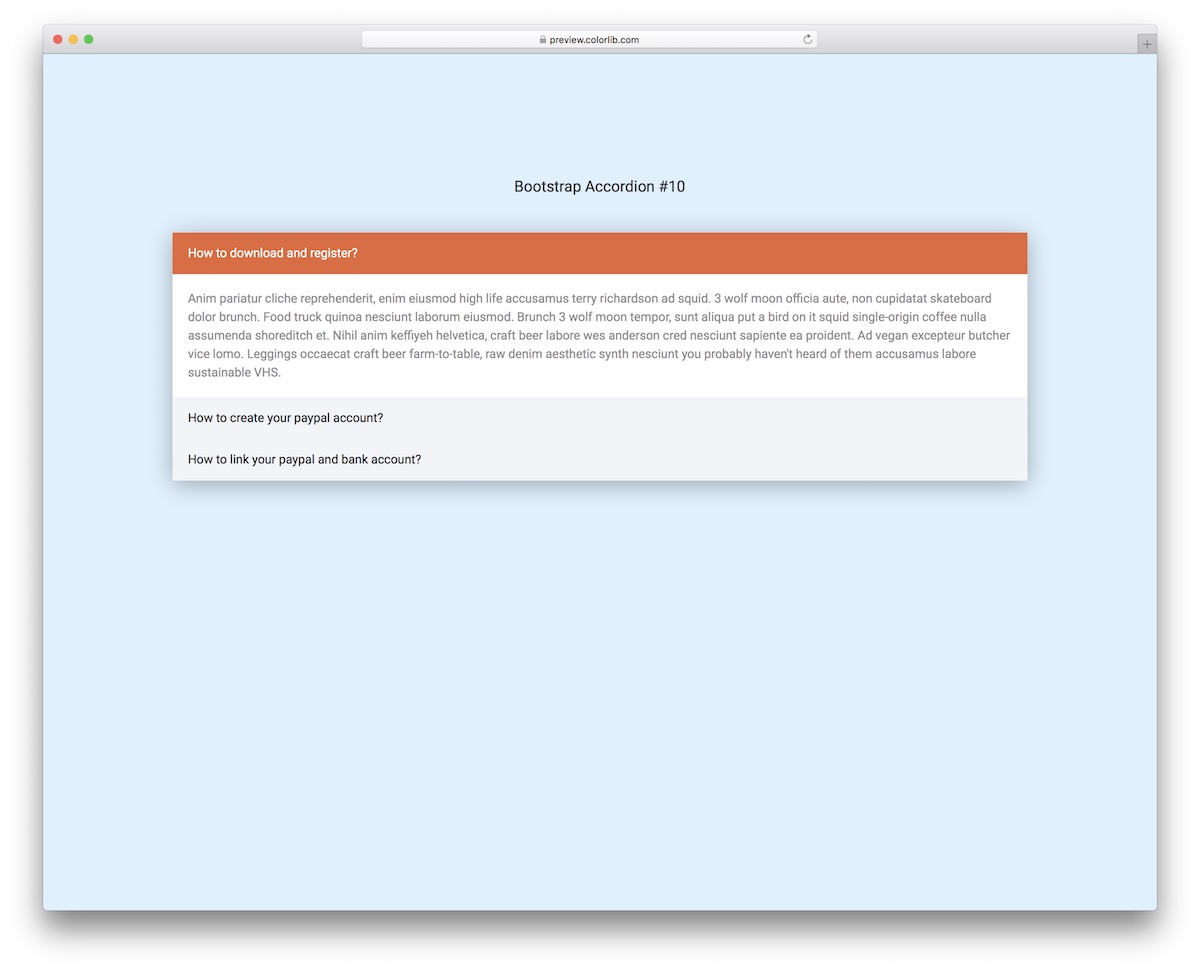
25 Free Bootstrap Accordion Examples & Designs 2026
These Bootstrap accordion examples cover the jobs accordions usually do: FAQs, restaurant menus, pricing lists, account and profile panels, and collapsible navigation.
The list now holds 25 free items. The first 20 are Colorlib accordions we rebuilt this year as plain HTML, CSS and a few lines of vanilla JavaScript, so the sections open and close without jQuery or Bootstrap’s JavaScript. The last five come from our 2026 snippets, where collapsible sections sit inside larger components: FAQ tabs, a pricing FAQ, a nested mobile menu, a plan comparison table and an incident timeline.
Every one is a free download with a live demo and works on its own or inside a Bootstrap 4, 5 or 6 project. If you would rather start from a full page, several hundred of our Bootstrap 5 templates already include accordion sections. Tips and answers to common questions follow the list.
Best Bootstrap Accordion Templates
Bootstrap Accordion V01
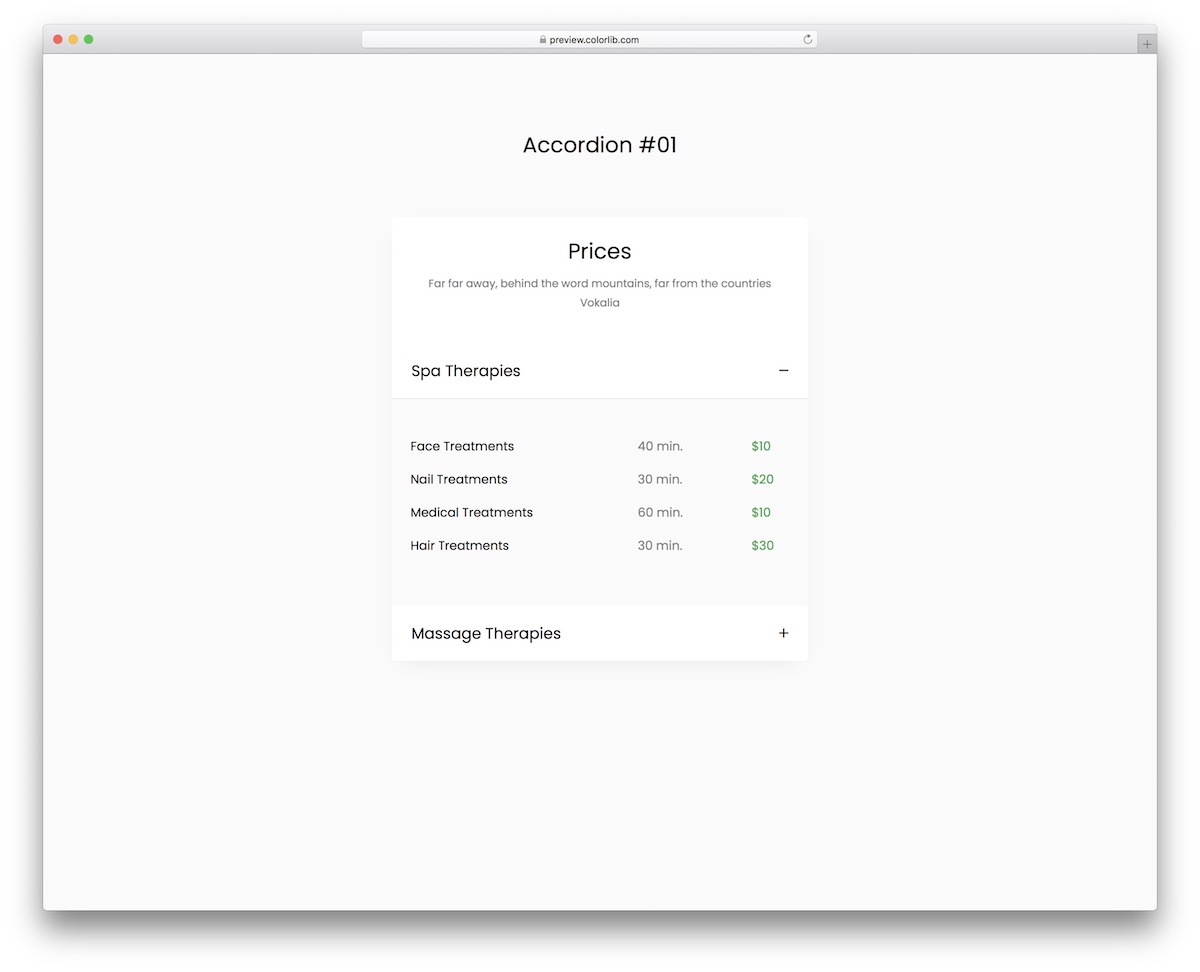
This all-around pricing accordion is great for a variety of different service-based businesses. Out of the box, it ideally suits spa salons and wellness centers, but you are welcome to modify it to your liking.
The flexible design works smoothly across devices, and the whole download is just 102 KB.
With the simple +/- signs, the user can open or collapse each accordion, learning more about your services, session length and pricing.
Bootstrap Accordion V02
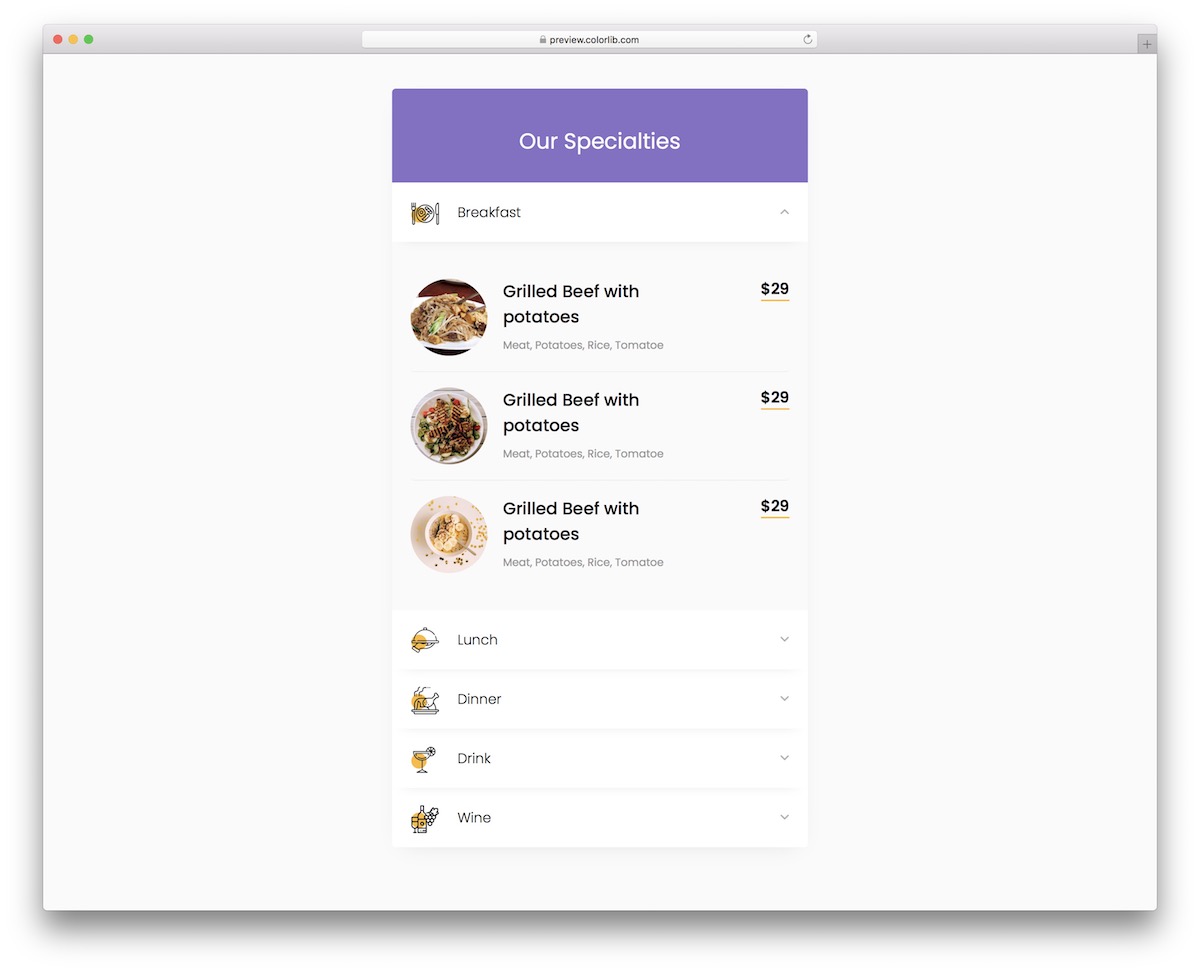
As a restaurant or other food business website owner, a menu featuring food and drinks is almost essential. With Bootstrap Accordion V02, you can now embed a convenient solution that displays your delicious offerings for your users.
You can break it down into breakfast, lunch, dinner, drink, and wine, or use your custom categories. You can also feature beautiful and mouthwatering food photography, prices, and additional text.
Now you know how to grab your potential customer’s attention.
Bootstrap Accordion V03
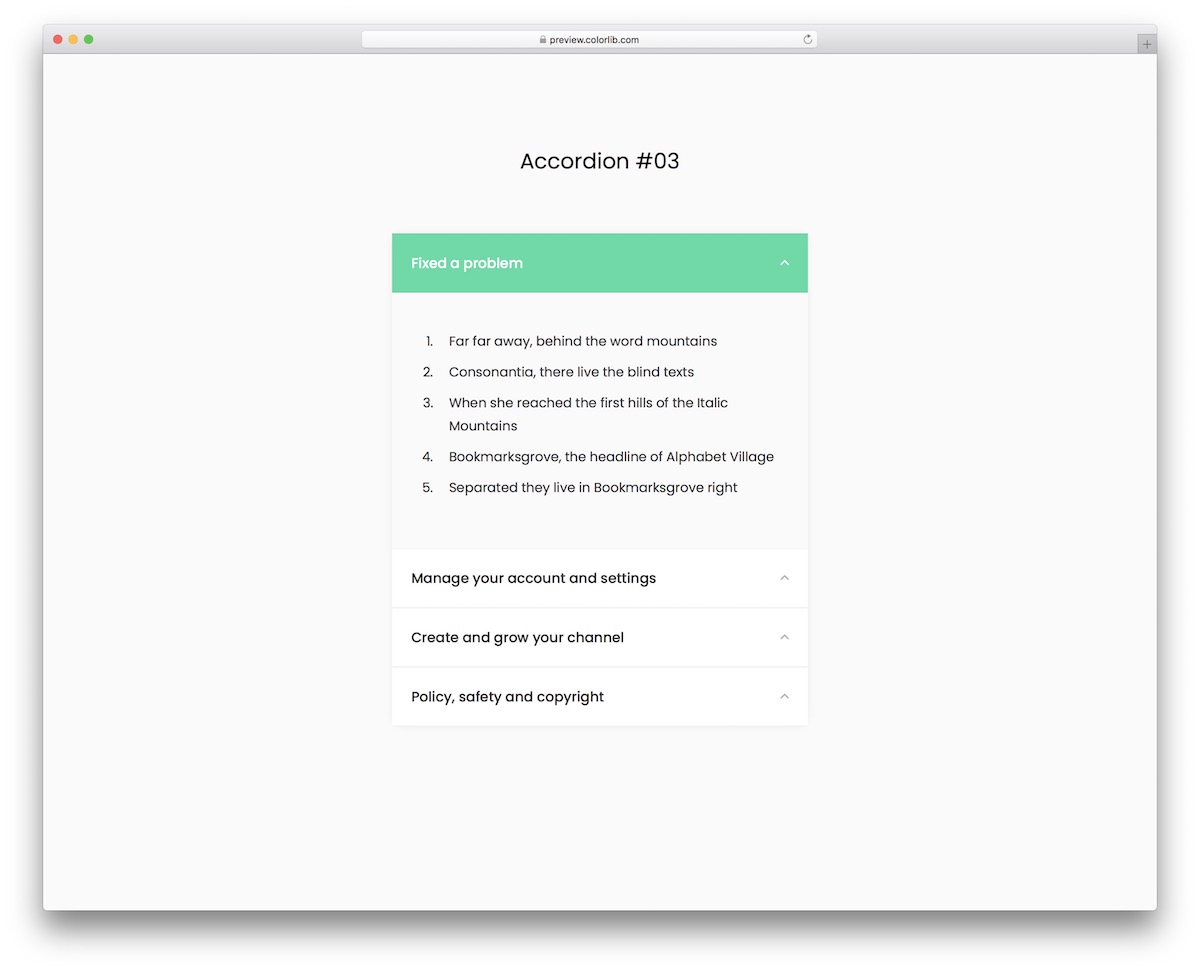
This flexible Bootstrap accordion lets you present all content clean and distraction-free. Due to its minimalist design, you will have no trouble embedding it into your application, even if you use it as is.
On the other hand, you are welcome to modify it, following your branding guidelines to the letter.
The options are VERY MANY, whether you want to display additional product specifications, provide extra information about your business, or even an FAQ.
It stays light, too: no jQuery, no Bootstrap files and no plugins to load.
Bootstrap Accordion V04
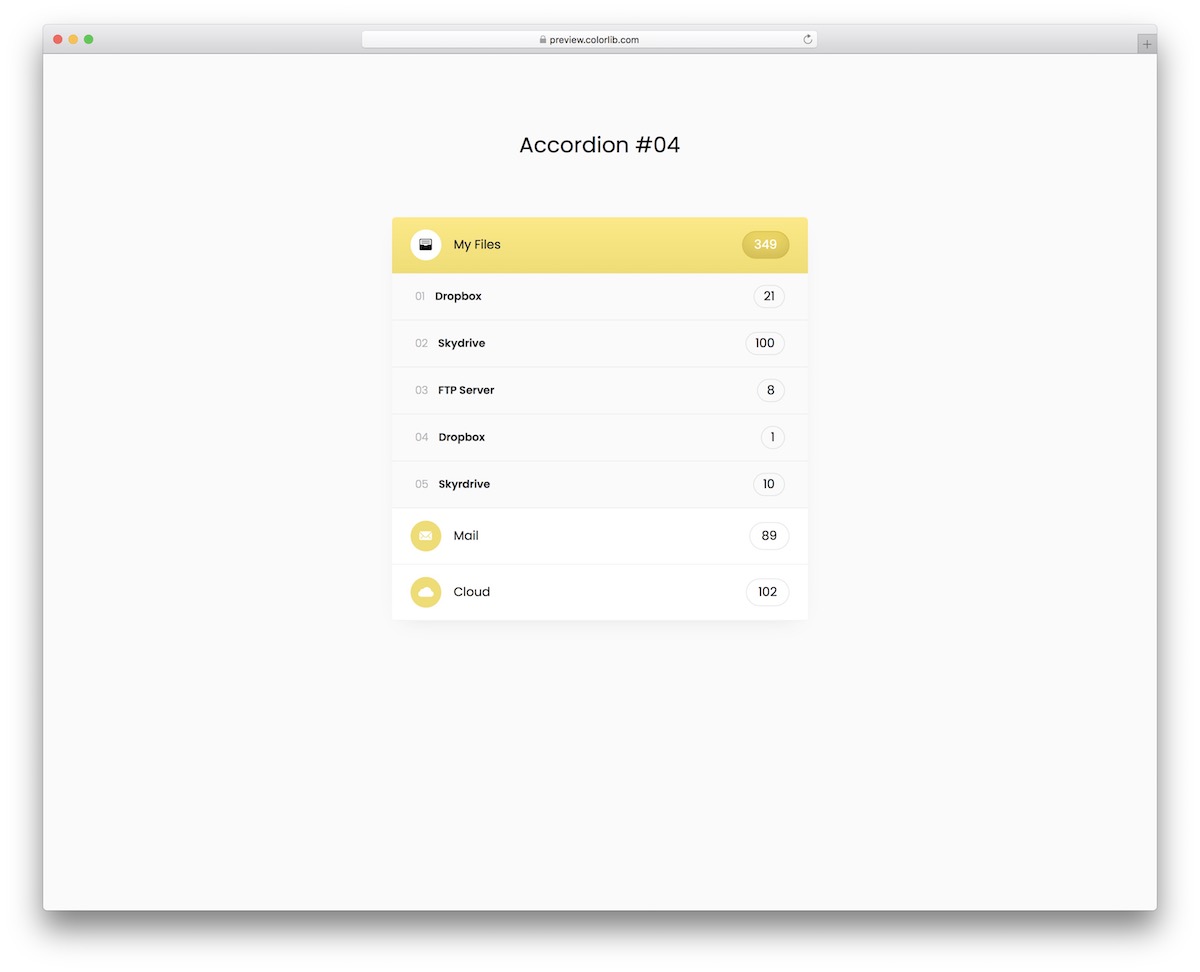
This free and responsive Bootstrap accordion for user accounts and profiles can greatly benefit you. The free snippet is easy to use, ensuring both beginner and professional web developers get the most out of it.
Of course, it works out of the box, but you can fine-tune it to match your project. Instead of working on an accordion from the ground up, save yourself time with a ready-to-use alternative.
You can experiment with different options and possibilities before arriving at the ideal outcome.
Bootstrap Accordion V05
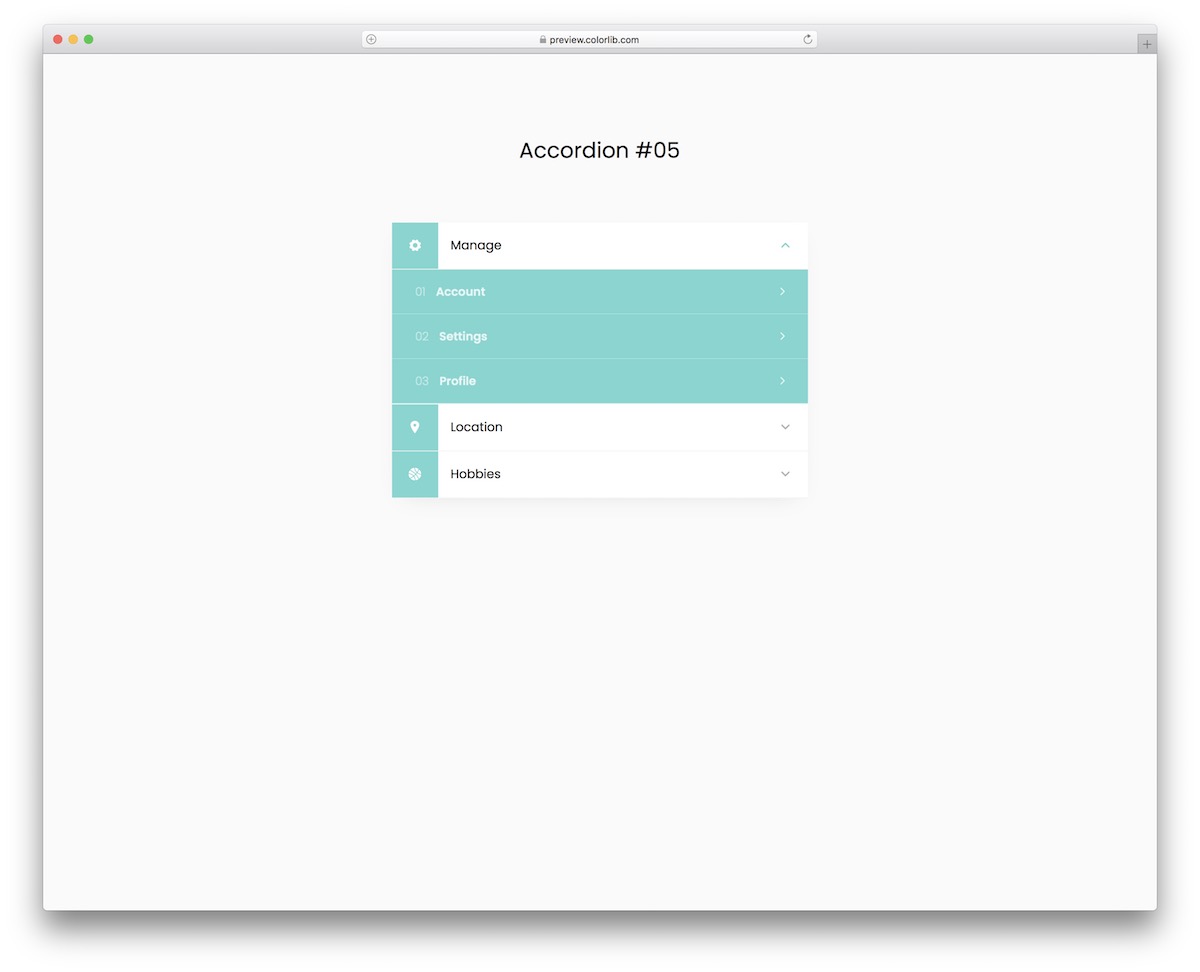
With our collection of the best Bootstrap accordions, you will easily find the one that fits your needs. This is excellent for accounts and profiles, as it displays additional information about the person.
Account settings, profile, location, and hobbies are the default configurations that you can further customize. You can also improve the color choice, making it flow with your application’s theme.
The foundation and code structure of the free widget is very USER-FRIENDLY, so you will get the gist of it immediately.
Bootstrap Accordion V06
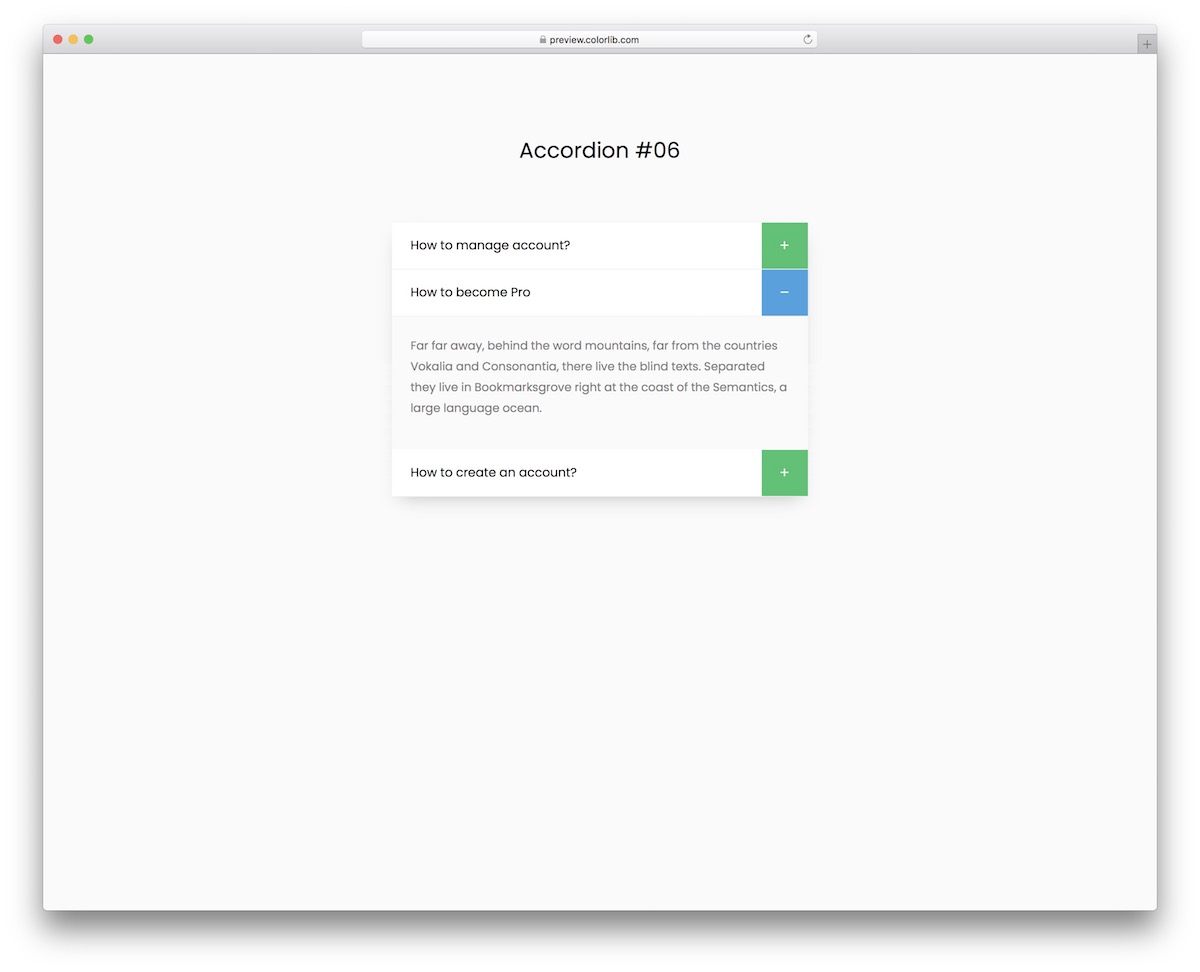
This exclusive accordion widget is your best bet if you want to add FAQ to your website or application. It displays additional information to your users in a convenient way, ensuring a top-class experience at all times.
The plus sign is green but changes to blue when the additional section opens, complementing the minimalist design. The layout of the free snippet also smoothly adapts to different devices, so you don’t need to worry about that yourself.
Lastly, if you would like to modify this template, you are welcome to do it.
Bootstrap Accordion V07
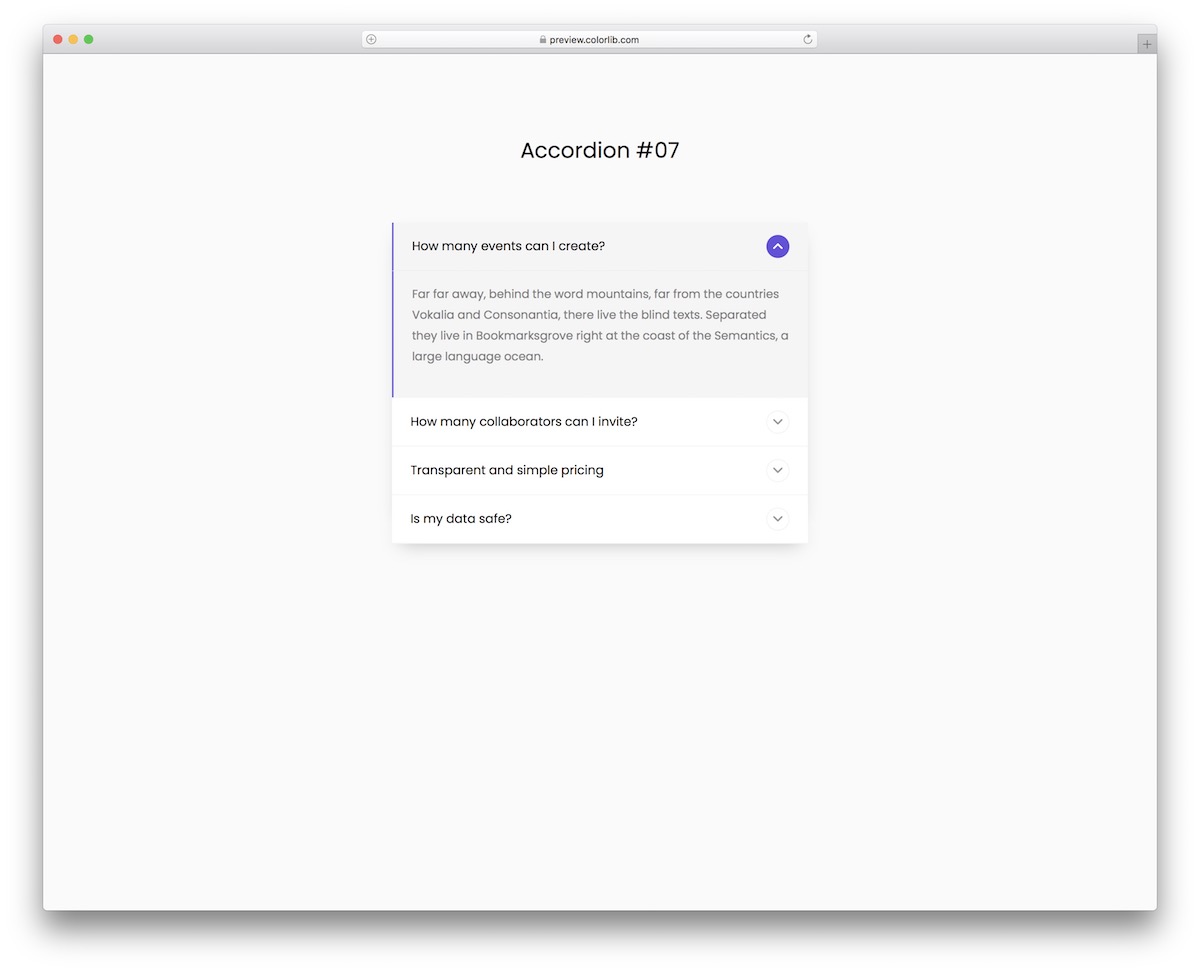
Follow the modern trends even when it comes to accordions. This, along with all our other alternatives, enhances UX and ensures excellent content distribution.
Bootstrap Accordion V07 features a contemporary and clean look, which is necessary to ensure a magnificent experience. Whether you click on the icon or anywhere else on the main accordion section, a dropdown appears with the answer or other information you want to share.
Also, when the accordion opens, it CHANGES COLOR, and the icon turns purple for a more dynamic feel.
Bootstrap Accordion V08
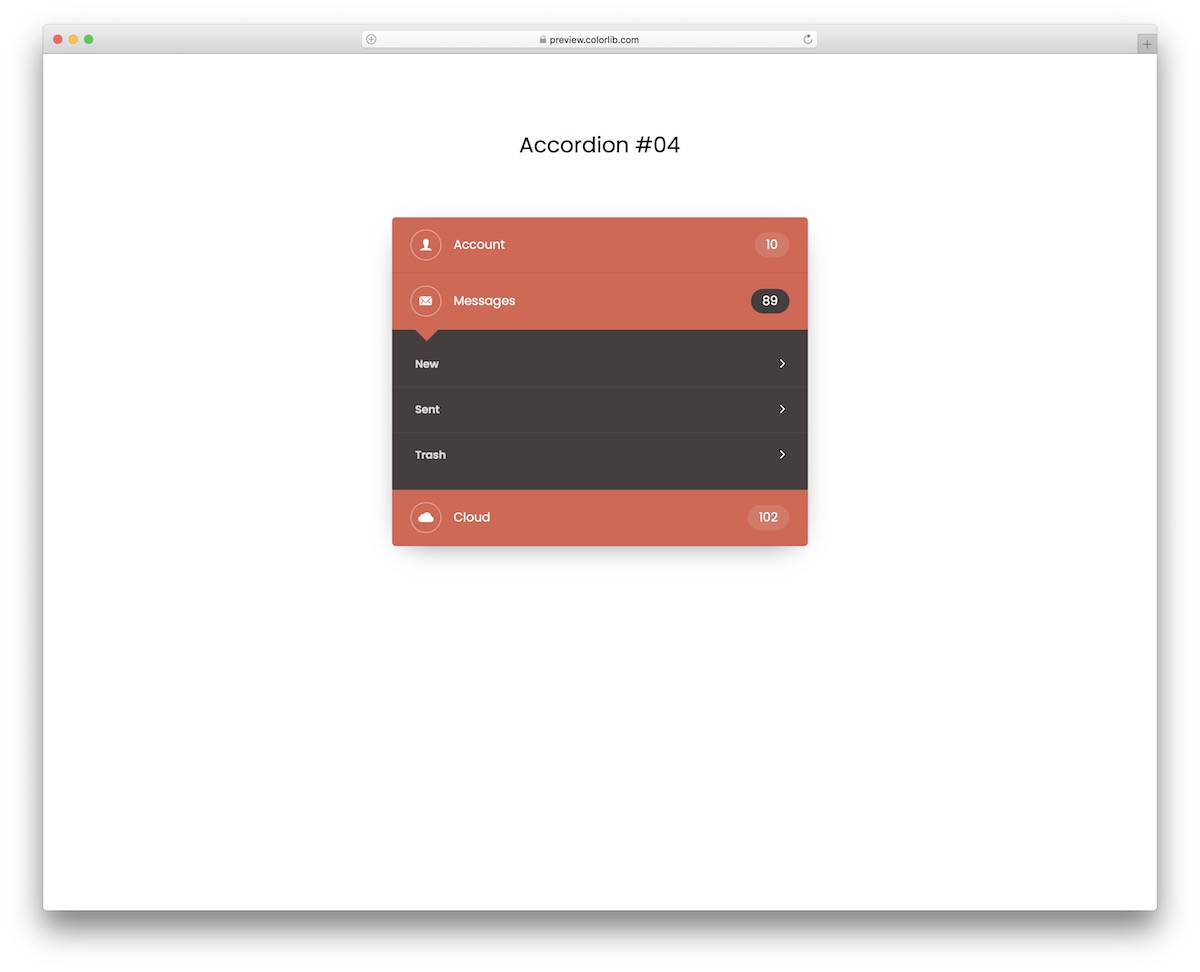
If you are limited with space on your application, this free Bootstrap accordion will do you well. It features three default sections/tabs for account, messages, and cloud with multiple subdivisions.
You can use the widget as is or modify and improve it further. However, if you dig the black and orange color combination, you are good to go right away.
It certainly helps create an outcome that you will smoothly integrate into your project.
Bootstrap Accordion V09
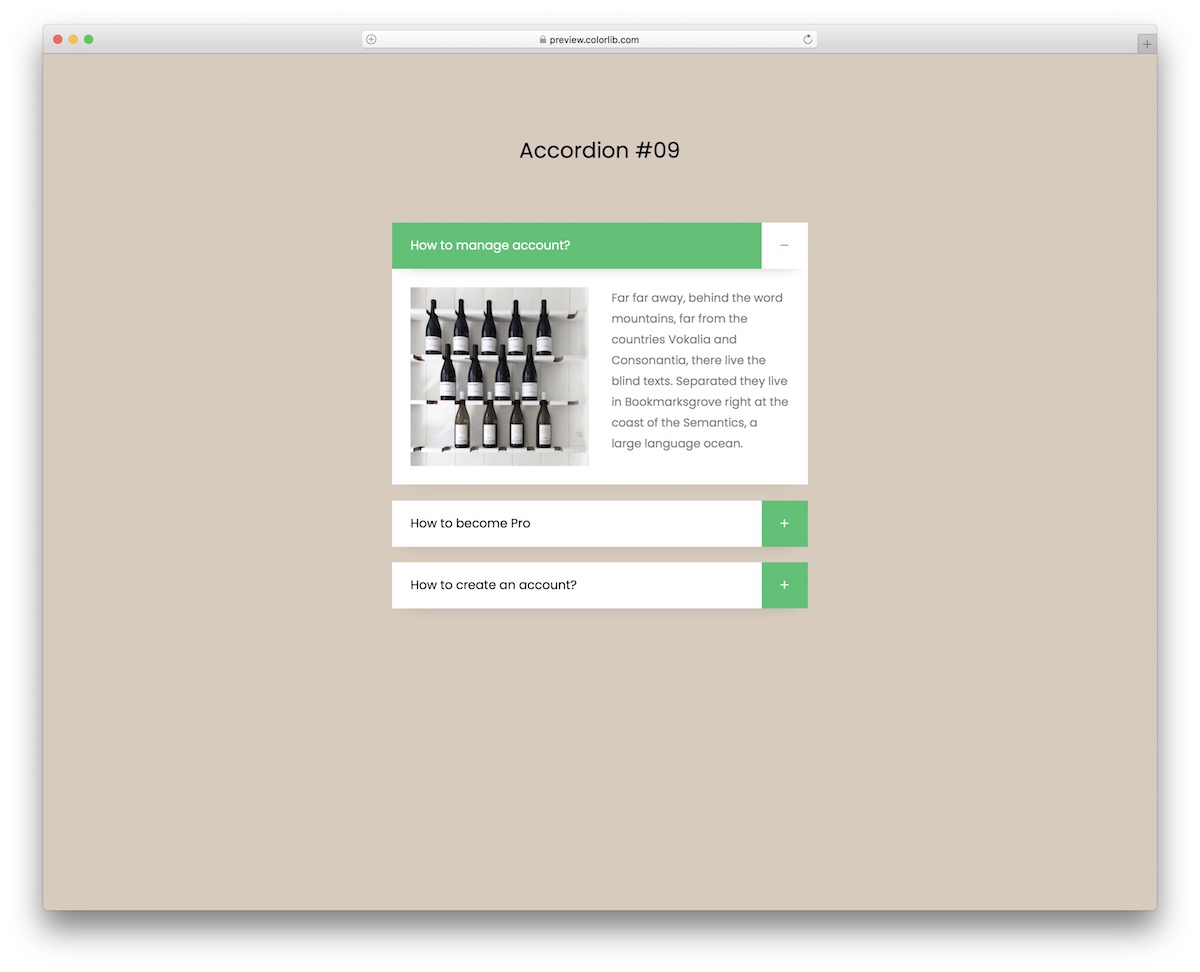
Instead of focusing only on questions and answers, spice things up with images. This is the Bootstrap accordion snippet you should not miss to achieve an excellent result that fits your needs.
The accordion contains a light design with a green detail that makes it more vibrant (and clickable).
See it for yourself and make it yours – it’s free.
Bootstrap Accordion V10
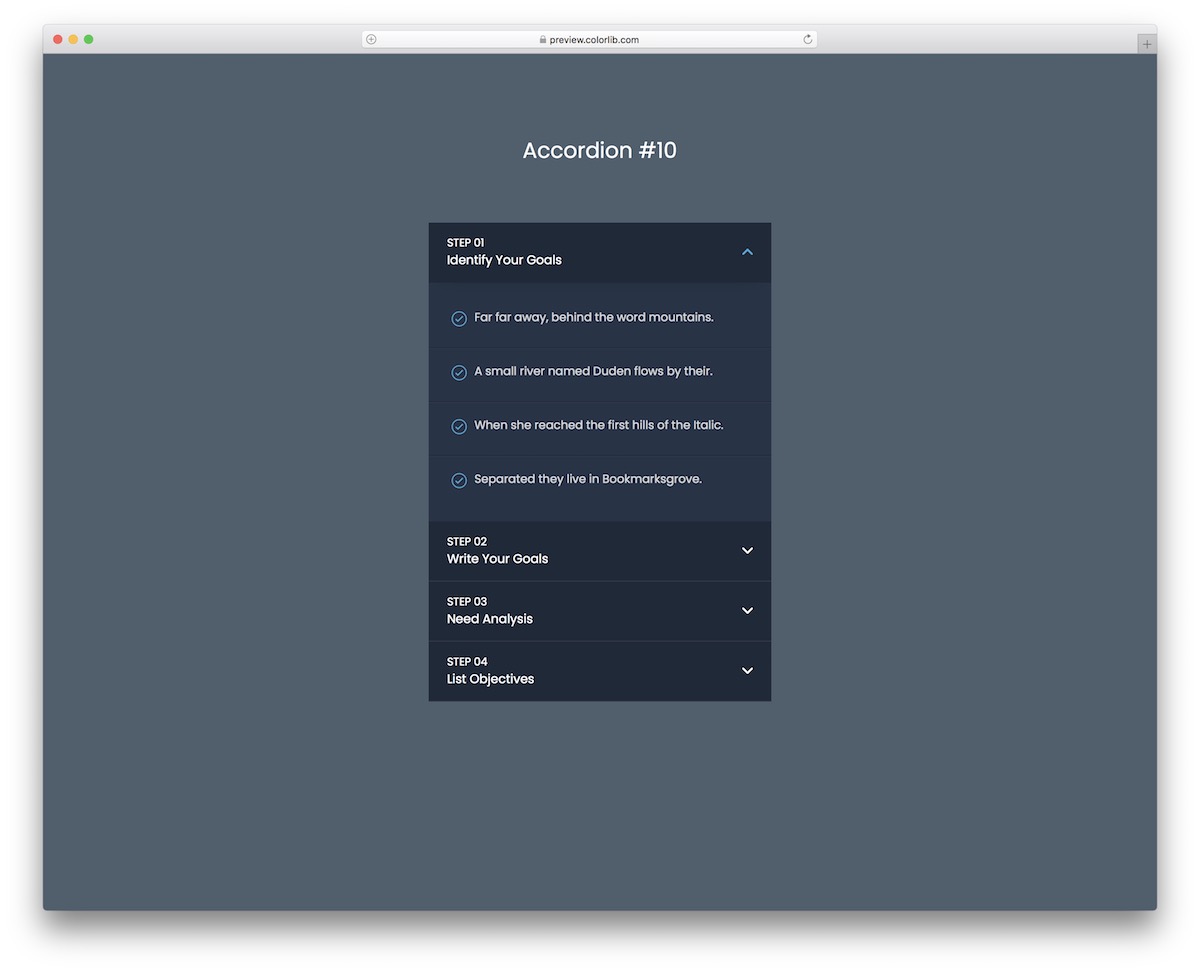
You come to the right place if you search the web for the best dark accordion template for a Bootstrap project, or for a page without any framework at all.
This expert solution is easy to use and features multiple collapsible sections that can be configured to meet your specific needs and regulations. With a well-thought-out free widget, you can skip the process of including an accordion to your project from scratch.
You can see it in effect first by heading over to the live demo preview and going from there.
Bootstrap Accordion V11
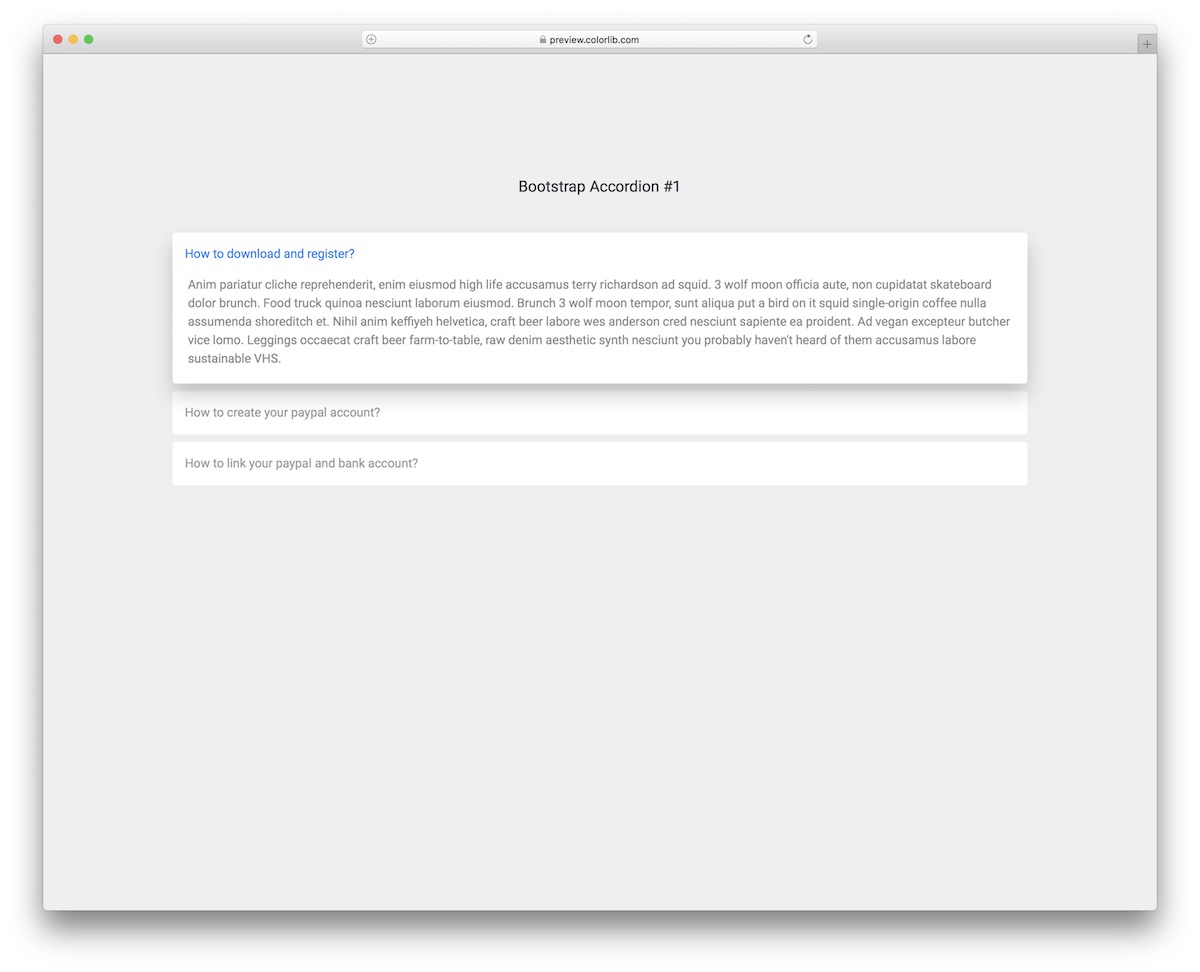
There are multiple variations of adding FAQ to your website, accordions being one. If you have limited space or want to keep things more minimalist-looking, a Bootstrap accordion is probably one of the best options for frequently asked questions.
This alternative beautifully adapts to different screen sizes, and it looks the same whether you use it on its own or inside a Bootstrap 5 project.
Each section highlights on hover and turns blue when the accordion with the answer opens for the user.
Bootstrap Accordion V12
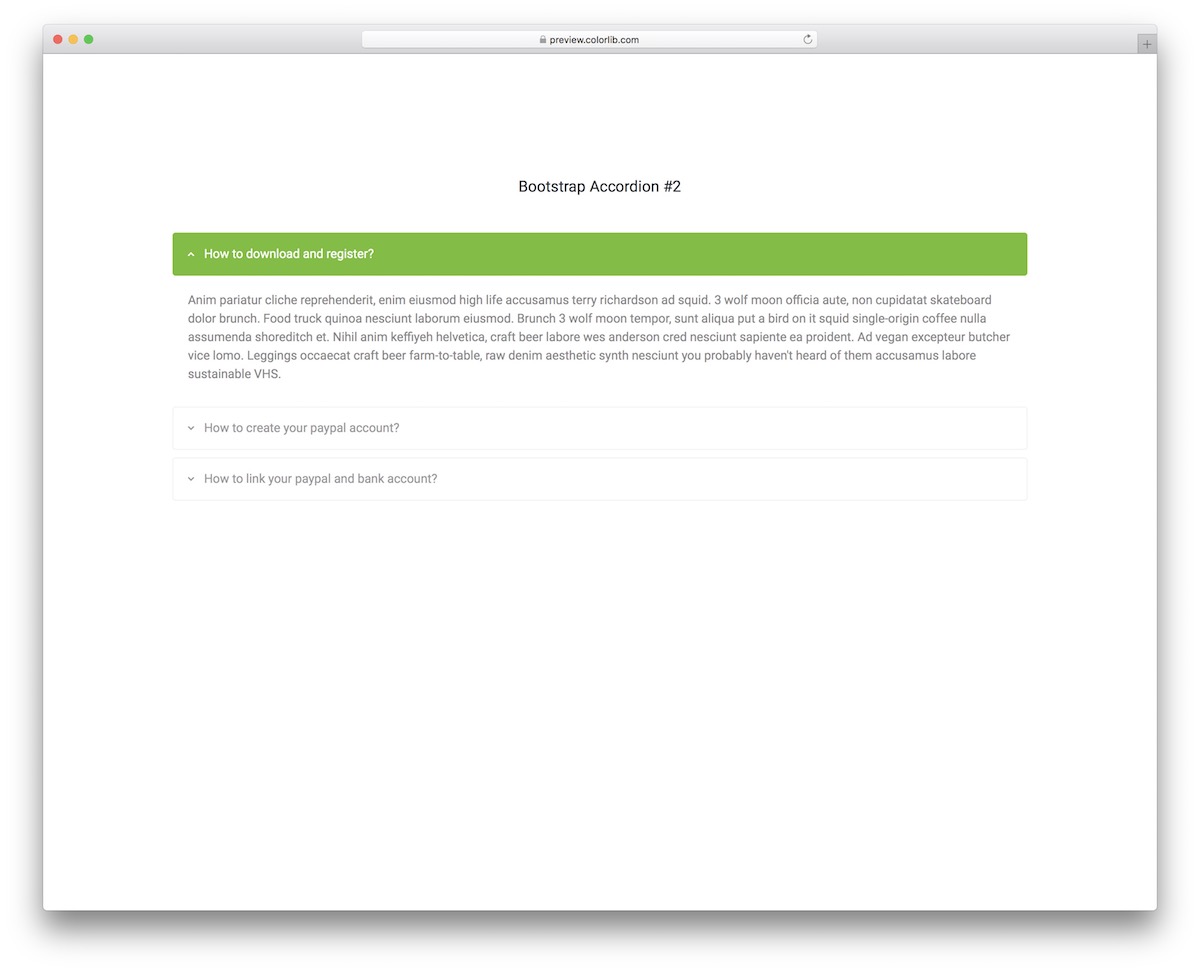
A very minimalist accordion for questions and answers, aka FAQ with green highlights and chevron.
The free snippet is also straightforward in terms of usage. With that in mind, you will have a blast using it whether you are a beginner or an expert coder.
Under the hood, it is plain HTML and CSS with a few lines of vanilla JavaScript for the open and close behaviour, so there is no framework to load.
Bootstrap Accordion V13
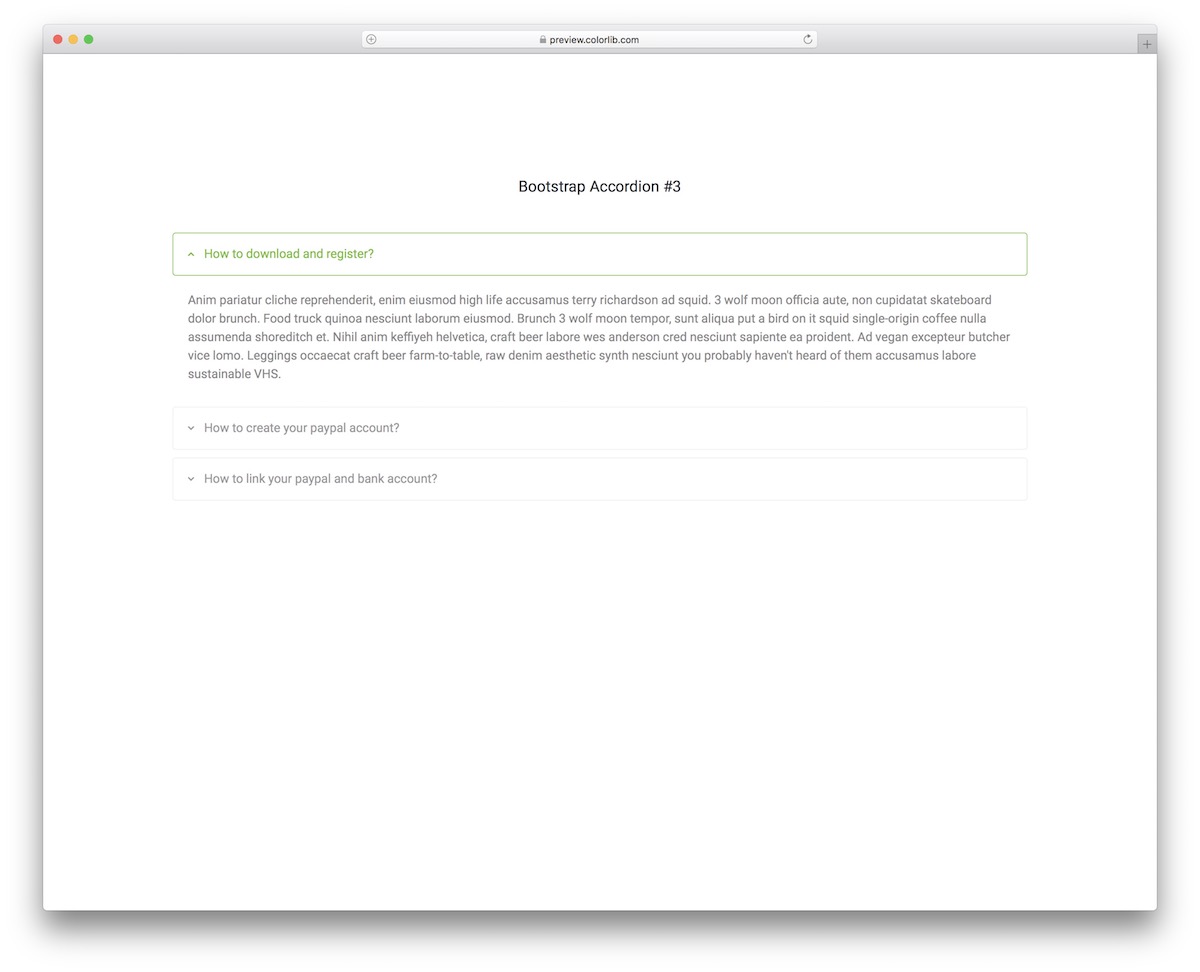
This minimalist FAQ accordion is suitable for a wide range of applications and projects. Due to its cleanness, the widget quickly adapts to different designs and themes for your convenience.
You may only alter the green color choice while keeping all the rest as is. But if you want to add a different font or something else, you can also do that without breaking a single sweat.
Pick up a predefined accordion template now and make an IMMEDIATE difference.
Bootstrap Accordion V14
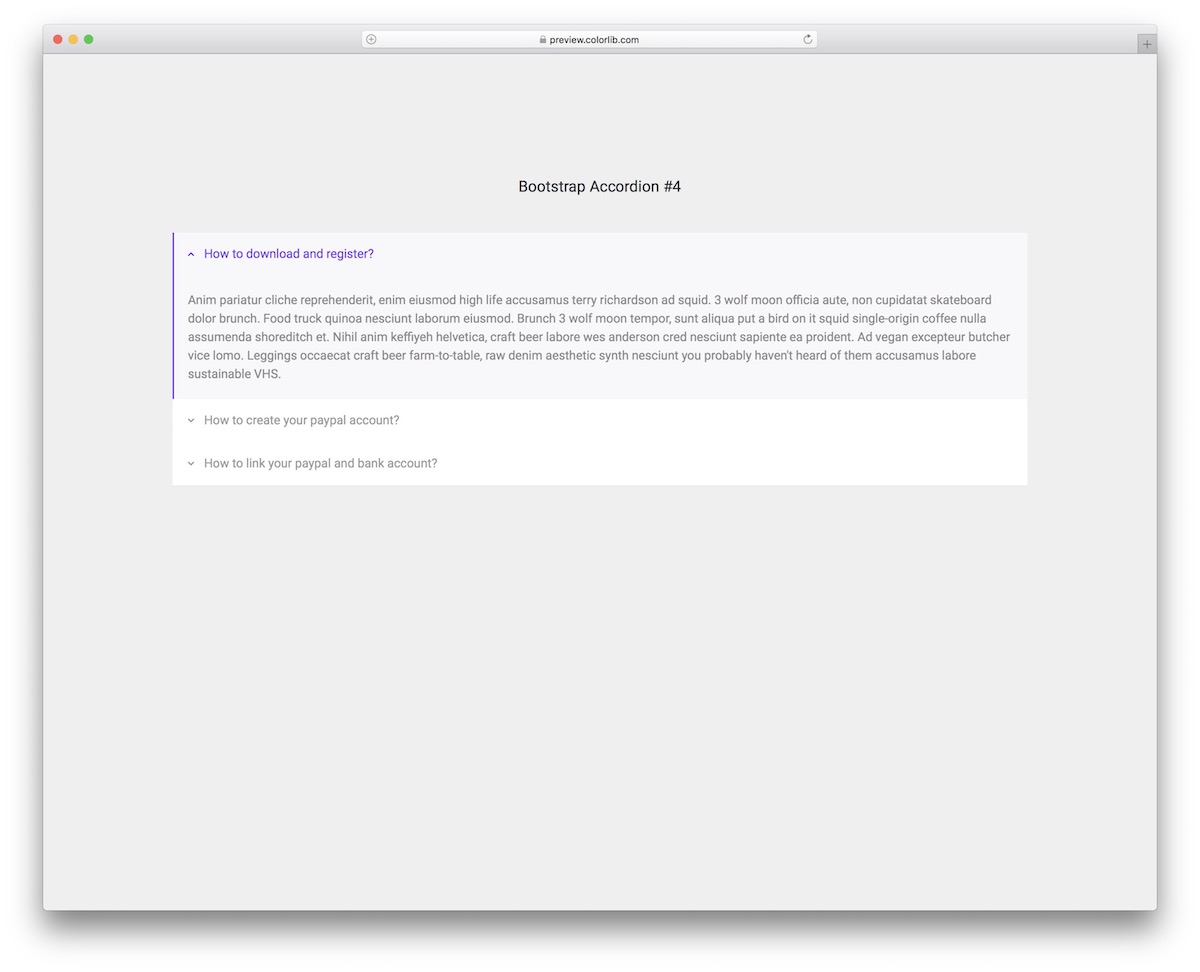
The practice of accordions knows no bounds. They work for displaying FAQ, like in this case, but you can employ it for something entirely different, too.
Remember that even though Bootstrap Accordion V14 is great for questions/answers, it will not take long to modify it for other reasons. The options are endless, whether you want to showcase company details, add additional information about your services, or do something else.
Knowing that you can create something and enjoy the result shortly after is important.
Bootstrap Accordion V15
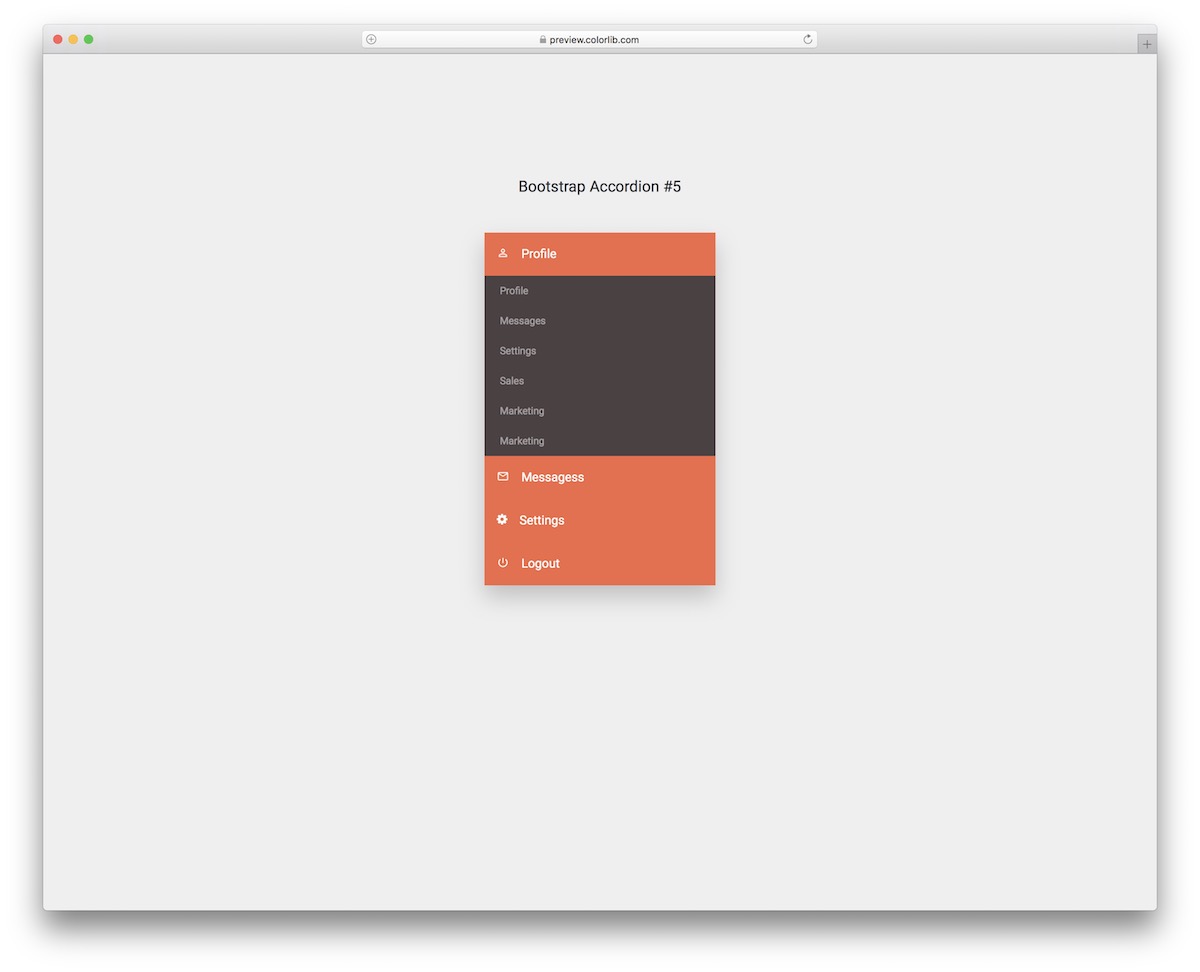
This free Bootstrap accordion creates a profile widget that will serve your users well. Profile, messages, settings, and logout are the four compartments of the free snippet, with additional sections that open in a dropdown.
The subdivisions also have a hover effect, highlighting them once you place your mouse cursor over them.
Moreover, you can use the default color combination or opt for something else—editing and customizing the widget will be easy, since the dropdown sections open without Bootstrap’s JavaScript.
Bootstrap Accordion V16
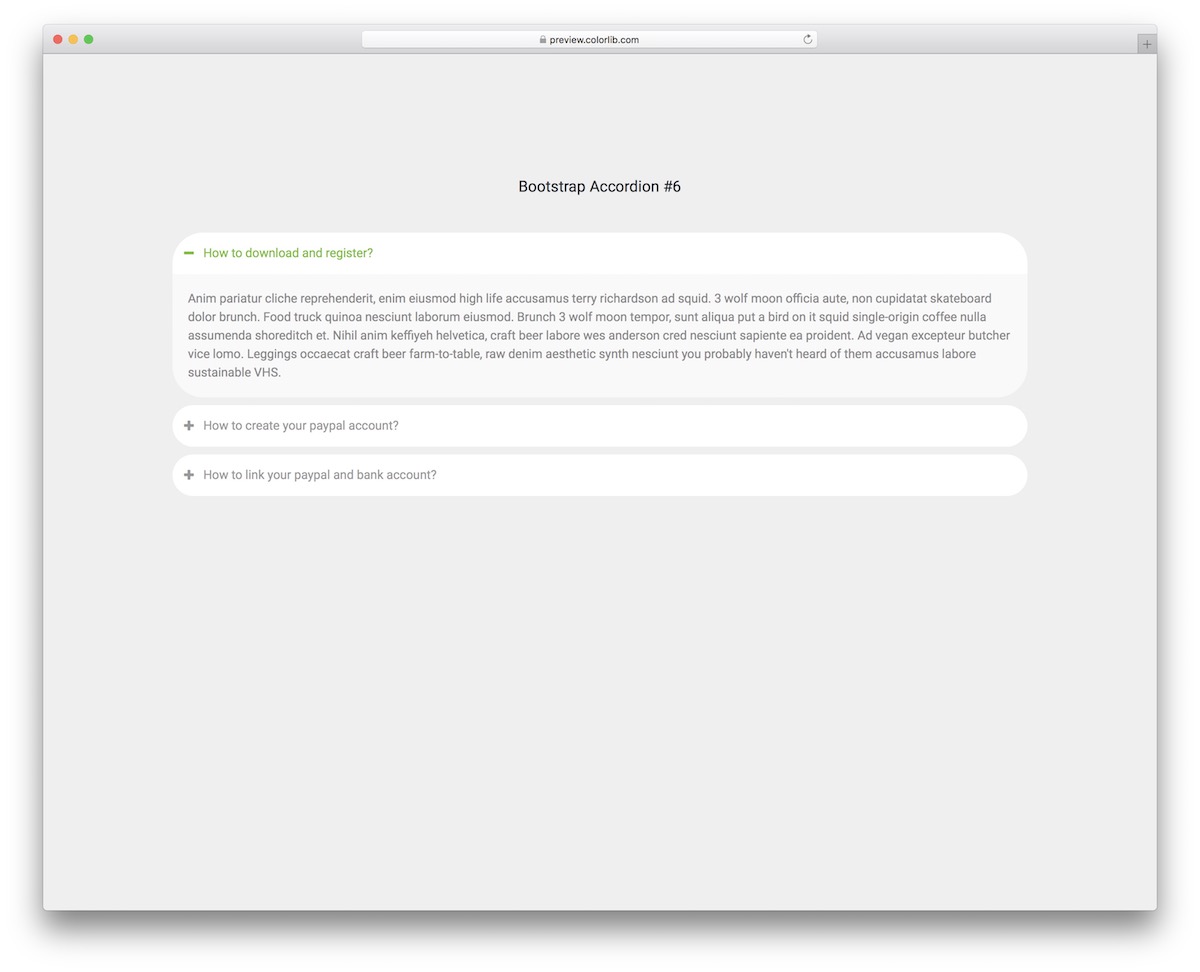
This free Bootstrap accordion is great for different apps with a more mobile-oriented design. The rounded shape also features + and – signs for opened and closed accordions, along with the green highlight.
For your information, there is no need to stick to the existing configurations, as you are welcome to fine-tune it according to your needs and branding objectives.
On the other hand, using it as-is will SAVE you additional time and energy so you can finish the task much quicker.
Bootstrap Accordion V17
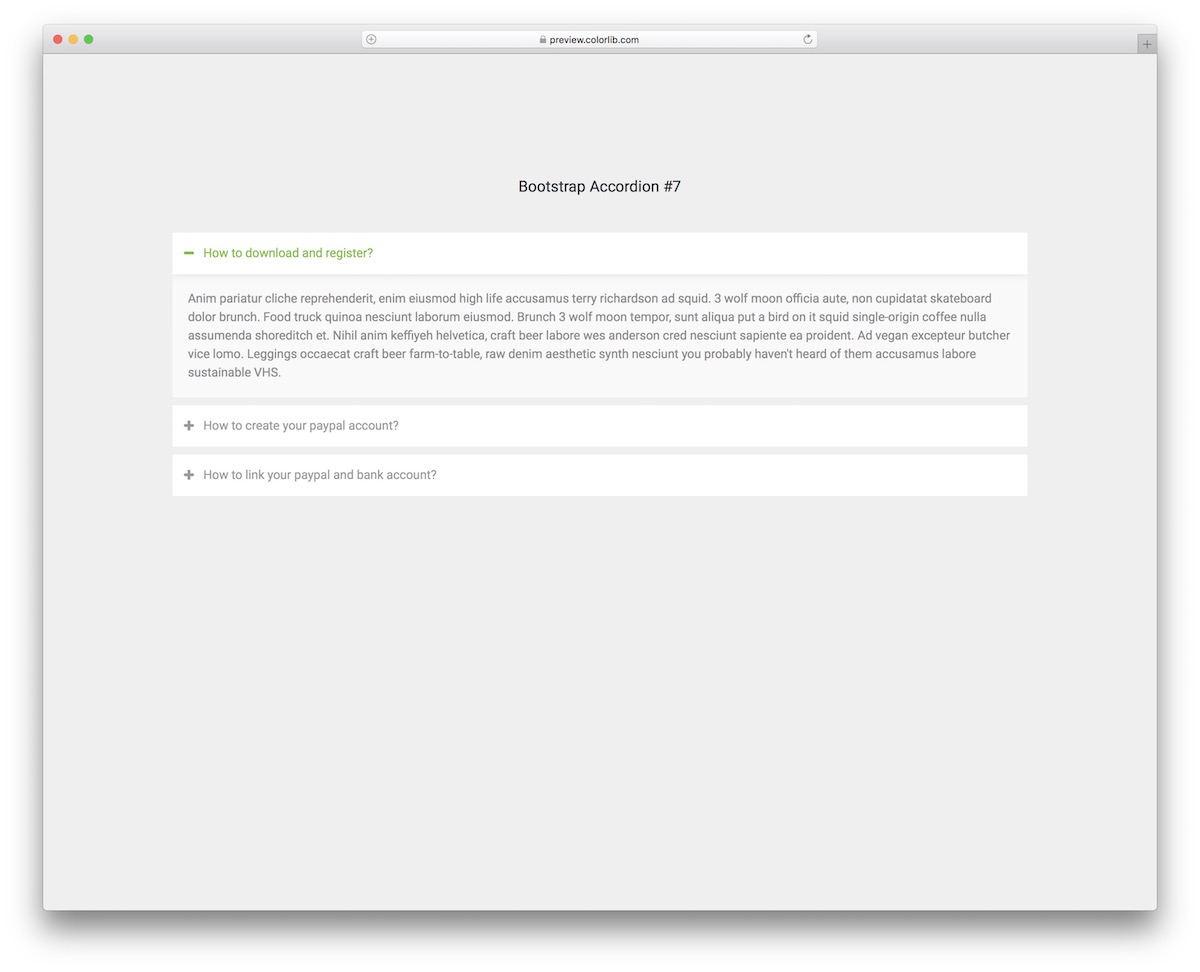
This Bootstrap accordion is similar to the one above, just that it features sharp edges instead of round edges. Since they are both free and easy to use, you can test them on your application first, see which one works best, and then proceed accordingly.
They provide a quick solution for conveniently adding FAQs and other details.
Bootstrap Accordion V18
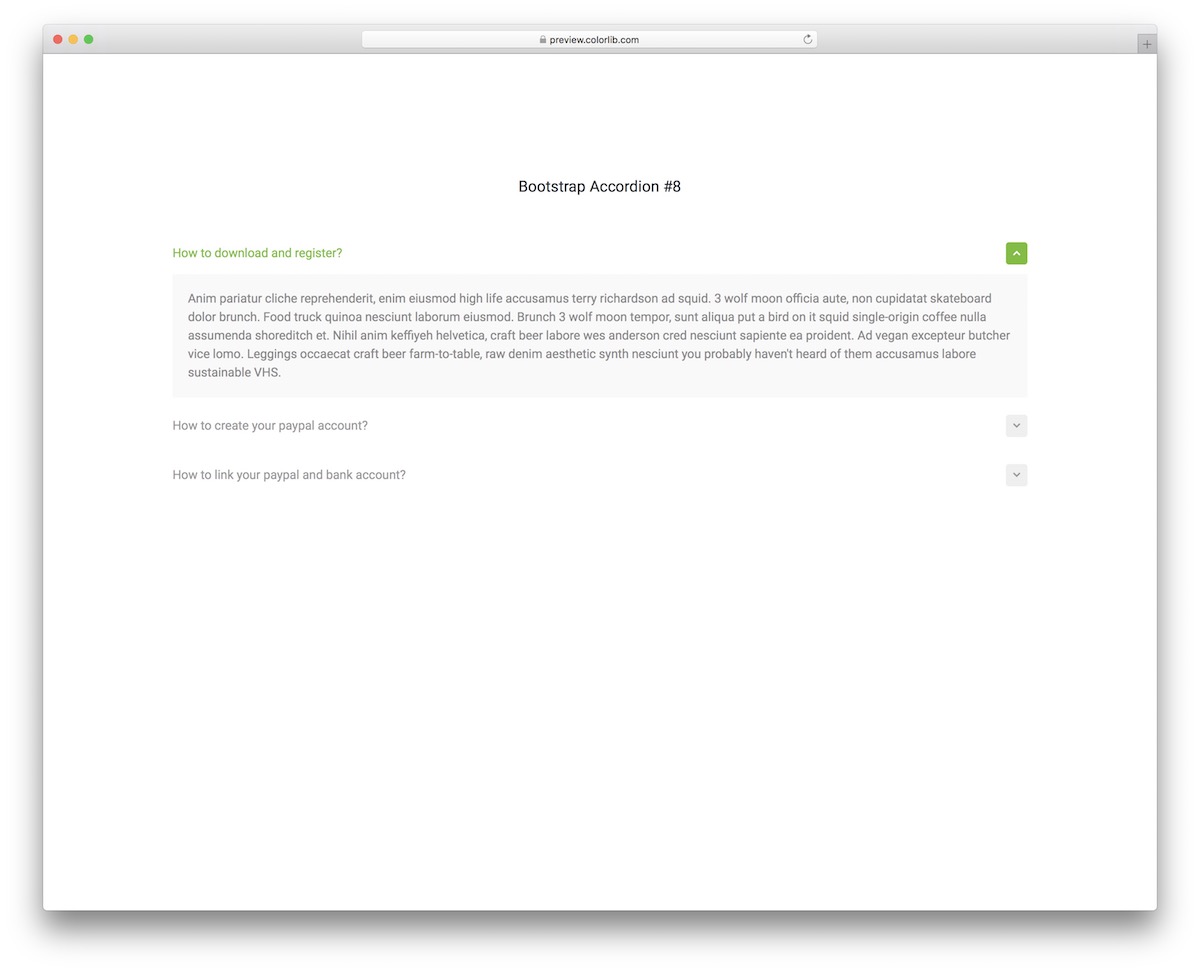
If you like the two predecessors but are still looking for something even more minimal, Bootstrap Accordion V18 is it. You almost cannot go with a cleaner and more distraction-free accordion than this.
It almost does not feel like an accordion, but the chevron reveals it. However, once you click on the section you are interested in, it will be highlighted in green and display content on a grey background.
This makes the overall encounter more PLEASANT and reading more appealing to the eye.
Bootstrap Accordion V19
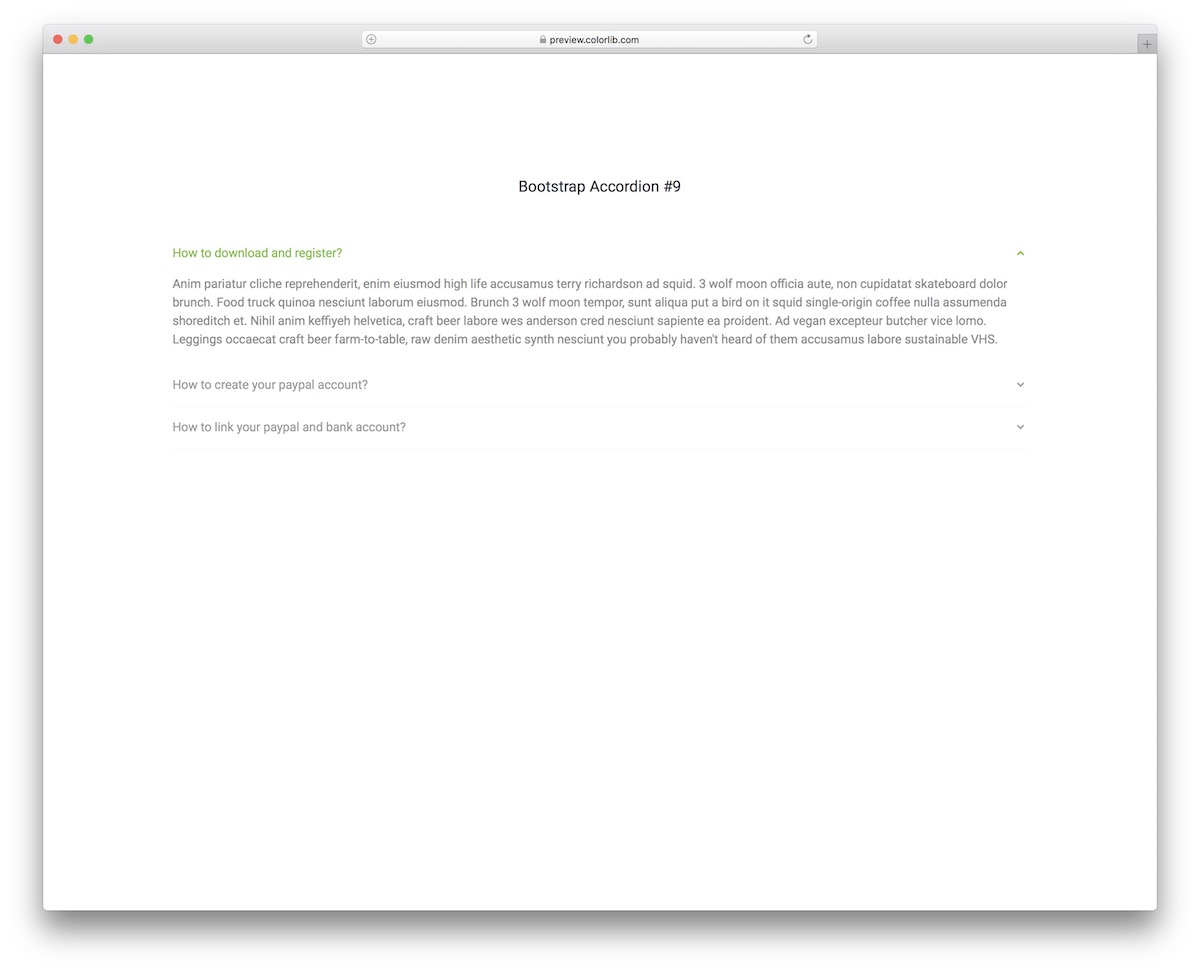
If the last free snippet is close to what you are looking for, but you are still not convinced with its cleanness, drop everything and enjoy this neat alternative.
This is our simplest and most minimalist Bootstrap accordion widget, which you can opt for. It features text, chevron, and highlighted text – that’s it.
This one is easy to integrate OUT OF THE BOX – you will probably want to change the highlighted color only.
Bootstrap Accordion V20
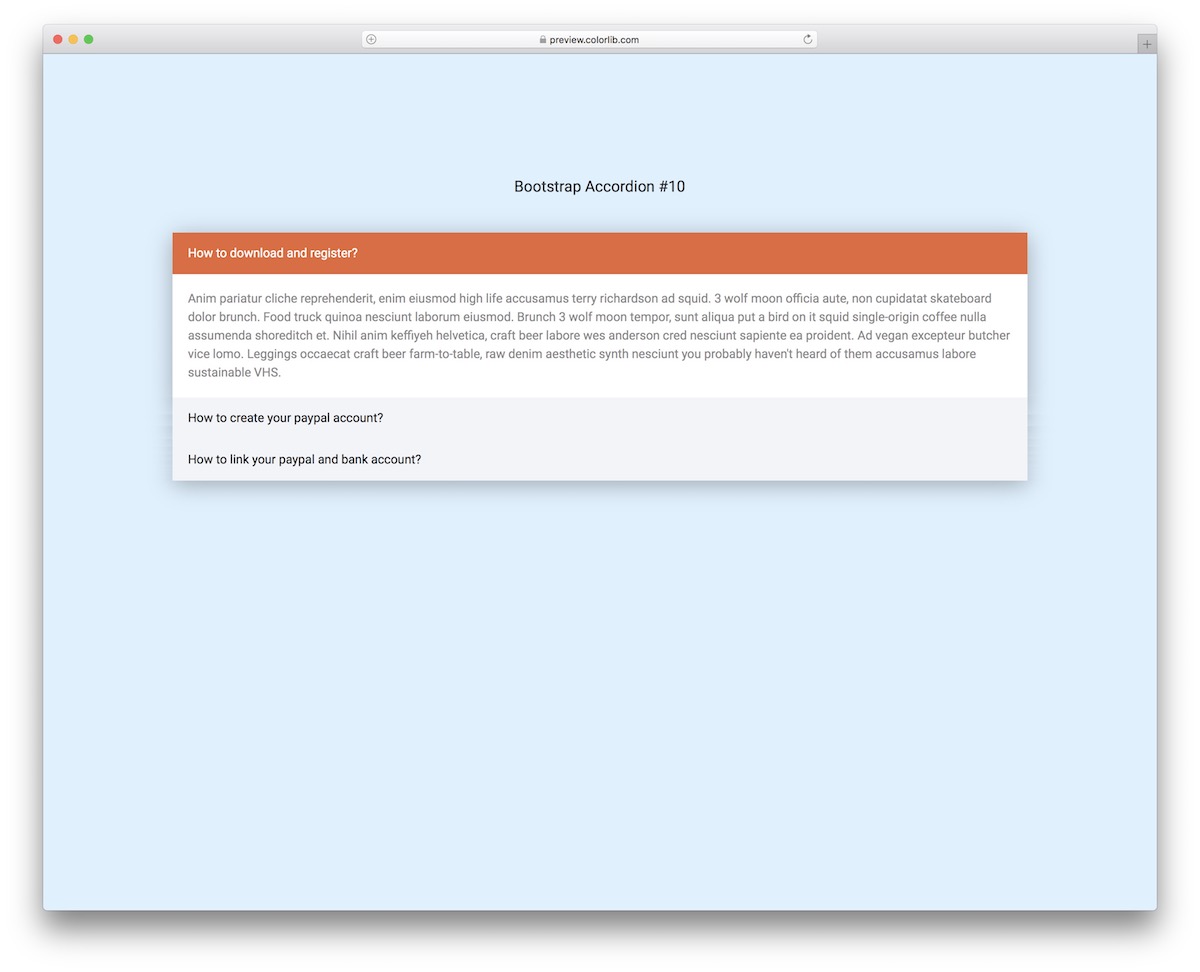
Here is a responsive and multi-purpose accordion widget that works for FAQs and other purposes. You should not feel any limitations regarding its use.
By performing customization tweaks and improvements, you can comfortably apply it to whatever you fancy.
Out of the box, the free snippet combines orange, white, and grey colors with three different font tones for improved visibility on various backgrounds. You can make it yours with a SINGLE CLICK, so don’t sit on it.
More 2026 accordion snippets from Colorlib
Collapsible content from our 2026 snippets, built on native details elements where possible: FAQ tabs, a pricing FAQ, nested menu sections, a comparison table with collapsible groups and an incident timeline.
Tabs V10: FAQ grouped into topic tabs with native accordions
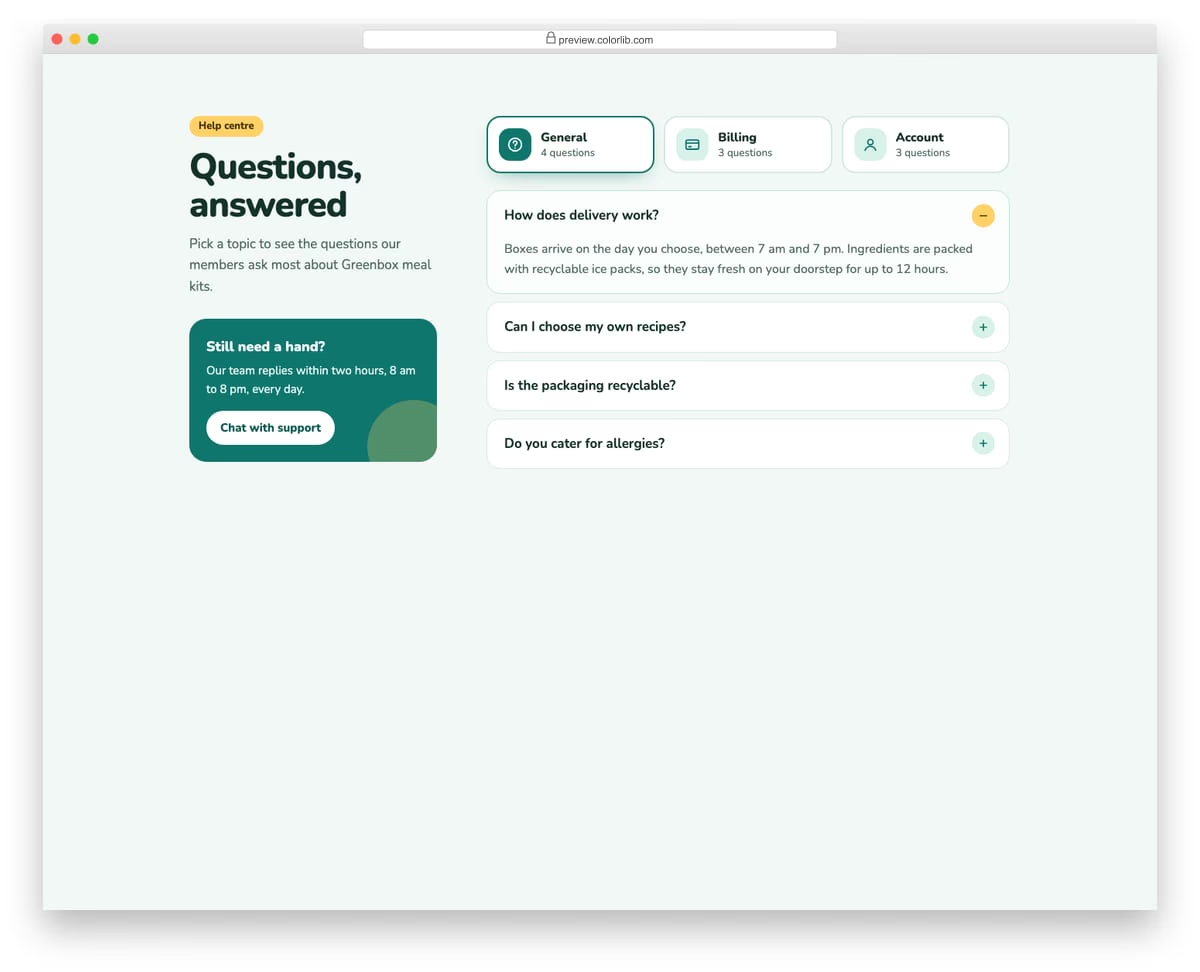
A help-centre FAQ where General, Billing and Account tabs each hold a set of questions. Every answer is a native details and summary element, so it opens and closes with the keyboard and still works with JavaScript turned off. A support card beside the questions offers a way to get in touch.
Best for: help centres, FAQ pages and support sections. Plain HTML and CSS with a few lines of vanilla JavaScript, a 300 KB download, and it works on its own or inside a Bootstrap 4, 5 or 6 project.
Pricing Table V10: Pricing with a money-back guarantee band and FAQ
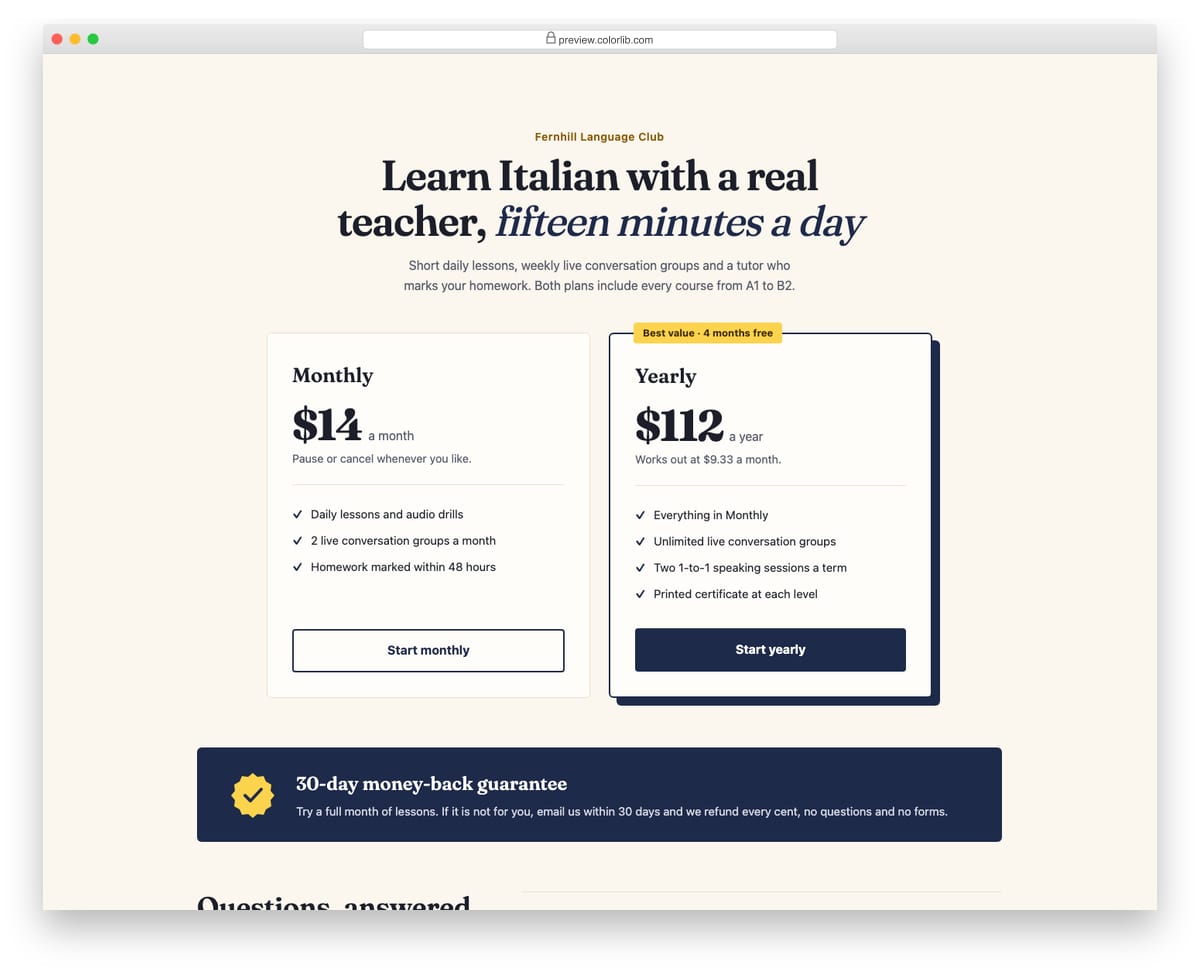
A two-plan pricing section for an online language course, followed by a 30-day money-back guarantee band and a short FAQ. The FAQ uses native details and summary elements, so it opens and closes without JavaScript and works with the keyboard by default. A serif display face and offset shadow on the featured plan give it an editorial feel.
Best for: courses, memberships and subscriptions where buyers need reassurance. Plain HTML and CSS, no JavaScript, a 379 KB download, and it works on its own or inside a Bootstrap 4, 5 or 6 project.
Offcanvas V01: Left navigation drawer for a mobile site with nested sections
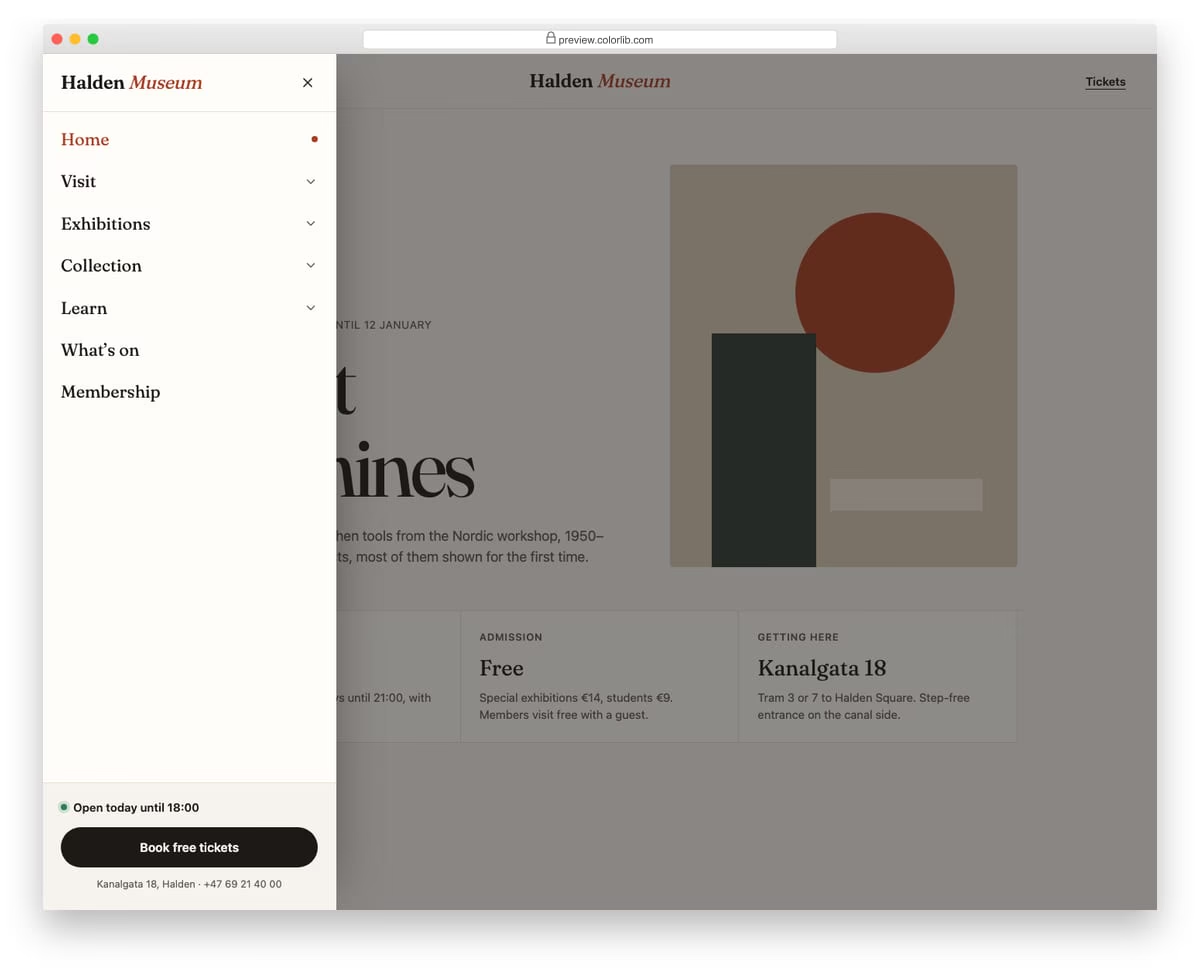
A slide-in menu from the left for a museum website, opened from a Menu button in the header. Top-level sections expand into sub-links with native details and summary elements, and only one section stays open at a time. The footer of the drawer holds today's opening hours and a ticket button.
Best for: mobile navigation for content-heavy sites such as museums, universities and councils. Plain HTML and CSS with a few lines of vanilla JavaScript, a 257 KB download, and it works on its own or inside a Bootstrap 4, 5 or 6 project.
Pricing Table V03: Full feature comparison table
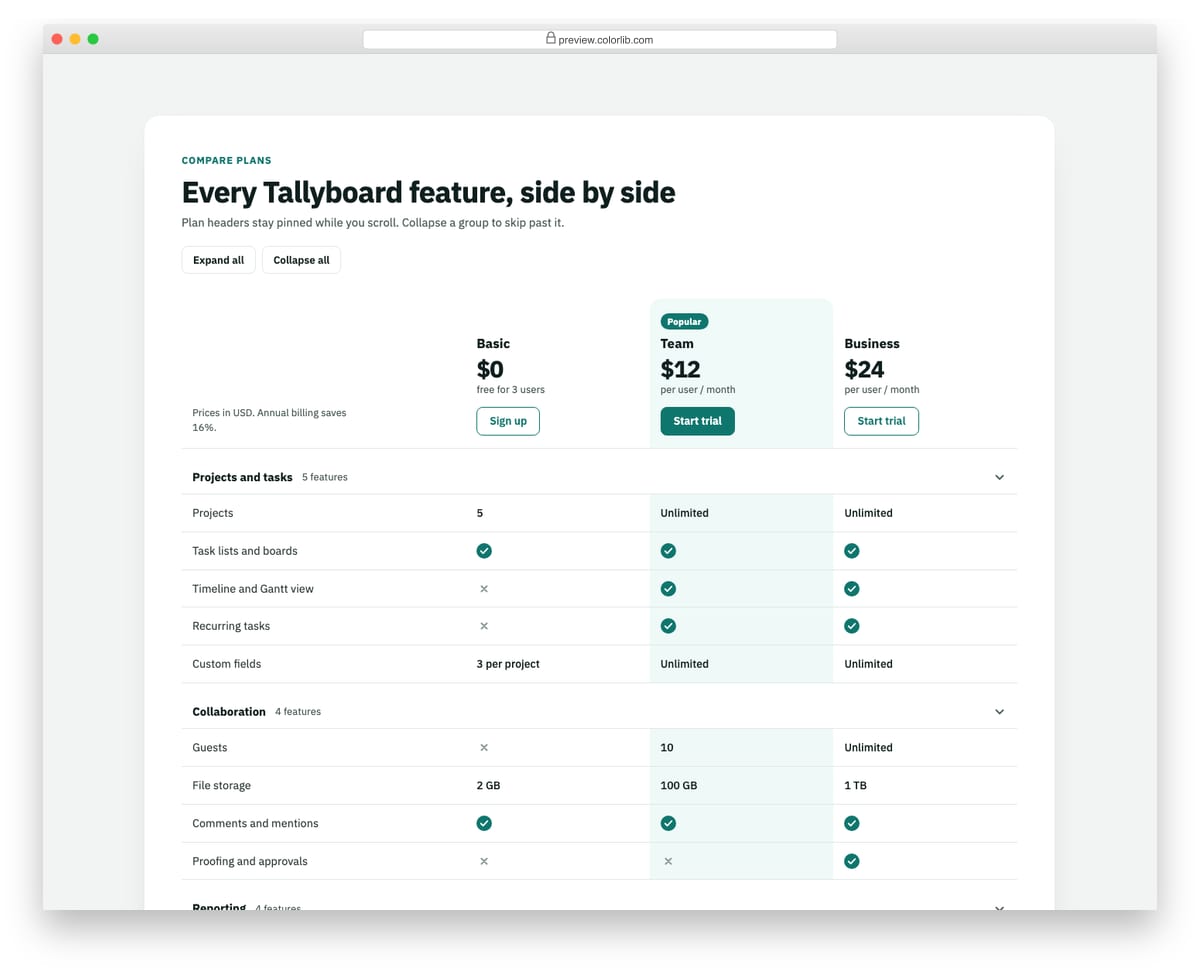
A plan comparison built as a real table with a caption, column and row headers, and headers attributes on every cell. The plan header row stays pinned while the page scrolls, and features are grouped into sections that collapse with disclosure buttons. Check and cross icons carry visually hidden text so screen readers hear Included or Not included.
Best for: pricing pages that need a detailed plan comparison below the plan cards. Plain HTML and CSS with a few lines of vanilla JavaScript, a 267 KB download, and it works on its own or inside a Bootstrap 4, 5 or 6 project.
Alert V09: System status incident alert with a timeline
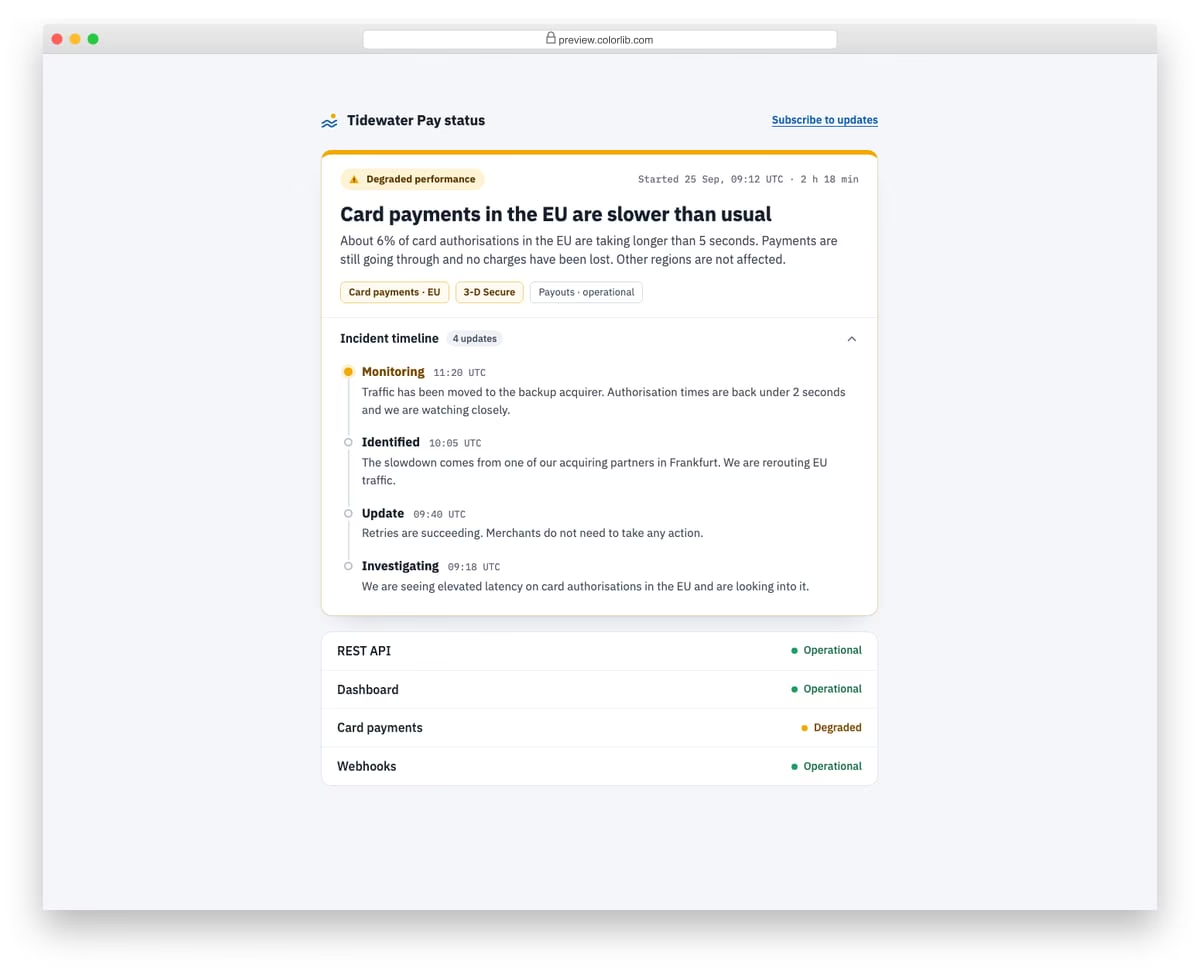
An incident alert for a payments status page, with a status pill, start time and duration, a plain-language summary and chips for the affected services. The full incident timeline sits in a native details element, newest update first, with the current stage highlighted. A short service list below shows which parts are still operational.
Best for: status pages, SaaS dashboards and maintenance notices. Plain HTML and CSS, no JavaScript, a 303 KB download, and it works on its own or inside a Bootstrap 4, 5 or 6 project.
What makes a good accordion
Make every header a real control. The clickable header should be a button with aria-expanded, or a native summary element, so keyboard and screen reader users know it opens something. The Colorlib accordions use buttons with aria-expanded and aria-controls, and Tabs V10, Pricing Table V10 and Alert V09 use native details and summary, which work with no JavaScript at all.
Show the open state with more than color. Pair any color change with an icon change, as Accordion V01 and V16 do with their plus and minus signs and V12 and V18 do with a chevron. A color change on its own is easy to miss, especially for color-blind visitors.
Decide whether one or several sections can be open. For an FAQ, letting several answers stay open helps people compare them. For navigation, one open section at a time keeps the menu short, which is how the nested sections in Offcanvas V01 behave.
Don’t hide what most visitors came for. Keep the essentials visible and collapse the detail. Pricing Table V03 shows the plan cards and collapses only the feature groups, starts phones with one group open, and offers Expand all and Collapse all buttons.
Frequently asked questions
Do these accordions need Bootstrap or jQuery?
No. All 25 are plain HTML and CSS, with a few lines of vanilla JavaScript where needed (Pricing Table V10 and Alert V09 use none). They look the same on their own or inside a Bootstrap 4, 5 or 6 project, and none of them relies on Bootstrap’s collapse plugin.
What is the difference between a Bootstrap 5 accordion and a details element?
Bootstrap 5’s .accordion component uses buttons and its collapse plugin to animate the panels, and data-bs-parent closes the other panels when one opens. The native details and summary elements need no script, work with the keyboard by default and stay usable if JavaScript fails. Current browsers also let details elements that share a name attribute behave as an exclusive group, so only one is open at a time.
How do I add a section or change the colors?
In the Colorlib accordions, each header is a button whose data-target and aria-controls point to its panel’s id. Copy a header and its panel, give the panel a new id and point both attributes at it. Each Colorlib download is a folder with index.html, css/style.css, js/snippet.js and self-hosted fonts, with no CDN calls. Change colors, fonts and spacing in style.css. The class names are namespaced, so they won’t clash with Bootstrap; if your page sets a global box-sizing or type scale, load style.css after your framework.
Can I use them in commercial projects?
Yes. Colorlib snippets are free under CC BY 3.0 for personal and commercial projects, as long as you keep the credit link.
For an FAQ page, start with Accordion V11 or Tabs V10; for a menu or price list, Accordion V02 or V01. If your content works better side by side than stacked, see our Bootstrap tabs examples.

Related Posts


Comments (0)