Newspaper
Template Details
Author: Colorlib
Updated: October 2026 · v3.0.0
Credits: Images from Unsplash
Description
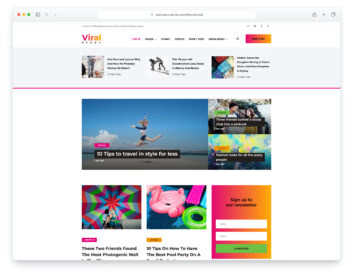
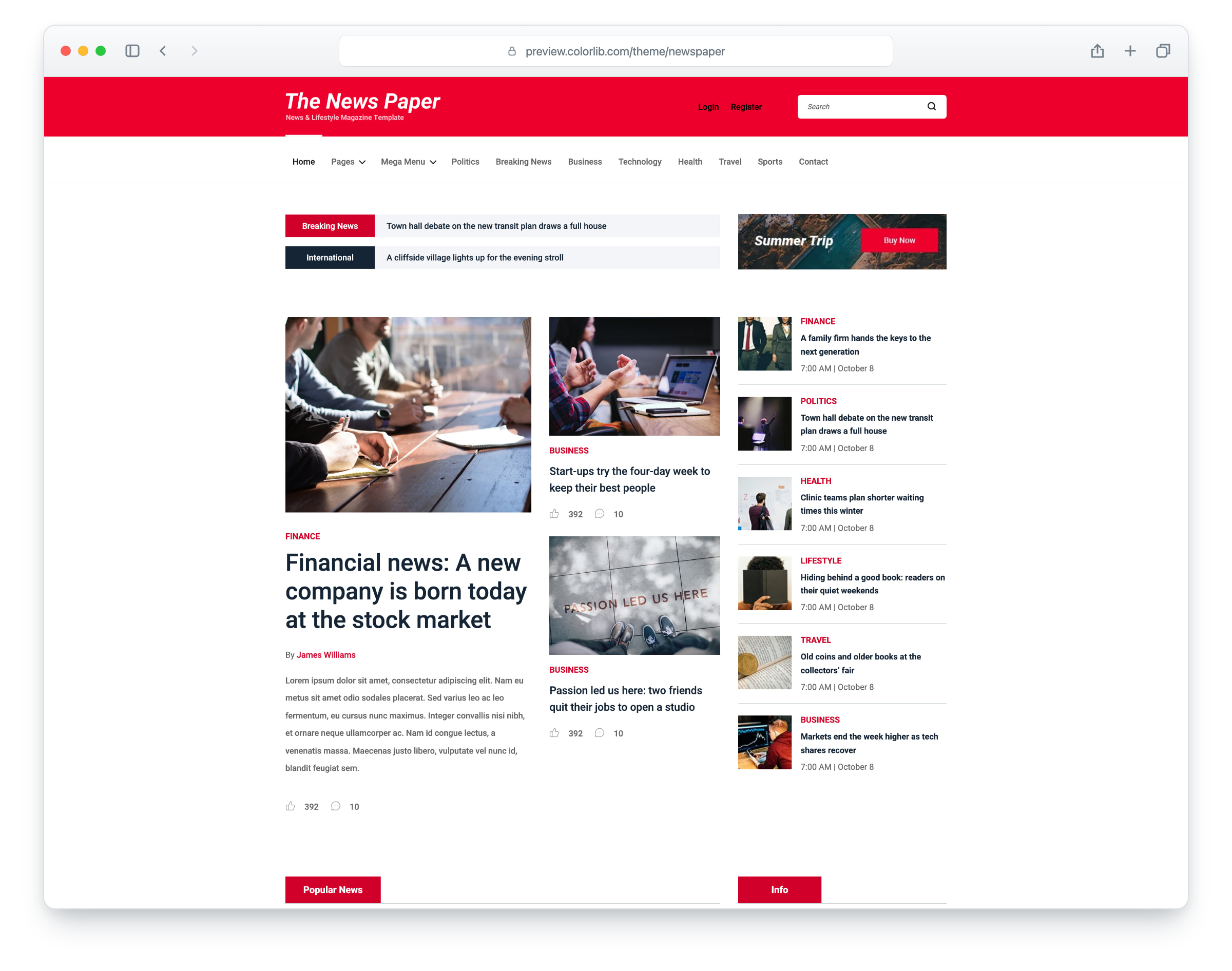
The News Paper is a news and lifestyle magazine template, built on Bootstrap 5, with a red masthead and a clean, light layout. The layout is responsive and mobile-ready. It has five pages: home, about, categories, single post and contact.
Every page has a header with Login and Register buttons, a search field and a menu with a multi-level dropdown and a mega menu, followed by two news tickers. The home page has a lead story with a column of headlines, popular news, a strip of video posts that play when clicked, editor’s picks, world news, ad banners and a newsletter sign-up. The categories page lists the stories with pagination and filters them by category or search, the single post page has an article with tags, an author box, related stories, comments and a comment form, the about page has counters and the team, and the contact page has a contact form and a map that loads on click. The demo comes with 25 fictional stories, and each one opens in its own article view. The News Paper gives you a ready-made site for an online newspaper or magazine.
What’s new in 3.0
- Bootstrap 5.3.8 (the earlier release used Bootstrap 4.1.0 and jQuery), compiled from Sass together with the theme and its original proportions, and plain JavaScript with no jQuery. Small built-in modules replace ClassyNav for the menu and sticky header, Magnific Popup for the video popups, CounterUp for the about-page counters and a ticker plugin for the two news tickers, and unused plugins such as Owl Carousel, WOW and Nice Select are gone with the 140 KB plugin bundle. Lucide SVG icons replace the icon fonts. npm run build (Dart Sass and esbuild) compiles one minified stylesheet and one script.
- Lighter pages: the home page went from 3.91 MB and 52 requests to 1.30 MB and 37 requests, and each of the other four pages from over 1 MB to under 540 KB. Every photo has an AVIF version with the JPEG as the fallback, real dimensions and lazy loading below the fold, and the icon font files are gone. The download went from 5.26 MB to 5.23 MB, although it now includes the Bootstrap Sass source and an AVIF copy of every photo.
- No third-party requests: Roboto is self-hosted, the contact map is an OpenStreetMap map that loads only when a visitor clicks “Show map”, the play buttons open stock clips from YouTube’s privacy-enhanced player only after a click, and a Google Analytics 4 snippet stays commented out until you add your own ID. Before, every page loaded its web fonts from Google Fonts and the contact page loaded a maps script, four outside hosts in all.
- Working forms: the newsletter, contact and comment forms send through php/send-email.php, with validation, a spam trap and an in-page message, and the header search lists matching stories. Before, the forms posted nowhere and their fields had no names, so nothing could be sent. Login and Register open a demo account dialog.
- Accessibility: a skip link and a main landmark on every page, one h1 per page, names on icon-only links and buttons, descriptive alt text, a mobile menu that closes with Esc and returns focus to the menu button, dropdowns and the mega menu that open from the keyboard and on the first tap on touch screens, visible keyboard focus (the old CSS removed every outline) and WCAG AA text contrast, with darker greys, a deeper red for small red text and the red buttons, and black Login and Register links and a white search field on the red masthead.
- Demo content: 25 fictional stories, one per photo, each opening its own article view, with matching categories and tags (every teaser repeated one of two titles before, and some headlines were real news). The category page filters the stories by category, search and page, eight distinct writers sign the stories and appear on the team page, commenters are shown with initials, the newsroom address is fictional, and every link goes somewhere (about 150 led nowhere before).
- Fixed: the ad banners blinked a Buy Now button forever (they are still images now), the Categories menu item and the footer banner’s “Get the best offers” were misspelled, the team page listed four names twice, every tag read “Finance”, and photos that showed brand names, logos or a real book cover are replaced or retouched.
Pricing Newspaper
Single
$19
- Premium support
- Template updates
- For 1 year
- Access all templates
Membership
$129
- Premium support
- Template updates
- For 1 year
- For 1 year
Lifetime
$349
- Premium support
- Template updates
- For life
- For life
Similar Templates