26 Best HTML & Bootstrap Footer Templates 2026
Welcome to our ultimate HTML footer templates guide!
A footer isn’t just the end of your page; it’s the last impression.
In this post, we’ve gathered the best HTML footer templates that are beautiful and functional.
Our selection features various styles and use cases, ranging from simple and clean to complex and feature-rich. Each template is fully customizable to fit your needs.
Blogs, corporate sites, eCommerce platforms, and more.
Each has social media integration, a contact information section, and creative copyright notices to make your site more functional and visually appealing.
In short, you’ll find the one that suits you – before you even get to the end of this post.
This post covers:
- Best HTML footer templates
- How To Make A Footer With An HTML Template
- FAQs About HTML Footer Templates
Best HTML Footer Templates
Now, let’s dive into the heart of our guide: The best HTML footer templates out there.
These carefully selected tools are designed to enhance both the beauty and practicality of your website’s bottom line.
Note: You may also be interested in checking these epic website footer examples.
Bootstrap Footer V01
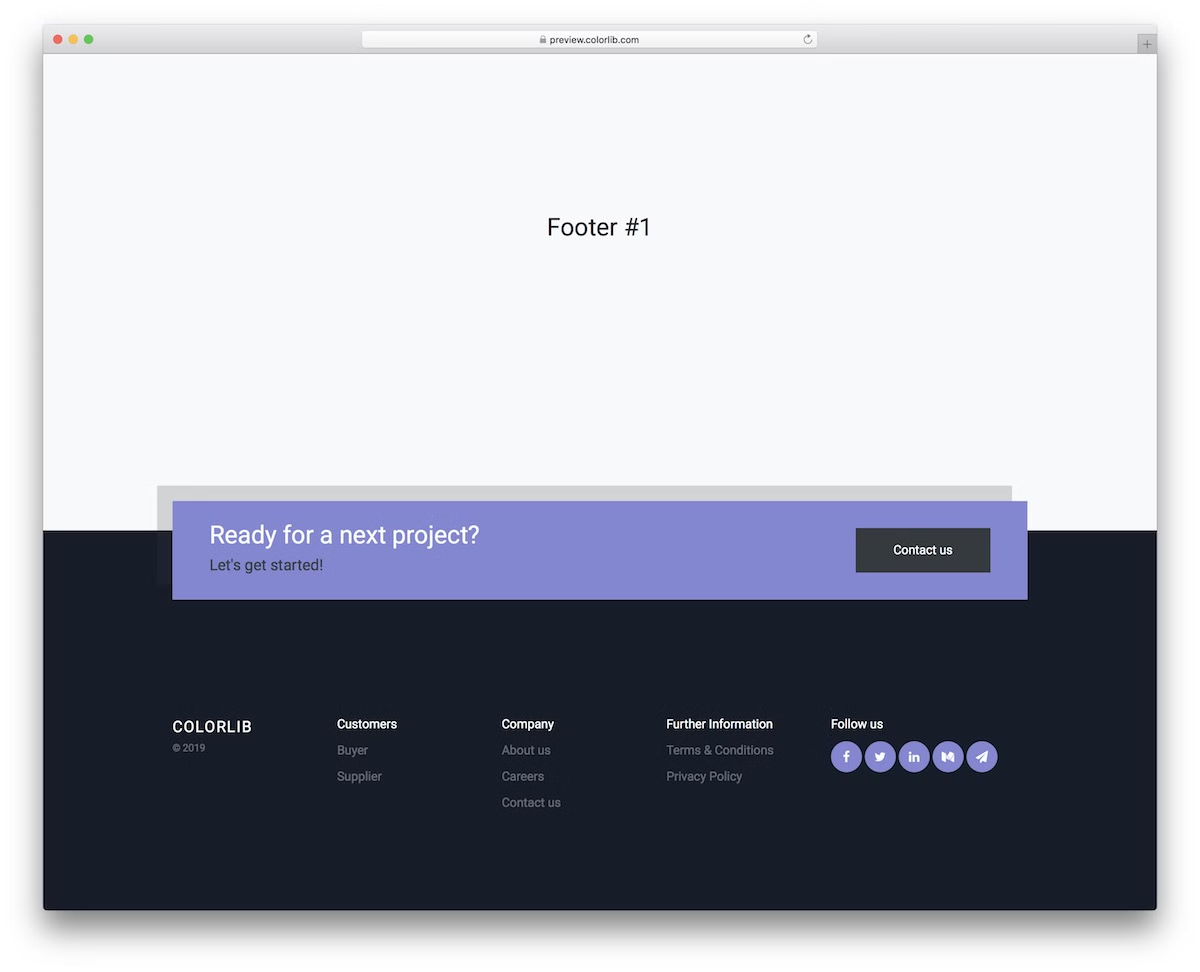
Elevate your site with this modern, responsive footer featuring a captivating dark and purple design. The contrasting dark section makes it stand out nicely, which is great if you want it to be more noticeable.
It’s perfect for any device because of its responsiveness and comes with handy social media buttons for easy integration. There’s also a CTA, which you can use for contact or something else.
The template also features multiple columns for adding links, a company logo/info, copyright details, and more.
Want to speed up your website development? Choose any of our stunning website templates, which include all sections, not just the footer.
More info / Download DemoBootstrap Footer V02
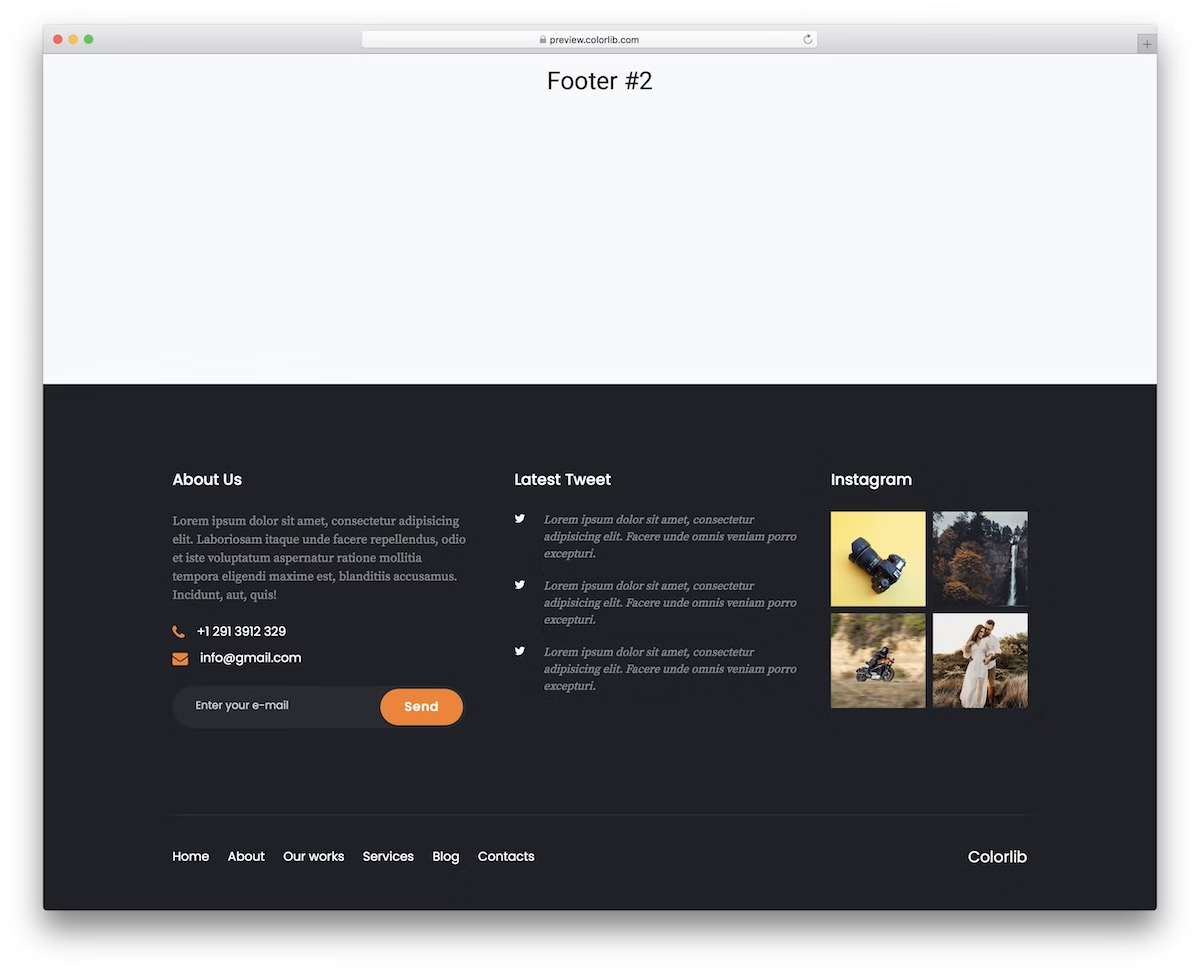
Bootstrap Footer V02 is ideal for websites needing Twitter and Instagram feeds in the footer. (Note that you’ll need to sort out the back end to make the social feeds work.)
This versatile template includes widgets for contact information, an ‘About Us’ section (see these amazing ‘About Me’ page examples), and a newsletter subscription, complemented by a handy navigation menu at the bottom.
You can also make contact information (telephone number and email address) clickable so clients can reach out even more easily.
More info / Download DemoBootstrap Footer V03
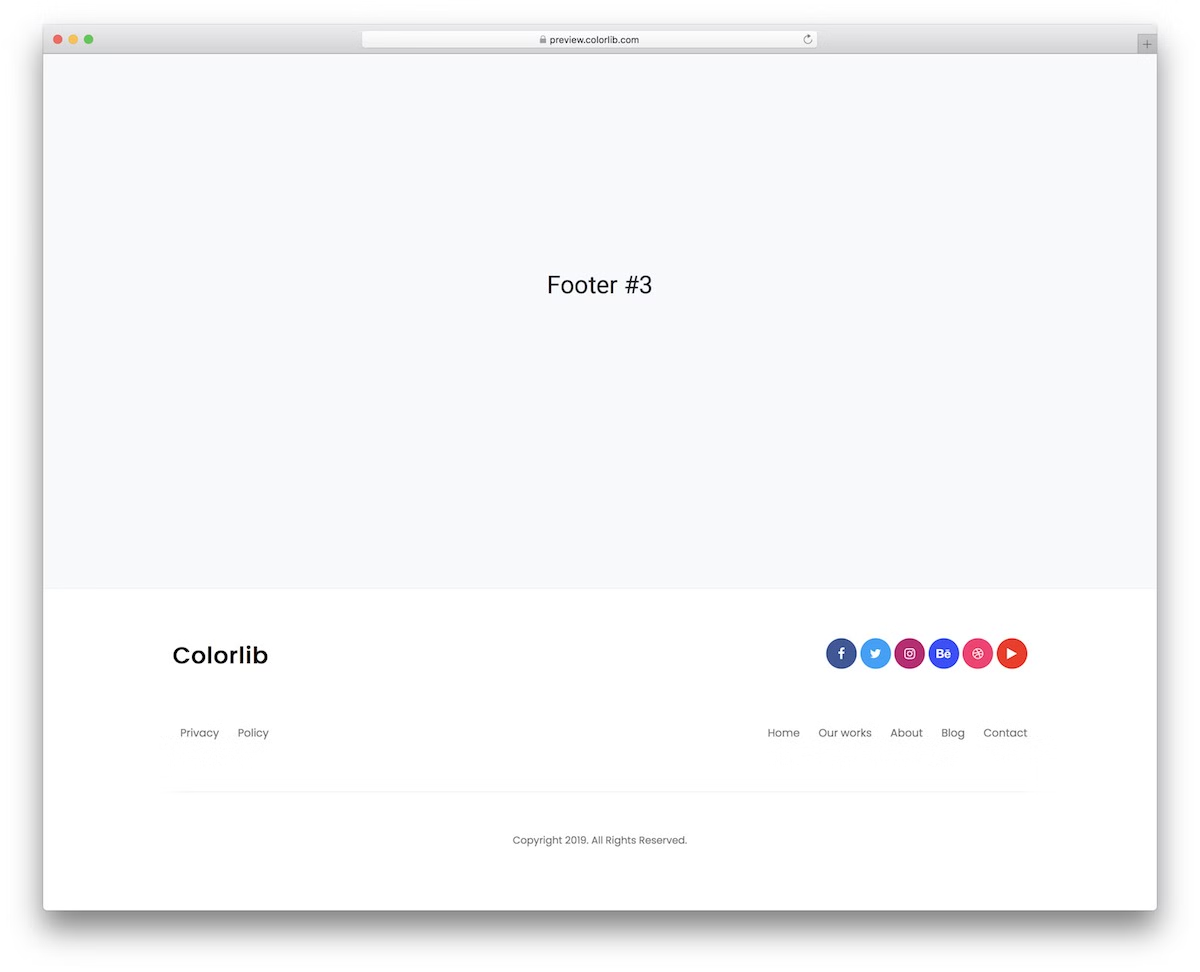
Embrace minimalism with this clean and adaptable footer template.
It seamlessly conforms to site themes and branding guidelines, offering a simplistic yet effective design.
We wanted to create a template that you can use almost as is, at least from a design perspective.
Use your logo, link menu, and social media, and alter the copyright text – and that’s it!
More info / Download DemoBootstrap Footer V04
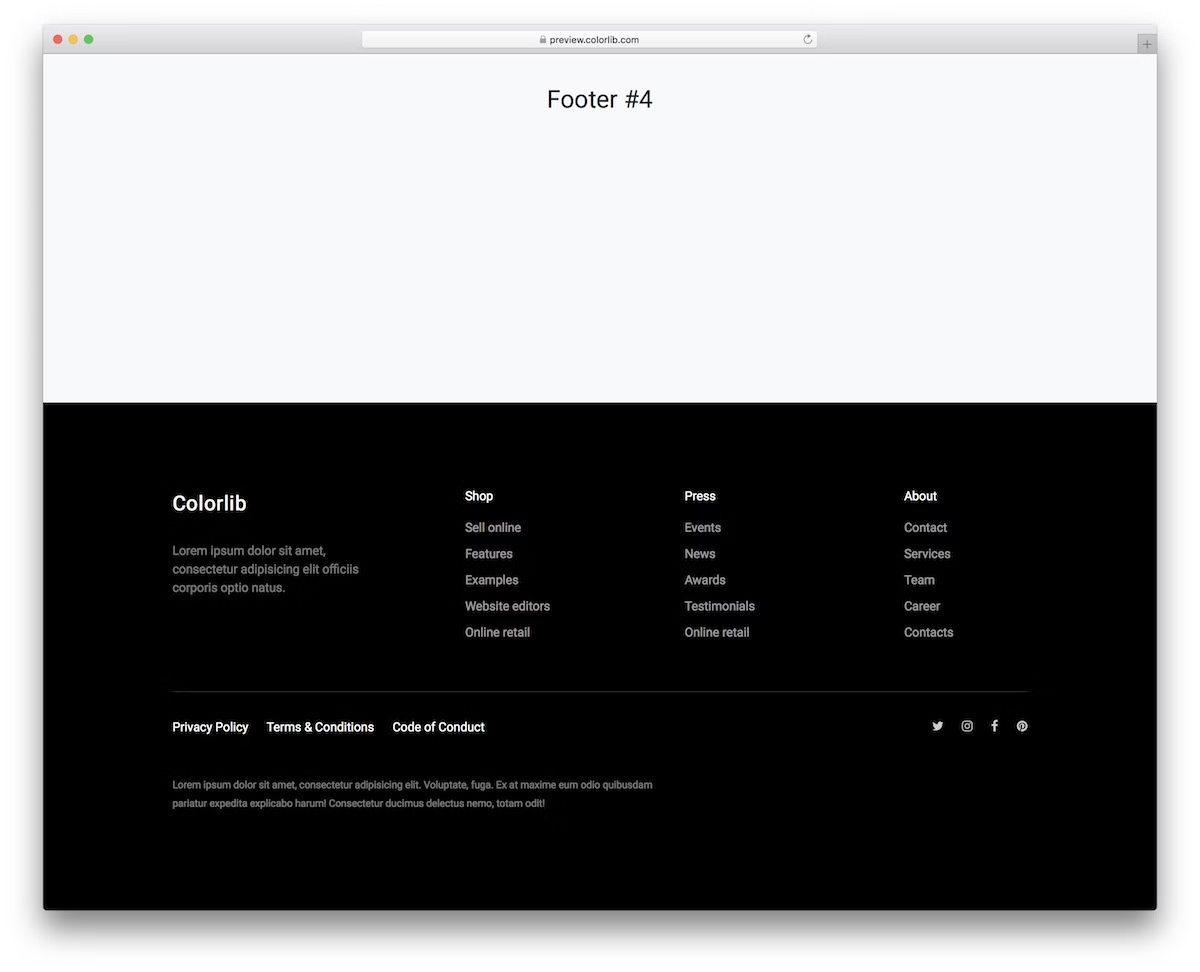
This dark-themed footer is ideal for modern websites that aim to make the bottom of the site design stand out. Thanks, black background!
It’s split into four columns, where you can add a business logo, a brief ‘About Us’ section, and practical links.
Below, you will find social media links and essential policy links, all built using the latest Bootstrap technology.
And if you want to adjust it – GO FOR IT!
More info / Download DemoBootstrap Footer V05

A light and clean HTML footer template that effortlessly fits any website style where simplicity is essential.
It features a logo, copyright section, additional links, and a navigation and email opt-in area.
What’s also notable about this one is that it’s quite compact, making it a perfect match for those who don’t want their website footer to occupy a lot of space.
More info / Download DemoBootstrap Footer V06
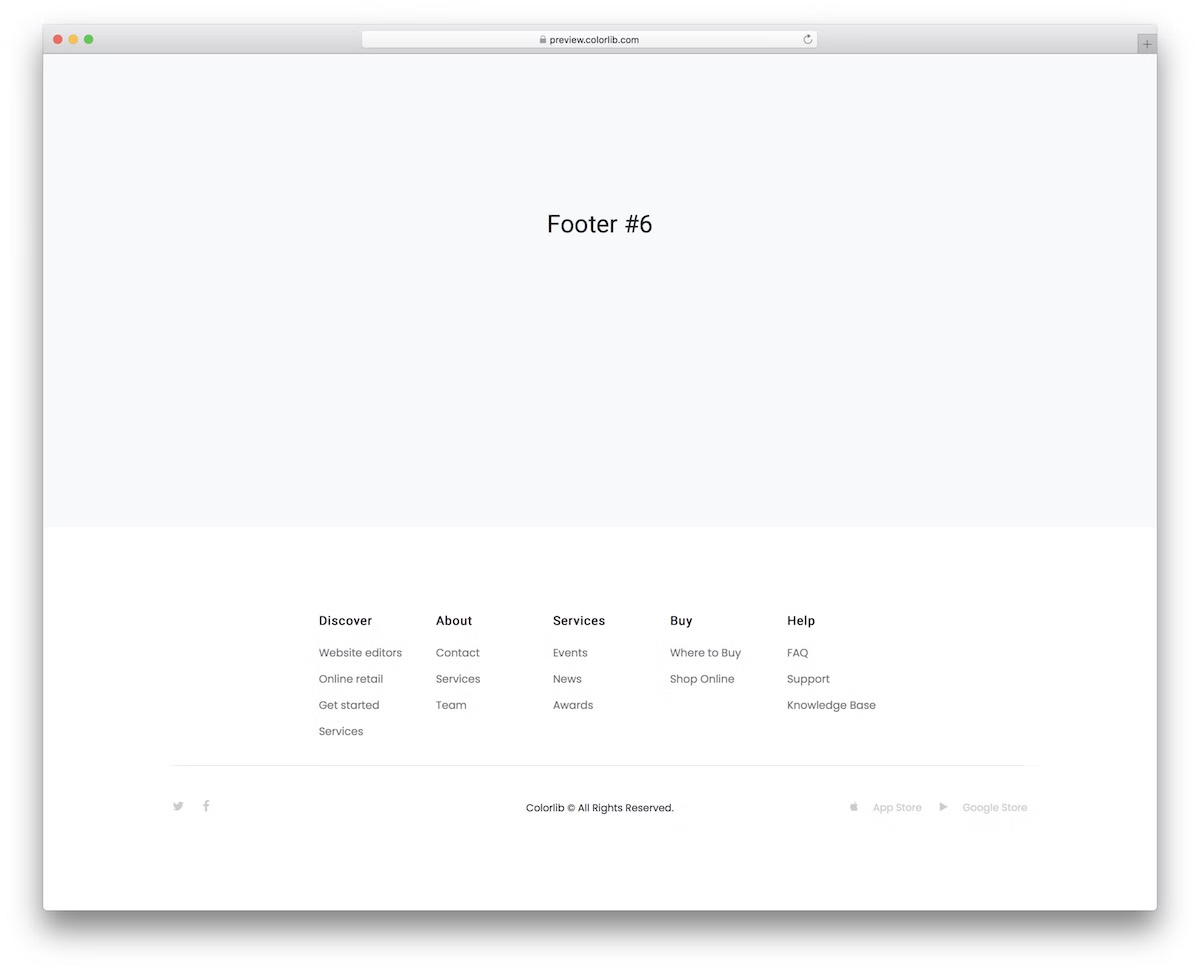
A minimalist’s dream, this footer template offers multiple columns in the upper part for efficient navigation.
It also includes social icons and App Store and Google Store buttons at the bottom, enhancing your site’s functionality and user experience.
Thanks to its simplicity, this one can be effortlessly used to enhance your online presence, regardless of your niche or industry.
More info / Download DemoBootstrap Footer V07
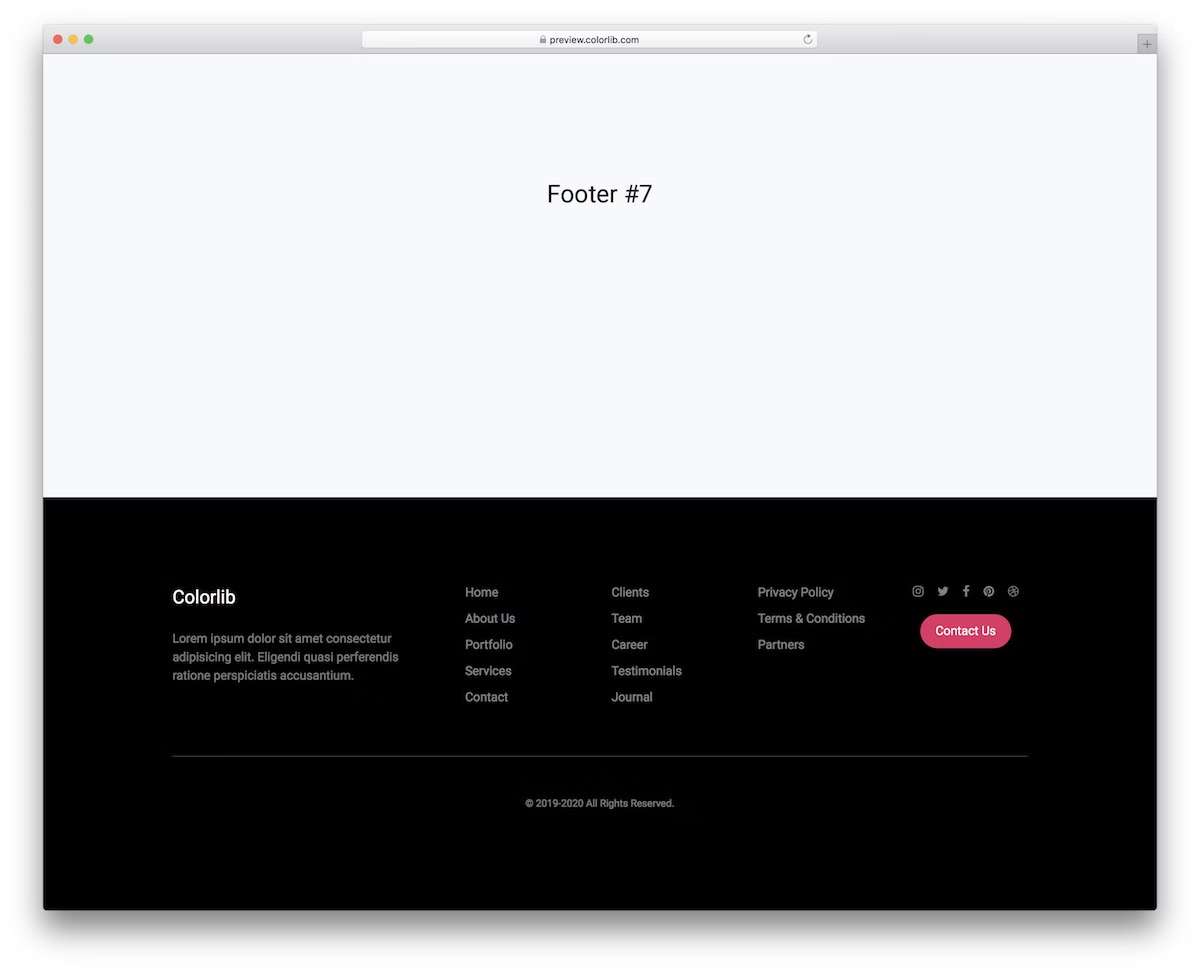
A dark, sleek HTML footer template that easily blends into various website designs. Its mobile-friendly structure ensures excellent performance across all devices.
With the multi-column structure, you can keep your site’s footer area organized and practical, with a short about section, links, social icons, and a CTA.
More info / Download DemoBootstrap Footer V08
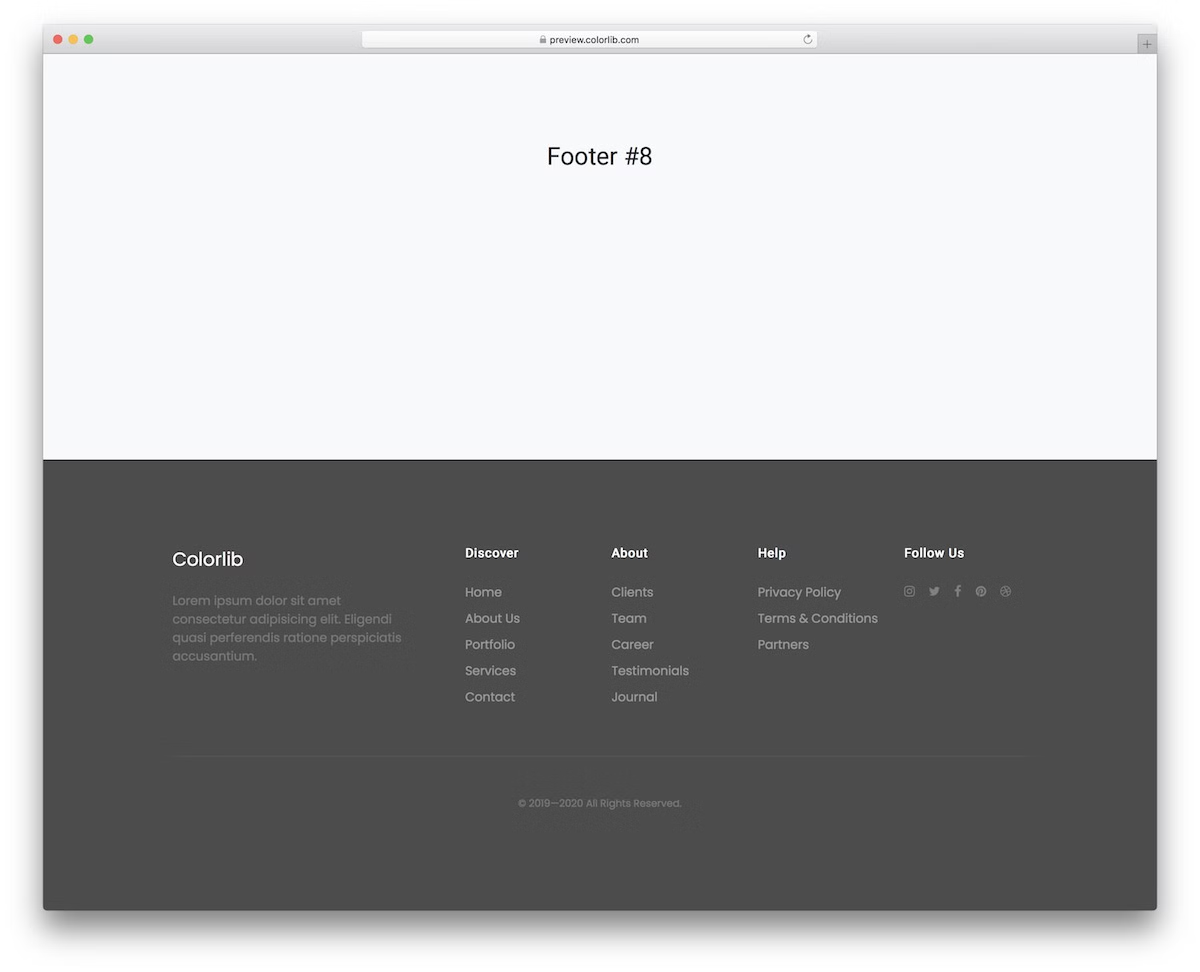
Can’t decide between light or dark footer style? That’s OK
This gray footer template offers a flexible and minimal design that is easily adaptable to your website’s style.
Save time and energy with a predefined design and focus your effort on building your business instead.
More info / Download DemoBootstrap Footer V09

This minimal and contemporary option integrates seamlessly for those seeking a subtle footer presence.
It features essential links and social media icons without overwhelming the design.
Pro tip: If you’re unsure about the footer design, stick to simplicity and enjoy a fantastic outcome.
More info / Download DemoBootstrap Footer V10
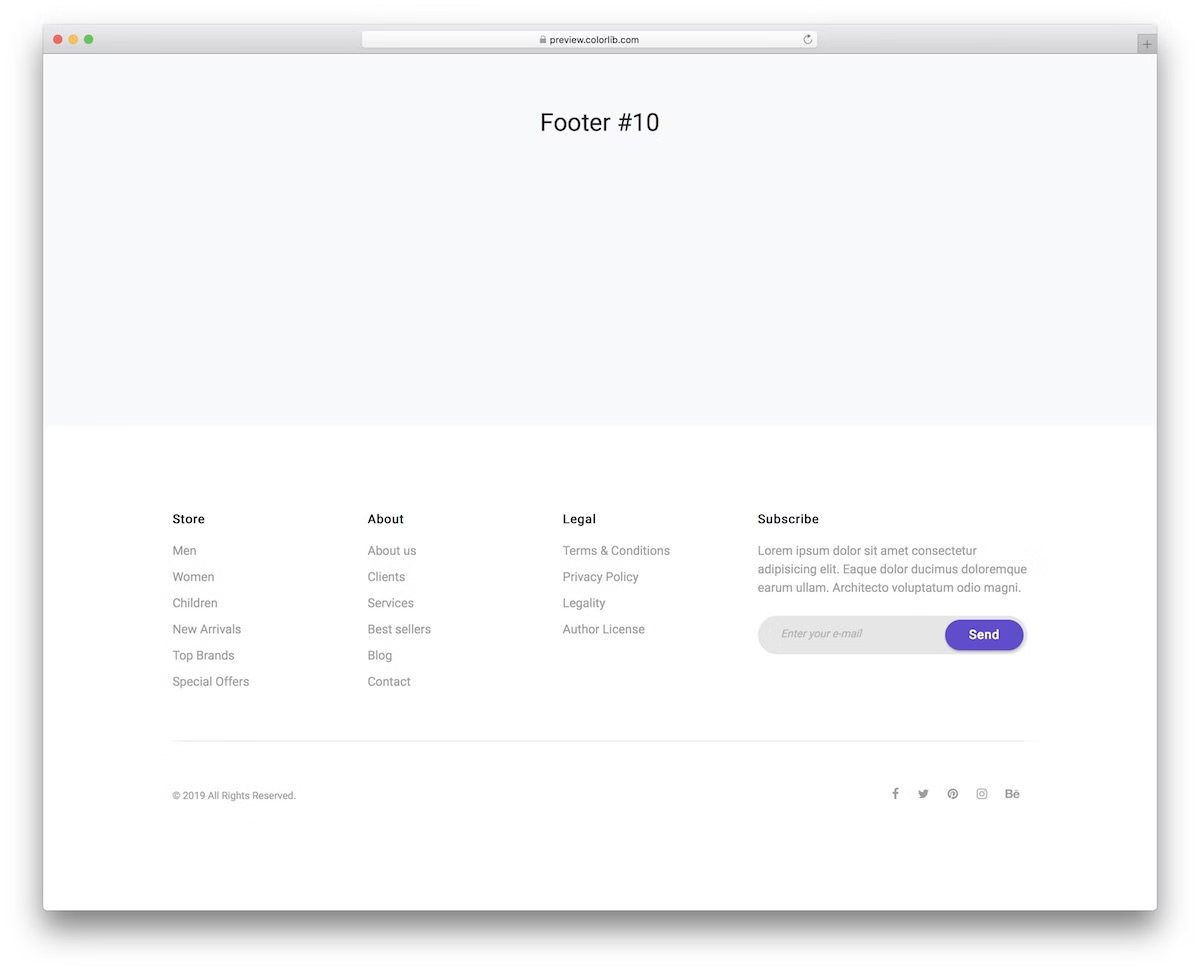
Incorporate an email newsletter subscription effortlessly in the footer section with this template.
It also offers three customizable columns and a section above the subscription form where you can add a persuasive call to action for new subscribers.
Finally, the rounded edges of the newsletter create a modern, mobile-like atmosphere.
More info / Download DemoBootstrap Footer V11

A comprehensive HTML footer with a dynamic, responsive layout. It’s customizable to fit your needs, featuring multiple sections for social media, news, business details, and quick links.
While you will likely need to adjust the coloring to match your branding regulations, you can easily stick with the out-of-the-box variation design-wise and decorate your site with something special.
More info / Download DemoBootstrap Footer V12

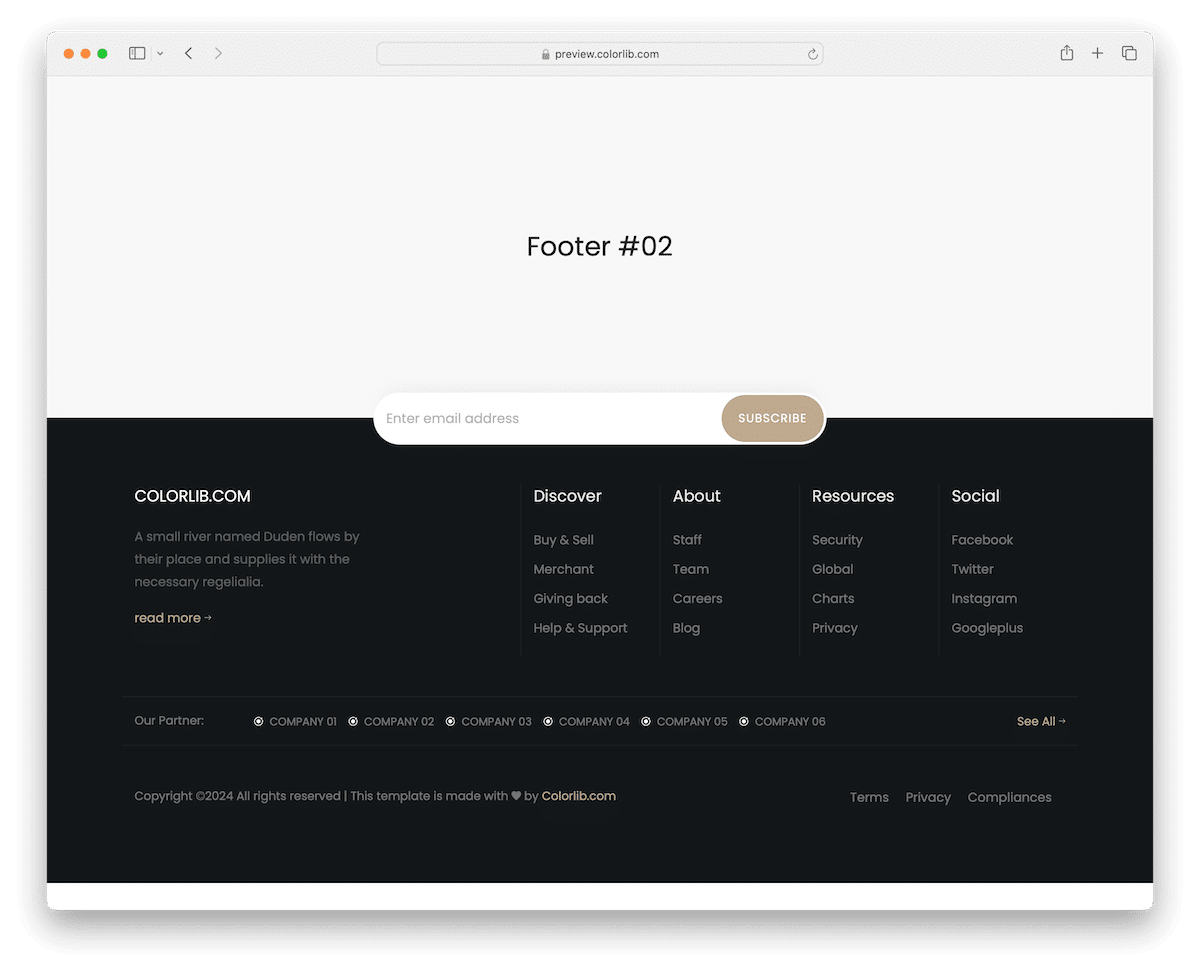
A sophisticated dark-themed footer with a clean and readable appearance, neatly accompanied by gold detailing.
It includes a newsletter subscription area on the border that separates the footer and the website’s base, making it stand out more.
Furthermore, you’ll also find navigational links, social links, a partners section, and other essentials for your convenience.
More info / Download DemoBootstrap Footer V13
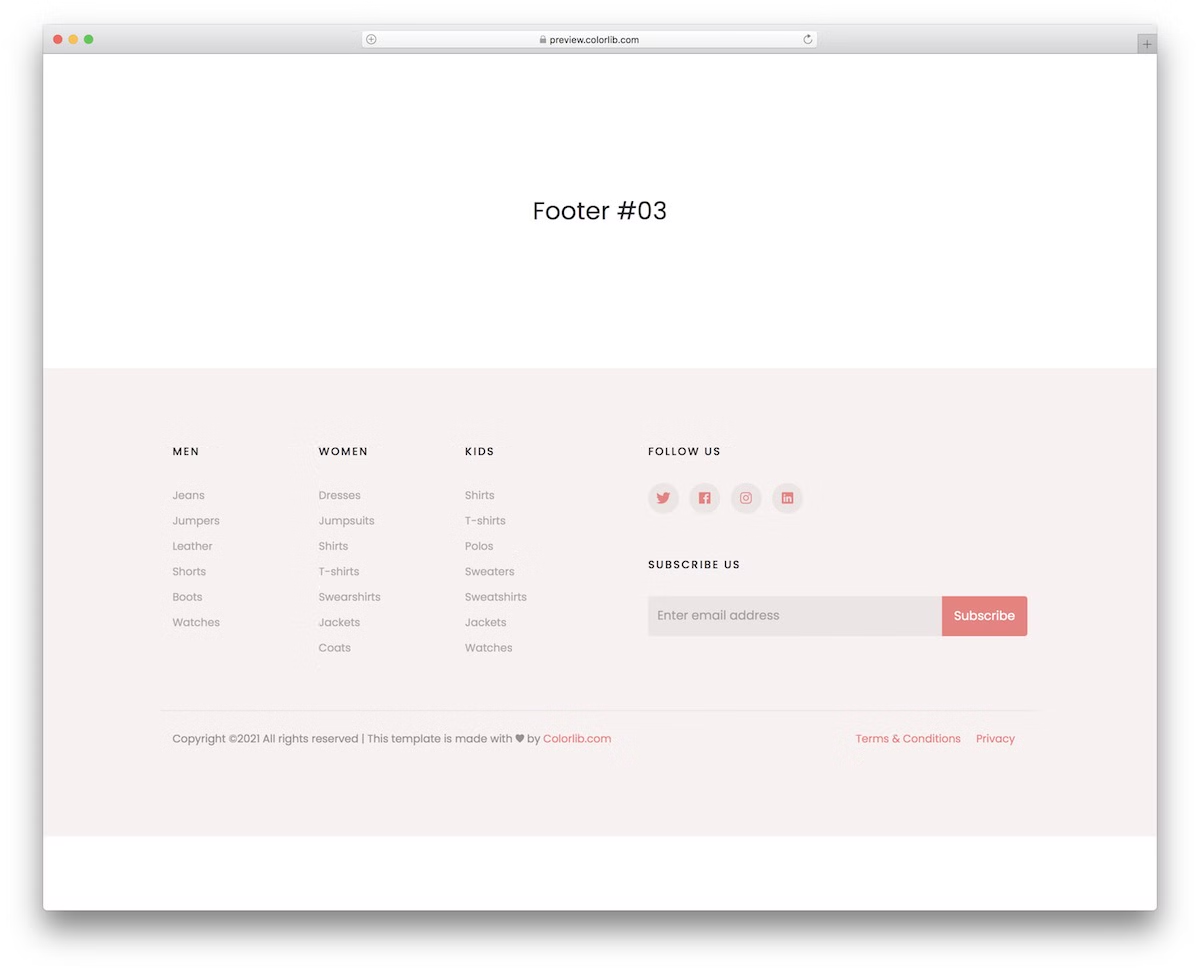
A fluid HTML footer template with a subtle feminine touch, suitable for eCommerce and various other websites. It’ll do the trick even for a simple lifestyle blog.
It includes social media buttons and a subscription widget, among other customizable features. Hit the download button, modify it according to your needs, and enjoy the extra time you saved.
Hey, why work from scratch if you have all these top-notch templates at your disposal?
More info / Download DemoBootstrap Footer V14
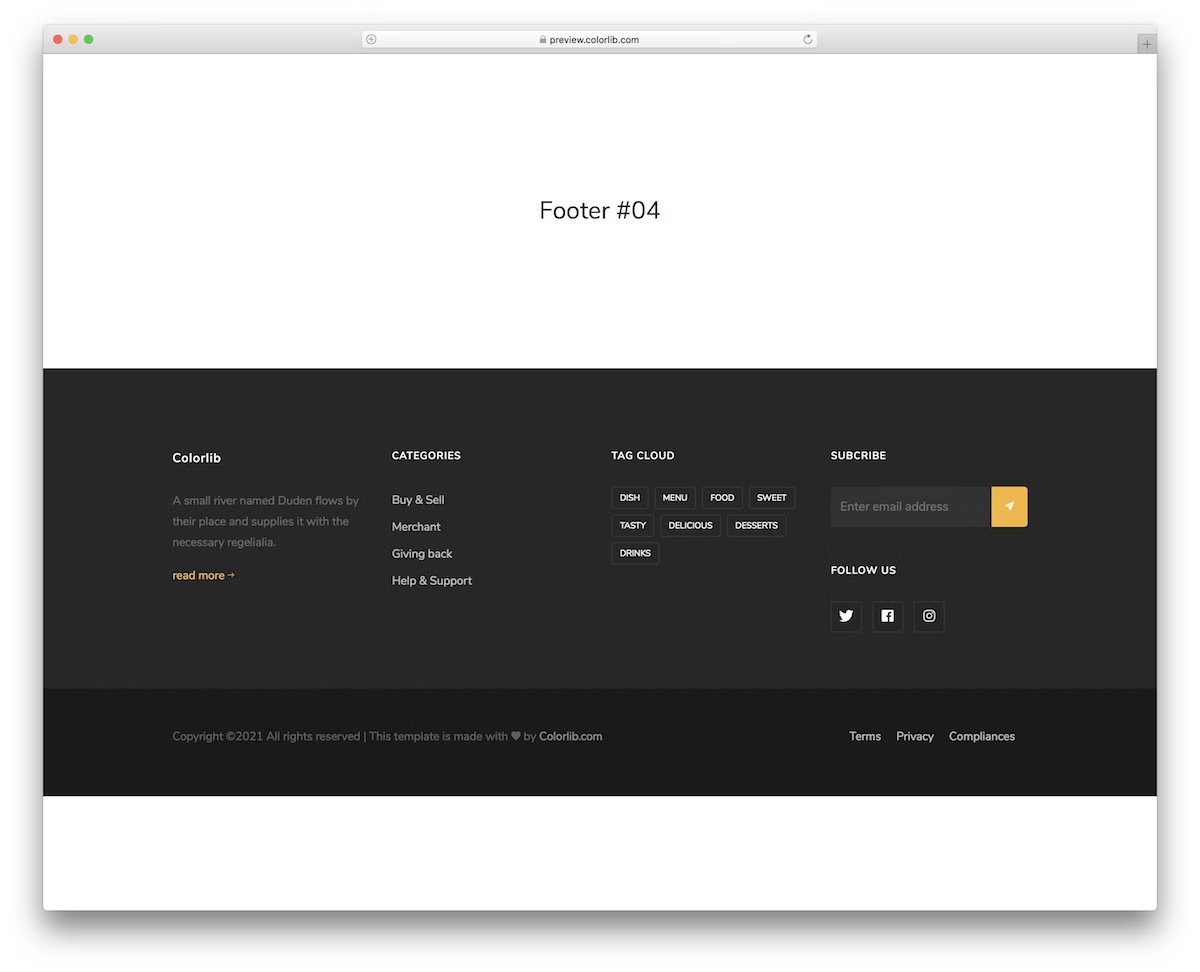
A multi-purpose footer that you can use in its default form or customize further.
It’s adaptable to various site styles and includes sections for about, tags, categories, tags, a subscription form and social media integration.
The bottom bar also contains copyright text and essential links, such as Terms of Service and Privacy.
More info / Download DemoBootstrap Footer V15
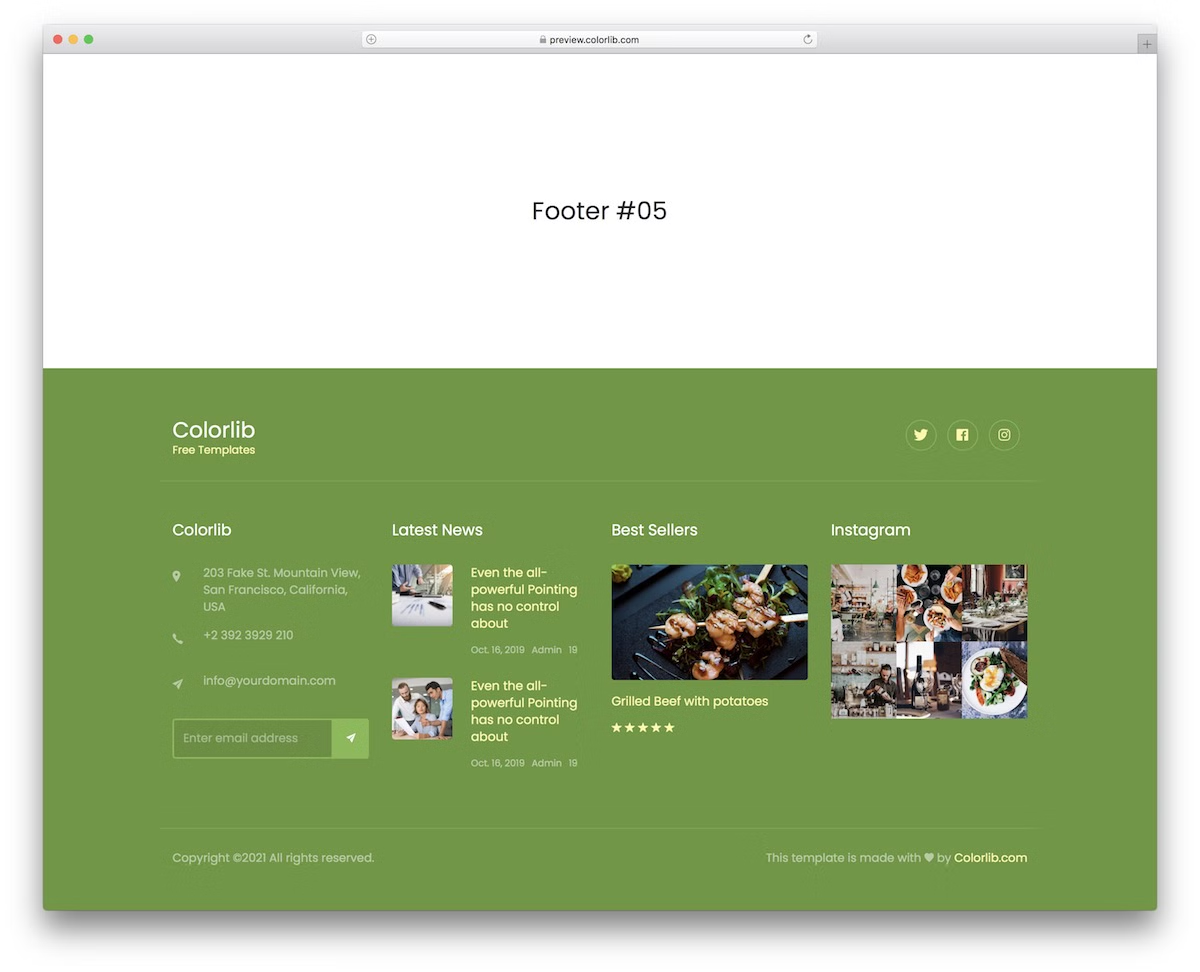
While this HTML footer template is intended for restaurants, food businesses, and blogs, you don’t have to feel limited. In other words, go against the grain and use it for something else!
Its four-column structure allows for a detailed display of company info, news, Instagram feeds, and more. You can also push “Bestsellers,” capture visitors’ emails through a subscription form, and more.
Remember, if you dig the look but the green footer background doesn’t suit you, change it.
More info / Download DemoBootstrap Footer V16

A trendy and functional dark footer for lighter websites. (Or darker?) It includes a newsletter form with a large opt-in bar, so it’s impossible to miss it.
In addition, this HTML footer template boasts a fluid structure and easy customization, so you can make it yours in little to no time.
More info / Download DemoBootstrap Footer V17
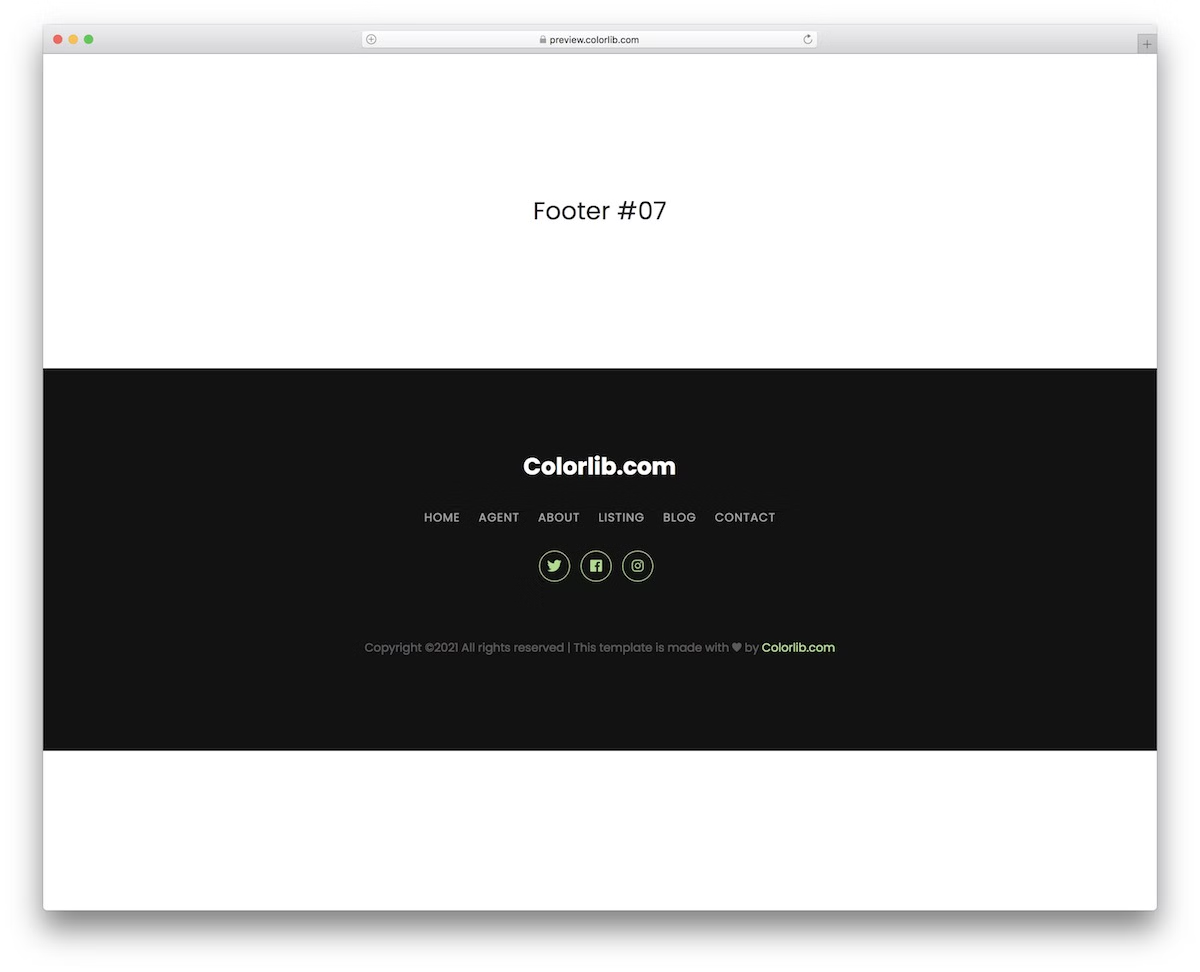
Simple, sleek, and responsive, this dark footer features a customizable website name, navigation, and vibrant social media icons, requiring minimal adjustments for a stunning look.
With the uncluttered design approach, you don’t have to spend much time figuring out how to alter it to match your website’s aesthetics. It’ll probably work by default—just saying.
More info / Download DemoBootstrap Footer V18
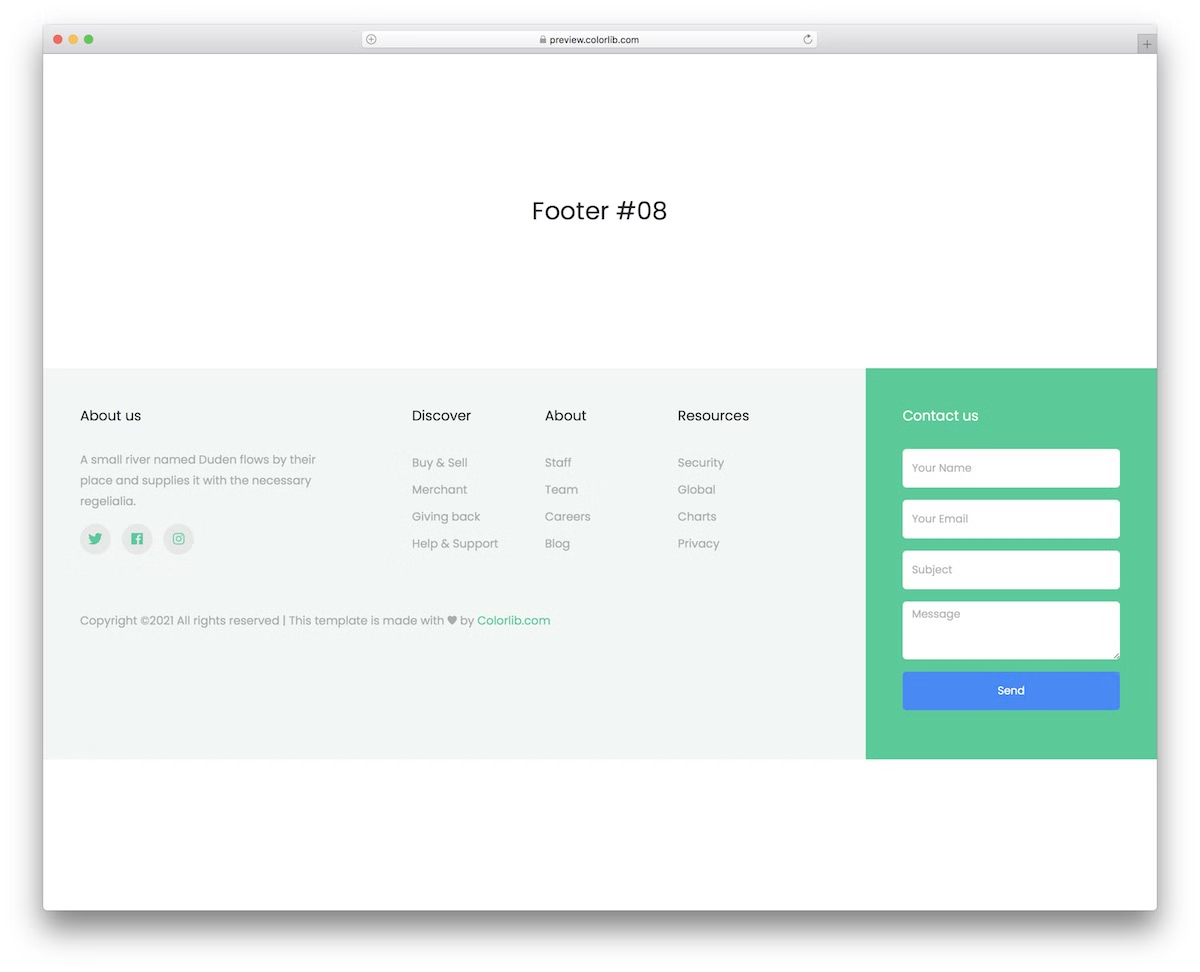
Ideal for incorporating a contact form, this footer template is easy to modify and refine to perfectly fit your style. (You may also be interested in checking these free contact form templates.)
It also ensures mobile friendliness by utilizing the latest technologies, requiring minimal effort on your part.
More info / Download DemoBootstrap Footer V19
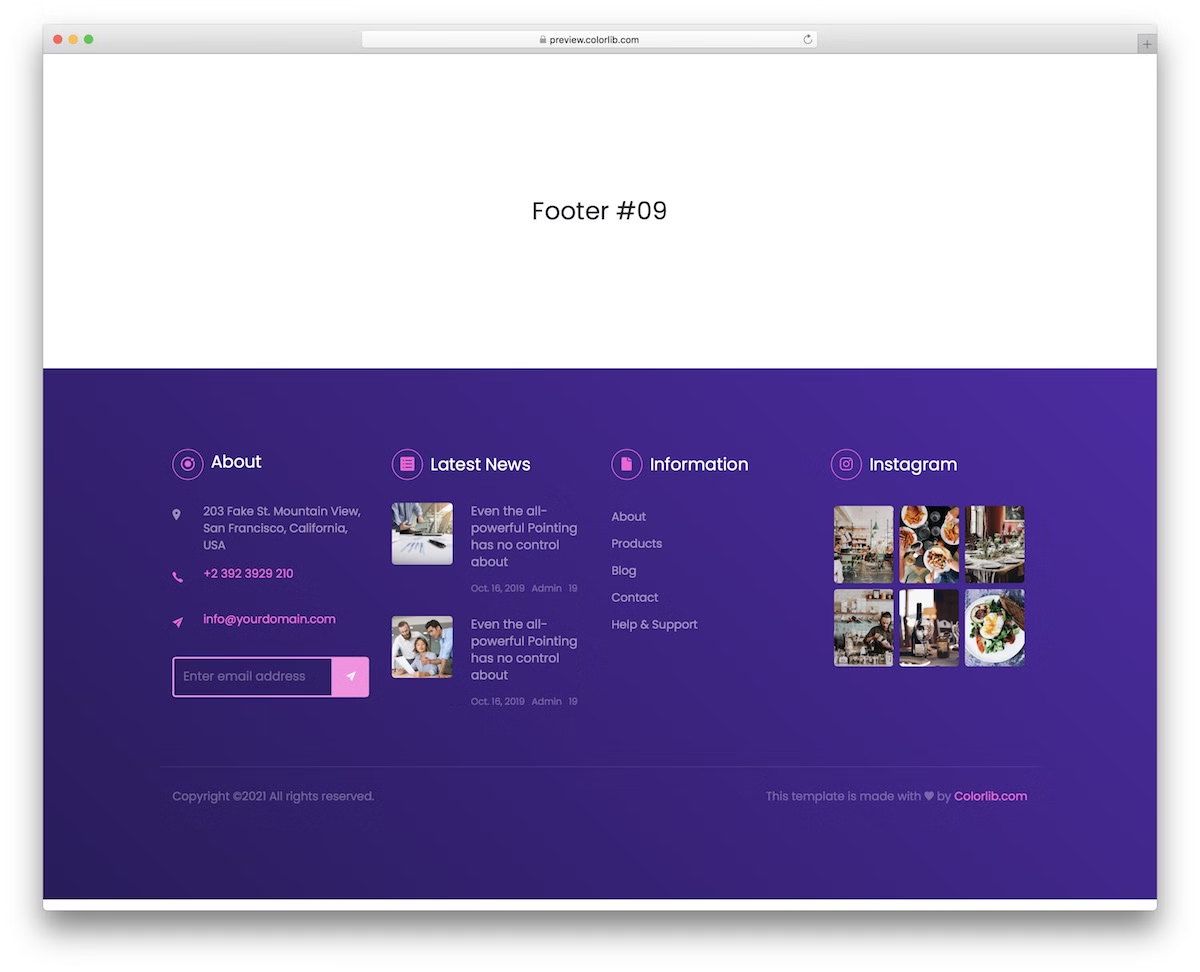
Stand out with this colorful purple footer. Let’s face it: not everyone prefers to follow the boring dark or light footer design.
The HTML footer template is flexible and user-friendly. It features four main columns: About, Latest News, Links, and Instagram Feed. (However, you don’t have to adhere to the default configurations to a T.)
Additionally, you can create clickable telephone and email links and activate the subscription form.
More info / Download DemoBootstrap Footer V20
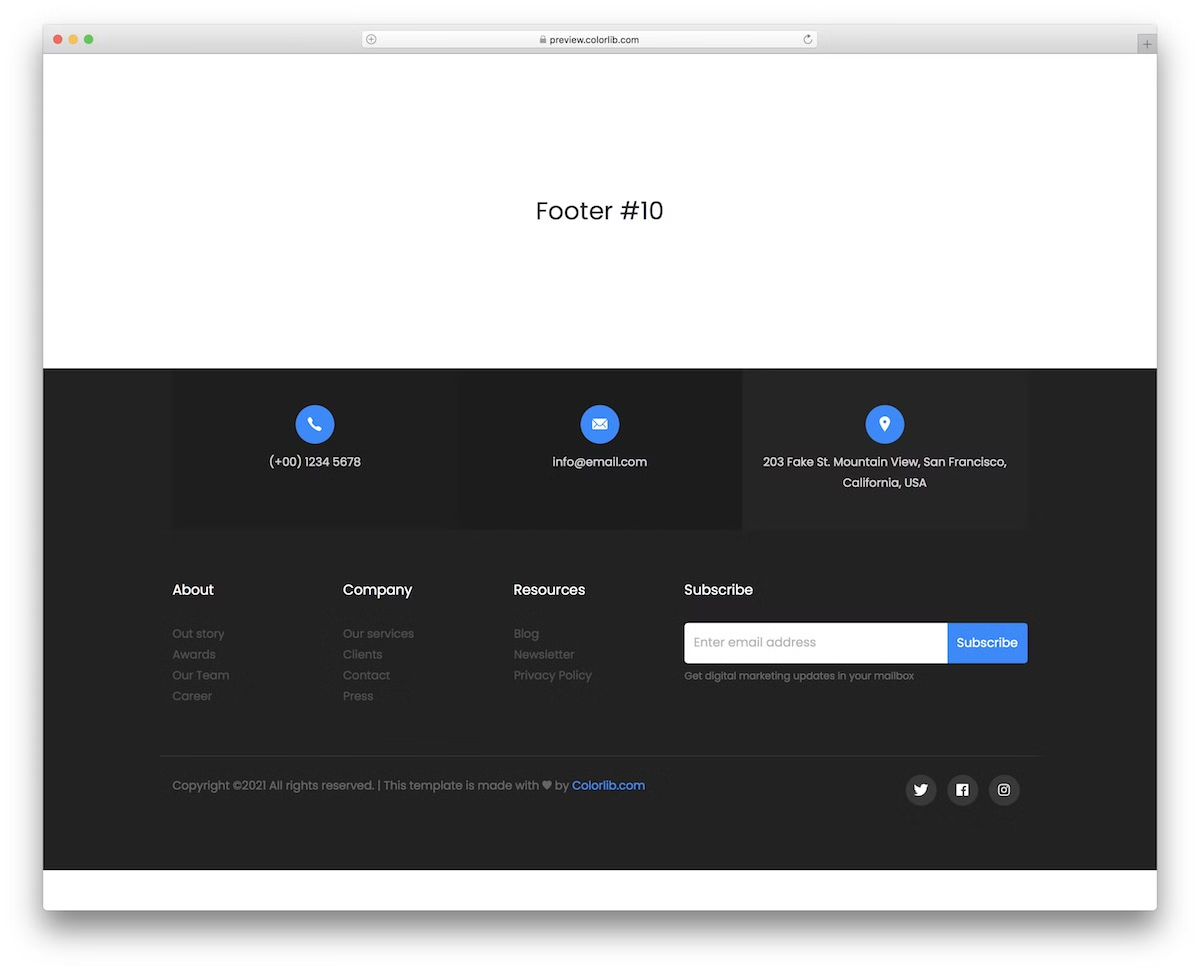
A modern footer template offering company details and three link columns. As the example shows, you can use the latter for About, Company and Resources but switch things up slightly.
The upper part of the footer is dedicated to contact information (telephone number and email address) and the business location.
The subscription form is also worth mentioning, as it occupies a significant portion of the space and is accompanied by social icons in the bottom right corner.
More info / Download DemoHow To Make A Footer With An HTML Template
Creating a website footer with an HTML template is easy.
Here’s a 7 step guide to get you started:
- Choose a template: Pick an HTML footer template that matches your website’s style and needs. There are many free and paid options online. Look for responsive templates that match your website’s design. Hint: Pick one from above.
- Download the template: Once you’ve chosen a template, download it. The template will usually come in a ZIP file with HTML, CSS and possibly JavaScript.
- Extract and organize files: Extract the ZIP file to a folder on your computer. Organize the files in a way that makes sense to you, usually with separate CSS, JavaScript and image folders.
- Open the HTML file: Open the HTML file from the template in a text editor or an Integrated Development Environment (IDE). If you don’t have one, basic editors like Notepad (Windows) or TextEdit (Mac) will work, but for better functionality, you can use an IDE like Visual Studio Code or Sublime Text. Here are some of the tools we used to create these footer HTML templates.
- Customize the footer: Find the footer section in the HTML file. It’s usually marked with a “<footer>” tag. Change the content by changing text, links, social media icons or contact details. Remember to save.
- Link CSS and JavaScript (if applicable): Make sure the CSS and JavaScript files are linked correctly in your HTML file. These links are typically placed in the “<head>” section for CSS and immediately before the closing “</body>” tag for JavaScript. If the paths are incorrect, adjust them to match your file structure.
- Test and upload: Test the footer in various web browsers (such as Chrome, Firefox, and Safari) to ensure it appears and functions as expected. Once happy, upload the files to your website’s server using FTP or your web hosting provider’s file manager.
HTML Footer Template FAQs
What should I put in an HTML footer?
An HTML footer usually has contact information, copyright notices, links to important pages like privacy policy or terms of service, social media icons and sometimes an about section or newsletter signup form.
How do I make my HTML footer responsive?
Create a responsive footer by utilizing CSS media queries to adjust the layout according to various screen sizes. Use flexible grid layouts and flexible images. Use frameworks like Bootstrap for easier responsive design.
Do I need a footer on every page?
Not necessary but highly recommended. Footers provide a consistent place for important information and links to help user navigation and experience.
How can I make my website footer look good?
Create a footer that looks good by having a clean and organized design. Use colors and fonts that match your website’s design. Add elements like icons, a small logo, or even subtle animations.
Do I need to update my website footer regularly?
Not always, but the information in the footer should be updated. This includes updating copyright dates, making sure links are working and relevan,t and updating contact information or social media links when needed.

Related Posts


Comments (0)