
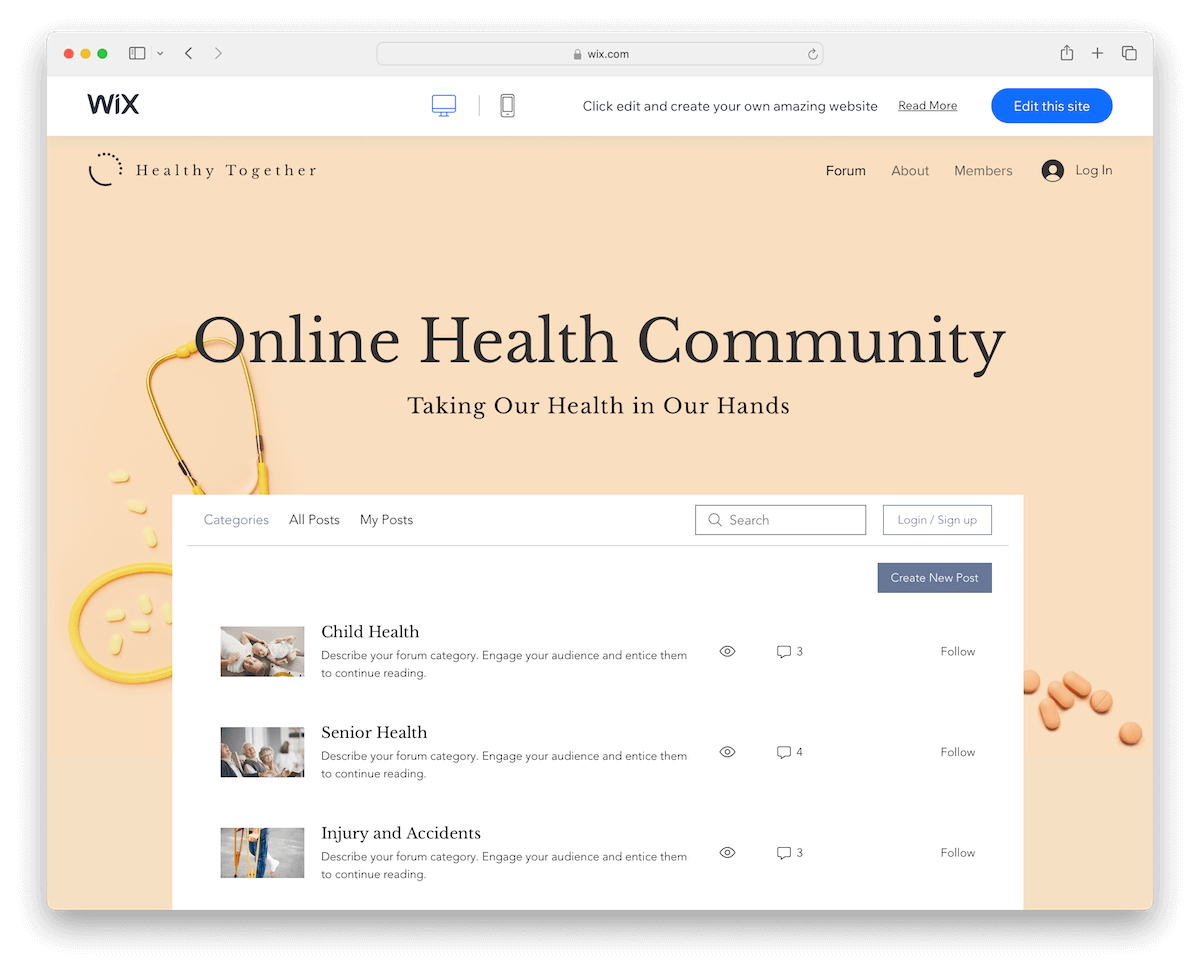
14 Best Wix Forum Examples In 2026
Are you searching for the best Wix forum examples to gain inspiration for your online project?
We compiled a collection of some really fine templates that you can take to your total advantage.
While they cater to various industries and niches, the best part is this: they are easy to customize and adjust to your needs.
Don’t feel limited in any way, shape or form.
Use them to create places to chat, but most importantly, go beyond the chat and create vibrant communities.
Let’s examine these inspiring examples together—you’ll surely find some great ideas for your own forum.
This post covers:
10+ Wix Forum Examples
Looking for the perfect starting point for your online forum?
Here’s a list of epic Wix forum examples combining aesthetics with functionality, offering an ideal foundation for building your community.
1. Gaming Forum
Built with: Wix
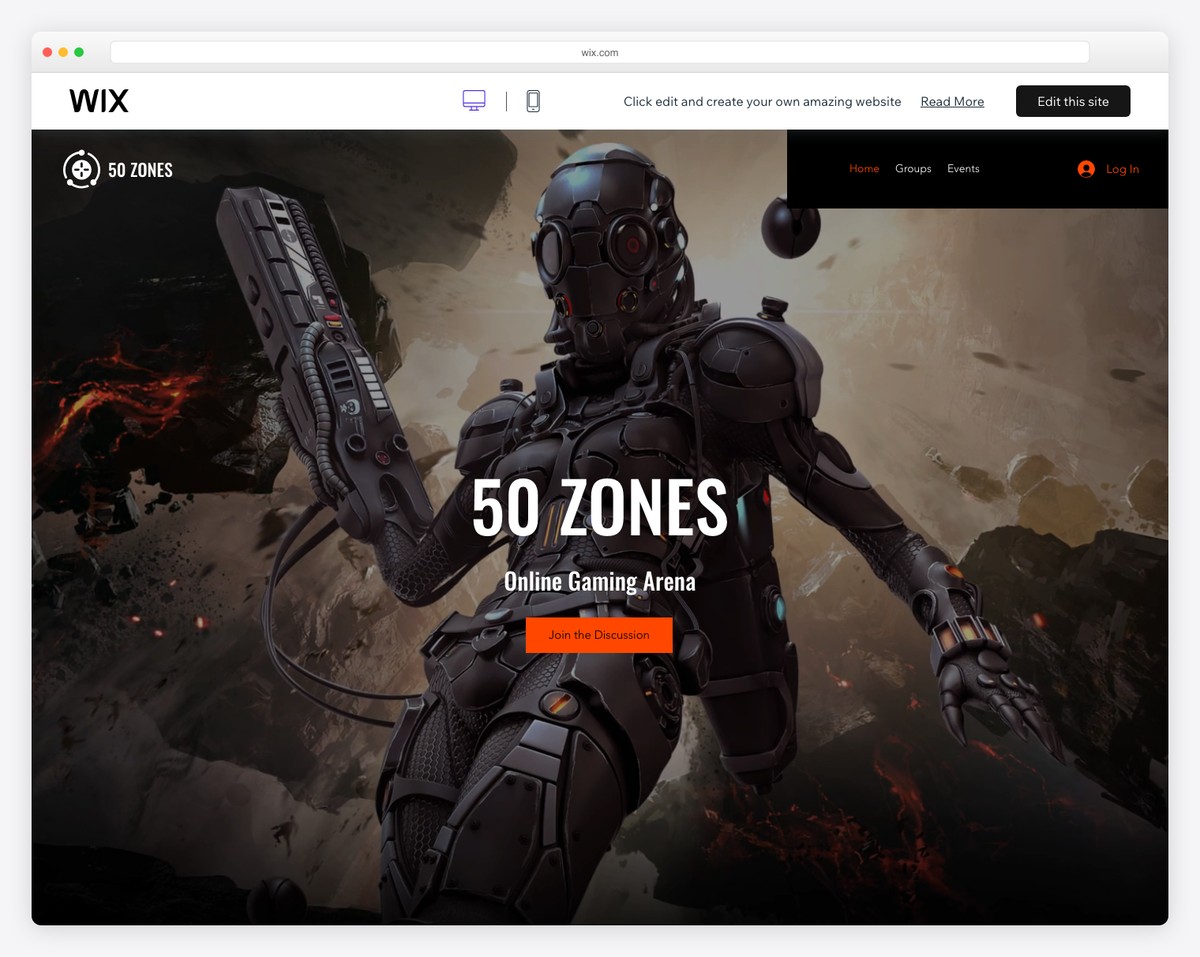
The Gaming Forum Wix template stands out with its immersive experience, perfect for gaming enthusiasts.
It features a captivating animated background and a sleek dark design enhanced by the parallax effect, drawing users into a dynamic gaming world. (Don’t forget to check out these awesome parallax scrolling websites.)
Strategically placed Call-to-Action (CTA) buttons guide users effortlessly, while a convenient login option in the navbar ensures easy access.
Additionally, the template includes a newsletter subscription form, allowing gamers to stay updated.
What stands out: Dark or black design goes very well hand in hand with anything gaming-related.
What stands out: The Gaming Forum stands out due to its immersive, interactive design and features that perfectly cater to gaming communities’ vibrant and dynamic nature.
2. Design Blog & Forum
Built with: Wix

The Design Blog & Forum Wix template is an exceptional choice for creative communities. Its clean, light design highlights content.
Its full-screen hamburger menu overlay offers a modern, uncluttered navigation experience.
Moreover, the template comes alive with elegant scrolling animations, adding a dynamic feel.
A standout feature is the forum search function with live results, ensuring easy access to relevant discussions.
With views for both categories and all posts, it simplifies content discovery, making it ideal for design-focused forums.
What stands out: Create a clean, minimalist design to ensure better content and forum threads visibility.
What stands out: The Design Blog & Forum has a sleek, user-friendly interface and innovative features that perfectly cater to visually-driven communities.
3. Community Forum
Built with: Wix

The Community Forum Wix template excels with its dynamic large slider featuring animated slides, captivating users immediately. Each slide also has a “+Join Group” button, encouraging visitors to become members.
Its sticky header ensures effortless navigation, while the sophisticated black design gives the forum a modern look.
Including sidebar widgets for search and suggested groups enhances user interaction and discovery.
Additionally, dedicated members and contact pages foster community and accessibility, making it ideal for vibrant online groups.
What stands out: Make a slideshow with captivating slides to grab your visitors’ attention right from the get-go.
What stands out: The Community Forum impresses with its engaging design, user-friendly features, and comprehensive layout.
4. DIY Blog & Forum
Built with: Wix
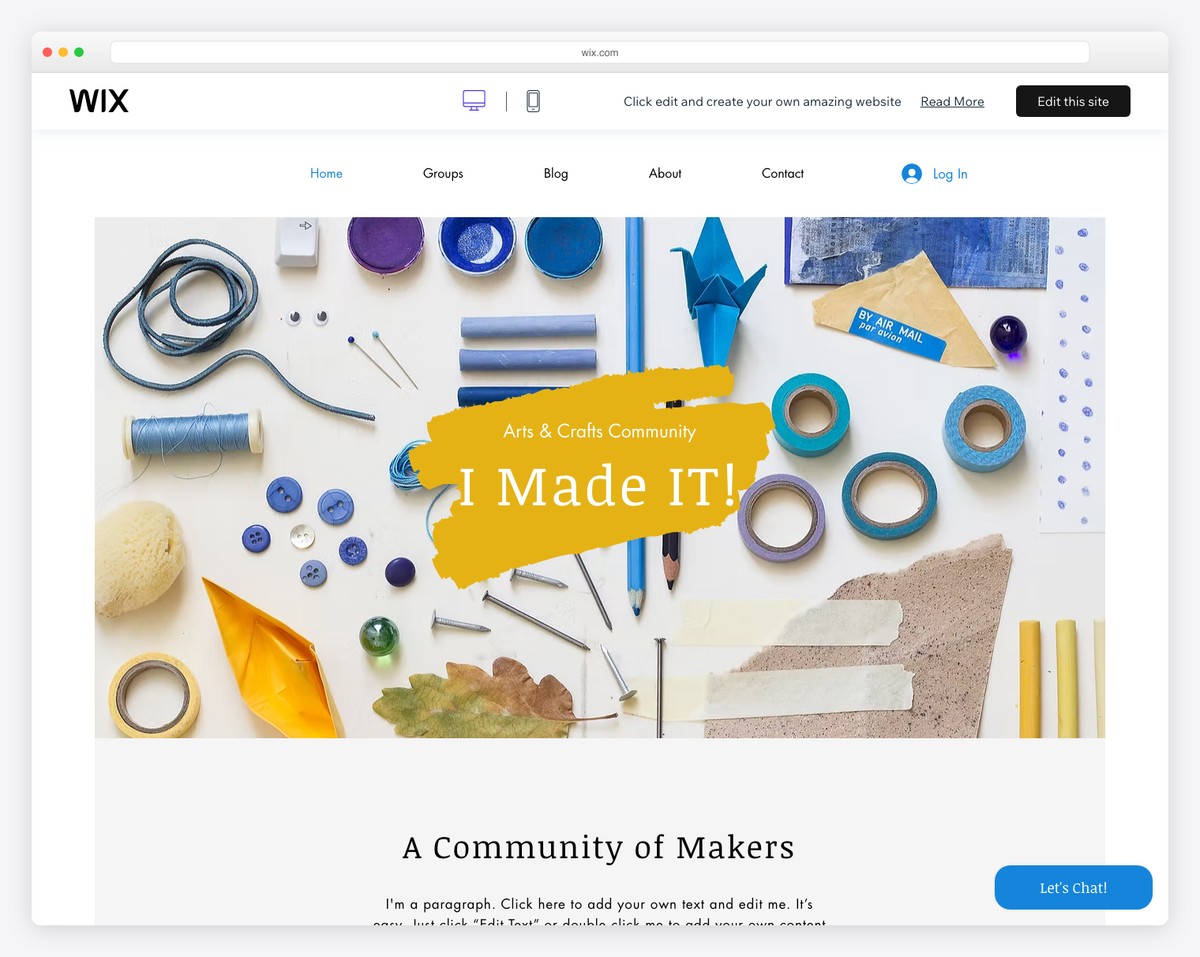
The DIY Blog & Forum Wix template features a large, eye-catching banner with a parallax effect that creates a dynamic visual experience.
It integrates an Instagram grid feed, seamlessly connecting social media content to the site.
The template enhances user interaction with a floating chat button, encouraging real-time conversations.
Its full-blown forum section, complete with live search and categorization, makes navigating and discovering DIY topics effortless and enjoyable.
What stands out: Add depth and immersiveness to your website with the fun parallax effect.
What stands out: The DIY Blog & Forum template contains interactivity elements and promotes a social vibe with IG feed integration.
5. Community Blog & Forum
Built with: Wix
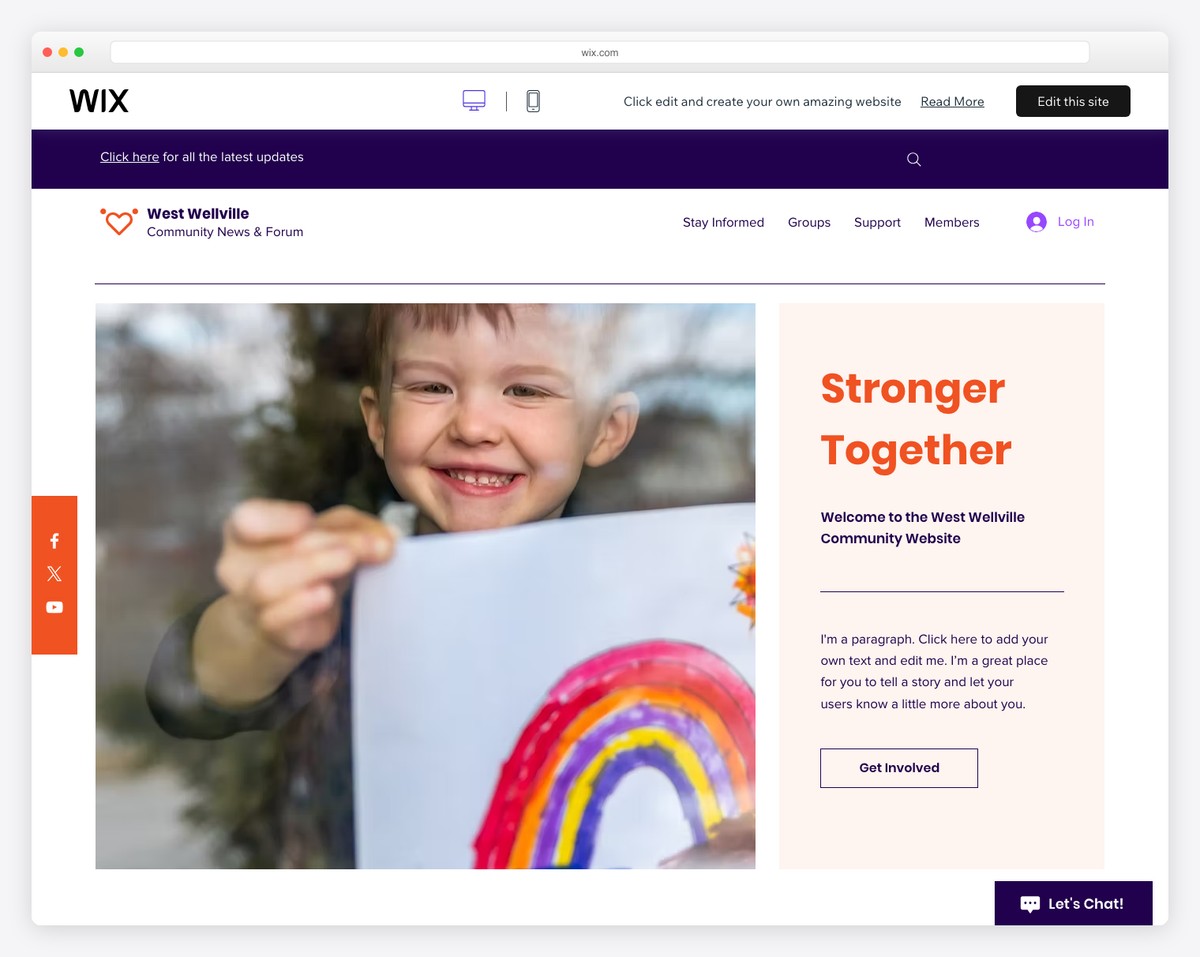
The Community Blog & Forum Wix template shines with its dual-part header. It features links to the latest updates and a convenient search bar at the top, complemented by easily accessible menu links below.
Floating social icons on the left and a friendly “Let’s Chat!” button on the right enhance user engagement.
Each post displays the number of views, comments, and “hearts,” fostering interaction.
The template’s integration of Google Maps with a location marker adds a unique, localized touch to the user experience.
What stands out: Integrating Google Maps is one of the best ways to showcase your business’s exact location.
What stands out: The Community Blog & Forum mixes comprehensive features and intuitive design for a highly interactive and connected online community experience.
6. Gardening Blog & Forum
Built with: Wix
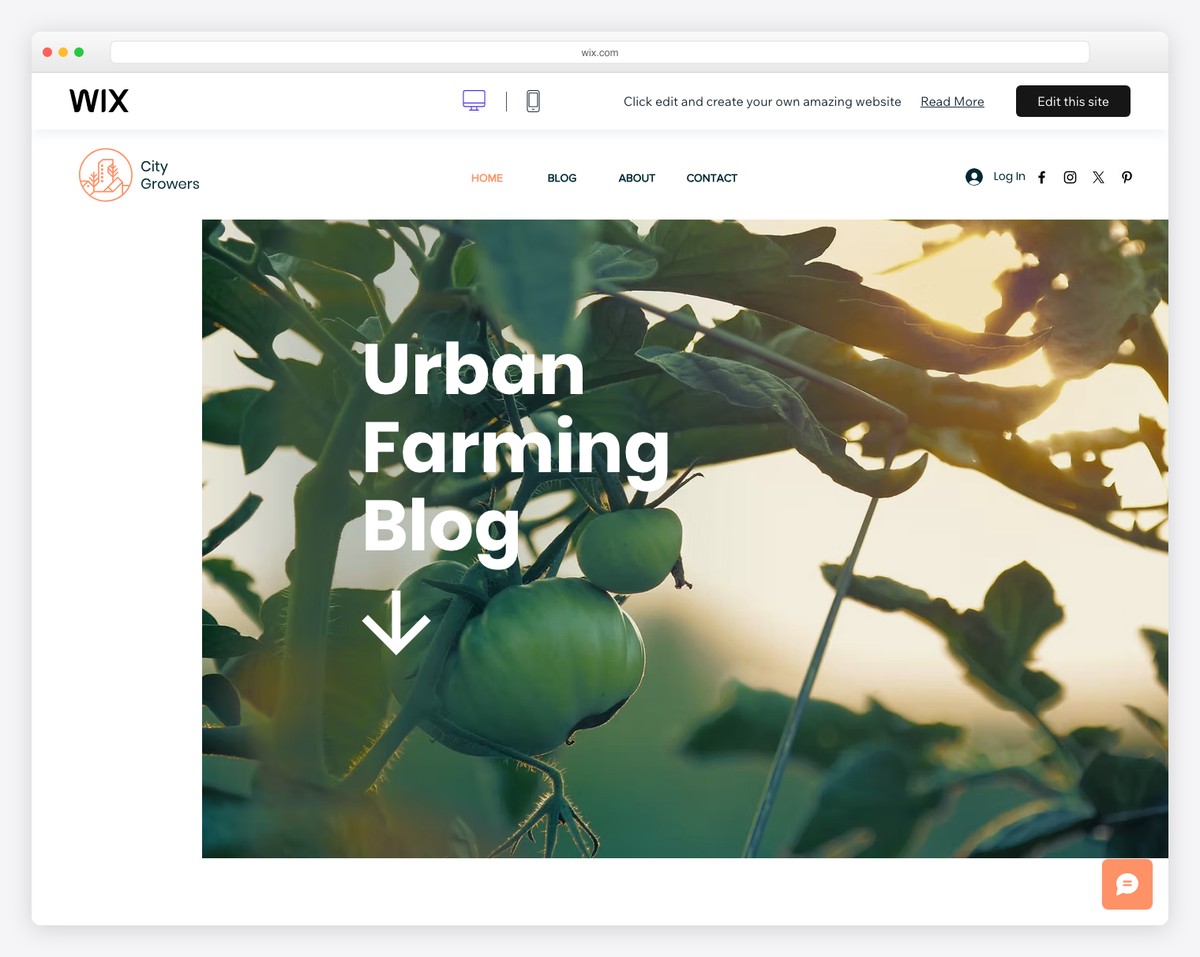
The Gardening Blog & Forum Wix template is a breath of fresh air with its neat design, abundant white space, and harmonious aesthetic.
It features a grid view for quickly navigating through forum categories and a list view for delving into specific threads.
Users can follow posts and categories and effortlessly share links, contributing to community engagement.
Also, multiple post-sorting options enhance the user experience, making finding and organizing content in this green-thumbed community simple.
What stands out: Ensure various sorting options so forum members can find what they’re looking for much quicker.
What stands out: The Gardening Blog & Forum pushes clean, intuitive design and user-centric features.
7. Parenting Forum
Built with: Wix
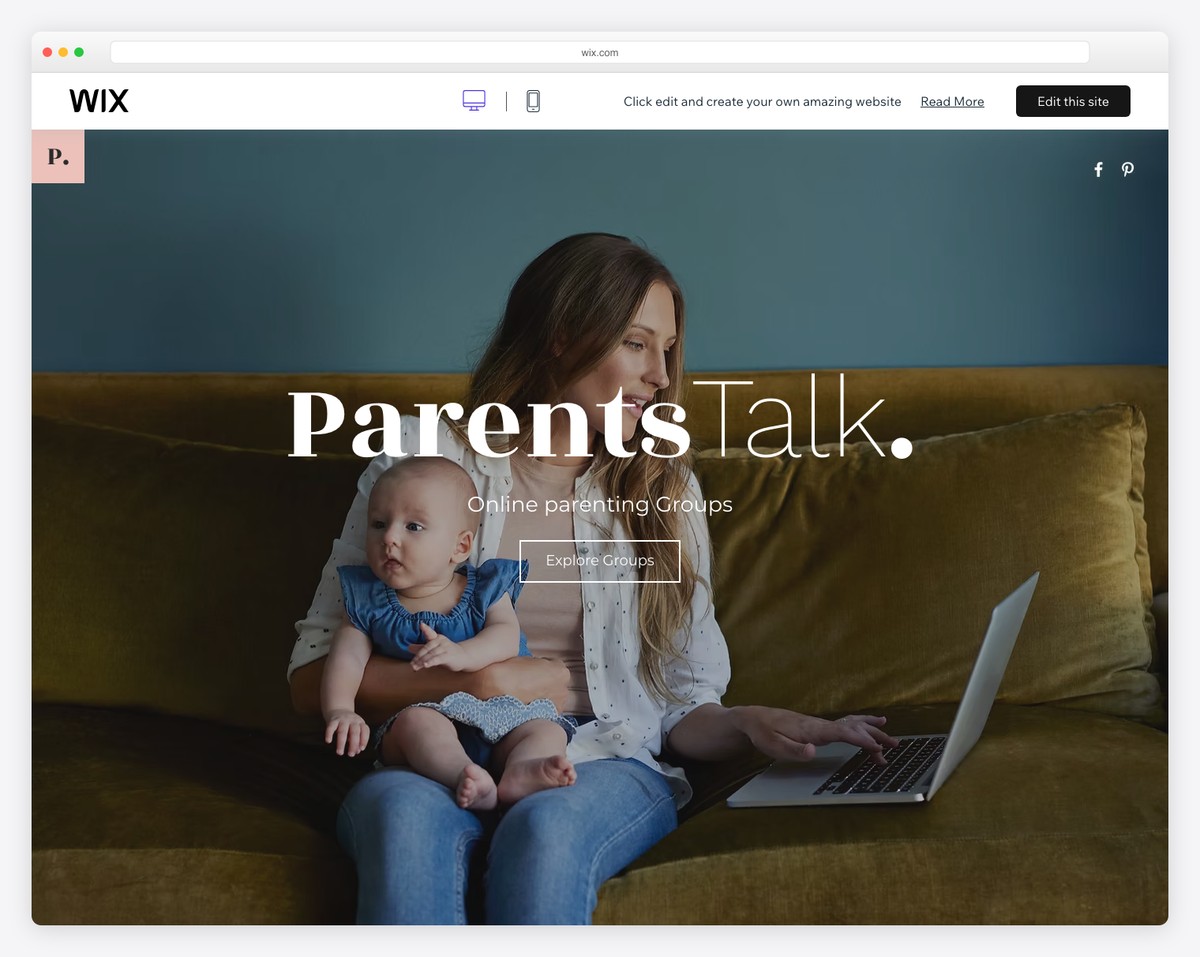
The Parenting Forum Wix template offers a welcoming and intuitive space for parents. It starts with a full-screen image background on the home page, overlaid with inviting text and CTA buttons.
Its forum section adopts a minimalist yet practical approach, facilitating ease of navigation through a clear search bar and a dedicated members’ area.
The design is both user-friendly and aesthetically pleasing, catering to the needs of a parenting community.
Finally, a subscription form in the footer encourages ongoing interaction and growth.
What stands out: Don’t complicate the forum design. Instead, keep it clean and minimal for the ultimate UX.
What stands out: The Parenting Forum includes a welcoming design, practical navigation, and features for a supportive and pleasant environment for parents.
8. Family Blog & Forum
Built with: Wix
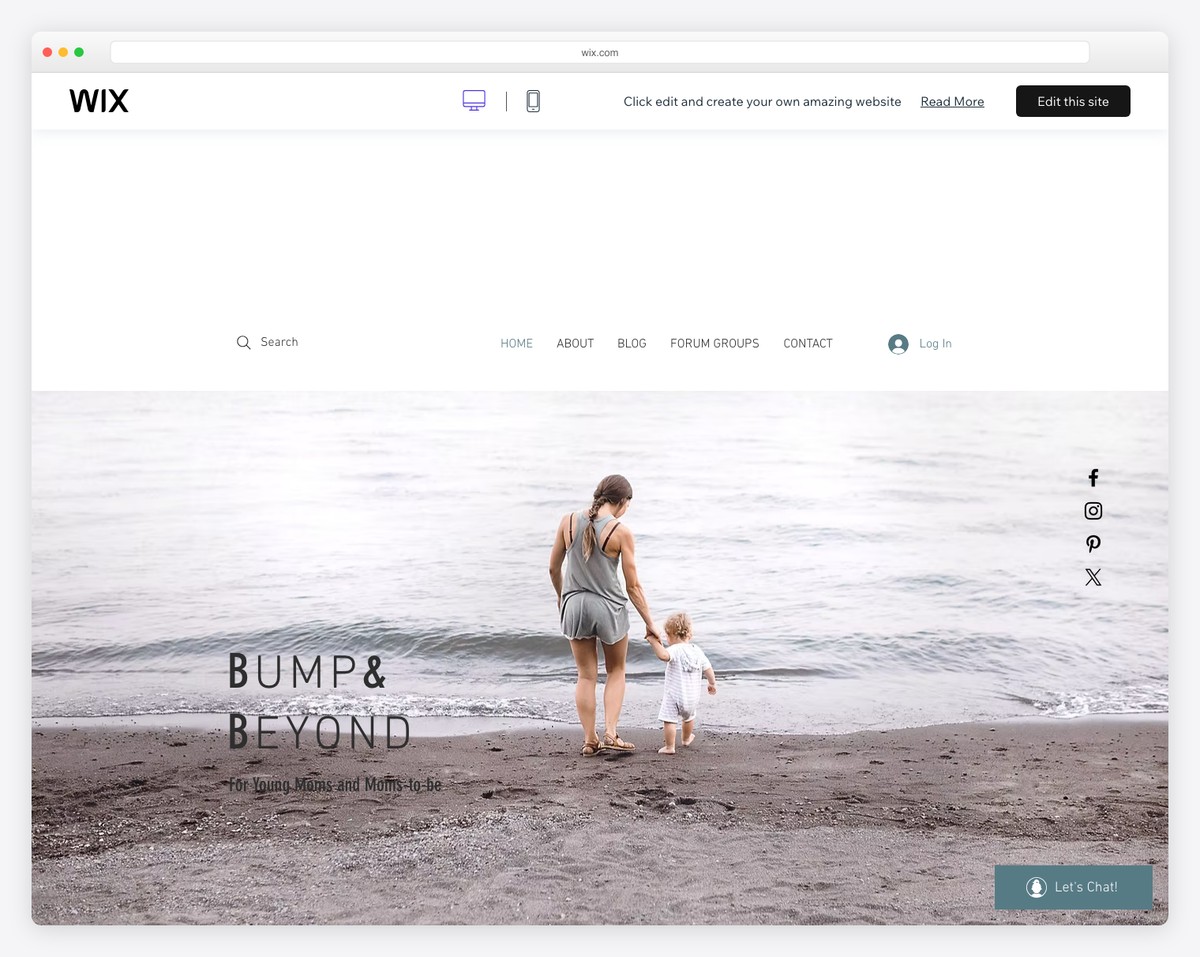
The Family Blog & Forum Wix template is a visual treat for photography devotees. It features an Instagram feed at the top with a lightbox for an immersive viewing experience.
Its simple navigation bar includes a search function, making it user-friendly. The parallax image effect adds depth and dynamism, enhancing the aesthetic appeal.
The forum is presented neat, boxed, facilitating easy reading. Floating social media icons on the right side promote community and connectivity, completing this photographer’s haven.
What stands out: Promote your social media accounts with floating social icons (or add them to the (floating) navbar/header section.)
What stands out: The Family Blog & Forum is a terrific Wix forum example for seamlessly integrating social media, user-friendly navigation, and visually engaging design.
9. Instructional Design Central
Built with: Wix
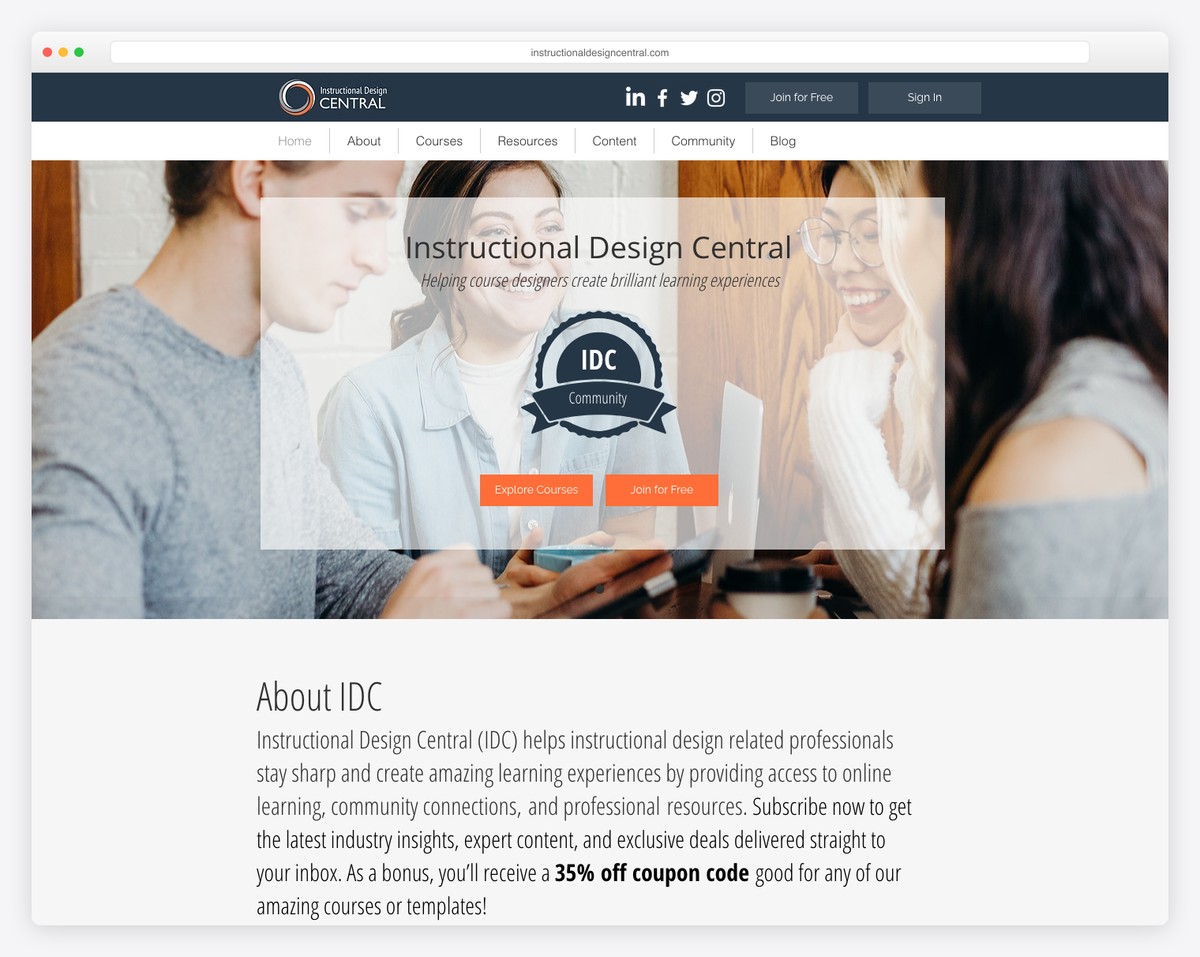
Instructional Design Central hosts a community of 26,000+ instructional design professionals with discussion forums, resource sharing, and professional development content. The Wix-built site demonstrates how niche professional communities can thrive on a website builder platform.
What stands out: Niche professional communities with 20K+ members prove there’s a market for specialized forums — targeted topics attract more engagement than general discussion boards.
10. IOBA
Built with: Wix
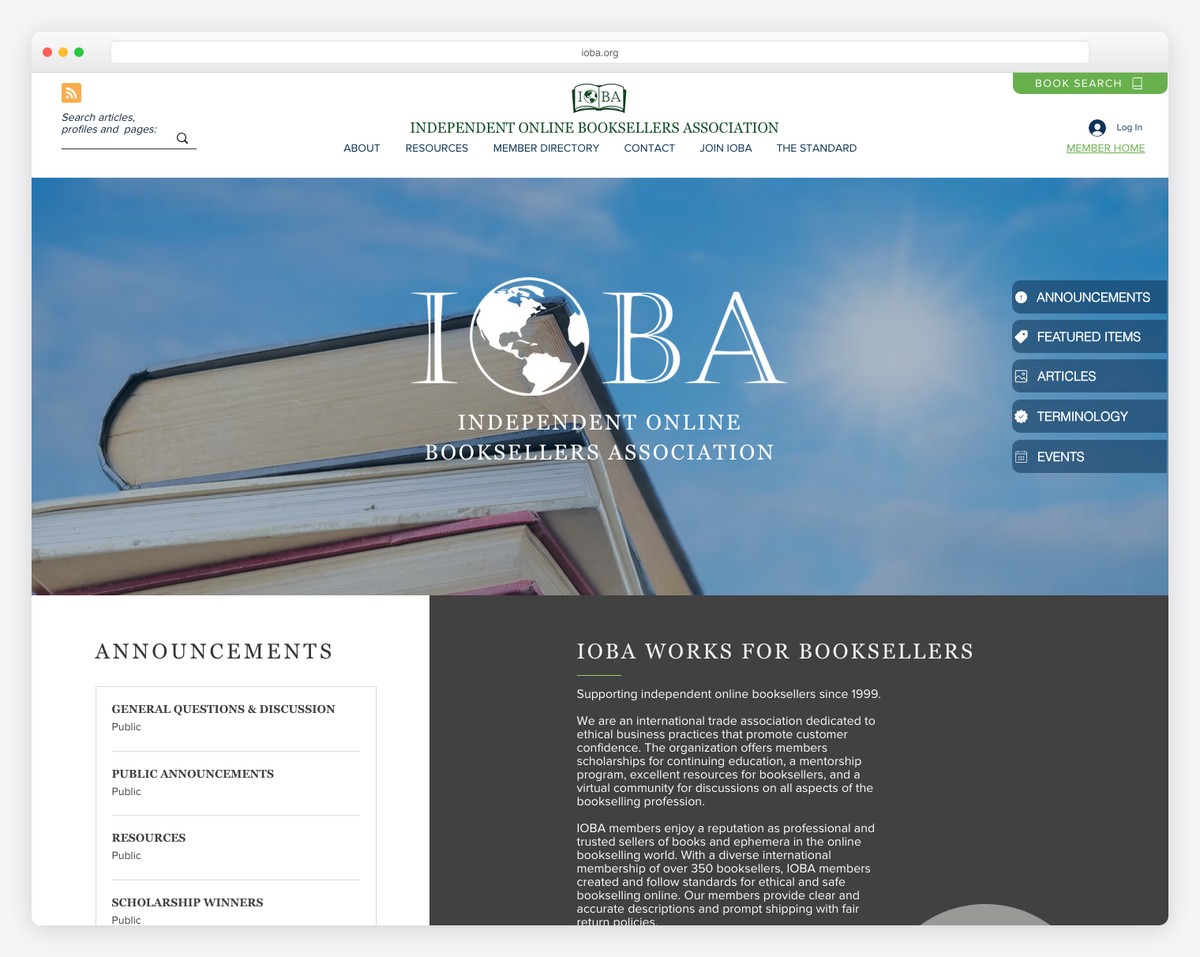
The Independent Online Booksellers Association uses Wix to power their member community, featuring discussion areas, industry news, and member directories. The clean, professional design elevates what could be a simple industry association into an engaging community hub.
What stands out: Industry associations benefit from combining member forums with practical resources like directories and news — it gives members multiple reasons to return.
11. VPI Industries
Built with: Wix
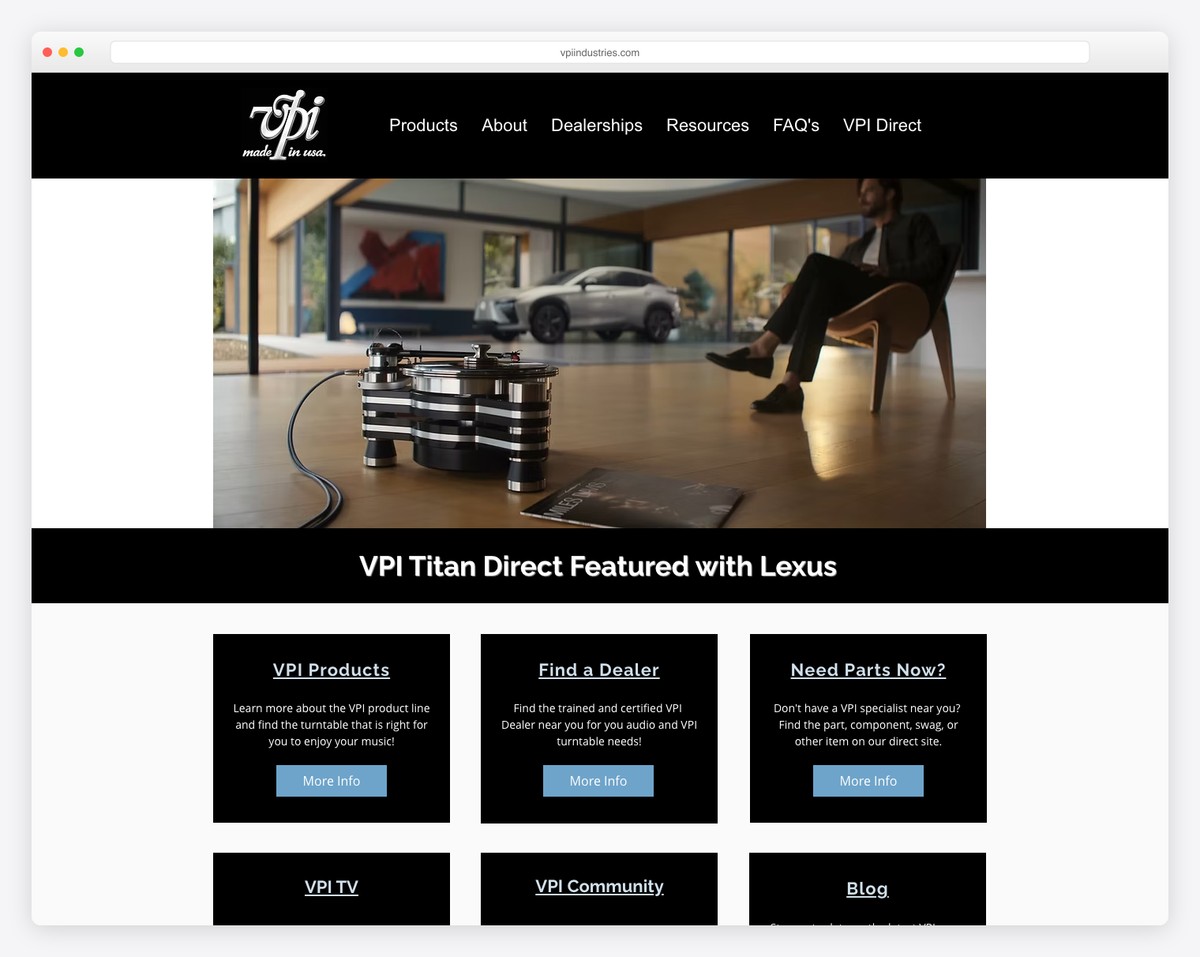
VPI Industries, an American phonograph and tonearm manufacturer, maintains an audiophile community forum on their Wix site where enthusiasts discuss turntable setup, vinyl care, and equipment reviews. The forum complements their product catalog perfectly.
What stands out: Product companies that host community forums create a self-sustaining support ecosystem — customers help each other, reducing support costs while building brand loyalty.
12. CountryClub
Built with: Wix

CountryClub is a membership community built on Wix offering events, group chats, direct messaging, and an online forum. The modern design with community-focused features shows how Wix Groups can power a full membership platform.
What stands out: Combining forums with events and direct messaging creates a more engaging community than standalone discussion boards alone.
13. Stats Medic
Built with: Wix

Stats Medic is a statistics teacher community founded by educators Luke Wilcox and Lindsey Gallas, offering training resources, lesson plans, and collaboration tools. The Wix site uses Members Area features to create a professional development hub for AP Stats teachers.
What stands out: Teacher communities work best when they combine free public resources with member-only premium content — it builds trust before asking for commitment.
14. ElevatED BLK
Built with: Wix
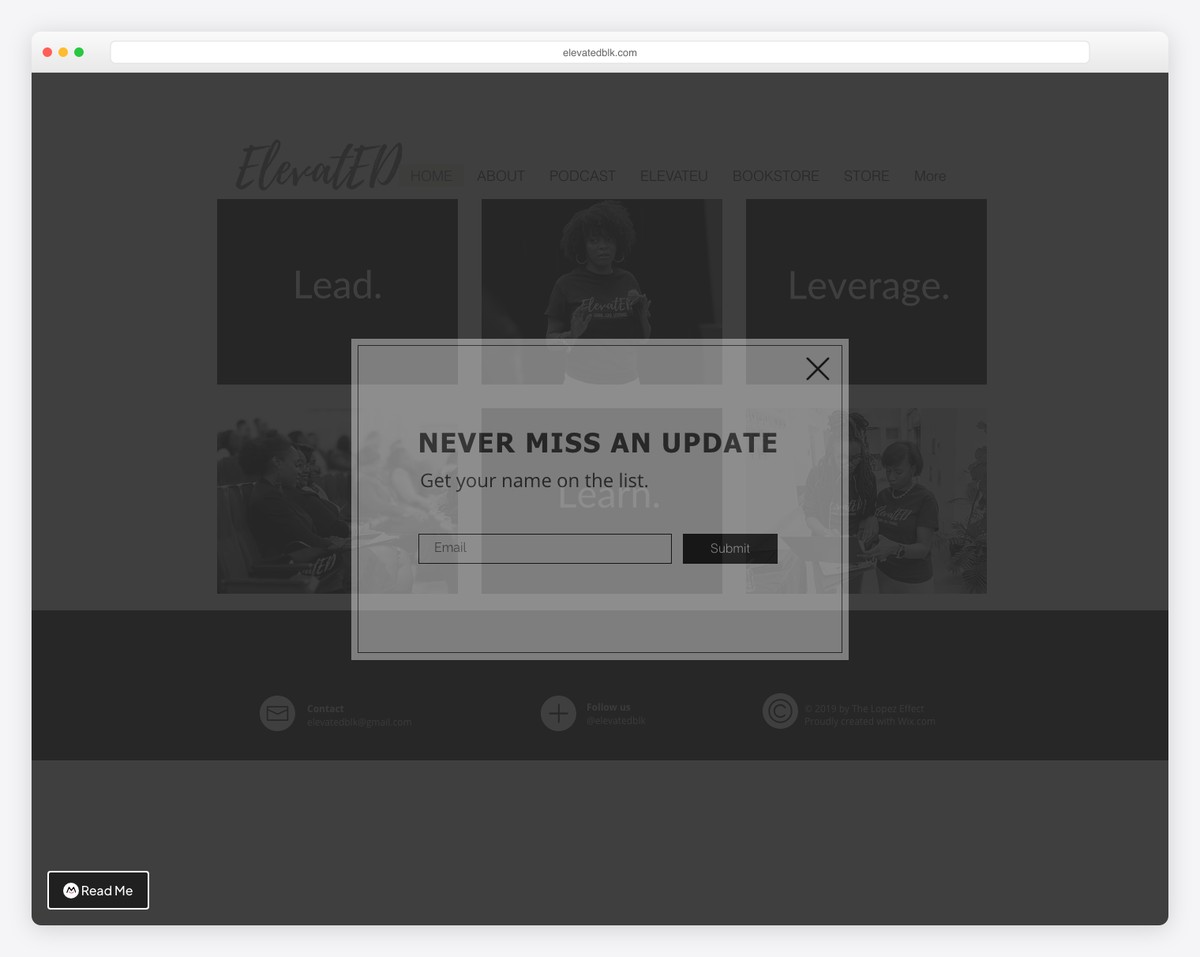
ElevatED BLK is a Wix membership platform for educators founded in 2018, encouraging dialogue that inspires and empowers educators to prioritize well-being and build support systems. The community-focused design centers member stories and shared experiences.
What stands out: Education communities that focus on educator wellness — not just curriculum — fill a critical gap that traditional professional development ignores.
How To Make A Forum With Wix
Are you excited about creating your online forum but unsure where to start?
We’ve got you covered with an easy-to-follow guide on making a forum using Wix.
Follow these straightforward steps, and your vibrant online community will be up and running in no time:
- Sign up or log in to Wix: Start by creating a Wix account or log in if you already have one.
- Choose a website template: Select a Wix template that suits your forum’s theme and purpose. (You can skip this step if you already have a Wix site.)
- Add Wix forum app: From the Wix Editor, open the App Market and search for “Wix Forum.” Click “Add to Site.”
- Create forum categories: Set up categories for your forum to organize topics and discussions.
- Customize forum settings: Adjust settings to shape your forum’s layout, display, and overall design.
- Design your forum: Personalize the look and feel of your forum, including text styles, colors, and navigation.
- Write your first post: Create an engaging initial post to welcome members and encourage interaction.
- Publish and promote your forum: Once you’re satisfied with the setup, publish and promote your forum to attract members.
FAQs About Wix Forums
How do I add a forum to my Wix site?
Open the App Market in Wix Editor or Editor X, search for “Wix Forum,” and click “Add to Site” next to the Wix Forum app.
How can I customize my Wix forum settings?
After setting up categories, customize your forum settings, including the general settings, layout, display, and design.
What layout options are available for the Wix forum?
There are two layout options: a classic layout for text-heavy forums and a grid layout for showcasing posts. You can also choose to display subcategories on your main forum page.
Can I manage my Wix forum on a mobile app and share posts on social media?
Yes, Wix allows you to manage your forum through its mobile app and offers the option to share forum posts on various social media platforms.

Related Posts






Comments (0)