
Showing 1–42 of 42 templates
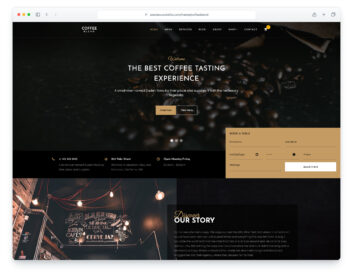
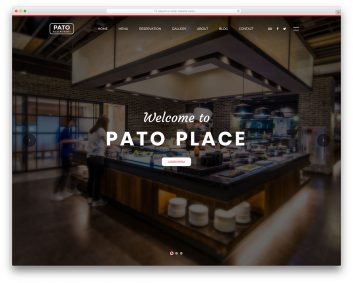
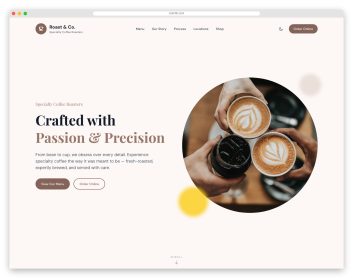
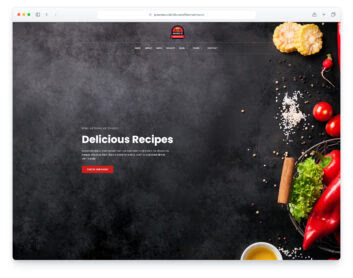
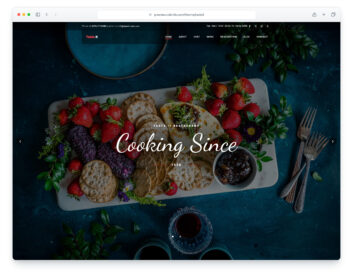
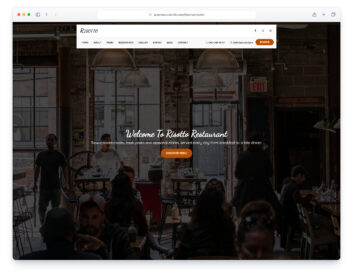
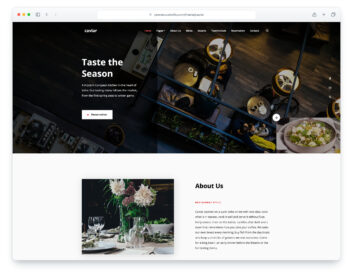
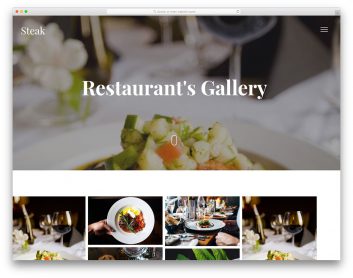
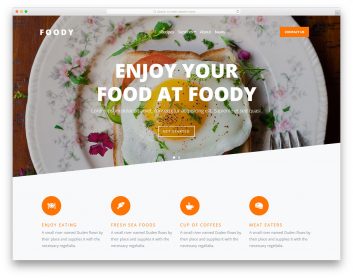
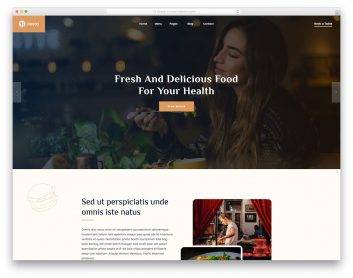
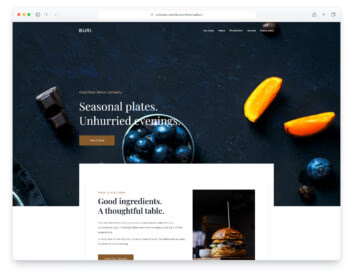
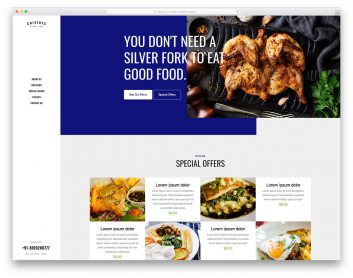
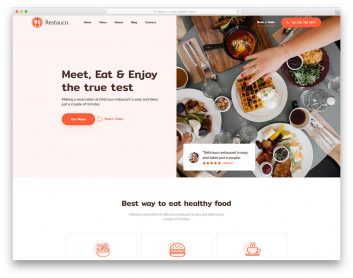
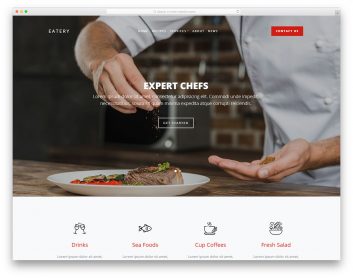
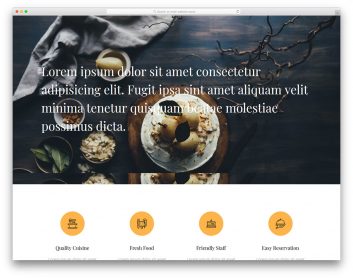
Choose a restaurant template around your menu and service
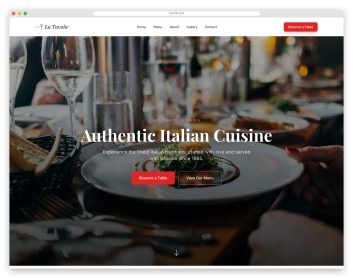
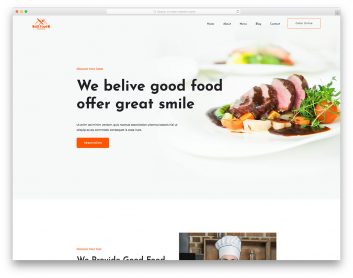
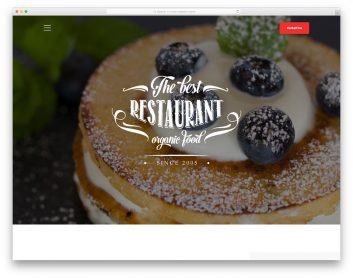
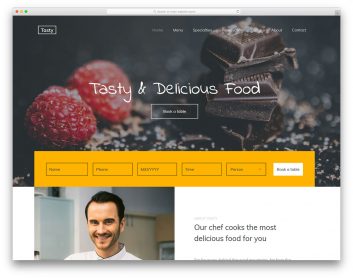
A diner should be able to find the menu, location and opening hours before deciding to visit. These three designs take different approaches to presenting that information.
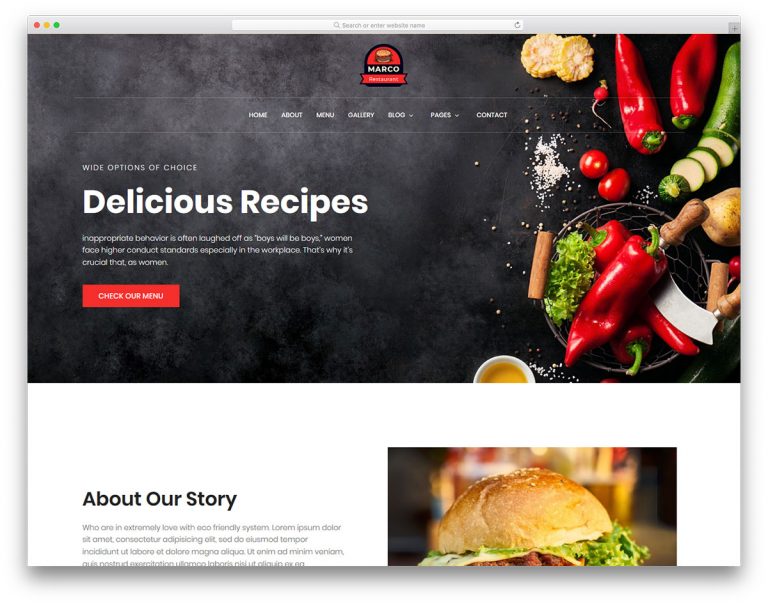
Marco
Choose it for: a restaurant with a food gallery and separate menu page.
Marco combines a food-led homepage with dedicated menu, gallery and about pages. Its homepage also includes a reservation form layout, so you can compare the menu and enquiry journey together.
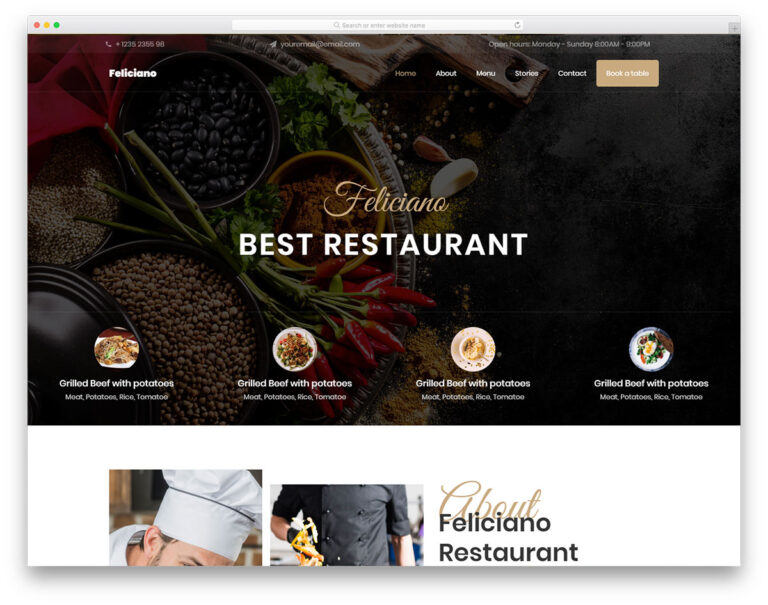
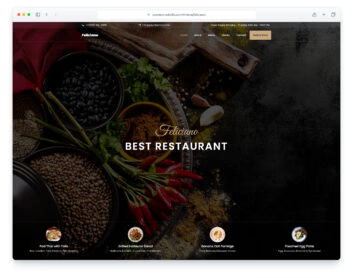
Feliciano
Choose it for: a restaurant presenting dishes, chefs and catering services.
Feliciano gives featured dishes prominent space and includes chef profiles and catering sections. A separate reservation page keeps the booking enquiry apart from the menu.
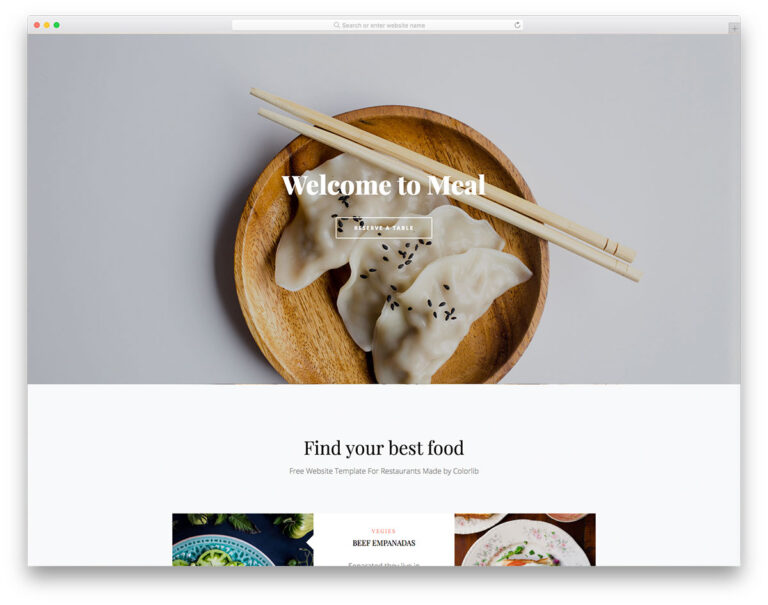
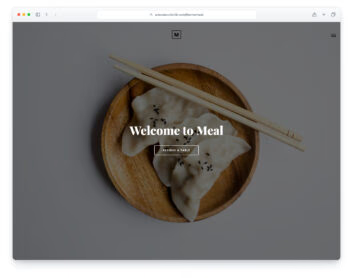
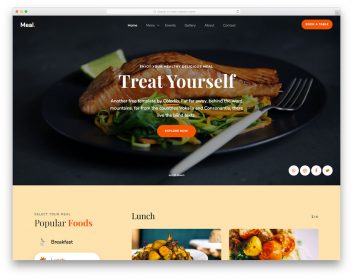
Meal
Choose it for: a compact restaurant website with sections on one page.
Meal links directly to its about, menu, reservation and contact sections. Compare this shorter journey if your restaurant can explain its offer without a large set of separate pages.
Test the menu with your own dishes
Replace sample dishes and photos, then check long dish names, descriptions and dietary notes on a phone. Keep the menu readable as page content rather than making visitors download a file just to see what you serve. Make location, opening hours and contact details easy to find.
Decide how reservation requests reach you
A reservation form does not by itself confirm table availability. Check the chosen download for its handler and setup instructions, or connect your booking service. Test submission, validation and confirmation with your implementation before accepting enquiries. If you offer takeaway or delivery, plan the ordering and payment service separately.
