
Showing 1–6 of 6 templates
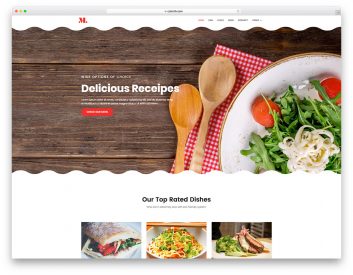
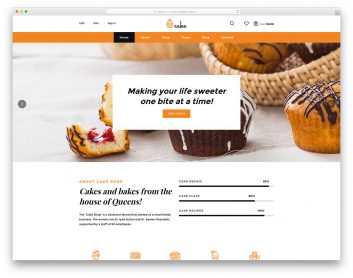
Compare three coffee shop website designs
Start with how customers use your cafe: checking the drinks menu, finding your location or browsing products. Coffee and Coffee Blend are separate templates with different layouts and preview links.
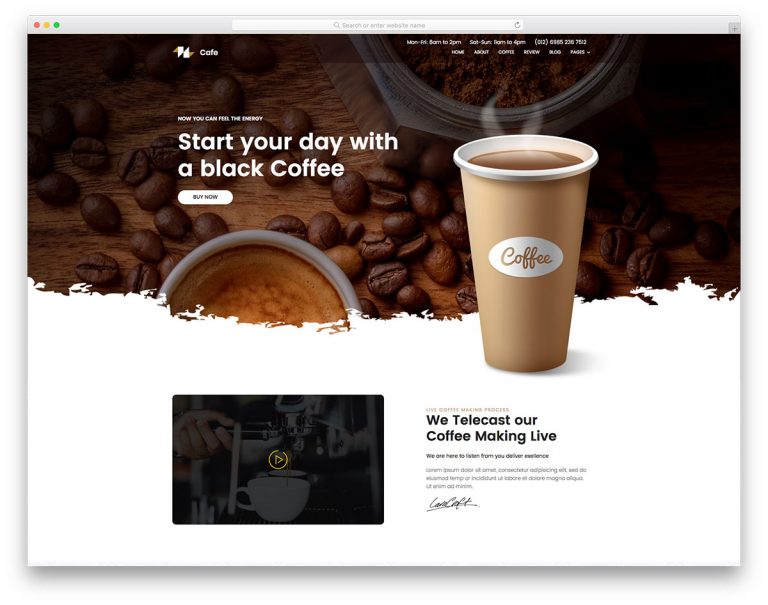
Coffee
Choose it for: a cafe homepage focused on drinks and the coffee-making story.
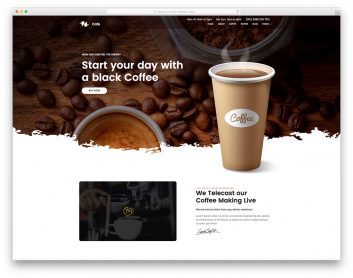
Coffee uses a landing-page structure with a drinks menu, photo gallery and review sections. Its main navigation moves between homepage sections, making it a useful starting point for a concise cafe presentation.
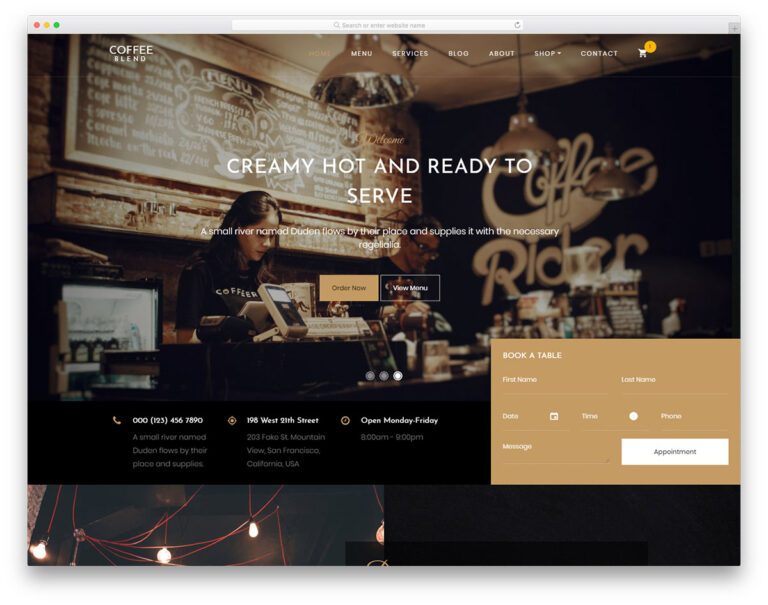
Coffee Blend
Choose it for: a cafe needing separate menu and shop layouts.
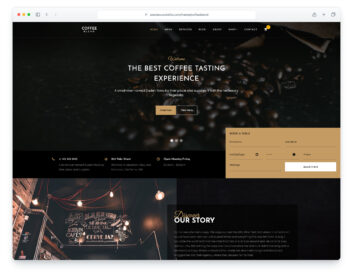
Coffee Blend uses a dark design with dedicated menu, about, shop, product, cart and checkout pages. It also presents Book a Table forms. These layouts give you more room to develop a cafe and merchandise website.
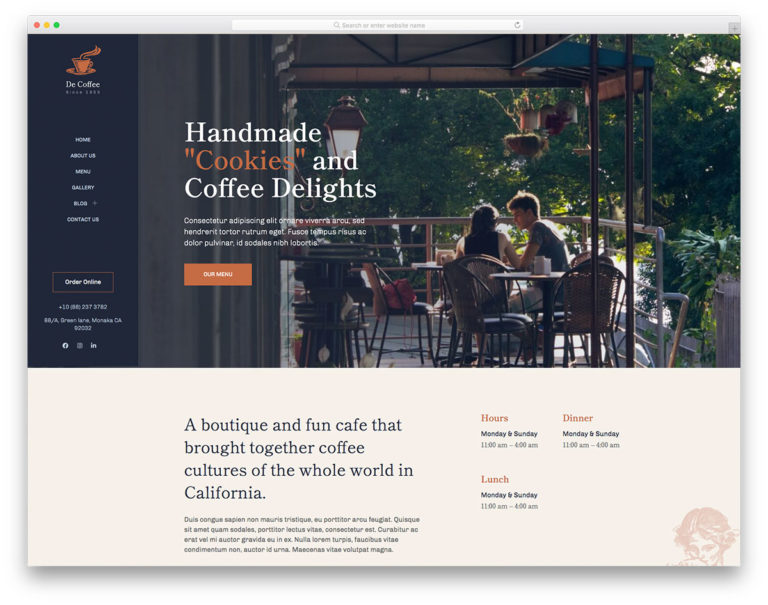
DeCoffee
Choose it for: a cafe emphasizing its atmosphere and food photography.
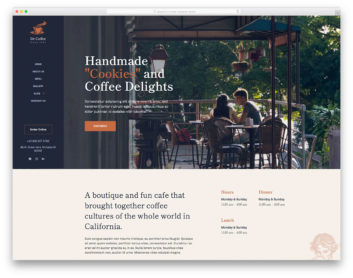
DeCoffee has a sidebar navigation layout with separate menu, gallery, about and contact pages. Compare its large photographs and menu presentation with the drinks, food and interior you want to show.
Coffee or Coffee Blend?
Choose Coffee when the main job is to introduce the cafe and show its drinks in one scrolling homepage. Compare Coffee Blend when you need separate pages and storefront layouts. The shop, cart and checkout screens are a starting point for an integration; they do not by themselves provide live stock, payments or order fulfilment.
Make the everyday details easy to find
Replace the demo location, opening hours, contact details and menu with your own. Include clear dietary information where relevant and check the result on a phone. For reservation or contact forms, follow the chosen download's setup instructions and test that enquiries reach your team. Link any ordering button to your configured service before launch.
