
10 Best Website Builders for Artists 2026 (Tested and Compared)
Building a website is one of the smartest investments an artist can make. Whether you paint, sculpt, photograph, or create digital art, your own website gives you a professional home that galleries, collectors, and clients can visit anytime — without competing for attention on social media.
But choosing the right website builder matters. Artists need platforms that showcase visual work beautifully, load images fast, and ideally let you sell prints or originals directly. After testing and comparing the most popular options, here are the 10 best website builders for artists in 2026.
Quick Comparison
| Builder | Best For | Starting Price | Free Plan | Ecommerce |
|---|---|---|---|---|
| Squarespace | Best overall for artists | $16/mo | No (14-day trial) | Yes |
| Wix | Beginners & flexibility | $17/mo | Yes | Yes |
| Shopify | Selling art online | $24/mo | No | Yes |
| Webflow | Design control & animations | $14/mo | Yes | Yes ($29/mo+) |
| Pixpa | Budget portfolios | $4/mo | No (15-day trial) | Yes |
| Format | Client proofing & delivery | $7/mo | No (14-day trial) | Yes |
| Adobe Portfolio | Creative Cloud users | Free w/ CC | No | No |
| Cargo | Contemporary art world | $14/mo | Free to build | Yes (add-on) |
| WordPress | Maximum customization | ~$5/mo | Yes (self-hosted) | Yes |
| Hostinger | Cheapest entry point | $2/mo | No | Yes |
10 Best Website Builders for Artists
1. Squarespace — Best Overall for Artists
Best for: Artists who want a polished portfolio with zero coding | From $16/mo
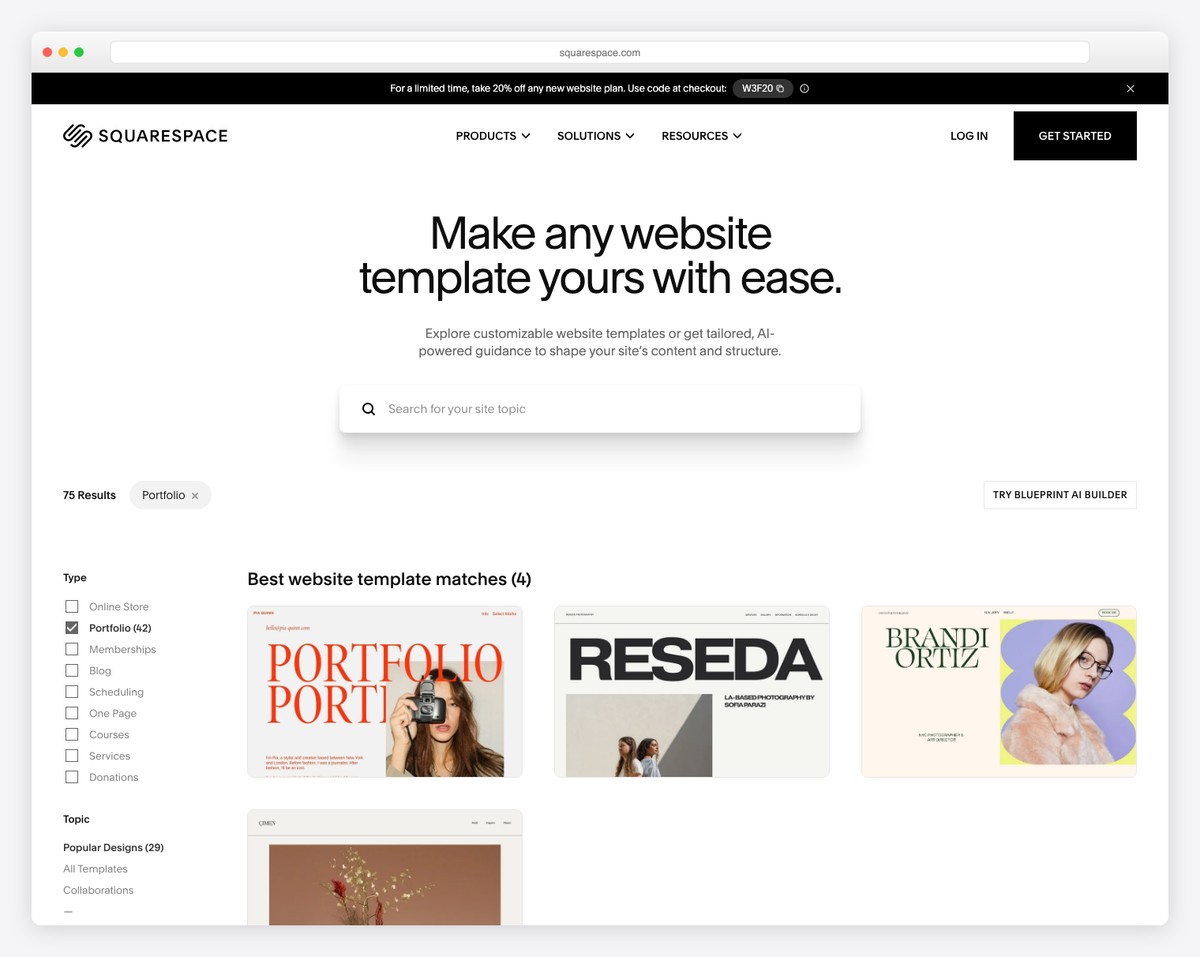
Squarespace is the go-to choice for artists who want a stunning portfolio without touching a line of code. Its templates are designed with visual creatives in mind — clean layouts, full-bleed images, and elegant typography that lets your artwork speak for itself.
The Fluid Engine drag-and-drop editor makes it easy to arrange galleries, project pages, and an about section in minutes. Squarespace also offers dedicated portfolio page types with grid, slideshow, and lightbox layouts that work beautifully for paintings, photography, and mixed media.
Need to sell your work? The Core plan ($23/mo annually) includes built-in ecommerce for selling prints, originals, and digital downloads. You can also create password-protected pages to share private galleries with art directors or clients before a show.
Pricing: Basic $16/mo, Core $23/mo, Plus $39/mo, Advanced $99/mo (all billed annually). 14-day free trial. Free custom domain for the first year.
Pros
✅ Beautiful templates for visual portfolios
✅ All-in-one — hosting, domain, SSL included
✅ Portfolio page types with gallery layouts
✅ Built-in ecommerce + password galleries
Cons
❌ No free plan — only a 14-day trial
❌ 3% transaction fee on the Core plan
❌ Limited integrations vs. WordPress
❌ Template switching can be disruptive
2. Wix — Best for Beginners and Flexibility
Best for: Beginners who want maximum creative freedom | Free plan available

Wix gives artists the most creative freedom of any beginner-friendly builder. With 900+ templates (including dedicated artist and portfolio categories) and a true drag-and-drop editor, you can place every element exactly where you want it — no grid constraints.
The standout feature for artists is Wix Pro Gallery. It offers responsive grid, masonry, and slideshow layouts with lightbox viewing that makes artwork look polished. Wix also includes image protection with customizable watermarks and right-click protection to prevent unauthorized downloads.
Selling art is straightforward too. Wix Stores supports originals, prints, digital downloads, and merchandise. You can even integrate print-on-demand services to sell prints without holding inventory. The free plan lets you test everything (with Wix branding), making it a risk-free way to start.
Pricing: Free plan available. Light $17/mo, Core $29/mo, Business $39/mo, Business Elite $159/mo (all billed annually).
Pros
✅ Beginner-friendly drag-and-drop editing
✅ Pro Gallery — best built-in gallery tool
✅ Image protection (watermarks, right-click)
✅ Free plan available for testing
Cons
❌ Can’t switch templates after publishing
❌ Sites tend to be heavier and slower
❌ No code export — locked into platform
❌ 2 GB storage on Light plan
3. Shopify — Best for Selling Art Online
Best for: Artists who sell originals, prints, or merch as a business | From $24/mo
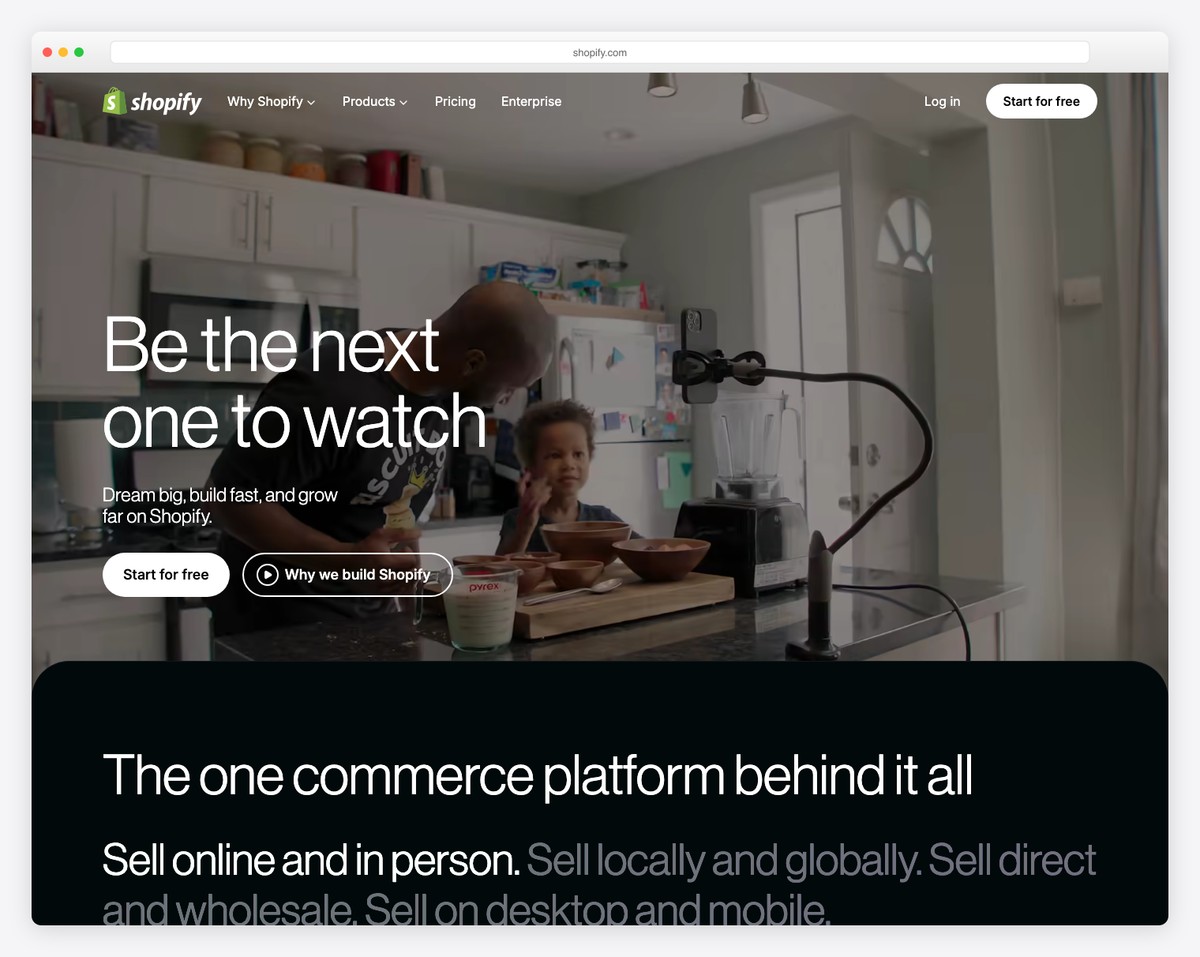
If your primary goal is selling art — originals, prints, digital files, or merchandise — Shopify is the strongest ecommerce platform available. It handles everything from product management with variants (size, frame, medium) to shipping, taxes, and payment processing with zero fuss.
For artists who don’t want to hold inventory, Shopify integrates seamlessly with print-on-demand services like Printful and Printify. Upload your designs, and when a customer orders a canvas print or t-shirt, it gets printed and shipped automatically. You can also sell digital downloads (high-res files, brushes, presets) with Shopify’s free Digital Downloads app.
The platform also shines for selling in person. The Shopify POS app turns your phone into a point-of-sale terminal for art fairs, gallery openings, and pop-up events — with inventory syncing across online and physical sales.
Pricing: Starter $5/mo, Basic $24/mo ($19/mo annually), Grow $69/mo ($54/mo annually), Advanced $299/mo. $1/mo for first 3 months.
Pros
✅ Best ecommerce — unlimited products + digital
✅ Print-on-demand for zero-inventory selling
✅ POS app for art fairs and galleries
✅ Social selling — IG, Facebook, TikTok
Cons
❌ No built-in audience — drive your own traffic
❌ Store-first — not ideal for pure portfolios
❌ Premium themes cost $150-400 extra
❌ Only 12 free themes
4. Webflow — Best for Design Control and Animations
Best for: Design-savvy artists who want pixel-level control | Free tier available
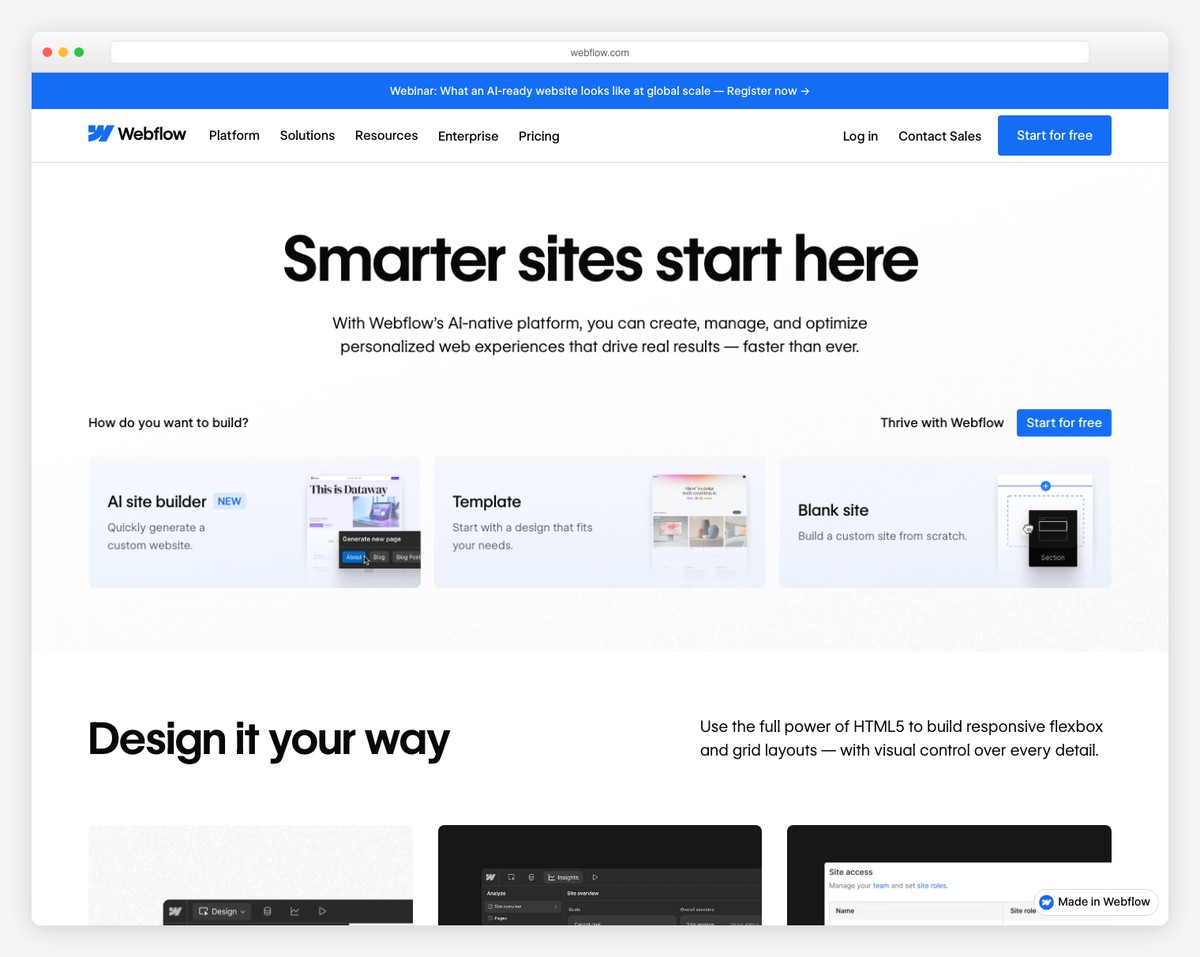
Webflow is the weapon of choice for design-minded artists who want pixel-level control over their website. Unlike Squarespace or Wix, Webflow gives you the power of a professional design tool — think Figma that outputs a real, live website.
The standout for artists is Webflow Interactions. You can create scroll-triggered animations, hover effects, parallax scrolling, and smooth page transitions — all without writing code. This lets you build a portfolio that feels like an immersive experience rather than a static gallery.
Webflow’s CMS is also excellent for managing artwork. Create a collection for your pieces with custom fields (title, medium, dimensions, price, images), then auto-generate detail pages from a single template. Add new work by adding a CMS entry — the page builds itself.
Pricing: Free (webflow.io subdomain). Basic $14/mo, CMS $23/mo, Business $39/mo (all billed annually). Ecommerce from $29/mo.
Pros
✅ Unmatched visual design freedom
✅ Powerful scroll animations without code
✅ CMS auto-generates artwork pages
✅ Clean HTML output — great for SEO
Cons
❌ Steep learning curve (needs CSS knowledge)
❌ CMS requires $23/mo plan minimum
❌ Ecommerce is pricey ($29/mo + 2% fee)
❌ Overkill for simple gallery + about page
5. Pixpa — Best Budget Portfolio Builder
Best for: Budget-conscious artists and students | From $4/mo
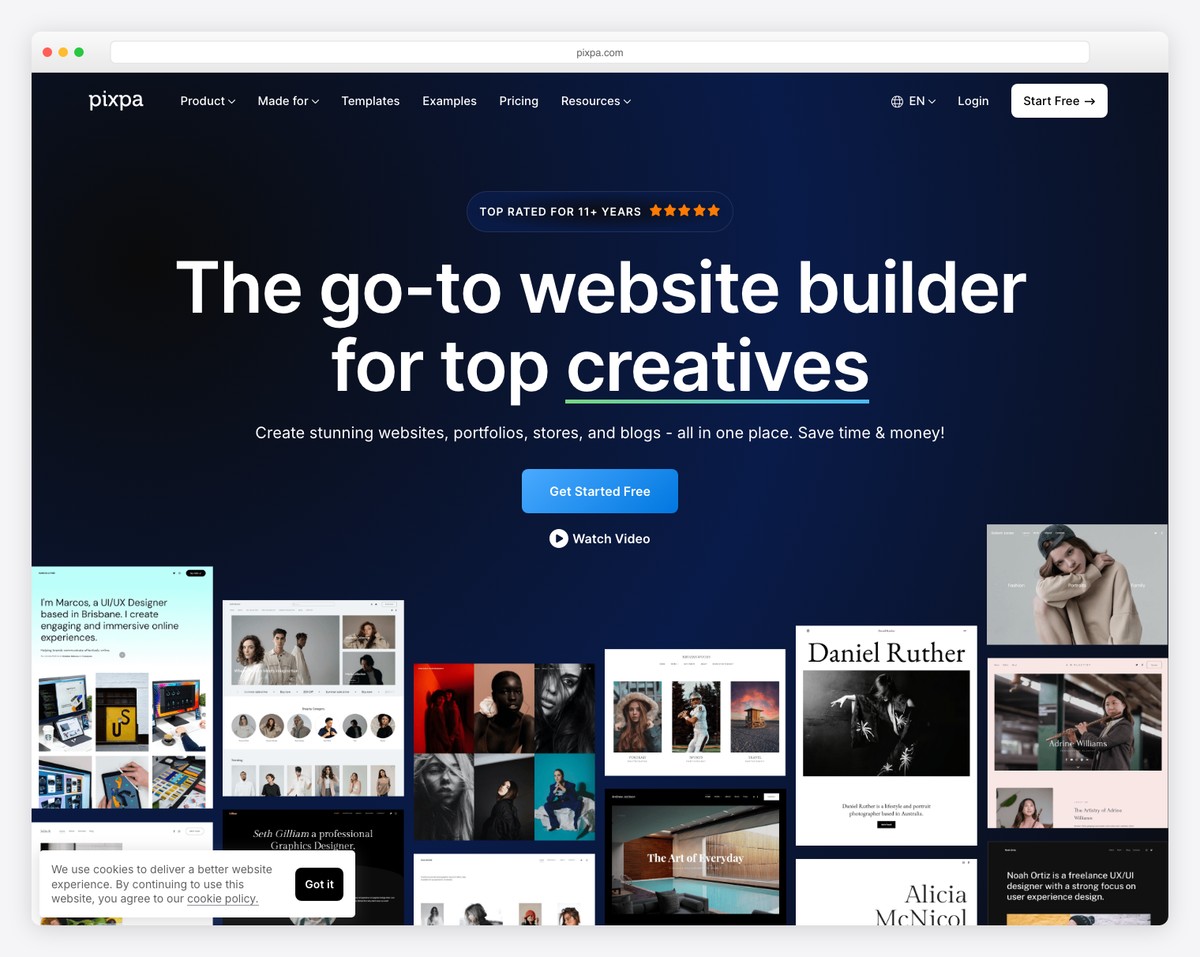
Pixpa offers the best value for artists on a budget. Starting at just $4/month (annual billing), it packs features that competitors charge three times more for — including client galleries, ecommerce, and 200+ portfolio templates.
The platform was built specifically for visual creatives. Gallery layouts include grid, masonry, slideshow, and fullscreen options with lightbox viewing. If you sell prints, Pixpa’s built-in store charges zero commission on sales, and it integrates with WHCC — a professional print lab — for automated fulfillment.
Client proofing is another standout. Create password-protected galleries where clients can mark favorites, leave comments on specific images, and download approved files. This is perfect for artists who do commission work or commercial projects. Students also get 50% off all plans.
Pricing: Basic $4/mo, Creator $7.50/mo, Professional $10/mo, Advanced $12.50/mo (all billed annually). 15-day free trial. 50% student discount.
Pros
✅ Most affordable — starts at $4/month
✅ Zero commission on ecommerce sales
✅ Client proofing + WHCC print lab built in
✅ 200+ templates for visual creatives
Cons
❌ Basic plan very limited (10 pages)
❌ Less brand recognition
❌ Customization not as deep as Webflow
❌ No built-in video hosting
6. Format — Best for Client Proofing and File Delivery
Best for: Working artists who share and deliver files to clients | From $7/mo
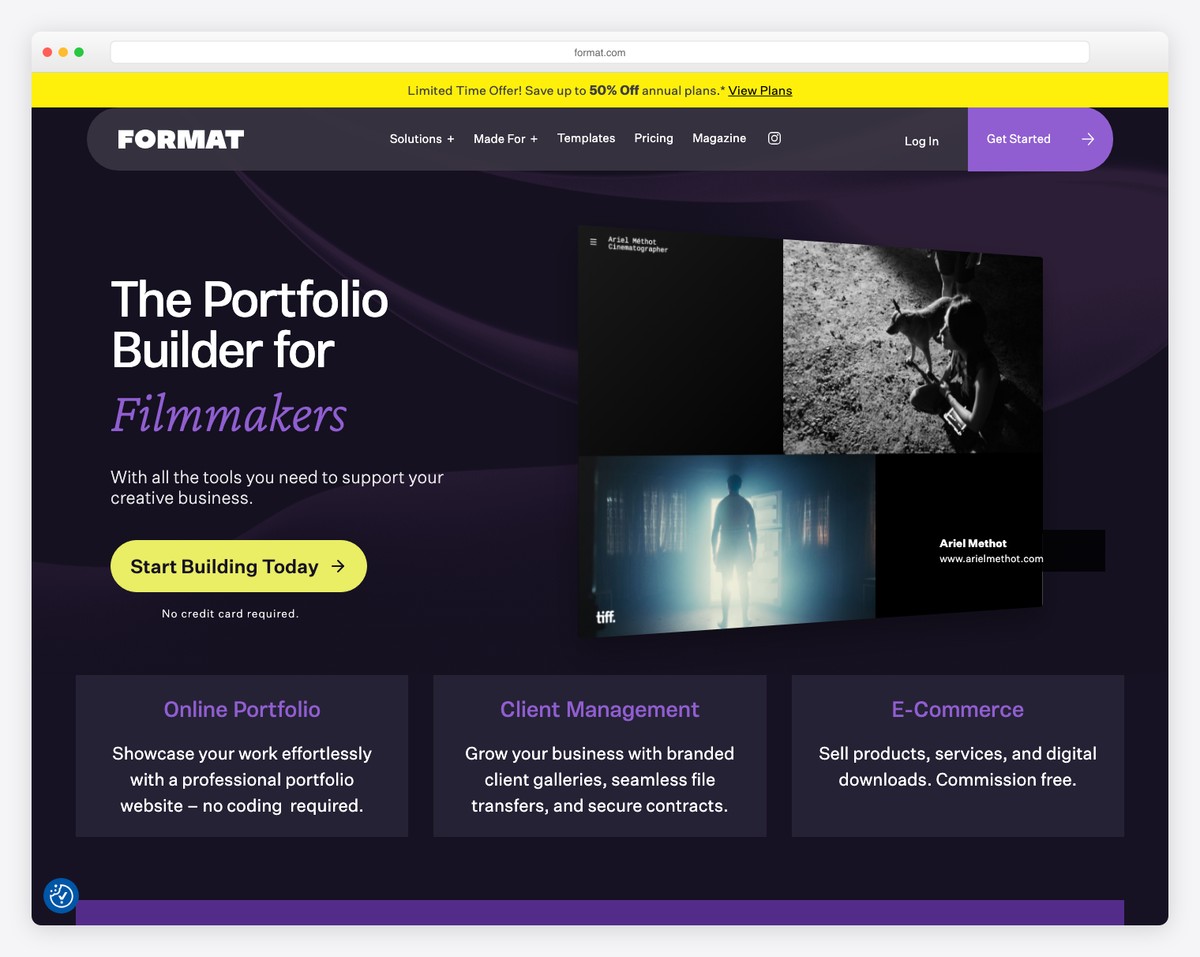
Format (formerly 22Slides) is purpose-built for creative professionals who need more than just a gallery. Its standout features are client proofing on every plan and branded file transfer — letting you deliver high-resolution files to clients with a professional, on-brand experience.
If you’re a working artist, this matters. For every existing artist portfolio website, there’s a real need to manage and share work with commercial clients. Format’s client galleries support password protection, image-level comments, favorites marking, and direct downloads — all without sharing messy Google Drive links.
The platform also includes video hosting (15-120 minutes depending on plan), which is rare among portfolio builders. This makes it a solid choice for artists who work across mediums and want to showcase process videos alongside finished pieces.
Pricing: Basic $7/mo, Pro ~$8/mo annually ($20.99/mo monthly), Pro Plus ~$13/mo annually ($34.99/mo monthly). 14-day free trial.
Pros
✅ Client proofing on every plan
✅ Branded file transfer for delivery
✅ Built-in video hosting (rare)
✅ 90+ art-focused portfolio templates
Cons
❌ Monthly pricing steep without annual
❌ Basic: 100 images, 3 store products
❌ No free plan available
❌ No print lab integration
Looking for more creative inspiration? Check out our collection of the best art portfolio websites to see how professional artists present their work across different platforms.
7. Adobe Portfolio — Best for Creative Cloud Users
Best for: Artists already paying for Adobe Creative Cloud | Free with any CC plan
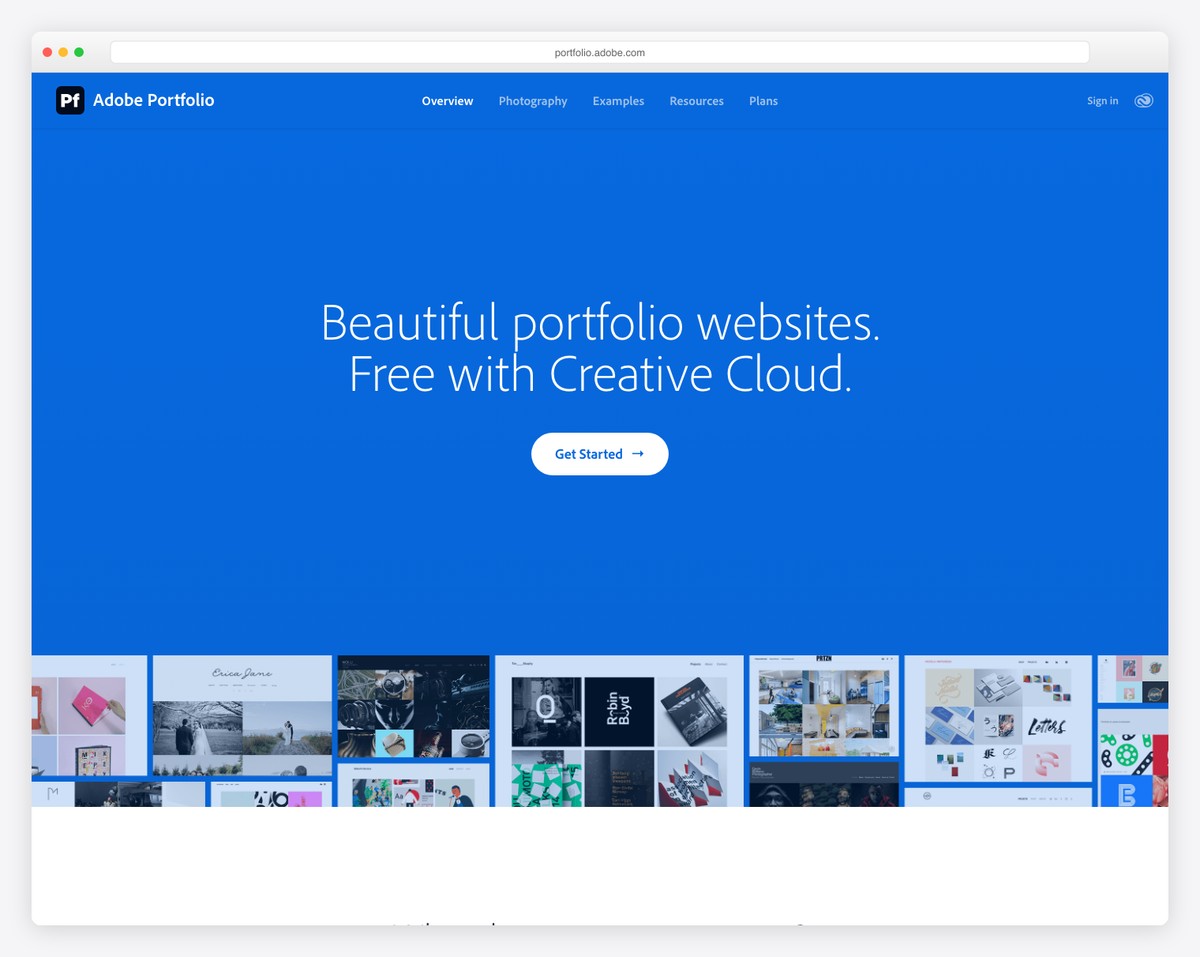
If you already pay for Adobe Creative Cloud (and most professional artists do), Adobe Portfolio is effectively free. It’s included with every CC subscription — from the Photography plan at $19.99/month to the full Creative Cloud Pro at $69.99/month.
The builder itself is simple and focused. Clean, minimal templates let your artwork take center stage. The killer feature is Behance integration — sync your Behance projects directly to your portfolio, and your site updates automatically when you publish new work on Behance.
You also get access to the full Adobe Fonts library (thousands of typefaces), password protection for pages, and a custom domain connection. It’s not the most feature-rich builder on this list, but if you’re already in the Adobe ecosystem, it’s the path of least resistance to getting a professional portfolio online.
Pricing: Included with Adobe Creative Cloud. Photography plan $19.99/mo, CC Standard $54.99/mo, CC Pro $69.99/mo.
Pros
✅ Free with Creative Cloud subscription
✅ Seamless Behance auto-syncing
✅ Full Adobe Fonts library access
✅ Clean templates that let artwork shine
Cons
❌ No ecommerce — can’t sell art
❌ No blogging engine
❌ Very limited customization
❌ Requires CC subscription — not standalone
8. Cargo — Best for the Contemporary Art World
Best for: Contemporary/fine artists and gallery representation | From $14/mo • Free for students
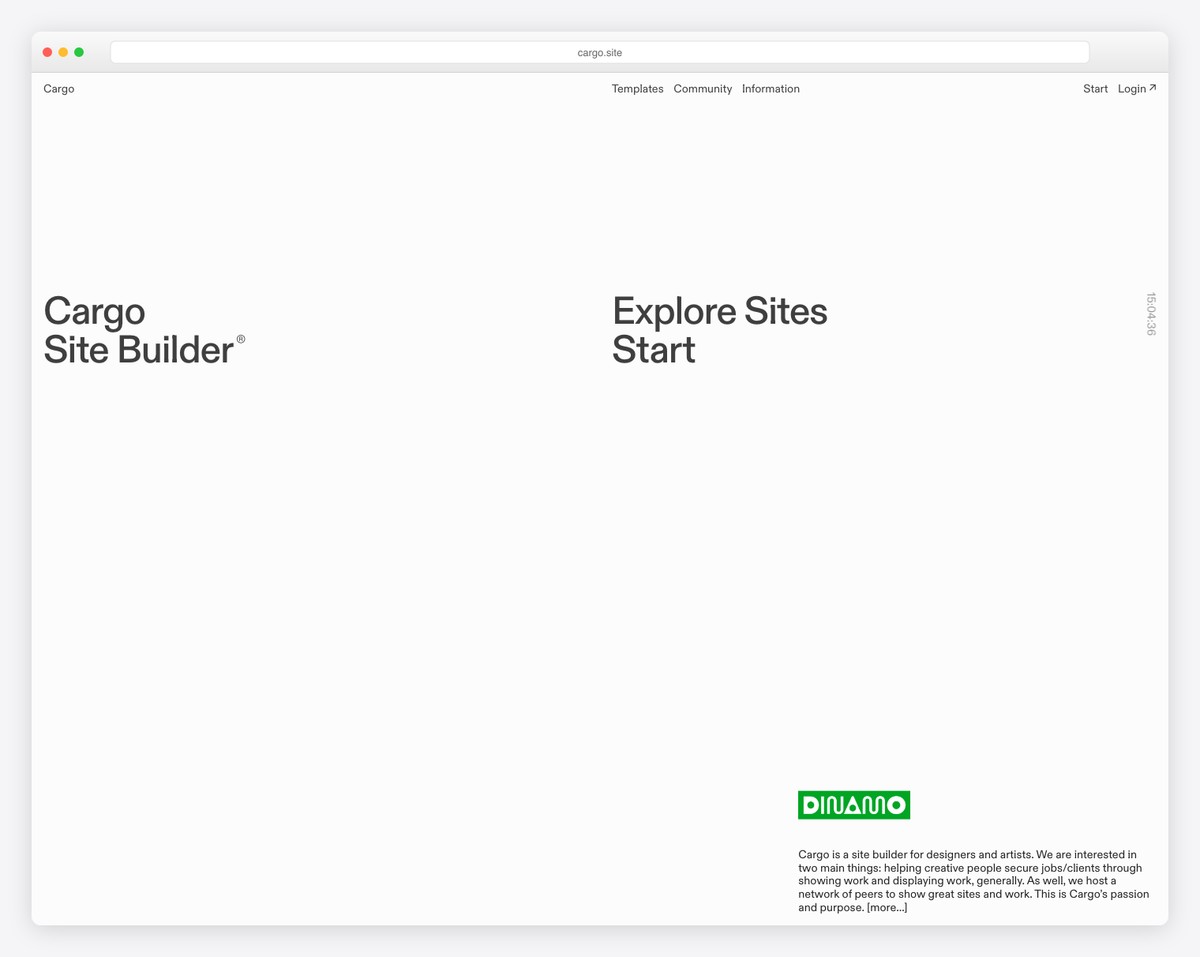
Cargo has earned cult status in the art and design world. If you’ve browsed portfolios from emerging contemporary artists, chances are many of them run on Cargo. The platform’s aesthetic sensibility — minimal, gallery-like, typography-forward — aligns perfectly with how the fine art world presents itself.
Unlike other builders that try to be everything for everyone, Cargo focuses exclusively on creative portfolios. Its 60+ templates are all designed for visual work, with gallery layouts that include grid, slideshow, horizontal scroll, and lightbox. You also get full code access (HTML/CSS/JS) if you want to customize beyond the templates.
The pricing is refreshingly simple: one plan at $14/month (annual), with an optional commerce add-on at $5.50/month. No upsell tiers, no feature gating. And students get it entirely free with a verified .edu email — a huge advantage for art school graduates building their first professional portfolio.
Pricing: Standard $14/mo (annual), Commerce add-on +$5.50/mo. Free for students with .edu verification. Free to build privately.
Pros
✅ Go-to for serious contemporary artists
✅ Gallery templates with high aesthetic bar
✅ Simple pricing — one plan, no upsells
✅ Free for students + free private building
Cons
❌ Limited ecommerce vs. Shopify
❌ No built-in blogging engine
❌ Small integration ecosystem
❌ SEO tools are basic
9. WordPress + Elementor — Best for Maximum Customization
Best for: Artists who want full ownership and unlimited growth | ~$5-10/mo total
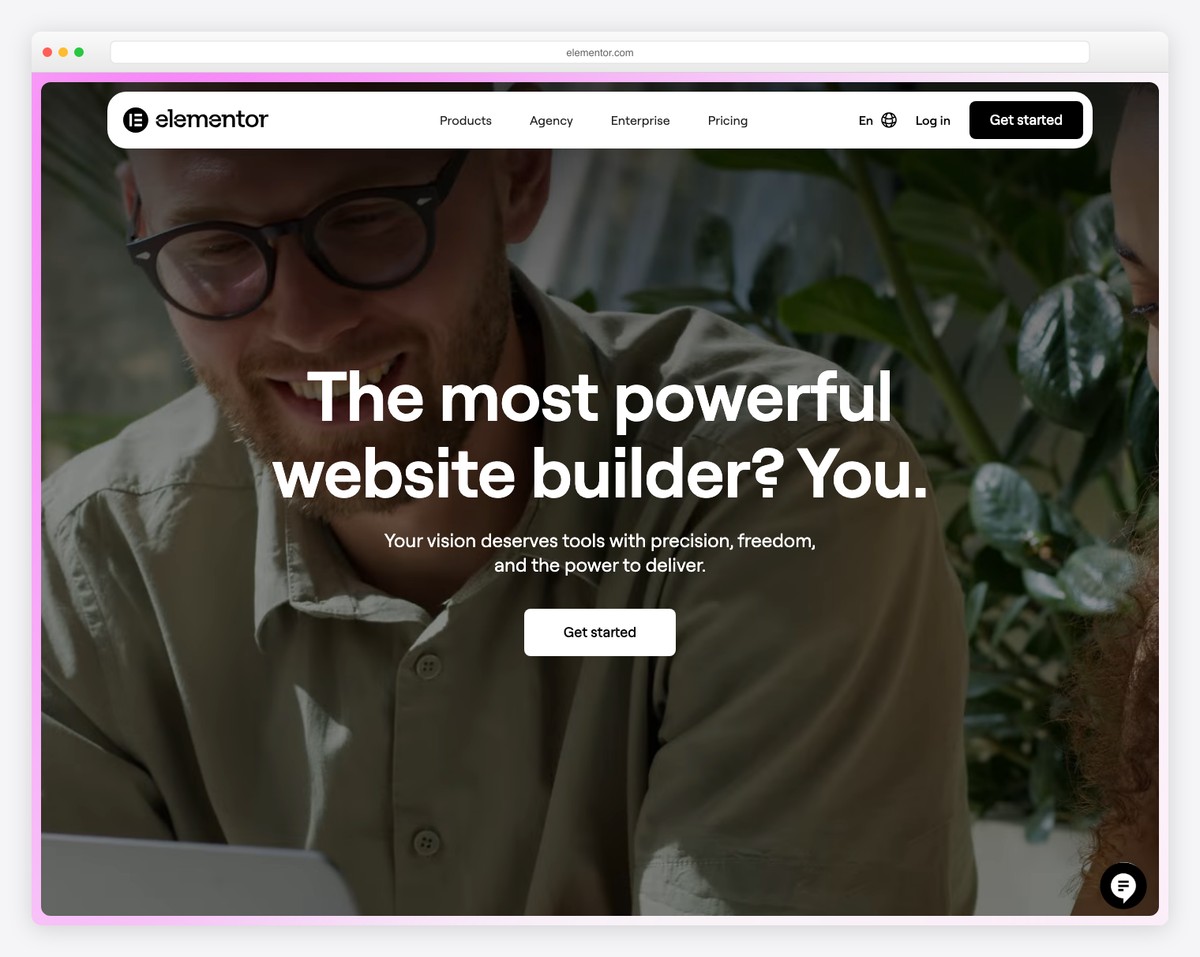
WordPress (self-hosted, via WordPress.org) powers over 40% of all websites for a reason. When paired with a page builder like Elementor, it gives artists complete control over every pixel — with no platform limitations on what you can build.
Elementor’s drag-and-drop editor includes 100+ widgets for galleries, portfolio grids, image carousels, lightboxes, and video. Starter template kits designed for artists let you launch a polished portfolio in an afternoon, then customize from there. Need to sell art? WooCommerce (free) handles unlimited products, digital downloads, subscriptions, and even print-on-demand integration.
The tradeoff is complexity. You’re responsible for hosting, updates, security, and backups. But for artists who want to build a serious online presence with a blog, SEO, an art shop, and a portfolio — all on one platform they fully own — WordPress is unmatched. Check out our roundup of the best portfolio websites for more WordPress-powered examples.
Pricing: WordPress is free. Hosting ~$3-15/mo, domain ~$10-15/year, Elementor Pro $59/year. Total year 1: ~$100-175.
Pros
✅ Maximum flexibility — no limitations
✅ Best SEO capabilities (Yoast, Rank Math)
✅ WooCommerce — unlimited free ecommerce
✅ You own everything — full portability
Cons
❌ Steeper curve — manage hosting + security
❌ Plugin conflicts possible
❌ Templates less polished vs. Cargo
❌ Performance needs optimization
10. Hostinger Website Builder — Cheapest Way to Get Online
Best for: Artists on the tightest budget who just need something online | From $2/mo
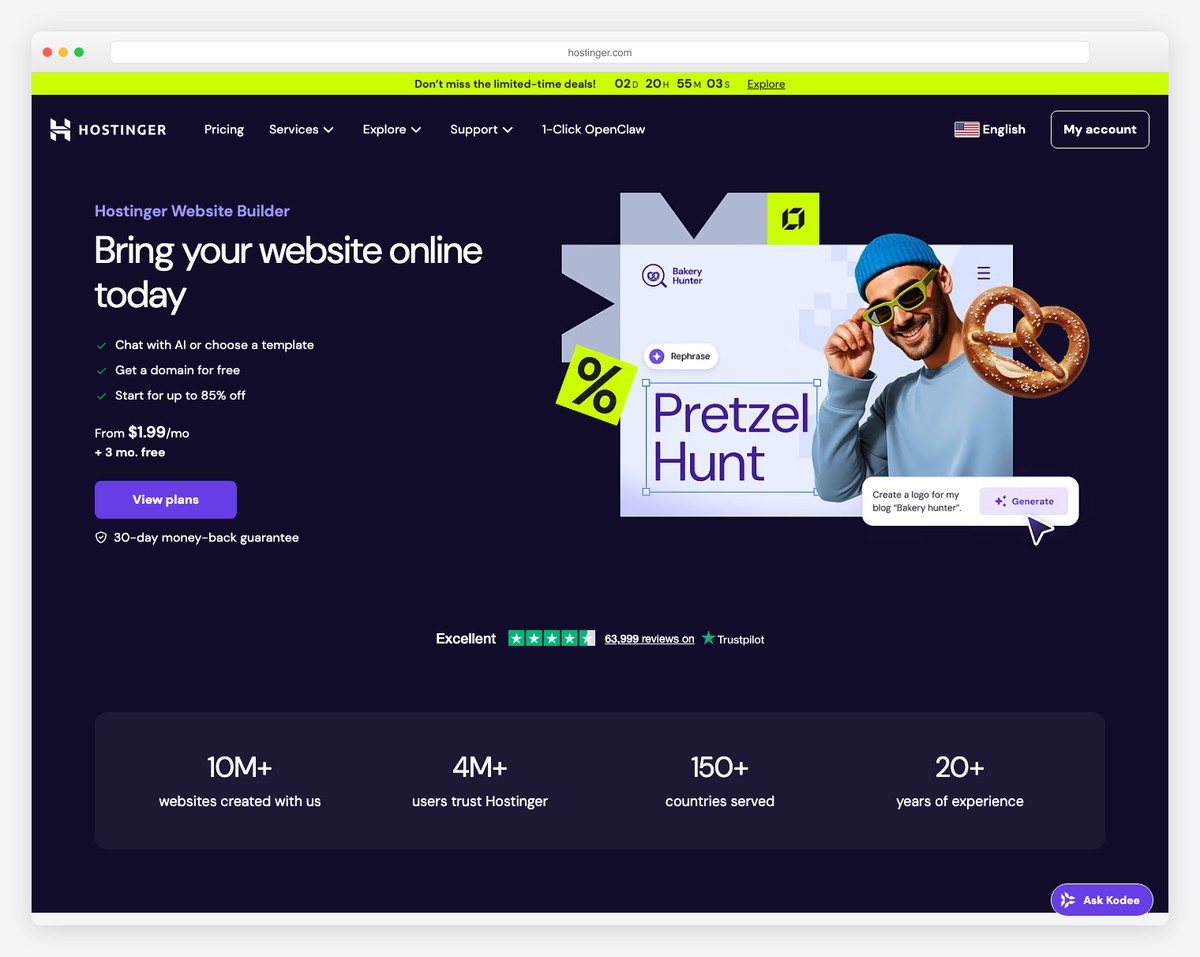
Hostinger offers the absolute cheapest way for an artist to get a professional website online. At $1.99/month on a 48-month plan (or $3.49/month on an annual plan), it undercuts every other builder on this list — and still includes hosting, SSL, a free domain, and email.
The AI Website Builder is the headline feature. Describe your art portfolio, and it generates a starting template with layout, copy, and images that you can then customize. It won’t win design awards, but for artists who just need a clean gallery and contact page up quickly, it gets the job done in under an hour.
The Business plan ($2.99/mo on 48-month) adds ecommerce with zero transaction fees — supporting up to 1,000 products and 100+ payment methods. For artists selling a handful of prints or originals, this is more than enough. Just be aware that renewal prices jump significantly (to $10.99-16.99/month).
Pricing: Premium $1.99-3.49/mo (intro), Business $2.99-4.49/mo (intro). Renews at $10.99-16.99/mo. 30-day money-back guarantee.
Pros
✅ Cheapest — as low as $1.99/month
✅ AI builder generates from text description
✅ Zero transaction fees on ecommerce
✅ Hosting, SSL, domain, email included
Cons
❌ Renewal prices jump 5x+ after intro
❌ Limited customization — no code access
❌ No free plan or free trial
❌ No migration path if you outgrow it
How to Choose the Right Builder for Your Art
The best website builder depends on what kind of artist you are and what you need your site to do:
Portfolio-only (no selling): Squarespace or Cargo give you the most visually polished result with the least effort. If you already use Adobe CC, Adobe Portfolio is effectively free.
Selling art online: Shopify if art sales are your primary business. Squarespace or Wix if you want a portfolio that also sells.
Working with clients: Format’s client proofing and file delivery features are designed specifically for this workflow. Pixpa is a more affordable alternative.
Design-forward experience: Webflow gives you the most creative control, but expect a steeper learning curve.
Tight budget: Pixpa ($4/mo) or Hostinger ($2/mo intro) get you online for the price of a coffee.
Full control and ownership: WordPress with Elementor — more work upfront, but you own everything and have unlimited growth potential.
Our top pick: For most artists who want a beautiful portfolio they can set up in a weekend, Squarespace is the safest bet. For those who prioritize selling, Shopify is hard to beat. And for the budget-conscious, Pixpa offers remarkable value at just $4/month.
Frequently Asked Questions
What is the best free website builder for artists?
Wix offers the best free plan for artists — you get access to templates, the Pro Gallery, and a basic online store, though with Wix branding and a Wix subdomain. Cargo lets you build your site for free and only charges when you publish it publicly. Adobe Portfolio is free if you already subscribe to any Adobe Creative Cloud plan.
Is Squarespace good for artists?
Yes — Squarespace is widely considered the best all-around website builder for artists. Its templates are specifically designed for visual portfolios, and it includes gallery layouts, ecommerce, and password-protected pages. It’s easy to use and requires no coding skills. The main drawback is cost — there’s no free plan, and the cheapest option starts at $16/month.
How much does an artist website cost?
An artist website typically costs between $4 and $39 per month depending on the platform and plan. Budget options like Pixpa ($4/mo) and Hostinger ($2-3/mo intro) are the cheapest. Mid-range options like Squarespace ($16-23/mo) and Wix ($17-29/mo) offer the best balance of features and design quality. WordPress is “free” but requires hosting ($3-15/mo) plus optional plugin costs.
Do I need an online store on my art website?
Not necessarily. If you sell primarily through galleries, art fairs, or commissions, a portfolio-only site (Cargo, Adobe Portfolio) may be all you need. But if you want to sell prints, originals, or digital art directly to collectors, an integrated store eliminates the need for third-party platforms like Etsy — and you keep 100% control over pricing, branding, and customer relationships.
Can I sell art prints using a website builder?
Absolutely. Shopify is the strongest option for selling prints, especially with print-on-demand integrations (Printful, Printify) that handle printing and shipping automatically. Squarespace, Wix, and Pixpa also support print sales directly. For artists who don’t want to manage inventory, print-on-demand is the easiest path — upload your art, set prices, and let the service handle fulfillment.
Which website builder has the best templates for artists?
Squarespace and Cargo offer the most visually refined templates for artists. Squarespace has the broadest selection with multiple portfolio page types, while Cargo’s templates have a more gallery/fine-art aesthetic favored in the contemporary art world. Pixpa offers the most templates (200+) but with a focus on photography and illustration rather than fine art.

Related Posts




It’s a really wonderful list of Website builders for Artists.
Thanks for sharing this list. Keep it up for more list.
The author names 24 website builders artists could use and leaves off every one of many services devoted to artists. These include artspan.com and faso.com. If the intent was to provide the most helpful information, leaving them out is a serious oversight and disservice to artists and those websites for artists companies whose mission is to help them.
Barney,
Thank you for your feedback! We’ll look into reviewing those services as well. They are so niche and used by so few users that we had a hard time tracking them down.