
12 Free Bootstrap Pricing Table Templates 2026
A pricing table has one job: help a visitor pick a plan without opening a second tab to compare. These 12 free pricing tables are ones we designed and built at Colorlib in 2026, from a classic three-tier layout to a seat slider, a usage calculator, a currency switcher and a full feature comparison table.
Every one is plain HTML and CSS, with a few lines of vanilla JavaScript only where it needs behaviour. There is no jQuery, no Bootstrap file and no plugin to load, and each template looks the same on its own page or dropped into a Bootstrap 4, 5 or 6 project.
Free Bootstrap Pricing Table Templates
Each template below has a live demo and a free download. The ones with a switch, slider or calculator use a few lines of vanilla JavaScript; the rest are pure HTML and CSS.
Pricing Table V01: Three-tier SaaS pricing cards
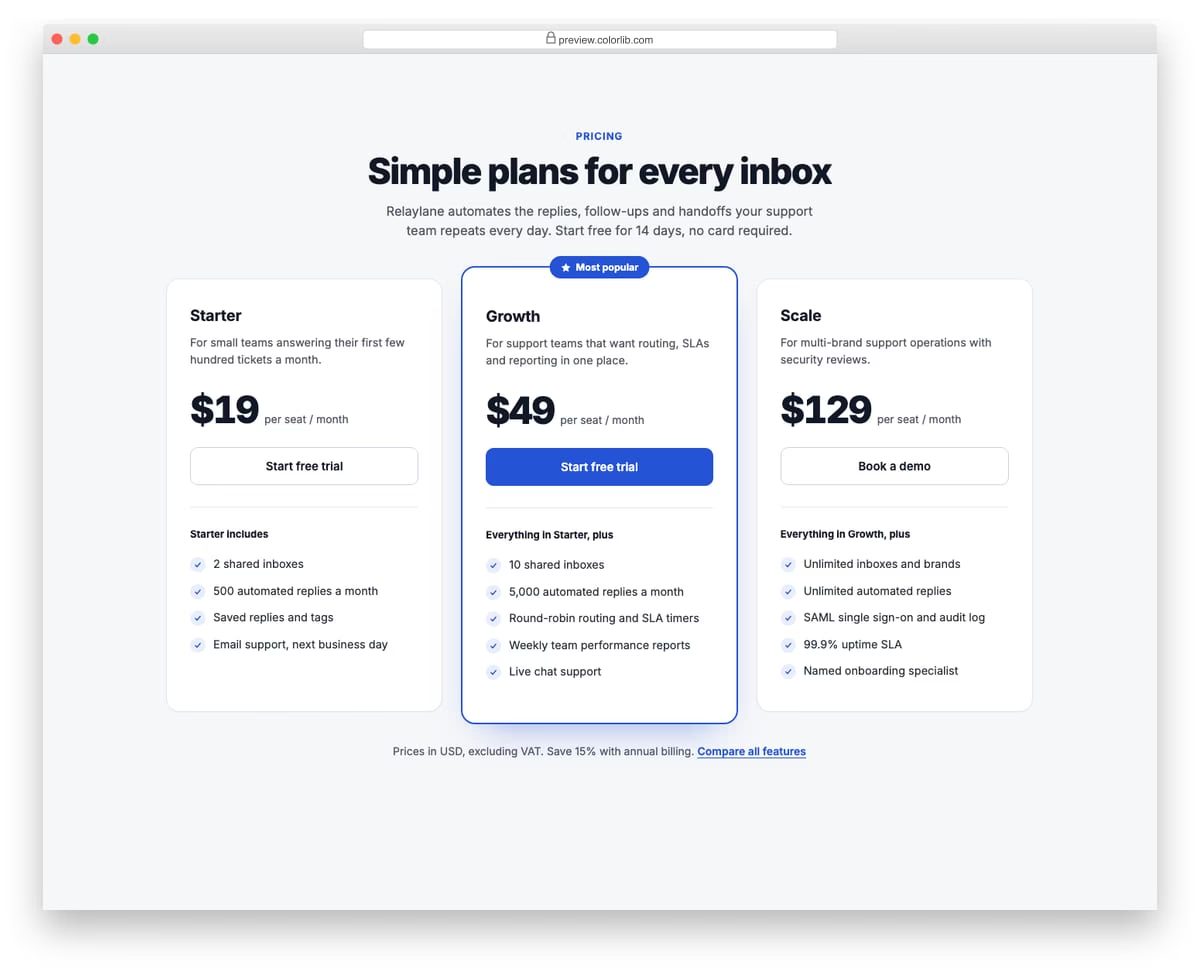
A clean, light pricing section with three plan cards for a support automation product. The middle plan is raised, outlined in the accent colour and flagged as Most popular. Each card has a short description, a per-seat price, a call to action and a checklist of what the plan adds.
Best for: SaaS landing pages and product pricing pages. Plain HTML and CSS, no JavaScript, a 661 KB download, and it works on its own or inside a Bootstrap 4, 5 or 6 project.
Pricing Table V02: Four-tier pricing with an annual billing toggle switch
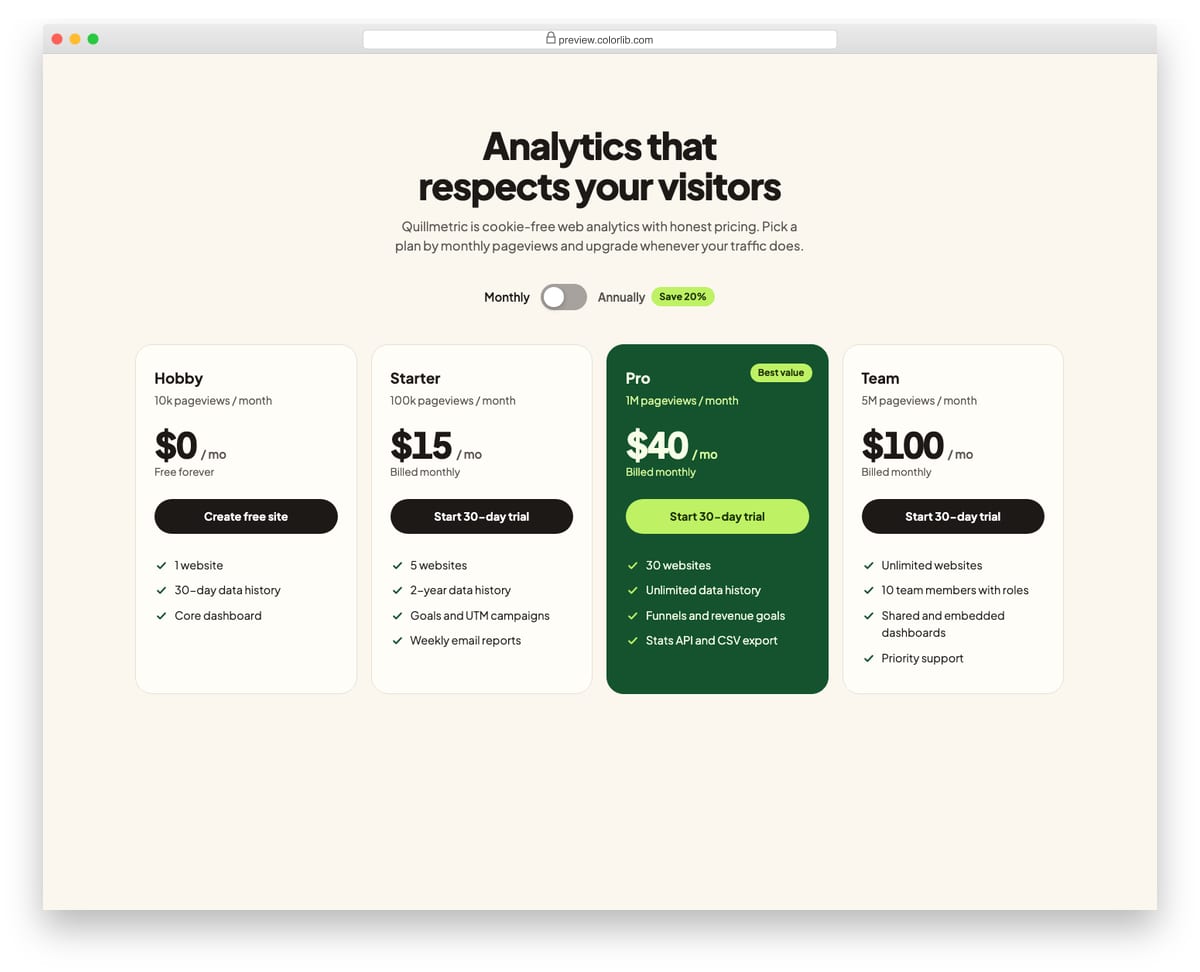
Four plan cards for a web analytics product with a toggle switch that moves between monthly and annual billing. When the switch changes, each price counts up or down to its new value and the billing note underneath updates. The switch is a button with aria-pressed, and a polite live region announces the change.
Best for: SaaS pricing pages with several tiers and a yearly discount. Plain HTML and CSS with a few lines of vanilla JavaScript, a 248 KB download, and it works on its own or inside a Bootstrap 4, 5 or 6 project.
Pricing Table V03: Full feature comparison table
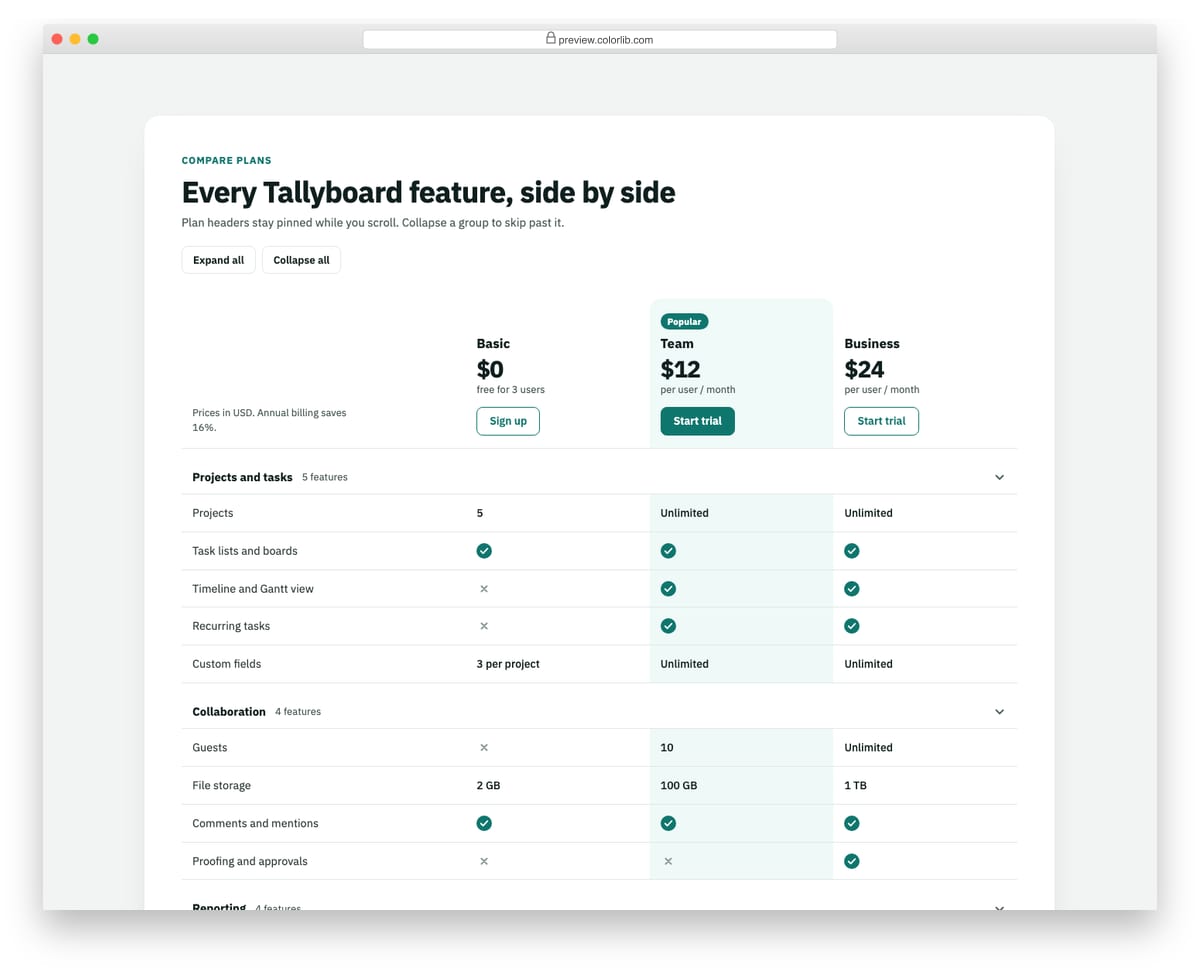
A plan comparison built as a real table with a caption, column and row headers, and headers attributes on every cell. The plan header row stays pinned while the page scrolls, and features are grouped into sections that collapse with disclosure buttons. Check and cross icons carry visually hidden text so screen readers hear Included or Not included.
Best for: pricing pages that need a detailed plan comparison below the plan cards. Plain HTML and CSS with a few lines of vanilla JavaScript, a 267 KB download, and it works on its own or inside a Bootstrap 4, 5 or 6 project.
Pricing Table V04: Dark neon pricing for a gaming and creator product
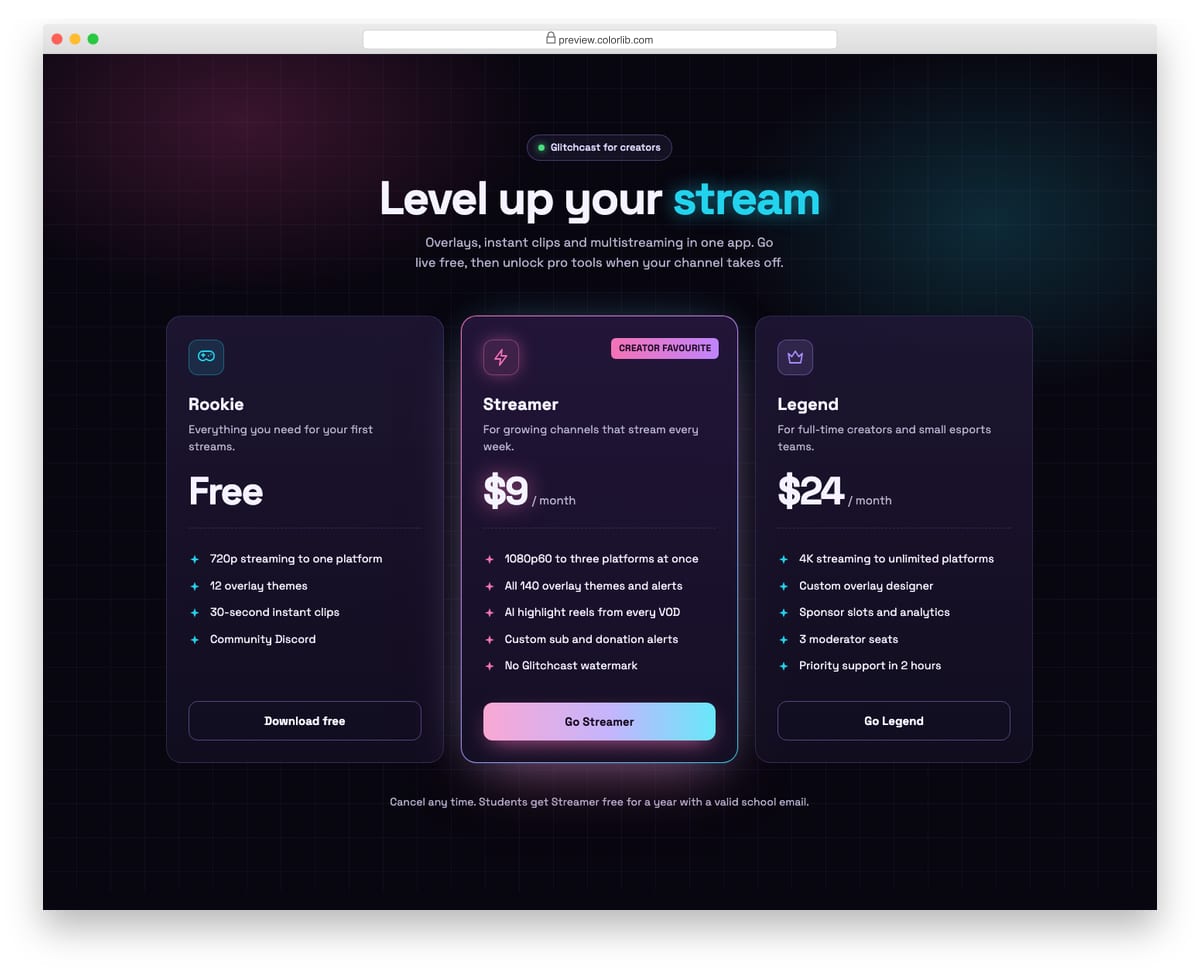
A dark pricing section for a streaming tool, set on a faint grid with pink and cyan glows. Three plan cards each have a neon icon tile, and the featured plan gets a gradient border, a glowing price and a gradient button. Plain HTML and CSS with no JavaScript.
Best for: gaming, streaming, music and creator product pages. Plain HTML and CSS, no JavaScript, a 169 KB download, and it works on its own or inside a Bootstrap 4, 5 or 6 project.
Pricing Table V05: Minimal single-plan pricing with a seats slider
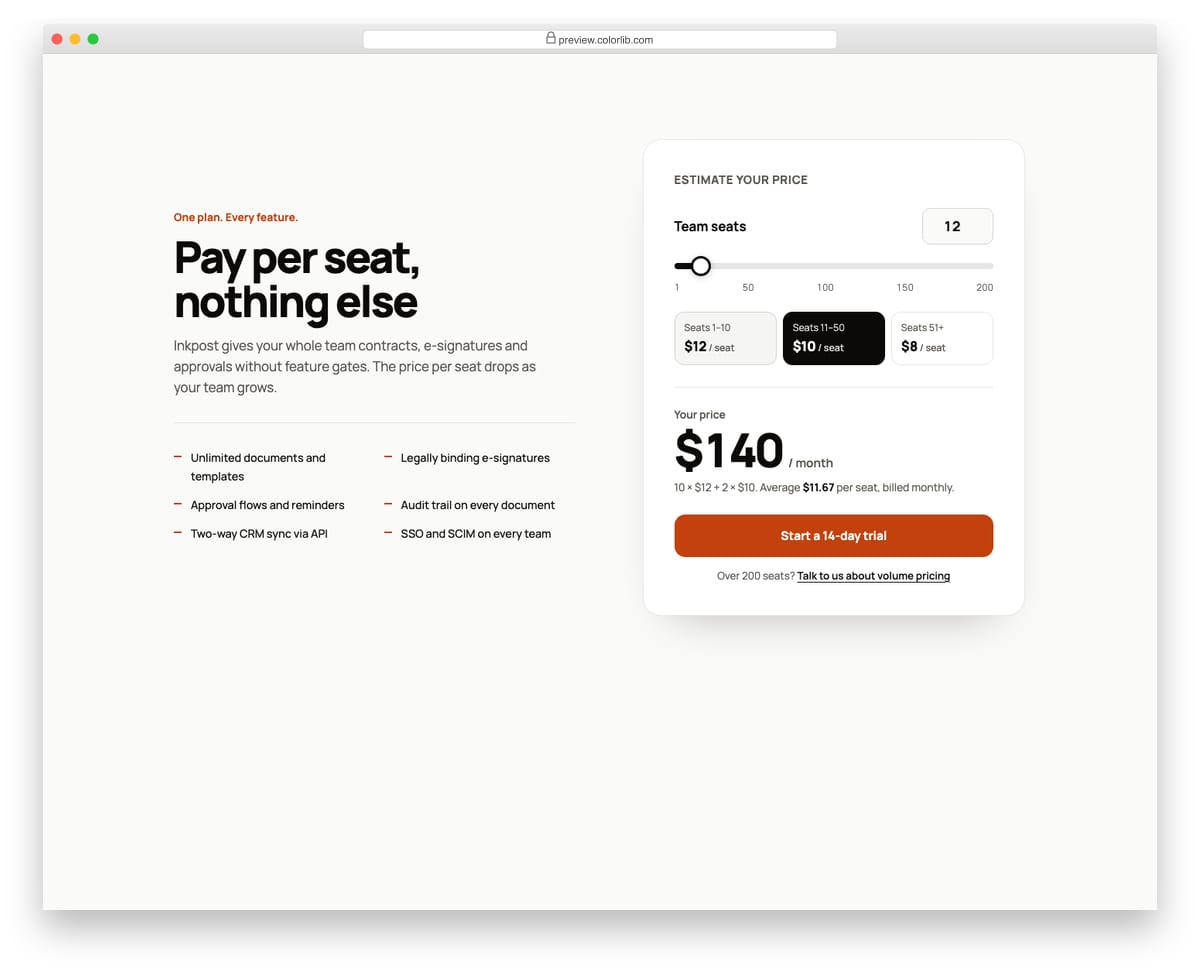
A minimal one-plan pricing section with a calculator card. A range slider and a matching number field set the team size, and the monthly price, the tier breakdown and the average price per seat update as the value changes. Graduated tiers are shown as three chips that highlight the tiers in use.
Best for: per-seat SaaS products with volume discounts. Plain HTML and CSS with a few lines of vanilla JavaScript, a 204 KB download, and it works on its own or inside a Bootstrap 4, 5 or 6 project.
Pricing Table V06: Usage-based pricing calculator
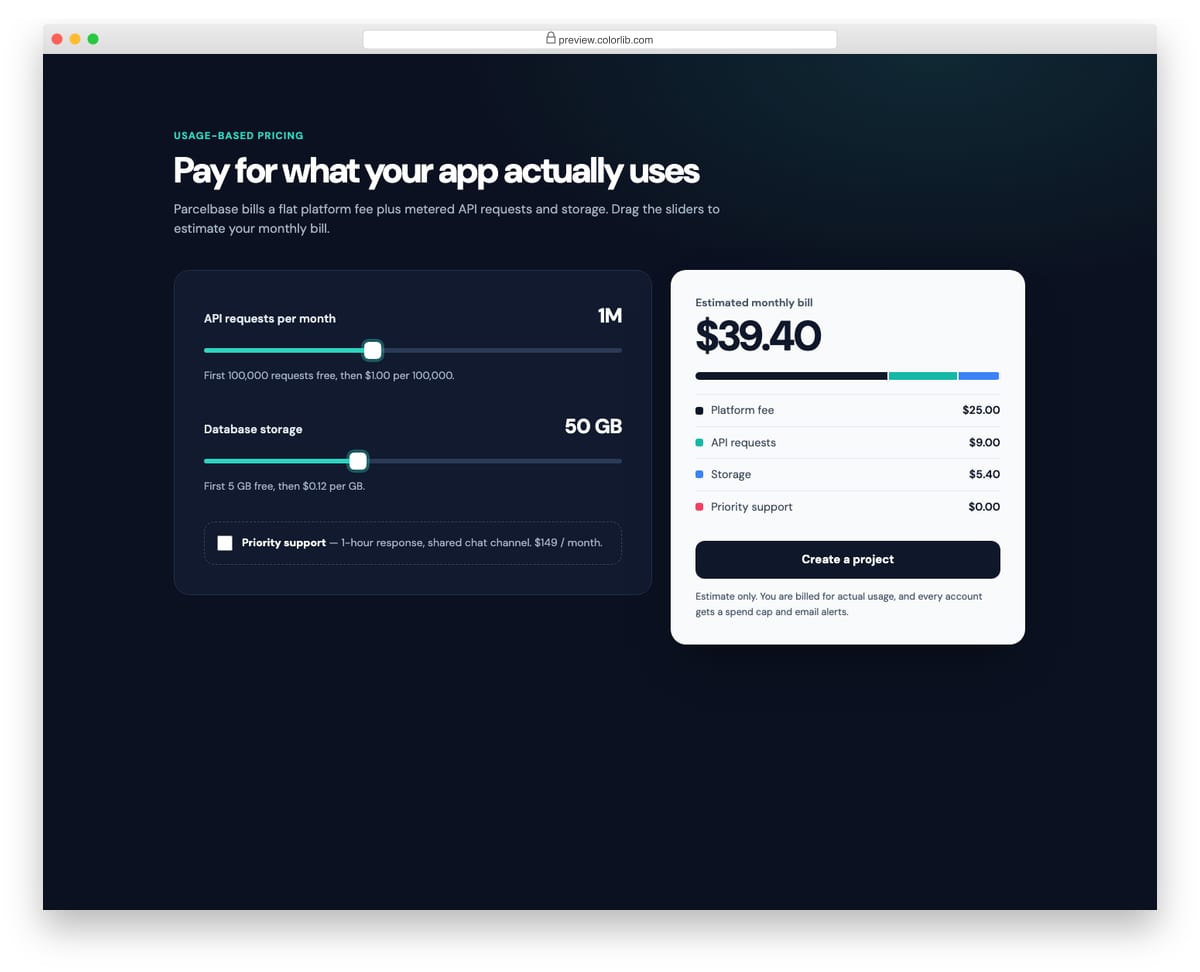
A dark usage pricing calculator for a hosted API. Sliders for monthly API requests and storage, plus an add-on checkbox, feed a light bill card that shows the monthly estimate, a stacked cost bar and line items. The sliders step through realistic values and announce readable text such as 2,500,000 requests.
Best for: API, cloud and infrastructure products with metered billing. Plain HTML and CSS with a few lines of vanilla JavaScript, a 375 KB download, and it works on its own or inside a Bootstrap 4, 5 or 6 project.
Pricing Table V07: Horizontal list-style pricing rows
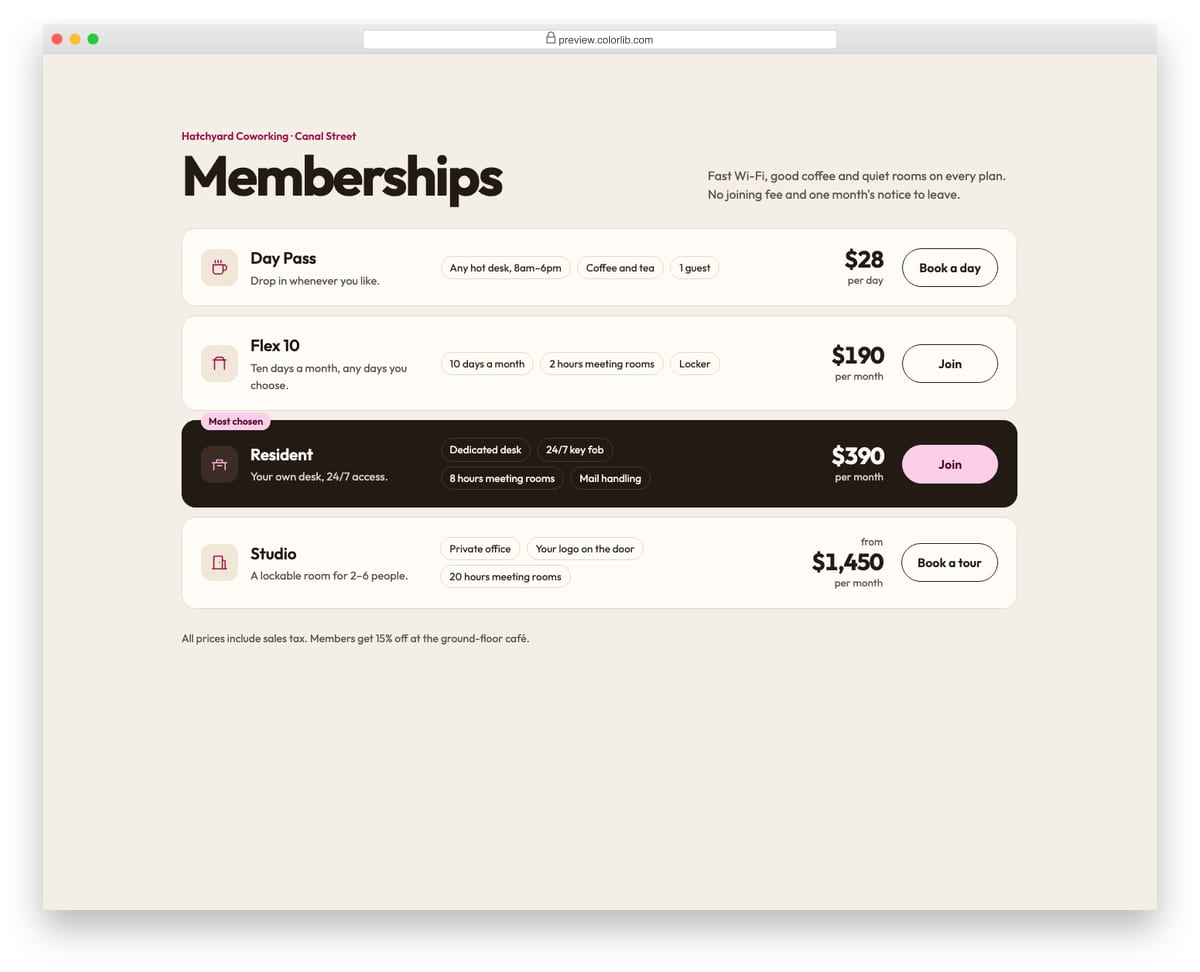
Coworking memberships laid out as full-width rows instead of columns. Each row holds the plan name and icon, the inclusions as small chips, the price and a button, and the featured row is inverted in a dark colour. On phones every row reflows into a compact card with the price beside the name.
Best for: memberships, services and any pricing with more than three options. Plain HTML and CSS, no JavaScript, a 190 KB download, and it works on its own or inside a Bootstrap 4, 5 or 6 project.
Pricing Table V08: Freelance service packages with Basic, Standard and Premium tabs
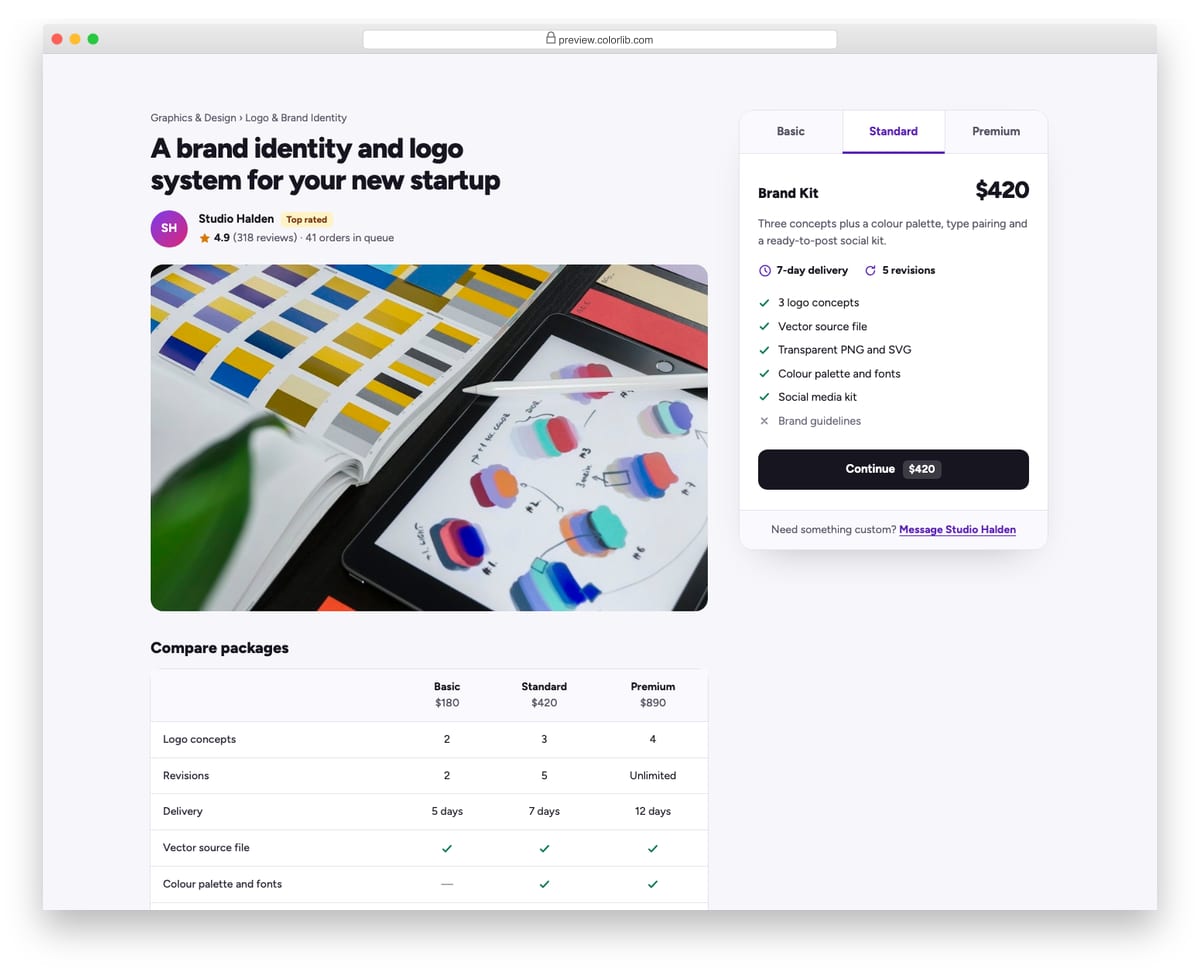
A service listing in the style of a freelance marketplace, with the gig title, seller, rating and cover photo on the left and a package box on the right. Basic, Standard and Premium are keyboard-accessible tabs showing price, delivery time, revisions and what is included. A comparison table with a caption and headers sits under the photo.
Best for: freelancer, agency and productised service pages. Plain HTML and CSS with a few lines of vanilla JavaScript, a 266 KB download, and it works on its own or inside a Bootstrap 4, 5 or 6 project.
Pricing Table V09: Pricing with a USD, EUR and GBP currency switcher
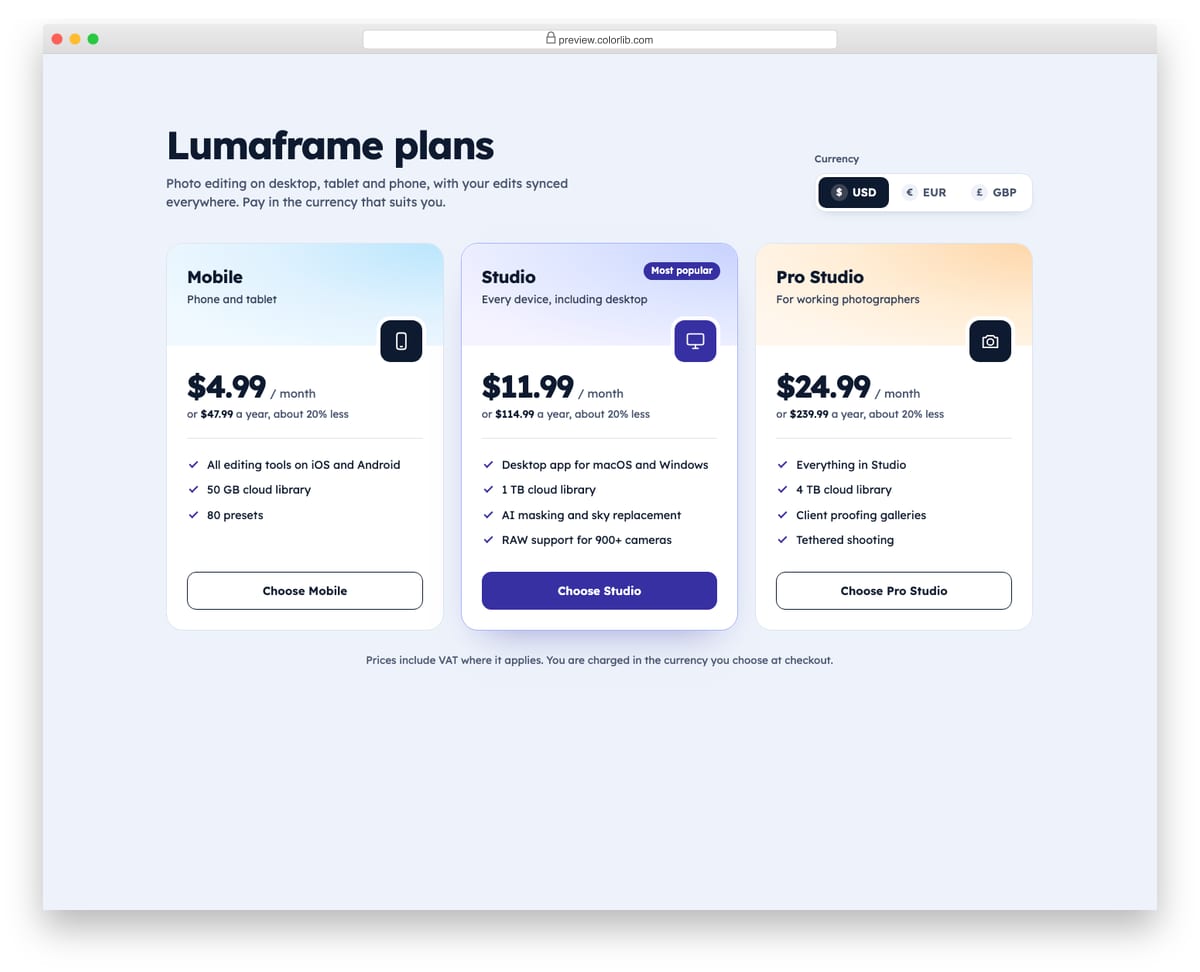
Three plan cards for a photo editing app with a currency switcher in the header. Choosing USD, EUR or GBP rewrites every monthly and yearly price with Intl.NumberFormat in that currency's locale, so euros read 10,99 € and yearly totals get the right separators. The switcher is a native radio group inside a fieldset, so it works with arrow keys out of the box.
Best for: international SaaS, apps and digital products sold in several currencies. Plain HTML and CSS with a few lines of vanilla JavaScript, a 299 KB download, and it works on its own or inside a Bootstrap 4, 5 or 6 project.
Pricing Table V10: Pricing with a money-back guarantee band and FAQ
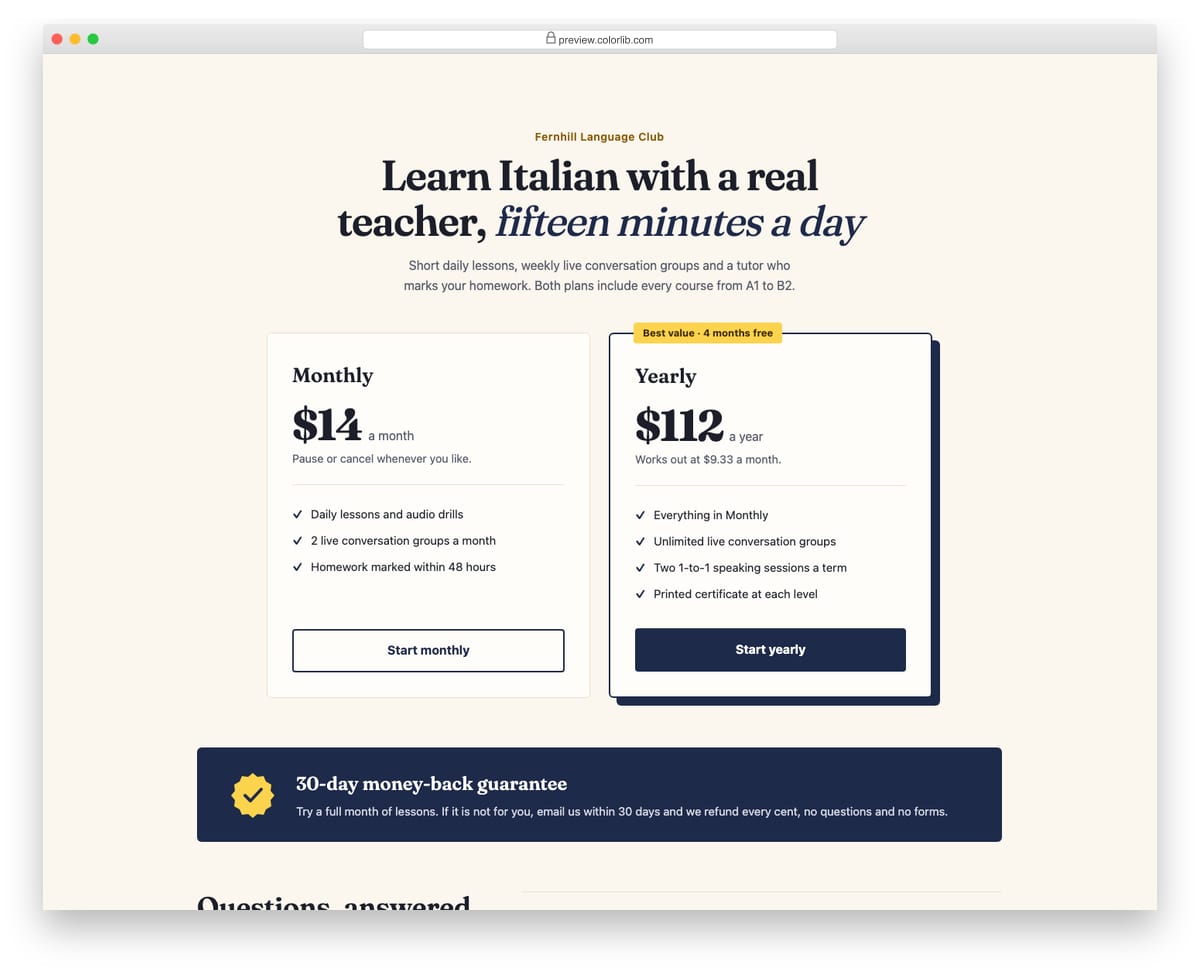
A two-plan pricing section for an online language course, followed by a 30-day money-back guarantee band and a short FAQ. The FAQ uses native details and summary elements, so it opens and closes without JavaScript and works with the keyboard by default. A serif display face and offset shadow on the featured plan give it an editorial feel.
Best for: courses, memberships and subscriptions where buyers need reassurance. Plain HTML and CSS, no JavaScript, a 379 KB download, and it works on its own or inside a Bootstrap 4, 5 or 6 project.
Pricing Table V11: Enterprise pricing with a contact sales form
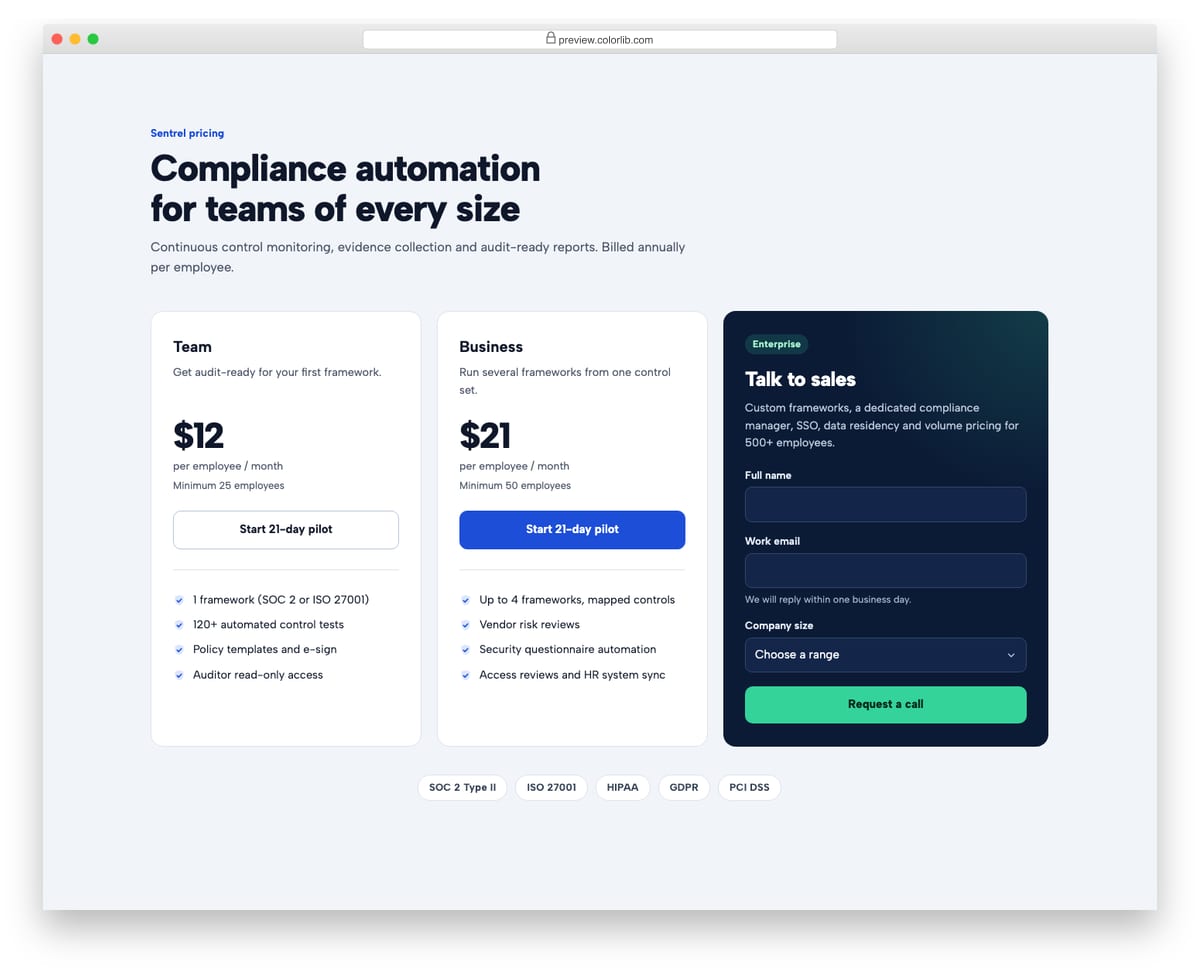
Two self-serve plans for a compliance platform next to a dark Talk to sales card with a short inline form. The form relies on the browser's native validation for name, work email and company size, then swaps to a success message that receives focus and is announced as a status. A row of supported frameworks sits underneath.
Best for: B2B and enterprise SaaS pricing pages with a sales-led top tier. Plain HTML and CSS with a few lines of vanilla JavaScript, a 280 KB download, and it works on its own or inside a Bootstrap 4, 5 or 6 project.
Pricing Table V12: Playful illustrated pricing for a consumer app
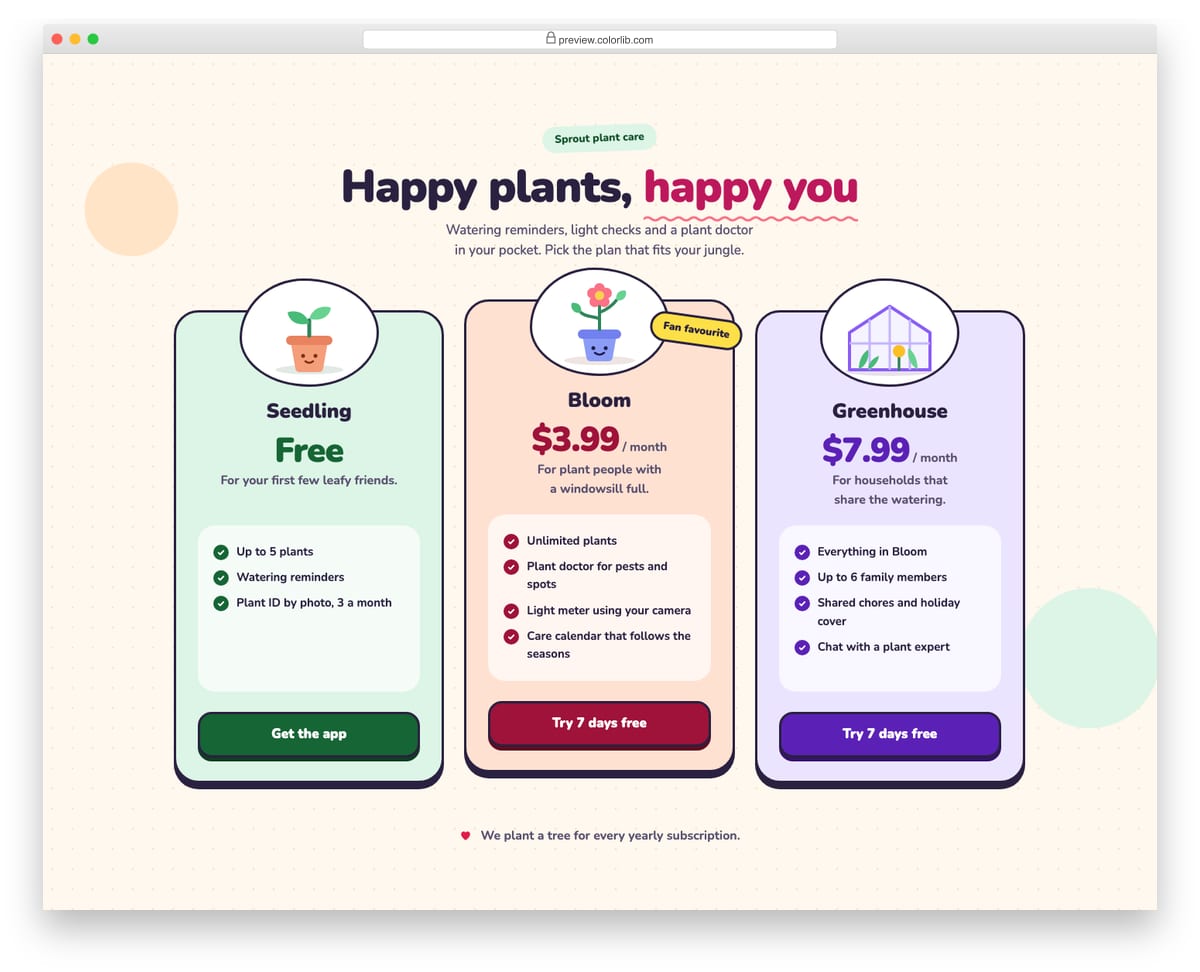
A cheerful pricing section for a plant care app with three pastel cards, each topped with its own inline SVG illustration in a blob frame. Thick outlines, hard drop shadows and chunky pressable buttons give it a friendly, toy-like feel. It is plain HTML and CSS, with the hover tilt turned off for reduced motion.
Best for: consumer apps, kids and family products, and friendly subscription services. Plain HTML and CSS, no JavaScript, a 300 KB download, and it works on its own or inside a Bootstrap 4, 5 or 6 project.
What makes a pricing table work
Point to one plan. A highlighted middle tier with a short label such as “Most popular” gives visitors a default choice and makes the comparison quicker.
Be honest about annual pricing. Show the per-month equivalent and the yearly total together, and state the saving as a percentage people can check.
Compare features in a real table. A <table> with header cells lets screen readers announce which plan and which feature each tick belongs to. Pricing Table V03 shows how to keep that usable on a phone.
Say what the price includes. Currency, tax and billing period next to the number prevent the most common support questions.
Frequently asked questions
Do these pricing tables need Bootstrap? No. They carry their own styles and work on any page. If your site uses Bootstrap 4, 5 or 6, they drop in without being restyled by it.
Can I use them on a client or commercial site? Yes. They are free under the same licence as our other snippets (CC BY 3.0): use them in personal and commercial projects and keep the credit link.
How do I change the prices? Prices are plain text in the HTML. In the templates with a switch or calculator, the values sit in data attributes or at the top of js/snippet.js, so there is one place to edit.

Related Posts

Comments (0)