
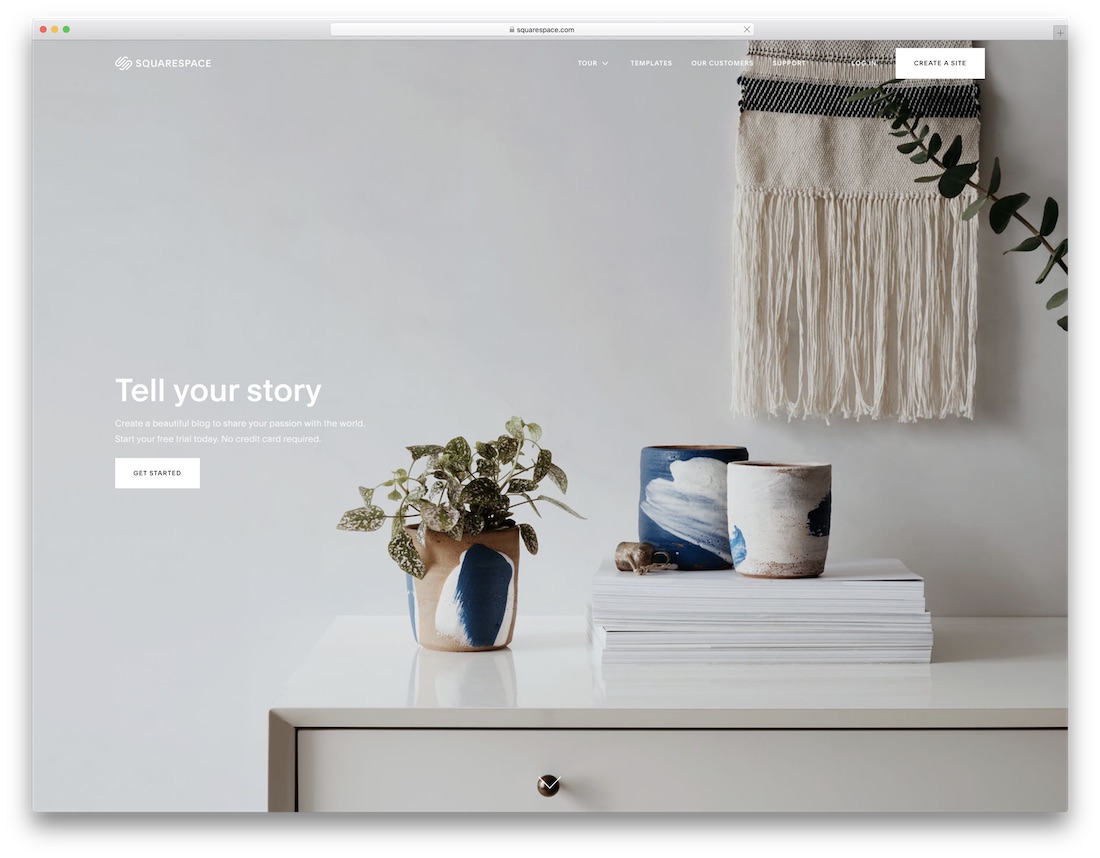
10 Best Website Builders for Blogs 2026 (Tested and Compared)
Starting a blog in 2026 requires more than just a text editor. You need a platform with strong SEO tools, built-in newsletter features, content scheduling, and monetization options — whether that means ads, memberships, or paid subscriptions. The wrong choice can limit your growth or lock you into a platform that’s difficult to leave.
We tested the top blogging platforms on the criteria that matter most: SEO capabilities (meta titles, XML sitemaps, canonical URLs, schema markup), newsletter and subscriber management, editorial workflows, monetization flexibility, and portability. Here are the 10 best website builders for blogs in 2026, with honest assessments of each.
Quick Comparison
| Builder | Best For | SEO Tools | Newsletter | Free Plan | Starting Price |
|---|---|---|---|---|---|
| WordPress.com | Best overall | Excellent | Built-in | Yes | $4/mo |
| Squarespace | Best-designed blog | Excellent | Built-in | 14-day trial | $16/mo |
| Wix | Best free builder | Good | Via app | Yes | $17/mo |
| Ghost | Professional publishers | Excellent | Built-in | 14-day trial | $9/mo |
| Substack | Newsletter-first blogs | Basic | Built-in | Yes | Free (10% on paid) |
| Hostinger | Budget WordPress | Excellent | Via plugins | No | $2.99/mo |
| Medium | Free writing platform | Good (DA) | Built-in | Yes | Free |
| Webflow | Design-focused blogs | Excellent | Via integrations | Yes (staging) | $14/mo |
| Hashnode | Developer blogs | Excellent | Built-in | Yes | Free |
| Shopify | Blogs that sell | Good | Via apps | 3-day trial | $24/mo |
10 Best Website Builders for Blogs
1. WordPress.com — Best Overall for Blogging
Best for: Bloggers who want the most powerful and scalable blogging platform | Free plan available • Paid from $4/mo
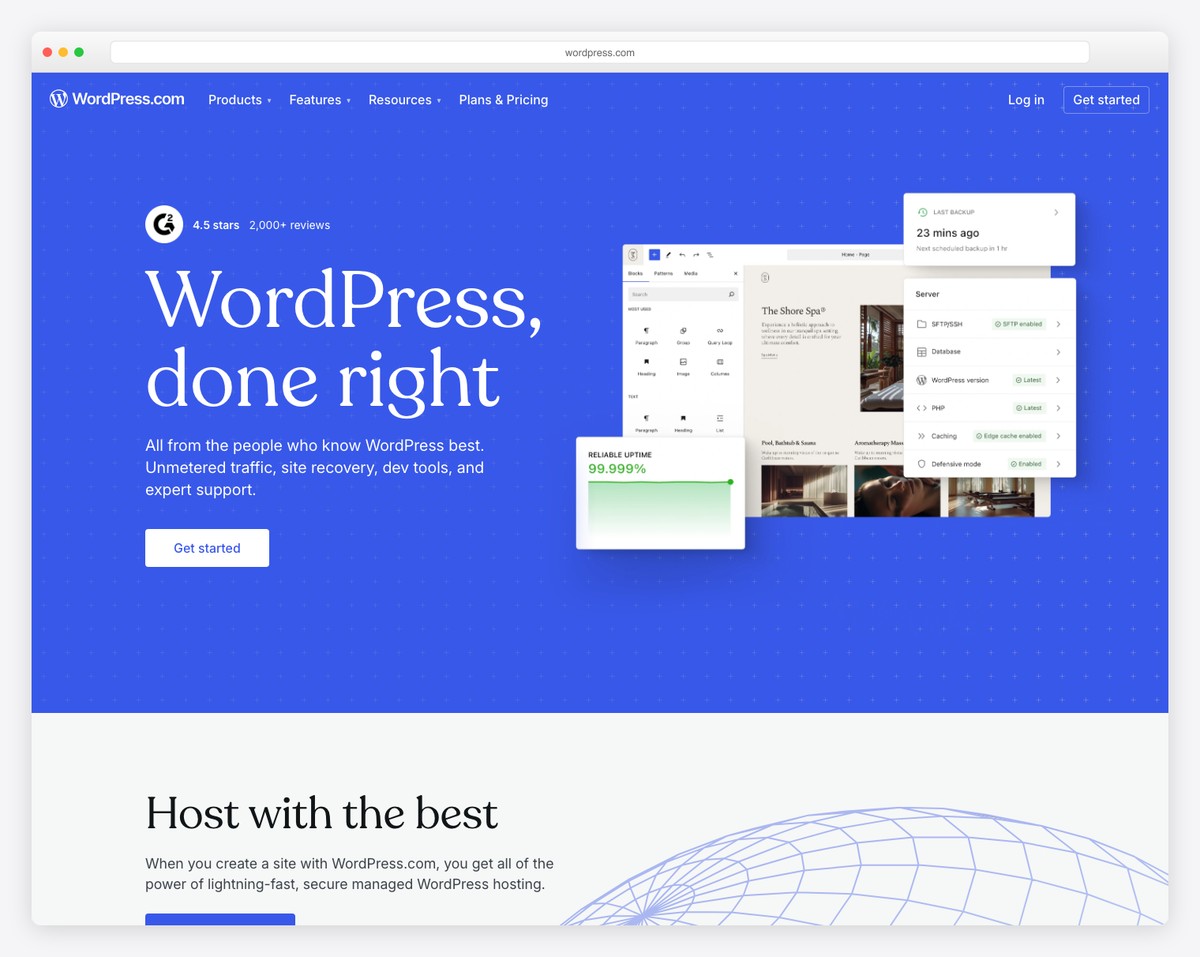
WordPress.com is the most established blogging platform in existence, and in 2026 it’s still the best overall choice for serious bloggers. The Gutenberg block editor gives you full control over content layout — from text and images to embeds, tables, and custom HTML blocks — without requiring any code. Categories, tags, excerpts, featured images, and RSS feeds are all built in from day one.
SEO is where WordPress.com truly excels. Even on the free plan, you get XML sitemaps, canonical URLs, and clean permalink structures. Upgrade to a paid plan and you can install plugins like Yoast SEO or Rank Math for complete control over meta titles, descriptions, Open Graph tags, schema markup, and breadcrumbs. No other blogging platform offers this depth of SEO customization.
The platform includes built-in newsletter functionality, allowing readers to subscribe and receive new posts via email. Content scheduling lets you queue posts for future publication, and multi-author support with editorial roles (Administrator, Editor, Author, Contributor) makes WordPress.com ideal for team blogs. The free plan includes basic features with WordPress.com branding, while paid plans unlock custom domains, plugin installs, and monetization tools.
Pricing: Free plan available. Personal $4/mo, Premium $8/mo, Business $25/mo, Commerce $45/mo (billed annually). Free plan includes 1GB storage and WordPress.com subdomain.
Pros
✅ Most powerful blogging features (categories, tags, RSS)
✅ Best SEO tools via plugins (Yoast, Rank Math)
✅ Built-in newsletter and subscriber management
✅ Multi-author support with editorial roles
Cons
❌ Free plan has WordPress.com branding
❌ Plugins require Business plan ($25/mo)
❌ Gutenberg editor has a learning curve
❌ Free plan storage limited to 1GB
2. Squarespace — Best-Designed Blog Templates
Best for: Bloggers who want a visually stunning blog with zero design skills | From $16/mo • 14-day free trial
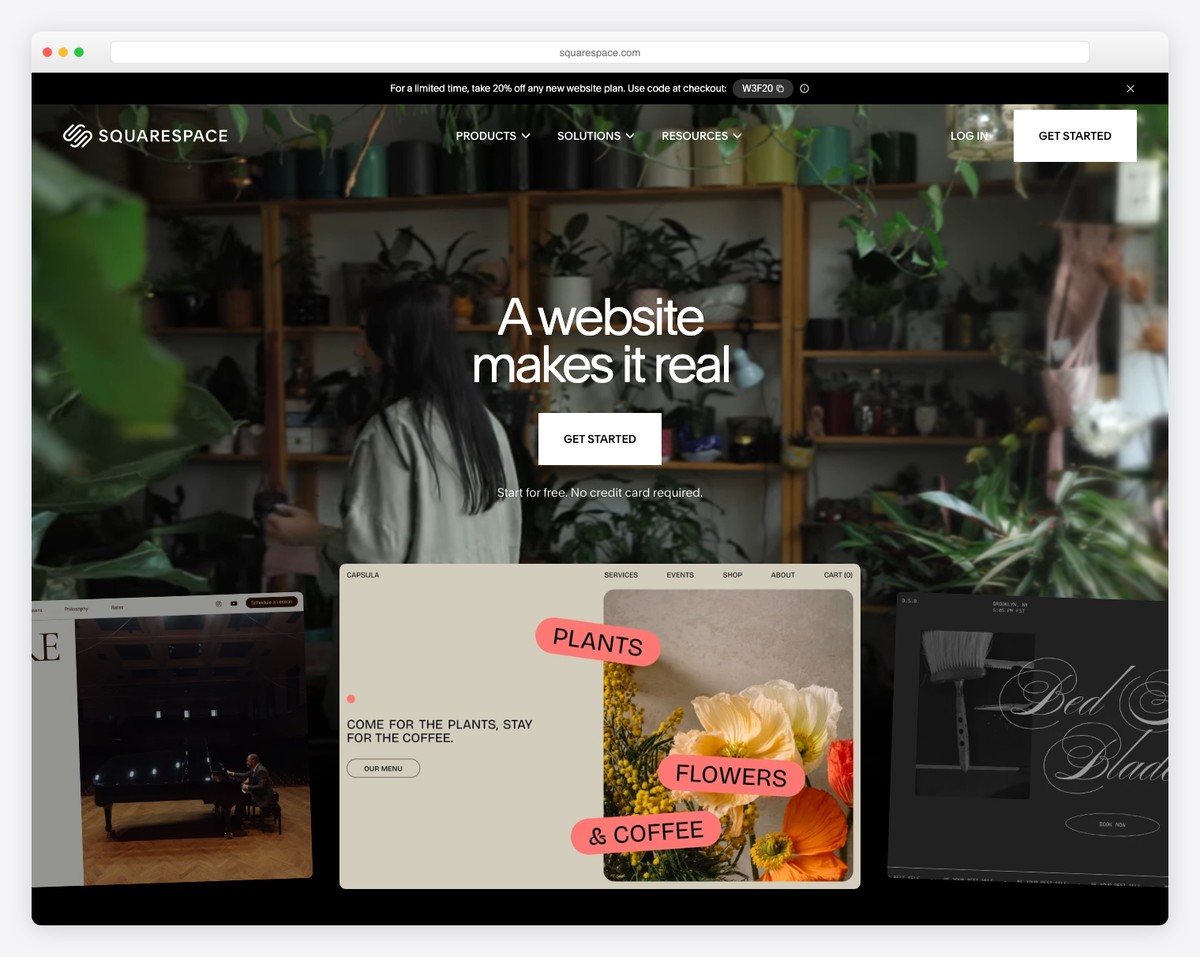
Squarespace produces the best-looking blogs out of the box. Its templates feature refined typography, generous whitespace, and thoughtful image placement that makes every post look like it belongs in a digital magazine. The Fluid Engine editor lets you customize layouts without code, and the blog-specific features — categories, tags, featured images, author pages, and related posts — are all built into the core platform.
SEO on Squarespace is strong and continues to improve. Every page gets automatic XML sitemaps, clean URLs, SSL certificates, and mobile-responsive design. You can customize meta titles, descriptions, and Open Graph images for each post. The platform also generates structured data for blog posts automatically, which helps with rich snippets in Google search results.
Squarespace added native email campaigns (Squarespace Email Campaigns) that let you send newsletters directly from your blog — using blog content as the email body. Subscriber management, RSS-to-email automation, and analytics are included. For bloggers who want their brand to look polished without hiring a designer, Squarespace is the clear winner.
Pricing: Basic $16/mo, Core $23/mo, Plus $39/mo, Advanced $99/mo (billed annually). 14-day free trial. Free custom domain for the first year on annual plans.
Pros
✅ Best-designed blog templates available
✅ Built-in email campaigns and newsletters
✅ Automatic structured data for blog posts
✅ Unlimited storage on all plans
Cons
❌ No free plan — only 14-day trial
❌ Limited blog-specific plugins or extensions
❌ No membership or paid content features
❌ Email campaigns cost extra ($7-48/mo)
3. Wix — Best Free Blog Builder
Best for: Beginners who want a full-featured blog at no cost | Free plan available • Paid from $17/mo
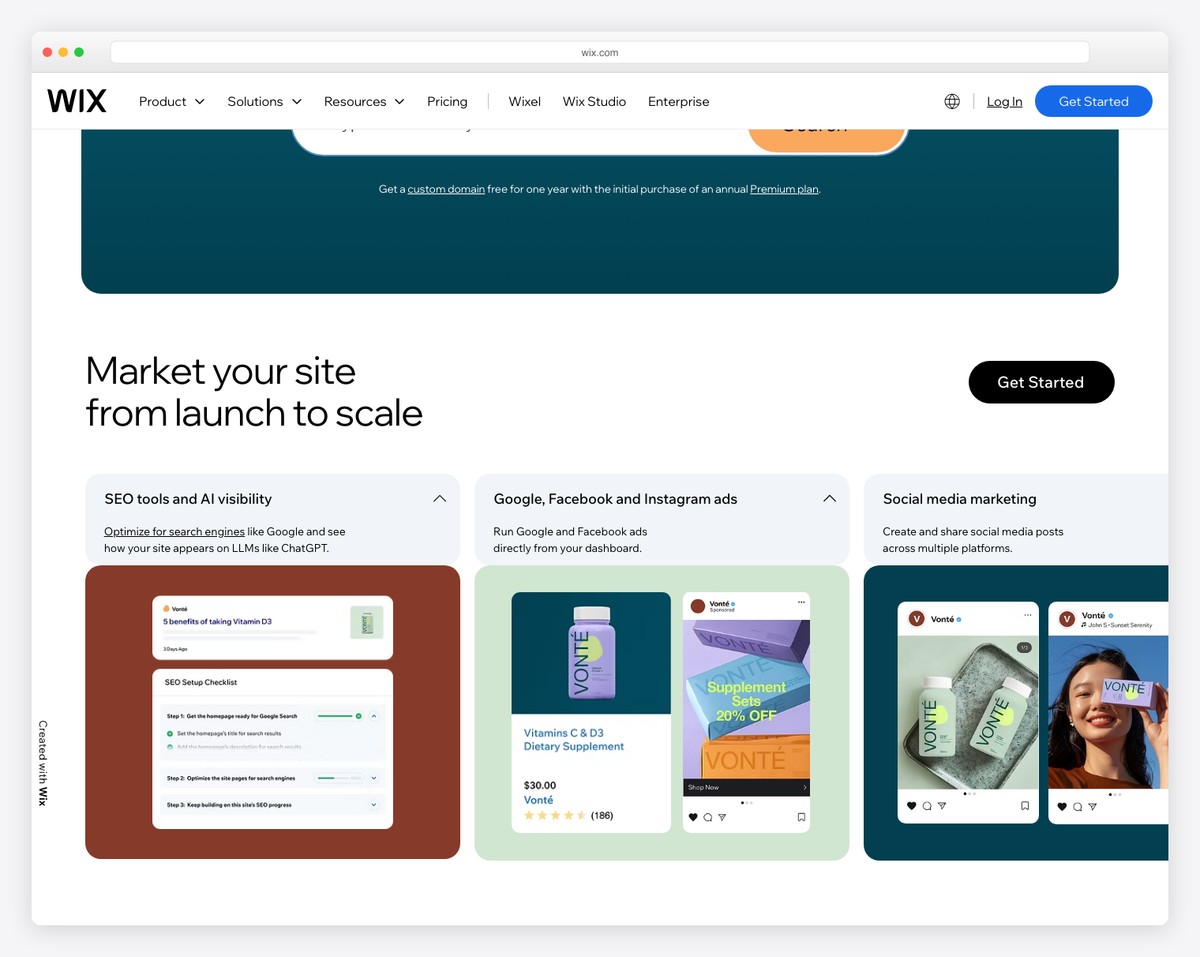
Wix offers the most generous free blogging plan among website builders. You get the full drag-and-drop editor, blog manager with categories and tags, content scheduling, RSS feeds, and a selection of blog-focused templates — all without paying a cent. The free plan includes 500MB of storage and a Wix-branded subdomain, which is enough to get started and test the platform seriously.
The Wix Blog app includes features that rival paid platforms: multi-author support, post scheduling, category and tag management, related posts, social sharing buttons, and a built-in comment system. The Wix SEO Wiz provides step-by-step guidance for optimizing your blog posts, including meta titles, descriptions, alt text reminders, and a personalized SEO plan based on your niche and keywords.
For monetization, Wix supports Google AdSense integration on paid plans, and the Wix Stores app lets you sell digital products (ebooks, courses, templates) directly from your blog. The main limitation of the free plan is Wix branding and the inability to connect a custom domain — both resolved by upgrading to the Light plan at $17/month.
Pricing: Free plan available. Light $17/mo, Core $29/mo, Business $39/mo (billed annually). Free plan includes 500MB storage with Wix branding.
Pros
✅ Best free plan for blogging
✅ Drag-and-drop editor — no code needed
✅ SEO Wiz with personalized optimization steps
✅ Multi-author and content scheduling included
Cons
❌ Free plan shows Wix ads and branding
❌ 500MB storage fills quickly with images
❌ Can’t switch templates after building
❌ Blog export options are limited
4. Ghost — Best for Professional Publishers
Best for: Professional bloggers and publishers who want built-in monetization | From $9/mo • 14-day free trial
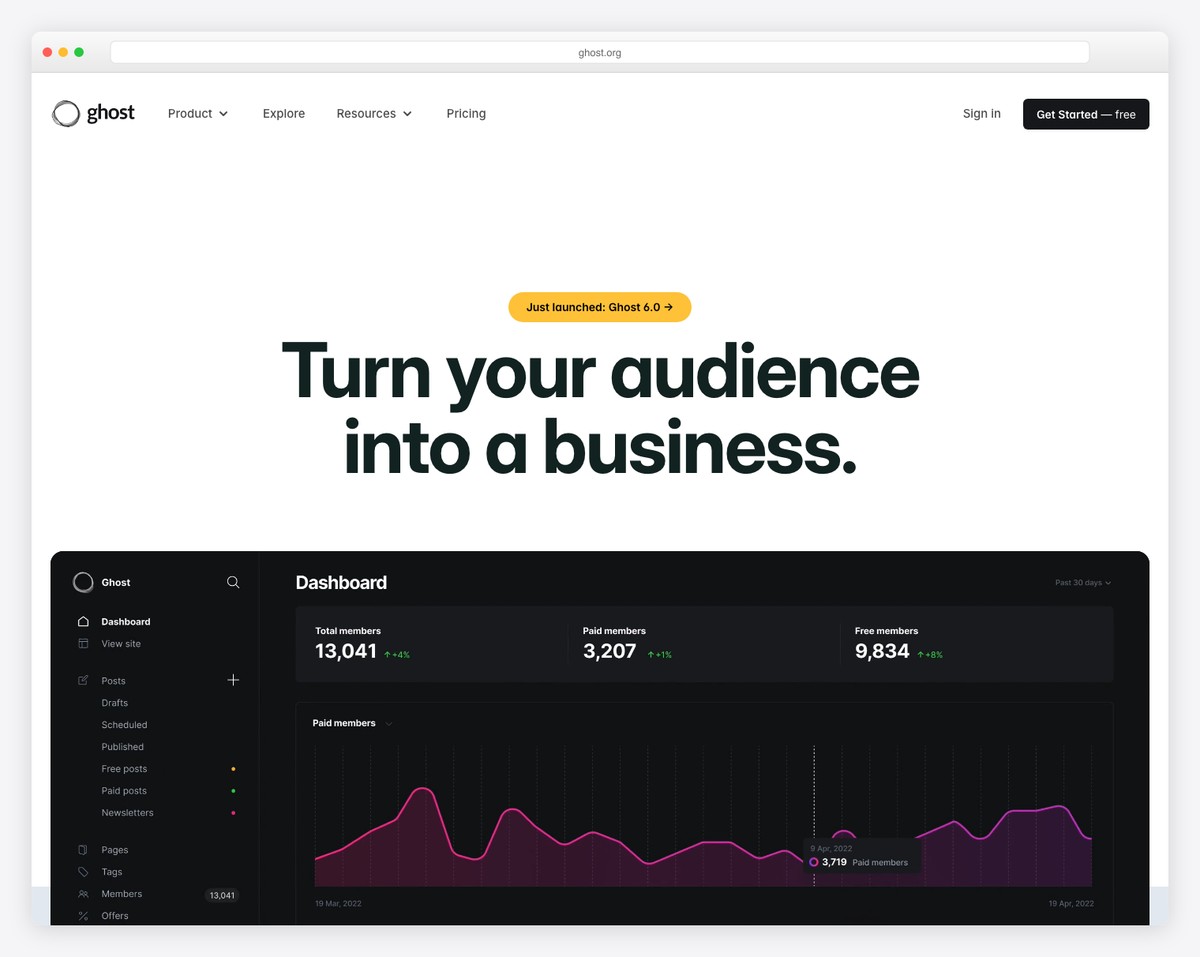
Ghost is an open-source publishing platform built specifically for professional bloggers and independent publishers. Unlike general website builders that bolt on blogging features, Ghost was designed from the ground up for content creation and distribution. The editor is fast, distraction-free, and supports Markdown, dynamic cards (images, galleries, embeds, bookmarks, code blocks), and content snippets for reusable elements.
What sets Ghost apart is its native monetization stack. Built-in membership management lets you offer free, paid, and tiered subscription plans — with Stripe integration handling payments directly. There’s no revenue share beyond Stripe’s standard processing fees (2.9% + 30 cents). Ghost also includes a full newsletter system that sends posts to subscribers automatically, with open rate tracking and subscriber segmentation by plan tier.
SEO is excellent out of the box. Ghost generates structured data (JSON-LD), XML sitemaps, canonical URLs, and clean meta tags automatically. The platform is also extremely fast — built on Node.js with server-side rendering, Ghost sites consistently score 95+ on Google PageSpeed. For bloggers who want to build a publishing business with paid subscriptions, Ghost is the most purpose-built option available.
Pricing: Starter $9/mo (500 members), Creator $25/mo (1,000 members), Team $50/mo (1,000 members), Business $199/mo (10,000 members). 14-day free trial. Self-hosted version is free.
Pros
✅ Built-in paid memberships with no revenue share
✅ Native newsletter with subscriber segmentation
✅ Excellent SEO — structured data, sitemaps, speed
✅ Open source — self-host for free
Cons
❌ No drag-and-drop page builder
❌ Limited themes compared to WordPress
❌ Starter plan capped at 500 members
❌ Self-hosting requires technical knowledge
5. Substack — Best for Newsletter-First Blogs
Best for: Writers who want to build a newsletter audience and monetize with subscriptions | Free to start • 10% on paid subscriptions
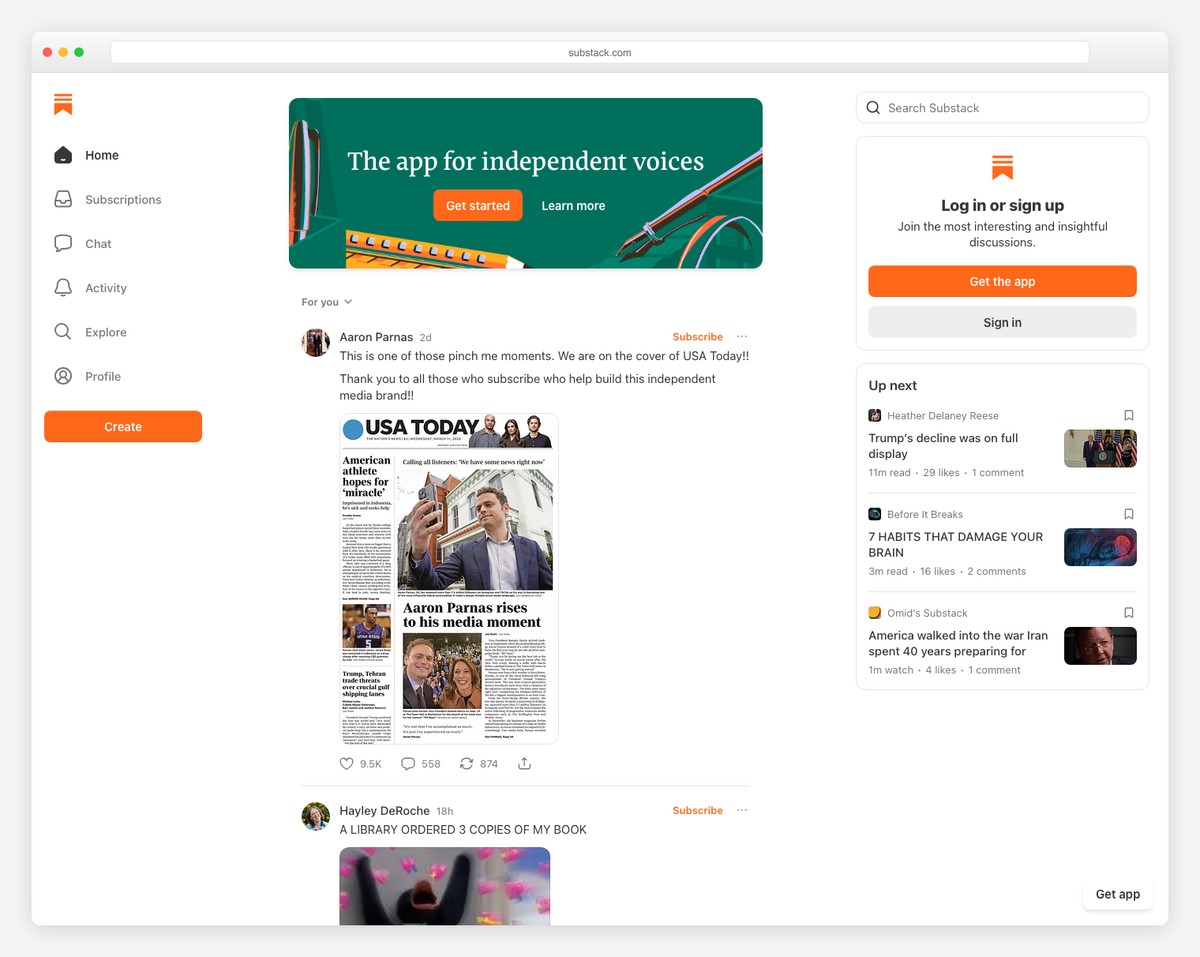
Substack flips the traditional blog model on its head. Instead of publishing to a website and hoping readers return, every post is delivered directly to subscribers’ inboxes. Your blog and newsletter are the same thing — publish once, and it appears both on your Substack website and in your subscribers’ email. This approach consistently delivers higher engagement than traditional blogs.
The monetization model is straightforward: offer free posts to build audience, then gate premium content behind a paid subscription (typically $5-15/month). Substack takes a 10% cut of paid subscription revenue plus Stripe processing fees. There are no upfront costs — you only pay when you earn. The platform also supports podcasts, community discussion threads, and the Substack Notes feature for short-form updates.
The trade-off is design control. Substack sites all look essentially the same — clean and readable, but with minimal customization options. You can’t change layouts, add custom pages, or install plugins. SEO is basic (no custom meta descriptions, limited URL control). But if your goal is to build a direct relationship with readers through email and monetize your writing, Substack removes every barrier to getting started.
Pricing: Free to publish. Substack takes 10% of paid subscription revenue + Stripe fees (2.9% + 30 cents). No monthly platform fees.
Pros
✅ No upfront costs — pay only when you earn
✅ Every post is automatically emailed to subscribers
✅ Built-in paid subscription monetization
✅ Built-in audience discovery via Substack network
Cons
❌ 10% revenue share on paid subscriptions
❌ Almost no design customization
❌ Basic SEO — no custom meta descriptions
❌ No custom domain on free plan
6. Hostinger — Best Budget WordPress Hosting for Bloggers
Best for: Budget-conscious bloggers who want self-hosted WordPress | From $2.99/mo • 30-day money-back guarantee
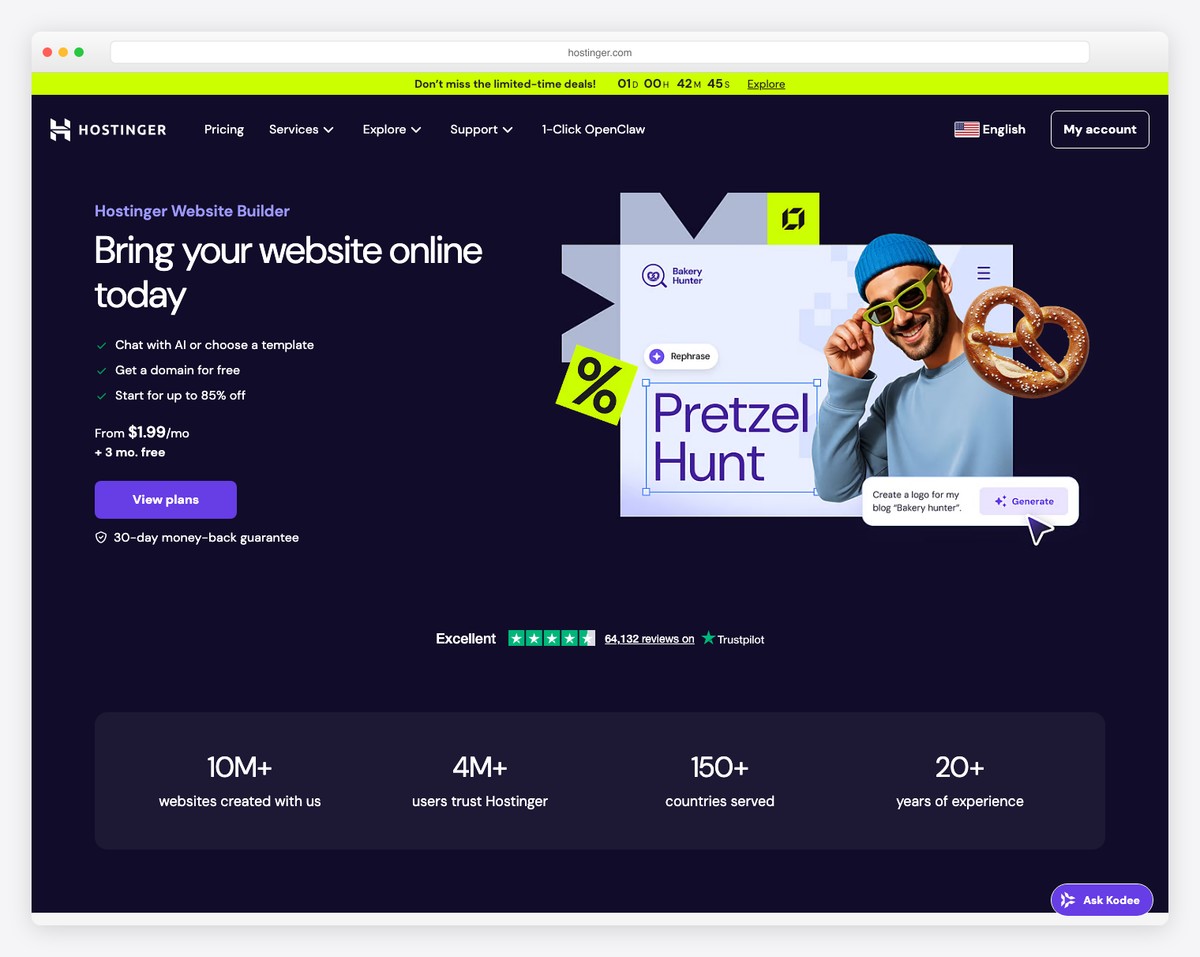
Hostinger is not a website builder — it’s a hosting provider that makes self-hosted WordPress accessible and affordable. For bloggers who want the full power of WordPress.org (unlimited plugins, complete theme control, zero platform restrictions) without the high cost of managed WordPress hosting, Hostinger is the best value available in 2026.
The setup process is beginner-friendly. Hostinger’s one-click WordPress installer gets your blog live in minutes, and the AI-powered setup wizard helps you choose a theme, configure essential plugins (including Yoast SEO), and create initial pages. The hPanel control panel is simpler than traditional cPanel, with clear navigation for managing domains, email, databases, and backups.
Performance is strong for the price. All plans include LiteSpeed web server, SSD storage, free SSL, and a built-in CDN. The Business plan ($3.99/mo) adds daily backups, staging environments, and enough resources to handle moderate traffic. For bloggers who plan to monetize with ads, affiliate links, or digital products, self-hosted WordPress via Hostinger gives you full control at the lowest possible cost.
Pricing: Premium $2.99/mo, Business $3.99/mo, Cloud Startup $8.99/mo (billed for 48 months). 30-day money-back guarantee. Free domain for the first year.
Pros
✅ Cheapest way to run self-hosted WordPress
✅ Full plugin and theme access (no restrictions)
✅ LiteSpeed server with built-in CDN
✅ One-click WordPress install with AI setup
Cons
❌ Low prices require 48-month commitment
❌ Renewal prices are significantly higher
❌ You manage WordPress updates and security
❌ No free plan — only money-back guarantee
7. Medium — Best Free Writing Platform
Best for: Writers who want to reach readers without building a website | Free to publish • Partner Program for earnings
Medium is the simplest way to start blogging in 2026. There’s nothing to set up — no hosting, no themes, no plugins. Create an account, start writing, and publish. The editor is beautifully minimal, focusing entirely on the writing experience with clean typography, inline image placement, and distraction-free formatting.
The biggest advantage of Medium is its built-in audience. Medium.com has a domain authority of 95+ and receives hundreds of millions of monthly visits. Your posts can be discovered through Medium’s recommendation algorithm, topic pages, and curated collections — giving you exposure that would take years to build on a standalone blog. Medium also supports custom domains, so you can publish on your own URL while leveraging Medium’s distribution.
The Medium Partner Program lets you earn money based on member reading time. Earnings vary widely — from a few dollars to thousands per month for top writers. The trade-off is significant: you don’t own the platform, you can’t customize your site, and you can’t run your own ads or sell products. Medium is best as a starting point or complement to a self-hosted blog, not a long-term business foundation.
Pricing: Free to publish. Medium membership for readers: $5/mo or $50/year. Partner Program earnings based on member reading time. Custom domains available.
Pros
✅ Zero setup — start writing immediately
✅ Built-in audience with high domain authority
✅ Partner Program for earning money
✅ Beautiful, distraction-free reading experience
Cons
❌ You don’t own the platform
❌ No design customization
❌ Can’t run your own ads or sell products
❌ Unpredictable Partner Program earnings
8. Webflow — Best for Design-Focused Blogs
Best for: Designers and developers who want pixel-perfect blog layouts | Free staging plan • Paid from $14/mo
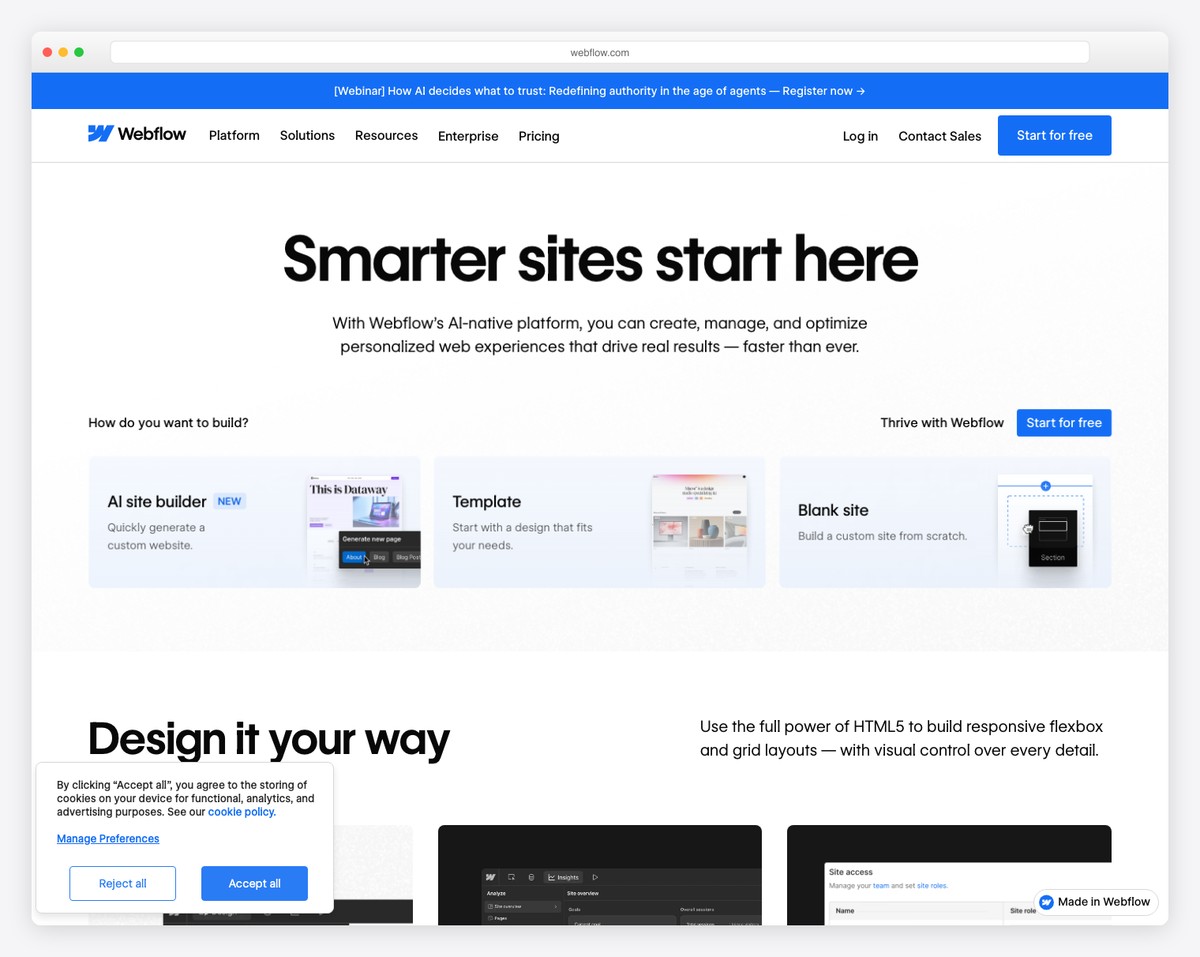
Webflow is the only website builder that gives you true design freedom for blog layouts. While WordPress and Squarespace constrain you to predefined blog templates, Webflow lets you design every element of your blog — post layouts, category pages, author pages, archive grids, and article typography — with a visual CSS editor that generates clean, production-ready code.
The CMS (Content Management System) is Webflow’s blogging engine. You define custom fields for each post type — title, body, author, category, featured image, read time, whatever you need — and then design how those fields display on the page. This level of control is what makes Webflow blogs look different from everything else on the internet. The blog posts you design are dynamic templates that automatically apply to new content.
SEO capabilities are excellent. Webflow generates clean semantic HTML, provides full control over meta titles, descriptions, Open Graph tags, and alt text, and automatically creates XML sitemaps and 301 redirects. The platform produces fast, lightweight pages — no bloated plugins or unnecessary JavaScript. The learning curve is steeper than Squarespace or Wix, but for bloggers who want their site to look truly unique, Webflow is worth the investment.
Pricing: Free (staging only, webflow.io subdomain). Basic $14/mo, CMS $23/mo, Business $39/mo (billed annually). CMS plan required for blog functionality.
Pros
✅ Complete design freedom for blog layouts
✅ Clean code output — fast page loads
✅ Custom CMS fields for any content type
✅ Excellent SEO with semantic HTML
Cons
❌ Steep learning curve for non-designers
❌ CMS plan ($23/mo) needed for blogging
❌ No built-in newsletter or email tools
❌ 10,000 CMS items limit on CMS plan
9. Hashnode — Best for Developer Blogs
Best for: Developers and tech writers who want a free, developer-friendly blog | Free forever • Pro from $9/mo
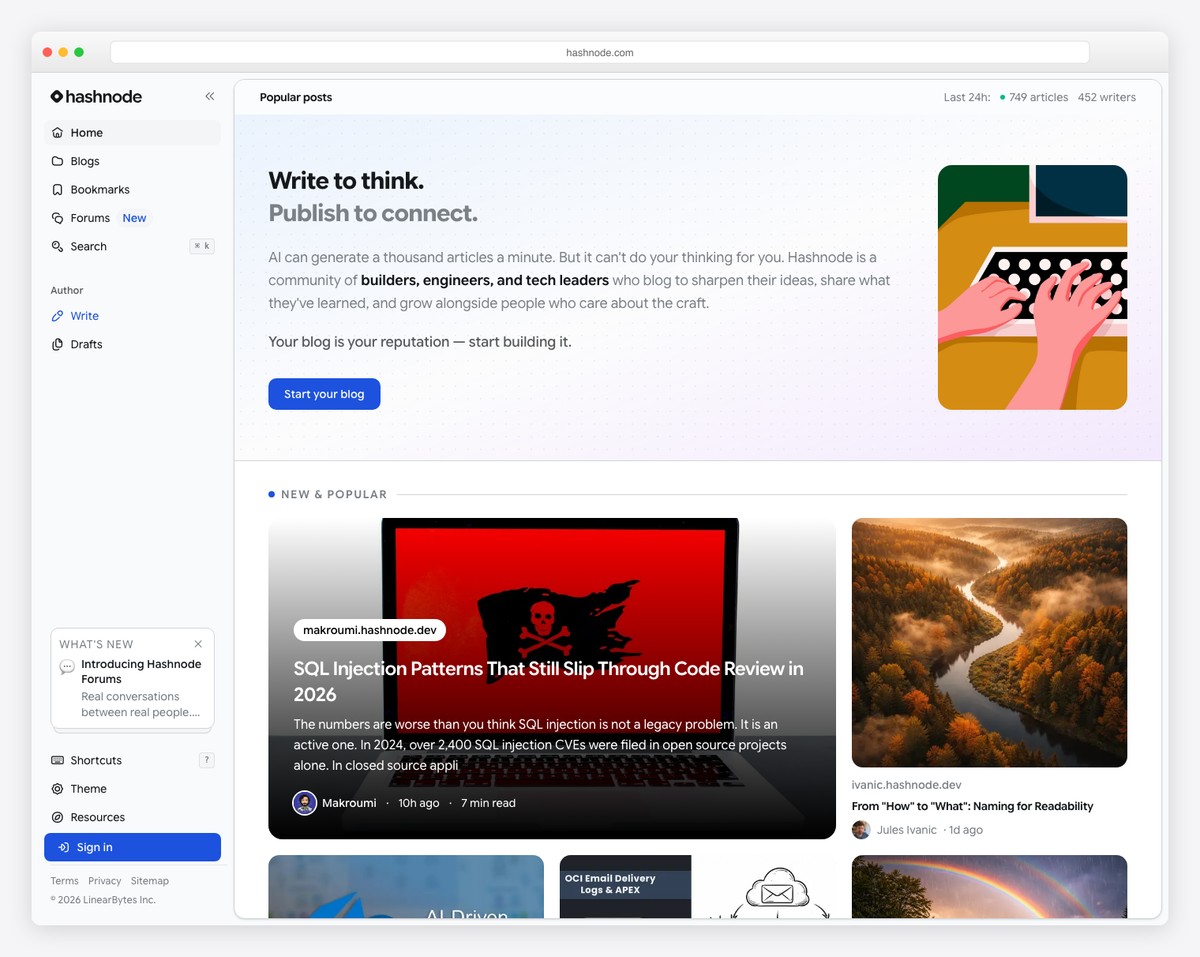
Hashnode is a free blogging platform built specifically for developers and technical writers. It supports Markdown natively, includes syntax highlighting for dozens of programming languages, and generates clean, fast-loading pages. Unlike Medium, Hashnode lets you map a custom domain to your blog for free — so you own your URL and build SEO authority on your own domain from day one.
The built-in community is Hashnode’s secret weapon. Your posts are distributed through Hashnode’s feed, tags, and recommendation system, giving you access to a tech-savvy audience without any marketing effort. The platform also supports GitHub-backed writing (store posts as Markdown in a Git repository), automatic table of contents generation, and a headless CMS mode for developers who want to use their own frontend.
SEO is surprisingly strong for a free platform. Hashnode generates XML sitemaps, canonical URLs, Open Graph and Twitter Card meta tags, and structured data automatically. The newsletter feature lets subscribers receive new posts via email, and the analytics dashboard shows views, reads, and traffic sources. For developers building a personal brand through technical writing, Hashnode offers more value at $0 than most paid platforms.
Pricing: Free forever (custom domain, unlimited posts). Pro $9/mo (team blogs, AI features, priority support). Enterprise pricing available.
Pros
✅ Free with custom domain support
✅ Built-in developer community and distribution
✅ Markdown + syntax highlighting
✅ GitHub-backed content storage
Cons
❌ Developer-focused — not for general audiences
❌ Limited design customization
❌ No ecommerce or product selling
❌ Smaller community than Medium or Dev.to
10. Shopify — Best for Blogs That Sell
Best for: Bloggers who monetize primarily through product sales | From $24/mo • $1/mo for first 3 months
Shopify includes a built-in blog engine on every plan, making it the strongest choice for bloggers whose primary goal is selling products. Whether you sell physical goods, digital downloads, print-on-demand merchandise, or online courses, your blog posts can embed product cards, “Buy Now” buttons, and collection links directly in the content — turning every article into a potential sales page.
The blogging features are solid but not as deep as WordPress or Ghost. You get categories (called tags in Shopify), featured images, author pages, RSS feeds, comment moderation, and an SEO-friendly URL structure. The rich text editor supports images, videos, tables, and custom HTML. Shopify automatically generates a sitemap.xml and lets you edit meta titles, descriptions, and URL handles for each post.
Where Shopify excels is the ecosystem around the blog. The app store offers email marketing tools (Shopify Email, Klaviyo), SEO apps (SEO Manager, Smart SEO), and content creation tools. Shopify Email lets you send up to 10,000 emails per month for free, and you can automate email sequences based on blog subscriber behavior. For content creators who treat their blog as a top-of-funnel for product sales, Shopify’s integration between content and commerce is unmatched.
Pricing: Starter $5/mo, Basic $24/mo ($19/mo annually), Grow $69/mo. $1/mo for the first 3 months. Shopify Email free up to 10,000 emails/month.
Pros
✅ Best blog-to-store integration
✅ Embed products directly in blog posts
✅ Shopify Email — 10,000 free emails/month
✅ Massive app ecosystem for SEO and marketing
Cons
❌ Blog features less robust than WordPress
❌ No categories — only tags for organization
❌ Overkill if you don’t sell products
❌ Premium themes cost $150-400+
How to Choose the Right Blog Builder
The best blog builder depends on how you plan to create, distribute, and monetize your content:
Starting a general blog: WordPress.com is the most versatile choice — it handles everything from personal blogs to large-scale publications. The free plan lets you start immediately, and you can upgrade as your needs grow.
Brand and design matter most: Squarespace delivers the most visually polished blog without any design effort. Webflow gives complete design freedom but requires more technical skill.
Newsletter-first approach: Ghost and Substack are purpose-built for bloggers who distribute content primarily via email. Ghost gives you ownership and no revenue share; Substack gives you zero upfront costs and built-in audience discovery.
Monetization through products: Shopify is the best choice when blog content drives product sales. Its blog-to-store integration is unmatched by any other platform.
Maximum SEO and control: Self-hosted WordPress via Hostinger gives you unlimited plugin access, the deepest SEO tools (Yoast, Rank Math), and complete ownership of your content and data.
Free and fast: Wix has the best free plan for general bloggers. Hashnode is the best free option for developer blogs. Medium requires zero setup but you don’t own the platform.
Our top pick: For most bloggers, WordPress.com is the best overall choice — it offers the deepest blogging features, the best SEO tools, and the most growth potential. For bloggers who want beautiful design without effort, Squarespace is the runner-up. For professional publishers building a subscription business, Ghost offers the most purpose-built monetization stack with no revenue share.
Frequently Asked Questions
Which website builder has the best SEO for blogs?
Self-hosted WordPress (via Hostinger or similar hosting) offers the best SEO through plugins like Yoast SEO and Rank Math — giving you full control over meta tags, schema markup, XML sitemaps, breadcrumbs, and internal linking suggestions. Among hosted platforms, Ghost and Webflow produce the cleanest code and fastest page loads, which directly impact search rankings. Squarespace and WordPress.com also provide solid built-in SEO with automatic sitemaps, structured data, and customizable meta fields.
Can I make money blogging in 2026?
Yes, but the monetization landscape has shifted. The most common revenue streams for bloggers in 2026 are: paid subscriptions and memberships (Ghost, Substack), display advertising (WordPress with Mediavine or AdThrive — requires 50,000+ monthly sessions), affiliate marketing (all platforms), digital product sales (courses, templates, ebooks via Shopify or WordPress), and sponsored content. Subscription-based models through Ghost and Substack offer the most predictable income, while ad-supported blogs require significant traffic to generate meaningful revenue.
Do I need WordPress to start a blog?
No. While WordPress powers over 40% of all websites and remains the most flexible blogging platform, it’s not the only option — or even the best one for every use case. Squarespace is better for design-focused blogs, Ghost is better for paid newsletters, Substack is easier for newsletter-first writers, and Medium requires zero setup. WordPress is the best choice when you need maximum customization, plugin access, and SEO control — but many successful blogs run on other platforms.
What’s the difference between WordPress.com and WordPress.org?
WordPress.org is free, open-source software that you download and install on your own web hosting (like Hostinger). You get full control — unlimited plugins, any theme, custom code, and complete ownership. You’re responsible for hosting, updates, security, and backups. WordPress.com is a hosted service run by Automattic that uses WordPress software but manages the technical infrastructure for you. The free and lower-tier plans restrict plugin installs and theme choices. The Business plan ($25/mo) unlocks full plugin access, making it closer to the self-hosted experience but at a higher price.
Which free blog platform is best?
It depends on your goals. Wix offers the most full-featured free blog builder with a visual editor, SEO tools, and content scheduling. WordPress.com’s free plan gives you the strongest blogging engine with categories, tags, and subscriber management, though with WordPress.com branding. Hashnode is the best free option for developer blogs — with custom domain support and a built-in tech community. Medium is the easiest to start with zero setup and a built-in audience. Substack is free for newsletter-first bloggers who don’t need paid subscriptions.
Can I move my blog to another platform later?
Most platforms support some form of content export, but the ease of migration varies significantly. WordPress offers the most portable format — you can export all posts, pages, comments, categories, and tags as an XML file that imports cleanly into any other WordPress installation. Ghost supports full JSON export and import. Substack lets you export a CSV of subscribers and download your posts. Squarespace exports to WordPress XML format. Wix has more limited export options — you can download blog posts as RSS but may lose formatting. The safest approach is to use a custom domain from day one, so your SEO authority follows you regardless of which platform you migrate to.

Related Posts



Comments (0)