
16 Best Interior Design Website Templates 2026
The following interior design website templates adhere to the basic principles for effectively showcasing your projects and cases online. Never again lack a web presence.
You can now approach the process of building a website much more comfortably. These tools have already done a significant amount of work for your convenience. Sometimes, you can start working on your project from the get-go (thanks, WordPress). Still, even though an HTML template requires coding knowledge, the ones below are easy to use.
The entire batch of templates and themes supports all the latest trends and regulations of the modern web. With this, you can be assured that your website will always operate without a hitch. It will adapt to all modern devices and web browsers.
Table of contents — all 17 templates
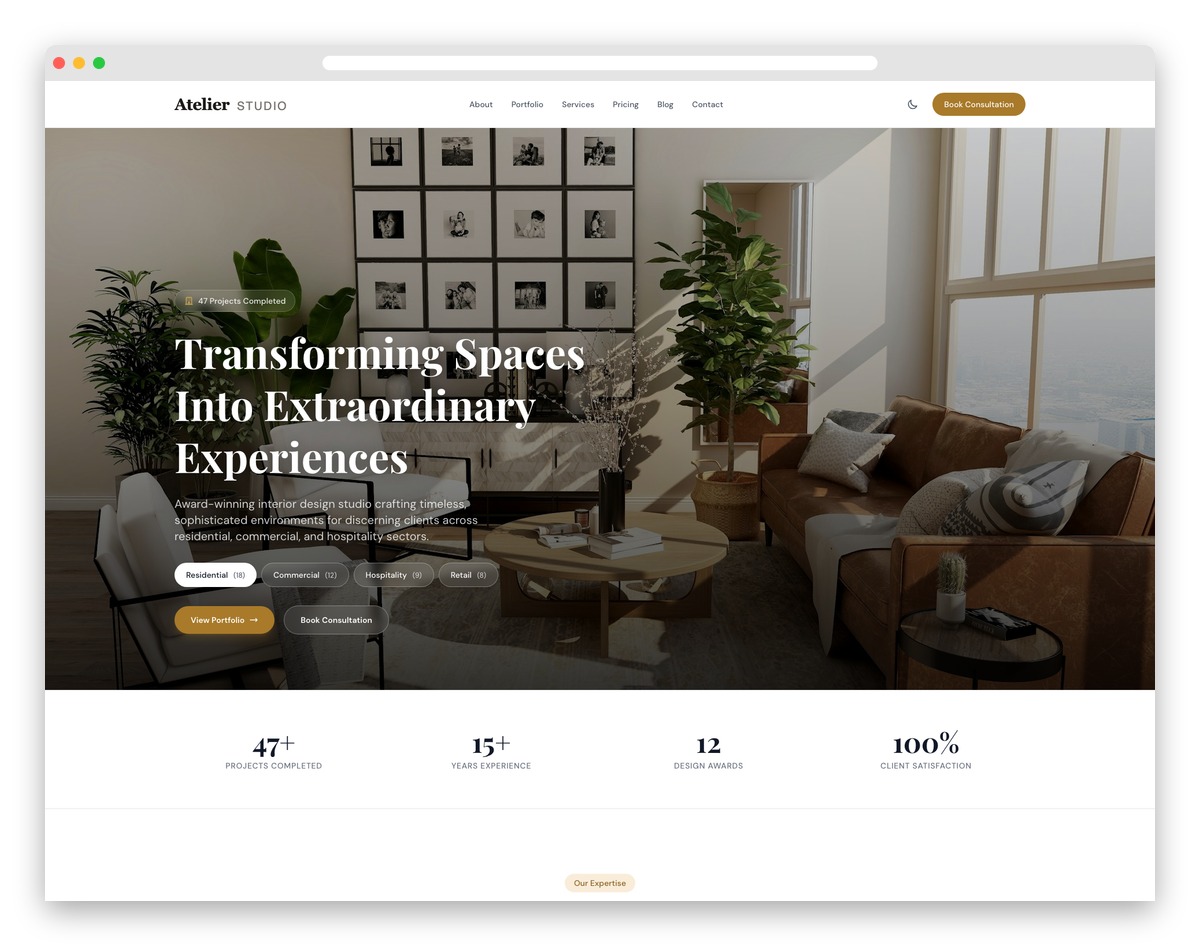
Atelier
FreeAstroTailwindDark Mode · Best for: portfolio-led residential and commercial studios
A category-tab hero crossfades Residential, Commercial, and Hospitality projects before visitors ever scroll. Behind it sit a filterable masonry portfolio grid, a design-process timeline, and a style visualizer that maps your aesthetic range, with awards and press mentions building authority. Dark mode with a persistent toggle and a materials showcase round it out.
Key features:
- Project showcase with category crossfade gallery
- Masonry portfolio grid with filter controls
- Design style visualizer with tab navigation
- Process timeline for client workflow
- Materials and finishes showcase section
- Elegant serif typography with gold accents
Instant post navigation
- Jump to WordPress interior design themes
- Jump to HTML interior design templates
You will discover multiple front and internal page layouts, portfolios, pricing plans, a contact section, and more.
We also collected interior design website templates with shopping pages and cart pages to help you set up and sell your custom interior design products to users.
In short, many options guarantee a spectacular outcome that will wow your visitors and potential clients.
Best Interior Design WordPress Templates
1. Bergen
FreeSquarespace · Best for: minimalist Squarespace portfolios
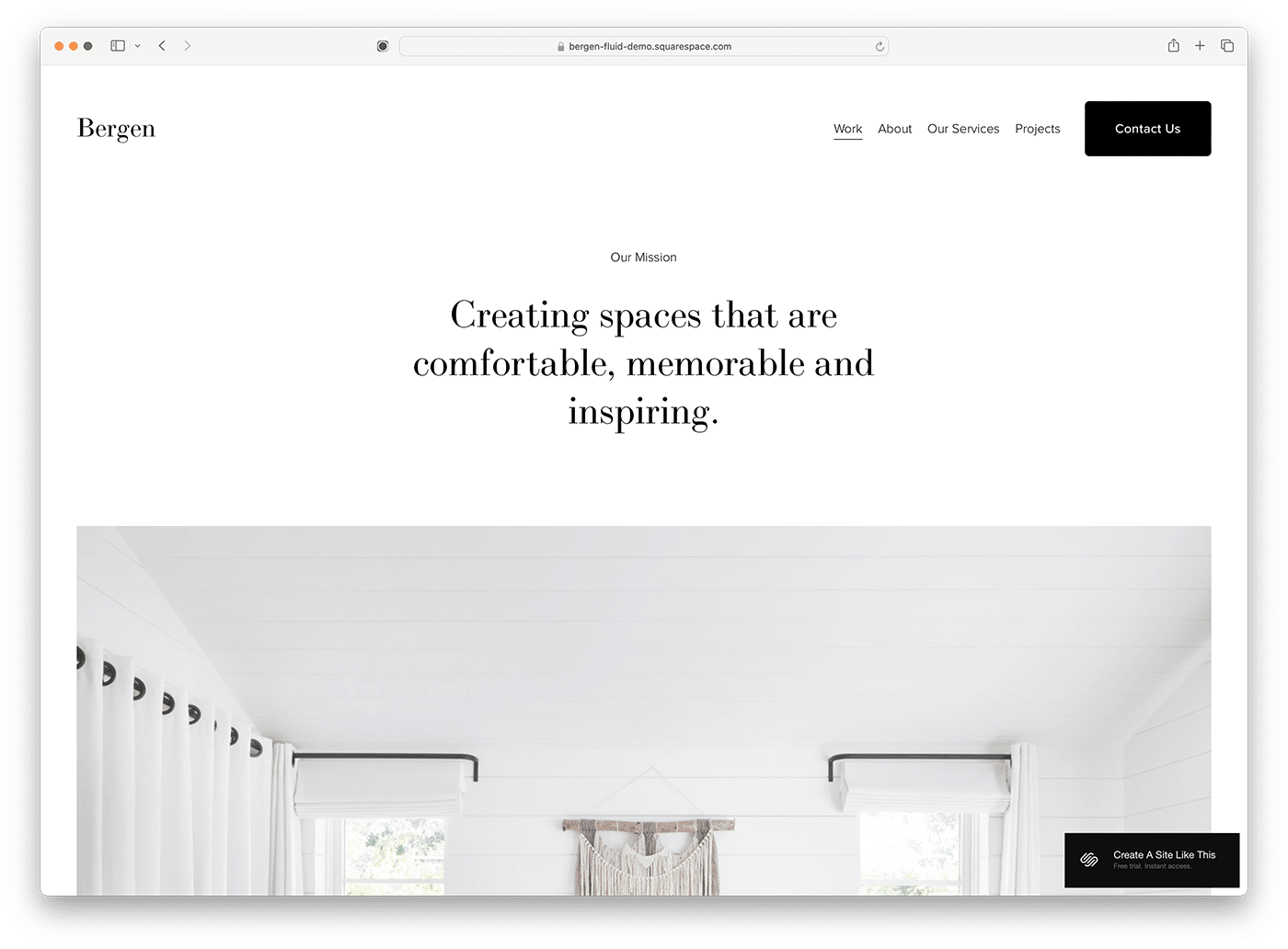
Bergen leans on white space harder than any other template in this collection. It is included free with a Squarespace subscription, and every detail — colors, fonts, imagery — is editable in the Squarespace builder. Here are more interior design templates for Squarespace if you want alternatives on the same platform.
2. Divi

WordPressPremium · Best for: designers who want full visual control
Divi’s visual builder edits everything on the page — animations, hover effects, typography, colors, custom shapes — without code. For an interior studio, that means project and gallery pages restyled to match your own work in very little build time.
3. Jevelin
WordPressPremium · Best for: varied portfolio layouts on one theme
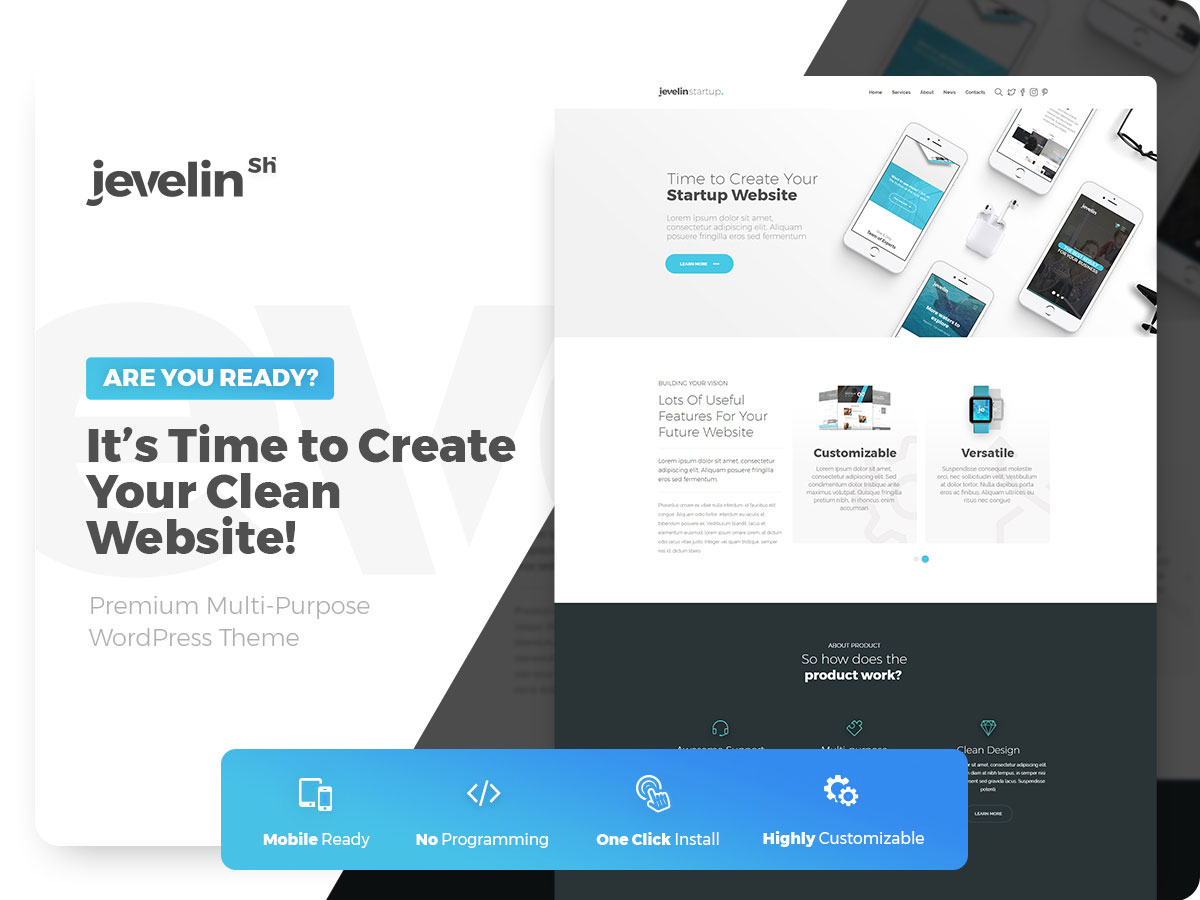
More than forty shortcodes and multiple portfolio styles cover most ways a studio can present projects. Slider Revolution is bundled for hero galleries, with blog page layouts, animations, and effects rounding out the package.
4. Intexure
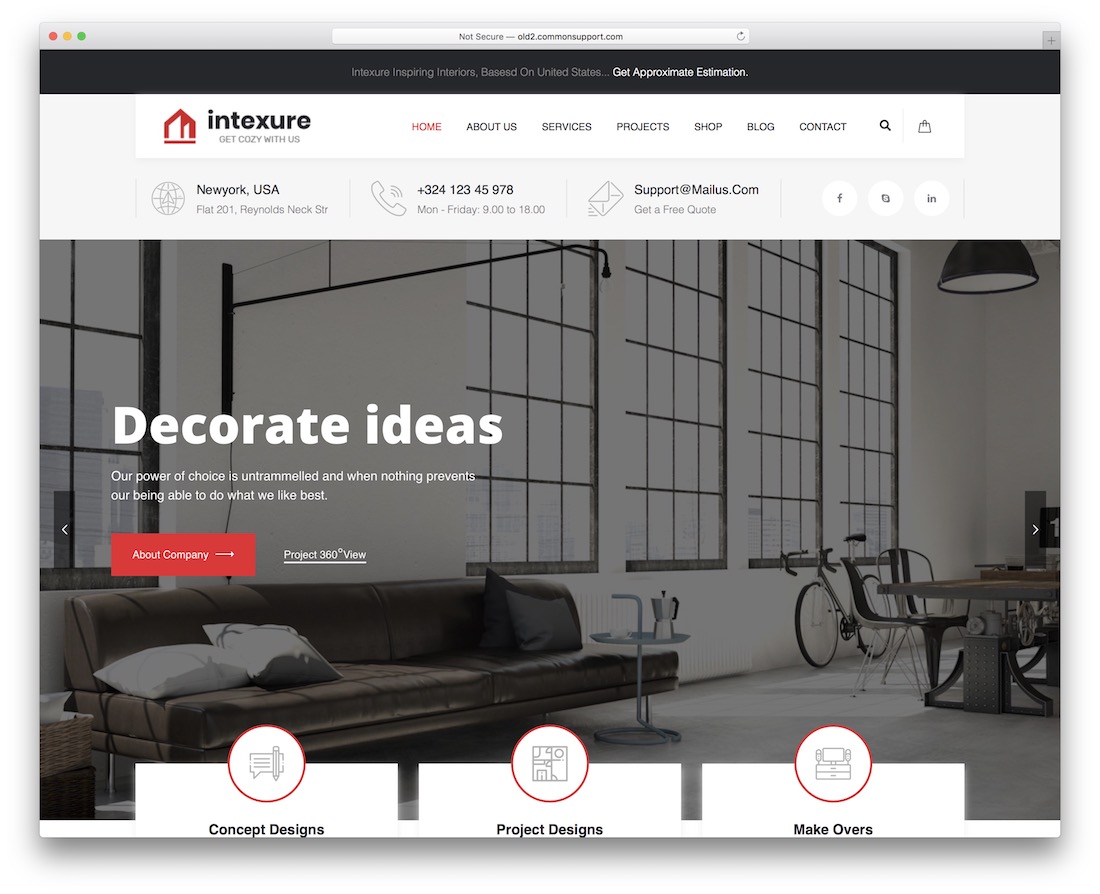
WordPressPremium · Best for: long-term sites that survive theme updates
Intexure ships a child theme plus in-depth documentation, so customizations survive theme updates. Slider Revolution drives the project hero, and advanced typography controls and social buttons sit on a codebase that follows current technical practices.
5. Ollis
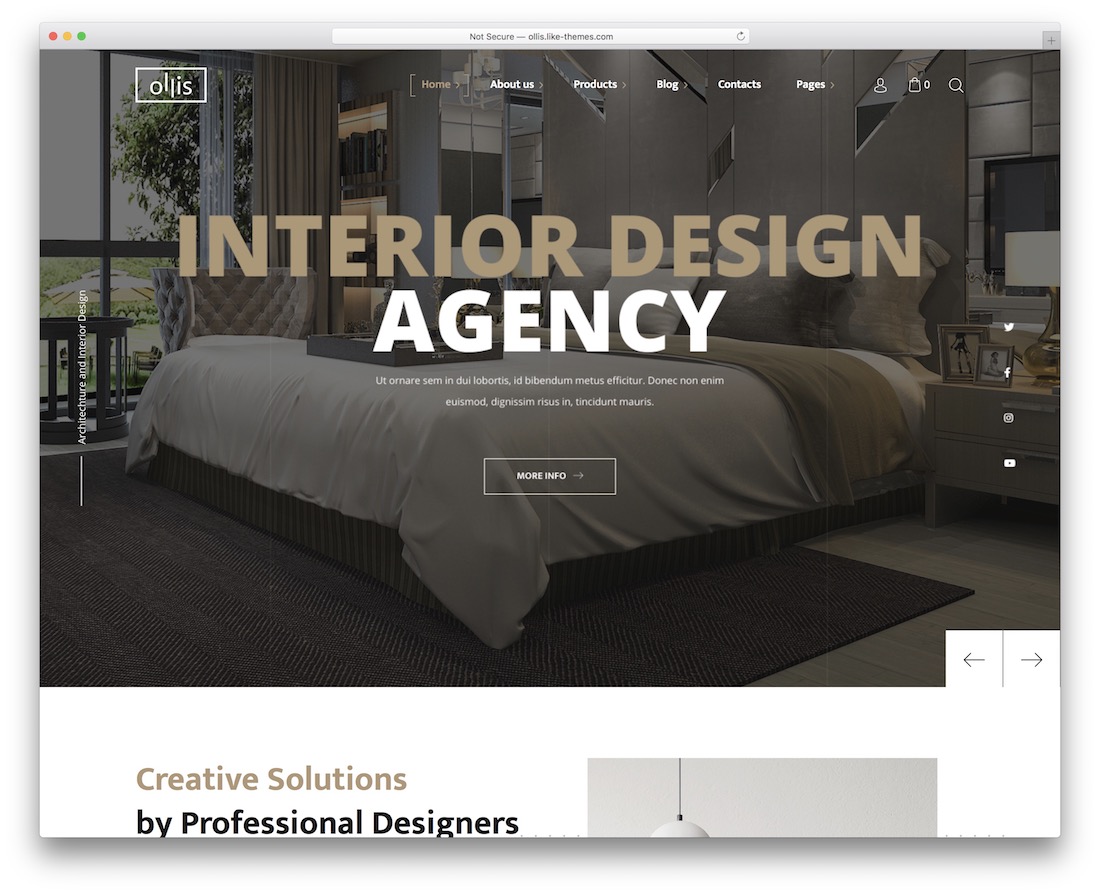
WordPressPremium · Best for: studios selling decor alongside services
Ollis is WooCommerce-ready, so a shop for furniture or decor pieces can sit beside the project portfolio. The bundle includes several demos, and WPBakery page building lets you rework any default layout without writing code.
6. Theratio
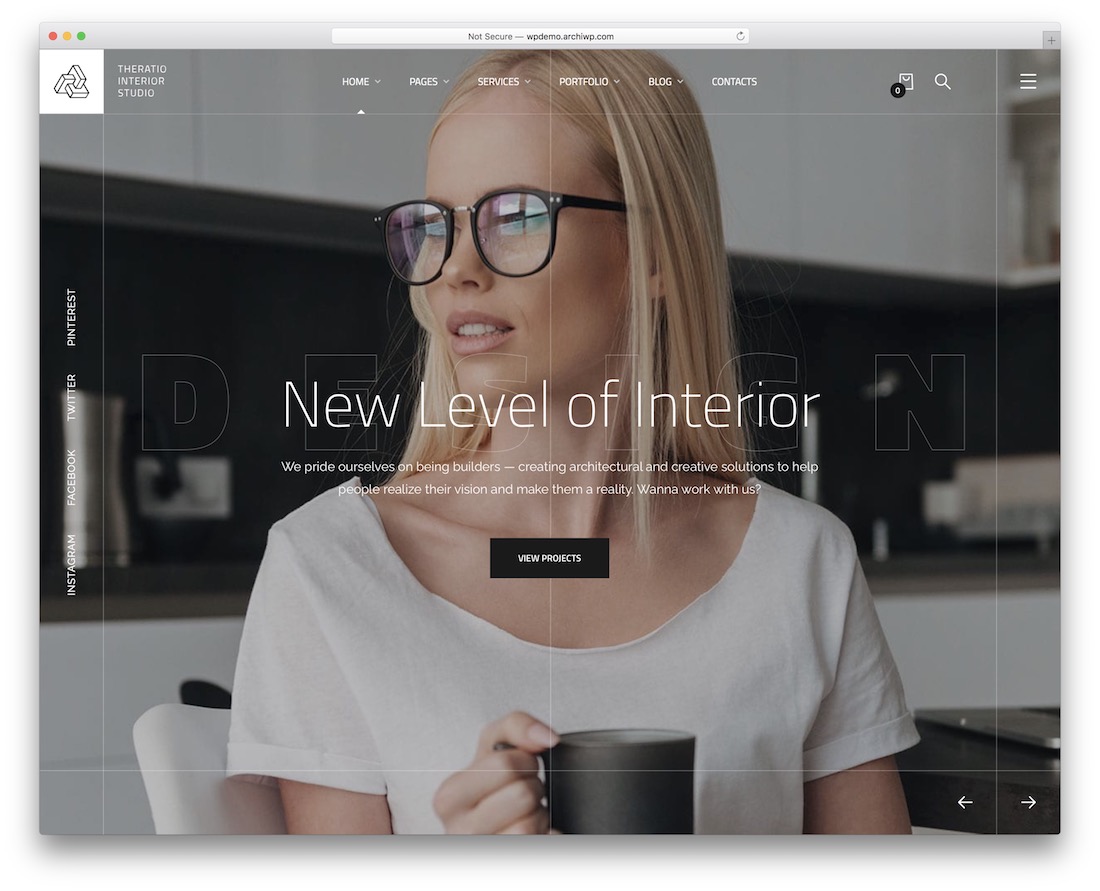
WordPressPremium · Best for: studios wanting dark and light versions
Home and internal pages come in both dark and light versions — pick per project mood. A drag-and-drop builder handles layout edits, and Slider Revolution, a shop section, a blog, a coming-soon page, Google Fonts, and PSD files are all in the box.
7. BIM
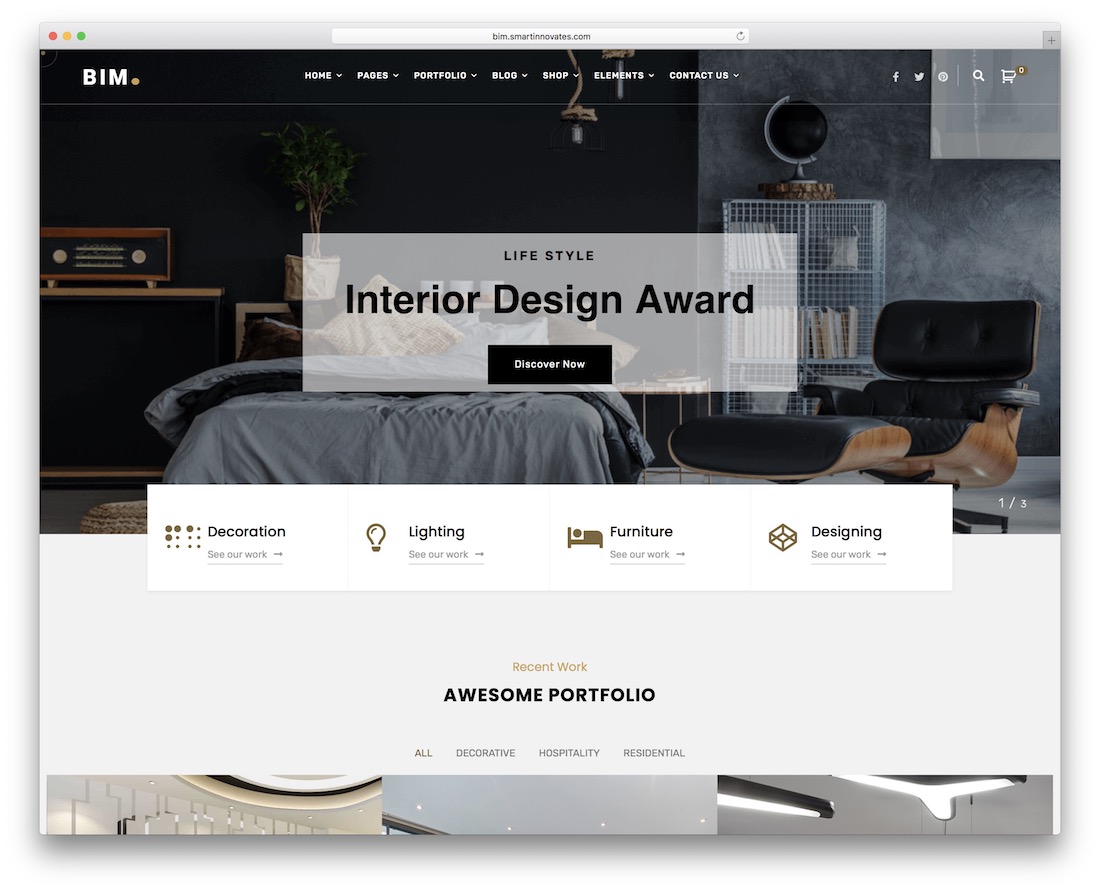
WordPressPremium · Best for: firms with large categorized project archives
Twelve home demos and more than fifty custom elements make BIM one of the deepest bundles in this list. Categorized portfolios and slideshows keep big project archives organized, while floating navigation, contact forms, and optional blog and shop sections cover the rest.
8. Intoria
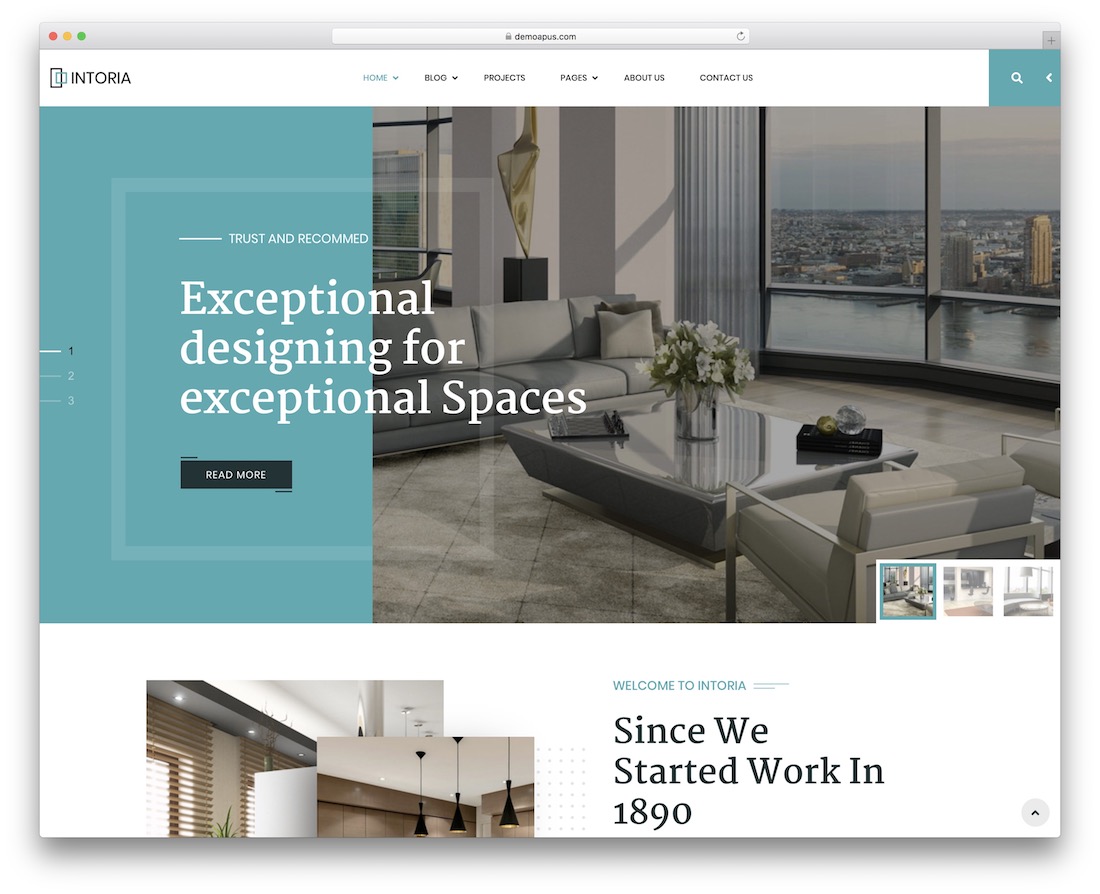
WordPressPremium · Best for: fast Elementor builds with a classic look
Four homepages and Elementor drag-and-drop editing get a bright, classic interior site live without code. Premium plugins, elements, and components are bundled, so most of the remaining work is dropping in your own project photography.
9. Diaco
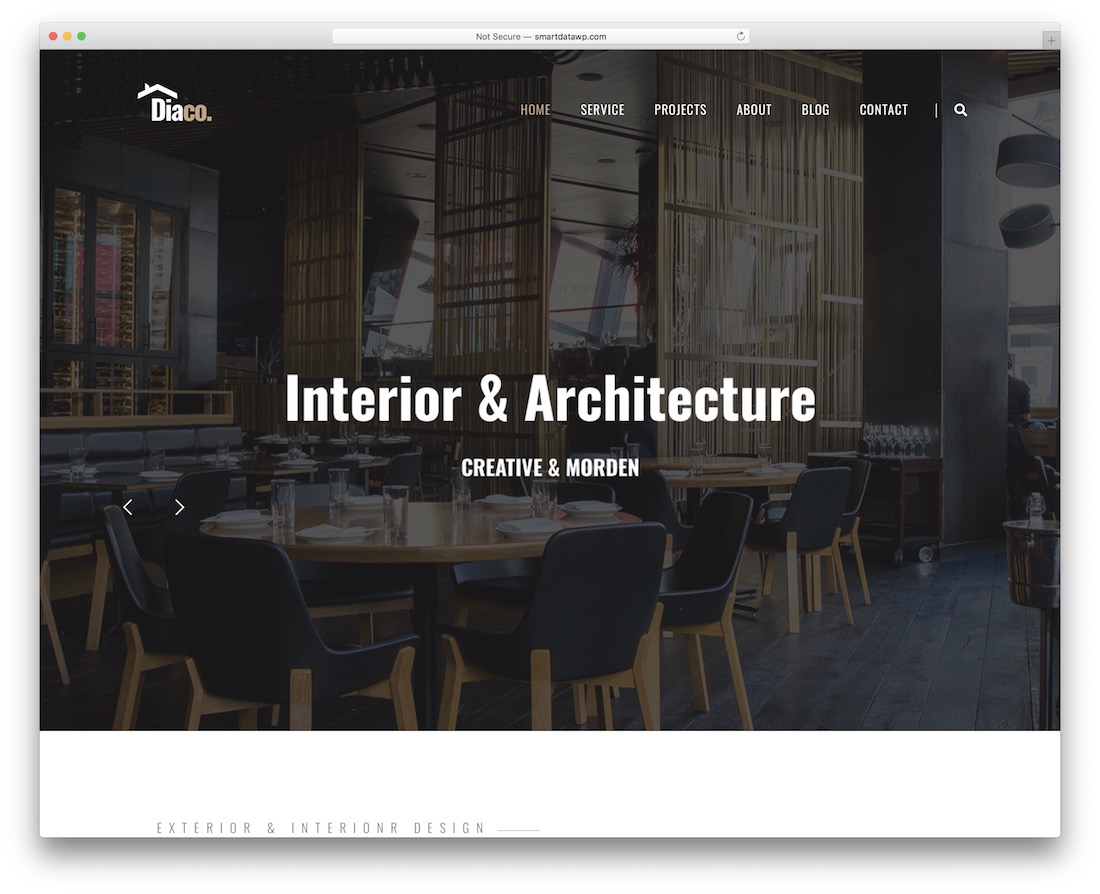
WordPressPremium · Best for: interior and architecture firms specifically
Diaco was designed for the interior design and architecture industries rather than adapted to them. Six pre-designed layouts ship in the box, with Elementor for page building and Slider Revolution for project sliders.
Best interior design website templates
10. Modern
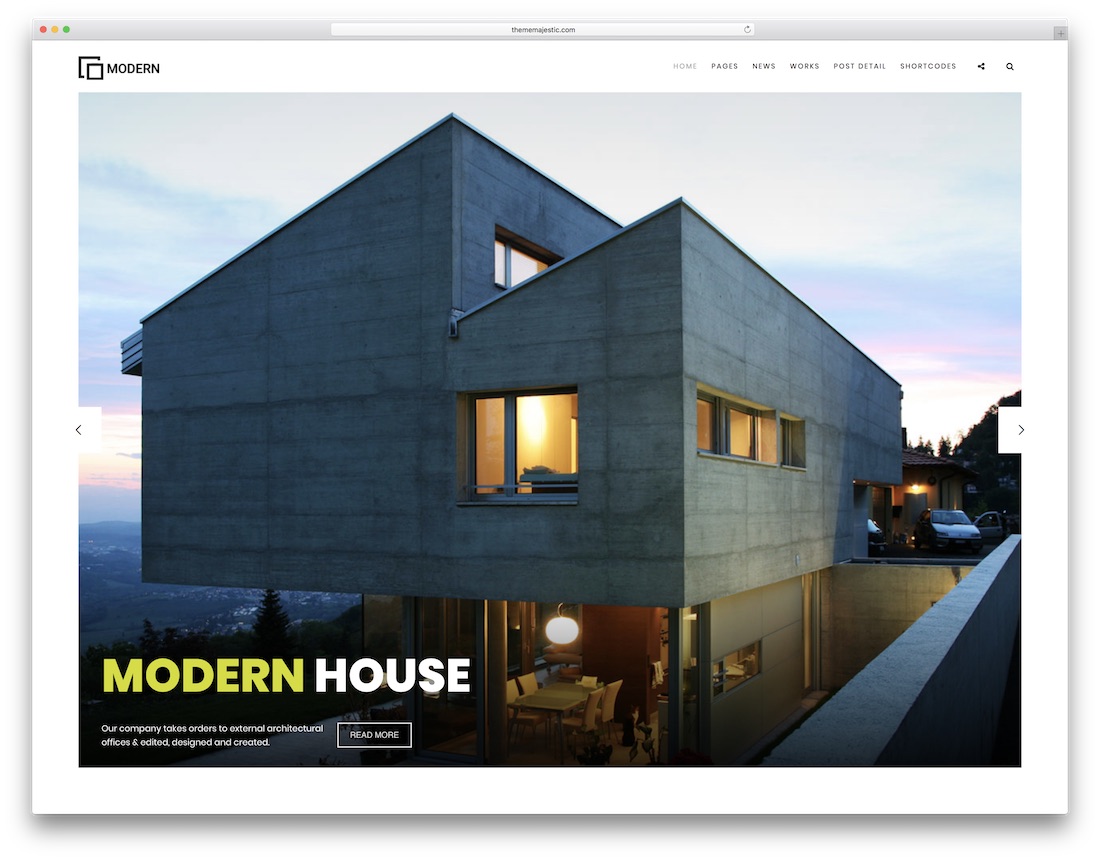
HTMLPremium · Best for: architect portfolios reusable across niches
Five home variations and fourteen unique elements make Modern easy to bend into any portfolio site, not just interiors. Revolution Slider opens with your strongest projects, backed by parallax and hover effects plus a sticky footer and menu.
11. Contra
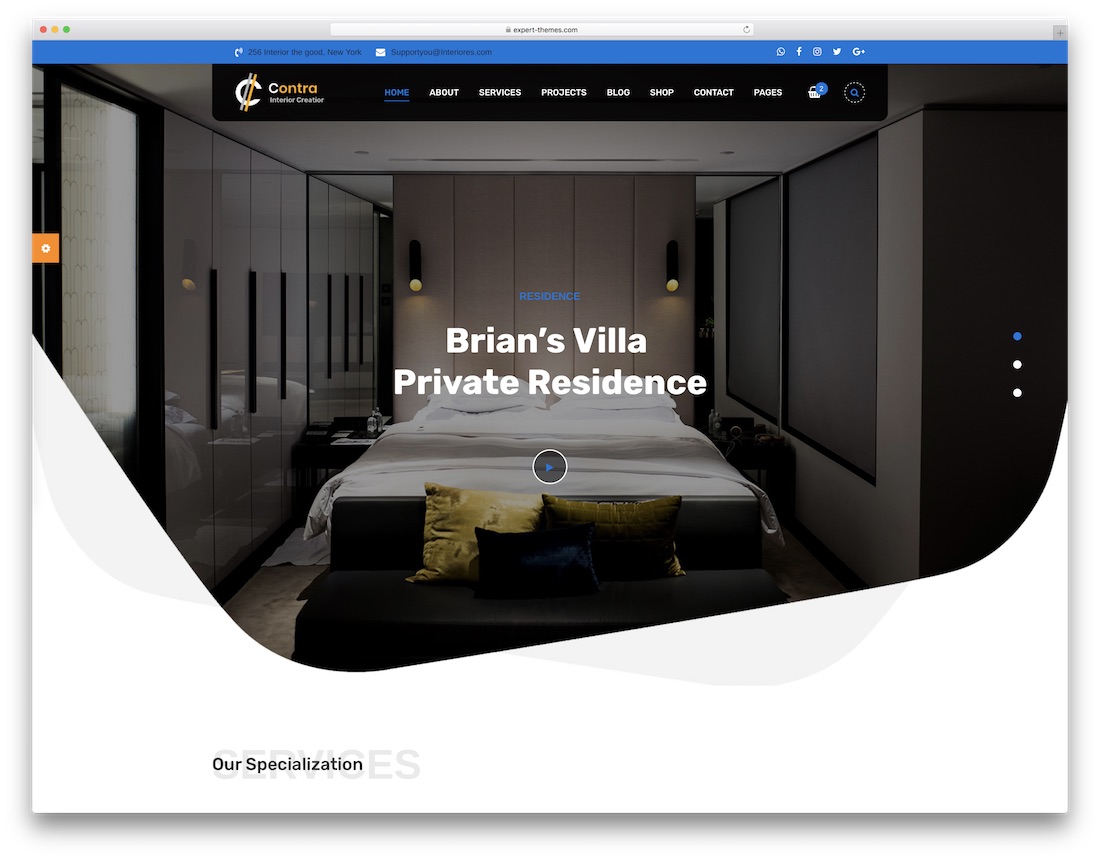
HTMLPremium · Best for: architecture and construction firms needing RTL
Contra includes an RTL version alongside six homepages, so right-to-left language sites work out of the box. Revolution Slider, Google Maps, and a mega menu handle project showcases, office locations, and deeper navigation.
12. Prague
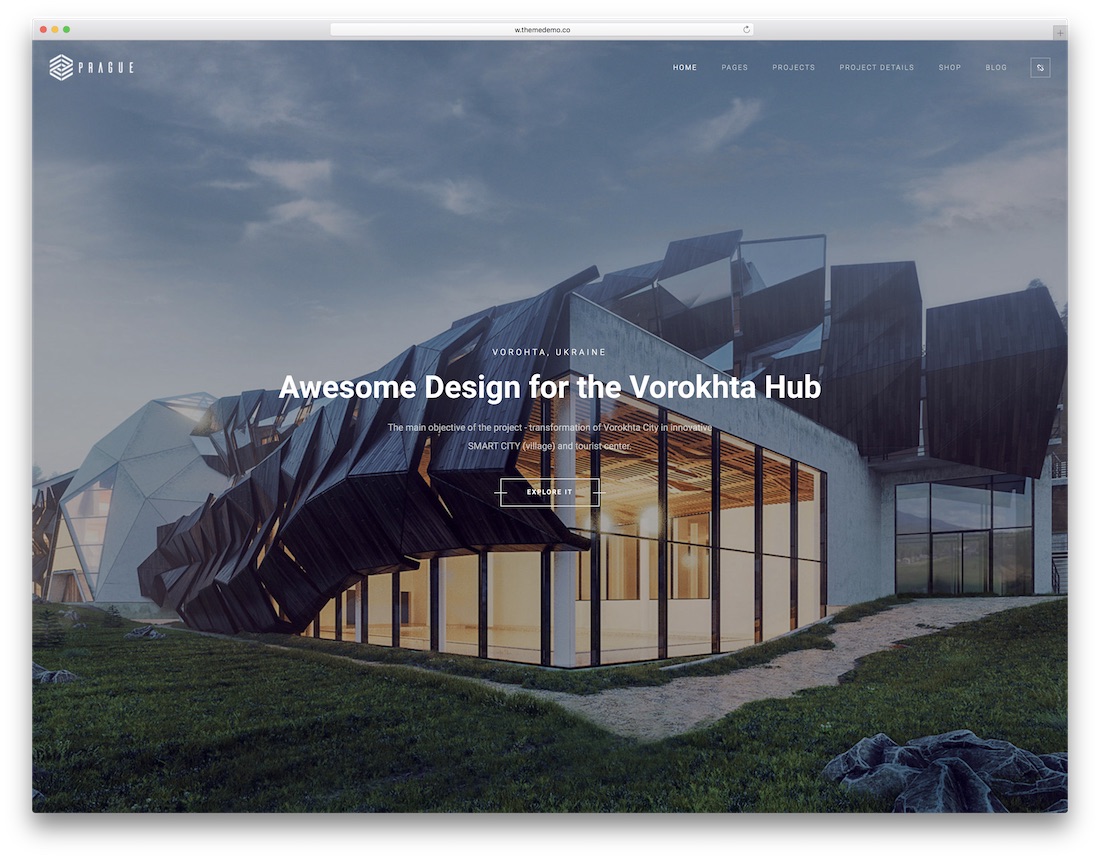
HTMLPremium · Best for: picking from many ready-made homepage looks
Twenty-two homepage designs make Prague the largest selection in this list’s HTML section. Detailed documentation and 24/7 customer support back the build, and each home works as-is or as a base for your own layout.
13. Nevara
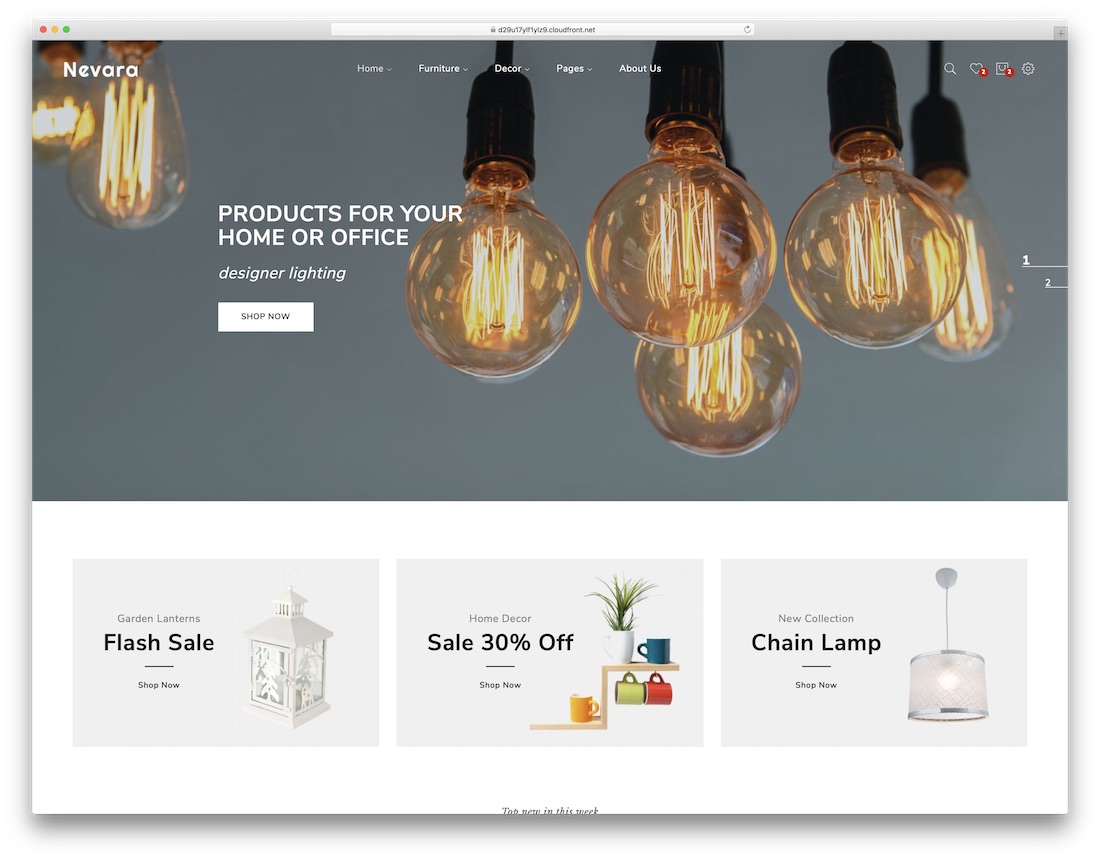
HTMLPremium · Best for: furniture and decor shops
Nevara is built around eCommerce — multiple shop pages ship alongside its four home layouts. SEO-friendly code, smooth animations, and a responsive layout tested across devices and platforms make it a practical base for selling interior products.
14. Monolit
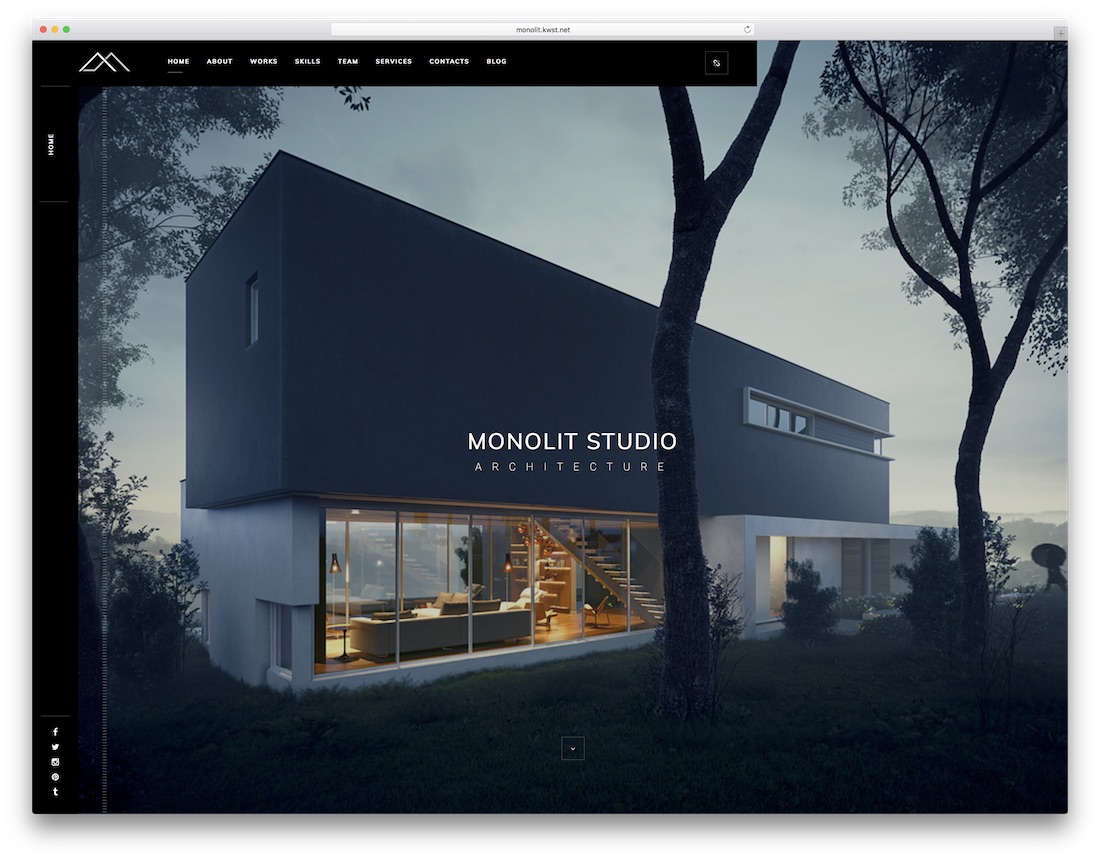
HTMLPremium · Best for: one-page or multipage architecture portfolios
Monolit’s header takes an image, slider, or video background — whichever your best project deserves. Primarily an architecture website template, it offers one-page and multipage variations, parallax scrolling, animated counters, and a separate WordPress version.
15. Balkon
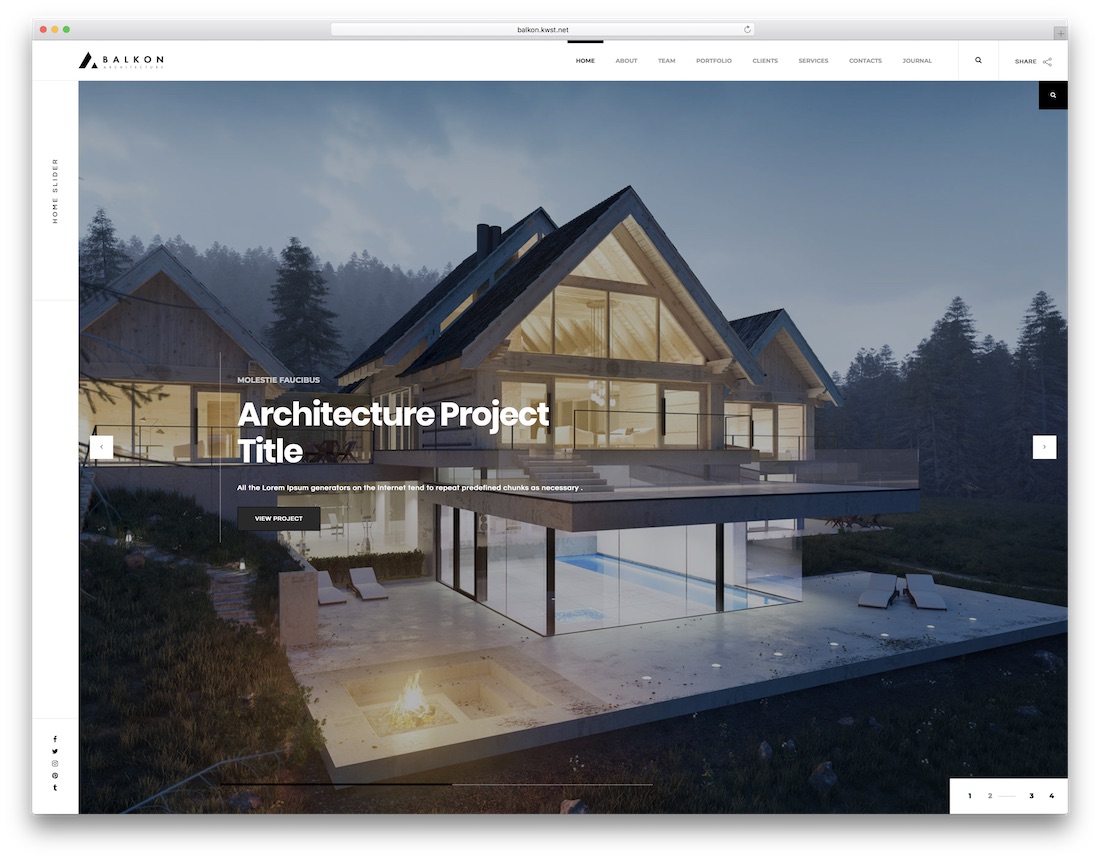
HTMLPremium · Best for: choosing between light and dark presentations
Balkon ships a clean light skin and a rich dark skin, plus five header variants and two menu placements. Portfolio, shop, and blog pages come pre-designed in the multipage variation, with a one-page option, image sliders, and carousels included.
What’s Your Favorite interior design website template
These are some of the best interior design website templates available for your website. Since all these are premium website templates, you get customization support from the template authors. Some templates provide features to customize the basic elements, such as the color scheme, and add web elements anywhere on the page.
As you can see, most of the templates are also provided in the WordPress version. A WordPress version is better if you need more customization options and premium features. We have collected a list of best interior design WordPress themes, please take a look at it for a better idea.
Frequently Asked Questions
What matters most on an interior design website?
Project photography with room-by-room galleries, a clear services/process page, and an inquiry form that qualifies budget and scope. The templates here lead with full-bleed imagery because the photos are the pitch.
Portfolio-first or services-first layout?
Residential designers win on portfolio-first emotion; commercial firms need services and process up front for procurement audiences. Both layouts exist in this list, labeled per entry.
How should I present before/after projects?
Use the gallery sections with paired images or a slider comparison; caption with scope, timeline, and budget band. It answers the questions clients actually have.
Are these templates HTML or WordPress?
Both, labeled per entry — HTML for a fast static portfolio, WordPress when you post projects regularly or need a builder for a non-technical team.

Related Posts



Comments (0)