
12 Best Free Responsive Website Builders 2026 (Tested and Compared)
You don’t need to spend hundreds of dollars to get a professional, mobile-friendly website. Today’s free website builders offer drag-and-drop editors, responsive templates, and even ecommerce — all without paying a cent upfront.
But “free” comes with tradeoffs. Some builders show ads on your site, limit storage, or lock you into a subdomain. After testing the most popular options, here are the 12 best free responsive website builders in 2026 — ranked by what you actually get for $0.
Quick Comparison
| Builder | Best For | Free Plan Limits | Paid From | Ecommerce |
|---|---|---|---|---|
| Wix | Best overall free builder | Wix ads, 500MB storage | $17/mo | Paid only |
| WordPress.com | Blogging & content sites | WP ads, 1GB storage | $4/mo | Paid only |
| Weebly | Simplest for beginners | Weebly ads, 500MB | $10/mo | Yes (3% fee) |
| Google Sites | Truly free, no strings | None (15GB via Drive) | Free | No |
| Square Online | Free ecommerce store | Unlimited products, ads | $29/mo | Yes (free) |
| Webflow | Designers & developers | 2 pages, subdomain | $14/mo | Paid only |
| Carrd | One-page sites | 3 sites, no custom domain | $9/yr | Paid only |
| Canva | Design-first approach | Free domain, basic sites | $13/mo (Pro) | No |
| Framer | Modern interactive sites | 2 pages, 1K CMS items | $15/mo | No |
| Strikingly | Landing pages | 1 site, 5GB bandwidth | $8/mo | Yes (1 product) |
| HubSpot CMS | Marketing & lead gen | 25 pages, HubSpot brand | $20/mo | No |
| SITE123 | Fastest setup | SITE123 ads, 250MB | $12.80/mo | Paid only |
12 Best Free Responsive Website Builders
1. Wix — Best Overall Free Website Builder
Best for: Most people who want a capable free website | Free plan available • Paid from $17/mo
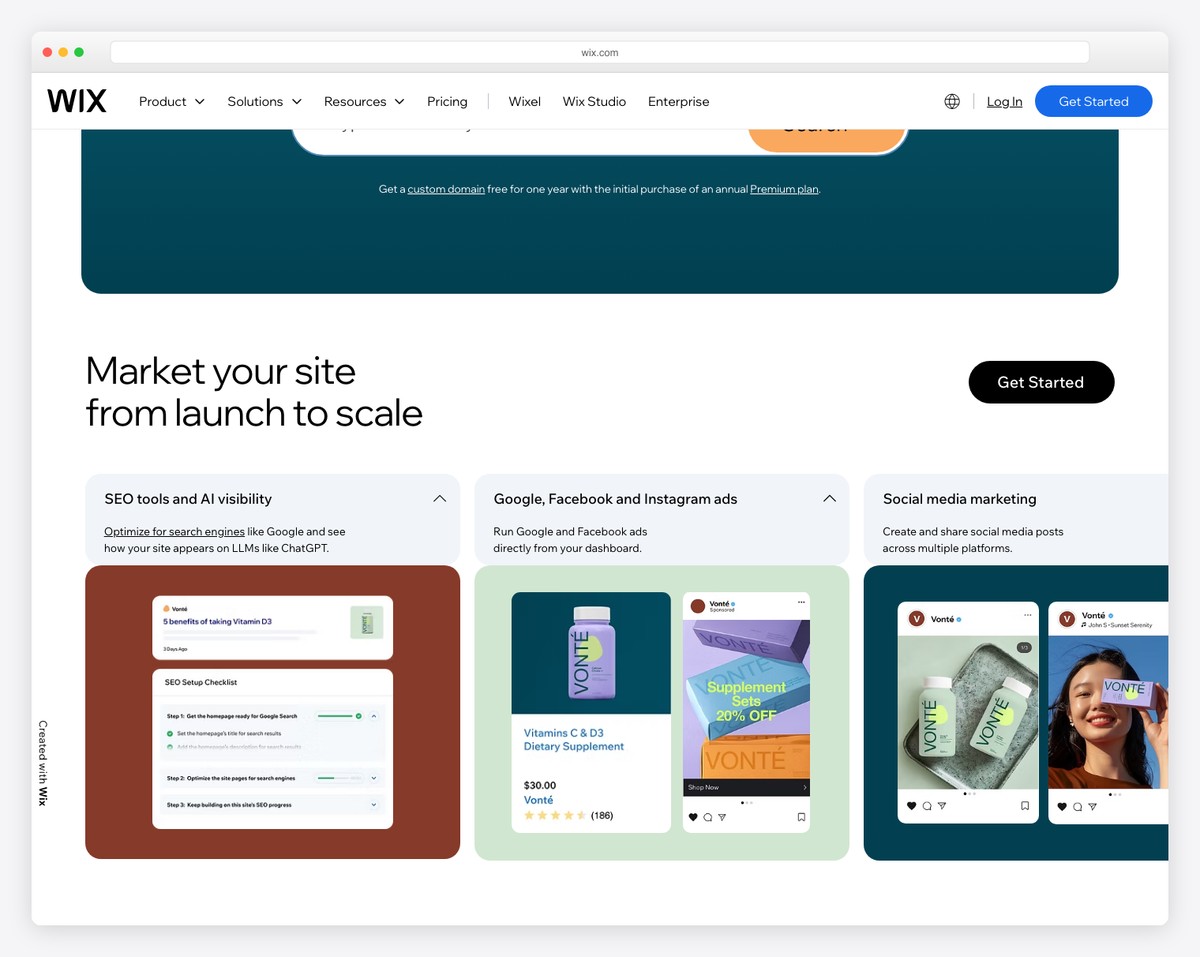
Wix consistently tops “best free website builder” lists for good reason. Its free plan gives you access to the full drag-and-drop editor, 900+ responsive templates, and core features like contact forms, image galleries, and basic SEO tools — more than most competitors offer for free.
The editor itself is genuinely powerful. You can place elements anywhere on the page (not just into predefined rows), resize and layer them, and add animations — all with pixel-level precision. Wix ADI can even generate a starting site from a few questions if you want to skip the blank canvas.
The catch? Free sites display Wix ads, use a username.wixsite.com subdomain, and are limited to 500MB of storage and 500MB of bandwidth. For a personal project, hobby site, or portfolio draft, that’s perfectly fine. When you’re ready to go professional, removing ads starts at $17/month.
Free plan includes: Wix editor, 900+ templates, 500MB storage, 500MB bandwidth, basic SEO, contact forms, image galleries. Limitations: Wix ads displayed, Wix subdomain, no custom domain, no ecommerce.
Pros
✅ Most feature-rich free plan
✅ 900+ responsive templates
✅ True drag-and-drop (pixel-level)
✅ Wix ADI for AI-generated sites
Cons
❌ Wix ads on free sites
❌ 500MB storage is tight for images
❌ Can’t switch templates after building
❌ No ecommerce on free plan
2. WordPress.com — Best for Blogging and Content Sites
Best for: Bloggers and content-heavy websites | Free plan available • Paid from $4/mo
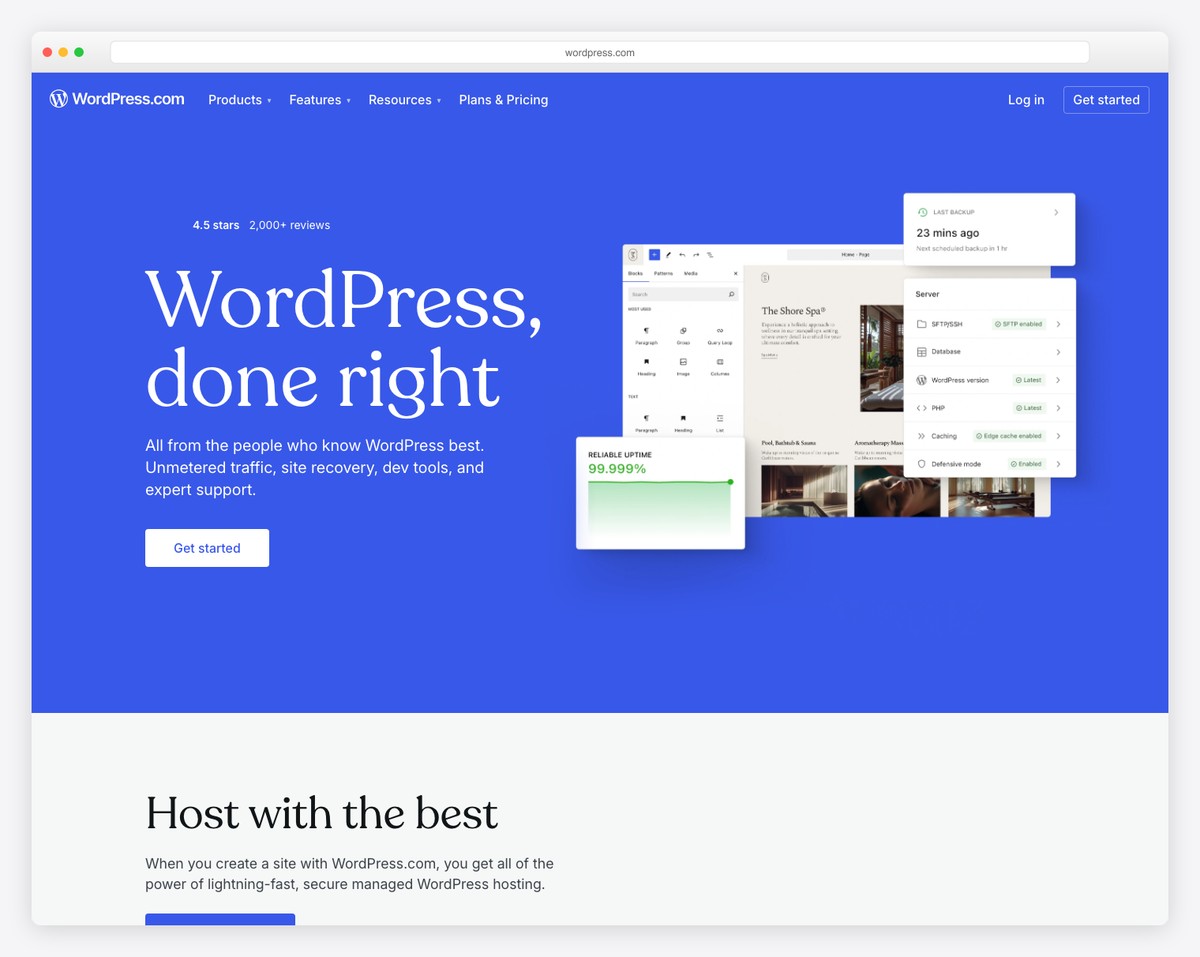
WordPress.com is the hosted version of the world’s most popular CMS. Its free plan gives you access to the block editor (Gutenberg), dozens of responsive themes, and a surprisingly capable blogging platform — all without paying for hosting or dealing with server management.
For content-focused sites, WordPress.com’s free tier is hard to beat. You get unlimited posts and pages, built-in social sharing, comment management, basic traffic stats, and 1GB of storage. The block editor works well for creating rich content layouts with images, galleries, embedded media, and custom page structures.
The biggest limitation is WordPress.com ads displayed on your free site, plus the .wordpress.com subdomain. You also can’t install plugins or upload custom themes on the free plan — those require the Business plan at $33/month. But for a blog or content site that just needs to look clean and professional, the free plan handles it well.
Free plan includes: Block editor, dozens of themes, unlimited posts/pages, 1GB storage, basic stats, social sharing, comment system. Limitations: WordPress.com ads, subdomain only, no plugins, no custom themes.
Pros
✅ Best blogging platform on this list
✅ Unlimited posts and pages
✅ World-class content editor
✅ Massive ecosystem if you upgrade later
Cons
❌ WordPress.com ads on free sites
❌ No plugins on free/cheap plans
❌ Only 1GB storage
❌ Limited design flexibility vs. Wix
3. Weebly — Best for Absolute Beginners
Best for: People who have never built a website before | Free plan available • Paid from $10/mo
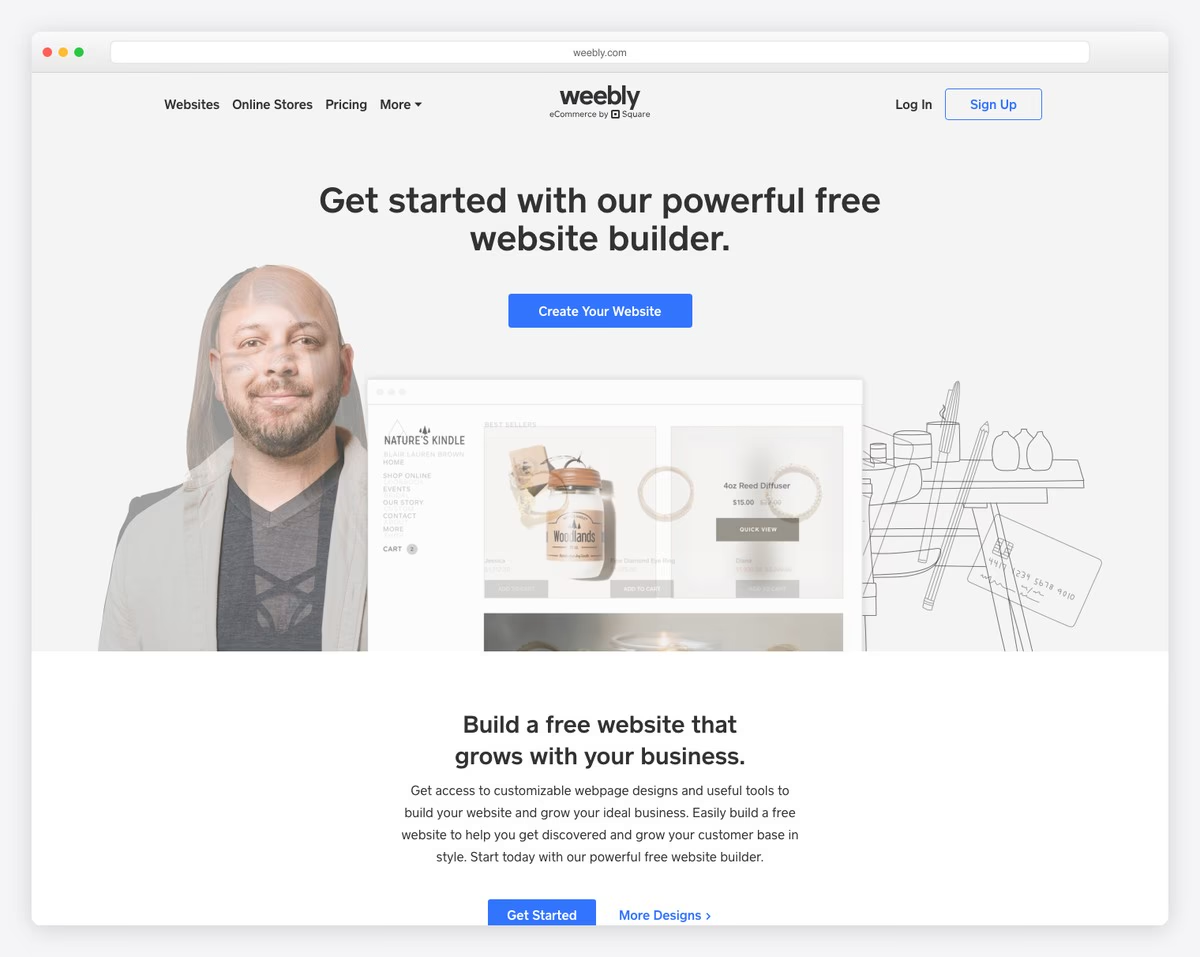
Weebly (now owned by Square) is the most straightforward website builder on this list. If you’ve never built a website before, Weebly’s clean, section-based editor removes the overwhelm — drag elements into place, type your content, and publish. No learning curve, no confusion.
The free plan is generous for a basic site. You get a mobile-responsive website with SEO tools, lead capture forms, and even basic ecommerce (selling up to 10 products with a 3% transaction fee). All Weebly templates are responsive out of the box, and the editor shows you exactly how your site will look on mobile.
Where Weebly falls short is design flexibility. Templates are section-based rather than freeform, so you can’t position elements with the same freedom as Wix. But for many people, that constraint is actually a benefit — it’s harder to make an ugly site when the builder guides your layout. Since Square’s acquisition, Weebly has also gained stronger ecommerce integration.
Free plan includes: Drag-and-drop editor, responsive templates, SEO tools, lead capture forms, basic ecommerce (10 products, 3% fee), 500MB storage. Limitations: Weebly ads, subdomain, Square branding, limited templates.
Pros
✅ Easiest builder for total beginners
✅ Free ecommerce (up to 10 products)
✅ Clean, section-based editor
✅ Square integration for payments
Cons
❌ Limited design flexibility
❌ Fewer templates than Wix
❌ 3% transaction fee on free ecommerce
❌ No longer actively developed (Square focus)
4. Google Sites — Best Truly Free Option (No Strings Attached)
Best for: Anyone who wants a completely free site with no ads | 100% free — no paid tier needed
Google Sites is the only builder on this list that is genuinely, completely free — no ads on your site, no forced branding, no paid tier nudging you to upgrade. If you have a Google account, you already have access.
The builder is deliberately simple. You get a clean drag-and-drop editor, responsive layouts, and seamless embedding of Google Workspace tools — Docs, Sheets, Slides, Forms, Calendars, Maps, and YouTube videos. This makes it particularly powerful for internal sites, class projects, event pages, and documentation wikis.
The tradeoff is limited design control. There are only a handful of layout options, no custom CSS, no plugins, and no ecommerce. Your site lives on a sites.google.com subdomain (or a custom domain via Google Workspace). But for a clean, functional site that costs nothing and shows no ads — Google Sites is unmatched.
Free plan includes: Everything — no paid tiers. Drag-and-drop editor, responsive design, Google Workspace embeds, 15GB storage (shared with Gmail/Drive), custom domain (via Workspace). Limitations: Minimal design options, no ecommerce, no plugins, no blogging engine.
Pros
✅ 100% free — no ads, no branding
✅ Google Workspace integration
✅ 15GB storage (via Google Drive)
✅ Zero learning curve
Cons
❌ Very limited design customization
❌ No ecommerce capability
❌ No plugins or third-party integrations
❌ Sites look basic compared to Wix/Squarespace
5. Square Online — Best Free Ecommerce Builder
Best for: Selling products online for free | Free plan with unlimited products • Paid from $29/mo
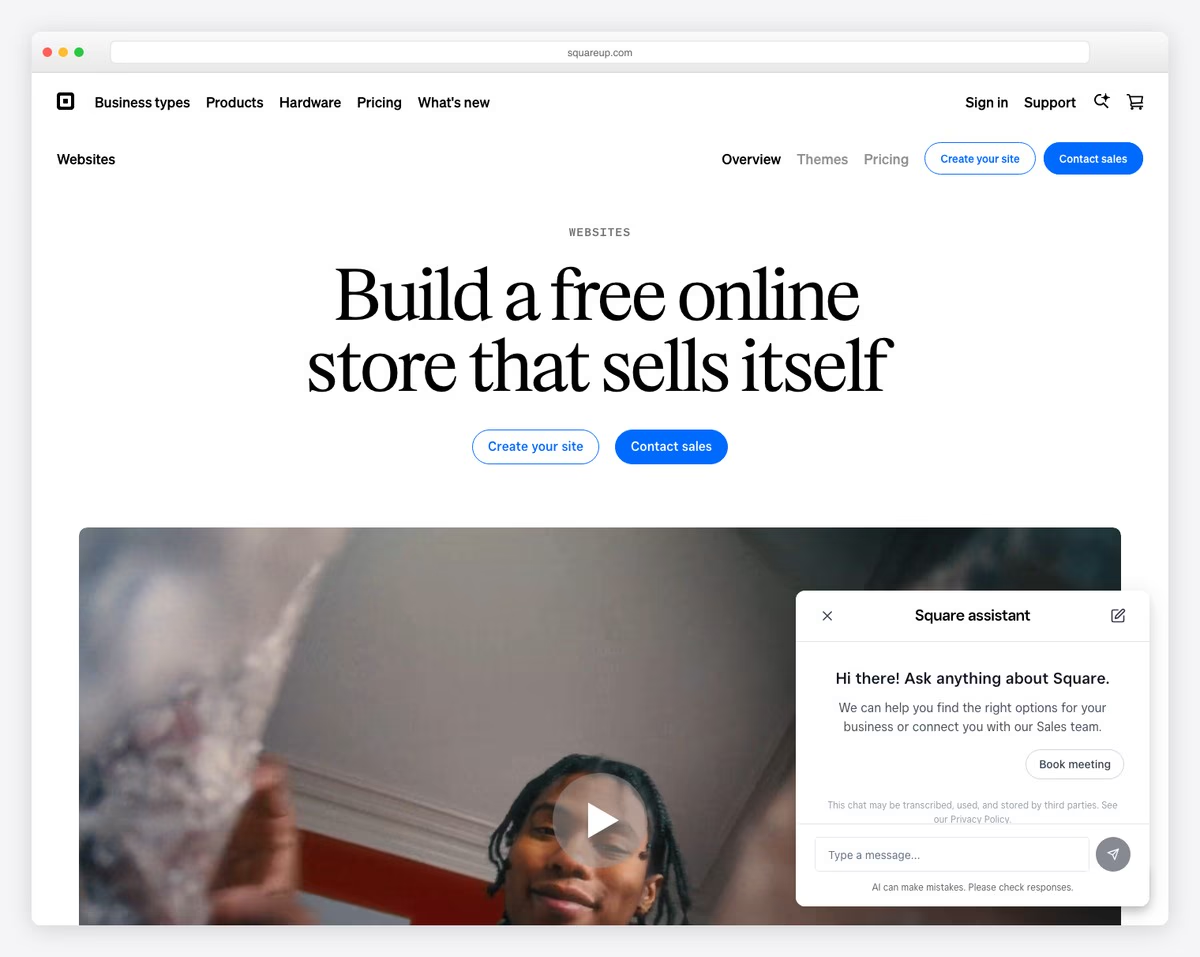
Square Online is the best free option for anyone who wants to sell products online. Unlike every other builder on this list, Square Online’s free plan includes unlimited product listings, order management, and payment processing — no product caps, no monthly fees. You only pay Square’s standard processing rate (2.9% + 30¢ per transaction).
The builder supports physical products, digital goods, gift cards, and even food ordering with pickup/delivery. If you already use Square’s point-of-sale system for in-person sales, your online and offline inventory sync automatically. This makes it a natural fit for small businesses that sell both online and at a physical location.
The free tier does show Square branding and limits you to a Square subdomain. Design customization is more limited than Wix or Squarespace — you’re choosing from a selection of clean but rigid layouts. But if your priority is getting products online and taking payments without upfront costs, Square Online is the clear winner.
Free plan includes: Unlimited products, order management, gift cards, pickup/delivery, Instagram selling, Square POS sync, SSL. Limitations: Square ads, subdomain, limited design options, 2.9% + 30¢ per transaction.
Pros
✅ Unlimited products on free plan
✅ No monthly fees — only processing
✅ POS sync for online + in-store
✅ Gift cards and pickup/delivery included
Cons
❌ Square branding on free sites
❌ Limited design customization
❌ No custom domain on free plan
❌ 2.9% + 30¢ per transaction
6. Webflow — Best Free Builder for Designers
Best for: Designers and developers who want full CSS control | Free plan available • Paid from $14/mo
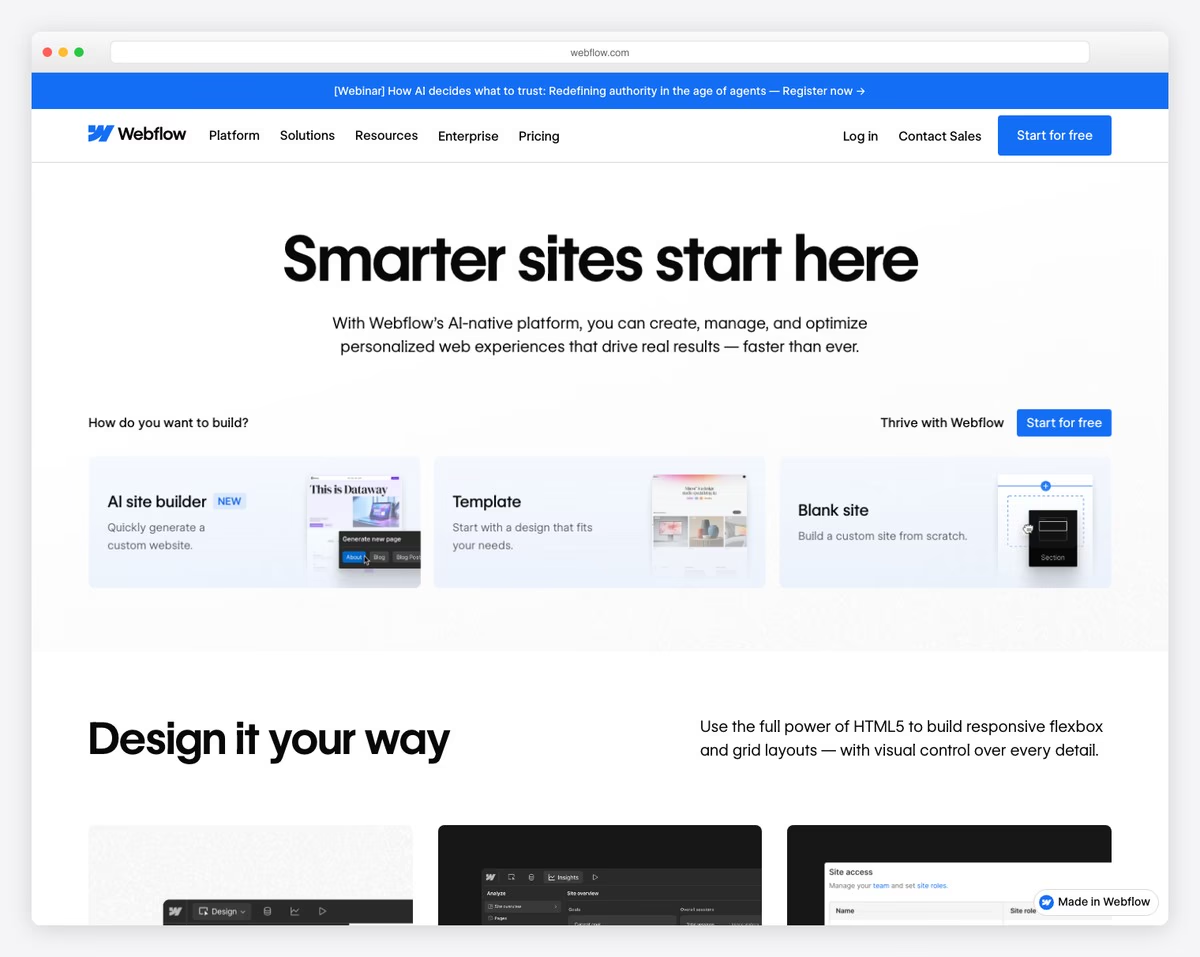
Webflow is a professional-grade visual design tool that outputs clean, semantic HTML and CSS. Unlike drag-and-drop builders that abstract away the code, Webflow gives you visual access to the full CSS box model — margins, padding, flexbox, grid, typography, and animations — all without writing a line of code.
The free plan lets you build and publish two projects on a webflow.io subdomain. You get access to the full designer, including interactions, animations, and the CMS (up to 50 items). This is enough to build a portfolio, a project showcase, or a small business site that looks genuinely custom-designed.
The learning curve is steeper than Wix or Weebly — Webflow assumes you understand web design concepts like responsive breakpoints, flexbox, and the box model. But if you have design experience (or want to learn), the free plan gives you access to the most powerful visual design tool available. For inspiration, explore our collection of the best developer portfolio websites.
Free plan includes: Full visual designer, 2 published projects, webflow.io subdomain, interactions + animations, CMS (50 items), code export. Limitations: 2 pages per project, no custom domain, Webflow badge, 1GB bandwidth.
Pros
✅ Full CSS-level visual design control
✅ Clean code output — exportable
✅ Interactions and scroll animations
✅ CMS included on free plan
Cons
❌ Steep learning curve
❌ Only 2 pages on free projects
❌ No ecommerce on free plan
❌ Overkill for simple sites
Want to see what’s possible with website builders? Browse our curated list of the best website builder software for a broader look at both free and paid platforms.
7. Carrd — Best for One-Page Websites
Best for: Simple one-page sites, landing pages, and link-in-bio | Free plan available • Pro from $9/year
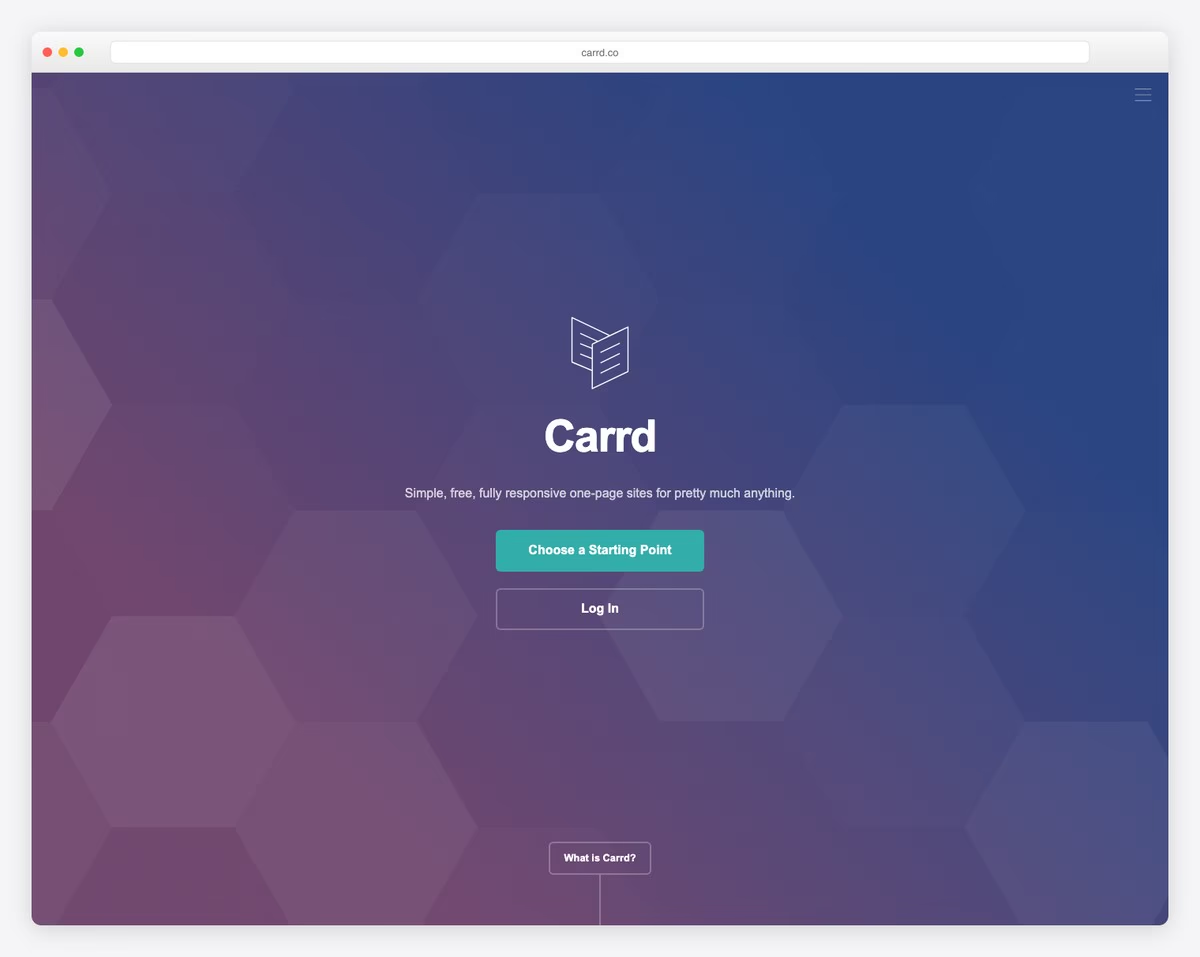
Carrd does one thing and does it exceptionally well: single-page responsive websites. If you need a landing page, a personal bio site, a link-in-bio alternative, or a simple project showcase — Carrd can have you live in under 30 minutes.
The free plan gives you 3 sites with Carrd’s section-based editor. Templates are gorgeous — clean, modern, and fully responsive. Each one is designed around scrollable sections that you can customize with text, images, buttons, icons, embedded media, and contact forms. The result looks premium despite being free.
The Pro upgrade is remarkably cheap at $9/year (not month). It adds custom domains, Google Analytics, password protection, forms, and embeds. Even on the free plan, there are no ads on your site — just a small “Made with Carrd” badge in the footer. If you don’t need multiple pages, Carrd is the most elegant free option.
Free plan includes: 3 sites, responsive templates, section-based editor, images + video embeds, no ads (just badge). Limitations: One page per site, no custom domain, no forms, no analytics, Carrd subdomain.
Pros
✅ Beautiful one-page templates
✅ No ads on free sites
✅ Pro is only $9/year
✅ Incredibly fast load times
Cons
❌ One-page only — no multi-page sites
❌ No blogging capability
❌ No ecommerce
❌ Limited to 3 free sites
8. Canva Websites — Best for Design-First Approach
Best for: Visual people who already know Canva | Free plan available • Pro from $13/mo
Canva — the design tool used by over 190 million people — now lets you build and publish responsive websites for free. If you already create social media graphics, presentations, or marketing materials in Canva, building a website uses the exact same drag-and-drop interface you already know.
Canva Websites works differently from traditional builders. Instead of a multi-page site with navigation, you create a single scrollable page using Canva’s design canvas. You can add text, images (from Canva’s massive free library), videos, charts, and embedded content. The result is automatically responsive and includes a free .my.canva.site domain.
The approach has clear limitations — no multi-page navigation, no blogging, no ecommerce, and limited SEO control. But for a landing page, portfolio showcase, digital resume, or event page, Canva’s combination of gorgeous design assets and zero learning curve is hard to beat. You can even use a custom domain on the free plan.
Free plan includes: Website builder, responsive templates, free stock photos + graphics, custom domain support, no ads, unlimited pages. Limitations: Single scrollable page format, no blogging, no ecommerce, limited SEO tools.
Pros
✅ Familiar interface for Canva users
✅ Millions of free design assets
✅ Custom domain on free plan
✅ No ads on published sites
Cons
❌ Single scrollable page only
❌ No blogging or CMS
❌ No ecommerce
❌ Limited SEO and analytics
9. Framer — Best for Modern, Interactive Websites
Best for: Designers building interactive, animation-rich sites | Free plan available • Paid from $15/mo
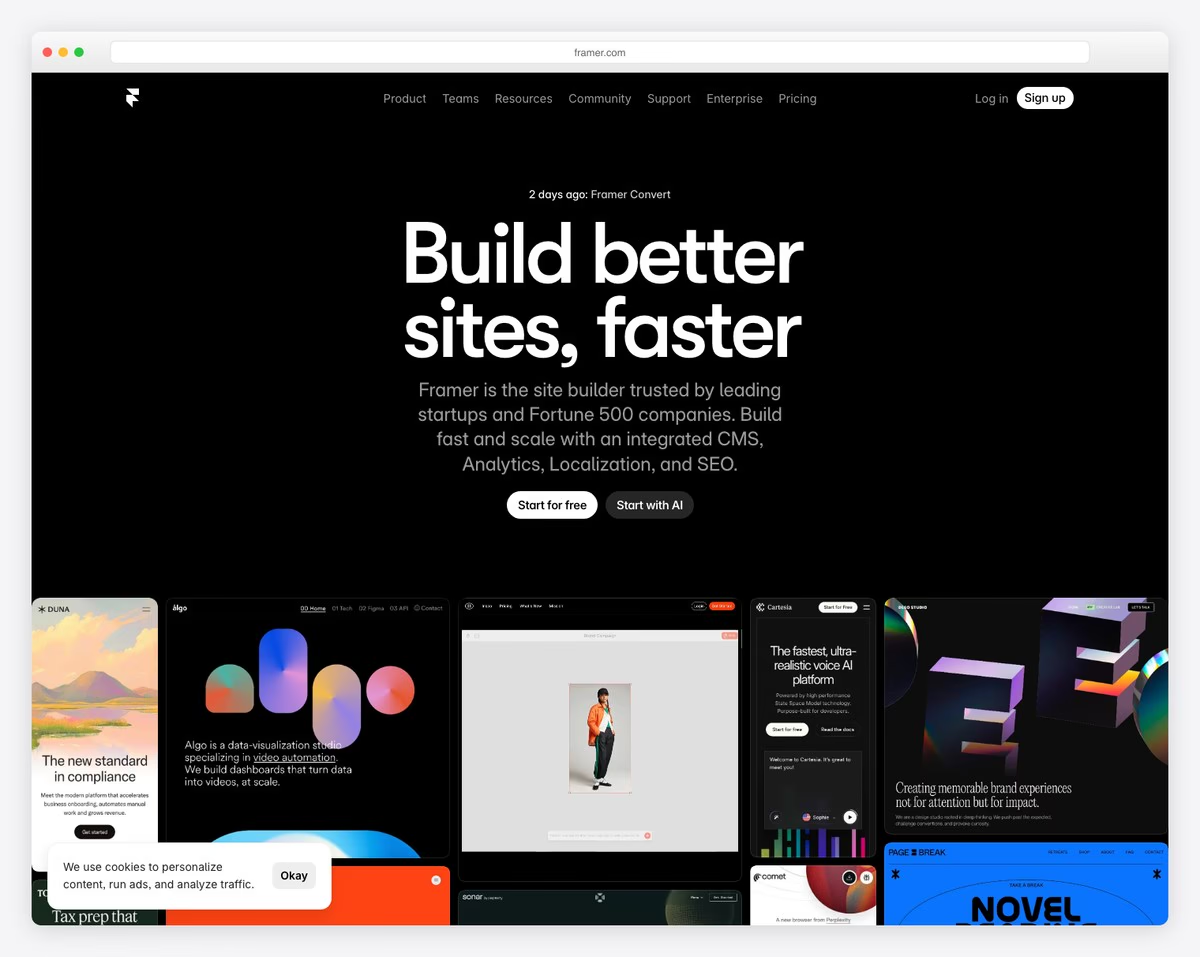
Framer has rapidly emerged as one of the most exciting website builders in 2026. Originally a prototyping tool for designers, it now lets you build and publish full production websites — with the kind of smooth animations, hover effects, and scroll-triggered interactions that usually require custom JavaScript.
The free plan includes 2 pages, a .framer.website subdomain, and access to Framer’s visual design canvas. You can design with real responsive breakpoints, add micro-interactions without code, and use the built-in CMS to manage content (up to 1,000 items on the free plan). Framer also includes AI-powered site generation — describe what you want, and it creates a starting design.
Like Webflow, Framer assumes some design literacy. The interface feels more like Figma than Wix — you work with layers, frames, auto-layout, and responsive properties rather than drag-and-drop blocks. If you’re a designer or developer, this is incredibly empowering. If you’re a complete beginner, you’ll likely find Wix or Carrd easier to start with.
Free plan includes: 2 pages, visual designer, responsive breakpoints, interactions + animations, CMS (1,000 items), AI site generator. Limitations: 2 pages, Framer subdomain, Framer badge, 1GB bandwidth, no custom code.
Pros
✅ Figma-like design experience
✅ Smooth animations without code
✅ AI site generation built in
✅ CMS with 1,000 items on free plan
Cons
❌ Design literacy required
❌ Only 2 pages on free plan
❌ No ecommerce
❌ Newer platform — smaller community
10. Strikingly — Best for Free Landing Pages
Best for: Quick landing pages and simple business sites | Free plan available • Paid from $8/mo
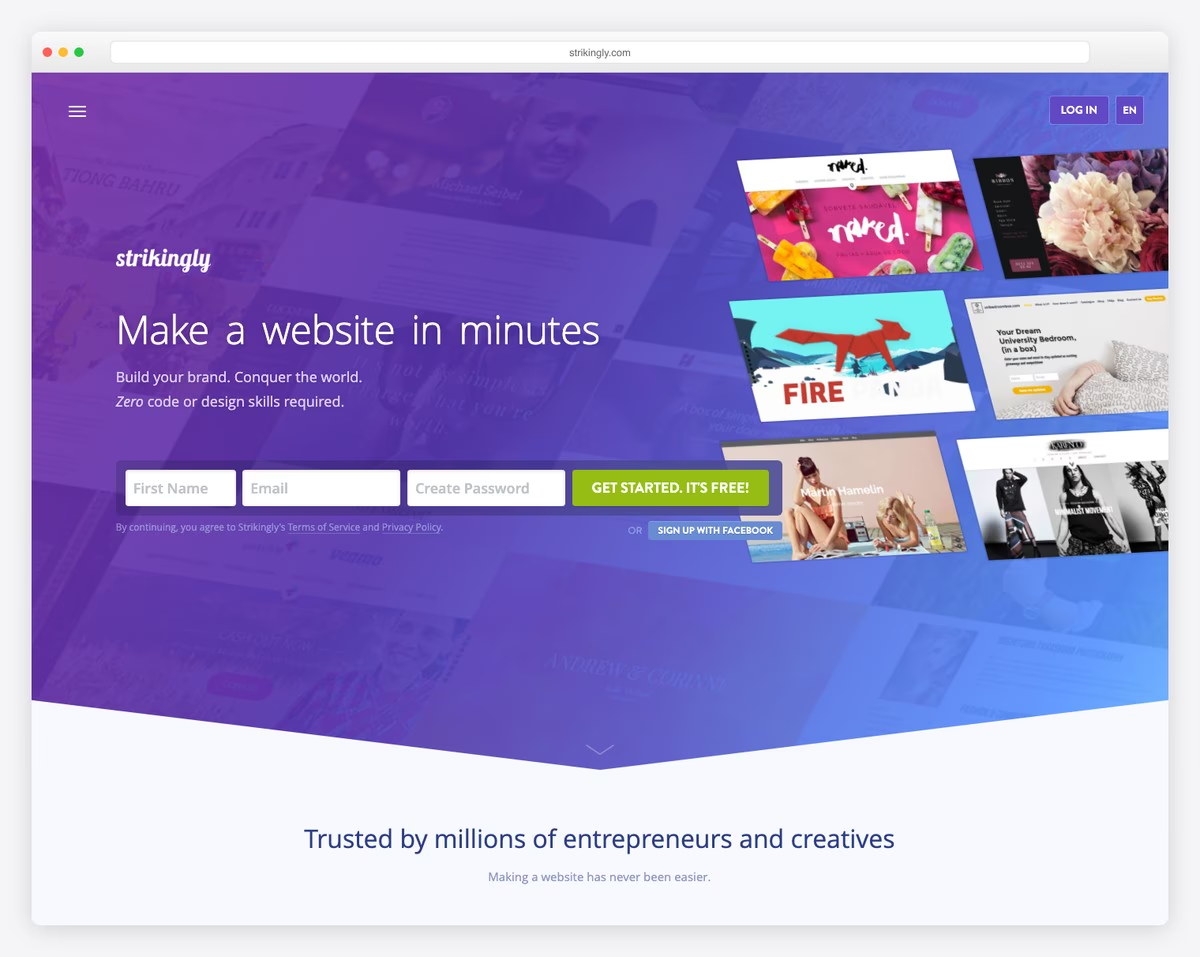
Strikingly specializes in clean, section-based scrolling websites. Its free plan gives you one site with a mobile-responsive design, basic analytics, and even a simple store (1 product). If you need a landing page for a project, event, or small business — and you want it live today — Strikingly delivers.
The editor is section-based: choose from pre-designed sections (hero, gallery, testimonials, contact, pricing), arrange them, and customize the content. Every section is already responsive — no need to tweak breakpoints or mobile layouts. The result looks polished without any design skill required.
The free plan is more limited than Wix — you get 5GB bandwidth, 1 site, and Strikingly branding. But for a quick landing page or personal site, it’s faster to set up than most alternatives. The section-based approach means you’re assembling a site rather than designing one from scratch.
Free plan includes: 1 site, section-based editor, responsive templates, basic analytics, 1 product store, contact forms, 5GB bandwidth. Limitations: Strikingly branding, subdomain, 1 product max, limited pages.
Pros
✅ Very fast to set up
✅ Section-based — hard to mess up
✅ Free plan includes simple store
✅ Good responsive mobile design
Cons
❌ Only 1 free site
❌ Store limited to 1 product
❌ Strikingly branding on free
❌ 5GB bandwidth may run out
11. HubSpot CMS — Best Free Builder for Marketing
Best for: Business sites focused on lead generation | Free plan available • Paid from $20/mo
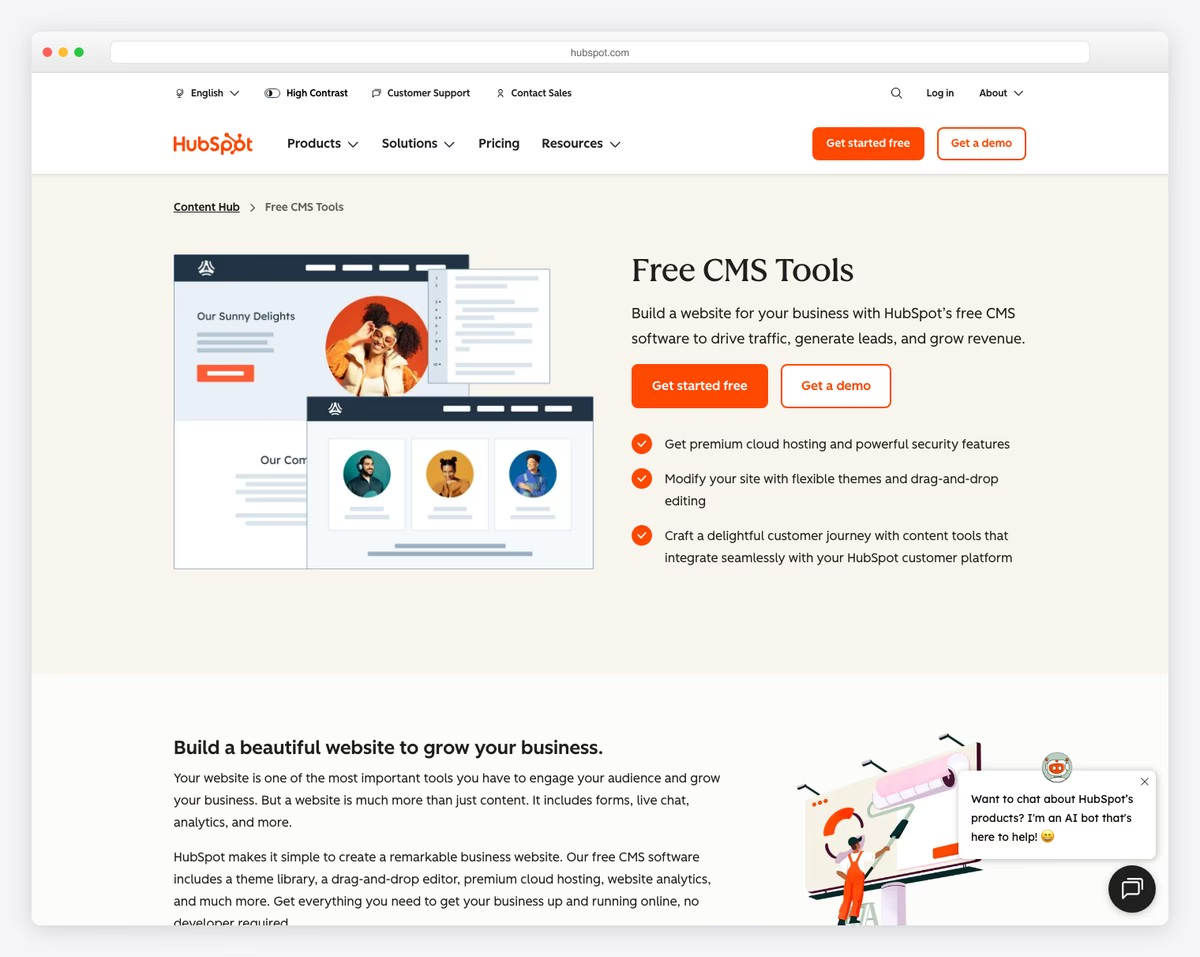
HubSpot CMS stands out from every other builder on this list because it comes with a full marketing platform built in — for free. The free plan includes a drag-and-drop website builder, a CRM with contact management, email marketing (2,000 sends/month), live chat, forms, and basic analytics. No other free builder offers this combination.
For businesses that need to capture leads, HubSpot’s free tier is genuinely powerful. Forms automatically feed into the CRM, chat conversations are tracked, and you can set up basic email follow-ups. The website builder itself supports up to 25 pages with responsive themes and drag-and-drop editing — enough for a solid business site.
The downsides are HubSpot branding on your site, the HubSpot subdomain, and less design flexibility than Wix or Webflow. But if your website’s primary job is generating leads or bookings rather than looking like a design portfolio, HubSpot’s free plan gives you more business functionality than any alternative.
Free plan includes: 25 pages, drag-and-drop builder, CRM, email marketing (2,000/mo), live chat, forms, basic SEO, SSL. Limitations: HubSpot branding, subdomain, limited themes, no custom code, 25 page cap.
Pros
✅ Built-in CRM + email marketing
✅ Lead capture forms + live chat
✅ 2,000 emails/month for free
✅ Contact management included
Cons
❌ HubSpot branding on free sites
❌ Limited design customization
❌ 25 page maximum
❌ No ecommerce
12. SITE123 — Fastest Free Website Setup
Best for: Getting a basic site live in minutes | Free plan available • Paid from $12.80/mo
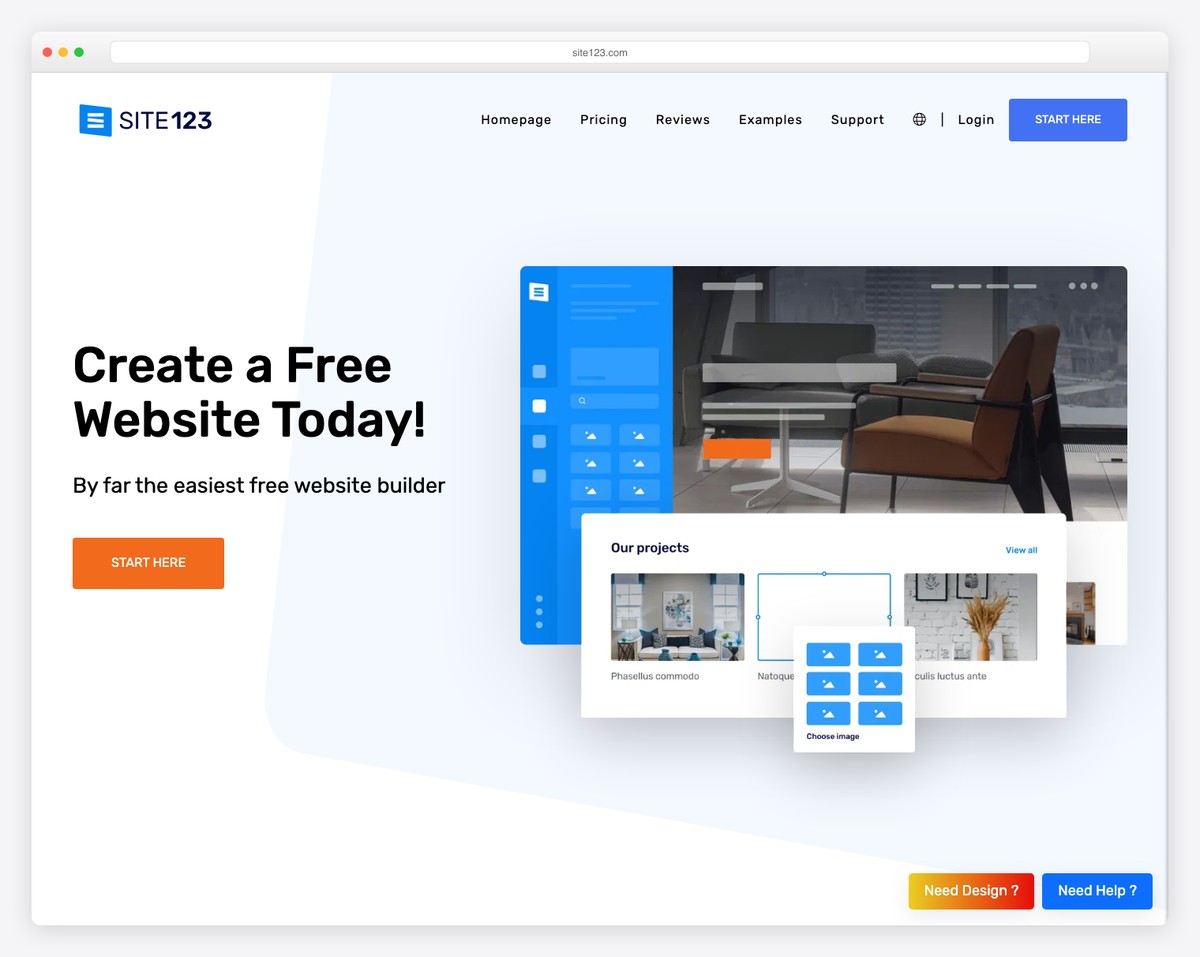
SITE123 lives up to its name — it’s the fastest way to get a basic responsive website live. The setup wizard walks you through choosing a category, picking a template, and adding your content. There’s no blank canvas intimidation — just fill in the blanks and publish.
The free plan includes responsive templates, a SITE123 subdomain, 250MB of storage, and 250MB of bandwidth. All templates are mobile-responsive out of the box, and the editor is point-and-click rather than drag-and-drop — meaning you edit content in place without moving elements around. This makes it nearly impossible to break your layout.
The tradeoffs are significant: 250MB storage is the tightest on this list, SITE123 ads appear on free sites, and design customization is minimal. But if you’re completely non-technical and just need a simple, professional-looking website up today — SITE123’s guided approach is the path of least resistance.
Free plan includes: Responsive templates, setup wizard, point-and-click editor, 250MB storage, 250MB bandwidth, SSL. Limitations: SITE123 ads, subdomain, 250MB storage, minimal customization.
Pros
✅ Fastest setup — live in minutes
✅ Guided wizard eliminates confusion
✅ Point-and-click — can’t break layout
✅ Multi-language support built in
Cons
❌ Only 250MB storage — very tight
❌ SITE123 ads on free sites
❌ Very limited design flexibility
❌ No drag-and-drop editing
How to Choose the Right Free Website Builder
The best free builder depends on what your website needs to do. Here’s a quick guide based on common use cases:
Best all-around free builder: Wix offers the most features on a free plan — the broadest template selection, the most flexible editor, and enough tools for most personal and small business sites.
Best for blogging: WordPress.com’s free plan gives you the most powerful content creation and management tools. If your site is primarily about written content, WordPress is the natural choice.
Best for selling products: Square Online is the only builder offering free ecommerce with unlimited products. No other platform lets you sell for free without per-product caps.
Best truly free (no ads, no branding): Google Sites is the only builder with zero strings attached — no ads, no branding, no upselling. Limited, but genuinely free.
Best for designers: Webflow or Framer give you professional design tools for free. Both have learning curves but produce results that look custom-built.
Best for a quick one-page site: Carrd creates beautiful single-page sites faster than any alternative — and with no ads on the free plan.
Best for lead generation: HubSpot CMS bundles a free website with CRM, email marketing, and live chat — ideal for businesses focused on capturing leads.
Our top pick: For most people, Wix is the best free website builder overall. It offers the richest combination of templates, design flexibility, and features at no cost. For selling products, Square Online can’t be beaten. And for the simplest possible setup, Carrd or SITE123 will get you live in minutes.
Frequently Asked Questions
Are free website builders really free?
Yes, but with conditions. Most free website builders give you a functional website at no cost but include limitations like showing the builder’s ads, using a subdomain (e.g., yoursite.wixsite.com), and capping storage or bandwidth. Google Sites is the exception — it’s completely free with no ads. The key question is whether you need a custom domain and ad-free experience, which typically requires a paid plan.
Can I use a free website builder for my business?
You can, but it may not look professional. A free plan with builder branding and a subdomain can undermine credibility. For a serious business site, consider starting free to test the platform, then upgrading to a paid plan (typically $10-20/month) to get your own domain and remove ads. Square Online is the best free option for businesses since it includes ecommerce at no monthly cost.
Do free websites rank on Google?
Yes, free websites can rank on Google. Search engines don’t penalize sites for being on a subdomain or using a free builder. However, having your own custom domain, faster load times, and proper SEO tools (which often require paid plans) can help with rankings. Wix, WordPress.com, and Webflow all include basic SEO tools on their free plans.
What is the best free website builder for beginners?
Weebly is the easiest for absolute beginners — its section-based editor makes it nearly impossible to create a bad-looking site. Wix is also beginner-friendly while offering more features and design flexibility. SITE123’s guided wizard is another good option for people who want the fastest possible path to a live site.
Can I sell products with a free website builder?
Yes. Square Online lets you list unlimited products for free — you only pay processing fees per transaction (2.9% + 30¢). Weebly supports up to 10 products on its free plan (with a 3% transaction fee), and Strikingly allows 1 product. For serious ecommerce, Square Online’s free plan is the most capable option available.
Which free website builder has the best templates?
Wix has the largest selection with 900+ responsive templates across every category. For design quality, Carrd and Framer offer the most modern, polished aesthetics. If you want a clean, professional look with minimal effort, Canva Websites leverages millions of free design assets to create visually appealing pages.
Is it worth paying for a website builder?
If you need a custom domain, ad-free experience, or more than basic features, yes. Free plans work well for personal projects, portfolios, hobby sites, and testing ideas. But for business use, a paid plan ($10-20/month) is worth it for the credibility of your own domain alone. Many builders offer significant discounts on annual billing — Carrd’s Pro plan is just $9/year, and WordPress.com’s Personal plan starts at $4/month.

Related Posts



I can’t believe you recommend Mobirise. The problem has to be that you know how to design and create a web site. I don’t. Mobirise is incomprehensible.Once I installed it and opened it … there was NOTHING to even give me a hint where or how to start.
Mobirise is useless. I uninstalled it within ten minutes. I don’t have time to play guessing games with crap software.
Just because you couldn’t figure out how to use it doesn’t mean it is a bad software. It has hundreds of thousands of users who have built millions of websites.
Thank you so much for sharing this nice list of website builders.