
10 Best One-Page Website Builders 2026 (Tested and Compared)
One-page websites strip away the clutter. Instead of spreading your message across dozens of pages, you guide visitors through a single, continuous scroll — from headline to call-to-action — with nothing to distract or lose them along the way. They load faster, convert better, and work beautifully on mobile. For portfolios, product launches, events, and personal brands, a well-built one-page site often outperforms a traditional multi-page website.
We tested the leading website builders specifically for their one-page capabilities — smooth scroll navigation, section-based editing, parallax effects, scroll-triggered animations, and mobile performance. Here are the 10 best one-page website builders in 2026, ranked by how well they handle single-page design.
Quick Comparison
| Builder | Best For | Animations | Custom Domain | Free Plan | Starting Price |
|---|---|---|---|---|---|
| Carrd | Best overall | Basic | Pro only | Yes | $9/yr |
| Squarespace | Best design quality | Yes | Yes | 14-day trial | $16/mo |
| Wix | Best free option | Yes | Paid only | Yes | $17/mo |
| Framer | Best animations | Advanced | Yes | Yes | $5/mo |
| Strikingly | Best for beginners | Basic | Paid only | Yes | $12/mo |
| Webflow | Best for developers | Advanced | Paid only | Yes | $14/mo |
| Unbounce | Best for conversions | Basic | Yes | 14-day trial | $74/mo |
| Hostinger | Best value | Basic | Yes | No | $2.99/mo |
| Instapage | Best for A/B testing | Basic | Yes | 14-day trial | $79/mo |
| WordPress | Best for SEO | Via plugins | Yes | Yes (self-hosted) | ~$3/mo |
10 Best One-Page Website Builders
1. Carrd — Best Overall One-Page Builder
Best for: Anyone who needs a single-page site fast — portfolios, link-in-bio, landing pages | Free plan • Pro from $9/year
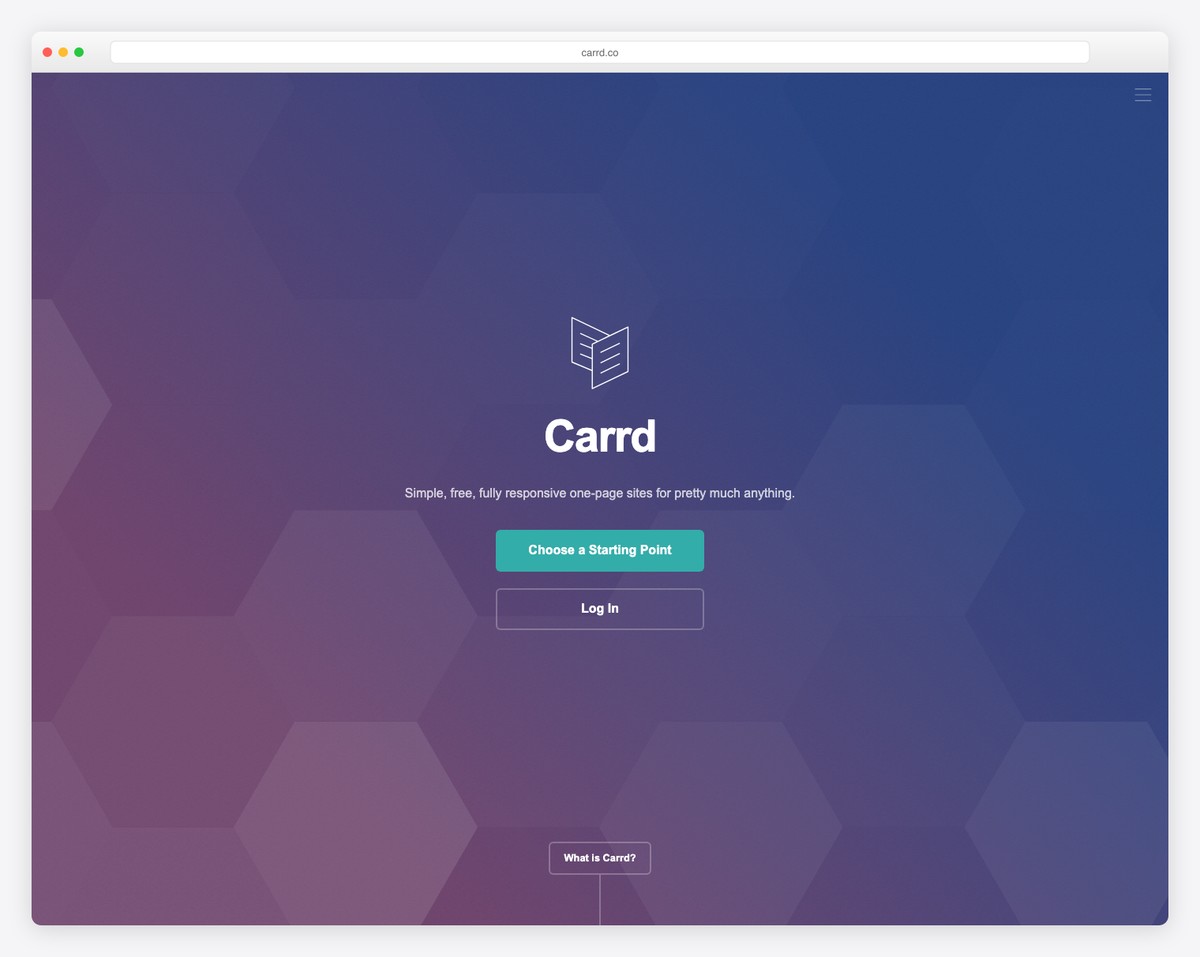
Carrd is the only builder on this list designed exclusively for one-page websites. While other platforms bolt single-page features onto multi-page frameworks, Carrd’s entire interface — templates, editor, and publishing workflow — assumes you’re building one scrollable page. That focus shows in the result: fast, clean, lightweight sites that load in under a second.
The editor uses a container-based approach where you stack sections vertically and configure each one independently. You get smooth scroll navigation out of the box — anchor links in your nav automatically scroll to the corresponding section with configurable easing. Carrd offers over 100 one-page templates across categories like portfolio, landing page, profile, and signup form, all fully responsive and optimized for mobile.
What makes Carrd remarkable is its pricing. The Pro plan costs just $9 per year (not per month) and lets you build up to 10 sites with custom domains, forms, widgets, and Google Analytics. For freelancers, creators, and side projects that need a polished web presence without monthly subscription fatigue, nothing else comes close on value.
Pricing: Free plan (3 sites, carrd.co subdomain). Pro Lite $9/yr (3 sites, custom domains), Pro Standard $19/yr (10 sites, forms, widgets), Pro Plus $49/yr (25 sites, all features).
Pros
✅ Built specifically for one-page sites
✅ Incredibly affordable ($9/year)
✅ Lightning-fast page load speeds
✅ 100+ one-page templates
Cons
❌ Limited animation options
❌ No ecommerce capabilities
❌ Cannot expand to multi-page later
❌ Basic SEO tools
2. Squarespace — Best Design Quality for One-Page Sites
Best for: Creatives and brands who want a visually stunning one-page portfolio or launch page | From $16/mo • 14-day free trial
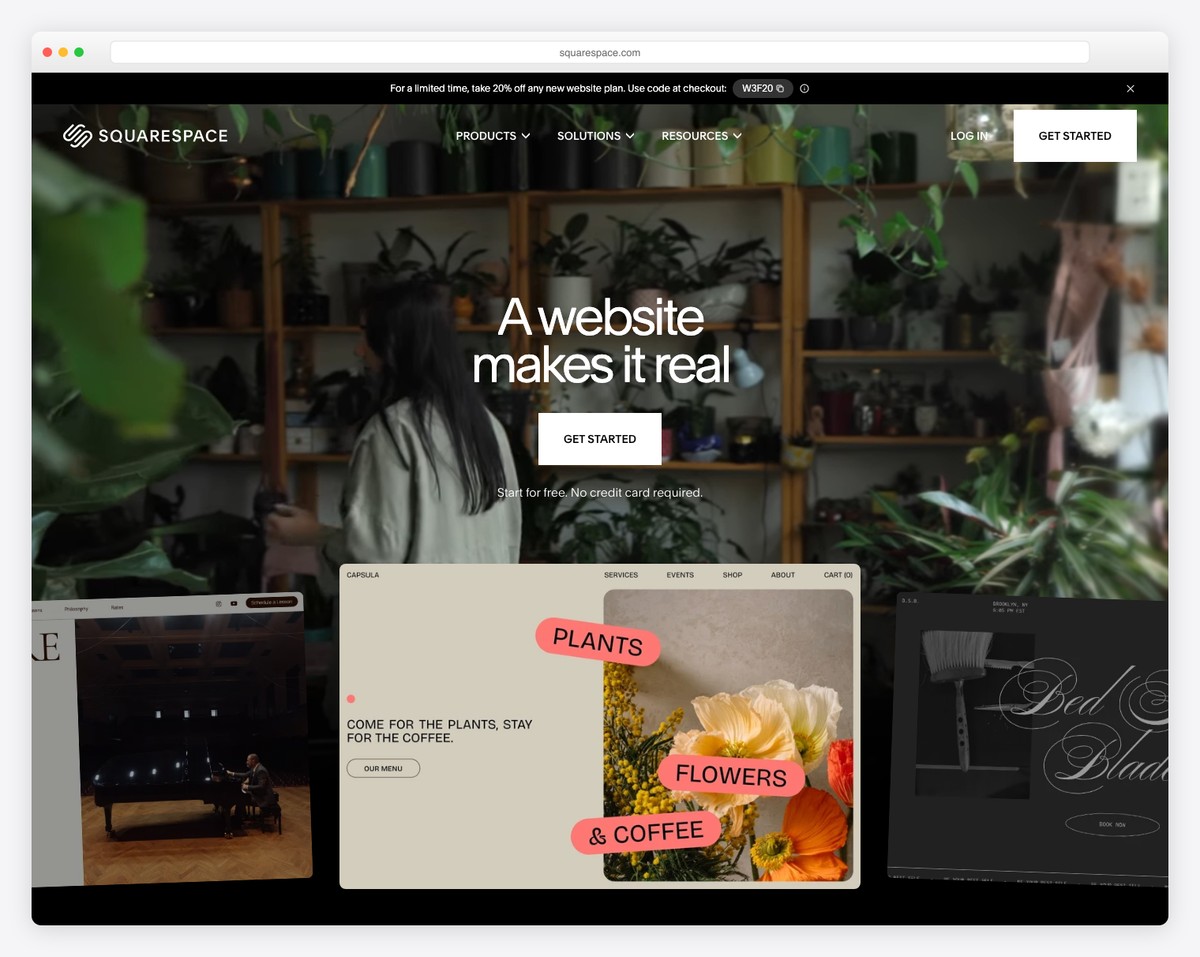
Squarespace isn’t a dedicated one-page builder, but its design quality is unmatched. Using the Fluid Engine editor, you can build a single-page site by stacking sections — hero, about, portfolio, services, testimonials, contact — and linking navigation items to anchor points within the page. The result scrolls smoothly and looks polished on every device.
Where Squarespace excels is the visual refinement of each section. Full-bleed image backgrounds, parallax scrolling effects, elegant typography pairings, and built-in animation options (fade, slide, scale on scroll) give your one-page site a premium feel that cheaper builders struggle to match. The section-based editor lets you rearrange, duplicate, and customize each block without affecting others.
Squarespace also gives you room to grow. If your one-page site outgrows the single-page format — say your event turns into a recurring series or your product line expands — you can add pages without rebuilding from scratch. Built-in ecommerce, email campaigns, and scheduling tools mean you won’t hit a wall when your needs evolve.
Pricing: Basic $16/mo, Core $23/mo, Plus $39/mo, Advanced $99/mo (billed annually). 14-day free trial. Free custom domain for the first year.
Pros
✅ Best-in-class design templates
✅ Parallax and scroll animations built in
✅ Can expand to multi-page anytime
✅ Built-in ecommerce and scheduling
Cons
❌ No free plan — trial only
❌ No dedicated one-page templates
❌ Limited scroll-trigger customization
❌ Overkill for simple link-in-bio pages
3. Wix — Best Free One-Page Website Builder
Best for: Beginners and small businesses who want a feature-rich one-page site for free | Free plan available • Paid from $17/mo
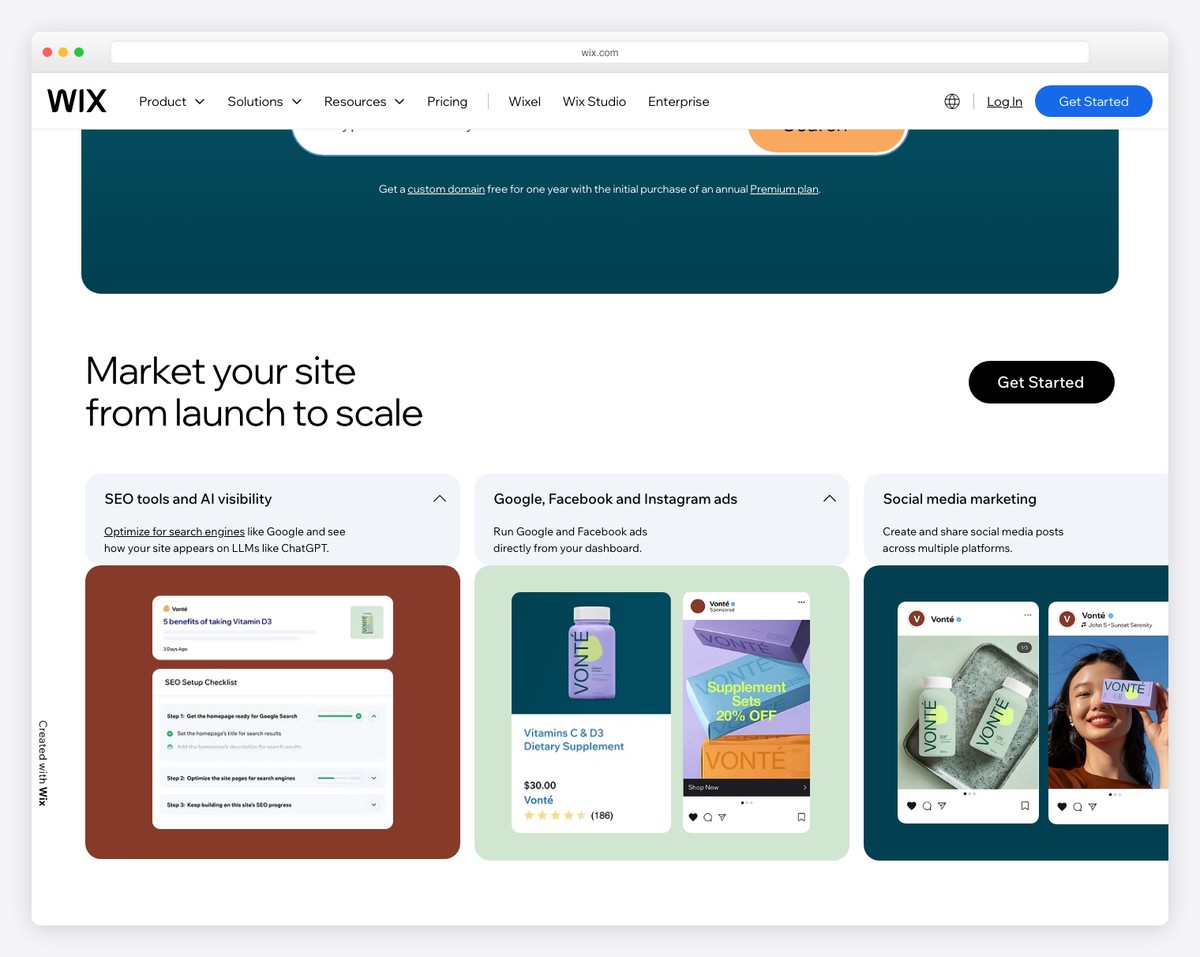
Wix is the best free option for building a one-page website with real functionality. The free plan gives you a drag-and-drop editor, scroll effects (parallax, reveal, zoom, fade), anchor-based smooth scroll navigation, contact forms, and responsive design — more than enough for a personal brand, event page, or freelance portfolio.
Building a one-page site on Wix means creating a single page with multiple strips (sections) and adding anchor links in the navigation menu. The scroll effects panel lets you apply parallax backgrounds, reveal animations, and opacity transitions to individual sections. Wix also offers section zoom, where clicking a compact section expands it to reveal more content — useful for keeping a one-page layout concise while still offering depth.
The Wix App Market extends your one-page site with live chat, booking widgets, social feeds, and payment forms — all embeddable without code. For businesses that start with a one-page site and need to scale, Wix makes adding pages seamless. The main trade-off on the free plan is Wix branding and a wixsite.com subdomain, which the $17/mo Light plan removes.
Pricing: Free plan (Wix branding, subdomain). Light $17/mo, Core $29/mo, Business $36/mo, Business Elite $159/mo (billed annually). Free custom domain on paid plans for the first year.
Pros
✅ Best free plan for one-page sites
✅ Parallax and scroll reveal effects
✅ 900+ templates (many single-page)
✅ Huge app marketplace for extensions
Cons
❌ Wix branding on free plan
❌ Can feel slow with heavy scroll effects
❌ No code export option
❌ Templates not switchable after launch
4. Framer — Best Animations and Interactions
Best for: Designers and agencies who want scroll-driven animations and micro-interactions | Free plan • Paid from $5/mo
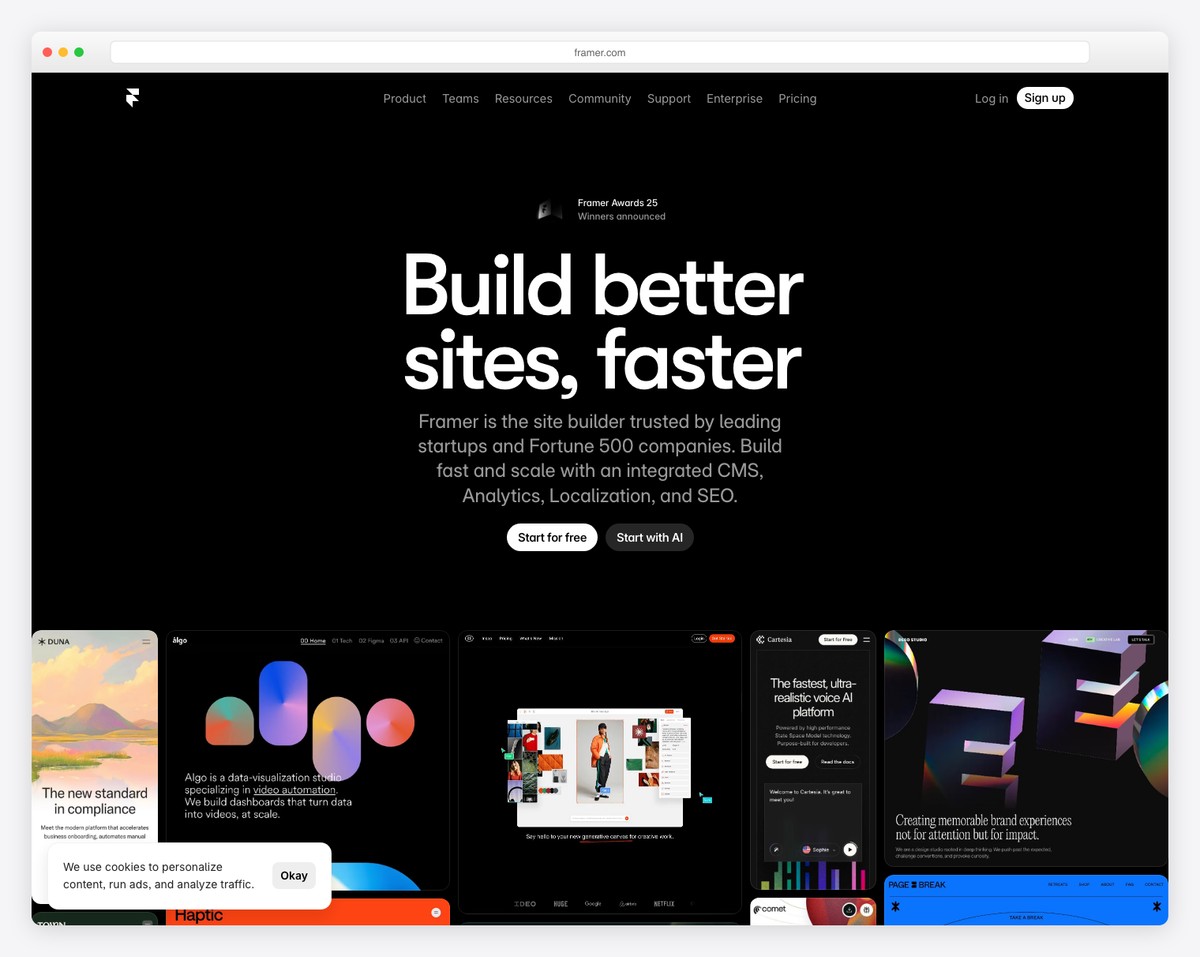
Framer is where design meets motion. If you want a one-page website with scroll-triggered animations, parallax layers, smooth section transitions, and micro-interactions that respond to cursor movement, Framer is the most capable tool available. Its animation system rivals dedicated motion design software, but everything you build ships as a live, performant website.
The editor feels like Figma — a freeform canvas where you design visually and the platform generates clean, responsive code. For one-page sites, you can create scroll-based progress indicators, elements that animate into view based on viewport position, sticky sections that transform as you scroll past them, and text that reveals character by character. These aren’t pre-built effects — you control timing curves, delays, and triggers with precision.
Framer also supports components, variants, and CMS collections, so your one-page site can pull in dynamic content like testimonials or portfolio pieces from a database. The free plan is generous — one site with a framer.site subdomain, basic analytics, and all design features. The $5/mo Mini plan adds a custom domain and removes Framer branding.
Pricing: Free (1 site, Framer subdomain). Mini $5/mo, Basic $15/mo, Pro $30/mo (billed annually). Free plan includes all design and animation features.
Pros
✅ Most advanced scroll animations
✅ Figma-like design interface
✅ Excellent performance output
✅ Free plan with all design features
Cons
❌ Steep learning curve for beginners
❌ No built-in ecommerce
❌ Limited form functionality
❌ CMS only on Pro plan
5. Strikingly — Best for Beginners
Best for: Non-technical users who want a professional one-page site in under an hour | Free plan • Paid from $12/mo
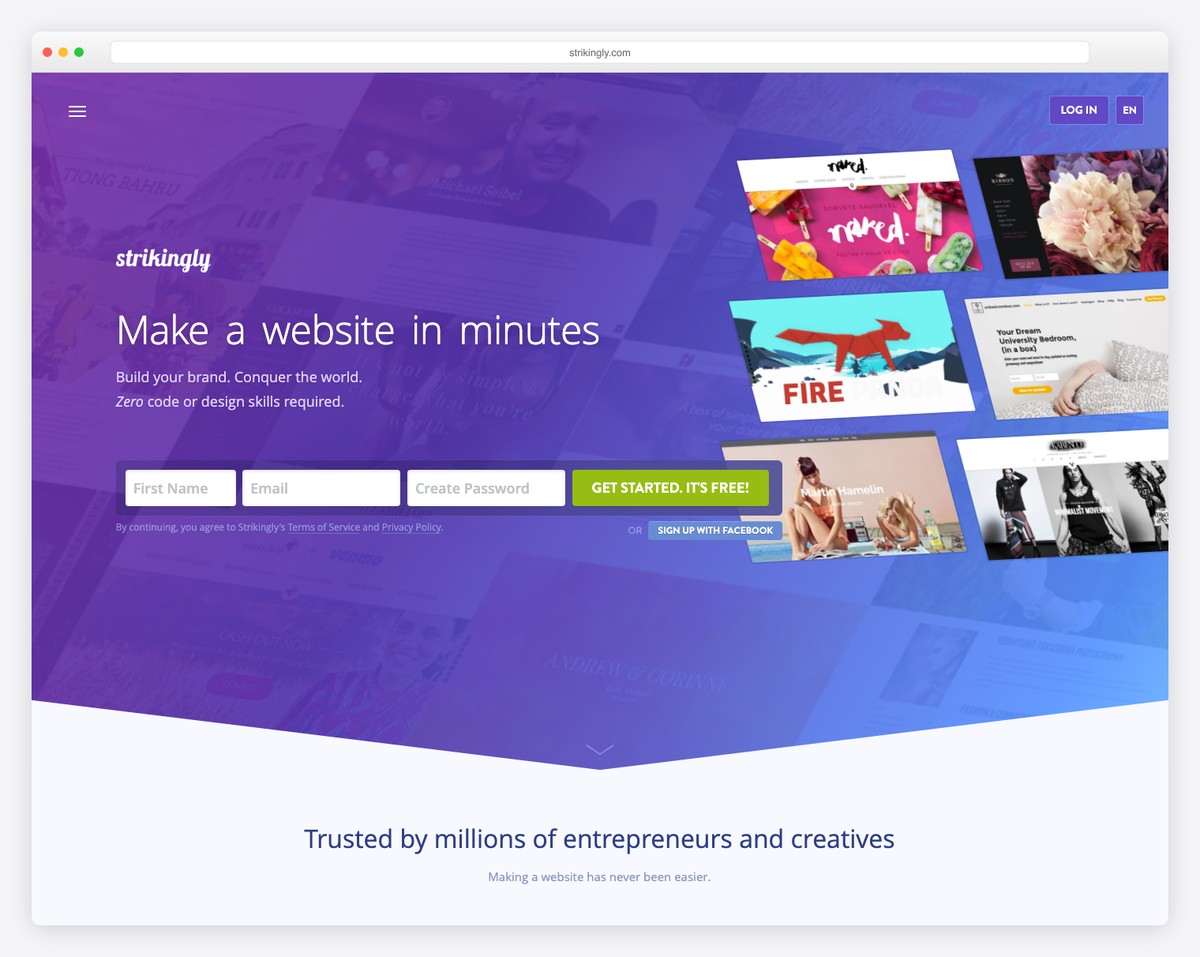
Strikingly was one of the first builders designed specifically for one-page websites, and that DNA shows in its simplicity. You choose a template, then add, remove, and rearrange pre-designed sections — header, about, gallery, services, testimonials, contact form, footer. Each section has a clean editing interface where you swap text, images, and colors without ever dealing with layout complexity.
The navigation automatically generates anchor links based on your sections, with smooth scrolling between them. For someone who has never built a website before, this section-stacking approach is the most intuitive way to create a professional one-page site. You can realistically go from zero to published in 30 minutes, including custom content and images.
Strikingly also includes features that matter for small businesses — a simple store (up to 500 products on Pro), contact forms with email notifications, an integrated blog section, and a built-in analytics dashboard. The free plan lets you publish one site with a strikingly.com subdomain, which is enough to test whether the platform works for your needs before committing.
Pricing: Free (1 site, Strikingly subdomain). Limited $12/mo, Pro $36/mo, VIP $59/mo (billed annually). Simple store included on all paid plans.
Pros
✅ Easiest builder for absolute beginners
✅ Purpose-built for one-page sites
✅ Built-in simple ecommerce
✅ Publish in under 30 minutes
Cons
❌ Limited design customization
❌ Basic animation effects only
❌ Strikingly branding on free plan
❌ Fewer template options than competitors
6. Webflow — Best for Developers and Advanced Users
Best for: Developers and designers who want full CSS/HTML control with visual tools | Free plan • Paid from $14/mo
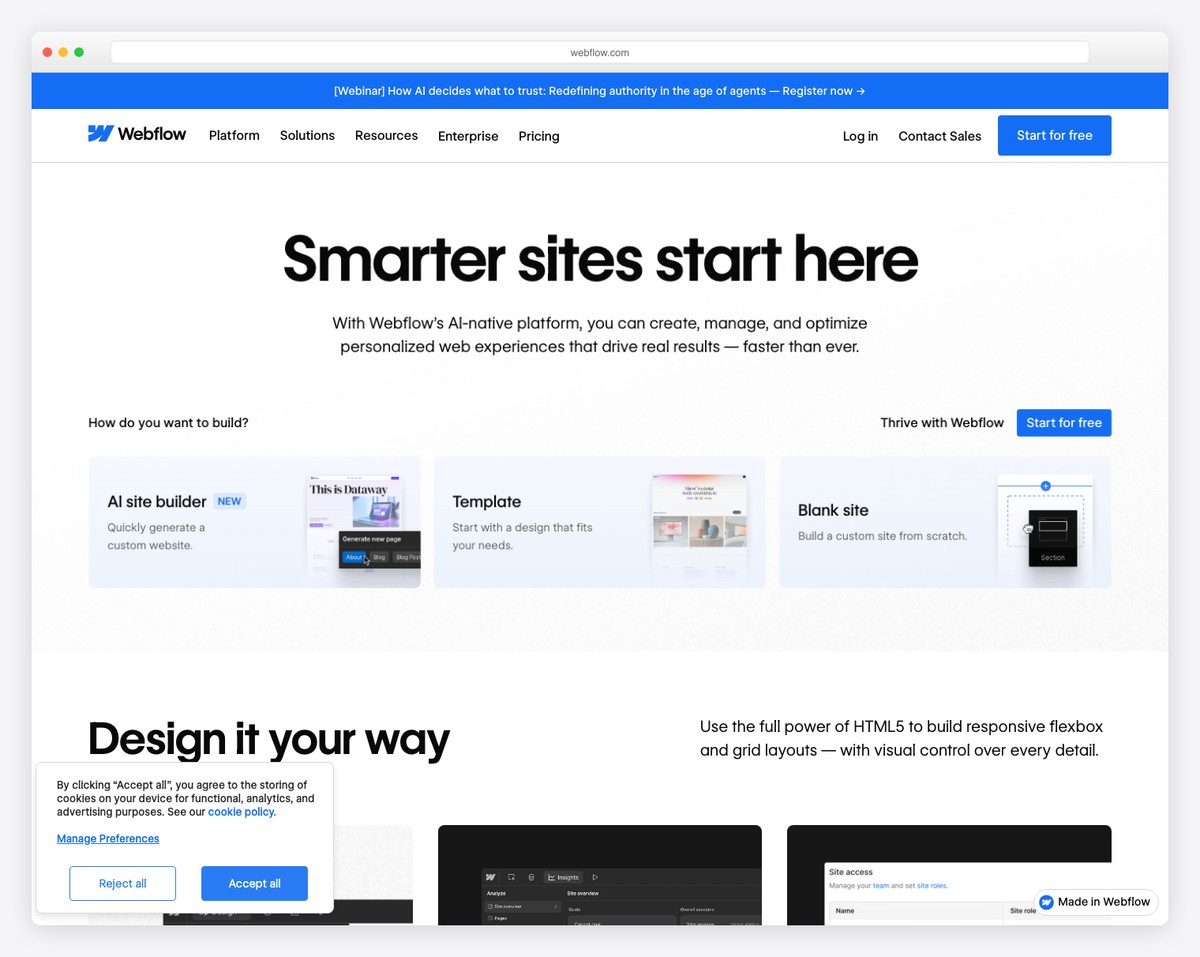
Webflow gives you the power of hand-coded HTML, CSS, and JavaScript through a visual interface. For one-page websites, this means complete control over scroll behaviors — sticky sections, horizontal scroll galleries, progress-based animations, and element transforms tied to scroll position. The Interactions panel lets you create timeline-based animations triggered by scroll depth, mouse position, or element visibility.
Building a one-page site in Webflow means structuring sections with proper HTML semantics, setting up anchor links with smooth scroll behavior, and using Webflow’s built-in responsive breakpoints to ensure every section looks right on every screen size. You can also export clean code if you want to self-host — something no other visual builder on this list offers.
The CMS and ecommerce features are robust enough for complex one-page sites that pull content dynamically — portfolio items, team members, testimonials, or product features — all displayed in a single scrollable layout. The learning curve is real (plan for a few hours, not minutes), but the ceiling for what you can build is significantly higher than any other visual platform.
Pricing: Free (webflow.io subdomain, 1 page). Basic $14/mo, CMS $23/mo, Business $39/mo, Enterprise custom (billed annually). Code export on all paid plans.
Pros
✅ Full CSS/HTML control visually
✅ Advanced scroll-based interactions
✅ Clean code export option
✅ Powerful CMS for dynamic content
Cons
❌ Steep learning curve
❌ Expensive for basic needs
❌ Free plan limited to 1 page
❌ Can be overwhelming for simple projects
7. Unbounce — Best for Landing Pages and Conversions
Best for: Marketers running campaigns who need high-converting one-page landing pages | From $74/mo • 14-day free trial
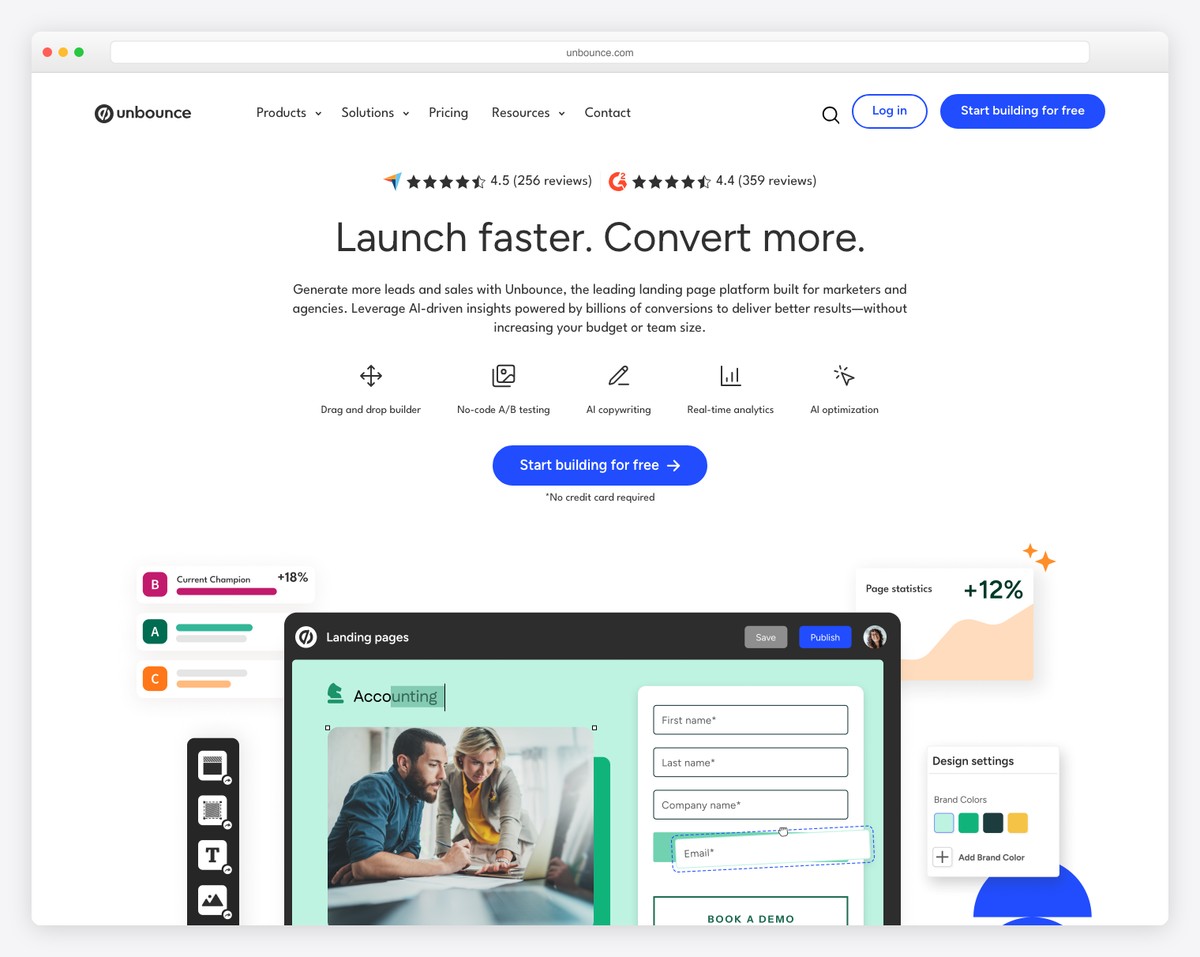
Unbounce isn’t a general website builder — it’s a conversion machine built specifically for landing pages. Every feature is designed around a single goal: getting visitors to take action on a one-page layout. The drag-and-drop builder includes conversion-focused elements like sticky CTAs, countdown timers, pop-ups, and multi-step forms that other builders treat as afterthoughts.
The standout feature is Smart Traffic, Unbounce’s AI system that automatically routes each visitor to the page variant most likely to convert them, based on attributes like location, device, and browsing behavior. It’s more sophisticated than basic A/B testing because it optimizes continuously rather than waiting for a statistical winner. For product launches, event registrations, and ad campaigns, this translates directly to more signups and sales.
Unbounce also integrates with every major marketing tool — HubSpot, Mailchimp, Salesforce, Zapier, Google Analytics, and Meta Pixel — so your one-page landing page fits seamlessly into existing campaigns. The trade-off is price: at $74/mo, Unbounce costs more than most builders on this list. But if your one-page site exists to convert traffic into revenue, the ROI math usually works out.
Pricing: Build $74/mo (up to 20,000 visitors), Experiment $112/mo (A/B testing, Smart Traffic), Optimize $187/mo (advanced targeting), Concierge $469/mo (billed annually). 14-day free trial on all plans.
Pros
✅ AI-powered Smart Traffic optimization
✅ Built for conversion, not just design
✅ 100+ landing page templates
✅ Deep marketing tool integrations
Cons
❌ Expensive starting price ($74/mo)
❌ Not suitable as a general website
❌ Limited design customization
❌ Visitor caps on each plan
8. Hostinger Website Builder — Best Value One-Page Builder
Best for: Budget-conscious users who want hosting + builder + domain in one package | From $2.99/mo • 30-day money-back guarantee
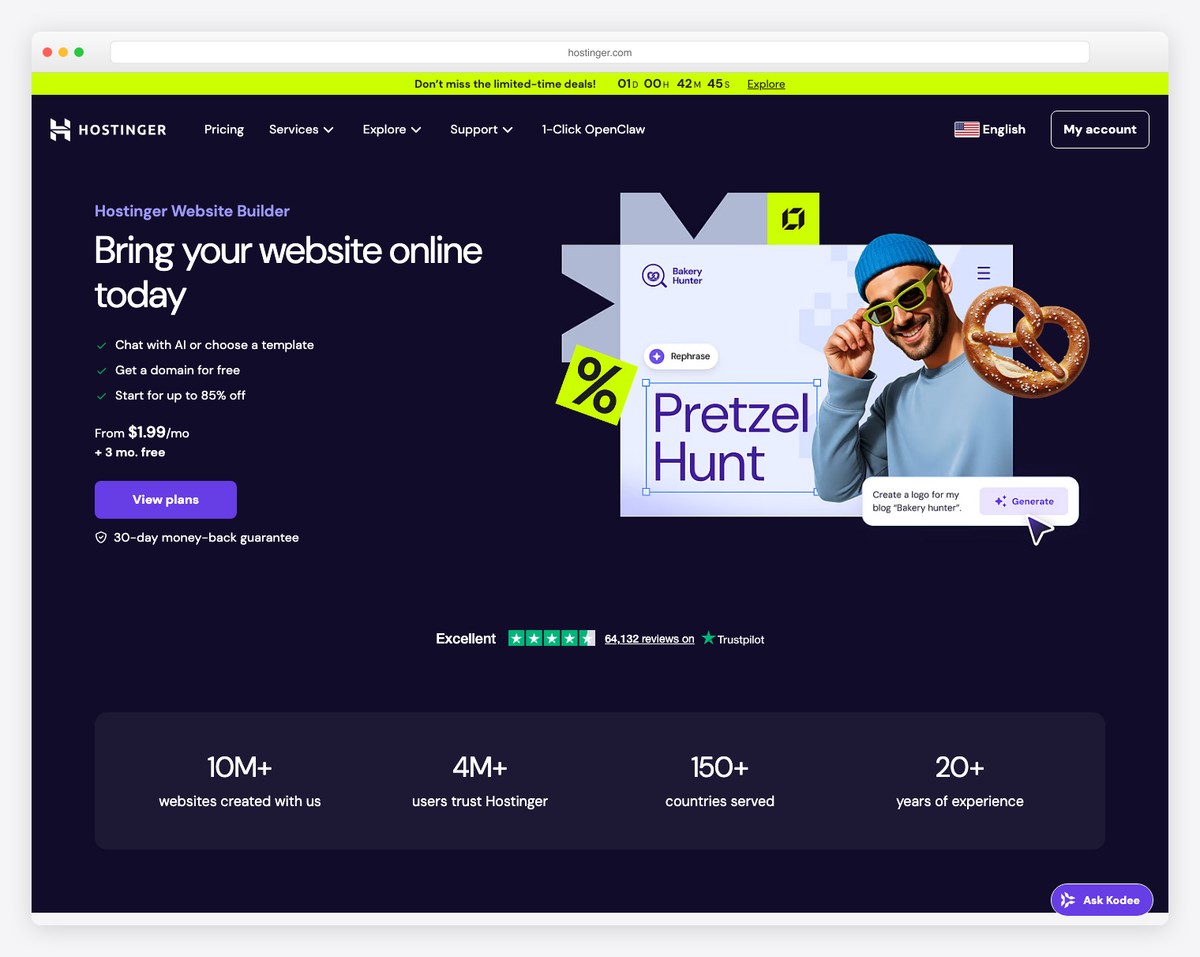
Hostinger Website Builder delivers the most value per dollar of any option on this list. For $2.99/mo, you get a drag-and-drop website builder, web hosting, a free domain name, free SSL, email accounts, and AI tools for generating content and images. No other builder bundles this much at this price point.
The builder itself uses a grid-based editor where you design sections and stack them vertically for a one-page layout. The AI Website Builder can generate a complete one-page site from a text description — you describe your business, pick a style, and it creates a full single-page layout with sections, images, and copy that you can then customize. For someone who wants to get online quickly without design skills, it’s remarkably effective.
Hostinger supports scroll animations, background video sections, and responsive design across all templates. The built-in ecommerce handles up to 500 products, and marketing integrations (Google Analytics, Facebook Pixel, Hotjar) come included. The main limitation is that design customization isn’t as deep as Squarespace or Webflow — you’re working within template constraints rather than building freely.
Pricing: Premium $2.99/mo (48-month term), Business $3.99/mo (48-month term), Cloud Startup $8.99/mo (billed annually). All plans include website builder, hosting, free domain, and SSL. 30-day money-back guarantee.
Pros
✅ Cheapest all-in-one solution ($2.99/mo)
✅ Free domain, hosting, SSL, and email
✅ AI website generator included
✅ Built-in ecommerce up to 500 products
Cons
❌ No free plan (trial only)
❌ Best price requires 48-month commitment
❌ Limited design flexibility vs. Squarespace
❌ No code export or advanced animations
9. Instapage — Best for A/B Testing
Best for: Marketing teams running paid traffic who need to test and optimize landing page performance | From $79/mo • 14-day free trial
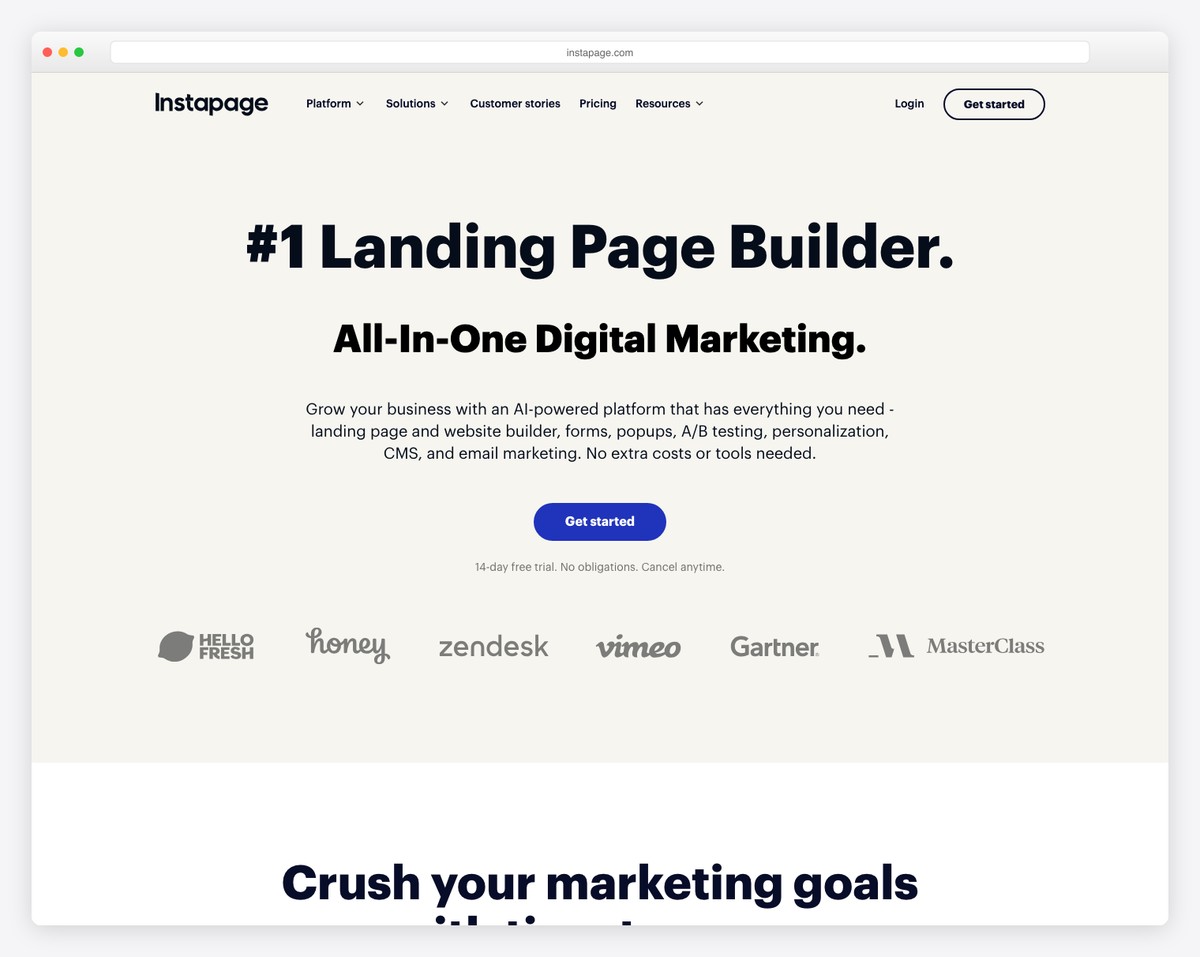
Instapage is built for marketers who treat landing pages as revenue instruments, not brochures. Its A/B testing engine is the most sophisticated on this list — you can test headlines, images, CTAs, form fields, and entire page layouts simultaneously, with statistical significance indicators that tell you when a winner is confirmed rather than forcing you to guess.
The built-in heatmap analytics show exactly where visitors click, how far they scroll, and which sections they spend time on — data that’s invaluable for optimizing a one-page layout. If visitors consistently drop off at your pricing section, you know to restructure it. If your CTA button gets fewer clicks than expected, you test a new placement. This level of insight is usually locked behind separate tools like Hotjar or Crazy Egg.
Instapage also offers AdMap, which connects each ad campaign to a personalized landing page variant — so visitors from a Google Ad for “enterprise software” see different messaging than visitors from a Facebook ad for “small business tools,” even though both arrive at the same URL. For teams running significant ad spend, this message-match capability directly improves return on ad spend.
Pricing: Create $79/mo (unlimited conversions, A/B testing), Optimize $159/mo (heatmaps, multi-step forms, AdMap), Scale custom pricing (billed annually). 14-day free trial. No visitor caps.
Pros
✅ Most advanced A/B testing engine
✅ Built-in heatmap analytics
✅ AdMap for ad-to-page personalization
✅ No visitor caps on any plan
Cons
❌ Expensive ($79/mo minimum)
❌ Not a general website builder
❌ Heatmaps only on Optimize plan
❌ Limited design templates vs. competitors
10. WordPress — Best for SEO and Flexibility
Best for: Users who want maximum control over SEO, design, and functionality | Free (self-hosted) • Hosting from ~$3/mo
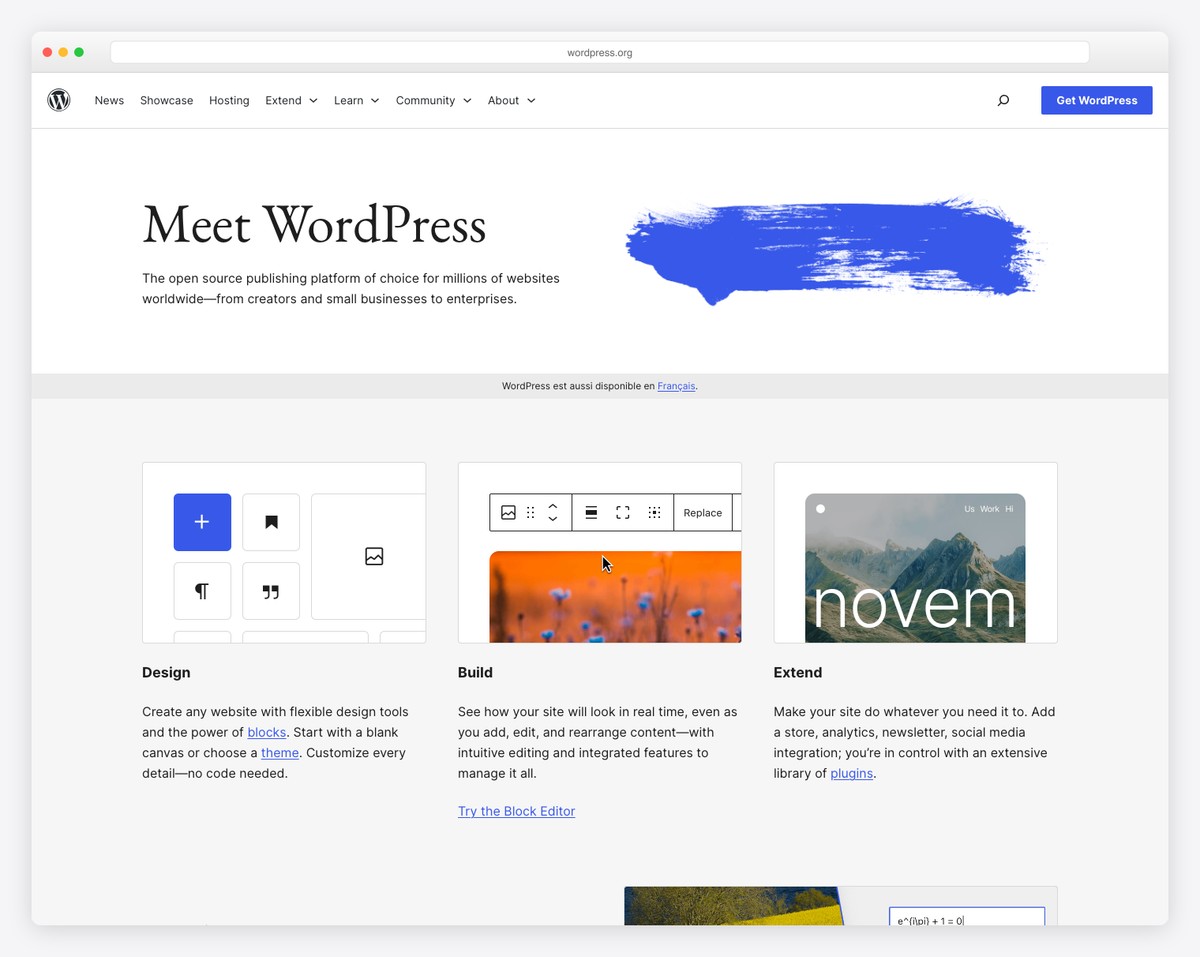
WordPress powers over 40% of the web, and its ecosystem includes hundreds of one-page themes and page builders optimized for single-page layouts. Paired with Elementor, Beaver Builder, or the native Gutenberg editor, you can build a section-based one-page site with smooth scroll navigation, parallax backgrounds, animation effects, and contact forms — all without writing code.
Where WordPress truly outshines every other builder on this list is SEO. Plugins like Yoast SEO and Rank Math give you granular control over meta titles, descriptions, Open Graph tags, schema markup, XML sitemaps, and content analysis. For a one-page site targeting specific keywords — like a local business or event — WordPress’s SEO capabilities can mean the difference between ranking on page one and being invisible.
The flexibility extends to every other dimension too. Want to add a blog alongside your one-page homepage? Install WooCommerce for selling products? Add membership areas, booking systems, or multilingual support? WordPress can do all of it through its plugin ecosystem of over 60,000 options. The trade-off is that you manage your own hosting, security, and updates — responsibilities that hosted builders handle for you.
Pricing: WordPress software is free. Hosting from ~$3/mo (Hostinger), ~$3/mo (Bluehost), or ~$11/mo (SiteGround). Premium themes $30-80 one-time. Page builders like Elementor Pro from $59/year.
Pros
✅ Best SEO capabilities of any platform
✅ Unlimited customization via plugins/themes
✅ You own your site and data completely
✅ Can scale to any complexity
Cons
❌ Requires managing your own hosting
❌ Security and updates are your responsibility
❌ Steeper learning curve than hosted builders
❌ Plugin compatibility issues can arise
How to Choose the Right One-Page Website Builder
The best one-page builder depends on what you’re building and how much control you need:
Portfolio or personal brand: Carrd is the fastest and cheapest way to get a clean one-page portfolio online. For a more polished result with better design options, Squarespace is worth the investment.
Event or product launch: Strikingly gets you live quickly. Wix gives you more customization for free. For high-stakes launches with ad spend behind them, Unbounce or Instapage will convert more visitors.
Design-forward with animations: Framer gives you the most advanced scroll-driven animations with a surprisingly affordable free plan. Webflow offers similar power with the added benefit of code export and CMS support.
Paid advertising and conversions: Unbounce (Smart Traffic AI) and Instapage (A/B testing, heatmaps) are purpose-built for turning ad traffic into conversions. They’re expensive, but they pay for themselves when you’re spending on ads.
Tightest budget: Hostinger gives you a builder, hosting, domain, and email for $2.99/mo. Carrd’s $9/year Pro plan is even cheaper if you don’t need hosting bundled. Wix and Framer both have functional free plans.
SEO and long-term growth: WordPress gives you the best SEO tools and unlimited flexibility to evolve your site. Start with a one-page theme, then add pages, a blog, or ecommerce as your business grows.
Our top pick: For most people, Carrd is the best one-page website builder — it’s purpose-built for single-page sites, incredibly fast, and costs just $9/year for a custom domain. For those who want premium design quality and room to grow, Squarespace delivers the most polished result. And for the best value with everything bundled, Hostinger at $2.99/mo is hard to beat.
Frequently Asked Questions
Is a one-page website good for SEO?
One-page websites can rank well for a single focused keyword or phrase, but they’re inherently limited for broader SEO strategies. With only one URL, you can only target one primary keyword — you can’t create separate pages optimized for different search terms. For local businesses targeting one service area, portfolios, or event pages, a one-page site can rank perfectly well. For businesses that need to rank for dozens of keywords across multiple topics, a multi-page site with WordPress is the better choice.
Can I add more pages later?
It depends on the builder. Squarespace, Wix, Webflow, Hostinger, and WordPress all support multi-page sites, so you can start with one page and expand later. Carrd and Strikingly are more limited — Carrd is strictly one-page, while Strikingly allows additional pages on paid plans but was designed primarily for single-page use. Unbounce and Instapage are landing page tools that don’t function as traditional multi-page website builders.
What’s the cheapest one-page website builder?
Carrd is the cheapest paid option at $9/year (less than $1/month) for a custom domain with no branding. For a completely free option, Wix and Framer both offer free plans that let you build and publish a one-page site — though with platform branding and a subdomain. Hostinger at $2.99/mo is the best value when you factor in hosting, domain, SSL, and email all being included.
Are one-page websites good for business?
One-page websites work exceptionally well for specific business use cases: freelancers and consultants showcasing services, local businesses with a single location, product launches, event promotions, and startups validating an idea. They keep visitors focused on a single conversion path without navigation distractions. However, businesses with multiple products, services, or locations typically outgrow a single page. The sweet spot is using a one-page site to start, then expanding to multiple pages as your business grows — which builders like Squarespace and WordPress make easy.
How many sections should a one-page website have?
Most effective one-page websites have 5 to 8 sections. A typical structure includes: hero/header with your main message, about or story section, services or features, social proof (testimonials, logos, or portfolio), pricing or packages (if applicable), and a contact section with a form or CTA. Going beyond 10 sections risks creating a page that feels endlessly long and hurts load performance. The goal is to guide visitors through a complete narrative — from “what is this?” to “I’m interested” to “let me take action” — in a single scroll.
Can I use a one-page site as a landing page?
Absolutely — one-page sites and landing pages share the same fundamental structure: a single scrollable page designed to drive one specific action. The difference is intent. A landing page is typically tied to a paid campaign (Google Ads, Facebook Ads) and focuses narrowly on conversion, while a one-page website serves as your broader online presence. If conversion is your primary goal, Unbounce and Instapage offer specialized tools like A/B testing, heatmaps, and dynamic text replacement. For a general one-page site that also functions as a landing page, Carrd or Squarespace strike the right balance.

Related Posts




Comments (0)