
Showing 1–34 of 34 templates
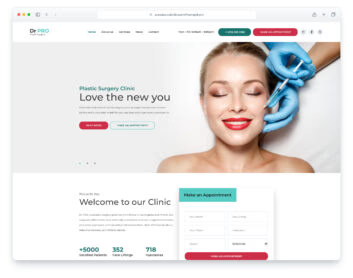
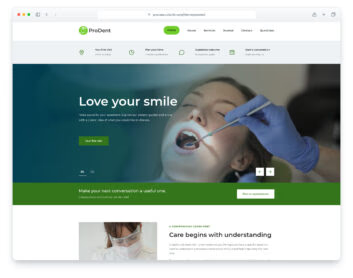
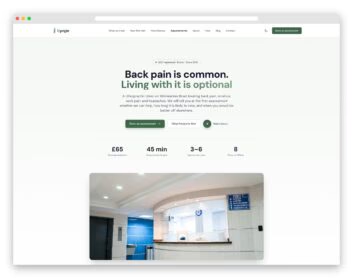
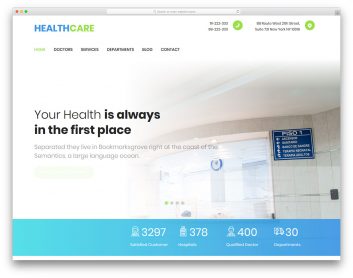
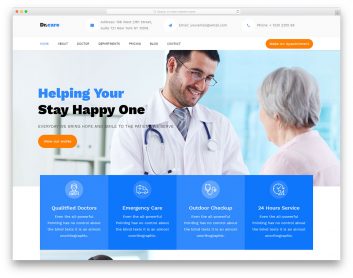
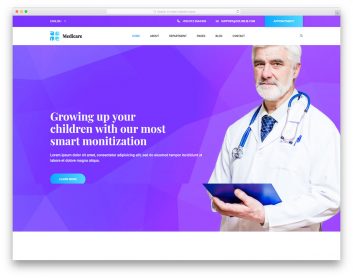
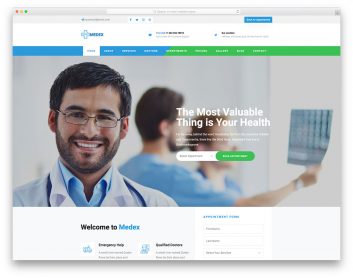

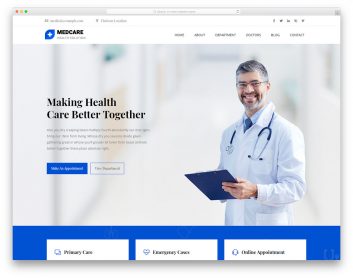
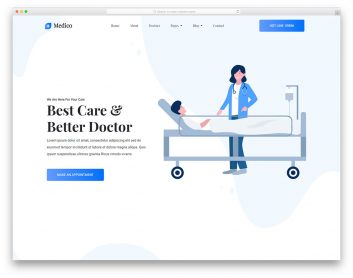
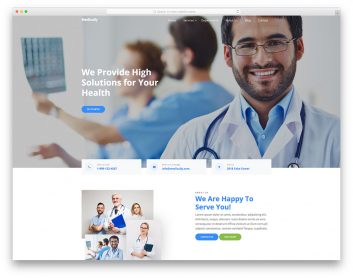
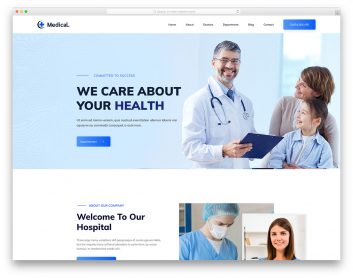
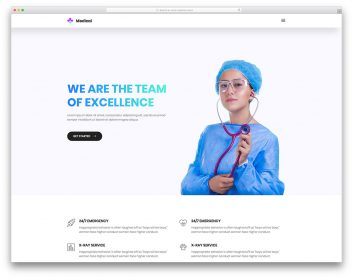
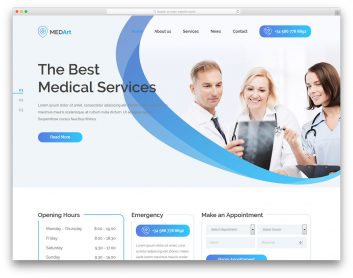
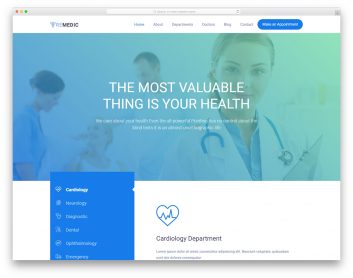
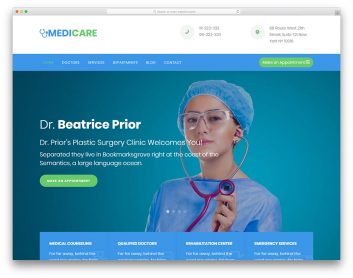
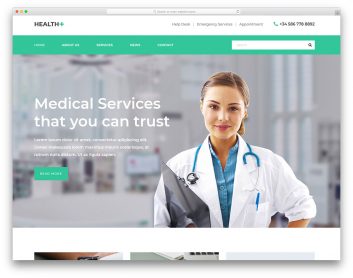
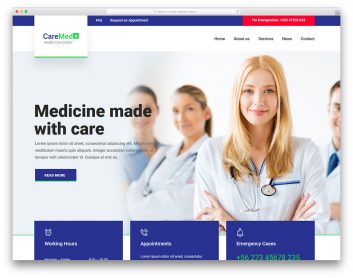
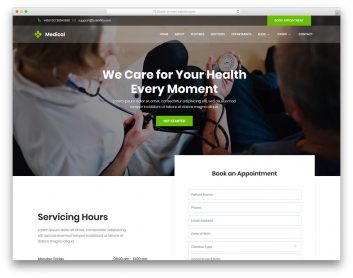
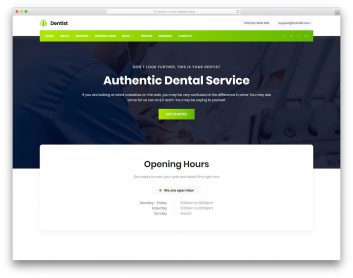
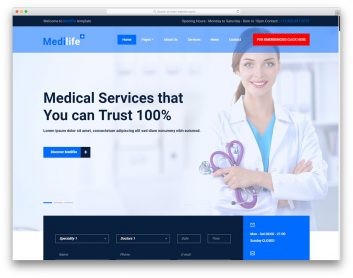
Choose a medical template for your practice
Start with your services and how visitors should contact the practice. A specialist clinic and a hospital with several departments need different amounts of information.
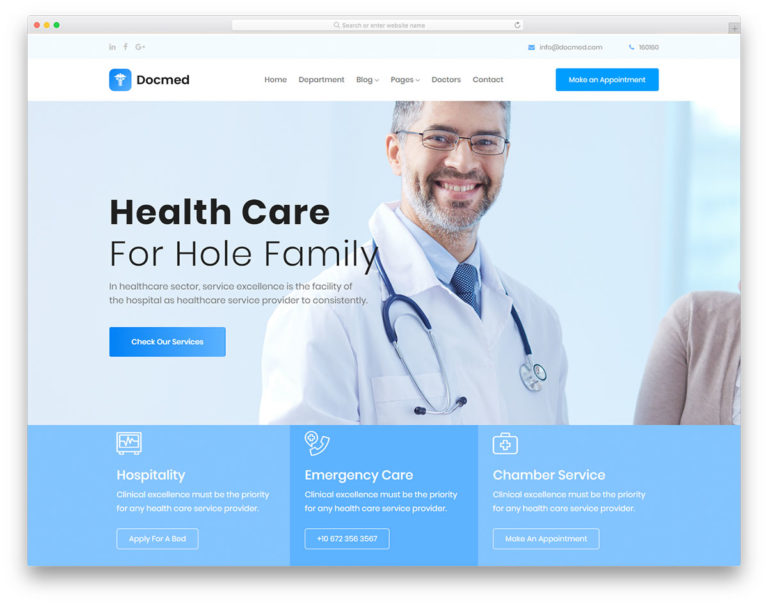
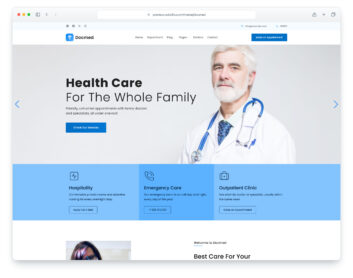
Docmed
Choose it for: a clinic or hospital with multiple departments.
The demo has separate department and doctor pages, plus an appointment-request dialog. Use the navigation to assess how your services and clinical team would be organized.
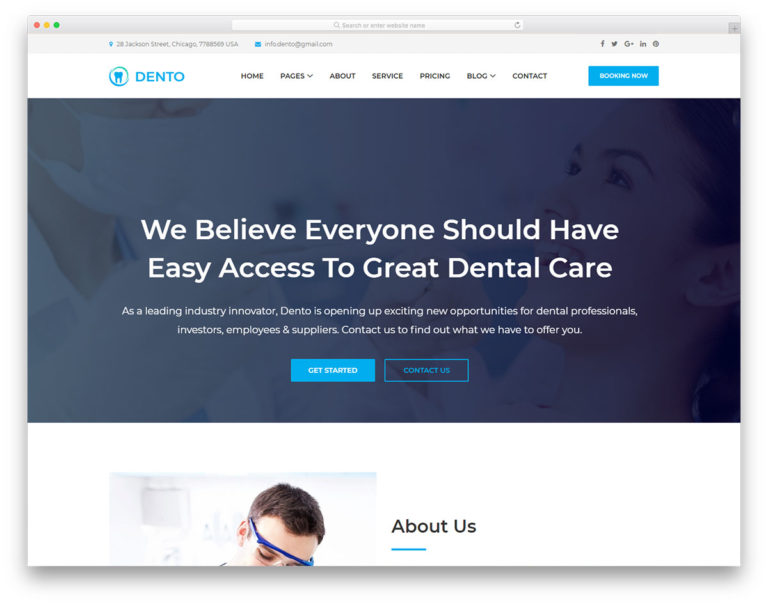
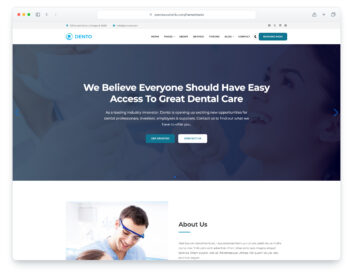
Dento
Choose it for: a dental practice.
The demo includes a dedicated services page, dentist profiles and an appointment-request section. Compare the service presentation and contact route with your practice needs.
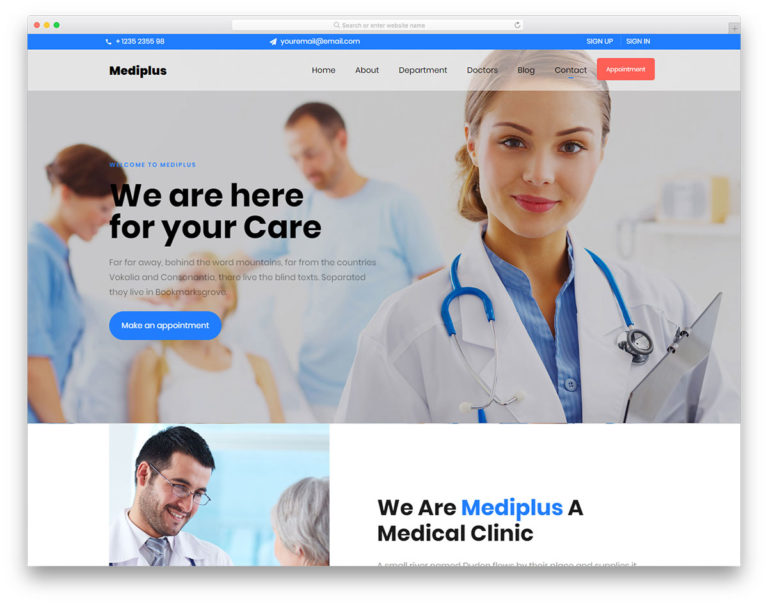
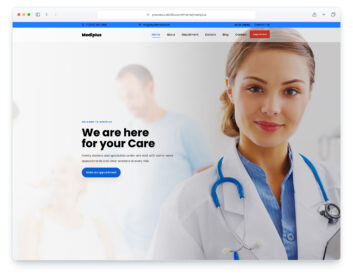
Mediplus
Choose it for: a clinic with a section-based homepage.
The homepage brings departments, doctors and contact information into one scrolling overview, with a separate appointment page linked from the navigation. Check the demo before deciding how much detail each service needs.
Make the route to care clear
Put the practice location, opening hours, contact details and service information where visitors can find them. Replace all demonstration clinicians, testimonials and contact information with accurate practice content before launch.
Check what happens after an appointment request
Review the product's form setup and decide how requests will reach your team or scheduling service. A form layout does not establish real-time appointment availability or a patient portal. Test the completed workflow on mobile and desktop before using it with visitors.
