Docmed
Template Details
Author: Colorlib
Updated: October 2026 · v3.0.1
Credits: Images from Unsplash
Description
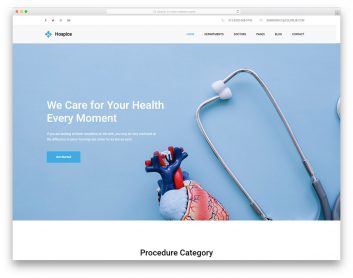
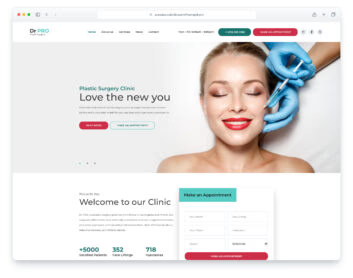
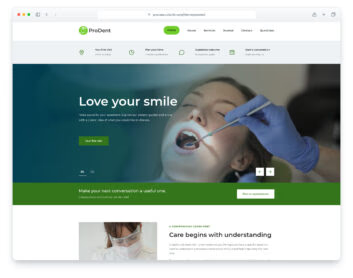
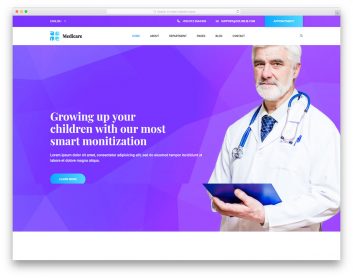
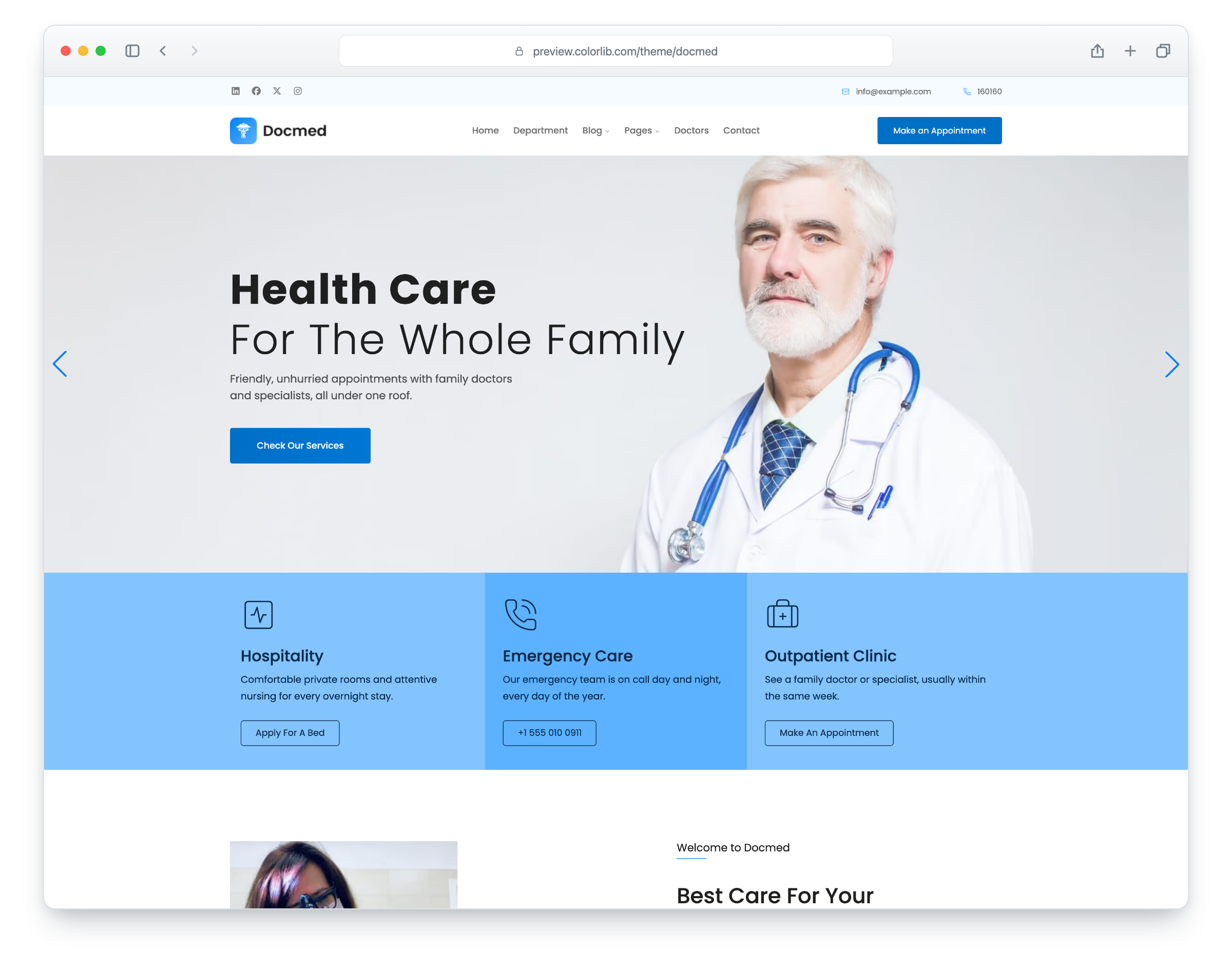
Docmed is a website template for family clinics, medical centres and doctors’ practices, built on Bootstrap 5. The layout is responsive and mobile-ready. There are eight pages: home, about, departments, doctors, blog, a single blog post, contact and an elements page.
The home page has a hero slider, three service cards, a welcome section, a grid of departments, a testimonial slider, tabs on services, physicians and emergency care, an expert doctors slider and an emergency contact band. The inner pages add a doctor grid, a blog with a sidebar (search, categories, recent posts, tags, a photo feed and a newsletter form), a blog post with an author box, comments and a comment form, a contact page with a map that loads on click, a working contact form and opening hours, and an elements page with typography, buttons, a table, an image gallery, lists and form controls. Every page has a sticky header and a “Make an Appointment” button that opens a booking form in a dialog. Docmed gives you a ready-made site to present your clinic, its departments and its doctors.
What’s new in 3.0
- Bootstrap 5.3.8 and plain JavaScript with no jQuery, as in 2.x. Swiper 14 replaces Swiper 11 on the hero, testimonial and doctor sliders, PhotoSwipe 5 replaces GLightbox in the elements gallery, a keyboard-operable side panel replaces the drop-down mobile menu, and AOS, which loaded on every page with nothing to animate, is gone. npm run build (Dart Sass and esbuild) compiles one minified stylesheet and one script.
- Lighter pages: the home page went from 1.8 MB to 852 KB, and the contact page from 3.8 MB and 73 requests to 501 KB and 15 requests. Every photo has an AVIF version with the JPEG or PNG as the fallback, real dimensions and lazy loading below the first screen, and the hero photo is preloaded. Photos saved as large PNGs are now JPEGs, and the WebP copies and 22 unused images are gone. The download went from 31.4 MB to 2.0 MB.
- No third-party requests: Poppins is self-hosted, the Flaticon icon font and Font Awesome’s solid and regular icons are replaced by Lucide SVG icons and a 1.6 KB social-logo subset, the contact map is an OpenStreetMap map (no API key needed) that loads only when a visitor clicks “Show map”, and a Google Analytics 4 snippet stays commented out until you add your own ID. Before, every page loaded its web font from Google Fonts and the Google Analytics script, and the contact page loaded a Google Maps embed as soon as it opened.
- Working forms: the appointment dialog, the contact form, the blog comment form and the newsletter forms send through php/send-email.php, with validation, a spam trap and an in-page message. Before, only the contact form had a mail handler; the others posted to “#” and the appointment fields had no names, so nothing could be sent from them.
- Accessibility: one h1 per page (no page had one), labelled form fields in the appointment dialog, names on icon-only buttons, visible focus rings, submenus that open from the keyboard, a mobile menu that keeps keyboard focus inside and closes with Esc, reduced-motion support and WCAG AA text contrast, with a darker brand blue behind white button text and for blue text on white, navy text on the light blue service cards (white text there was about 2:1), darker overlays behind white text on photos, and darker greys.
- Fixed: the back-to-top button showed an empty icon (it is now a labelled button), the elements page was wider than the screen on tablets, buttons and links that pointed to “#” now go to pages, phone and email links or the appointment dialog, and the typos “For Hole Family” and “Blog Detials” are corrected.
- Demo content: medical-centre copy for every section instead of unrelated filler text, fictional doctors, patients, commenters, address and phone numbers, and photos that showed a hospital name, a staff name tag or brand logos on a device, a phone, a van and clothing are replaced with Unsplash photos without brand markings.
Pricing Docmed
Single
$19
- Premium support
- Template updates
- For 1 year
- Access all templates
Membership
$129
- Premium support
- Template updates
- For 1 year
- For 1 year
Lifetime
$349
- Premium support
- Template updates
- For life
- For life
Similar Medical Templates View all 34 medical templates →