
Showing 1–8 of 8 templates
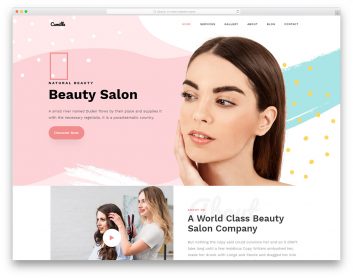
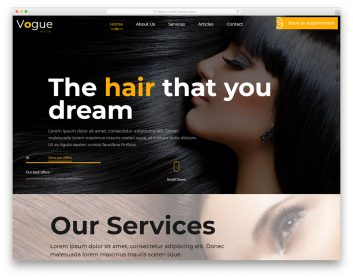
Compare salon layouts by service and customer journey
Help visitors understand your services, see your work and find the next step toward an appointment. Compare these three approaches with the way your team works.
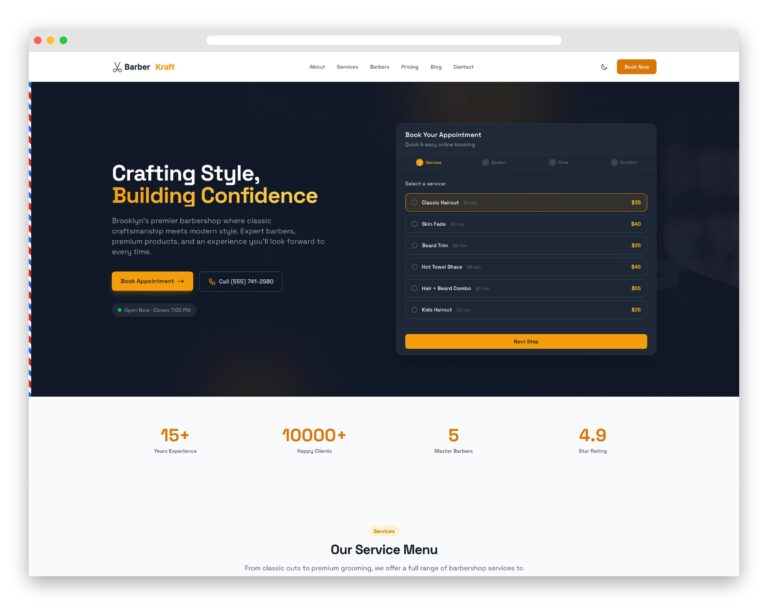
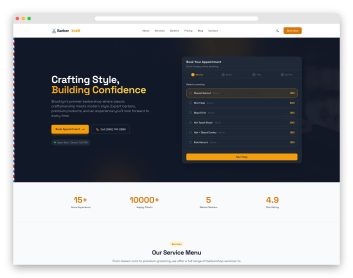
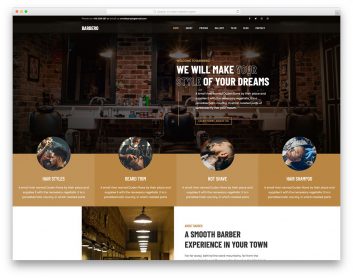
BarberKraft
Choose it for: a barbershop presenting services and individual barbers.
BarberKraft groups haircut and grooming services on the homepage and introduces the team. Separate services, barbers, gallery and booking pages provide a structure for a more detailed barbershop site.
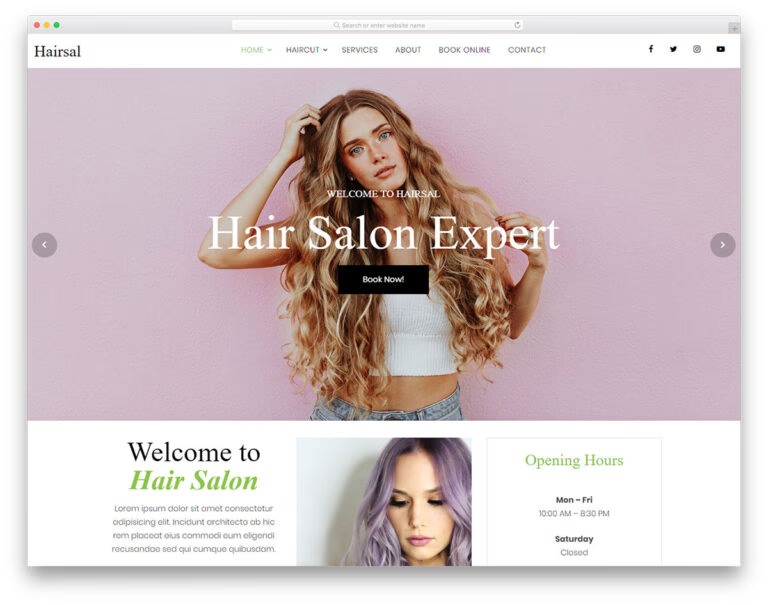
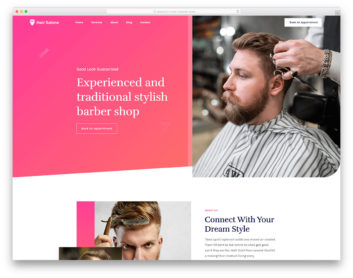
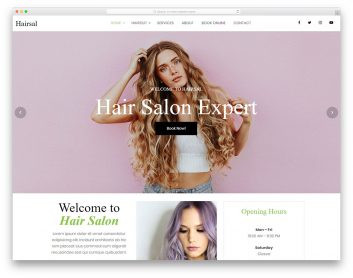
Hairsal
Choose it for: a hair salon with a prominent style showcase.
Hairsal uses large hairstyle imagery and includes a booking form layout. Compare the visual presentation with your own hair photography, then check how appointment requests will be handled.
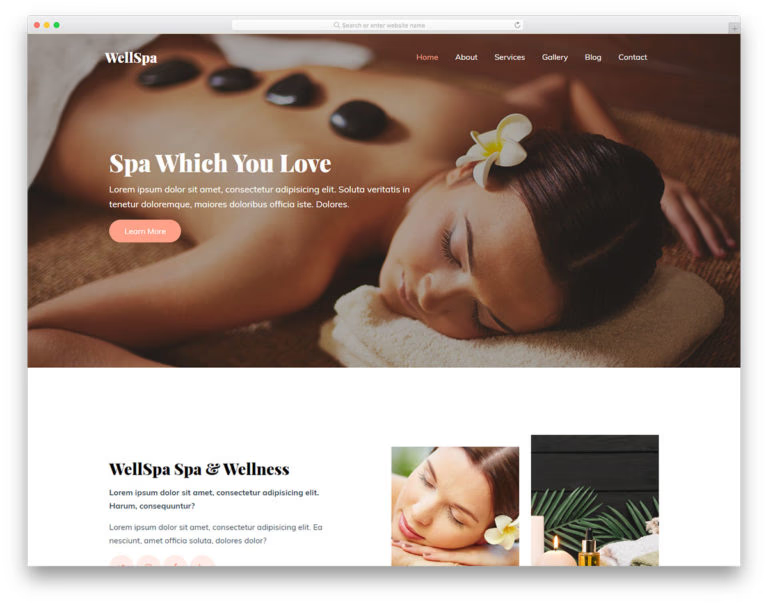
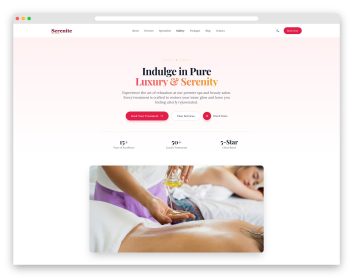
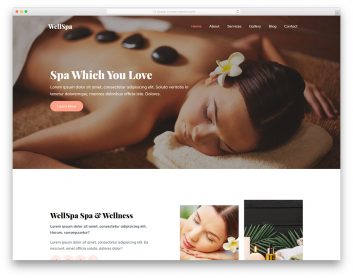
WellSpa
Choose it for: a spa presenting massage and treatment services.
WellSpa leads with treatment imagery and service summaries. Dedicated services, gallery, about and contact pages give visitors a way to explore the spa before making an enquiry.
Make services and specialists easy to compare
Explain what each service includes and how long it takes. Introduce the team with relevant specialties, replace sample testimonials with genuine customer feedback, and show representative work with permission. Keep the location and opening hours easy to find.
Test what happens after an appointment request
A form with a date field does not prove that a time slot is available. If customers need to choose a specific staff member or receive an immediate confirmation, connect a booking system that supports those requirements. Test validation, notifications and the confirmation message with your configured integration before launch.
