
10 Best Free Portfolio Website Builders 2026 (Tested and Compared)
Your portfolio is the single most important marketing tool you have as a creative professional. It is the first impression potential clients, employers, and collaborators see — and in most cases, they will decide within seconds whether your work is worth exploring further. A strong portfolio website does more than display images. It tells the story of your creative process, guides visitors through your best work, and makes it easy to get in touch.
We tested the top website builders used by designers, photographers, illustrators, and other creatives to find the best options for building a portfolio in 2026. We evaluated template quality, gallery layouts, custom domain support, free plan limitations, ecommerce for selling work, and how well each platform handles case studies and project pages. Here are the 10 best free portfolio website builders — ranked by how well they serve working creatives.
Quick Comparison
| Builder | Best For | Gallery Types | Custom Domain | Free Plan | Starting Price |
|---|---|---|---|---|---|
| Wix | Best overall free | Grid, masonry, slideshow, fullscreen | Paid plans only | Yes | $17/mo |
| Squarespace | Best templates | Grid, slideshow, carousel, lightbox | Included (paid) | 14-day trial | $16/mo |
| Adobe Portfolio | Creative Cloud users | Grid, fullscreen, slideshow | Yes (free w/ CC) | Free w/ CC | $19.99/mo (CC) |
| Cargo | Art/experimental | Grid, freeform, slideshow | Paid plans only | Yes (3 pages) | $13/mo |
| Format | Photographers/filmmakers | Grid, horizontal scroll, lightbox | Included | 14-day trial | $7/mo |
| Webflow | Designers who code | Custom (CSS grid, flexbox) | Paid plans only | Yes (2 pages) | $14/mo |
| Framer | Interactive portfolios | Custom (component-based) | Paid plans only | Yes (2 pages) | $5/mo |
| Behance | Free exposure | Vertical scroll, modules | No | Yes (full) | Free |
| WordPress | Long-term growth | Unlimited (via plugins/themes) | Yes (self-hosted) | Yes (self-hosted) | ~$5/mo |
| Pixpa | Budget all-in-one | Grid, masonry, slideshow, mosaic | Included | 15-day trial | $4/mo |
10 Best Free Portfolio Website Builders
1. Wix — Best Free Portfolio Builder Overall
Best for: Creatives who want a polished portfolio without paying anything | Free plan available • Paid from $17/mo
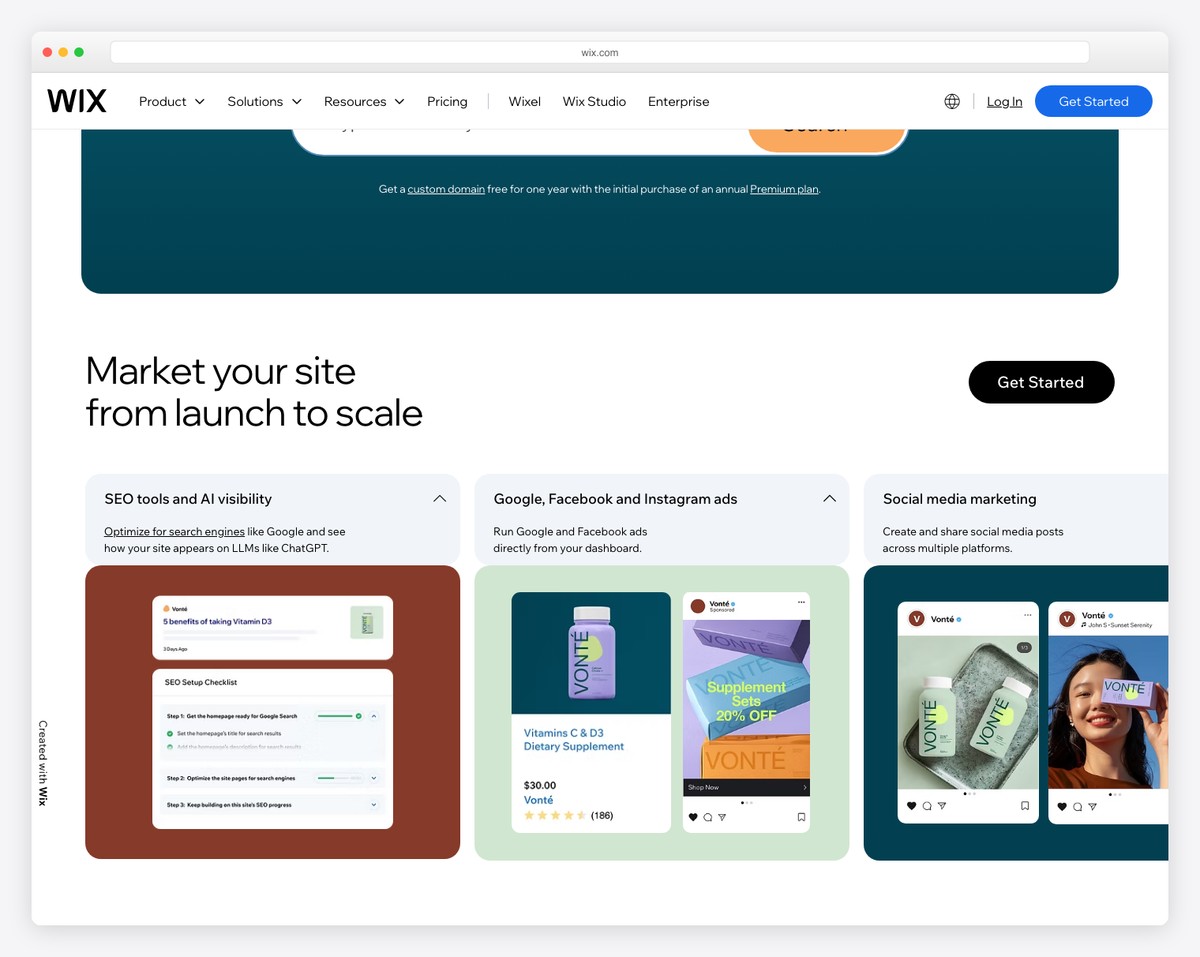
Wix is the best free portfolio builder for most creatives because it gives you the most functionality at zero cost. The free plan includes the full drag-and-drop editor, 500+ design templates (over 50 specifically for portfolios), and the Wix Pro Gallery — which displays images at full resolution without compression in grid, masonry, slideshow, and fullscreen layouts.
What makes Wix stand out for portfolio building is the level of design control on the free tier. You can customize every element — fonts, colors, spacing, animations — and create dedicated project pages with case study layouts that include text descriptions alongside your visual work. The AI-powered ADI tool can generate a complete portfolio site from your answers to a few questions, which is useful if you want something polished quickly.
The free plan includes 500MB storage and Wix branding, which is sufficient for a starter portfolio with 20-30 projects. For creatives who sell prints, digital downloads, or services, upgrading to a paid plan ($17/mo) removes branding, adds a custom domain, and unlocks ecommerce. You can also password-protect individual pages — useful for client-only work or in-progress projects you want to share selectively.
Pricing: Free plan available. Light $17/mo, Core $29/mo, Business $39/mo (billed annually). Free plan includes 500MB storage, Wix branding. Custom domain requires paid plan.
Pros
✅ Best free plan for portfolios
✅ Pro Gallery with full-res images
✅ 500+ templates, 50+ for portfolios
✅ Password-protected pages
Cons
❌ 500MB storage on free plan
❌ Wix branding on free sites
❌ No custom domain on free plan
❌ Cannot switch templates after building
2. Squarespace — Best Portfolio Templates
Best for: Creatives who want the most polished portfolio with minimal design effort | From $16/mo • 14-day free trial
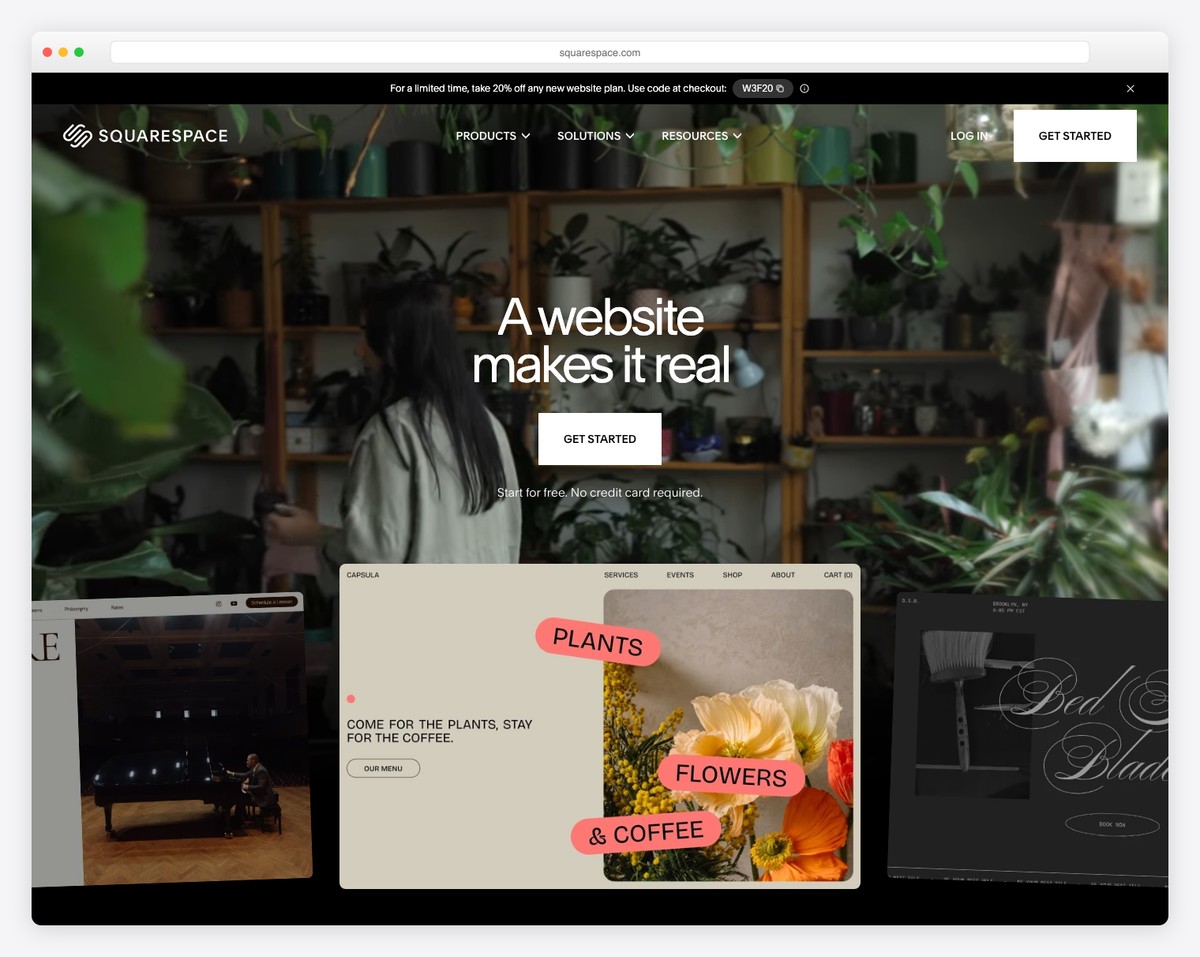
Squarespace has the best-designed portfolio templates of any website builder. Period. If you are a designer, photographer, architect, or any creative who needs their work to look stunning with minimal effort, Squarespace delivers that out of the box. The templates use generous whitespace, refined typography, and full-bleed gallery layouts that make your projects the focal point.
The Fluid Engine editor lets you build custom portfolio pages with a mix of images, text, and video. Gallery options include grid, slideshow, carousel, and lightbox — all responsive across devices. You can create detailed case study pages for each project with descriptions, process images, and client testimonials. Squarespace also includes a built-in portfolio section type that displays project thumbnails in a cohesive grid with hover previews.
For creatives selling work, the built-in ecommerce handles digital downloads, physical products, and services. Unlimited storage means you never worry about file limits, even with high-resolution images and video. The main tradeoff is price — there is no free plan, only a 14-day trial. But for the design quality you get, Squarespace justifies its cost for any creative who takes their online presence seriously.
Pricing: Basic $16/mo, Core $23/mo, Plus $39/mo, Advanced $99/mo (billed annually). 14-day free trial. Free custom domain for the first year on annual plans.
Pros
✅ Best-designed portfolio templates
✅ Unlimited storage and bandwidth
✅ Built-in ecommerce for selling work
✅ Portfolio section with hover previews
Cons
❌ No free plan — 14-day trial only
❌ No client proofing tools
❌ Limited custom code on Basic plan
❌ 3% transaction fee on Basic plan
3. Adobe Portfolio — Best for Creative Cloud Users
Best for: Designers and photographers already paying for Adobe Creative Cloud | Free with any CC subscription • Custom domain included
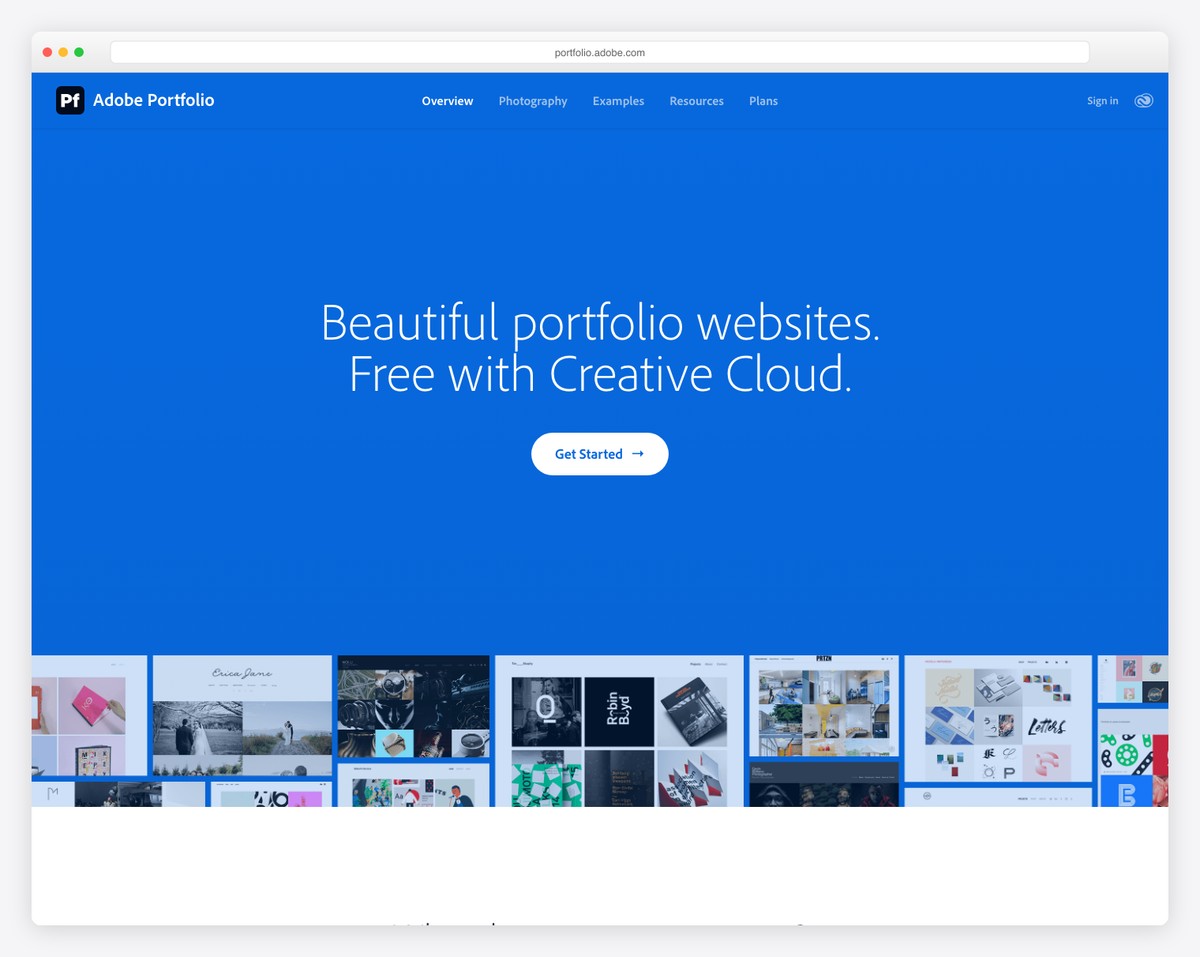
Adobe Portfolio is the most overlooked portfolio builder on this list — primarily because most creatives do not realize it is included free with every Creative Cloud subscription. If you already pay for Photoshop, Illustrator, or the full CC suite, you have access to a fully functional portfolio website with a custom domain at no additional cost.
The standout feature is seamless integration with Adobe’s ecosystem. You can sync projects directly from Behance, so anything you publish there automatically appears on your portfolio site. Lightroom integration lets you create galleries from your photo collections without exporting or re-uploading. The editor is straightforward — choose a layout, add pages, customize colors and fonts — but it lacks the depth of Squarespace or Wix.
Adobe Portfolio supports password-protected pages, custom domains, and responsive layouts that look clean on mobile. Gallery options include grid, fullscreen, and slideshow formats. The limitation is scope — this is a portfolio-only tool with no blog, ecommerce, or advanced page-building features. For creatives who just need a clean place to showcase work and already pay for Creative Cloud, it is effectively free and takes under an hour to set up.
Pricing: Free with any Adobe Creative Cloud plan. Single-app CC plans start at $22.99/mo, Photography Plan at $19.99/mo, All Apps at $59.99/mo. Custom domain included at no extra cost.
Pros
✅ Free with any Creative Cloud plan
✅ Custom domain included
✅ Behance and Lightroom sync
✅ Password-protected pages
Cons
❌ Requires Creative Cloud subscription
❌ No ecommerce or blog features
❌ Limited design customization
❌ Fewer templates than competitors
4. Cargo — Best for Experimental and Art Portfolios
Best for: Artists and designers who want unconventional, boundary-pushing portfolio layouts | Free plan (3 pages) • Paid from $13/mo
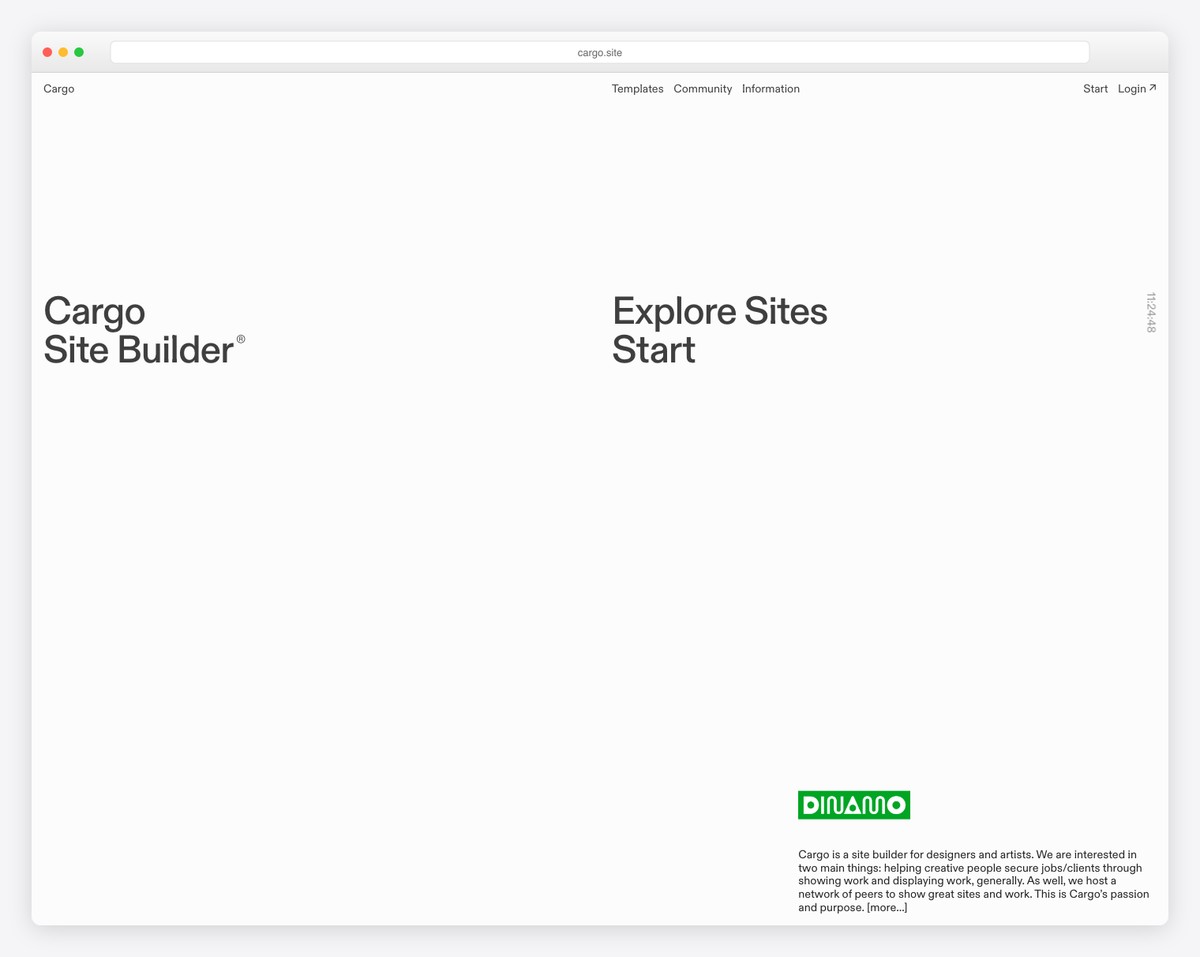
Cargo is what you choose when every other portfolio builder feels too safe. Built specifically for artists, designers, and creative directors, Cargo offers freeform layout tools that let you break out of the grid-based constraints that define platforms like Squarespace and Wix. You can overlap elements, create non-linear navigation, use custom cursors, and build pages that feel more like interactive art installations than traditional websites.
The platform is curated — Cargo reviews new signups to maintain a community of serious creatives, which means the template gallery and inspiration feed showcase genuinely original work. Templates range from minimalist type-driven layouts to experimental designs with animated backgrounds and unconventional scrolling behavior. You get direct access to custom CSS and HTML, so if you know code, the creative ceiling is essentially unlimited.
The free plan gives you 3 pages with Cargo branding, which is enough to test whether the platform’s aesthetic matches your vision. The paid plan ($13/mo) unlocks unlimited pages, removes branding, and adds a custom domain. Cargo is not the right choice for photographers who need structured galleries or freelancers who want a business-focused site — but for fine artists, illustrators, and experimental designers, nothing else comes close.
Pricing: Free plan with 3 pages and Cargo branding. Cargo Plus $13/mo or $99/yr. Custom domain and unlimited pages on paid plan.
Pros
✅ Freeform layouts unlike any other builder
✅ Direct CSS/HTML access
✅ Curated creative community
✅ Free plan available (3 pages)
Cons
❌ Steep learning curve for freeform tools
❌ Limited to 3 pages on free plan
❌ No ecommerce or client proofing
❌ Not suitable for structured portfolios
5. Format — Best for Photographers and Filmmakers
Best for: Photographers and filmmakers who need client proofing and video support | From $7/mo • 14-day free trial
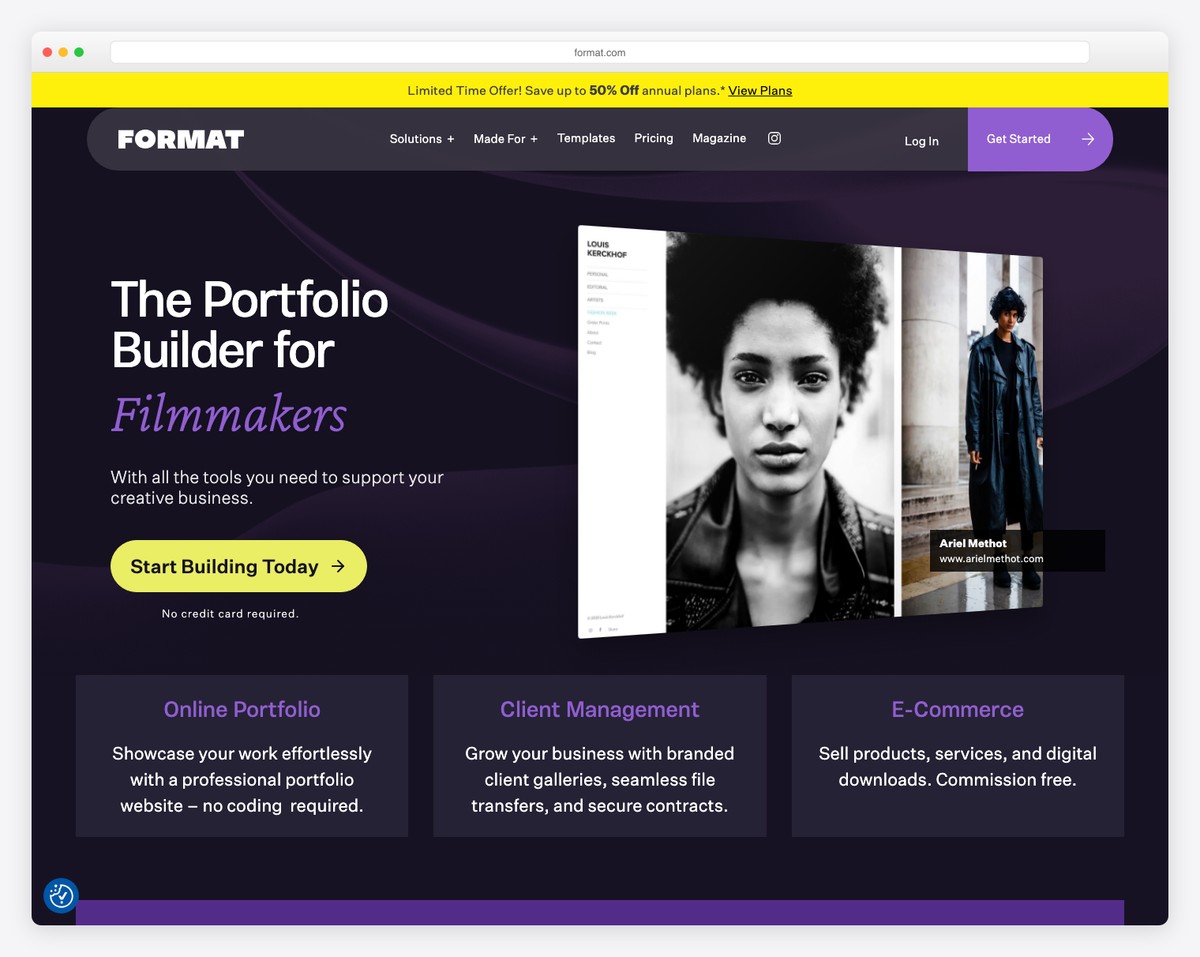
Format (formerly 22Slides) is the portfolio builder designed specifically for photographers and filmmakers. While other platforms treat portfolio features as one category among many, Format’s entire product roadmap revolves around the needs of visual creatives — client proofing, gallery management, branded file delivery, and video hosting are core features, not afterthoughts.
Client proofing is available on every plan. You create password-protected galleries where clients can review images, mark favorites, leave comments on individual photos, and approve final selections. Once approved, Format’s branded file transfer lets you deliver high-resolution files through a professional download page — no Dropbox or WeTransfer links needed. For filmmakers, built-in video hosting (15-120 minutes depending on plan) eliminates the need for Vimeo embeds.
The 90+ templates are all designed for visual portfolios, with gallery layouts including grid, horizontal scroll, lightbox, and slideshow. Format also supports project-based pages where you can combine images, video, and text into detailed case studies. The online store lets you sell prints, digital downloads, and services directly from your portfolio. The only drawback is the lack of a free plan — but the 14-day trial gives you full access to evaluate everything.
Pricing: Basic $7/mo, Pro $8/mo, Pro Plus $13/mo (billed annually). 14-day free trial. All plans include client proofing and custom domain.
Pros
✅ Client proofing on every plan
✅ Branded file delivery
✅ Built-in video hosting
✅ 90+ photography-focused templates
Cons
❌ No free plan (trial only)
❌ Basic plan limited to 100 images
❌ No print lab integration
❌ Smaller template library than Wix/Squarespace
6. Webflow — Best for Designers Who Code
Best for: Web and UI designers who want full CSS control over their portfolio | Free plan (2 pages) • Paid from $14/mo
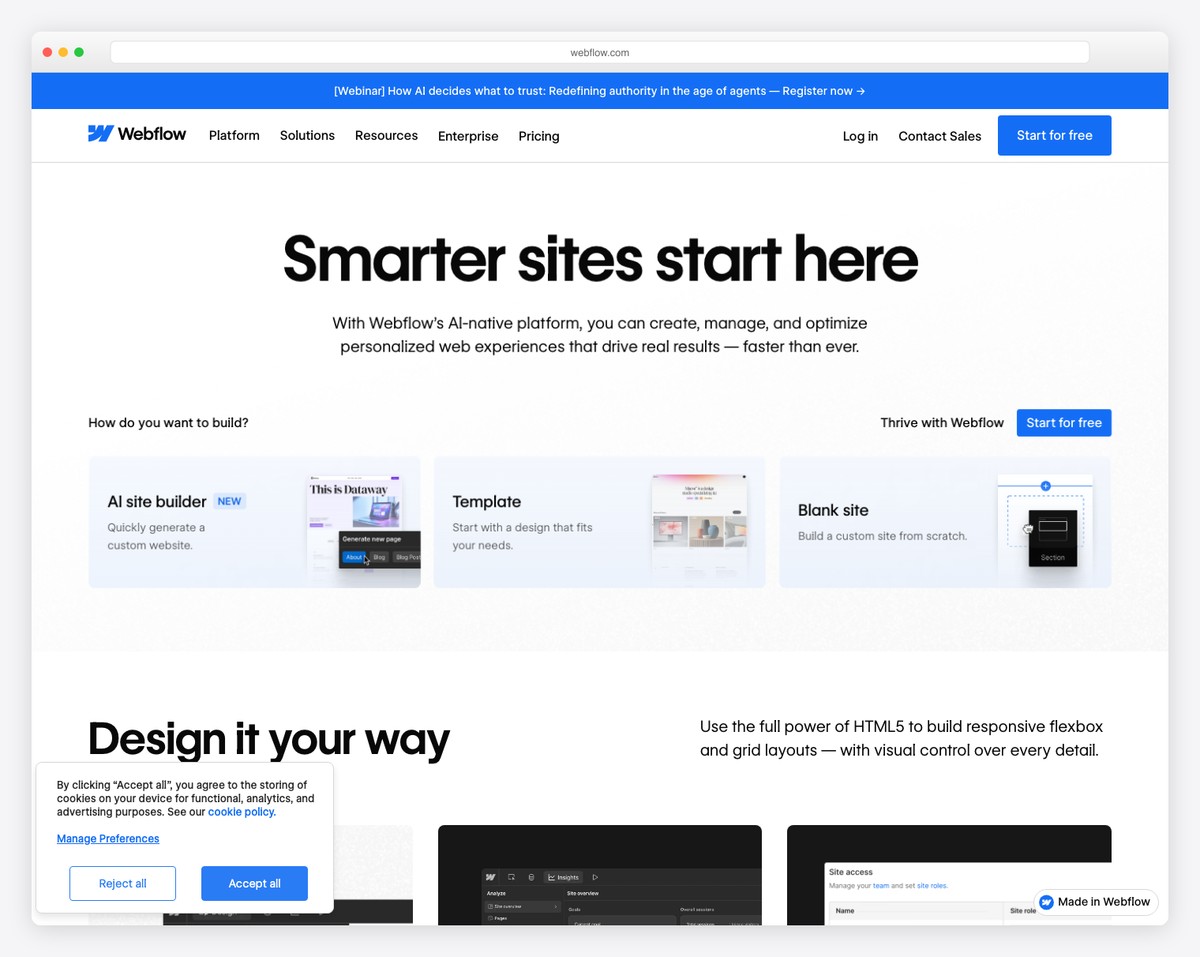
Webflow is the portfolio builder for designers who think in CSS. Unlike drag-and-drop builders that abstract away the code, Webflow’s visual editor directly maps to HTML and CSS — you control flexbox, grid, transforms, filters, and animations through a visual interface that generates clean, semantic code. Your portfolio site itself becomes a demonstration of your design skills.
The Interactions panel is where Webflow truly separates itself. You can create scroll-triggered animations, hover effects, parallax movement, and complex page transitions without writing JavaScript. For a portfolio, this means project thumbnails that expand into full case studies with smooth animations, navigation elements that respond to scroll position, and loading sequences that set the tone before your work appears. The 2,000+ community templates include many portfolio-specific designs you can clone and customize.
Webflow’s free plan lets you build and publish 2 pages on a webflow.io subdomain — enough for a homepage and one project page to test the platform. The CMS plan ($23/mo) unlocks dynamic collections, which let you manage projects as structured content that automatically populates gallery pages. For UI/UX designers and web developers, Webflow is not just a portfolio builder — it is a portfolio piece.
Pricing: Free plan (2 pages, webflow.io subdomain). Basic $14/mo, CMS $23/mo, Business $39/mo (billed annually). Custom domain requires paid plan.
Pros
✅ Full CSS control via visual editor
✅ Advanced interactions and animations
✅ Clean, semantic code output
✅ CMS for dynamic project collections
Cons
❌ Steep learning curve for non-developers
❌ Free plan limited to 2 pages
❌ No custom domain on free plan
❌ Overkill for simple image portfolios
7. Framer — Best for Interactive Portfolios
Best for: Product designers and developers who want interactive, component-based portfolios | Free plan (2 pages) • Paid from $5/mo
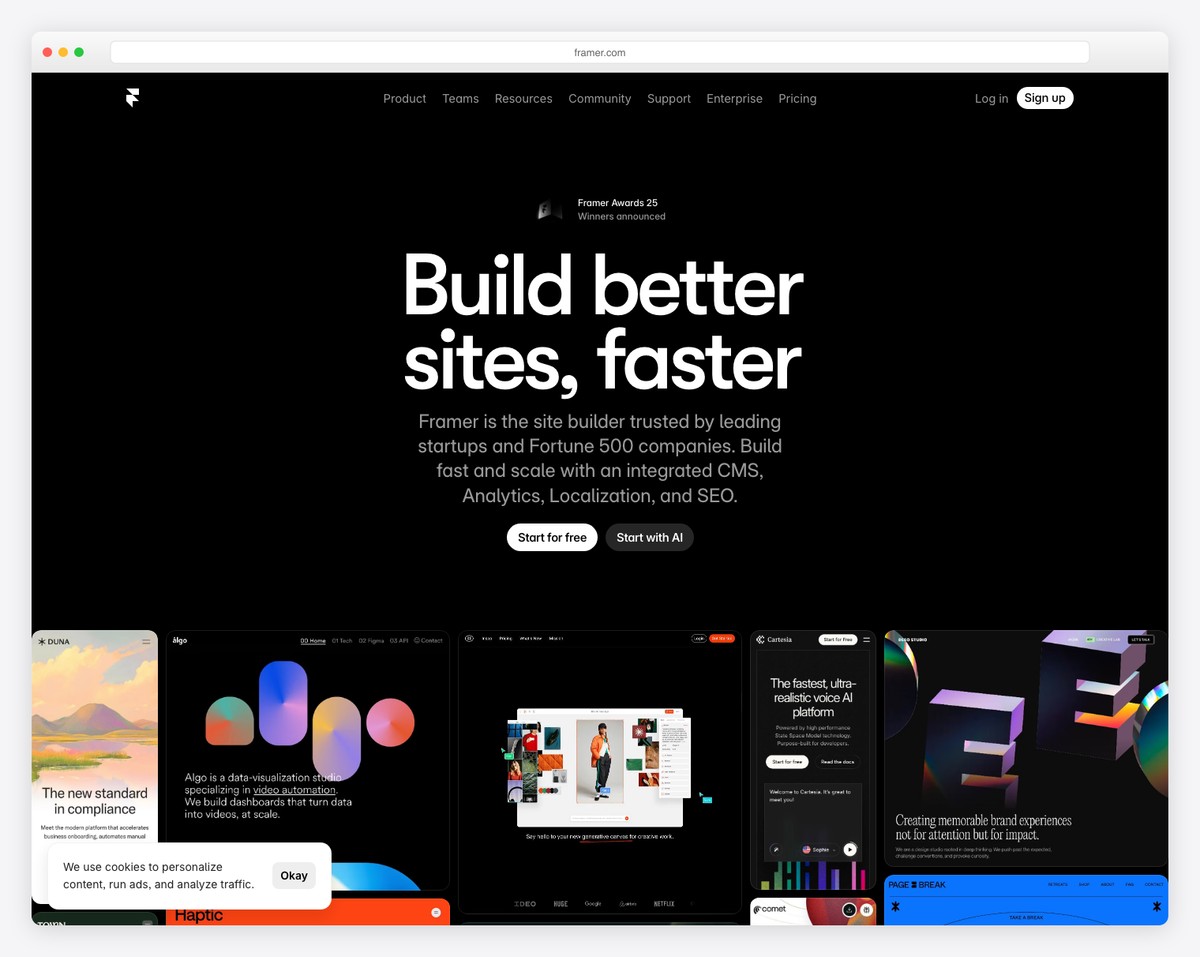
Framer started as a prototyping tool and has evolved into one of the most exciting website builders for creatives who want their portfolios to feel interactive and alive. Unlike traditional page builders, Framer uses a component-based design system — you build reusable elements with built-in states, variants, and animations, then compose them into pages. The result is portfolios that feel more like product experiences than static websites.
The motion design capabilities are best-in-class for a website builder. You can create scroll-linked animations, page transitions with shared element morphing, hover states with physics-based spring animations, and micro-interactions that respond to cursor position. For product designers and motion designers, your portfolio itself demonstrates the kind of interaction design you do professionally. Framer also supports custom React components, so developers can embed interactive demos directly within project pages.
The free plan includes 2 pages on a framer.site subdomain with Framer branding — enough to build a compelling landing page and one featured project. At $5/mo for the Mini plan (which adds a custom domain and removes branding), Framer is the most affordable paid option for designers who want a portfolio that stands out from the Squarespace crowd. The learning curve is real, but for product and interaction designers, the investment in learning Framer pays dividends.
Pricing: Free plan (2 pages, framer.site subdomain). Mini $5/mo, Basic $15/mo, Pro $30/mo (billed annually). Custom domain on all paid plans.
Pros
✅ Best-in-class motion and interactions
✅ Component-based design system
✅ Custom React component support
✅ Most affordable paid plan ($5/mo)
Cons
❌ Steep learning curve
❌ Free plan limited to 2 pages
❌ Not ideal for image-heavy portfolios
❌ No ecommerce features
8. Behance — Best Free Exposure Platform
Best for: Creatives who want maximum visibility and a built-in audience for free | Completely free • No paid plans needed
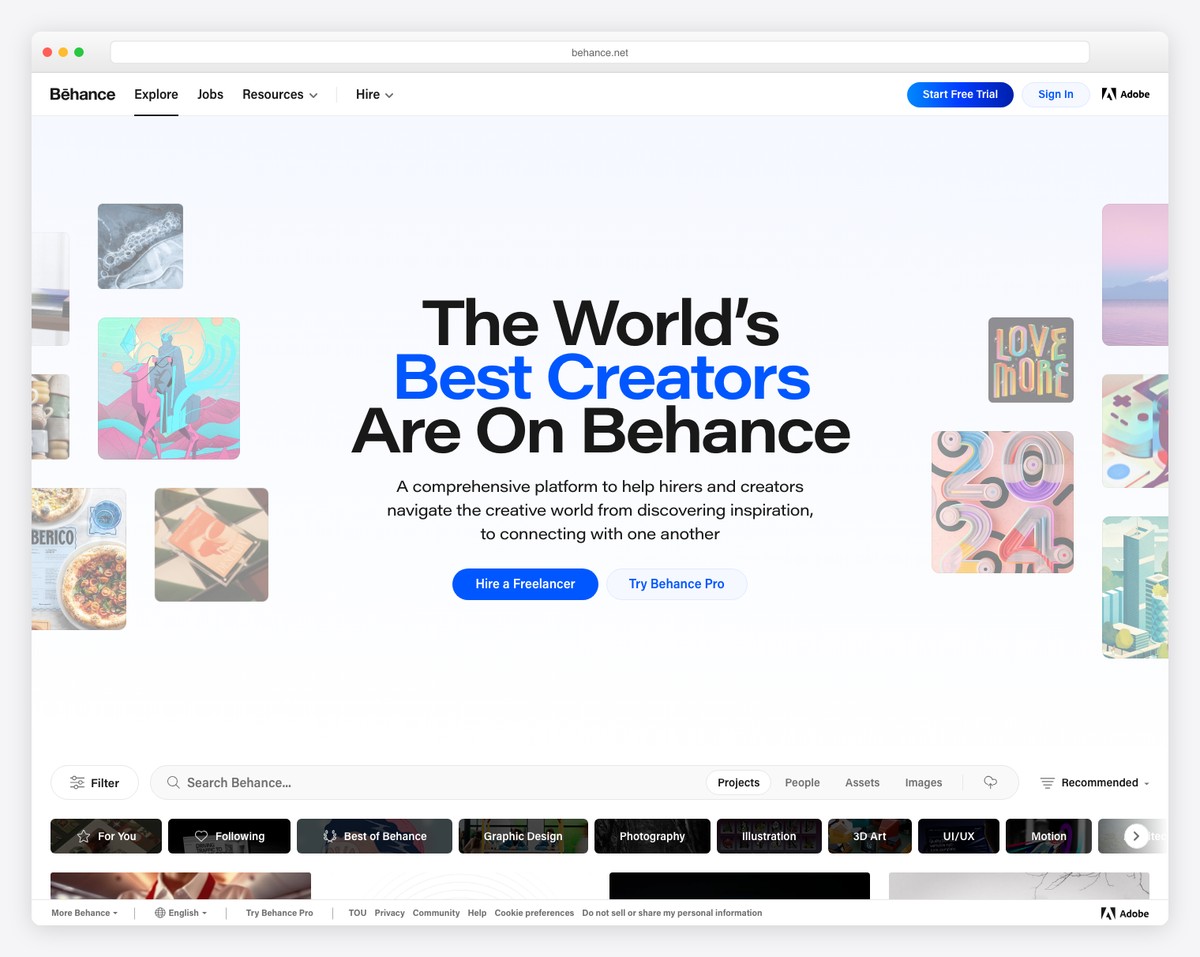
Behance is not a website builder in the traditional sense — it is a portfolio platform with a built-in audience of over 50 million creative professionals. The distinction matters because while other tools help you build a beautiful site that nobody visits, Behance puts your work in front of art directors, recruiters, and potential clients who are actively browsing for talent. It is completely free, with no paid tiers or premium features behind a paywall.
Each project on Behance is a vertical scroll page where you combine full-width images, text descriptions, embedded videos, and process shots into a narrative case study. The platform’s curation algorithms surface quality work through Featured galleries, category pages, and the daily Discover feed. Getting featured on Behance can generate thousands of views and direct client inquiries. You can also receive appreciation (likes), comments, and follows that build social proof over time.
The limitation is control — you cannot customize your profile page layout, use a custom domain, or create the kind of branded experience that a standalone portfolio provides. Many creatives use Behance as a discovery engine alongside a personal portfolio site. Publish your best projects on Behance for exposure, then link to your own website (built with Squarespace, Webflow, or any other tool on this list) for the full portfolio experience. The combination is more powerful than either approach alone.
Pricing: Completely free. No paid plans. Included with any Adobe Creative Cloud subscription but does not require one — anyone can create a free account.
Pros
✅ Completely free with no limitations
✅ Built-in audience of millions
✅ Featured curation drives discovery
✅ Syncs with Adobe Portfolio
Cons
❌ No custom domain or branding
❌ Cannot customize profile layout
❌ No ecommerce or client tools
❌ You don’t own the platform
9. WordPress — Best for Long-Term Growth
Best for: Creatives who want full ownership, SEO power, and unlimited scalability | Free (self-hosted) • Hosting from ~$5/mo
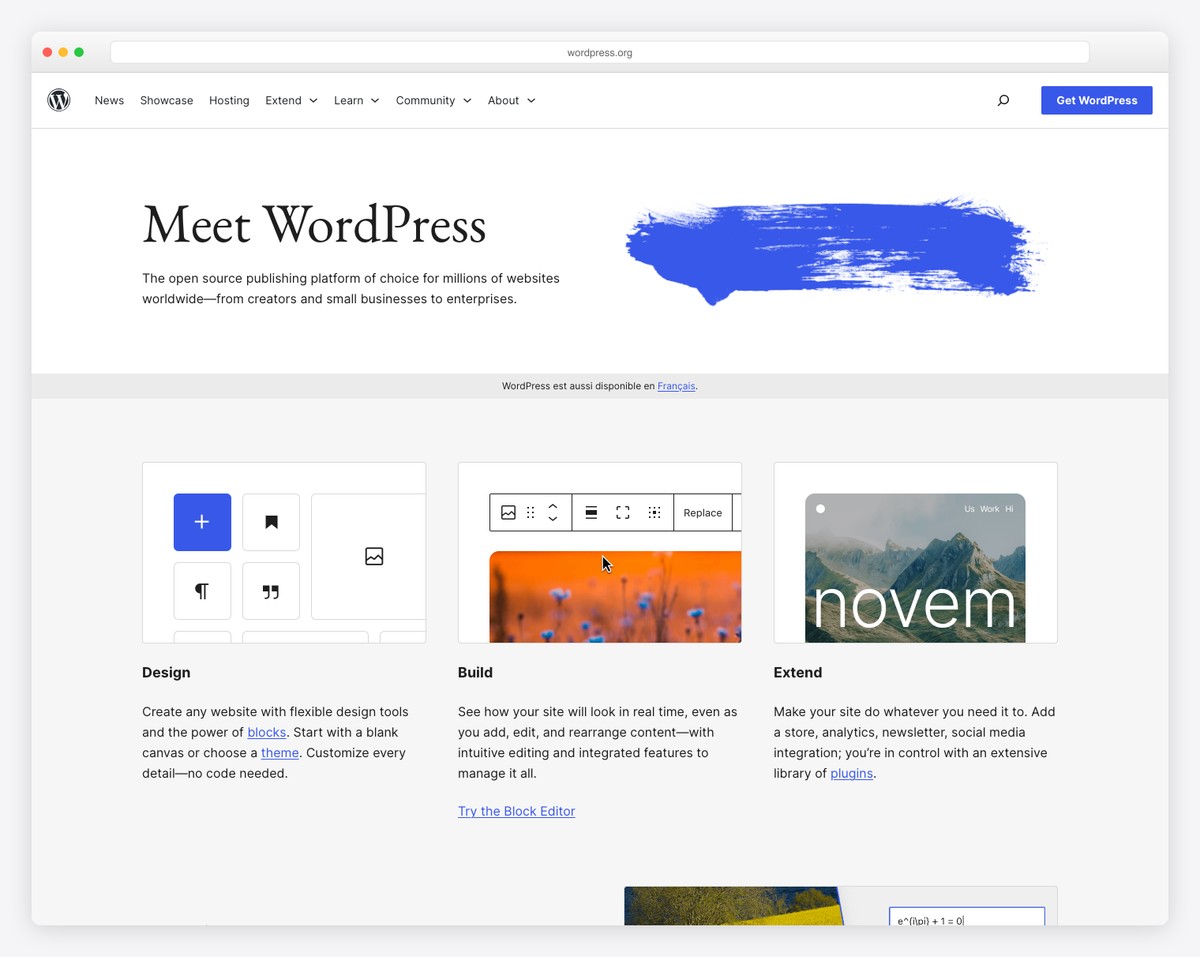
WordPress (self-hosted, wordpress.org) is the most powerful portfolio platform for creatives who want complete ownership and long-term scalability. Unlike every other builder on this list, you own your site entirely — the code, the content, the domain, the hosting. No platform can raise your prices, change your features, or shut down your site. For creatives building a career-long online presence, this independence matters.
The portfolio ecosystem is massive. Themes like Flavor, flavor-flavor, Flavor, and flavor provide portfolio-specific layouts with masonry grids, filterable galleries, and project case study templates. Gallery plugins like Envira Gallery, FooGallery, and Modula offer advanced layouts — grid, masonry, slideshow, lightbox, carousel — with lazy loading and image protection. For selling work, WooCommerce handles prints, digital downloads, commissions, and subscriptions. The WordPress block editor itself now includes portfolio and gallery blocks that cover basic needs without any plugins.
WordPress also offers the best SEO of any portfolio platform. With Yoast or Rank Math, you can optimize every project page for search engines — meta descriptions, schema markup, XML sitemaps, and internal linking. This matters for creatives who want to be found through Google rather than relying solely on referrals. The tradeoff is complexity — you need to manage hosting, updates, and security yourself. But for creatives willing to invest the setup time, WordPress scales from a simple portfolio to a full business platform without ever hitting a ceiling.
Pricing: WordPress software is free. Hosting costs ~$3-10/mo (Hostinger, Cloudways, SiteGround). Premium portfolio themes $30-80 one-time. Total first-year cost as low as $50-100.
Pros
✅ Full ownership — you control everything
✅ Best SEO capabilities of any builder
✅ Thousands of portfolio themes and plugins
✅ Unlimited scalability (blog, store, courses)
Cons
❌ Requires managing hosting and updates
❌ Steeper learning curve than hosted builders
❌ No built-in client proofing
❌ Quality varies widely across themes
10. Pixpa — Best Budget All-in-One
Best for: Creatives who want portfolio, store, blog, and client galleries at the lowest price | From $4/mo • 15-day free trial
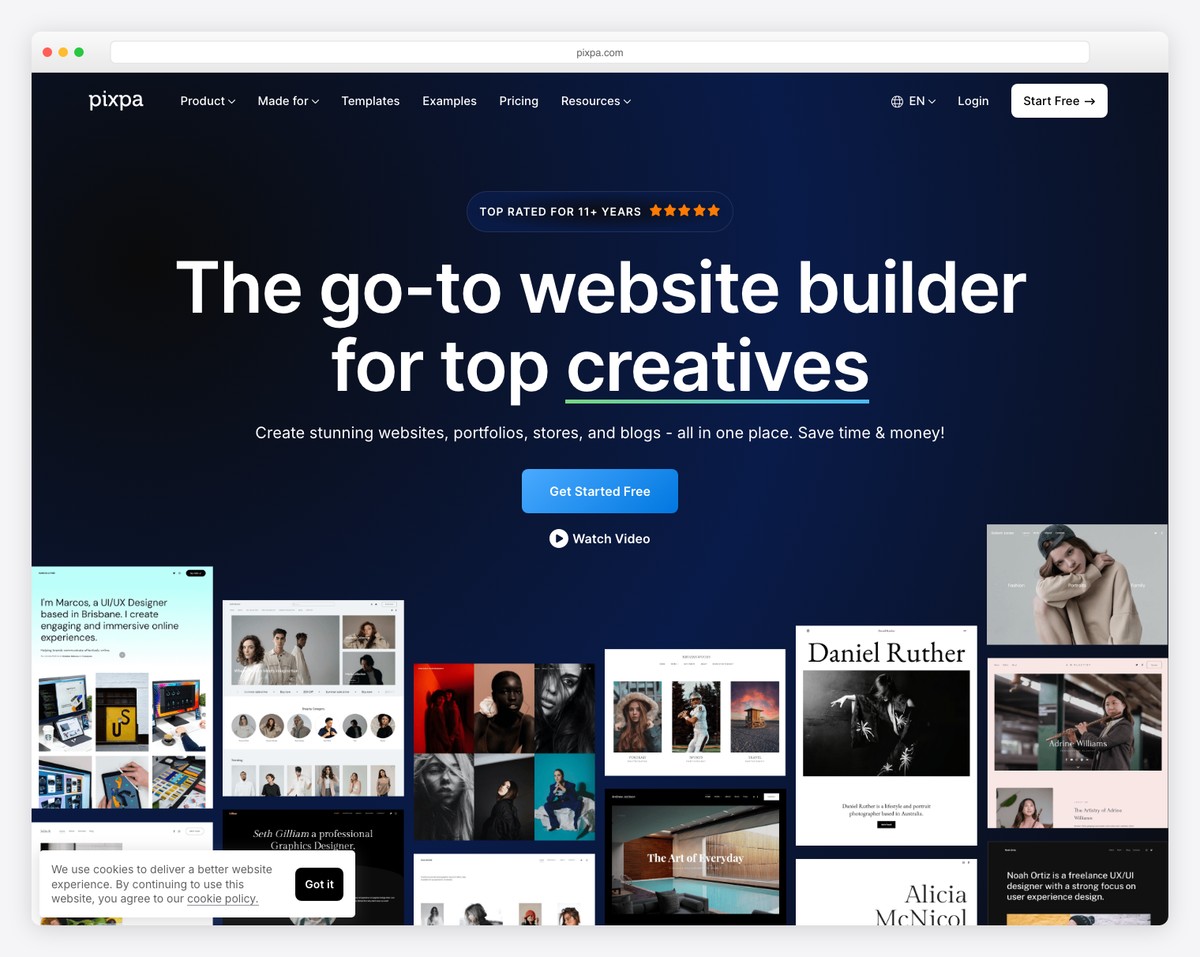
Pixpa is the best value on this list for creatives who need more than just a portfolio page. Starting at $4/mo, it bundles portfolio galleries, client proofing, an online store, and a blog into one platform — features that would cost $20-40/mo if you assembled them from separate tools. For photographers, illustrators, and designers who want an all-in-one solution without the price tag of Squarespace or Format, Pixpa delivers.
Gallery options are extensive — grid, masonry, slideshow, mosaic, and horizontal scroll layouts, all with lightbox viewing and image protection. Client proofing galleries let clients favorite and select images, with optional print ordering through integrated labs like WHCC and Bay Photo. The built-in store supports physical products, digital downloads, and services with no transaction fees. You can create project-based portfolio pages with custom layouts, and the blog is full-featured with categories, tags, and SEO tools.
The 150+ templates are designed for visual creatives and all fully responsive. Pixpa also includes custom domain, SSL, and hosting on all plans — nothing hidden. The tradeoff versus pricier platforms is in design polish and advanced features. Templates are clean but not as refined as Squarespace. The editor is functional but lacks the design depth of Webflow or Framer. For creatives who prioritize features-per-dollar over cutting-edge design tools, Pixpa is hard to beat.
Pricing: Basic $4/mo, Creator $5/mo, Professional $8/mo, Advanced $16/mo (billed annually). 15-day free trial. Custom domain and hosting included on all plans.
Pros
✅ Most affordable all-in-one ($4/mo)
✅ Client proofing + print lab integration
✅ Built-in store with no transaction fees
✅ 150+ responsive portfolio templates
Cons
❌ No free plan (trial only)
❌ Templates less polished than Squarespace
❌ Editor lacks advanced design tools
❌ Smaller community and ecosystem
How to Choose the Right Portfolio Builder by Creative Discipline
The best portfolio builder depends on your creative discipline and what you need the site to accomplish beyond showcasing work:
Graphic designers and illustrators: Squarespace provides the most polished templates for image-driven portfolios. If you want your portfolio to demonstrate design thinking, Webflow gives you full CSS control. Cargo is the choice if your work is experimental or art-forward.
Photographers and filmmakers: Format is purpose-built for visual creatives with client proofing, file delivery, and video hosting. Pixpa offers similar features at a lower price. For free options, Wix has the best Pro Gallery with full-resolution image display.
UI/UX and product designers: Webflow and Framer let your portfolio itself showcase your design skills — with custom interactions, animations, and component-based layouts. Both offer free plans to get started. Behance is essential for discoverability among design hiring managers.
Fine artists and creative directors: Cargo’s freeform layouts let you create unconventional, gallery-like experiences. Adobe Portfolio is a no-cost option if you already have Creative Cloud. Behance provides free exposure to art directors and curators.
Freelancers building a business: WordPress gives you the most SEO power and long-term scalability — portfolio, blog, and store that grow with your career. Pixpa ($4/mo) is the most affordable all-in-one if you want everything bundled from day one.
Students and beginners: Start with Wix (free plan) or Behance (completely free) to build your first portfolio at zero cost. Upgrade to a paid platform once you have client work and need a custom domain.
Our top pick: For most creatives, Wix is the best starting point — its free plan gives you a fully functional portfolio with the Pro Gallery, password protection, and enough customization to look professional. When you are ready to invest, Squarespace ($16/mo) delivers the best templates and design quality. For the best value with client tools included, Pixpa ($4/mo) bundles everything into one affordable platform.
Frequently Asked Questions
Which free portfolio builder is truly free?
Behance is the only portfolio platform that is 100% free with no paid tiers — you get unlimited projects, no branding restrictions, and a built-in audience. Wix offers a generous free plan with the full editor and Pro Gallery, but includes Wix branding and limits storage to 500MB. Cargo gives you 3 free pages with branding. Webflow and Framer each offer free plans limited to 2 pages. Adobe Portfolio is free if you already subscribe to Creative Cloud. WordPress.org is free software, but you need to pay for hosting ($3-10/mo).
Do I need a custom domain for my portfolio?
A custom domain (like yourname.com) is strongly recommended for any creative portfolio you share with clients, employers, or agencies. It signals professionalism and is far more memorable than a subdomain like yourname.wixsite.com. A custom domain also improves SEO, letting your portfolio rank in search results for your name and services. Most portfolio builders include a custom domain on paid plans, and domains typically cost $10-15/year through registrars like Namecheap or Google Domains. Adobe Portfolio includes a free custom domain with any Creative Cloud subscription.
Can I sell my work through a portfolio website?
Yes — several portfolio builders include ecommerce features for selling prints, digital downloads, commissions, and services. Squarespace has the most polished built-in store for selling physical products and digital files. Pixpa offers a no-transaction-fee store with print lab integration through WHCC and Bay Photo. Wix supports ecommerce on paid plans with print-on-demand integrations like Printful. WordPress with WooCommerce provides the most flexible ecommerce setup. Behance, Adobe Portfolio, Cargo, and Framer do not include selling tools.
Which portfolio builder is best for designers vs. photographers?
Designers benefit most from builders that let their portfolio demonstrate design skill — Webflow (CSS-level control), Framer (interactive components), and Cargo (experimental layouts) all serve this purpose. Squarespace is ideal for designers who want polished results without building from scratch. Photographers need strong gallery features — Format offers client proofing and video hosting, Pixpa bundles galleries with print lab integration, and Wix Pro Gallery displays images at full resolution without compression. For photographers who work with clients, dedicated proofing tools (Format, Pixpa) are more important than design flexibility.
How many projects should I include in my portfolio?
Quality always beats quantity. For most creatives, 8-15 projects is the sweet spot — enough to demonstrate range and consistency without overwhelming visitors. Hiring managers and clients typically spend 2-5 minutes on a portfolio, so every project needs to earn its place. Lead with your 3-4 strongest pieces, as many visitors will not scroll past the first row. If you work across disciplines (branding, web, illustration), consider organizing by category so visitors can filter to what is relevant. Remove student work once you have professional projects to replace it, and update your portfolio at least quarterly with new work.
Can I password-protect parts of my portfolio?
Most portfolio builders support password protection for individual pages or sections. Squarespace, Wix, and Adobe Portfolio let you set passwords on specific pages — useful for NDA-protected client work, in-progress projects, or case studies you only want to share during job interviews. Format and Pixpa offer password-protected client proofing galleries, which serve double duty as both delivery tools and private portfolio sections. WordPress supports password protection natively on any page or post. Behance does not offer password protection — all published projects are public.

Related Posts





Comments (0)