
10 Best Free Personal Website Builders 2026 (Tested and Compared)
Every professional, freelancer, and job seeker needs a personal website. Social media profiles are rented space — algorithms change, platforms rise and fall, and you never fully control how you appear. A personal website is the one place online where you decide exactly what people see when they search your name.
We tested the top website builders for creating personal sites — evaluating free plans, custom domain support, blog features, contact forms, SEO tools, and how well each platform handles the core use cases: online resumes, freelancer portfolios, personal brands, and link-in-bio pages. Here are the 10 best personal website builders in 2026.
Quick Comparison
| Builder | Best For | Custom Domain | Blog | Free Plan | Starting Price |
|---|---|---|---|---|---|
| Carrd | Best free personal site | Paid only | No | Yes | $9/yr |
| Wix | Full-featured free option | Paid only | Yes | Yes | $17/mo |
| Squarespace | Best design quality | Yes (paid) | Yes | 14-day trial | $16/mo |
| WordPress.com | Personal blogs | Paid only | Yes | Yes | $4/mo |
| Google Sites | Simplest free option | No | No | Yes | Free |
| Linktree | Link-in-bio pages | No | No | Yes | $5/mo |
| About.me | Digital business card | Paid only | No | Yes | $8/mo |
| Hostinger | Budget custom website | Yes (free) | Yes | No | $2.99/mo |
| Framer | Tech-savvy personal brands | Paid only | Yes | Yes | $5/mo |
| Webflow | Design professionals | Paid only | Yes | Yes | $14/mo |
10 Best Free Personal Website Builders
1. Carrd — Best Free Personal Website Builder
Best for: Simple one-page personal sites, resumes, and landing pages | Free plan available • Pro from $9/year
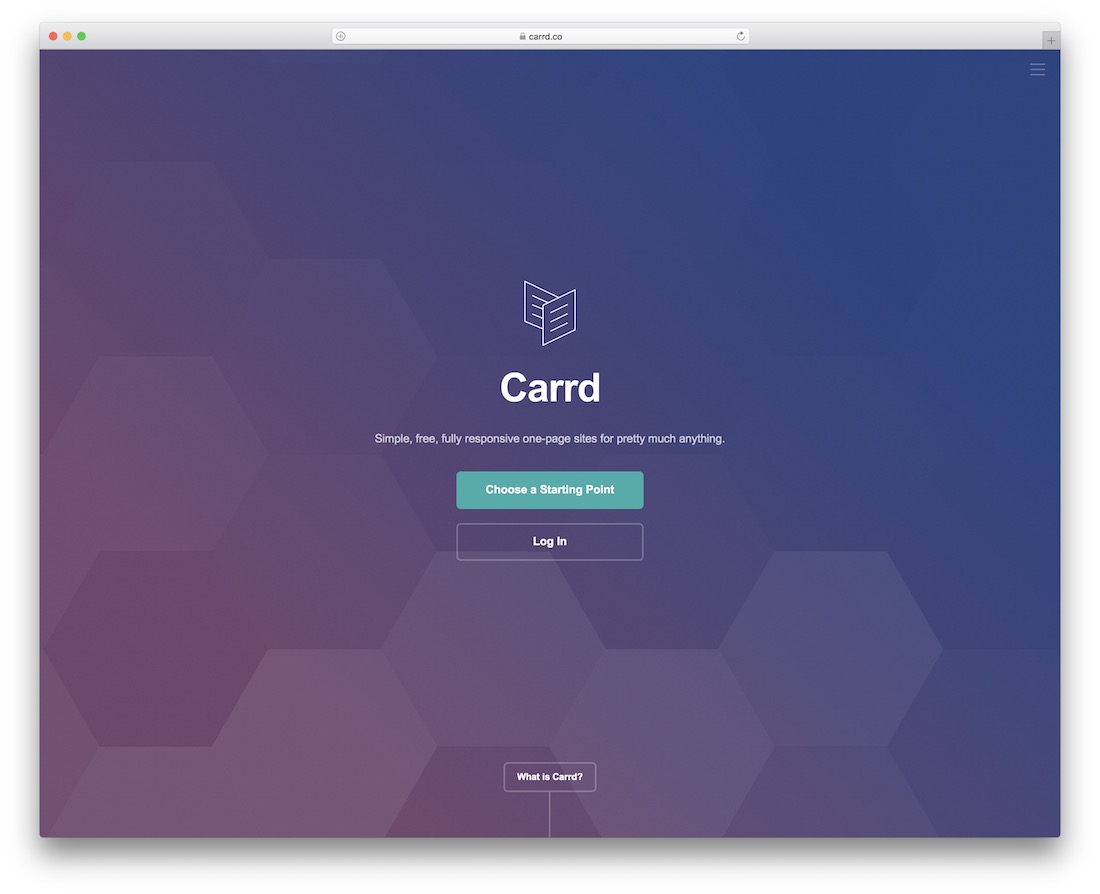
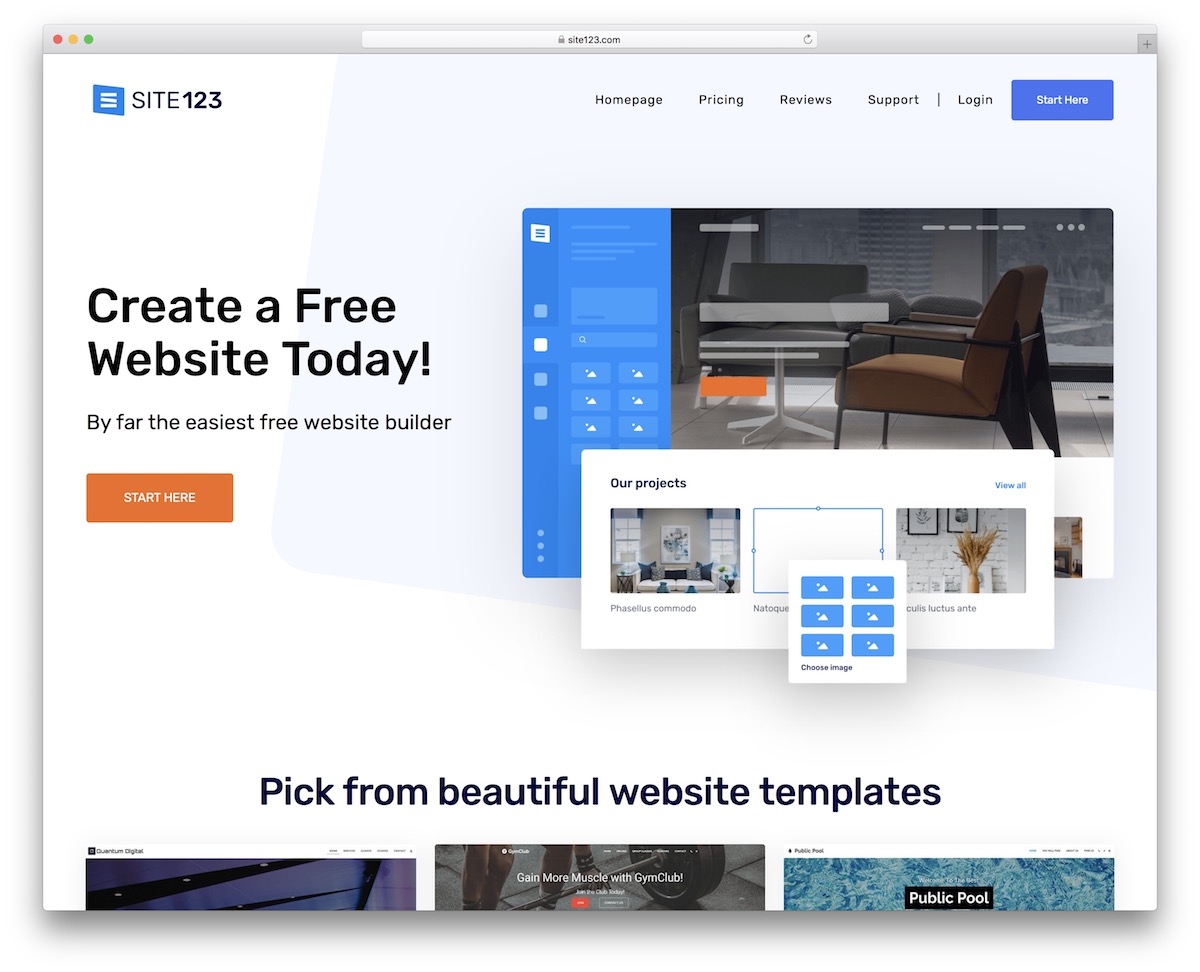
Carrd is the fastest way to get a personal website online. It specializes in single-page sites — the kind that work perfectly for resumes, about-me pages, and link aggregators. The free plan lets you build up to 3 sites with a carrd.co subdomain, which is more than most people need to get started.
The editor is refreshingly simple. You pick a template (or start blank), add sections for your bio, skills, work experience, and contact info, then publish. There are no menus to configure, no pages to organize — just one scrollable page. Carrd supports embedded forms, social media icons, countdown timers, and even payment buttons through Stripe integration on Pro plans.
The main limitation is that Carrd has no blog, no multi-page navigation, and limited SEO controls on the free plan. It is not meant for content-heavy sites. But for a personal landing page that looks professional and loads instantly, Carrd is hard to beat — especially at $9/year for Pro, which adds custom domains, forms, and Google Analytics.
Pricing: Free plan (3 sites, carrd.co subdomain). Pro Lite $9/yr, Pro Standard $19/yr, Pro Plus $49/yr. Custom domains and forms require Pro.
Pros
✅ Build 3 free sites — no credit card needed
✅ Incredibly fast and simple editor
✅ Pro starts at just $9/year
✅ Clean, minimal templates perfect for resumes
Cons
❌ Single-page only — no blog or multi-page
❌ No custom domain on free plan
❌ Limited SEO controls on free tier
❌ Not suitable for content-heavy sites
2. Wix — Best Full-Featured Free Option
Best for: People who want a complete personal website with blog, portfolio, and contact form — for free | Free plan available • Paid from $17/mo
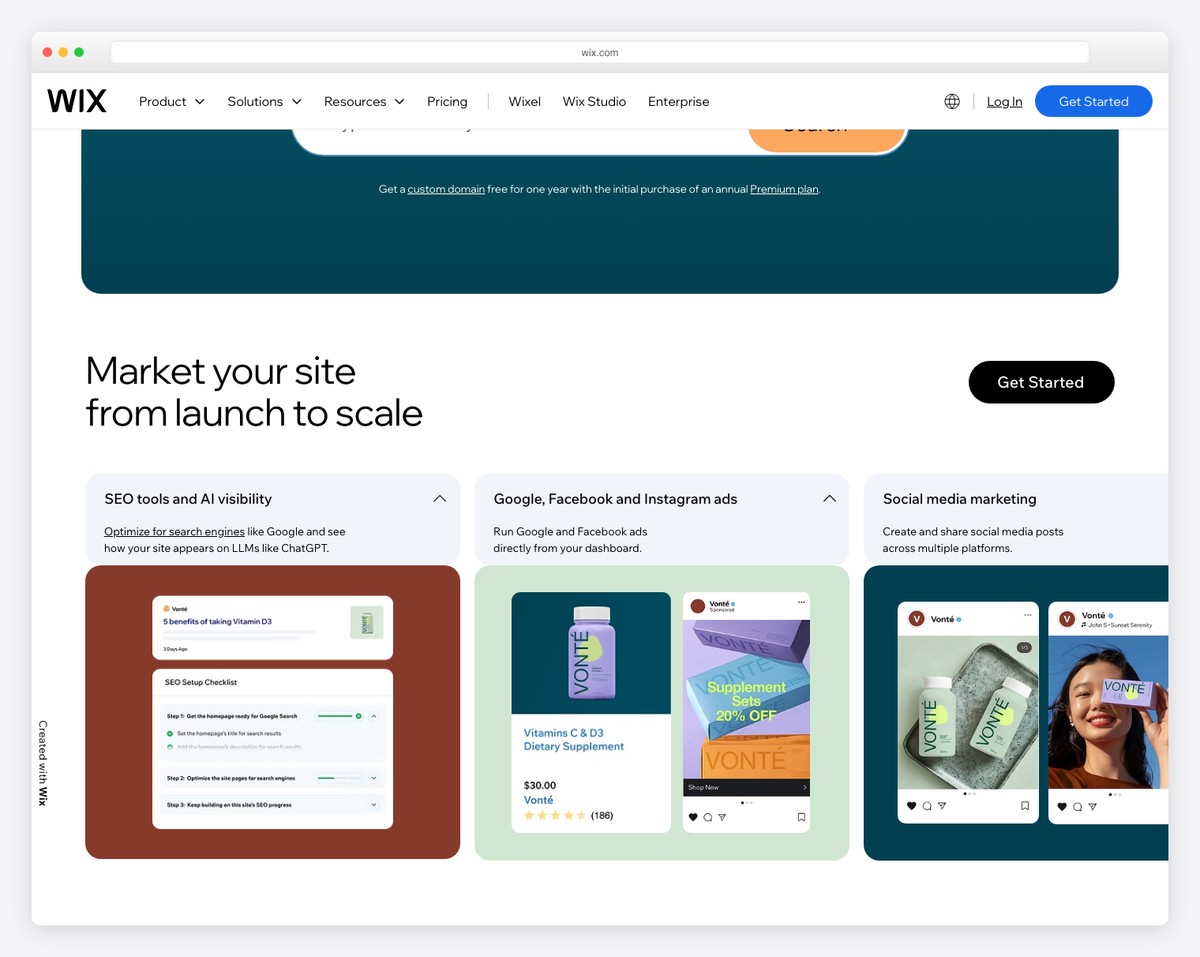
Wix offers the most complete free personal website of any builder on this list. The free plan includes a drag-and-drop editor, 800+ templates, a built-in blog, contact forms, basic SEO tools, and 500MB of storage. You get a wixsite.com subdomain with Wix branding, but the functionality is far beyond what most free builders provide.
For personal websites specifically, Wix has dedicated templates for resumes, portfolios, freelancer profiles, and personal blogs. The AI site builder can generate a starting layout based on your profession and goals, which you then customize. The editor gives you pixel-level control — you can place elements anywhere on the page, not just in predefined slots.
The blog is particularly strong for personal branding. You can publish articles, embed social feeds, and even add a members area for gated content. SEO tools include custom meta titles, descriptions, URL slugs, and an SEO Wiz that walks you through optimization. If you outgrow the free plan, paid plans start at $17/mo and remove branding while adding a custom domain and more storage.
Pricing: Free plan available (500MB, Wix branding). Light $17/mo, Core $29/mo, Business $39/mo (billed annually). Free custom domain for the first year on paid plans.
Pros
✅ Most feature-rich free plan available
✅ 800+ templates including personal/resume
✅ Built-in blog with SEO tools
✅ AI site builder generates a starting layout
Cons
❌ Wix branding on free plan
❌ 500MB storage is limiting for portfolios
❌ Cannot switch templates after building
❌ No custom domain on free plan
3. Squarespace — Best Design Quality for Personal Websites
Best for: Creatives, freelancers, and professionals who want a polished personal brand site | From $16/mo • 14-day free trial
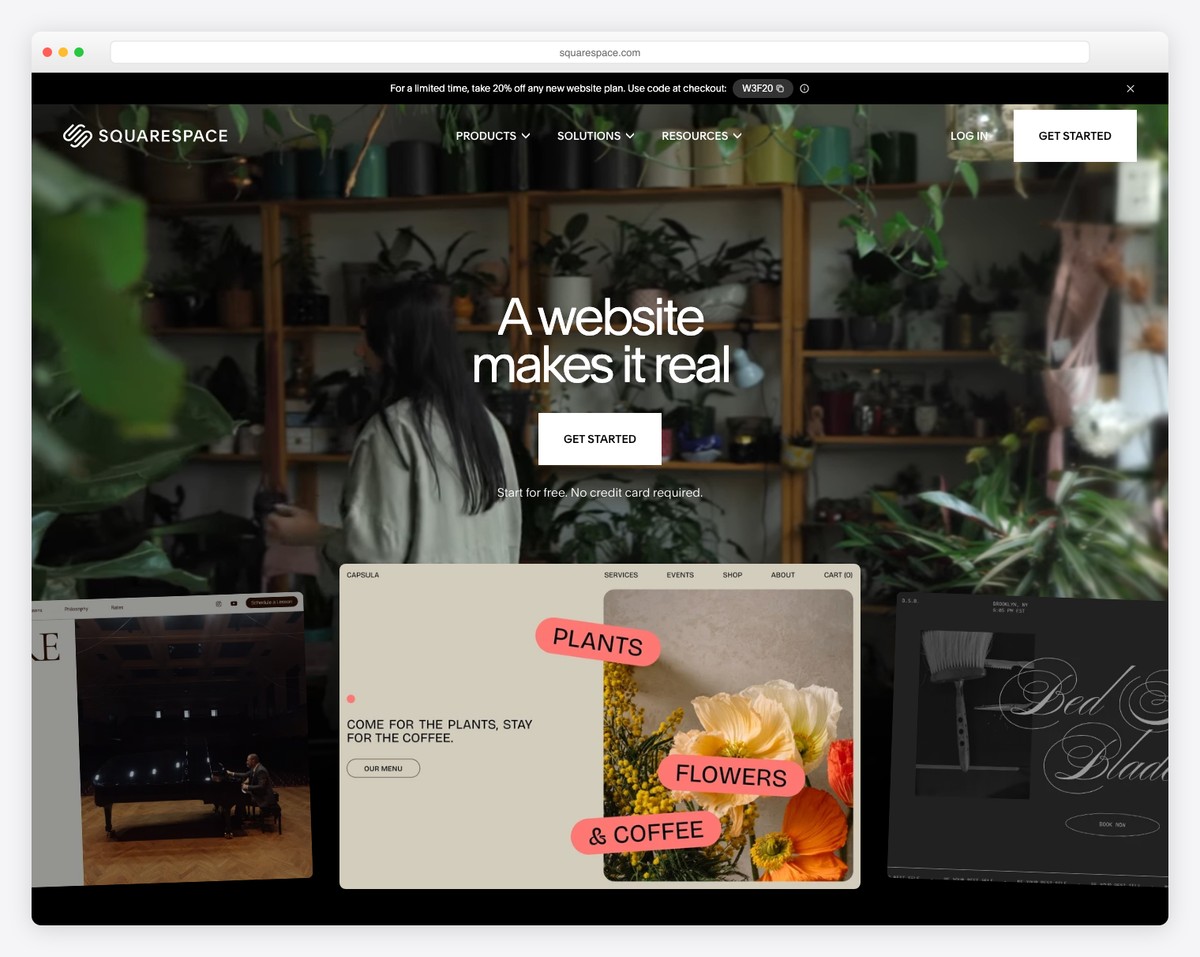
Squarespace produces the best-looking personal websites of any builder on this list. Its templates are designed by professional designers with careful attention to typography, spacing, and visual hierarchy — your personal site looks like you hired someone to build it. The Fluid Engine editor lets you customize layouts without breaking the design.
For personal branding, Squarespace excels at combining multiple content types on one site. You can have a portfolio section showcasing your work, a blog for thought leadership, an about page with your bio and resume, and a contact form — all with consistent, magazine-quality design. The built-in scheduling feature (Acuity) lets clients or collaborators book time with you directly from your site.
The downside is no free plan — only a 14-day trial. But the Personal plan at $16/mo includes a free custom domain for the first year, unlimited bandwidth, and SSL. For freelancers and consultants whose personal website generates business, the investment pays for itself quickly. Squarespace also has strong SEO features built into every plan, including automatic sitemaps, clean URLs, and customizable meta tags.
Pricing: Personal $16/mo, Business $23/mo, Basic Commerce $28/mo, Advanced Commerce $65/mo (billed annually). 14-day free trial. Free custom domain for the first year.
Pros
✅ Best-designed templates for personal branding
✅ Blog + portfolio + scheduling in one platform
✅ Free custom domain first year
✅ Strong built-in SEO tools
Cons
❌ No free plan — 14-day trial only
❌ Less flexible than pixel-level editors
❌ Business plan needed for custom CSS/JS
❌ Scheduling requires Acuity add-on on some plans
4. WordPress.com — Best for Personal Blogs
Best for: Writers, bloggers, and anyone who wants a content-first personal site | Free plan available • Paid from $4/mo
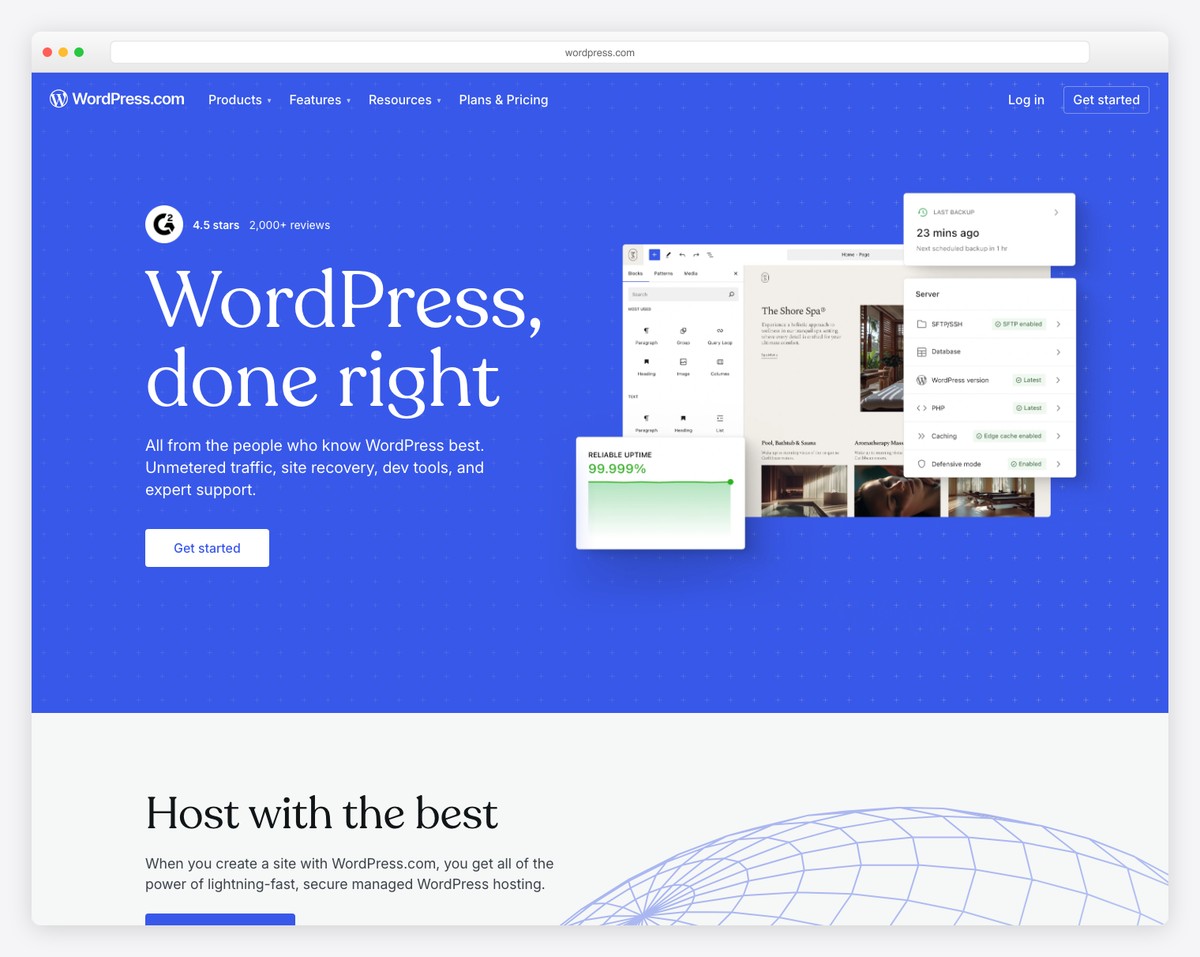
WordPress.com is the original personal website platform, and it still has the best blogging tools of any builder. The block editor (Gutenberg) handles text, images, galleries, embeds, and custom layouts with ease. If your personal website is primarily a blog or writing portfolio, WordPress.com gives you the most control over content presentation.
The free plan includes a wordpress.com subdomain, 1GB of storage, dozens of themes, and access to the full block editor. You can publish unlimited posts, create static pages for your about section and resume, and even accept comments. The built-in reader and community features can drive early traffic to your blog — something no other builder offers.
For personal branding, the Personal plan at $4/mo removes WordPress.com ads, adds a free custom domain for the first year, and gives you 6GB of storage. The Premium plan ($8/mo) unlocks premium themes, advanced design tools, and monetization features like WordAds. WordPress.com also has the strongest SEO foundation of any platform, with clean permalink structures and deep integration with Google Search Console.
Pricing: Free plan (1GB, wordpress.com subdomain, ads shown). Starter $4/mo, Explorer $8/mo, Creator $25/mo, Entrepreneur $45/mo (billed annually). Free domain first year on paid plans.
Pros
✅ Best blogging tools of any builder
✅ Free plan with unlimited posts
✅ Strongest SEO foundation
✅ Built-in reader community for discoverability
Cons
❌ Ads shown on free plan
❌ Limited design flexibility vs. Wix/Squarespace
❌ Plugin access requires Creator plan ($25/mo)
❌ Free themes are basic compared to competitors
5. Google Sites — Simplest Free Personal Website Builder
Best for: Students, academics, and anyone who wants a free site with zero learning curve | Completely free with a Google account
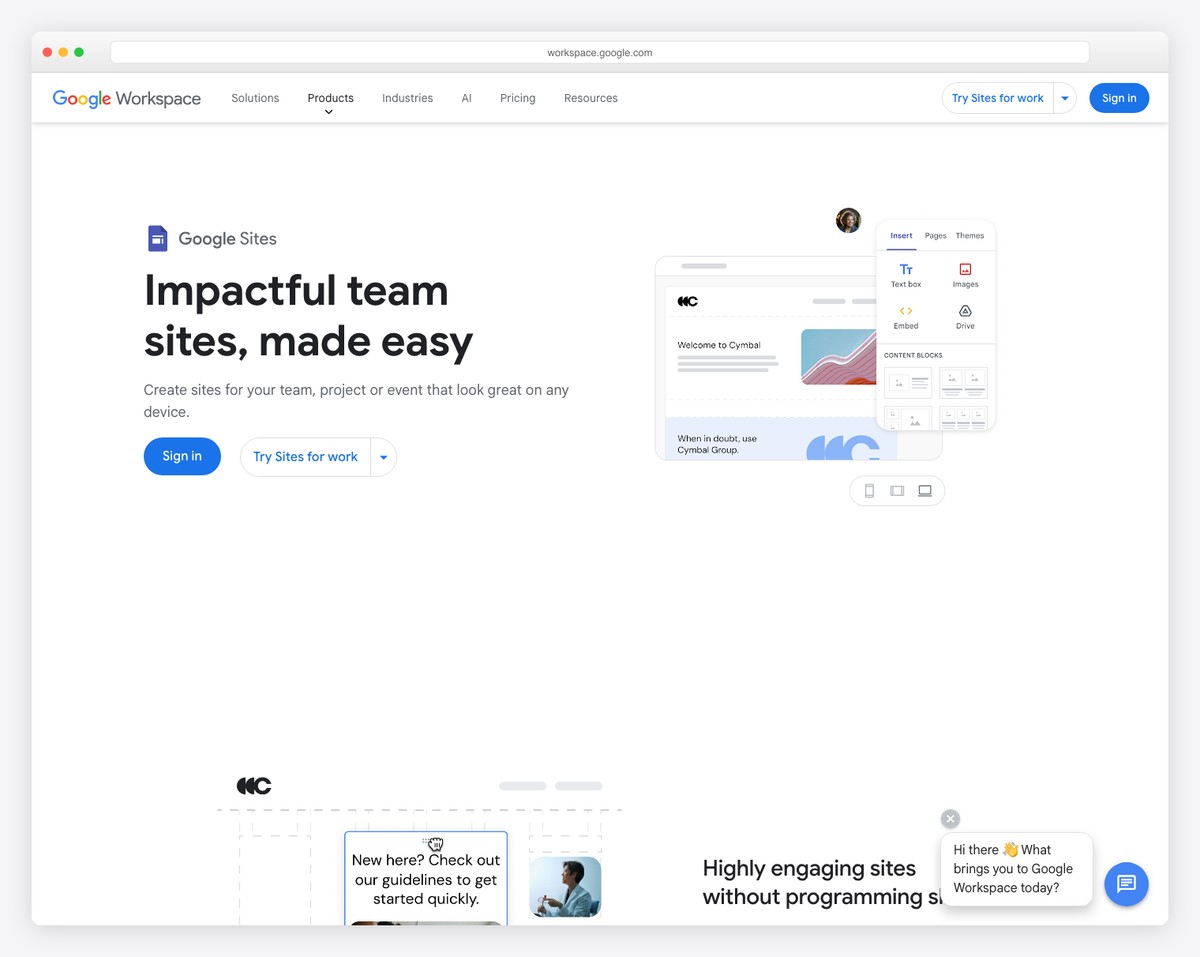
Google Sites is the zero-friction option. If you have a Google account, you already have access. There is no signup, no plan selection, no credit card — just open Google Sites, pick a template, and start building. For students creating academic portfolios, professors listing publications, or anyone who needs a basic personal page fast, Google Sites eliminates every barrier.
The editor works like Google Docs — intuitive, collaborative, and forgiving. You can drag in text blocks, images, YouTube videos, Google Maps, Google Calendar embeds, and files from Google Drive. The integration with the Google ecosystem is the main advantage. Need to embed a presentation? Drop in a Google Slides link. Want to share your schedule? Embed your Google Calendar directly.
The tradeoffs are significant. Google Sites has no blog, no contact forms (you embed a Google Form), no custom domain support on personal accounts, extremely limited design options, and minimal SEO controls. Your site lives at sites.google.com/view/yourname — functional but not professional. For a temporary academic portfolio or internal team page, it works. For serious personal branding, you will outgrow it quickly.
Pricing: Completely free with any Google account. No paid tiers. Google Workspace accounts ($7.20/mo+) add custom domain mapping.
Pros
✅ 100% free — no upsells or ads
✅ Zero learning curve (works like Google Docs)
✅ Deep Google ecosystem integration
✅ Collaborative editing built in
Cons
❌ No custom domain on personal accounts
❌ No blog, no contact form (Google Form only)
❌ Extremely limited design customization
❌ Minimal SEO controls
6. Linktree — Best Link-in-Bio Personal Page
Best for: Creators, influencers, and anyone who needs a single link aggregating all their online profiles | Free plan available • Paid from $5/mo
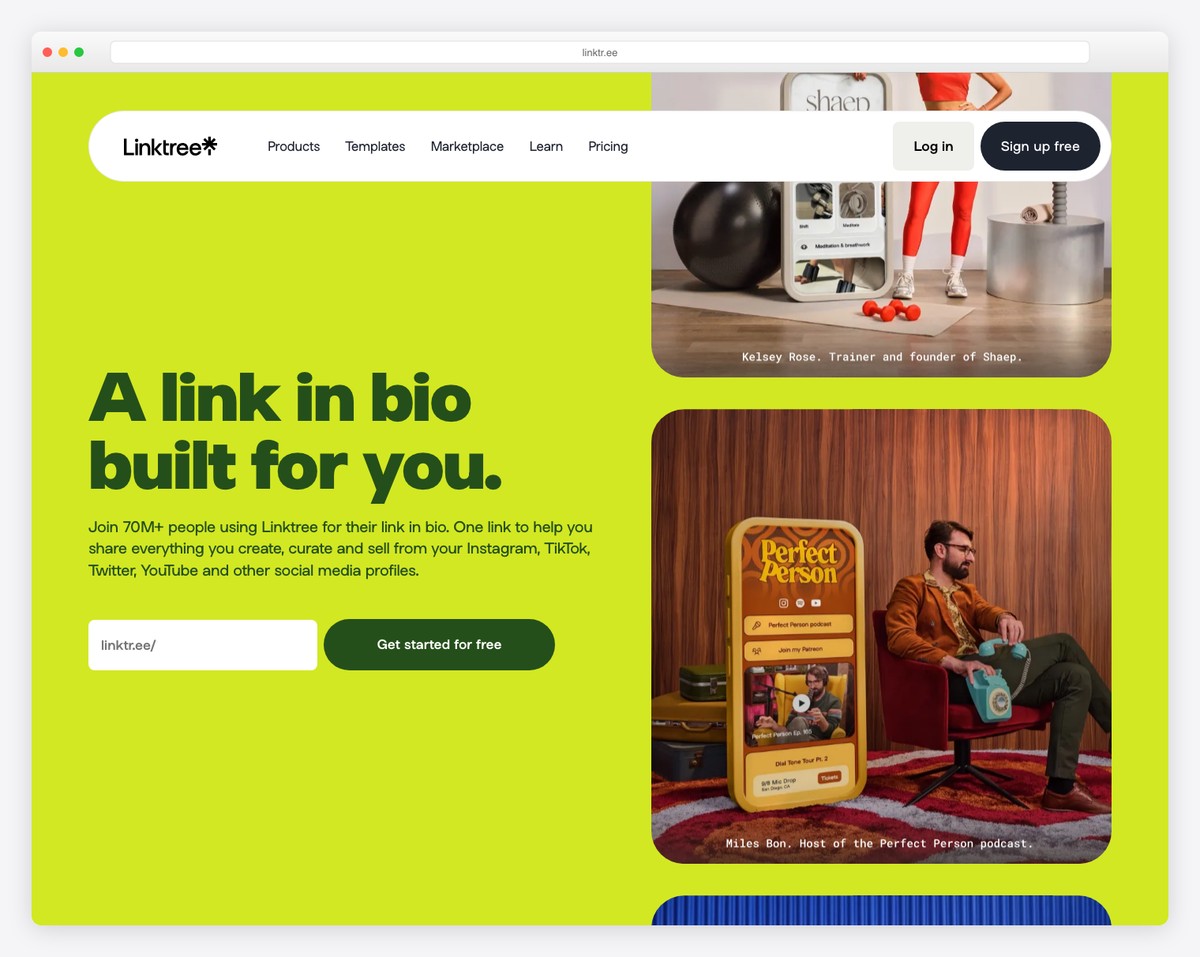
Linktree is the most popular link-in-bio tool, used by over 50 million people. It creates a simple page with a list of links — your Instagram, LinkedIn, portfolio, resume, latest blog post, shop, or anything else you want to share. Drop your Linktree URL in your social media bios, and visitors get a single page with all your important links.
The free plan gives you unlimited links, basic customization (themes, colors, button styles), and link click analytics. Paid plans add priority links, email/SMS collection, link scheduling, and advanced analytics. The Pro plan ($5/mo) also lets you embed videos, music players, and product showcases directly in your page — turning it from a link list into a mini landing page.
Linktree is not a website builder in the traditional sense. There are no pages, no blog, no portfolio grid, and no SEO optimization. Your URL is always linktr.ee/yourname (no custom domains). But for the specific use case of centralizing your online presence into one shareable link, Linktree does it better and faster than any full website builder. Many people use it alongside a traditional personal website.
Pricing: Free plan (unlimited links, basic analytics). Starter $5/mo, Pro $9/mo, Premium $24/mo (billed annually). No custom domain on any plan.
Pros
✅ Set up in under 5 minutes
✅ Perfect for social media bios
✅ Free plan with unlimited links
✅ Built-in analytics on all plans
Cons
❌ Not a real website — just a link list
❌ No custom domain on any plan
❌ No blog, portfolio, or multi-page support
❌ Limited SEO value
7. About.me — Best Digital Business Card
Best for: Professionals who want a clean one-page bio with contact and social links | Free plan available • Pro from $8/mo
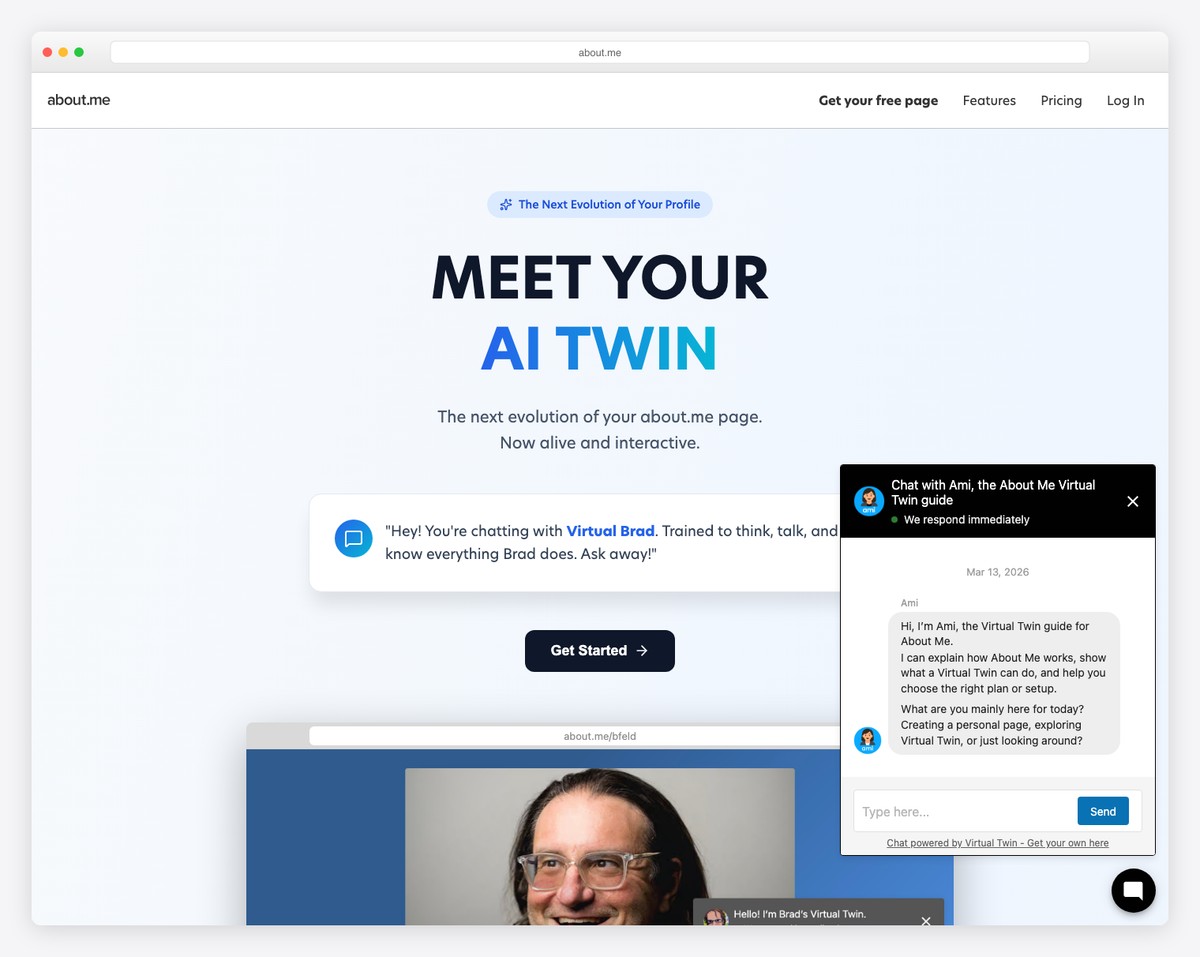
About.me has been building single-page personal websites since 2010, and the format remains effective: a full-screen background image, your name, a short bio, and links to your social profiles and contact info. Think of it as a digital business card that lives at about.me/yourname — clean, professional, and focused.
The free plan gives you a basic personal page with your bio, a profile photo, and links to up to 5 social profiles. The Pro plan ($8/mo) adds a custom domain, email signature integration, detailed analytics, a contact button with email forwarding, and the ability to add a portfolio section with images. The email signature feature is particularly useful — it turns every email you send into a link to your personal page.
About.me is intentionally limited in scope. There is no blog, no multi-page site, no drag-and-drop editor, and no ecommerce. The design options are constrained to ensure every page looks professional regardless of the user’s design skills. For job seekers, networkers, and professionals who want a simple “here’s who I am” page without building a full website, About.me is purpose-built for that exact need.
Pricing: Free plan (basic page, about.me subdomain). Pro $8/mo (billed annually). Custom domain, contact button, analytics, and portfolio section on Pro.
Pros
✅ Polished result with minimal effort
✅ Email signature integration (Pro)
✅ Intentionally simple — impossible to mess up
✅ Good for networking and job searches
Cons
❌ Extremely limited customization
❌ No blog or multi-page support
❌ Free plan is very basic
❌ $8/mo is steep for a single-page site
8. Hostinger Website Builder — Best Budget Custom Personal Website
Best for: People who want a custom domain personal website at the lowest cost | From $2.99/mo • Free domain included
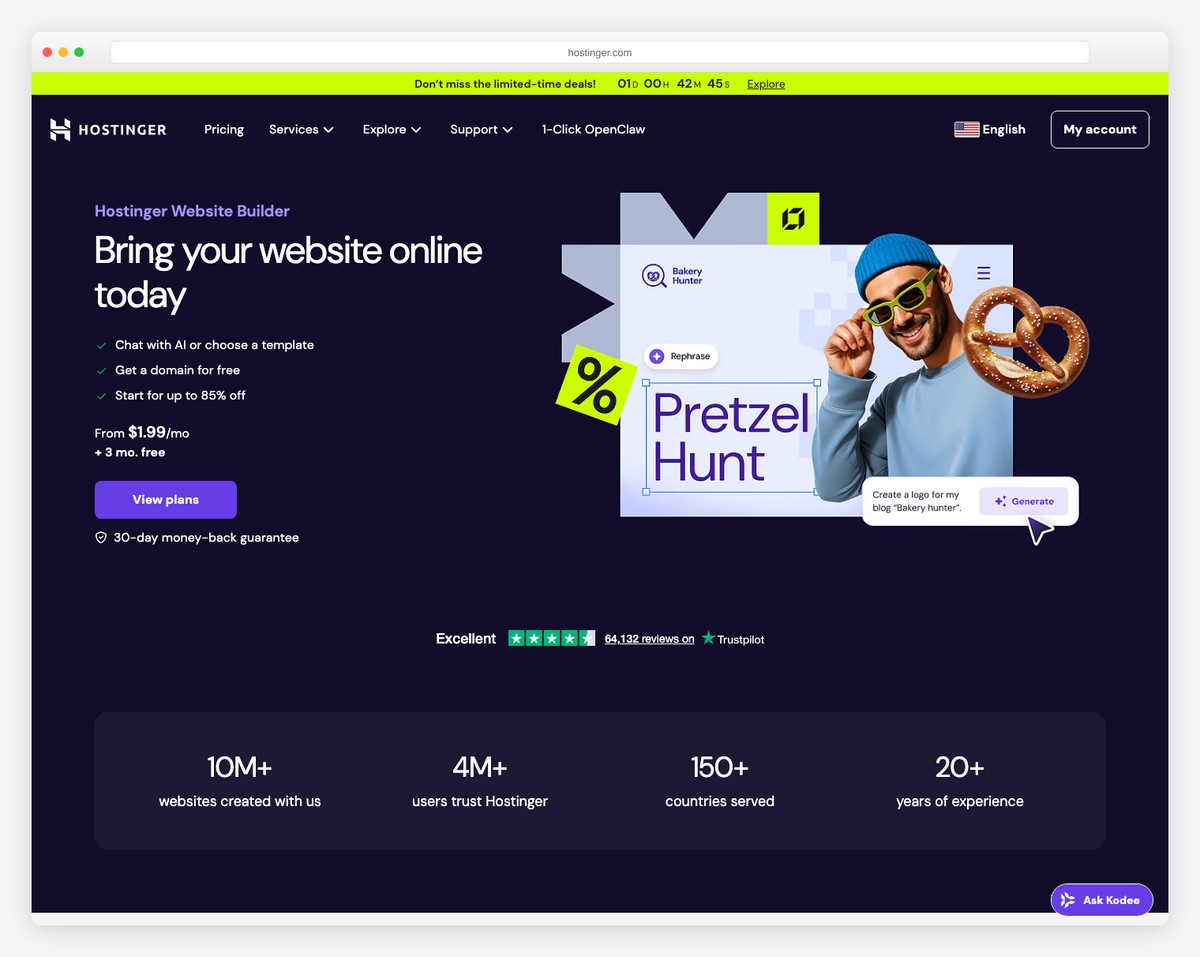
Hostinger Website Builder is the cheapest way to get a personal website with a custom domain. Starting at $2.99/mo (with a free domain included), you get a drag-and-drop builder, 150+ templates, a built-in blog, contact forms, and AI-powered content generation tools. No other builder gives you a custom domain at this price point.
The AI tools are the standout feature for personal websites. The AI writer can generate your bio, about page text, and blog posts. The AI logo maker creates a personal logo. The AI heatmap predicts where visitors will look on your page, helping you position key information. For someone building their first personal website, these tools reduce the “blank page” problem significantly.
Hostinger does not have a free plan — the lowest tier requires a multi-year commitment to get the $2.99/mo price. But for what you get (custom domain, unlimited bandwidth, 100+ email addresses, blog, SEO tools), it represents the best value in personal website building. The builder itself is straightforward, though less flexible than Wix and less polished than Squarespace.
Pricing: Premium $2.99/mo, Business $3.99/mo, Cloud Startup $8.99/mo (48-month term). Free domain and SSL included on all plans. 30-day money-back guarantee.
Pros
✅ Cheapest custom domain option ($2.99/mo)
✅ AI content, logo, and heatmap tools
✅ Free domain and email included
✅ Blog and SEO tools built in
Cons
❌ No free plan — requires paid commitment
❌ Best price requires 48-month term
❌ Builder is less polished than competitors
❌ Limited third-party app integrations
9. Framer — Best for Tech-Savvy Personal Brands
Best for: Developers, designers, and tech professionals who want a high-performance personal site | Free plan available • Paid from $5/mo
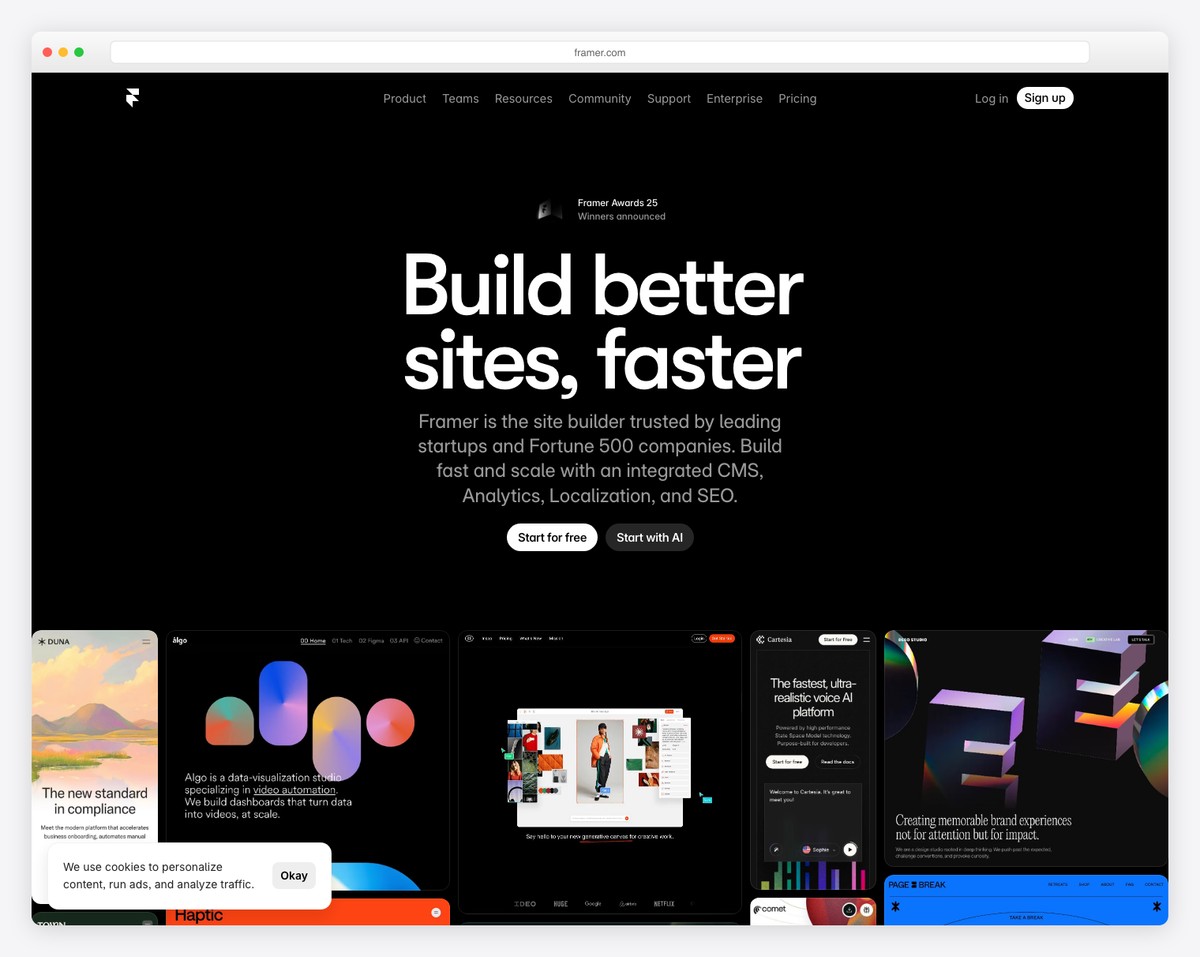
Framer has become the go-to personal website builder for developers, designers, and tech professionals. Originally a prototyping tool, Framer now produces production-ready websites with performance scores that rival hand-coded sites. Pages load nearly instantly, animations are butter-smooth, and the output is clean, semantic HTML — which Google loves for SEO.
The visual editor gives you Figma-like control over layout, typography, and spacing. You can add scroll-triggered animations, hover effects, page transitions, and interactive components without writing code. For tech professionals, this means your personal website can showcase your design taste and technical sensibility — a portfolio that is itself a demonstration of your skills.
The free plan lets you publish one site on a framer.app subdomain with up to 1,000 visitors per month and 2 CMS pages. The Mini plan ($5/mo) adds a custom domain and 10,000 visitors. Framer also has a built-in CMS for blog posts, which works well for writing case studies or technical articles. The learning curve is steeper than Carrd or Wix, but the results look noticeably more polished and modern.
Pricing: Free plan (1 site, 1,000 visitors/mo, framer.app subdomain). Mini $5/mo, Basic $15/mo, Pro $30/mo (billed annually). Custom domain on Mini+.
Pros
✅ Exceptional performance and page speed
✅ Figma-like visual editor
✅ Smooth animations without code
✅ Free plan available for testing
Cons
❌ Steeper learning curve than most builders
❌ Free plan limited to 1,000 visitors/mo
❌ Fewer templates than Wix or Squarespace
❌ Blog/CMS is basic compared to WordPress
10. Webflow — Best for Design Professionals
Best for: Web designers, UX professionals, and creatives who want complete design control | Free plan available • Paid from $14/mo
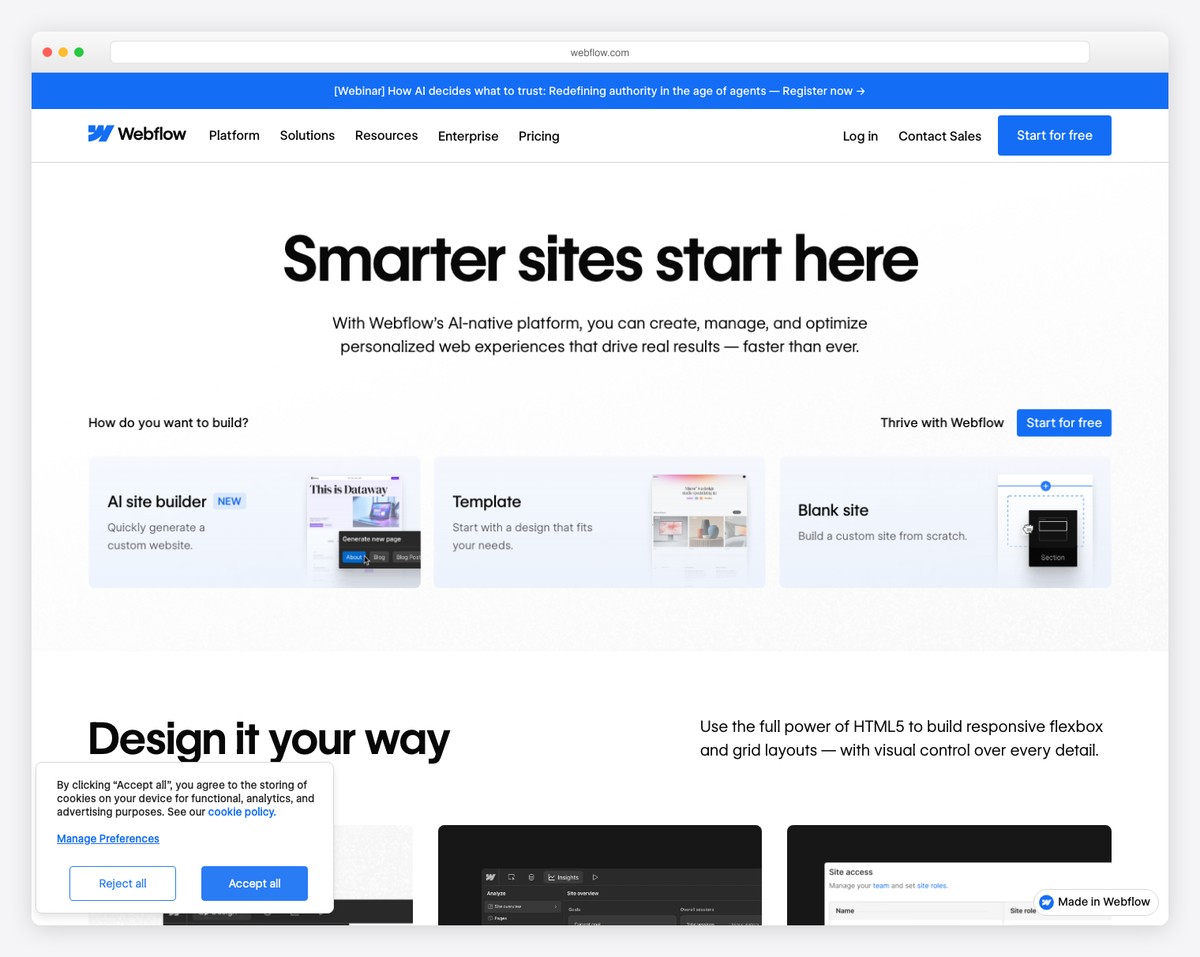
Webflow is the most powerful visual website builder available, and it shows in the personal sites built with it. Designers use Webflow to create personal websites that push creative boundaries — custom scroll animations, 3D transforms, complex grid layouts, and interactive case studies that would normally require a front-end developer to build.
The editor is essentially a visual CSS and HTML editor. Every property you would write in code — flexbox, grid, transforms, transitions, filters — is available through the visual interface. The CMS lets you create structured content collections (projects, blog posts, case studies) and design custom layouts for each. For design professionals, the site itself demonstrates your capabilities to potential clients and employers.
The free plan (Starter) lets you build and publish one site on a webflow.io subdomain with 1GB bandwidth and 50 CMS items. The Basic plan ($14/mo) adds a custom domain, while the CMS plan ($23/mo) unlocks 10,000 CMS items and advanced publishing features. Webflow has the steepest learning curve on this list — if you are not familiar with CSS concepts, expect to spend time learning. But for design professionals, the investment in learning Webflow pays dividends across your career.
Pricing: Starter (free, webflow.io subdomain, 1GB bandwidth). Basic $14/mo, CMS $23/mo, Business $39/mo (billed annually). Custom domain on Basic+.
Pros
✅ Most powerful visual design tool available
✅ Full CSS control without coding
✅ CMS for projects, blogs, and case studies
✅ Free plan for building and testing
Cons
❌ Steepest learning curve of any builder
❌ Overkill for simple personal pages
❌ Free plan limited to 1GB bandwidth
❌ No email hosting included
How to Choose the Right Personal Website Builder
The best personal website builder depends on what you need your site to accomplish:
Resume and job searching: Carrd is the fastest way to get a clean resume page online for free. About.me is ideal if you want a professional digital business card with email signature integration. For a more comprehensive approach, Wix lets you combine a resume page with a portfolio and blog — all on the free plan.
Freelancer portfolio: Squarespace produces the most polished portfolio sites with the least effort. Framer is excellent for tech freelancers who want a fast, modern site with interactive elements. Webflow gives maximum creative control for design freelancers who want their site itself to be a portfolio piece.
Personal brand and thought leadership: WordPress.com is the clear winner if your personal brand is built on writing. The blogging tools, SEO capabilities, and content management are unmatched. Squarespace is the better choice if your brand is more visual than written.
Social media link aggregation: Linktree is purpose-built for this. If you primarily need a single link for your Instagram, TikTok, or LinkedIn bio, Linktree’s free plan handles it perfectly. Carrd can also serve this purpose while looking like a more complete website.
Cheapest custom domain option: Hostinger starts at $2.99/mo with a free domain included — the lowest cost path to yourname.com. WordPress.com’s Starter plan ($4/mo) is a close second with stronger blogging tools.
Our top pick: For most people, Wix is the best starting point — the free plan gives you a blog, portfolio, contact form, and SEO tools with no credit card required. When you are ready to get serious, upgrade to a paid plan for a custom domain. For the best design quality, Squarespace ($16/mo) produces the most professional-looking personal websites. For the cheapest custom domain, Hostinger ($2.99/mo) is hard to beat.
Frequently Asked Questions
Do I really need a personal website?
Yes — especially if you are job searching, freelancing, or building any kind of professional reputation. When someone searches your name on Google, your personal website is the one result you fully control. Social media profiles can be limited, misinterpreted, or buried in search results. A personal website lets you present your experience, skills, and personality exactly how you want. Even a simple one-page site with your bio, resume, and contact info puts you ahead of most professionals who rely entirely on LinkedIn.
What should I put on a personal website?
At minimum: your name, a professional photo, a short bio, your work experience or portfolio, and a way to contact you. Beyond the basics, consider adding a blog (great for SEO and demonstrating expertise), testimonials or endorsements, links to your social profiles, and a downloadable resume or CV. For freelancers, add a services page with clear descriptions of what you offer and how to hire you. The key is keeping it focused — a personal website should answer the question “who is this person and how do I work with them?” within 30 seconds.
Can I build a personal website for free?
Yes. Carrd lets you build up to 3 single-page sites for free. Wix offers the most complete free plan with a blog, portfolio, and contact forms. Google Sites is completely free with a Google account. WordPress.com has a free plan with unlimited blog posts. Linktree and About.me both offer free tiers. The tradeoff with every free plan is that you get a platform subdomain (like yourname.wixsite.com) instead of a custom domain, and most show platform branding. A custom domain typically requires a paid plan starting at $4-5/mo.
Which personal website builder is best for job seekers?
For a quick resume page, Carrd is the fastest option — you can have a professional single-page site live in under 30 minutes for free. For a more comprehensive approach, Wix lets you build a multi-page site with your resume, portfolio, blog, and contact form on the free plan. If you are willing to pay, Squarespace ($16/mo) produces the most polished result, which matters when hiring managers are evaluating your attention to detail and professionalism.
Do I need a custom domain for my personal website?
For serious professional use, yes. A custom domain like yourname.com looks significantly more professional than yourname.wixsite.com or yourname.carrd.co. It also helps with SEO — when someone Googles your name, a custom domain is more likely to rank well. Custom domains typically cost $10-15/year, and most paid website builder plans include one free for the first year. If budget is the concern, Hostinger includes a free domain starting at $2.99/mo — the cheapest path to a professional web address.
How do I get my personal website to show up on Google?
Start by claiming your name as a custom domain (yourname.com or a close variation). Use your full name in the page title, meta description, and heading tags. Write a detailed about page with your professional background — Google needs text content to understand what your page is about. Submit your site to Google Search Console and request indexing. If your builder supports blogging (Wix, WordPress.com, Squarespace), publish articles related to your expertise — each post is a new opportunity to rank. Link to your personal website from your LinkedIn, GitHub, Twitter, and other social profiles to build domain authority. Most personal websites start ranking for the owner’s name within 2-4 weeks of launch.

Related Posts



Comments (0)