
10 Best Education Website Builders 2026 (Tested and Compared)
Building a website for a school, online course, or tutoring business comes with unique requirements that most general website builders struggle to meet. You need course creation tools, student enrollment management, payment processing for tuition or course fees, calendar integration, and often compliance with regulations like FERPA or COPPA — features that platforms like Squarespace or Wix were never designed around.
After testing the top platforms used by K-12 schools, universities, online educators, and tutoring businesses, here are the 10 best education website builders in 2026 — from full-featured LMS platforms to simple classroom page builders.
Quick Comparison
| Builder | Best For | LMS Features | Student Mgmt | Free Plan | Starting Price |
|---|---|---|---|---|---|
| WordPress | Best overall | Via plugins | Via plugins | Yes (self-hosted) | ~$5/mo |
| Squarespace | Best-designed school site | No | No | 14-day trial | $16/mo |
| Wix | Best free option | Basic | Basic | Yes | $17/mo |
| Teachable | Selling online courses | Yes | Yes | Yes | $39/mo |
| Thinkific | Free course platform | Yes | Yes | Yes | $36/mo |
| Google Sites | Classroom websites | No | No | Yes | Free |
| Edublogs | Student/teacher blogs | No | Basic | Yes | $4/mo |
| Hostinger | Budget school website | No | No | No | $2.99/mo |
| Webflow | University departments | No | No | Yes | $14/mo |
| LearnDash + WordPress | LMS for institutions | Yes (full) | Yes (full) | No | $199/yr |
10 Best Education Website Builders
1. WordPress — Best Overall for Education Websites
Best for: Schools, universities, and training organizations that need full control | Free software • Hosting from ~$5/mo
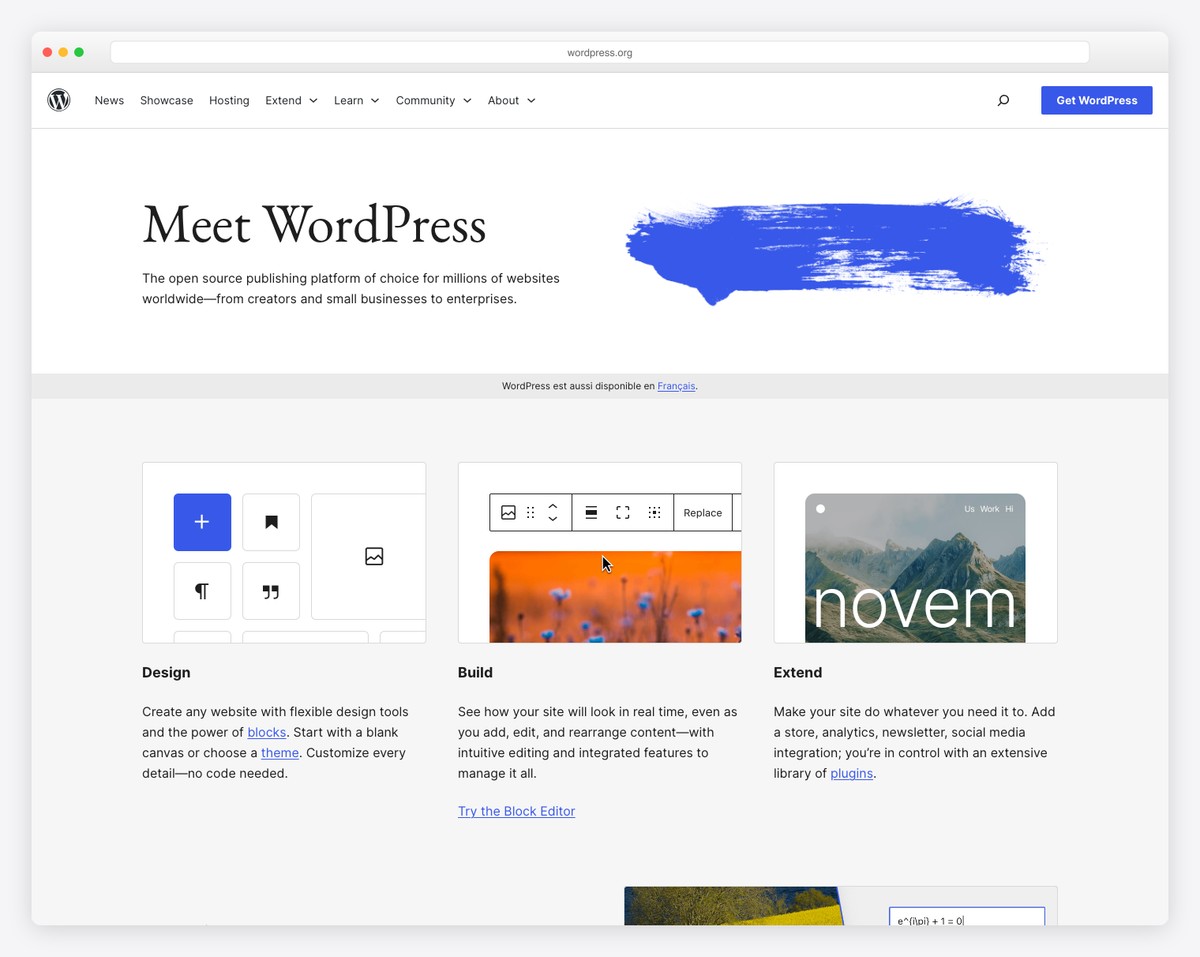
Self-hosted WordPress (WordPress.org) is the most widely used platform for education websites worldwide — and for good reason. It offers unlimited flexibility through its ecosystem of education-specific themes and plugins. Whether you need a simple school homepage or a full learning management system with course delivery, quizzes, grade books, and certificate generation, WordPress can handle it.
The real power comes from education plugins. LearnPress (free) adds course creation, lessons, quizzes, and student progress tracking out of the box. LifterLMS and LearnDash (covered separately below) offer more advanced features like drip content, assignments, grade books, and integration with Zoom for live classes. For schools, plugins like The Events Calendar handle school calendars, while WPForms or Gravity Forms manage enrollment applications and parent contact forms.
WordPress also gives you the strongest SEO foundation — critical for online course creators competing for organic traffic. With Yoast SEO or Rank Math, you can optimize every course page, blog post, and landing page. The tradeoff is complexity: you manage hosting, updates, and security yourself. But for institutions that need to scale, add features over time, or maintain FERPA-compliant data handling with dedicated hosting, WordPress is the only platform without built-in limitations. Explore our collection of the best website builder software for broader comparisons.
Pricing: WordPress software is free. Hosting ~$3-15/mo, domain ~$10-15/year. Education themes $0-79, LMS plugins $0-199/year. Total year 1: ~$60-300 depending on plugins.
Pros
✅ Total control — no platform limits
✅ Dozens of education-specific LMS plugins
✅ Best SEO for organic course traffic
✅ Can handle FERPA with proper hosting setup
Cons
❌ Steepest learning curve of all options
❌ Must manage hosting, security, and backups
❌ Plugin conflicts can occur
❌ No built-in LMS without plugins
2. Squarespace — Best-Designed School Website
Best for: Private schools, tutoring centers, and education brands that prioritize design | From $16/mo • 14-day free trial
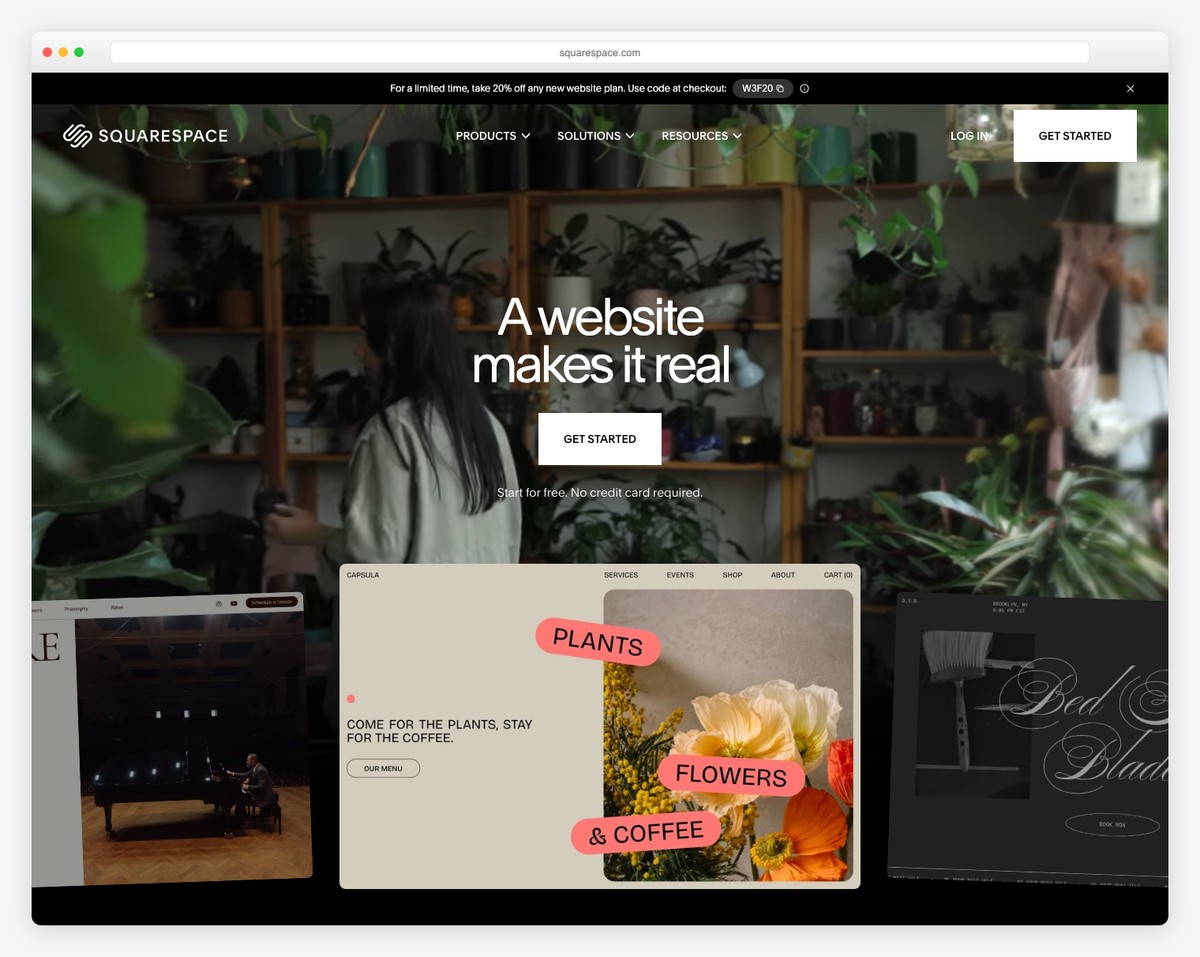
Squarespace is the best choice for schools and education organizations that need a professional, modern website without hiring a designer. Its templates are consistently the most visually refined among website builders, with clean typography, full-width imagery, and layouts that project credibility — essential for private schools, tutoring centers, and educational nonprofits competing for enrollment.
The Fluid Engine editor makes it straightforward to build key education pages: program descriptions with photo galleries, staff bios with headshots, event calendars, enrollment forms, and news/blog sections for school updates. Squarespace’s built-in scheduling tool (Acuity Scheduling, included on Core plans and above) lets parents book tours, consultations, or tutoring sessions directly from the website — a feature that normally requires a separate subscription.
Where Squarespace falls short is course delivery and student management. There is no LMS functionality, no quiz builder, no grade book, and no student login area. If you need to deliver online courses or manage student progress, you will need a dedicated LMS platform. But for schools that primarily need a beautiful public-facing website with enrollment forms, event calendars, and parent communication — Squarespace delivers a premium result with minimal technical effort.
Pricing: Basic $16/mo, Core $23/mo, Plus $39/mo, Advanced $99/mo (billed annually). 14-day free trial. Acuity Scheduling included on Core+.
Pros
✅ Best-designed templates for schools
✅ Built-in scheduling (Acuity) for tours/sessions
✅ Easy event calendar and blog
✅ No coding required — drag and drop
Cons
❌ No LMS or course delivery tools
❌ No student management features
❌ No free plan — only a 14-day trial
❌ Limited third-party integrations
3. Wix — Best Free Education Website Builder
Best for: Teachers, tutors, and small schools that need a free or low-cost website | Free plan available • Paid from $17/mo
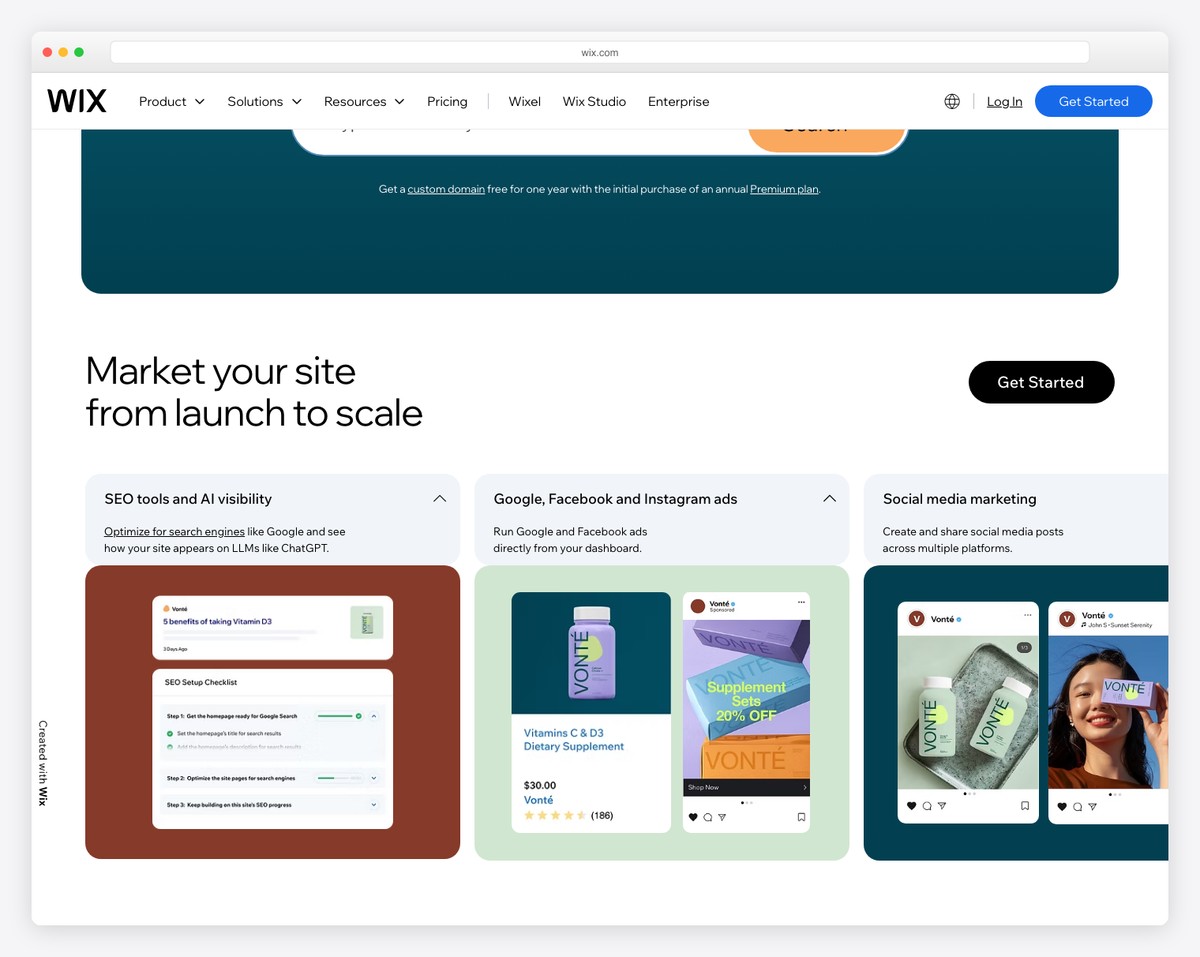
Wix is the strongest free option for educators who need a functional website without upfront costs. With 30+ education-specific templates covering schools, tutoring services, online courses, and after-school programs, you can build a professional site in an afternoon. The free plan includes the full drag-and-drop editor, forms, and basic pages — enough for a teacher’s classroom website or a tutor’s landing page.
The Wix Bookings app (included on paid plans) is particularly valuable for tutoring businesses and private instructors. Students or parents can book one-on-one sessions, group classes, or workshops directly from the website, with automated confirmation emails and calendar sync. The Wix Events app handles school events, open houses, and parent-teacher conferences with RSVP tracking and ticket sales.
For educators who want to sell courses, Wix offers a basic online programs feature that supports video lessons, step tracking, and pricing plans — though it lacks the depth of dedicated LMS platforms like Teachable or Thinkific. The free plan works for getting started, but you will want a paid plan ($17/mo+) for a custom domain, removing Wix branding, and accepting payments for sessions or courses. Check out our roundup of the best tutoring website examples for design inspiration.
Pricing: Free plan available. Light $17/mo, Core $29/mo, Business $39/mo (billed annually). Free plan includes 500MB storage, Wix branding.
Pros
✅ Best free plan for educators
✅ 30+ education-specific templates
✅ Built-in booking for tutoring sessions
✅ Events app with RSVP tracking
Cons
❌ LMS features are basic compared to Teachable
❌ 500MB storage on free plan
❌ Can’t switch templates after building
❌ Wix branding on free plan
4. Teachable — Best for Selling Online Courses
Best for: Educators and creators selling courses, coaching, and digital products | Free plan available • Paid from $39/mo
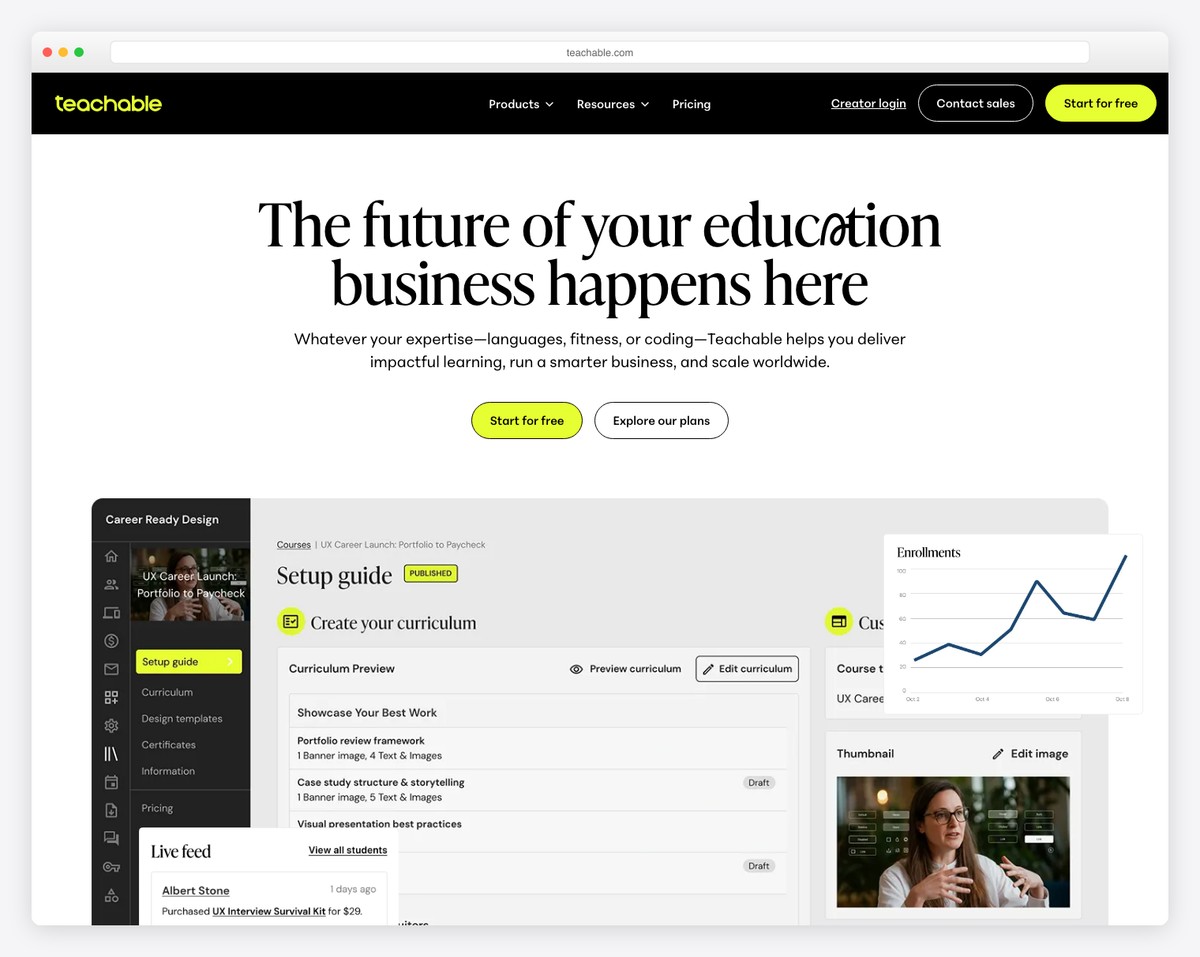
Teachable is the most popular platform for individual educators and subject-matter experts who want to package their knowledge into paid online courses. Its course builder supports video lessons, text content, PDFs, quizzes, and assignments — organized into sections and lectures with a clean student-facing interface. You can create unlimited courses even on the free plan.
Where Teachable truly excels is the business side of education. The platform handles payment processing, sales pages, coupon codes, affiliate programs, and upsells natively. You can offer one-time payments, subscriptions, or payment plans for each course. The built-in email marketing tools let you segment students by course enrollment and send targeted campaigns — no Mailchimp integration needed. Tax handling (including EU VAT) is automatic on paid plans.
Teachable also includes coaching products (one-on-one or group sessions with milestone tracking) and digital downloads, making it a complete platform for education entrepreneurs. The main limitation is website customization — you get a course school with a basic site builder, not a full website platform. If you need a polished school homepage with blogs, event calendars, and program pages, you will want to pair Teachable with a separate website builder.
Pricing: Free plan (with $1 + 10% transaction fee). Basic $39/mo, Pro $119/mo, Pro+ $199/mo, Enterprise custom (billed annually). Free plan supports unlimited courses and students.
Pros
✅ Best sales and marketing tools for courses
✅ Built-in payment processing + tax handling
✅ Coaching and digital download products
✅ Free plan with unlimited courses
Cons
❌ $1 + 10% transaction fee on free plan
❌ Website builder is basic — course-school only
❌ No event calendar or blog
❌ Limited customization without code
5. Thinkific — Best Free Course Platform
Best for: Educators who want to launch a course with zero upfront cost | Free plan available • Paid from $36/mo

Thinkific stands out from Teachable with one critical difference on its free plan: no transaction fees. Where Teachable charges $1 + 10% per sale on its free tier, Thinkific lets you sell courses and keep all the revenue (minus standard payment processing fees). For educators testing the waters of online course sales, this makes Thinkific the lowest-risk option to start with.
The course builder is intuitive and supports video, text, PDFs, multimedia, downloads, quizzes, surveys, and assignments. You can set prerequisites between courses, enable drip scheduling to release content over time, and issue completion certificates automatically. The student experience is clean and distraction-free, with progress tracking and bookmarking built in. Thinkific also supports communities (discussion forums) natively, which is valuable for cohort-based courses.
On paid plans, Thinkific adds memberships, bundles, advanced pricing options (subscriptions, payment plans), and a more customizable site builder. The platform integrates with Zoom for live lessons, Mailchimp for email marketing, and Zapier for connecting to hundreds of other tools. For educators focused on course quality and student experience rather than aggressive marketing funnels, Thinkific provides a cleaner, more education-focused environment than Teachable.
Pricing: Free plan (no transaction fees, 1 course). Basic $36/mo, Start $74/mo, Grow $149/mo (billed annually). Free plan includes unlimited students.
Pros
✅ Free plan with zero transaction fees
✅ Built-in communities for cohort courses
✅ Automatic completion certificates
✅ Clean, education-focused student experience
Cons
❌ Free plan limited to 1 course
❌ Website builder less polished than Squarespace
❌ Marketing tools weaker than Teachable
❌ Paid plans are pricier than Teachable’s
6. Google Sites — Best for Classroom Websites
Best for: Teachers building class pages with Google Workspace integration | Completely free
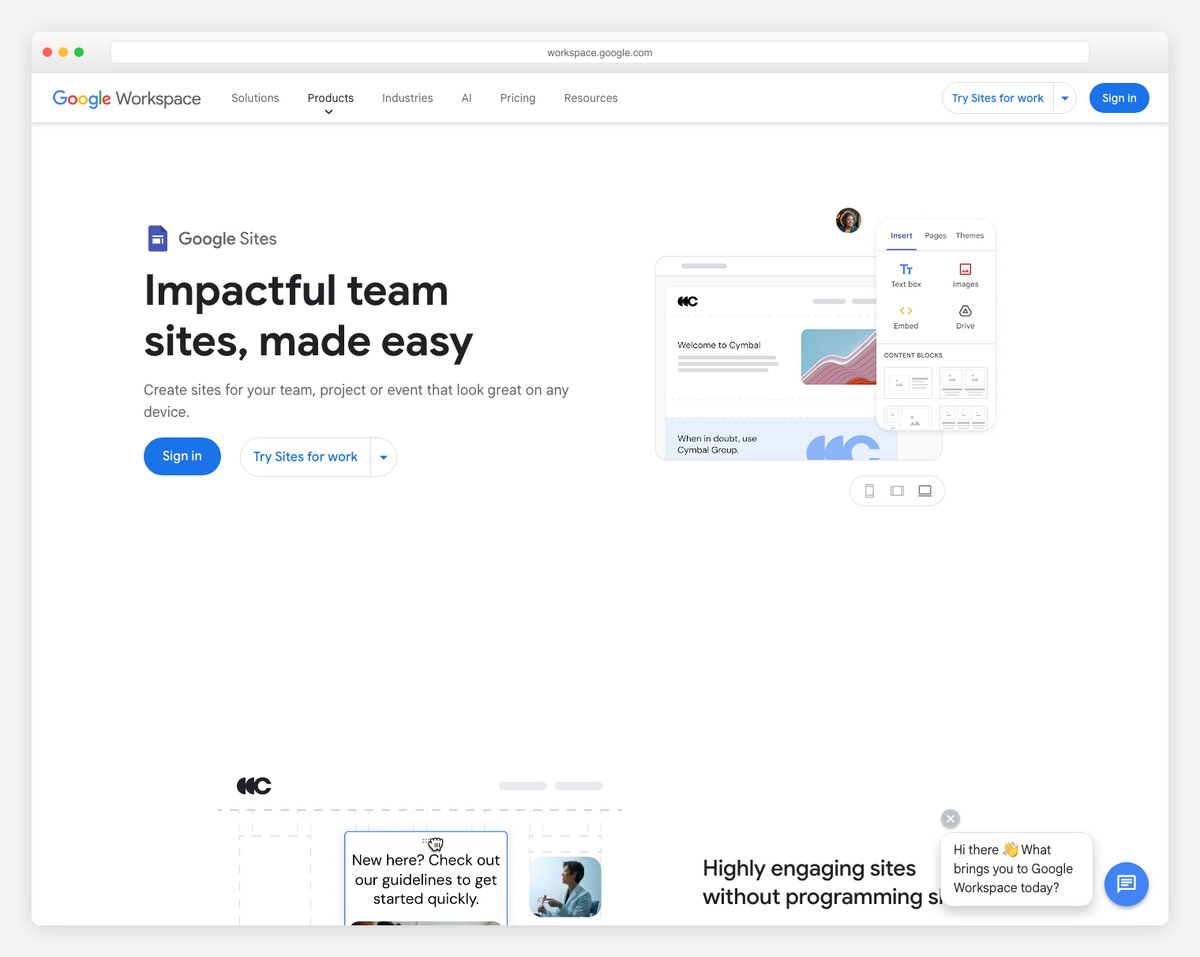
Google Sites is the easiest and most cost-effective way for teachers to create a classroom website. It is completely free — no storage limits, no branding, no hidden upsells. If your school already uses Google Workspace for Education (which most K-12 schools do), Google Sites is the natural choice because it integrates seamlessly with the tools you already use every day.
The killer feature for educators is native Google embedding. You can embed Google Calendar (class schedule, assignment due dates), Google Docs (syllabi, handouts), Google Slides (lesson presentations), Google Forms (student surveys, quizzes), YouTube videos (recorded lessons), and Google Drive folders (resource libraries) — all with a few clicks. Students access everything from one page, and when you update the source document, the embedded version updates automatically.
Google Sites is intentionally simple. The editor offers basic page layouts, text, images, and embeds — no custom CSS, no plugins, no advanced functionality. You cannot sell courses, process payments, manage enrollment, or create student accounts. But for a teacher who needs a central hub for class materials, announcements, and parent communication, Google Sites does the job with zero learning curve and zero cost. For schools using Google Classroom, it serves as the perfect companion for public-facing information. Browse our collection of the best teacher website examples to see how educators structure their online presence.
Pricing: Completely free with any Google account. Google Workspace for Education is also free for qualifying institutions. Custom domains available through Google Workspace ($6/user/mo for business).
Pros
✅ 100% free — no limits, no branding
✅ Native Google Workspace integration
✅ Zero learning curve for teachers
✅ Automatically mobile-responsive
Cons
❌ Extremely limited design customization
❌ No LMS, payments, or student management
❌ No custom CSS or JavaScript
❌ Sites look generic — limited branding
7. Edublogs — Best for Student and Teacher Blogs
Best for: K-12 teachers and students creating class blogs and digital portfolios | Free plan available • Paid from $4/mo
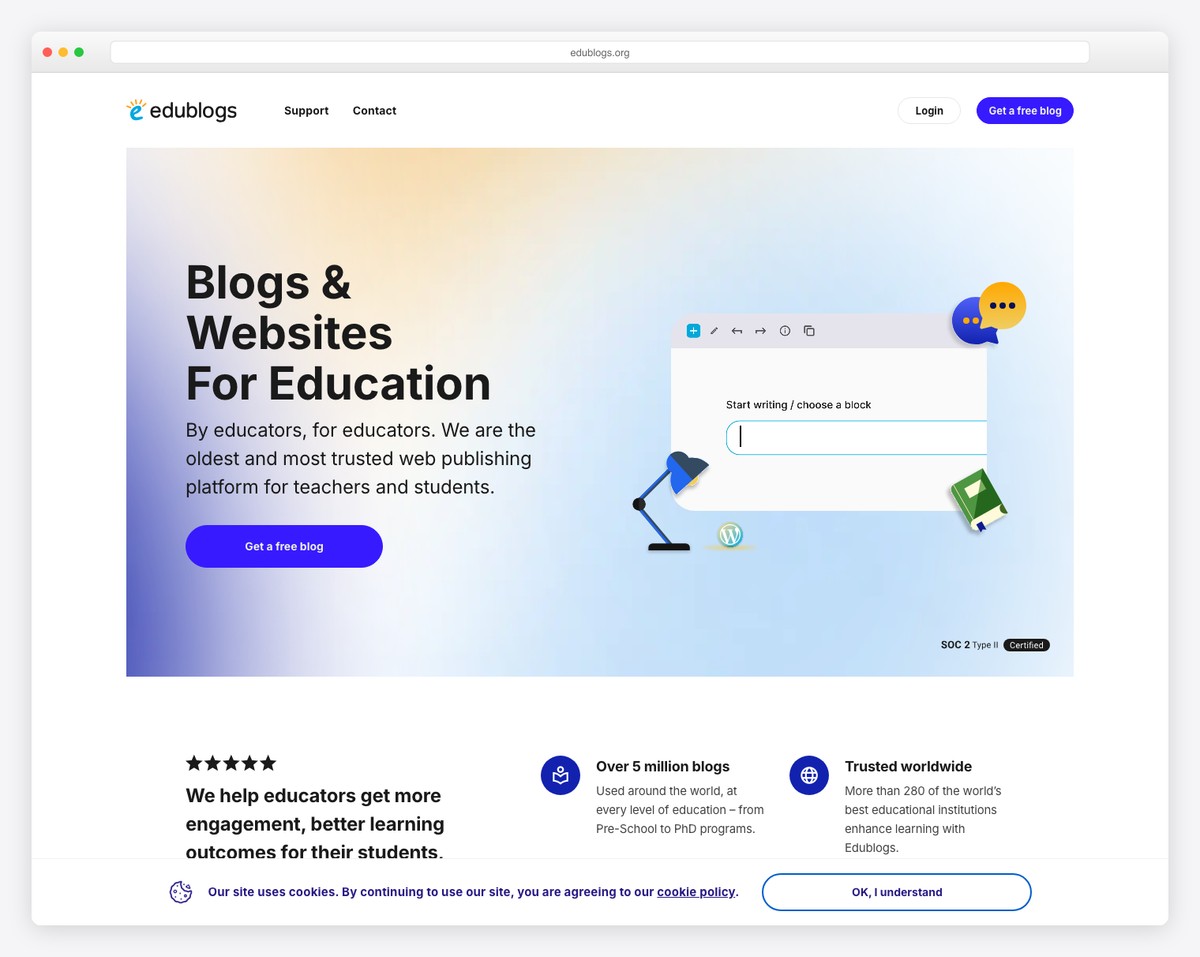
Edublogs is a WordPress-powered blogging platform built specifically for education. It is used by over 4 million teachers and students worldwide, and its core value proposition is simple: give teachers and students a safe, education-focused blogging environment with the privacy controls and moderation tools that general platforms lack.
Teachers can create a class blog and provision individual student blogs — all managed from a central dashboard. You control who can see each blog (public, password-protected, or private), moderate comments before they appear, and monitor student activity. For younger students, this level of oversight is essential and something WordPress.com or Blogger cannot match. The platform is COPPA-compliant by design, which matters for students under 13.
Students use Edublogs for digital portfolios, reflective journals, creative writing, and project documentation — building digital literacy skills while creating work they can showcase. The platform runs on WordPress, so the interface is familiar and the skills transfer. The free plan covers most classroom needs (1 blog, basic themes, 1GB storage). Pro plans ($4/mo) unlock custom domains, premium themes, 50GB storage, and the ability to manage unlimited student blogs. Explore our roundup of the best student portfolio website examples for inspiration on what students can build.
Pricing: Free (1 blog, 1GB storage). Pro $4/mo or $39/year. CampusPress (institutional) custom pricing. Free plan includes basic themes and COPPA compliance.
Pros
✅ Built for education — COPPA compliant
✅ Teacher-managed student blogs
✅ Privacy controls and comment moderation
✅ WordPress-based — transferable skills
Cons
❌ Blogging only — no LMS or course tools
❌ Limited design customization on free plan
❌ 1GB storage on free plan
❌ Not suitable for selling courses
8. Hostinger Website Builder — Best Budget School Website
Best for: Small schools and tutoring businesses that need a professional site on a tight budget | From $2.99/mo with hosting included
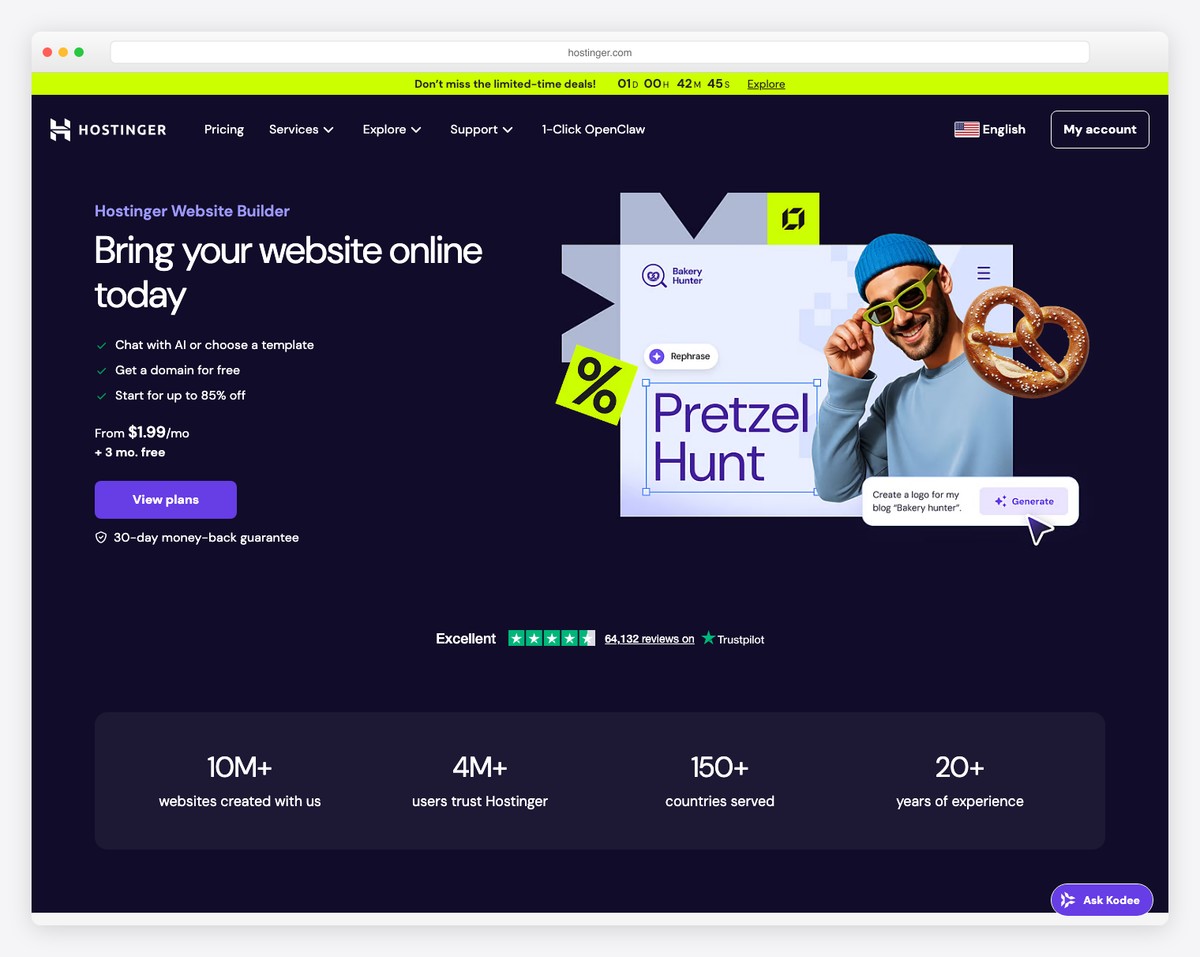
Hostinger offers the most affordable path to a professional school website. Starting at $2.99/month (with hosting, SSL, and a free domain included), it costs less than half of what Squarespace or Wix charge — making it accessible for small private schools, tutoring centers, and after-school programs operating on limited budgets.
The AI Website Builder is Hostinger’s standout feature for educators who are not tech-savvy. Describe your school or tutoring business, and the AI generates a complete, branded website in minutes — including page structure, placeholder content, and a color scheme. From there, the drag-and-drop editor lets you customize everything without code. The AI also helps with copywriting, generating text for program descriptions, staff bios, and FAQ sections.
Hostinger includes a booking system for scheduling tutoring sessions or school tours, a blog for announcements and educational content, and basic ecommerce if you sell course materials or accept registration fees. The platform is fast (global CDN included) and mobile-responsive out of the box. The main limitation is that there is no LMS — you cannot deliver online courses, track student progress, or manage enrollments. For a straightforward school information website with contact forms and scheduling, though, Hostinger provides the best value on the market.
Pricing: Premium $2.99/mo, Business $3.99/mo, Cloud Startup $8.99/mo (billed for 48 months). Free domain for the first year. 30-day money-back guarantee.
Pros
✅ Cheapest option — $2.99/mo all-in
✅ AI website builder for quick setup
✅ Free domain + SSL + hosting included
✅ Built-in booking system
Cons
❌ No LMS or course delivery
❌ No free plan — lowest price requires 48-month commitment
❌ Limited third-party integrations
❌ Fewer templates than Wix or Squarespace
9. Webflow — Best for University Departments
Best for: University departments, research labs, and higher education programs | Free plan available • Paid from $14/mo
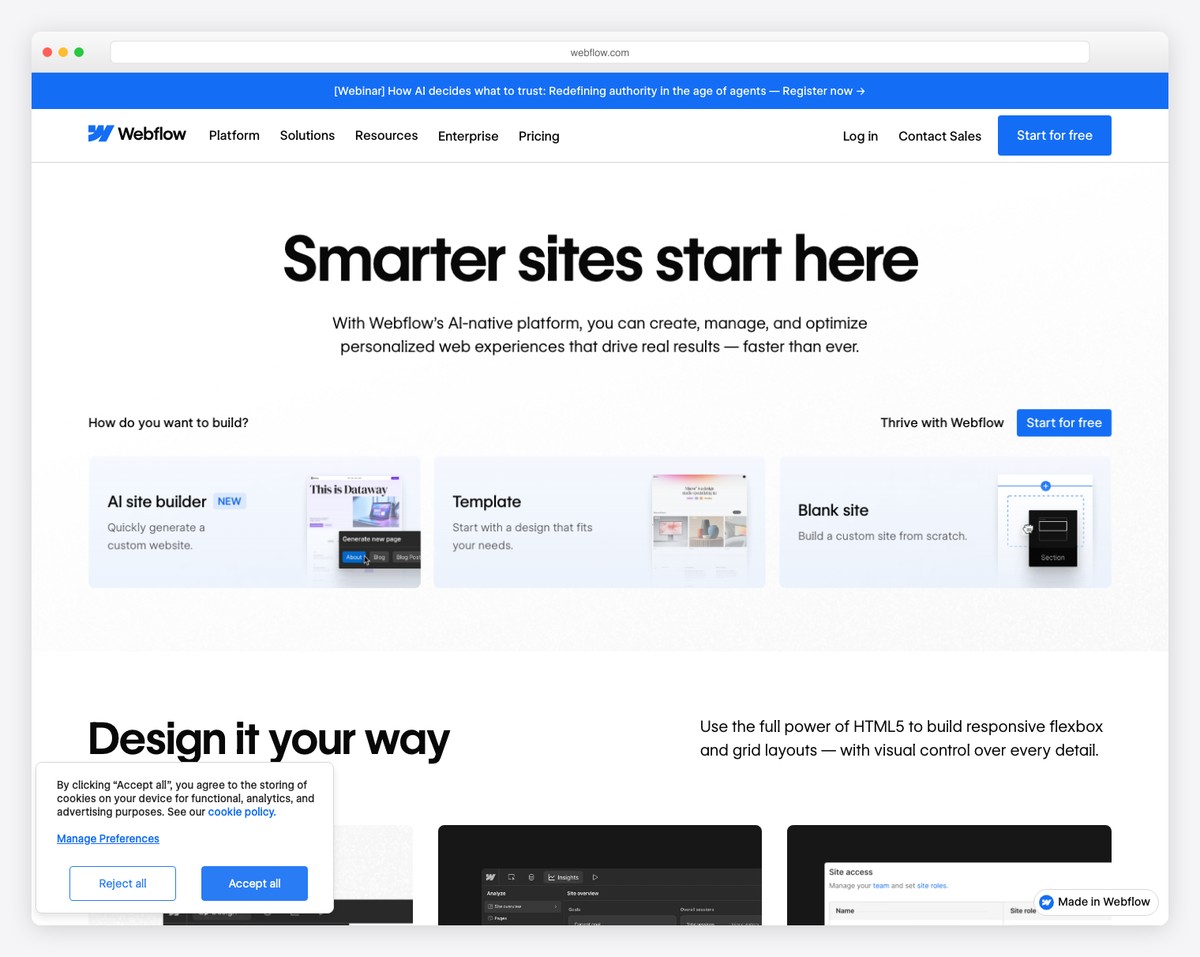
Webflow is increasingly popular among university departments, research labs, and academic programs that need a visually distinctive website without waiting months for their institution’s IT department to build it. Its visual CSS editor gives you pixel-perfect design control — matching institutional branding exactly while creating something more engaging than a standard university CMS template.
The CMS (Content Management System) is Webflow’s strongest feature for education. You can create structured content collections for faculty profiles, research publications, course catalogs, news articles, and events — each with custom fields (headshot, title, department, publications list, office hours). Staff can update content through a simple editor without touching the design. This is exactly how modern university department sites need to work: designers build the template, and department admins update the content.
Webflow also publishes production-ready, semantic HTML/CSS — meaning the sites are fast, accessible, and SEO-friendly out of the box. For departments competing for graduate student applications or research funding visibility, this matters. The free plan works for staging and development. Paid plans ($14/mo for basic site, $23/mo for CMS) are reasonable for a departmental budget. The main barrier is the learning curve — Webflow requires understanding of CSS concepts, which limits who on a team can make changes.
Pricing: Free plan (webflow.io subdomain, 2 pages). Basic $14/mo, CMS $23/mo, Business $39/mo (billed annually). Education discount available for qualifying institutions.
Pros
✅ Pixel-perfect design control
✅ CMS for faculty, courses, and publications
✅ Clean, semantic HTML output
✅ Education discounts available
Cons
❌ Steep learning curve — requires CSS knowledge
❌ No LMS or course delivery
❌ No student management or payments
❌ Free plan limited to 2 pages
10. LearnDash + WordPress — Best LMS for Institutions
Best for: Schools and organizations running structured courses with full LMS features | From $199/year (requires WordPress hosting)
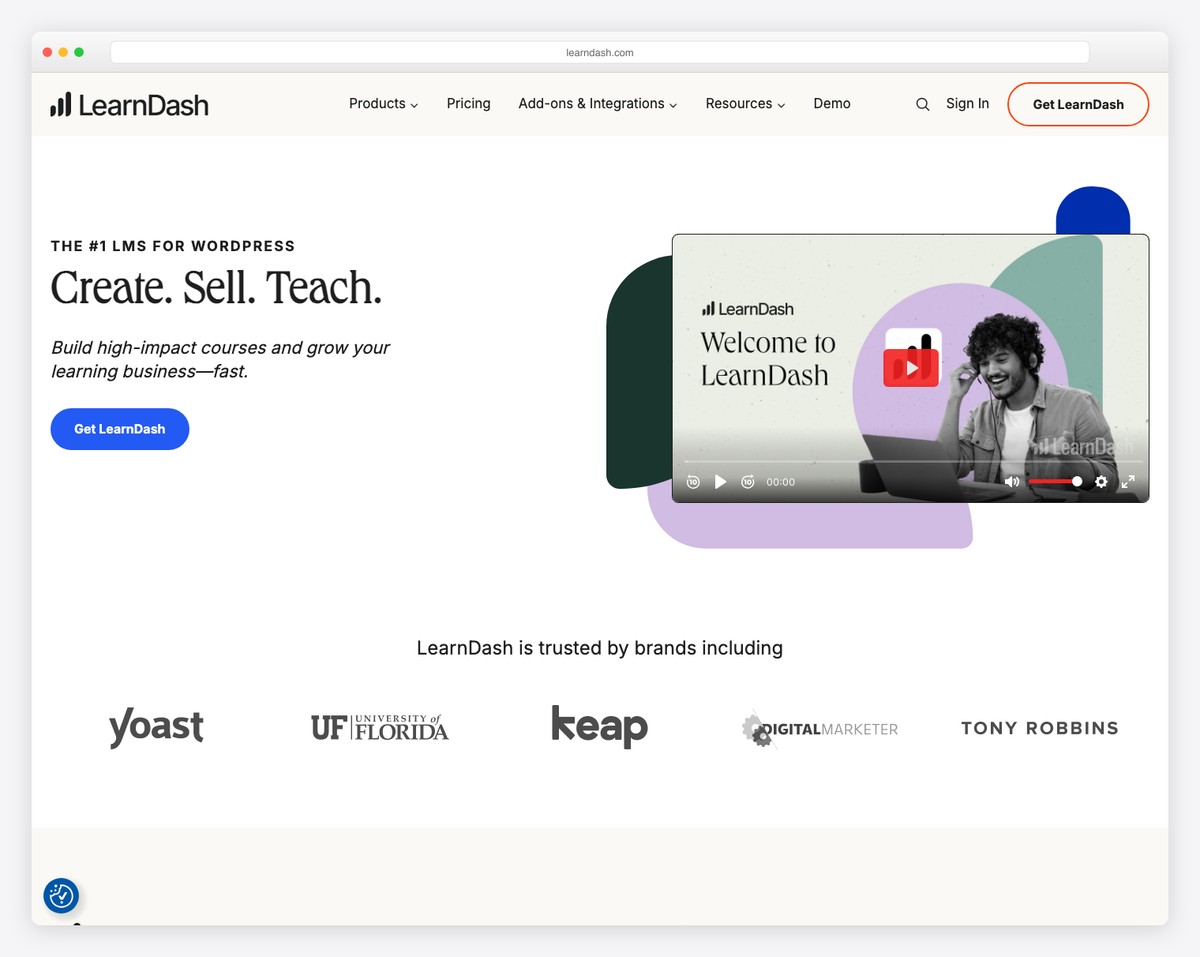
LearnDash is the most powerful LMS plugin for WordPress, used by universities, corporate training programs, and professional certification bodies. It transforms a standard WordPress site into a full-featured learning management system with course creation, quizzes (8 question types including essay, fill-in-the-blank, and matching), assignments, grade books, certificates, and student progress tracking — all integrated with your existing WordPress website.
What sets LearnDash apart from hosted platforms like Teachable and Thinkific is depth and control. You can create complex course structures with prerequisites, drip-feed schedules, and group enrollment for cohort-based learning. The ProPanel add-on gives administrators a real-time dashboard showing student activity, quiz results, and course completion rates across the entire organization. For institutions running multiple programs with hundreds or thousands of students, this level of oversight is essential.
LearnDash integrates with WooCommerce for course sales (subscriptions, memberships, payment plans), bbPress for discussion forums, BuddyPress for social learning communities, and Zoom or GamiPress for live sessions and gamification. The certificate builder lets you design branded certificates that generate automatically upon course completion — valuable for professional development and continuing education programs. The learning curve is steeper than hosted platforms, and you need WordPress hosting, but the combination of power, flexibility, and ownership makes LearnDash the top choice for serious educational institutions.
Pricing: LearnDash plugin: 1 site $199/year, 10 sites $399/year, unlimited $799/year. Requires separate WordPress hosting (~$5-30/mo). Total year 1: ~$260-560.
Pros
✅ Most powerful WordPress LMS plugin
✅ Advanced quizzes, grade books, certificates
✅ Group enrollment for cohort learning
✅ Full ownership — no platform lock-in
Cons
❌ Requires WordPress hosting (extra cost)
❌ Steeper setup than hosted platforms
❌ Annual license — not a one-time purchase
❌ No free plan or trial
How to Choose the Right Education Website Builder
The best builder depends on what type of educational organization you are running and what your website needs to accomplish:
K-12 schools (public and private): Most K-12 schools need a professional public-facing website with program information, staff directories, event calendars, enrollment forms, and a news blog. Squarespace gives you the most polished result with built-in scheduling for tours. WordPress offers more long-term flexibility. Google Sites works well for individual teacher classroom pages within a larger school website.
Higher education (universities and colleges): University departments need structured content (faculty, courses, publications, events) and design control that matches institutional branding. Webflow excels here with its CMS and pixel-perfect design. WordPress with a custom theme is the traditional choice for larger departments that need scalability.
Online course creators: If your primary goal is selling courses, Teachable and Thinkific are purpose-built for this. Teachable has stronger marketing and sales tools. Thinkific offers a better free plan with zero transaction fees. For the most powerful course delivery with full ownership, LearnDash on WordPress is the institutional-grade choice.
Tutoring businesses: Tutors need booking, scheduling, and a professional web presence. Wix provides the best combination of a free starting plan, built-in booking, and education templates. Hostinger is the most affordable paid option with AI-assisted setup.
Student and teacher blogs: Edublogs is the clear winner for classroom blogging with its COPPA compliance, teacher-managed student blogs, and education-focused design.
Budget-conscious organizations: Google Sites is completely free. Wix has the best free plan with real features. Thinkific offers free course selling with no transaction fees. Hostinger starts at $2.99/mo for a full website with hosting included.
Our top pick: For most schools and education organizations, WordPress is the best overall choice — it offers unlimited flexibility, the strongest SEO, and access to dedicated LMS plugins like LearnDash and LearnPress. For online course creators who want the fastest path to selling, Teachable handles everything from course delivery to payment processing. For a free starting point, Thinkific (courses) or Google Sites (classroom pages) let you launch with zero cost.
Frequently Asked Questions
Which website builder is best for schools?
For most schools, WordPress offers the best combination of flexibility, scalability, and education-specific plugins. If you want a polished school website without technical complexity, Squarespace delivers the most professional design with built-in scheduling for tours and consultations. For budget-conscious schools, Hostinger starts at just $2.99/mo with AI-assisted website building. Google Sites is the best free option for individual teacher classroom pages.
Can I create and sell online courses with a website builder?
Yes, but you need a platform with LMS (Learning Management System) features. Teachable and Thinkific are the best dedicated course platforms — they handle course creation, video hosting, quizzes, student progress tracking, payment processing, and certificate generation. Thinkific offers a free plan with zero transaction fees. For the most powerful course delivery on your own website, LearnDash on WordPress gives you full control. General website builders like Squarespace and Wix do not include course delivery tools.
Is Google Sites good enough for a school website?
Google Sites works well for individual teacher classroom pages and simple departmental sites, especially when your school already uses Google Workspace. It is free, requires no technical skills, and integrates natively with Google Calendar, Docs, Slides, and Forms. However, it is too limited for a school’s main website — the design options are basic, there is no custom domain on the free tier, and you cannot manage enrollment, process payments, or run an LMS. For a school’s primary website, WordPress, Squarespace, or Wix are significantly better options.
How do I make a website for my classroom?
The fastest approach is Google Sites — it is free, takes about 30 minutes to set up, and integrates with the Google tools you likely already use. Create pages for your syllabus, class schedule (embed Google Calendar), assignments and resources (embed Google Drive folders), and a contact/FAQ section. For classroom blogging where students create their own content, Edublogs is purpose-built for this with teacher oversight, privacy controls, and COPPA compliance. Both options require zero coding and are free to use.
Which education website builder is FERPA compliant?
No website builder is inherently FERPA compliant — FERPA compliance depends on how you configure the platform, what student data you store, and your institution’s data handling practices. That said, self-hosted WordPress with FERPA-compliant hosting (many managed WordPress hosts sign BAAs) gives you the most control over data storage and security. Google Workspace for Education (including Google Sites) has a FERPA-compliant agreement with schools. Teachable, Thinkific, and LearnDash can be configured to meet FERPA requirements, but you should review their data processing agreements and consult with your institution’s compliance officer before storing protected student records.
Can I accept tuition payments through my website?
Yes. Teachable and Thinkific handle course payments natively, including subscriptions, payment plans, and one-time fees with automatic tax calculation. WordPress with WooCommerce supports tuition collection through one-time payments, recurring subscriptions, and deposit-based enrollment. Squarespace and Wix support payment collection through their ecommerce features. For larger institutions processing significant tuition volumes, integrating a dedicated payment processor (Stripe, PayPal, or a tuition management service like FACTS) with WordPress provides the most flexibility and lowest transaction fees.

Related Posts




We use the Divi theme in word press and have almost 200 school websites – mostly South Australian Department for Education Schools
Weebly and Zoho have been our favorites for a while now. We are surprised to see many platforms offering interesting options for education. I would love to try Strikingly for our academy courses. Social media integration makes it all the more appealing accompanying good SEO boost and enhanced security features.