
10 Best Business Website Builders 2026 (Tested and Compared)
Every business needs a website, but not every website builder is built for business. Beyond a homepage and contact form, you need online booking, payment processing, CRM integration, professional email, and local SEO tools — features that separate business-grade platforms from basic page builders.
After testing the leading platforms against real business requirements — scheduling, invoicing, Google Business Profile integration, email marketing, and mobile responsiveness — here are the 10 best business website builders in 2026, ranked by how well they serve actual business operations.
Quick Comparison
| Builder | Best For | Ecommerce | CRM/Email | Free Plan | Starting Price |
|---|---|---|---|---|---|
| Wix | Best overall | Yes | Built-in | Yes | $17/mo |
| Squarespace | Service businesses | Yes | Email campaigns | 14-day trial | $16/mo |
| Shopify | Product businesses | Full platform | Shopify Email | 3-day trial | $24/mo |
| Hostinger | Budget businesses | Yes | Via integrations | No | $2.99/mo |
| WordPress | Growing businesses | Via WooCommerce | Via plugins | Yes (self-hosted) | ~$3/mo (hosting) |
| Webflow | Brand-focused | Yes | Via integrations | Yes (limited) | $14/mo |
| GoDaddy | Local businesses | Yes | GoDaddy Email | No | $10.99/mo |
| Duda | Agencies/multi-site | Yes | Via integrations | 14-day trial | $25/mo |
| HubSpot CMS | Marketing-driven | Via integrations | Full CRM suite | Yes (limited) | $20/mo |
| Framer | Startups/tech | No | Via integrations | Yes (limited) | $15/mo |
10 Best Business Website Builders
1. Wix — Best Overall for Small Business
Best for: Small businesses that need booking, payments, and marketing in one platform | Free plan available • Paid from $17/mo
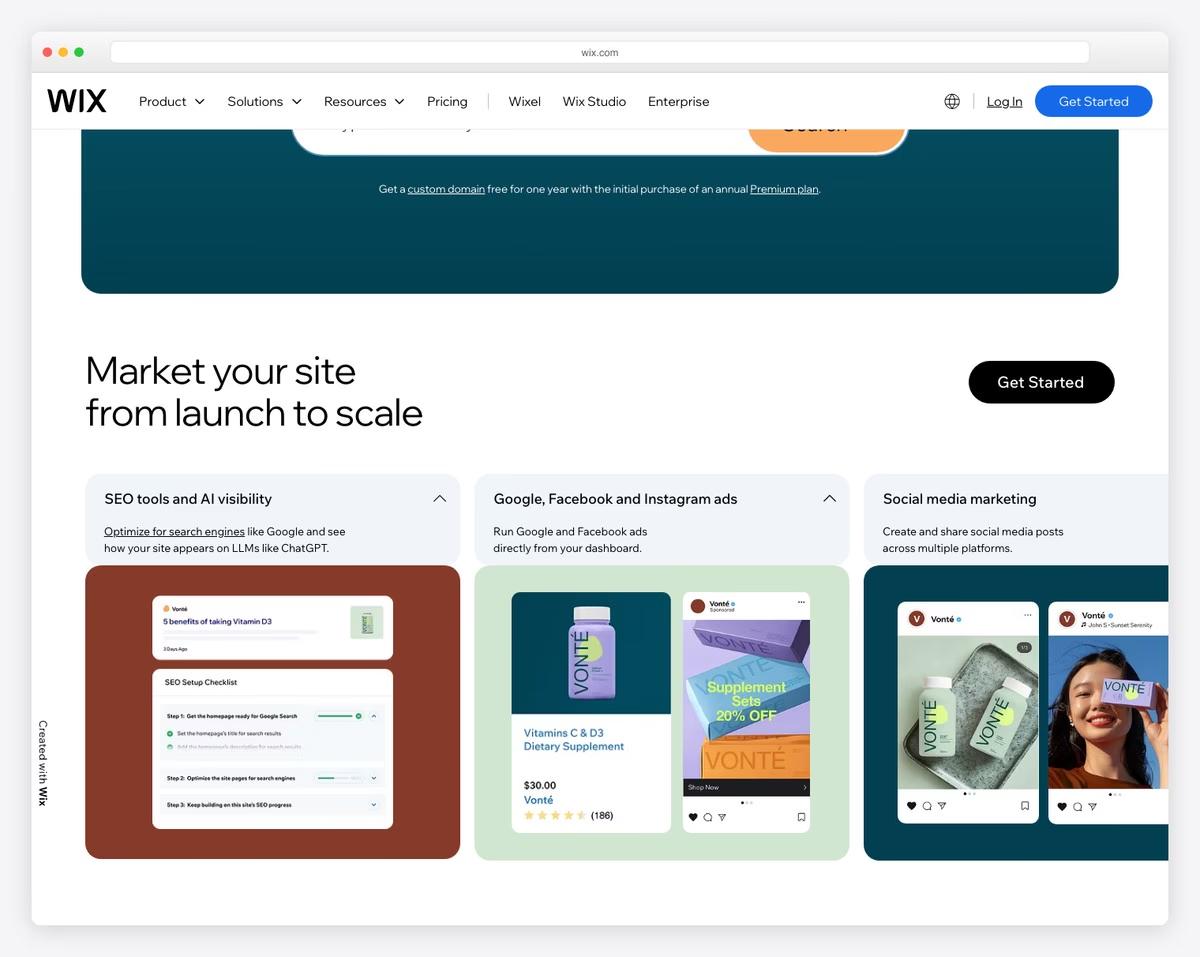
Wix is the most complete small business website builder in 2026. Beyond the drag-and-drop editor and 900+ templates, Wix includes a built-in CRM, online booking system, invoicing, email marketing, and social media management — tools that competitors either charge extra for or don’t offer at all.
The Wix Business Suite is what sets it apart. Clients can book appointments directly from your site, receive automated confirmation and reminder emails, and pay online — all without third-party integrations. The built-in CRM tracks every client interaction, from first website visit to repeat purchase, and you can segment your contact list for targeted email campaigns using Wix’s native email marketing tool.
For local businesses, Wix handles Google Business Profile integration, local SEO tools, and even lets you manage customer reviews from the dashboard. The free plan is functional for testing, but you’ll need at least the Core plan ($29/mo) to remove Wix branding, connect a custom domain, and accept online payments. The Business plan ($39/mo) adds appointment scheduling and full ecommerce.
Pricing: Free plan available. Light $17/mo, Core $29/mo, Business $39/mo (billed annually). Free custom domain for the first year on paid plans. No transaction fees on Business plan.
Pros
✅ Built-in CRM, booking, and invoicing
✅ Email marketing and automations included
✅ 900+ business templates
✅ Google Business Profile integration
Cons
❌ Can’t switch templates after publishing
❌ Full business tools require Business plan ($39/mo)
❌ Site speed can lag with many apps installed
❌ Not ideal for very large product catalogs
2. Squarespace — Best for Service Businesses
Best for: Consultants, coaches, and service providers who need polished branding with scheduling | From $16/mo • 14-day free trial
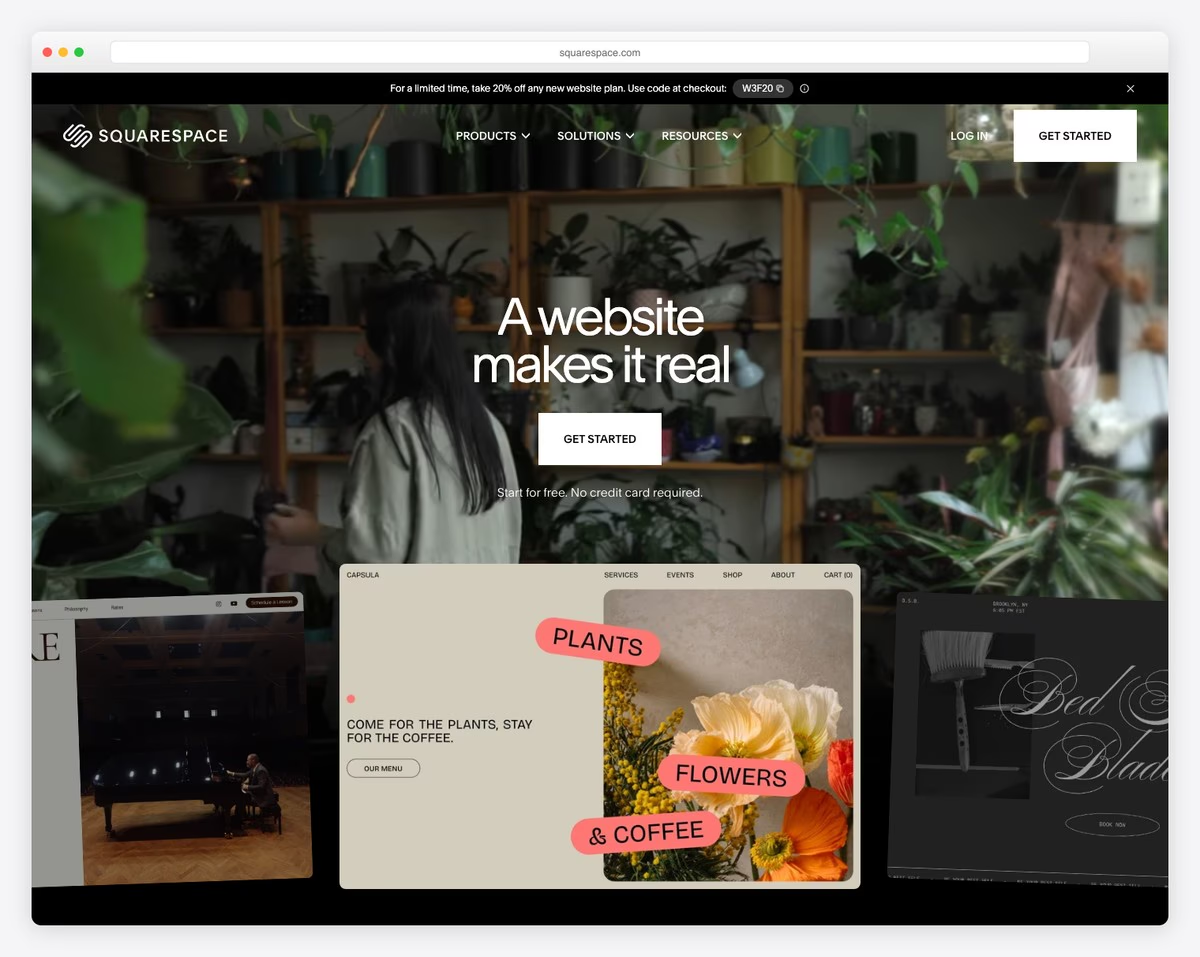
Squarespace is the best website builder for businesses that sell services rather than products. Its templates are the most professionally designed of any platform — clean, modern layouts that convey credibility the moment a potential client lands on your site. For consultants, agencies, therapists, coaches, and other service providers, that first impression matters more than feature count.
The standout business feature is Acuity Scheduling, which Squarespace acquired and now includes on all plans. Clients book appointments directly from your site, select services and staff members, pay deposits or full fees upfront, and receive automated confirmations and reminders. This eliminates the back-and-forth of scheduling via email and reduces no-shows. You can also set up intake forms to collect information before the appointment.
Squarespace also includes email marketing (Squarespace Email Campaigns), basic analytics, SSL certificates, and a free custom domain for the first year. The ecommerce features handle digital products, memberships, and service packages. Where it falls short is CRM — there’s no built-in contact management, so you’ll need a third-party tool like HubSpot or Mailchimp for customer relationship tracking.
Pricing: Basic $16/mo, Core $23/mo, Plus $39/mo, Advanced $99/mo (billed annually). 14-day free trial. Acuity Scheduling included on all plans. Free custom domain for the first year.
Pros
✅ Best-designed business templates
✅ Acuity Scheduling included on all plans
✅ Built-in email marketing campaigns
✅ No transaction fees on Core plan and above
Cons
❌ No built-in CRM or contact management
❌ No free plan — only 14-day trial
❌ 3% transaction fee on Basic plan
❌ Limited third-party app integrations
3. Shopify — Best for Product-Based Businesses
Best for: Businesses that sell physical or digital products online and in-person | From $24/mo • 3-day free trial
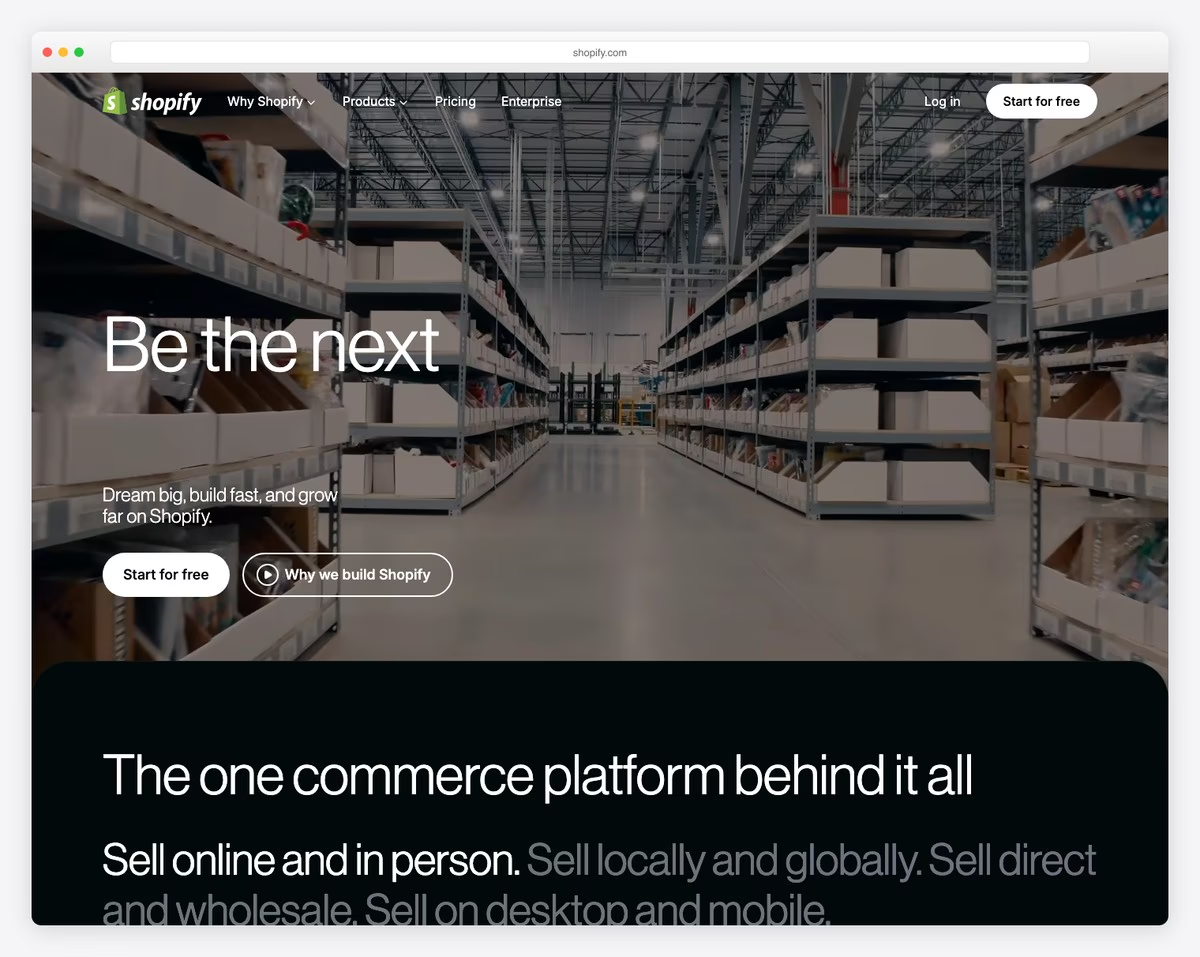
Shopify is the clear leader for businesses that sell products. While other builders add ecommerce as a feature, Shopify was built from the ground up as a commerce platform — and it shows. Inventory management, shipping rate calculations, tax automation, abandoned cart recovery, and multichannel selling (Amazon, Instagram, TikTok, Facebook) all come built in.
Shopify Payments eliminates the need for a separate payment processor, with credit card rates starting at 2.9% + 30 cents on the Basic plan. The Shopify POS system lets you sell in-person at markets, pop-ups, or retail locations using the same inventory and customer data as your online store. For businesses that sell both online and offline, this unified system prevents overselling and simplifies accounting.
The app ecosystem is Shopify’s other major advantage — over 8,000 apps covering everything from print-on-demand to subscription boxes to B2B wholesale. Shopify Email lets you send up to 10,000 emails per month for free, and the built-in analytics track sales, traffic sources, and customer behavior. The main limitation is that Shopify’s content management is basic — blog posts and non-product pages feel secondary to the storefront.
Pricing: Basic $24/mo, Shopify $69/mo, Advanced $299/mo (billed annually). 3-day free trial, then $1/mo for the first 3 months. Shopify Payments included (2.9% + 30c on Basic).
Pros
✅ Best-in-class ecommerce features
✅ POS for in-person sales
✅ 8,000+ apps for any business need
✅ Multichannel selling (Amazon, TikTok, Instagram)
Cons
❌ More expensive than general website builders
❌ Transaction fees if not using Shopify Payments
❌ Content management (blogs, pages) is basic
❌ Many essential features locked behind paid apps
4. Hostinger — Best Budget Business Website
Best for: Budget-conscious businesses that need a professional website without ongoing costs | From $2.99/mo • 30-day money-back guarantee
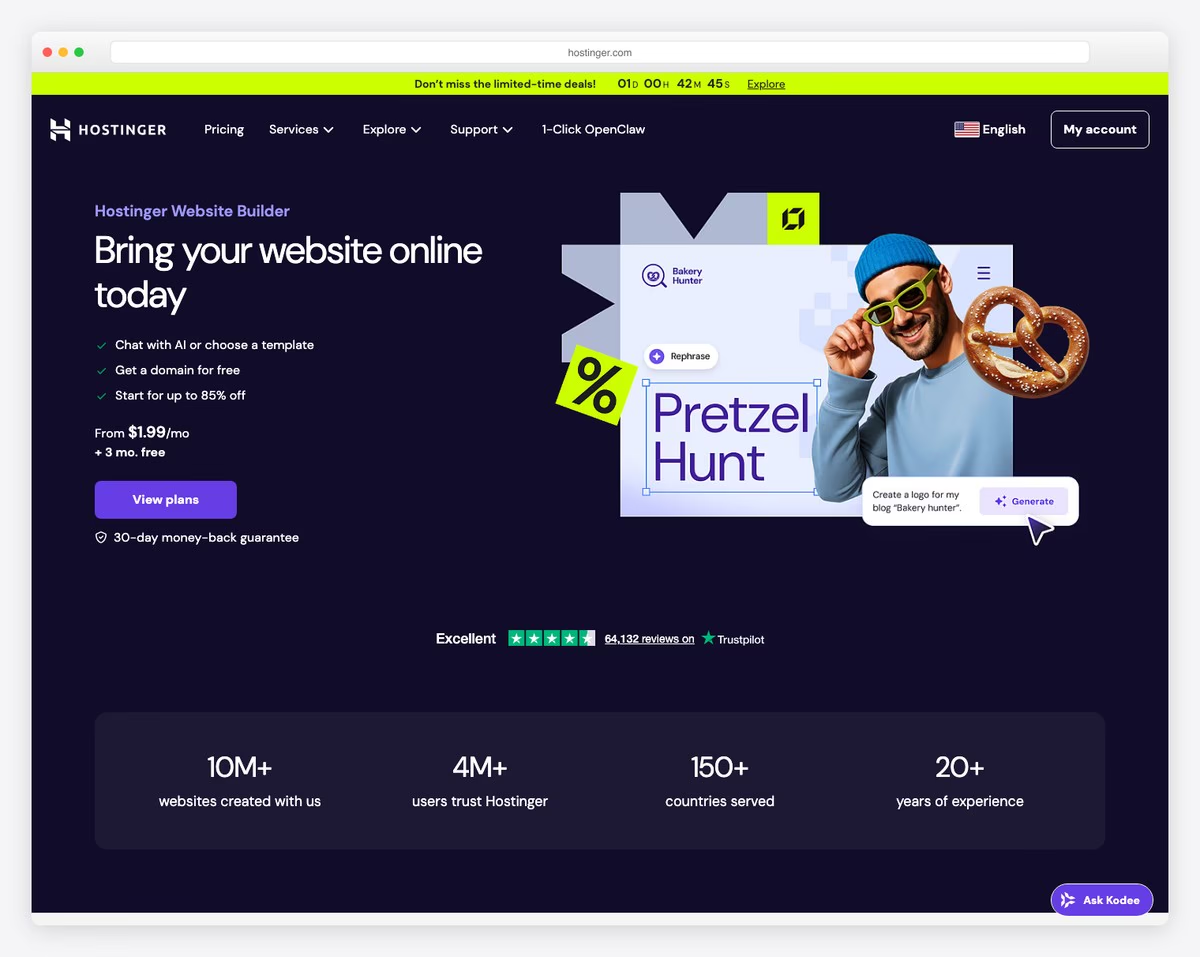
Hostinger Website Builder is the most affordable way to get a professional business website online. Starting at $2.99/mo (with a 4-year commitment), it includes hosting, SSL, a free domain, and an AI-powered builder that generates a complete business website from a text description — logo, copy, images, and color scheme included.
The AI builder is genuinely useful for businesses that need a site fast. Describe your business in a few sentences, and the AI generates a multi-page website with relevant stock images, placeholder text tailored to your industry, and a contact form. From there, the drag-and-drop editor lets you customize everything. The result won’t match Squarespace’s design polish, but it’s more than adequate for most local and service businesses.
Hostinger includes ecommerce on all plans (up to 500 products), integrated booking for appointments, and basic marketing tools including email marketing and SEO settings. The hosting infrastructure is solid — sites load fast, with a global CDN and 99.9% uptime guarantee. The main limitation is the lack of a native CRM and fewer third-party integrations compared to Wix or Squarespace.
Pricing: Premium $2.99/mo, Business $3.99/mo, Cloud Startup $7.99/mo (billed for 48 months). 30-day money-back guarantee. Free domain for the first year. Free professional email for the first year.
Pros
✅ Lowest price for a complete business website
✅ AI builder generates sites in minutes
✅ Ecommerce and booking included on all plans
✅ Fast hosting with global CDN
Cons
❌ Low price requires 4-year commitment
❌ No built-in CRM or contact management
❌ Fewer templates than Wix or Squarespace
❌ Limited third-party app marketplace
5. WordPress — Best for Growing Businesses
Best for: Businesses that need unlimited customization and plan to scale | Free software • Hosting from ~$3/mo
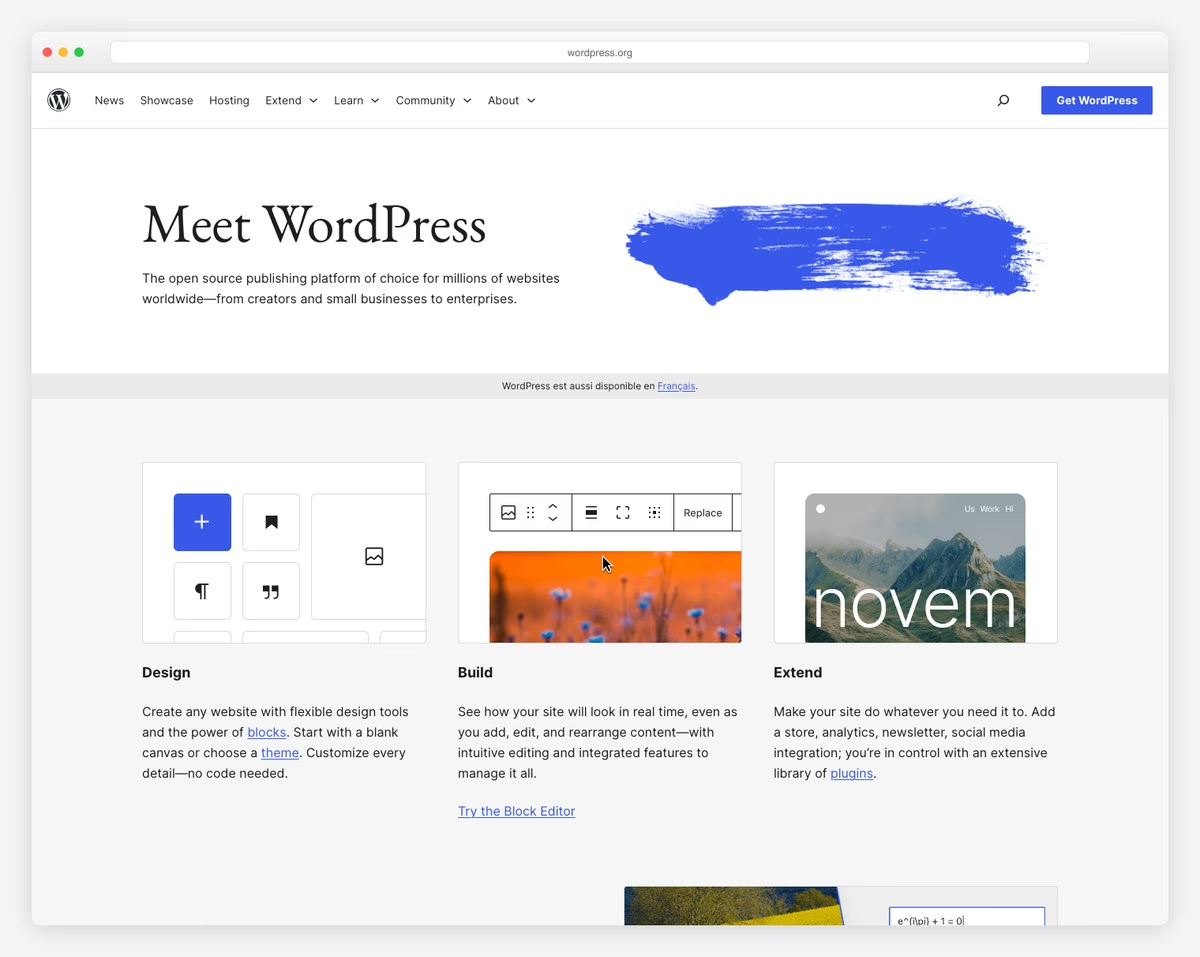
WordPress (self-hosted, WordPress.org) remains the most powerful platform for businesses that need to grow beyond what any website builder offers. With 60,000+ plugins, you can add any feature — WooCommerce for ecommerce, Bookly for appointments, WPForms for contact and intake forms, Yoast for SEO, and hundreds of CRM integrations. No other platform gives you this level of control.
The business case for WordPress is strongest when you need content marketing as a growth channel. WordPress’s blogging and SEO capabilities are unmatched — it was built as a content management system, and that foundation shows. Businesses that publish articles, guides, case studies, or thought leadership content will get better organic search results with WordPress than with any proprietary builder.
The tradeoff is complexity. You need to choose hosting (Cloudways, SiteGround, or Kinsta are solid options for business sites), install and update plugins, manage security, and handle backups yourself. Page builders like Elementor or Kadence Blocks make design accessible, but the learning curve is steeper than Wix or Squarespace. For businesses with technical staff or a web agency on retainer, WordPress is the best long-term investment. For solo operators without tech comfort, it can become a maintenance burden.
Pricing: WordPress software is free. Hosting from ~$3/mo (shared) to $30+/mo (managed). Domain ~$12/yr. Premium themes $40-80 one-time. Premium plugins vary ($0-300/yr each). Total first-year cost: $50-500+ depending on needs.
Pros
✅ Unlimited customization and scalability
✅ Best SEO and content marketing capabilities
✅ 60,000+ plugins for any feature
✅ You own your site and data completely
Cons
❌ Steeper learning curve than hosted builders
❌ You manage hosting, security, and updates
❌ Plugin conflicts can break functionality
❌ No dedicated support — relies on community and hosting provider
6. Webflow — Best for Brand-Focused Businesses
Best for: Design-driven businesses that need pixel-perfect branding without developers | Free plan available • Paid from $14/mo
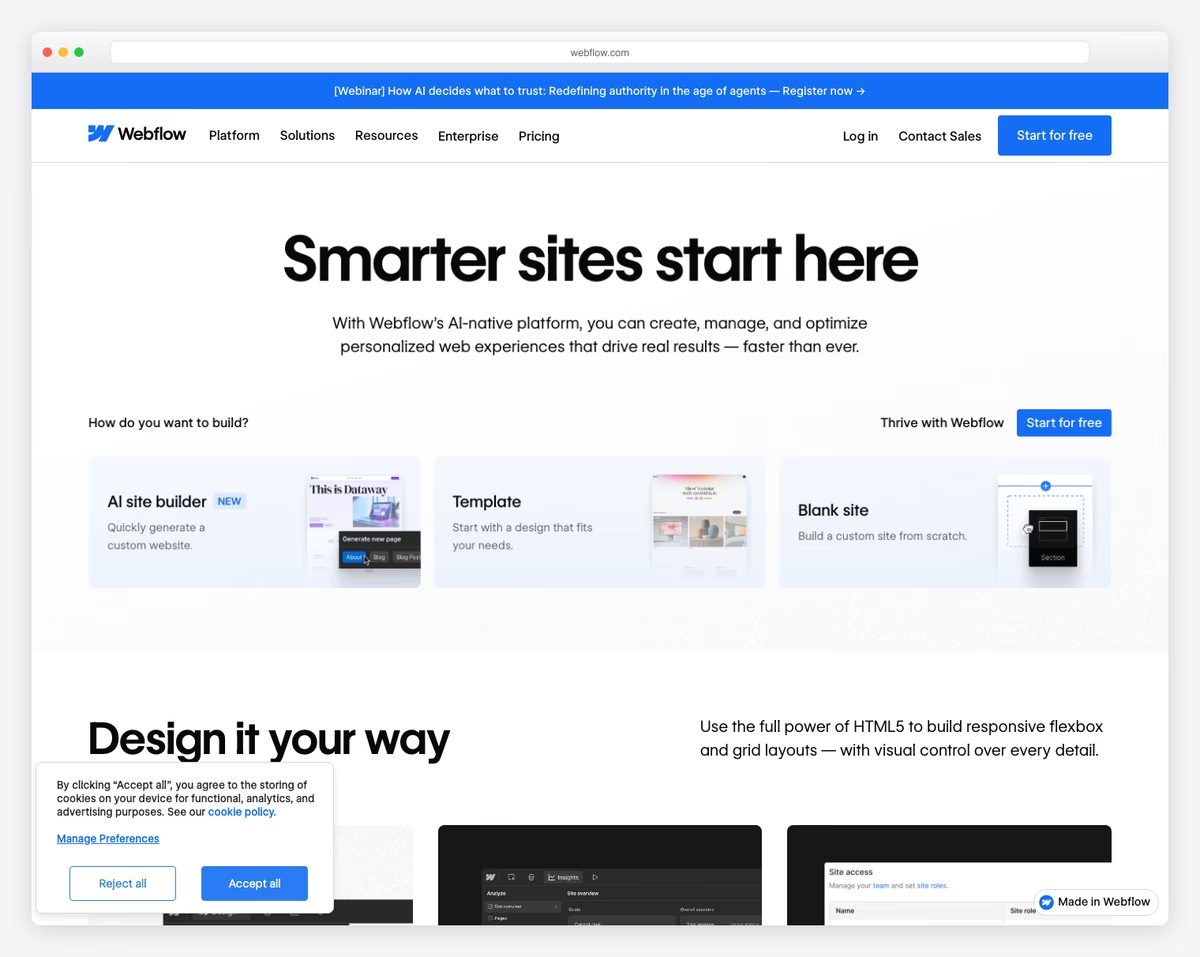
Webflow occupies a unique position between website builders and custom development. Its visual editor gives you complete control over layout, typography, spacing, animations, and interactions — the same level of precision a developer gets with code, but through a visual interface. For businesses where brand presentation is a competitive advantage, Webflow delivers results that no template-based builder can match.
The CMS is flexible enough to power content-heavy business sites — case studies, team directories, service pages, and resource libraries can all be structured as dynamic collections and styled independently. The built-in ecommerce handles up to 10,000 products and supports custom checkout flows. Webflow also generates clean, semantic HTML that search engines love, and sites hosted on Webflow’s infrastructure consistently score well on Core Web Vitals.
The learning curve is the main barrier. Webflow is not a drag-and-drop builder in the Wix sense — it requires understanding of CSS concepts like flexbox, grid, and positioning. Businesses that have an in-house designer or work with a Webflow agency will get the most value. For business owners who want to make quick updates themselves, Webflow’s editor mode lets non-technical team members edit content without touching the design layer.
Pricing: Free plan (webflow.io subdomain, 1 page). Basic $14/mo, CMS $23/mo, Business $39/mo, Enterprise custom (billed annually). Ecommerce plans from $29/mo. Free SSL on all plans.
Pros
✅ Pixel-perfect design control
✅ Clean code and excellent Core Web Vitals
✅ Powerful CMS for dynamic content
✅ Editor mode for non-technical team members
Cons
❌ Steep learning curve for beginners
❌ No built-in booking or scheduling
❌ No native CRM or email marketing
❌ Ecommerce plans priced separately
7. GoDaddy — Best for Local Businesses
Best for: Local businesses that need a simple website with Google integration fast | From $10.99/mo • No free plan
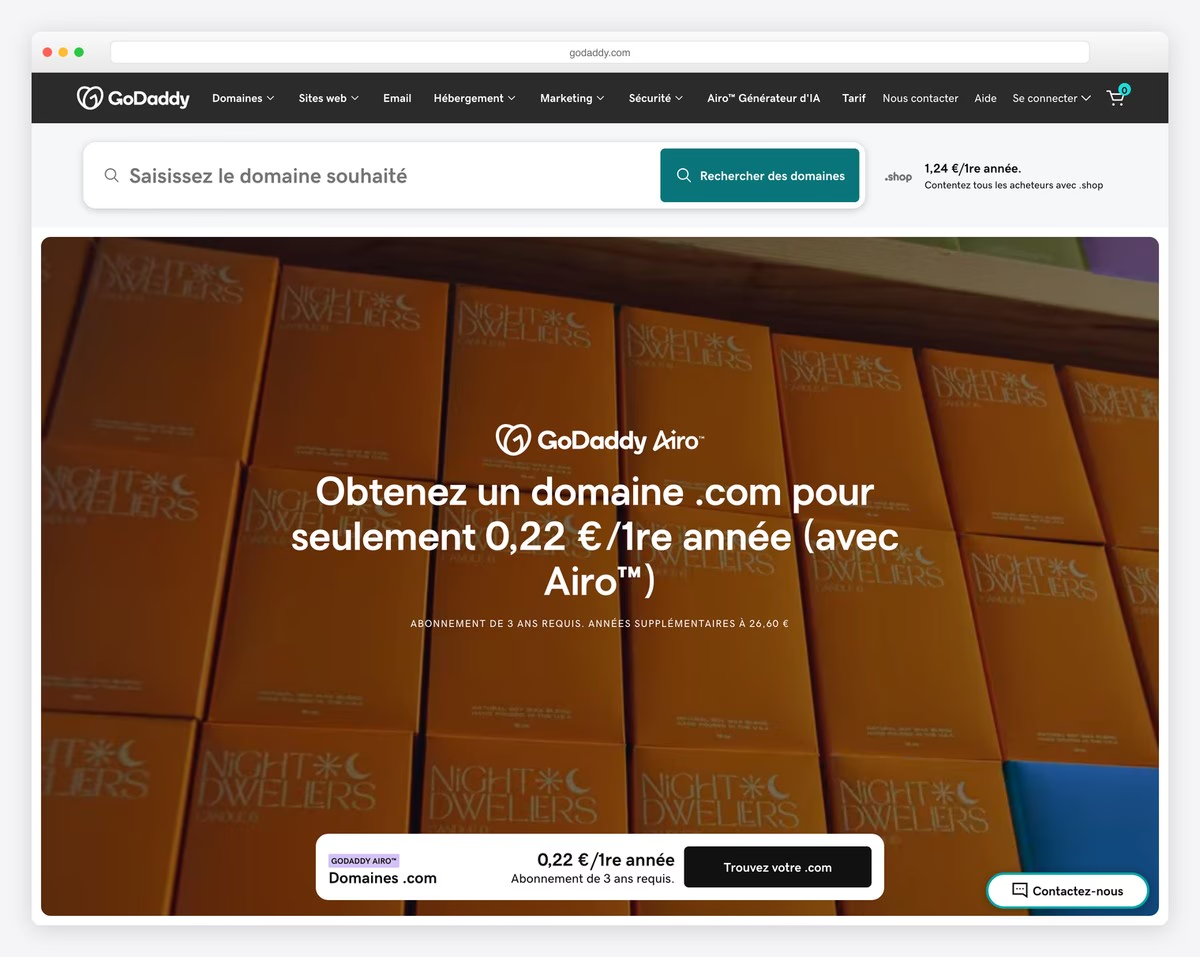
GoDaddy’s website builder is the fastest path from zero to a published business website. Its AI-powered setup asks a few questions about your business — type, location, services — and generates a complete site in under 10 minutes. For local businesses like plumbers, electricians, restaurants, and salons, the speed and simplicity matter more than design flexibility.
The standout feature for local businesses is the built-in Google Business Profile integration. GoDaddy syncs your business hours, services, phone number, and photos directly with Google, keeping your local search listing accurate without manual updates. The platform also includes appointment booking, invoicing, and payment processing through GoDaddy Payments — a complete toolkit for businesses that primarily serve local customers.
GoDaddy also offers professional email ([email protected]) through Microsoft 365 integration, social media posting tools, and basic email marketing. The tradeoff is design flexibility — the editor is intentionally simple, with limited layout options and no custom code access. You’re trading creative control for speed and ease. For businesses that just need a professional online presence that connects to Google, GoDaddy delivers that with minimal effort.
Pricing: Basic $10.99/mo, Standard $15.99/mo, Premium $20.99/mo, Ecommerce $27.99/mo (billed annually). Professional email from $5.99/mo. Free domain for the first year on annual plans.
Pros
✅ Fastest setup — site in under 10 minutes
✅ Google Business Profile integration
✅ Built-in booking and invoicing
✅ Professional email through Microsoft 365
Cons
❌ Very limited design customization
❌ No free plan
❌ Cannot export your site to another platform
❌ Email marketing limited to 500 contacts on Basic
8. Duda — Best for Agencies and Multi-Site Businesses
Best for: Agencies, franchises, and businesses managing multiple websites | From $25/mo • 14-day free trial
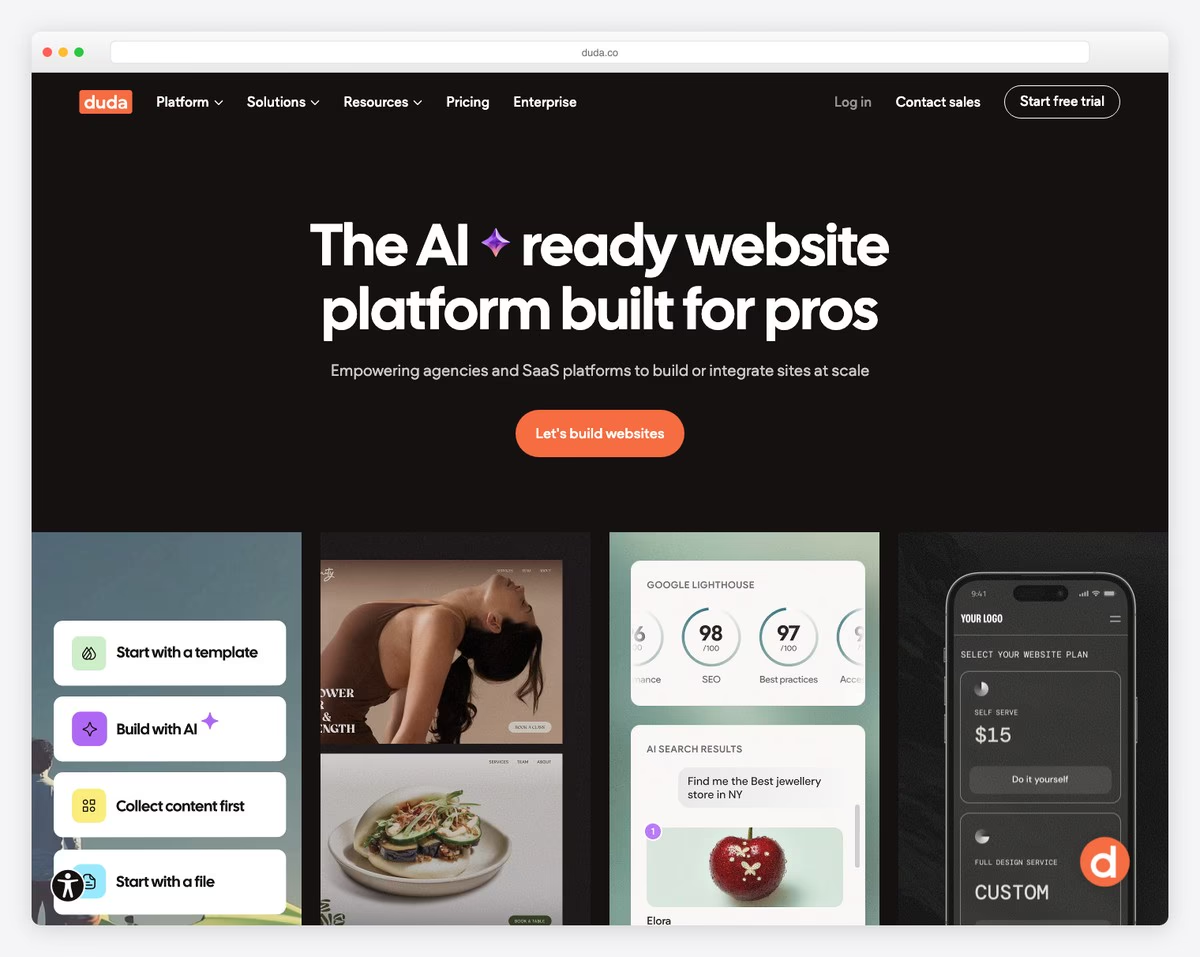
Duda is the website builder designed for scale. While most platforms focus on individual business owners, Duda is built for agencies, SaaS companies, and franchise operations that need to create and manage dozens or hundreds of business websites from a single dashboard. Its white-label capabilities let agencies present the platform as their own, with custom branding on the editor, login screens, and client-facing dashboards.
For multi-location businesses and franchises, Duda’s team management and permission system lets you control which locations can edit what. You can create a master template with locked brand elements — logo, colors, header layout — while allowing individual locations to update their hours, staff, menus, and local content. This balance of brand consistency and local flexibility is something no other builder handles as well.
The builder itself is polished and fast, with strong SEO tools, built-in ecommerce, personalization features (show different content based on location, device, or visit count), and excellent Core Web Vitals scores. Duda also supports dynamic pages that pull data from external sources via API, making it useful for businesses with product databases, directories, or listing sites. The main limitation is price — it’s more expensive than Wix or Squarespace for a single site.
Pricing: Basic $25/mo (1 site), Team $39/mo (1 site, collaboration), Agency $69/mo (4 sites), White Label $199/mo (unlimited). 14-day free trial. Annual billing available with discount.
Pros
✅ Best white-label and agency tools
✅ Multi-site management from one dashboard
✅ Content personalization by visitor segment
✅ Excellent site performance scores
Cons
❌ Expensive for a single business site
❌ Smaller template library than Wix
❌ No built-in email marketing
❌ Less well-known — smaller community and resources
9. HubSpot CMS — Best for Marketing-Driven Businesses
Best for: B2B businesses and companies that prioritize lead generation and marketing automation | Free CRM • CMS from $20/mo
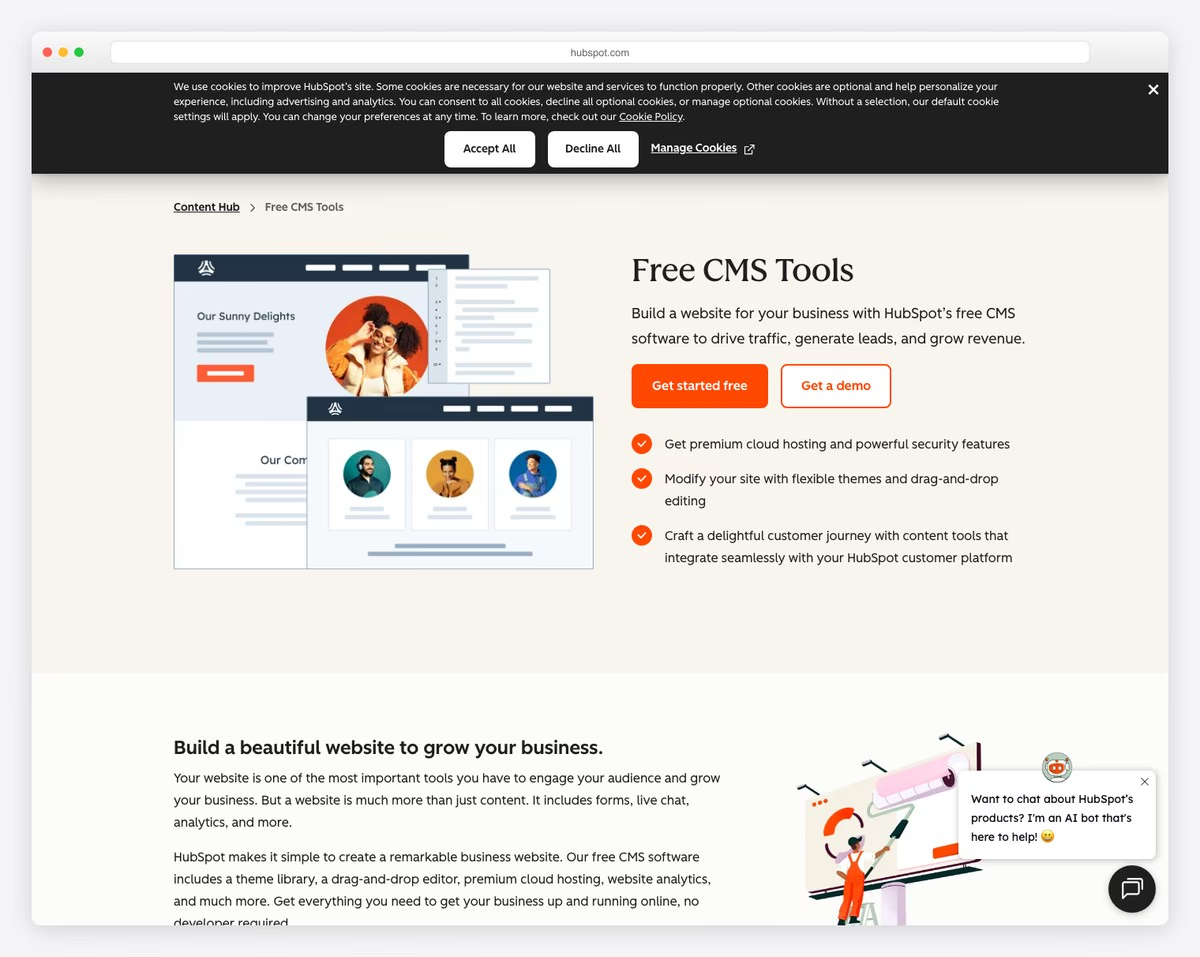
HubSpot CMS is fundamentally different from every other builder on this list. Instead of being a website builder with optional marketing tools, it’s a marketing and sales platform with a website builder attached. Every form submission, page visit, email open, and chat interaction feeds directly into HubSpot’s CRM — giving you a complete view of each prospect’s journey from first visit to closed deal.
For businesses where lead generation is the primary goal — B2B companies, professional services, SaaS businesses — this integration is transformative. You can create landing pages with smart forms that progressively profile visitors, set up automated email sequences triggered by specific page visits or content downloads, and score leads based on engagement. The free CRM tracks every contact interaction, and the reporting dashboard shows which content and pages actually drive revenue.
The website builder itself uses a drag-and-drop editor with customizable themes and modules. It’s not as design-flexible as Webflow or as template-rich as Wix, but it’s adequate for professional business sites. HubSpot also includes a blog, SEO recommendations, A/B testing, and adaptive content that shows different messaging based on visitor lifecycle stage. The free plan includes the CRM, basic website, forms, and live chat — enough to get started. But the real power unlocks on the Starter ($20/mo) and Professional ($500/mo) plans.
Pricing: Free plan (HubSpot branding, basic features). Content Hub Starter $20/mo, Professional $500/mo, Enterprise $1,500/mo (billed annually). Free CRM included on all plans. Pricing scales with contacts and features.
Pros
✅ Full CRM and marketing automation built in
✅ Lead scoring, smart forms, and progressive profiling
✅ Free plan with CRM, forms, and live chat
✅ A/B testing and adaptive content
Cons
❌ Professional plan is expensive ($500/mo)
❌ Limited design flexibility compared to Webflow
❌ Overkill for simple business websites
❌ HubSpot branding on free plan
10. Framer — Best for Startups and Tech Companies
Best for: Tech startups and SaaS companies that need a fast, animated marketing site | Free plan available • Paid from $15/mo
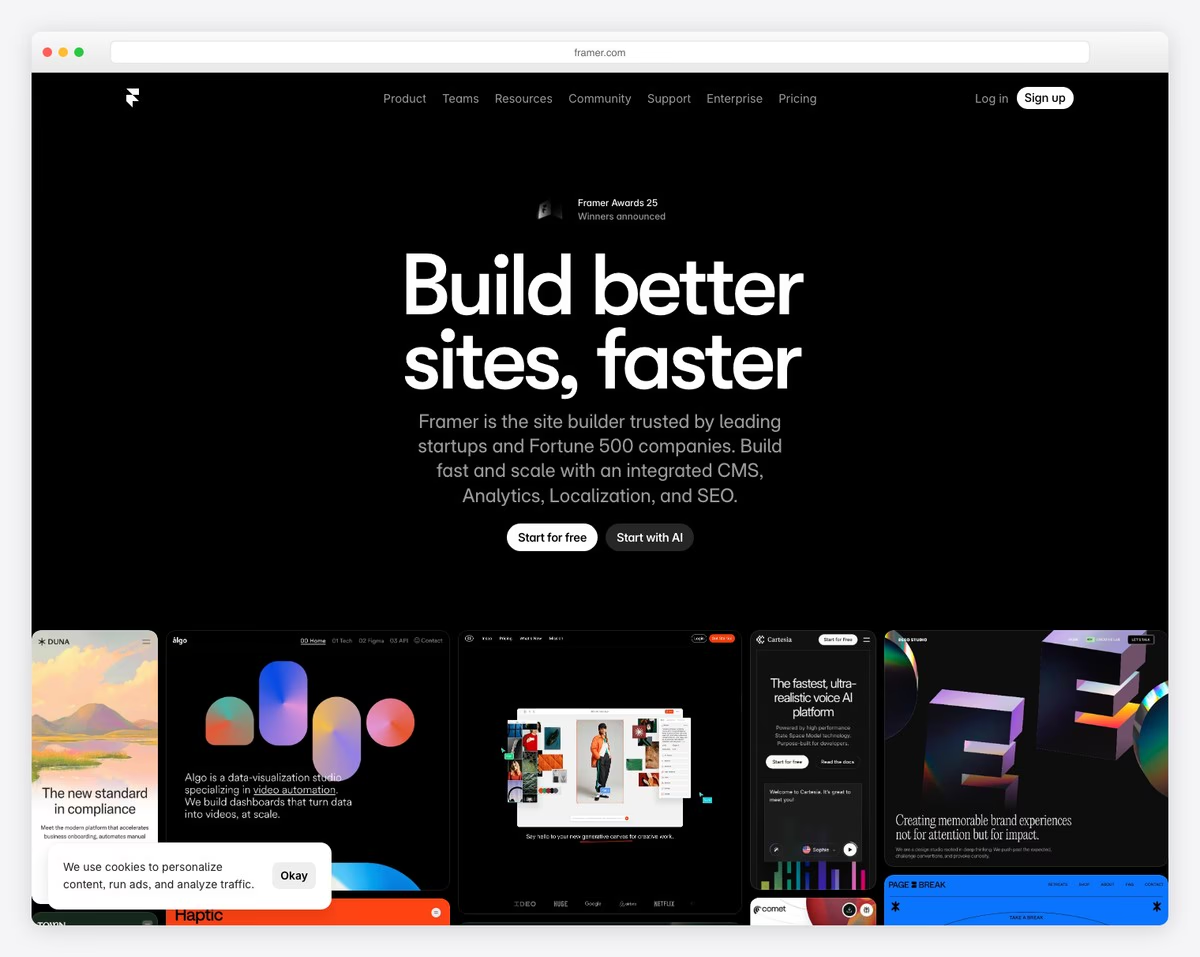
Framer has emerged as the website builder of choice for startups and tech companies. Originally a prototyping tool, it evolved into a full publishing platform that produces some of the fastest, most visually polished marketing sites on the web. Its design tools feel like working in Figma — with auto-layout, components, variants, and advanced animations that other builders simply can’t replicate.
The performance advantage is significant. Framer generates static sites by default, which means pages load almost instantly — a critical factor for startups where every millisecond of load time affects conversion rates. The built-in CMS handles blog posts, changelogs, and documentation pages. Localization support lets you create multilingual versions of your site, which is valuable for startups targeting international markets. And the template marketplace has hundreds of startup-focused designs that you can customize extensively.
Where Framer falls short for general business use is the lack of built-in business tools. There’s no ecommerce, no booking system, no CRM, no email marketing, and no payment processing — you’ll need third-party tools for all of these. Framer is purpose-built for marketing and brand sites, not for running business operations. For startups that use their website primarily to explain what they do, capture leads, and convert visitors, it’s outstanding. For businesses that need their website to be an operational tool, look elsewhere.
Pricing: Free plan (framer.website subdomain, 2 pages). Mini $15/mo, Basic $25/mo, Pro $70/mo (billed annually). Free SSL on all plans. CMS included on all paid plans.
Pros
✅ Fastest page load times of any builder
✅ Figma-level design tools and animations
✅ Built-in localization for multilingual sites
✅ Active startup-focused template marketplace
Cons
❌ No ecommerce, booking, or payment tools
❌ No built-in CRM or email marketing
❌ Learning curve for non-designers
❌ Pro plan needed for custom domain analytics
How to Choose the Right Business Website Builder
The best builder depends on your business type, what you sell, and how you acquire customers:
Service businesses (consultants, coaches, therapists): Squarespace combines the most professional templates with Acuity Scheduling for appointment booking — the two things service businesses need most. Wix is the better choice if you also need a built-in CRM to track client relationships.
Product-based businesses (retail, DTC, handmade): Shopify is the clear winner if selling products is your primary business. For businesses that sell a few products alongside services or content, Wix or Squarespace’s built-in ecommerce is sufficient.
Local businesses (restaurants, salons, contractors): GoDaddy gets you online fastest with built-in Google Business Profile integration. Wix offers more customization and better SEO tools if you’re willing to spend more time on setup.
Growing businesses that need to scale: WordPress gives you unlimited flexibility and the best content marketing platform. The upfront investment in learning and setup pays off as your business and website grow in complexity.
B2B and lead generation: HubSpot CMS is purpose-built for businesses that measure website success by leads generated and deals closed. The CRM integration alone justifies the cost if you’re running inbound marketing.
Brand-focused and creative: Webflow and Framer produce the most visually impressive results. Webflow is better for businesses that need ecommerce and CMS functionality. Framer is ideal for startup marketing sites where speed and animation matter most.
Agencies and multi-site operations: Duda is the only builder on this list designed for managing multiple client or franchise websites from a single dashboard, with white-label capabilities.
Budget-conscious businesses: Hostinger delivers the most value per dollar — a complete business website with ecommerce and booking for under $3/mo. The AI builder gets you online in minutes.
Our top pick: For most small businesses, Wix offers the best balance of design quality, built-in business tools, and ease of use. Its CRM, booking, invoicing, and email marketing are all included — eliminating the need for separate subscriptions. For service businesses that prioritize brand presentation, Squarespace with Acuity Scheduling is the strongest combination. For product sellers, Shopify is unmatched.
Frequently Asked Questions
Do I need a website for my small business?
Yes. In 2026, 76% of consumers look up a business online before visiting in person or making a purchase. A website establishes credibility, lets customers find you through Google, and gives you a platform you own — unlike social media profiles that depend on algorithm changes. Even if most of your business comes from referrals, a professional website confirms legitimacy when prospects Google your name. At minimum, you need a homepage, services/products page, about page, and contact information with your business hours and location.
How much should a business website cost?
A DIY business website built with a website builder costs between $3 and $40 per month, depending on the platform and features. Hostinger starts at $2.99/mo for a basic business site. Wix and Squarespace run $16-39/mo for full business functionality. Shopify starts at $24/mo for ecommerce. Add $10-15/yr for a domain name. For comparison, hiring a web designer costs $2,000-10,000+ for a custom business site, plus ongoing maintenance fees. Website builders eliminate that upfront cost entirely.
Which website builder is best for local SEO?
For local SEO specifically, GoDaddy’s built-in Google Business Profile integration makes it easiest to keep your local listing accurate. Wix offers more comprehensive SEO tools — including local business schema markup, meta descriptions, and XML sitemaps — making it the strongest overall choice for local businesses that want to rank in both Google Maps and organic search. WordPress with a plugin like Yoast or Rank Math provides the most advanced local SEO capabilities, but requires more setup and maintenance.
Can I accept payments on my business website?
Yes — all 10 builders on this list support online payments, either natively or through integrations. Shopify has the most complete payment infrastructure, including its own payment processor (Shopify Payments), point-of-sale hardware, and support for over 100 payment gateways. Wix and Squarespace both accept credit cards, PayPal, and Apple Pay on their business plans. For service businesses, most builders also support invoicing and deposit collection through their booking systems.
Should I use WordPress or a website builder?
Use a website builder (Wix, Squarespace, Hostinger) if you want a professional site with minimal technical effort, built-in hosting and security, and all-in-one business tools. Use WordPress if you need unlimited customization, plan to heavily invest in content marketing and SEO, expect your site to grow significantly in complexity, or have technical staff to manage it. The simplest test: if you want to build it yourself and never think about maintenance, use a builder. If you want maximum control and are willing to invest time learning, use WordPress.
Can I switch website builders later?
Switching is possible but never painless. Your domain name transfers easily (it’s just a DNS change), but your content, design, and SEO settings don’t transfer automatically between platforms. You’ll need to manually recreate pages and re-upload images on the new platform. Blog posts can sometimes be exported and imported, especially between WordPress and other builders. The biggest risk is losing your search rankings during the transition if URLs change. To minimize disruption, set up 301 redirects from old URLs to new ones. The best strategy is to choose the right builder from the start based on where you see your business in 2-3 years, not just what you need today.

Related Posts




I’m currently trying to choose a platform for a small service-based business (coaching/consulting). The article makes a great case for Squarespace with its included Acuity Scheduling, but also highlights Wix’s built-in CRM. My question is about the practical difference between “built-in CRM” on Wix and the need for a third-party CRM with Squarespace. For a solo operator just starting out, is Wix’s built-in tool sufficient for tracking client interactions and follow-ups? Or does Squarespace’s better design and scheduling outweigh the hassle of adding something like HubSpot later?
Great question, Denzel — and it’s exactly the right thing to think about before committing to a platform.
For a solo coaching or consulting business just starting out, Wix’s built-in CRM is genuinely sufficient. It tracks client interactions, lets you manage follow-ups, segment your contact list, and send targeted emails — all from the same dashboard where you manage bookings and invoicing. You won’t need HubSpot or any third-party tool early on.
Squarespace’s Acuity Scheduling is arguably the better booking experience — more polished, more flexible intake forms, and tighter automation for confirmations and reminders. But the moment you want to track who’s been a client for 6 months, who hasn’t followed up, or who opened your last email, you’ll be reaching for a separate tool. That adds cost and complexity.
Our honest take for a solo operator: **start with Wix**. The built-in CRM removes a whole category of decisions and subscriptions when you’re early stage. As your client base grows and you have a clearer sense of what your workflow actually needs, you can always layer in a more powerful tool — or migrate to a platform that fits better.
If design and the booking experience matter more to you than CRM from day one, Squarespace is still a strong choice — Acuity really is excellent. Just budget for HubSpot’s free tier (which works well for basic contact tracking) alongside it.
Hope that helps you decide!