
A free one-page WordPress theme for studios that would rather show the work
Bonkers is a free one page WordPress theme for studios, agencies and freelancers whose work says more than a paragraph about it could. The front page is built from thirteen sections you switch on and fill in from the Customizer, the work grid runs full width, and the blog behind it is designed for reading. It needs no page builder and no companion plugin, and it supports the block editor with its own patterns and block styles.
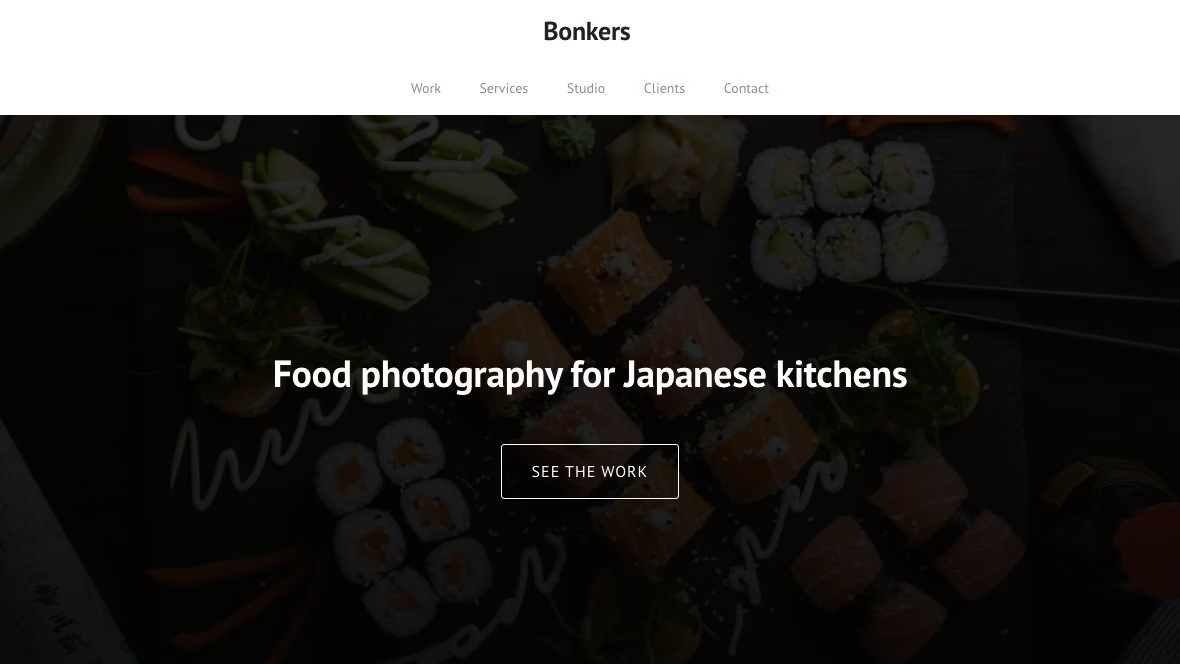
Thirteen sections, edited where you can see them
Welcome, services, work, image and text, phone, call to action, video, numbers, team, testimonials, subscribe, clients and contact. Each one has its own panel under Front Page Sections in the Customizer, where you switch it on or off, drag it into a new place on the page, and edit its headline, text, images and links with the page previewing beside you. The repeatable items — services, team members, testimonials, figures, client logos — are widgets, so you add, reorder and remove them by dragging.
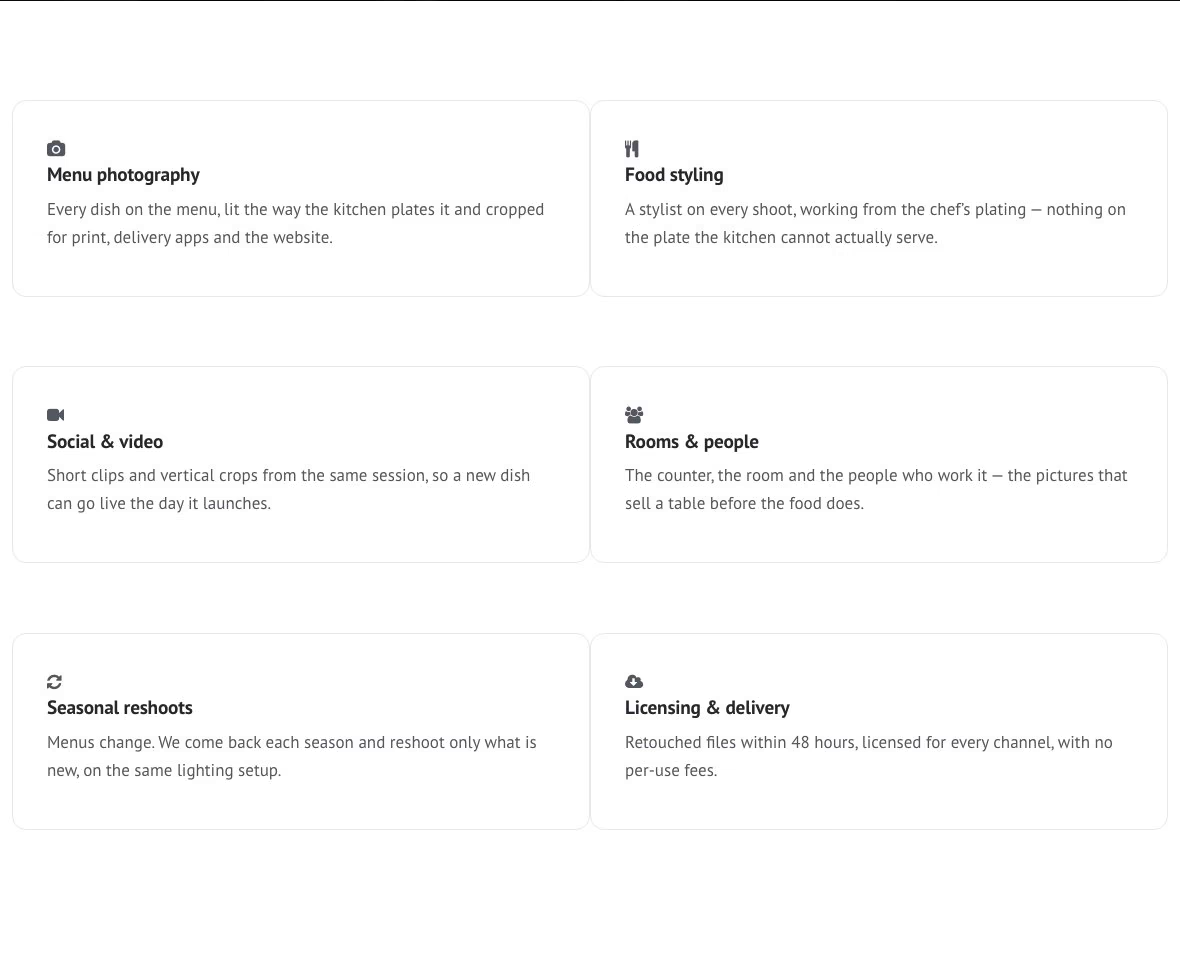
The work comes first
The work section is a full-width grid of your posts, each shown as a card with its photograph, category and title. Choose two, three or four columns, give the section a heading and a line of introduction, and point its closing link wherever the rest of your portfolio lives. It is ordinary WordPress content, so there is no gallery plugin to install and nothing to migrate if you ever change theme.
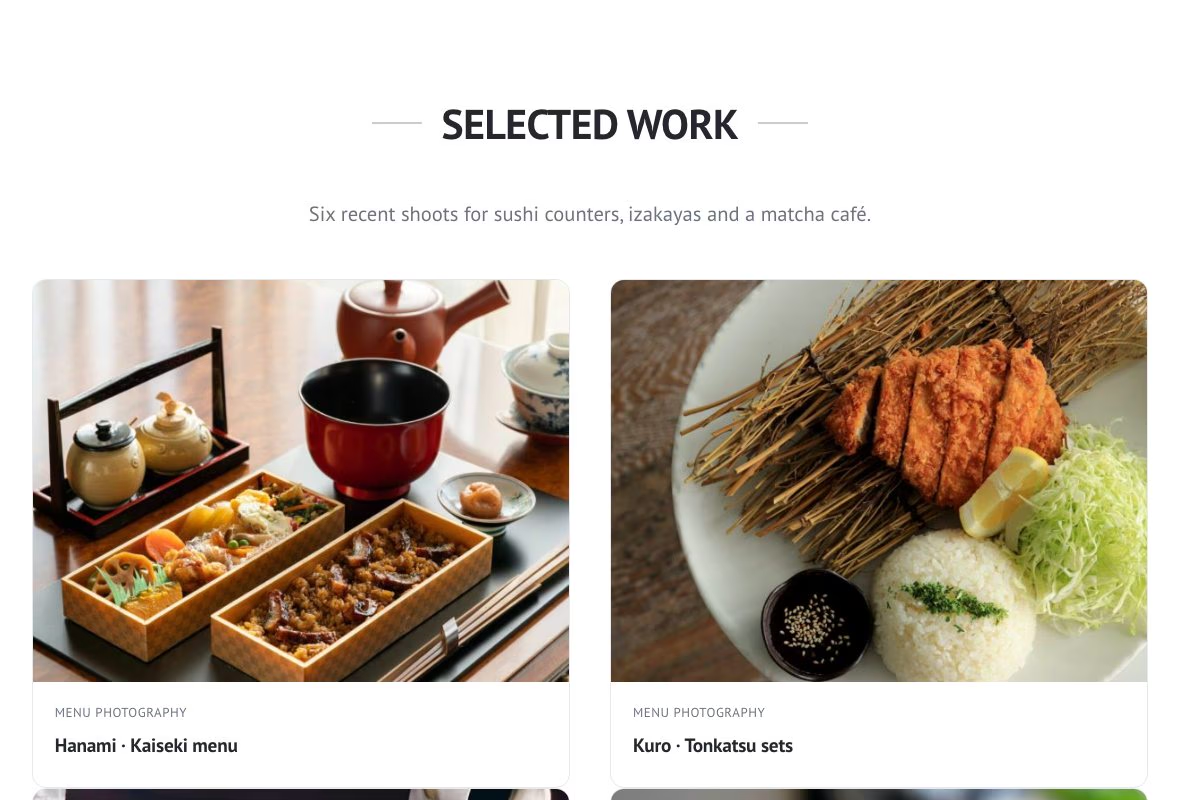
Built for the block editor
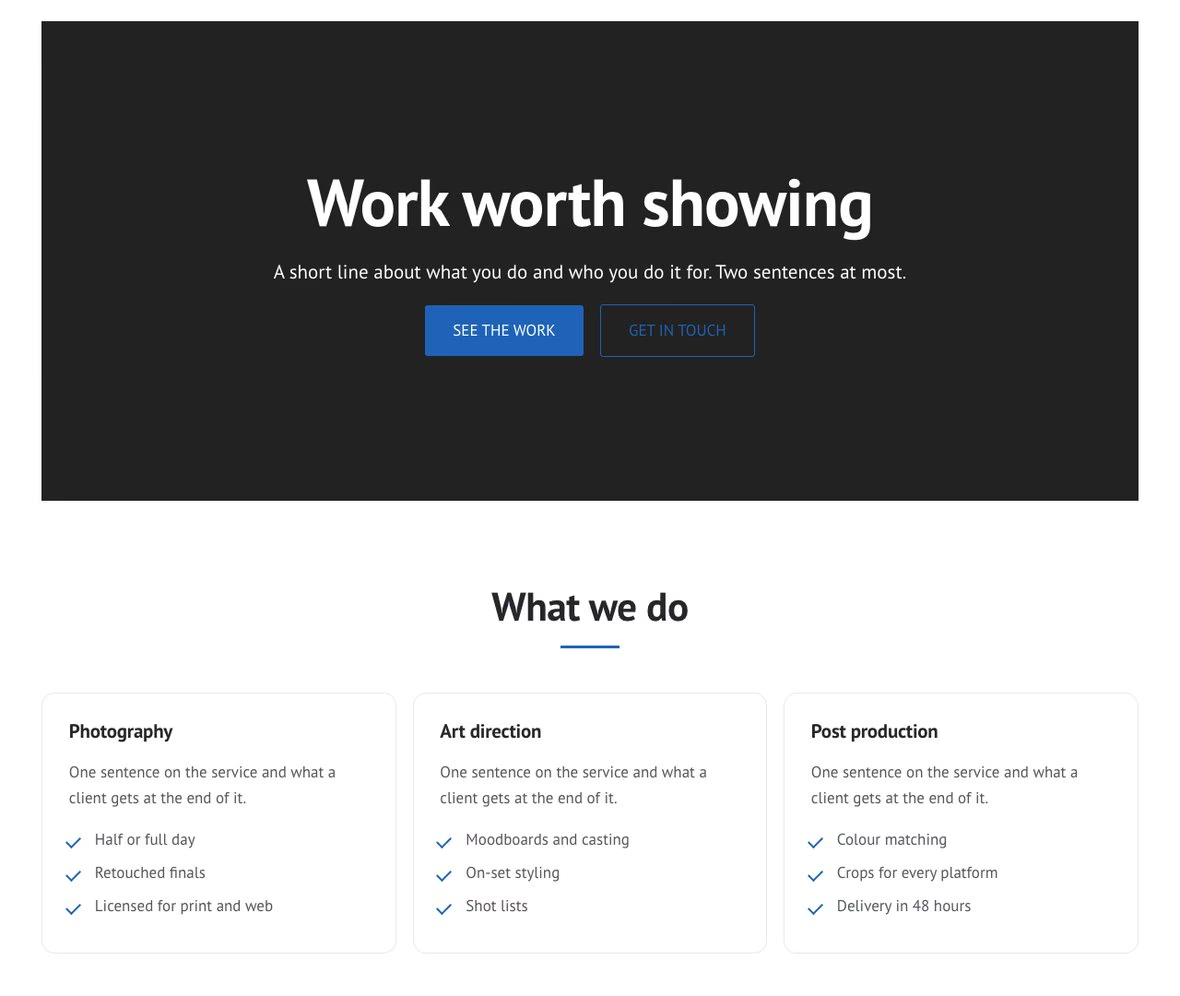
A theme.json carries the palette, a fluid type scale and the content and wide widths, so a block looks the same while you edit it as it does once published. Eight block patterns rebuild the front page sections out of core blocks — a hero, services, a work grid, team, a testimonial, a numbers band, contact details and a call to action — and nine block styles give core blocks the theme’s own looks. A Full width page template gives wide and full-width blocks the room they need.
A phone mockup for work made for phones
The phone section puts your own screenshot on a current handset, with a short feature on either side of it. The frame is drawn as a vector, so it stays sharp on every screen, and it is light enough to sit on the page rather than on top of it.
The people, and what people said about them
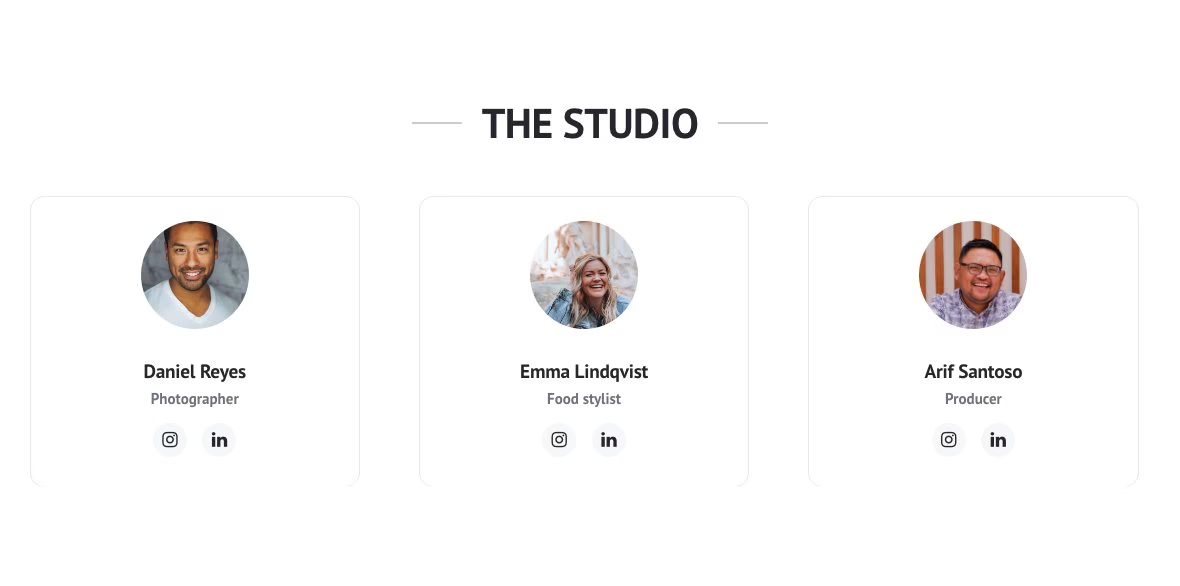
Team members carry a portrait, a role and their own social links, so a visitor can reach the person rather than a company account. Testimonials pair a quotation with the name and photograph of whoever said it. Both are widgets: add a colleague or a quote without touching a template.
A contact section that works without a map key
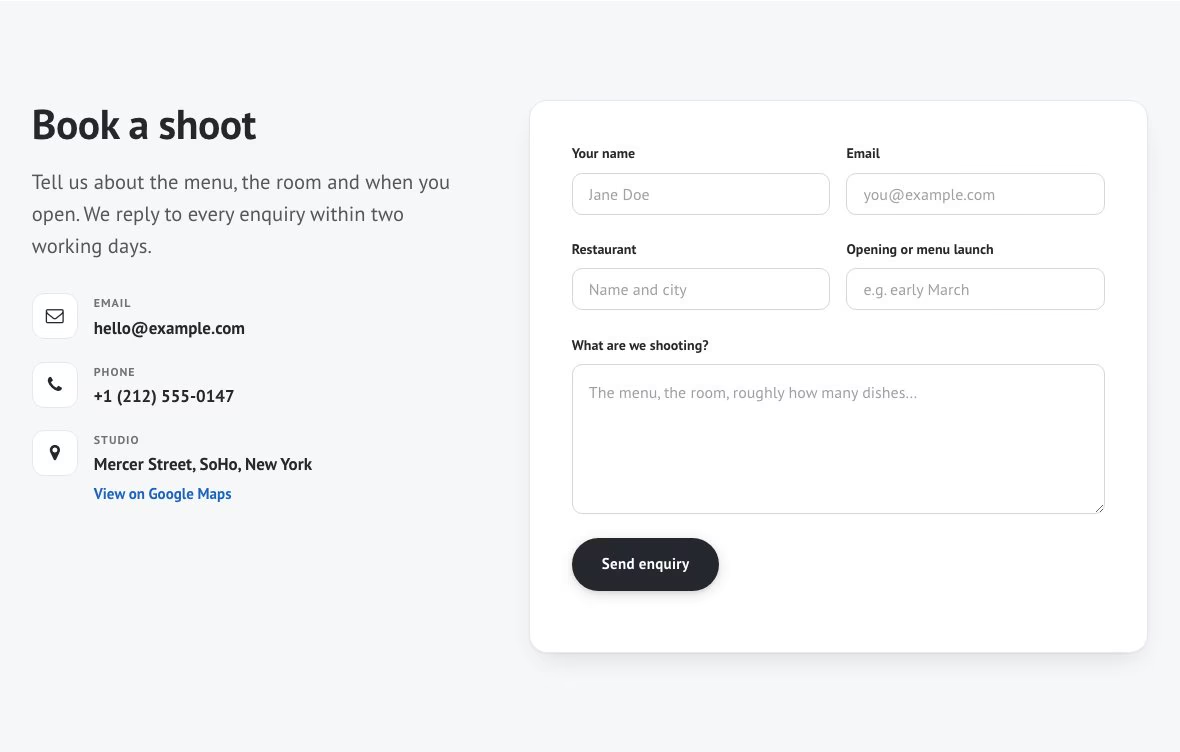
Your address, email and telephone number sit beside the enquiry form, and the form itself comes from Contact Form 7, WPForms or Kali Forms — a maintained form plugin handles spam and deliverability better than a theme can. A Google map is optional: add your own API key and it appears, leave it out and the address is simply shown as text.
What you get
Questions
Yes. Bonkers is hosted in the WordPress.org theme directory and licensed under the GNU General Public License v3 or later, so you can use it on as many sites as you like, commercial ones included, and change it however you need.
No. The front page sections, the widgets that fill them and the Customizer options are all part of the theme. The contact form is the one exception: it uses Contact Form 7, WPForms or Kali Forms, whichever you prefer.
No. Bonkers includes the front page sections and widgets that plugin provided, and keeps showing the content you saved with it. If the plugin is still active, update Bonkers to 1.1.1 or newer — with 1.1.0 the Customizer showed an error — and deactivate the plugin when you like; keep it only if a page uses its product carousel shortcode. The documentation has the details.
Yes. It has a theme.json, eight block patterns, nine block styles, wide and full alignment, and a Full width page template for pages built from blocks.
No fonts: PT Sans is bundled with the theme. The only Google request is the map in the contact section, and only if you give it your own Maps API key.
Yes. Every string is translatable and languages/bonkers.pot ships with the theme.
Start with the Bonkers documentation, which walks through every section with screenshots. For anything it does not answer, ask in the theme’s support forum on WordPress.org.
The details
| Requires | WordPress 6.1 or newer |
|---|---|
| PHP | 7.4 or newer |
| Tested up to | WordPress 7.1 |
| Licence | GNU General Public License v3 or later |
| Front-page sections | 13, each edited from the Customizer |
| Block editor | theme.json, 8 patterns, 9 block styles |
| Page templates | Front page, Full width |
| Fonts | PT Sans, bundled |
| Translation | languages/bonkers.pot included |
| Downloads | 15,389 from WordPress.org |
- Version: 1.1.1
- Last updated: 16 September 2026
- Tested up to: WordPress 7.1
- Requires: WordPress 6.1 or later · PHP 7.4 or later
- Active installations: 30+
- Rating: 5 out of 5 from 1 review on WordPress.org
- Total downloads: 15,389
- View on WordPress.org
- Bonkers documentation: installing, building the front page, widgets, menus, colours and troubleshooting
- Support forum on WordPress.org
- Source code on GitHub
= 1.1.1 =
- Fixed the Customizer crashing with a critical error while Bonkers Addons is active
- Removed Bonkers Addons’ duplicate Front Page Sections panel and its unauthenticated section-order request
- Fixed the Customizer’s Google Maps API key field, which was saved but never read
- Fixed the contact form list, which could not offer Kali Forms or WPForms forms
- Added a link setting to the call-to-action button, which pointed nowhere; a link set in Bonkers Addons is kept
- Fixed dragging front page sections into a new order, which only worked with Bonkers Addons active; a new order now previews and saves with Publish
- Fixed the Customizer showing the theme’s defaults instead of the values a site set up with Bonkers Addons displays
- Fixed an emptied Customizer field bringing back the old Bonkers Addons text
- Fixed Text Color and Headings Color having no effect on the front page, and block styles ignoring Featured Color
- Services, phone, team, clients and contact sections no longer show an empty band or heading before they have content
- Renamed three block styles that repeated core’s names: Fill on hover, Soft corners and Centered
- The setup checklist’s buttons now open the matching Customizer panel
- …and 4 further changes
= 1.1.0 =
- Added block editor support: theme.json with the theme’s palette, fluid type scale and layout widths
- Added eight block patterns rebuilding the front page sections out of core blocks
- Added nine block styles: outline buttons, rounded, framed and tile-cropped images, cards, plain quotations, short rules and checklists
- Added wide and full alignment, responsive embeds and editor styles
- Added a Full width page template
- Fixed the editor loading a stylesheet that no longer ships with the theme
- Dropped Bootstrap; the grid the theme actually used is now a 4 KB stylesheet
- Folded the front page widgets into the theme, so no companion plugin is needed
- Added a Front Page Sections panel to the Customizer, with controls for every section
- Added work, testimonials and numbers sections, and widgets for them
- Added footer widget areas and styling, and the footer now skips empty columns
- Raised the accent and the team social icons to AA contrast
- …and 11 further changes
= 1.0.9 =
- Updated colorlibHQ/bonkers from WPChill/bonkers
- version bump
= 1.0.8 =
- Small Typo Fix
= 1.0.7 =
- Compatibility with jquery 3.0
- Fixed front page template
= 1.0.6 =
- Small fixes
- Security fix
= 1.0.5 =
- Released: October 18, 2019
- Security Fix
= 1.0.2 =
- Released: January 31, 2018
- Prefixed js function
- Formatted readme.txt
= 1.0.1 =
- Released: January 22, 2018
- Added subject tags – WordPress Review
Download Bonkers
Free, GPL v3 or later. Version 1.1.1, hosted on WordPress.org.