
Showing 1–6 of 6 templates
Choose a storefront for your footwear range
Consider whether shoes are the main focus of your store or part of a broader fashion catalog. These designs offer different ways to introduce the range.
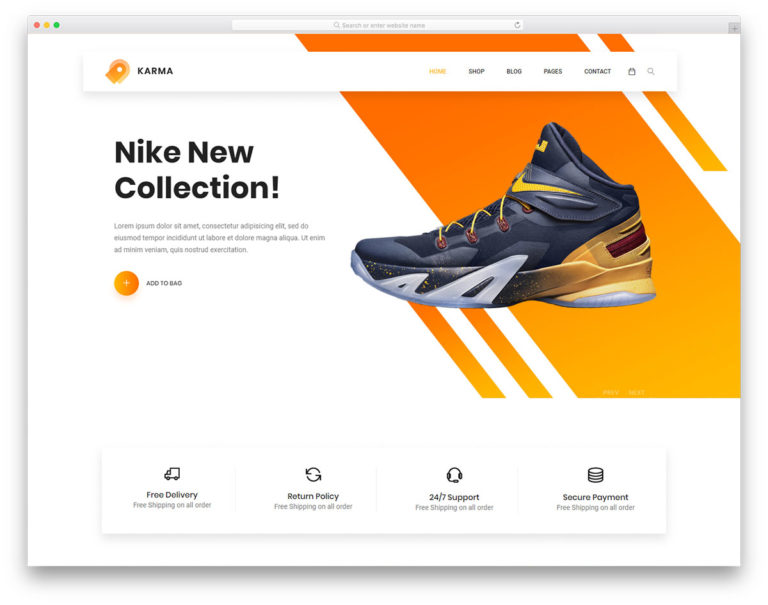
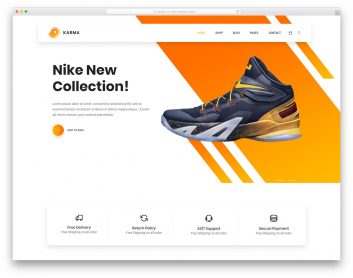
Karma
Choose it for: a shoe-led campaign and product catalog.
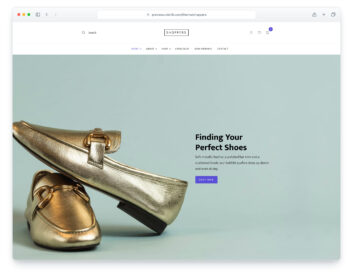
The homepage emphasizes footwear imagery, with separate category, product, cart and checkout layouts. Replace the demo brands and mixed sample products with your own catalog.
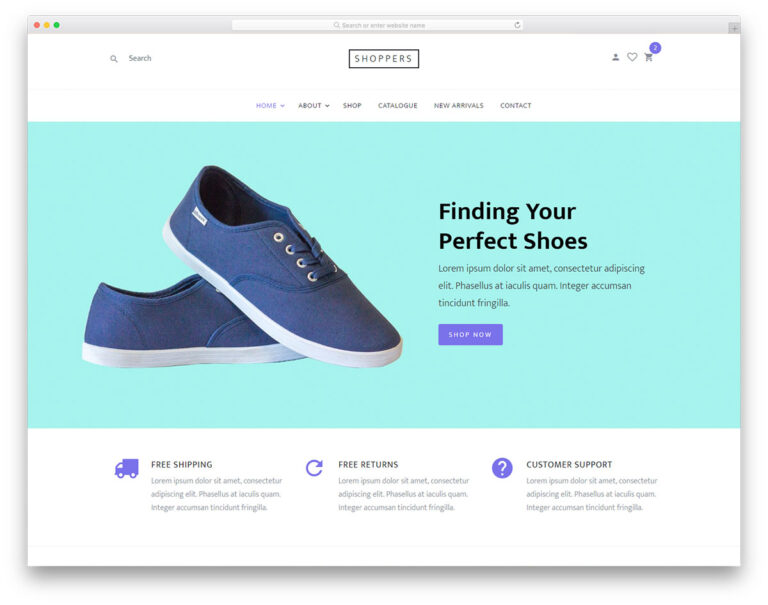
Shoppers
Choose it for: a straightforward store with a shoe-focused introduction.
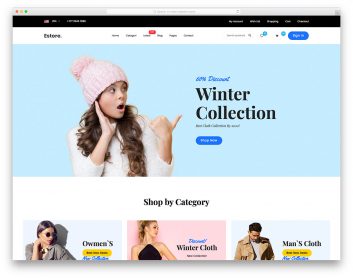
The homepage leads with shoe imagery, while the shop and cart pages accommodate a mixed product range. Compare the simple catalog structure with the categories you plan to offer.
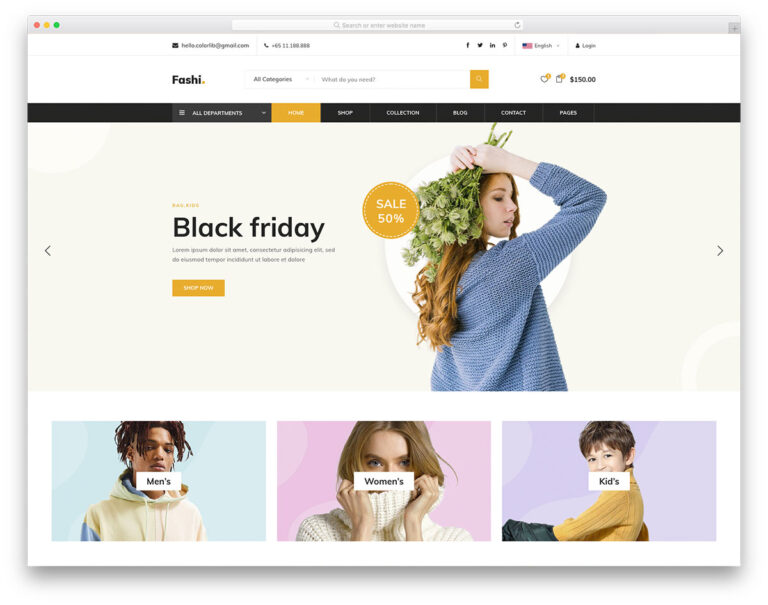
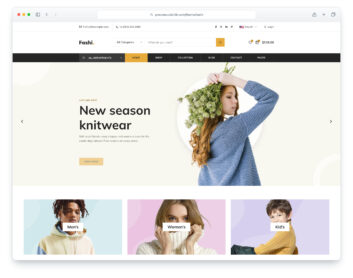
Fashi
Choose it for: footwear sold alongside clothing and accessories.
The demo offers shop, product, cart and checkout pages within a broader fashion-store design. It is a starting point for a multi-category catalog rather than a shoe-only layout.
Help shoppers choose the right product
Plan consistent product photography and clear descriptions of fit, materials and available sizes. Check the individual template for the option selectors and product information you need; included controls vary, and stock availability requires your store backend.
Plan the checkout before launch
A cart or checkout layout is not a complete commerce system. Connect your product data, payments and order handling, and test the full journey with your implementation. For more storefront designs, browse our ecommerce website templates; for individual interface pieces, see the shopping cart templates.
