
A free one-page WordPress theme for a business with something to show
Pixova Lite is a free one page WordPress theme built around seven front-page sections you arrange yourself — a full-screen header, services, portfolio, testimonials, team, news and contact. Nothing forces you to use it that way: it also runs as an ordinary multi-page site or a plain blog. It has been downloaded more than 344,000 times from WordPress.org.
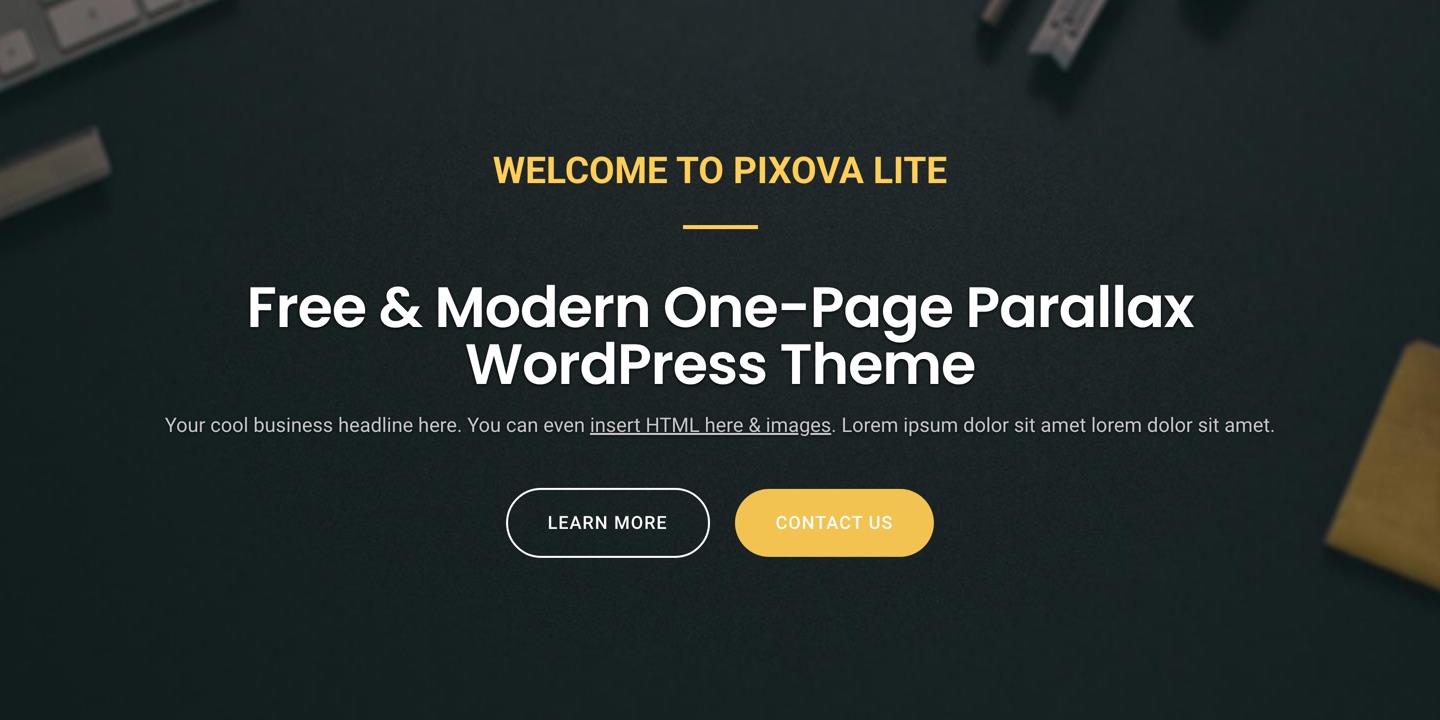
Seven sections, in whatever order you want them
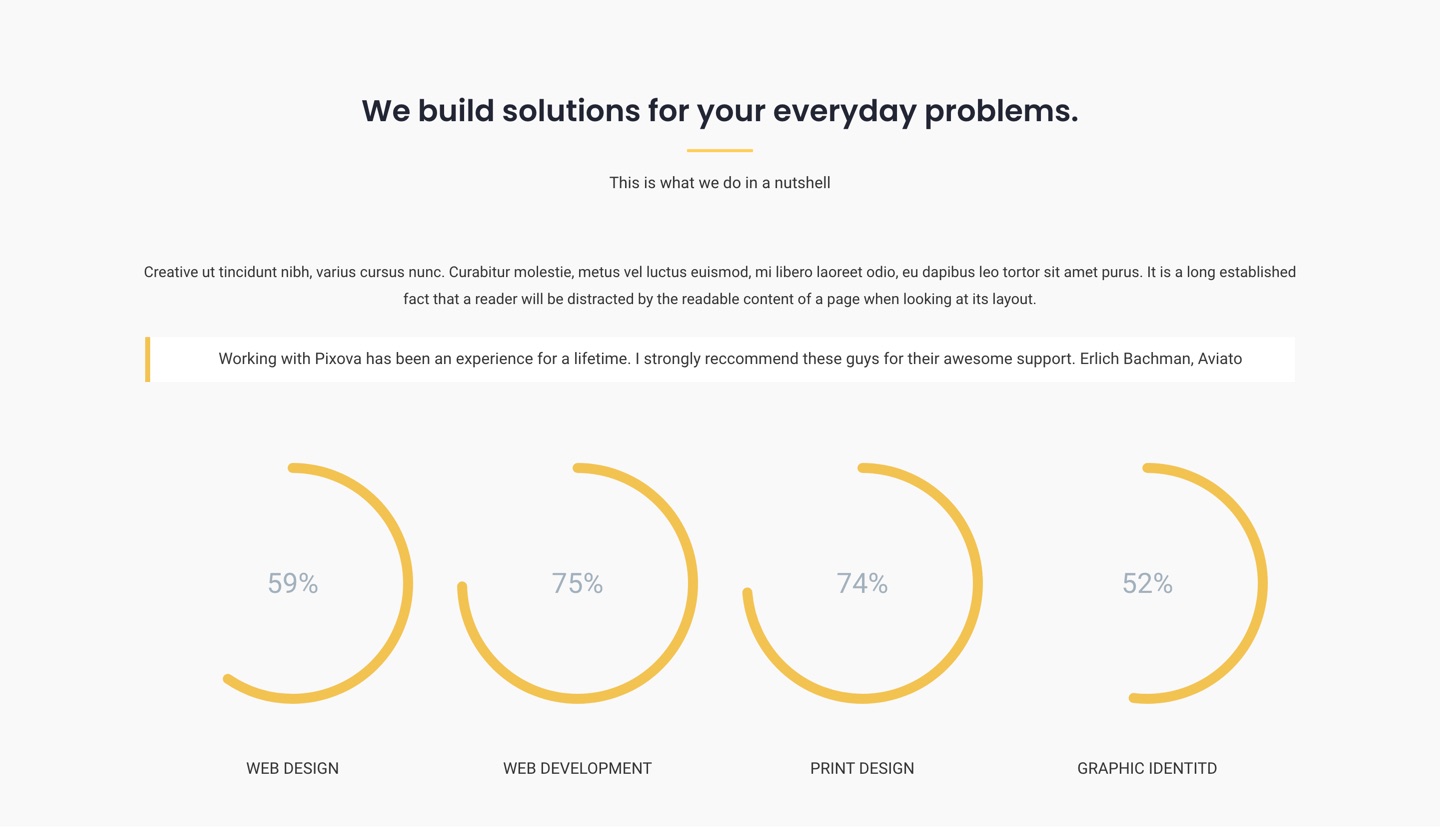
The front page is assembled from seven sections — intro, services, portfolio, testimonials, team, news and contact — and each one is switched on, filled in and dragged into place from the Customizer, with the result previewed beside you. Turn a section off and it disappears from the page and from the navigation with it. The services section counts up to whatever figures you give it and draws each skill as a ring rather than a bar.
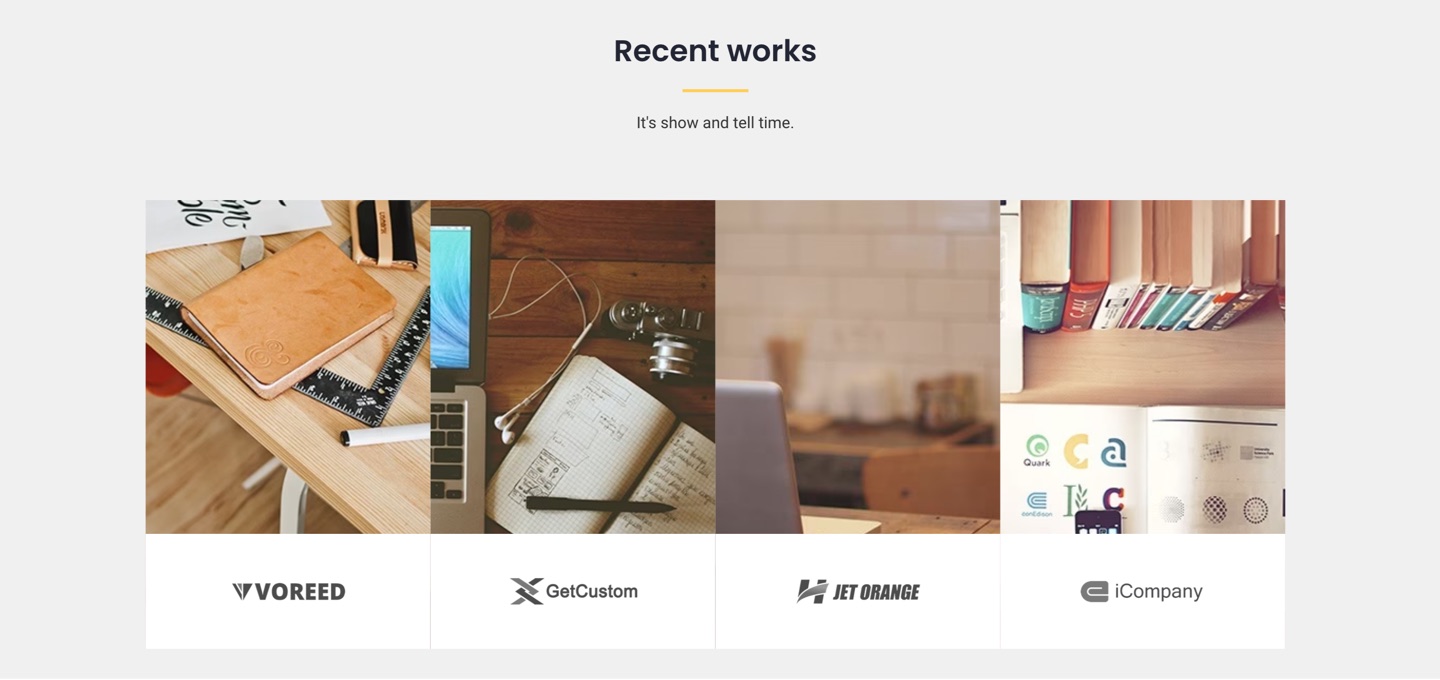
The work comes first
The portfolio is a full-width grid of images with the client’s logo underneath, and it needs no gallery plugin and no custom post type — each piece is an image, a caption and a link you set in the Customizer. It is the section most of the theme is built to lead into, which is why it sits directly under the header on the demo.
The people, and what people said about them
Team members carry a photograph, a role and their own social links, so a visitor can go straight to the person rather than to a generic company account. Testimonials rotate in a carousel underneath. Both are Customizer sections with repeatable entries — add a colleague or a quote without touching a template.

News up front, a full blog behind it
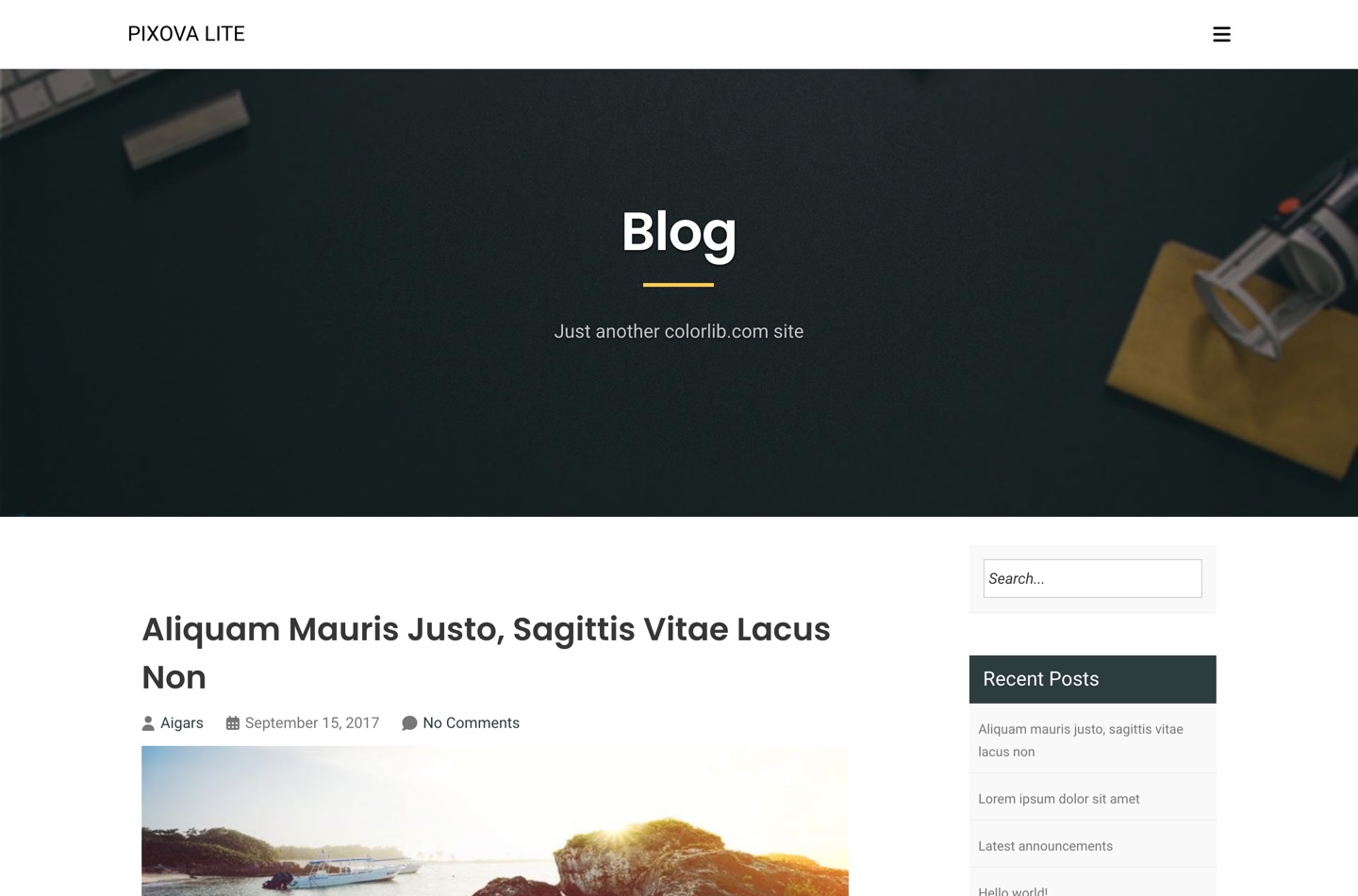
The front page carries a short news carousel, and behind it is an ordinary WordPress blog that has actually been designed: archives, single posts, categories, tags, search and comments, with a sidebar you can put on the left, on the right, or leave off entirely. Posts without a featured image get a placeholder rather than a ragged hole in the grid.
What you get
A contact section that uses a form plugin you already trust
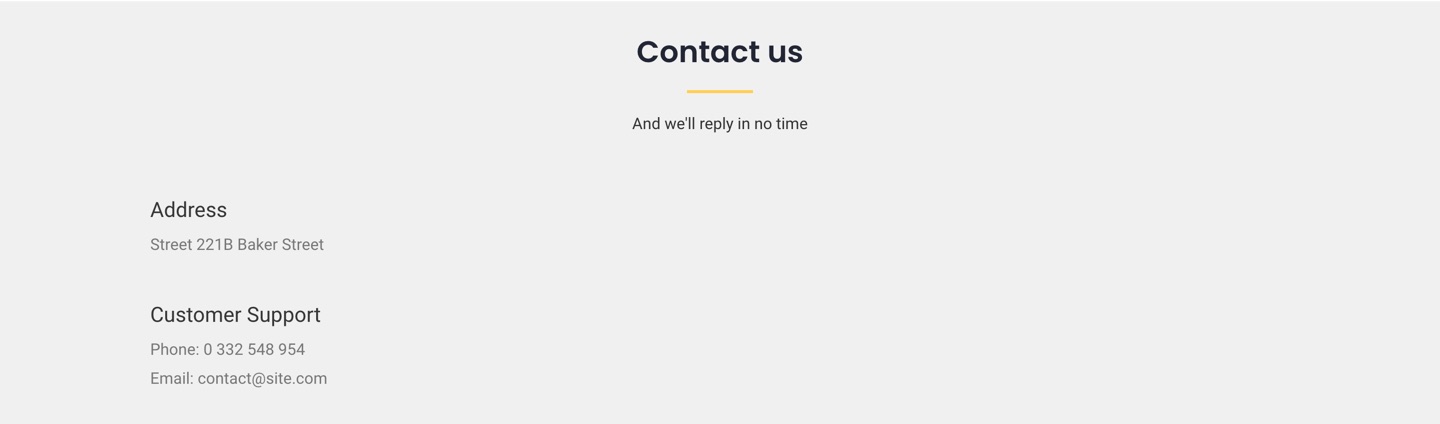
The contact section holds your address, telephone number and email alongside the form, and the form itself is rendered by Contact Form 7 — or Pirate Forms if you prefer it. That is deliberate: a contact form is where spam, deliverability and data handling all land, and those are problems a maintained form plugin solves better than a theme can.
Widgets where you need them
Six widget areas: a blog sidebar, three footer columns, a full-width strip beneath them and a WooCommerce sidebar. The layout is responsive throughout — the navigation collapses to a menu button, the sections stack, and the portfolio grid becomes a single column.
Questions
Yes. Pixova Lite is hosted in the WordPress.org theme directory and licensed under the GNU General Public License v3, so you can use it on as many sites as you like, commercial ones included, and modify it however you need.
No. The one-page front page is optional. Set a static page as your front page and Pixova Lite behaves like any other theme, with three page templates — sidebar on the left, sidebar on the right, and a blog template — plus the standard archive, single and search layouts.
Contact Form 7, or Pirate Forms. The contact section renders whichever of the two is active; the address, telephone and email beside the form come from the Customizer and need no plugin at all.
Yes. The theme declares WooCommerce support along with product gallery zoom, lightbox and slider, and ships its own shop header and a dedicated WooCommerce widget area.
Yes. Pages are ordinary WordPress content, so page builder plugins such as Elementor or Beaver Builder work on them as they would anywhere else.
Yes. Every string is translatable and languages/pixova-lite.pot ships with the theme.
The theme documentation covers setup and each Customizer section. Beyond that there is the Colorlib support forum, and the theme’s support forum on WordPress.org.
The details
| Requires | WordPress 5.2 or newer |
|---|---|
| PHP | 7.4 or newer |
| Tested up to | WordPress 7.1 |
| Licence | GNU General Public License v3 or later |
| Front-page sections | 7, each reorderable from the Customizer |
| Page templates | 3 — sidebar left, sidebar right, blog |
| Widget areas | 6, with 3 widgets of the theme’s own |
| WooCommerce | Supported, with gallery zoom, lightbox and slider |
| Translation | languages/pixova-lite.pot included |
| Downloads | 345,083 from WordPress.org |
- Version: 2.1.1
- Last updated: 17 September 2026
- Tested up to: WordPress 7.1
- Requires: WordPress 5.2 or later · PHP 7.4 or later
- Active installations: 400+
- Rating: 4.1 out of 5 from 29 reviews on WordPress.org
- Total downloads: 345,083
- View on WordPress.org
= 2.1.1 =
- Security: reordering the front page sections from the Customizer now requires the edit_theme_options capability and a nonce. Previously any logged-in user could change the order or hide every section
- A section order stored before this release is checked when it is read, so an invalid value can no longer hide front page sections or break the Customizer
= 2.1.0 =
- Removed the Epsilon framework: the About page, the Customizer controls it provided and the plugin recommendations are now built on WordPress’ own APIs, and 2.2MB of bundled framework is gone
- Font Awesome 4.7 replaced with Font Awesome 7.3.1, self-hosted and subsetted; icons saved in the Customizer under the old names keep working
- Removed the unused Bootstrap 4 JavaScript (CVE-2019-8331)
- Fixed three PHP 8 faults that logged on every page load
- Replaced the Grunt toolchain, which no longer installed, with npm scripts
- Tested up to WordPress 7.1; now requires PHP 7.4
= 2.0.9 =
- WordPress.org release
= 2.0.8 =
- Compatibility with jQuery 3.0
= 2.0.7 =
- Security Fix
= 2.0.6 =
- Security Fix
= 2.0.3 =
- Improved accesibility with keyboard navigation
- Updated list of recommended plugins
= 2.0.1 =
- Removed user capability checks for displaying content on the front-page ( https://github.com/puikinsh/pixova-lite/issues/83 )
- Fixed team social links ( https://github.com/puikinsh/pixova-lite/issues/82 )
- When opening a front-page panel now, it automatically scrolls you to it.
= 1.48 =
- Removed extraneous notices in WP admin dashboard #72
- Improved theme activation notification as per #73
- Removed more-themes.css #74
- Adds an easy way of setting the front-page to static #75
- Adds Colorlib recommended plugins #77
- Adds sortable icon to front-page sections #80
= 1.46.5 =
- Removed Kiwi as recommended plugin
= 1.46.3 =
- Added Kiwi Social Share as recommended plugin
- Made it possible to display only 1 CTA button (just remove the text)
- Revamped the blog layout and all default widget styling.
- Added placeholder images for blog posts
= 1.46.2 =
- Fixed a small bug where the button text for "visit our blog" couldn’t be changed
= 1.45.3 =
- Updated footer.php
Download Pixova Lite
Free, GPL v3 or later. Version 2.1.1, hosted on WordPress.org.