
A logistics theme for forwarders and transport firms
Lagoon is a free block theme for freight forwarders, hauliers and logistics companies. A port hero toned in your brand colour, road, sea and air services on a navy band, a tabbed freight quote form and an ask-about-a-shipment form that need no plugin, counters over a world map, testimonials and a blog — with eight colour palettes and full site editing throughout.
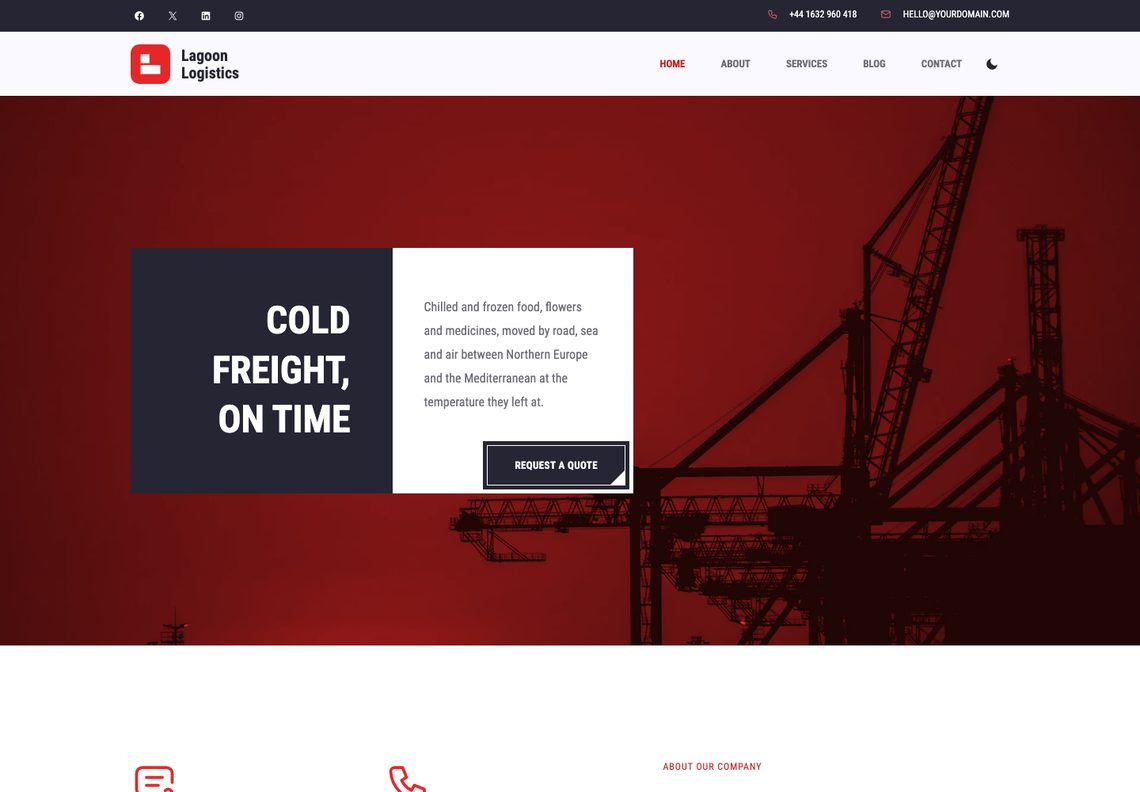
Two versions of Lagoon
The same design, built two ways. Both are free.
Recommended for new sites
Block theme
This download. Everything is edited in WordPress’s own Site Editor, with no plugins: the sections are patterns, with eight colour palettes, a dark mode and the freight quote form built in.
For sites built with Elementor
Elementor edition
The same design built for Elementor, with its own widgets bundled inside the theme; its forms take a Contact Form 7 shortcode. It needs the free Elementor plugin. The source is free on GitHub.
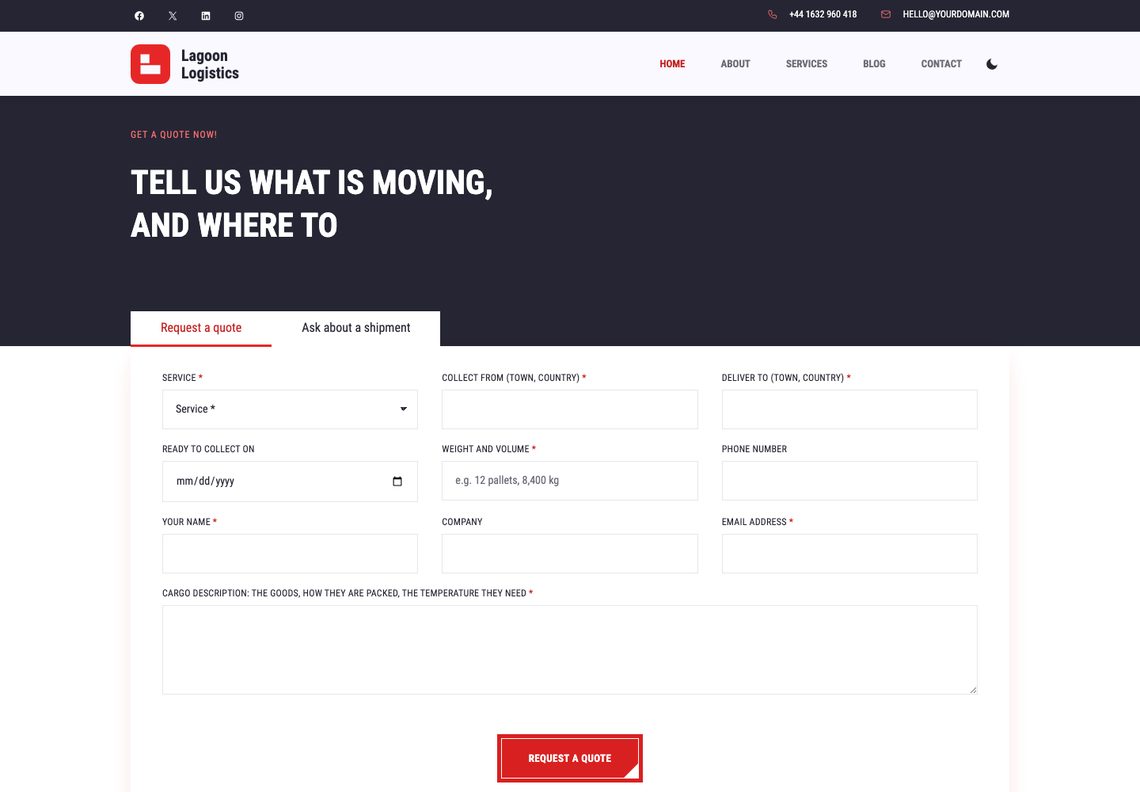
A freight quote form, and no fake tracking
The template’s tabbed card straddles the navy band: one tab asks for the service, origin, destination, cargo, weight and volume, ready date and contact details; the other lets a customer send a booking reference and a question to a person, instead of pretending to track a shipment. Both need no plugin and go to your inbox or, through one filter, your CRM.
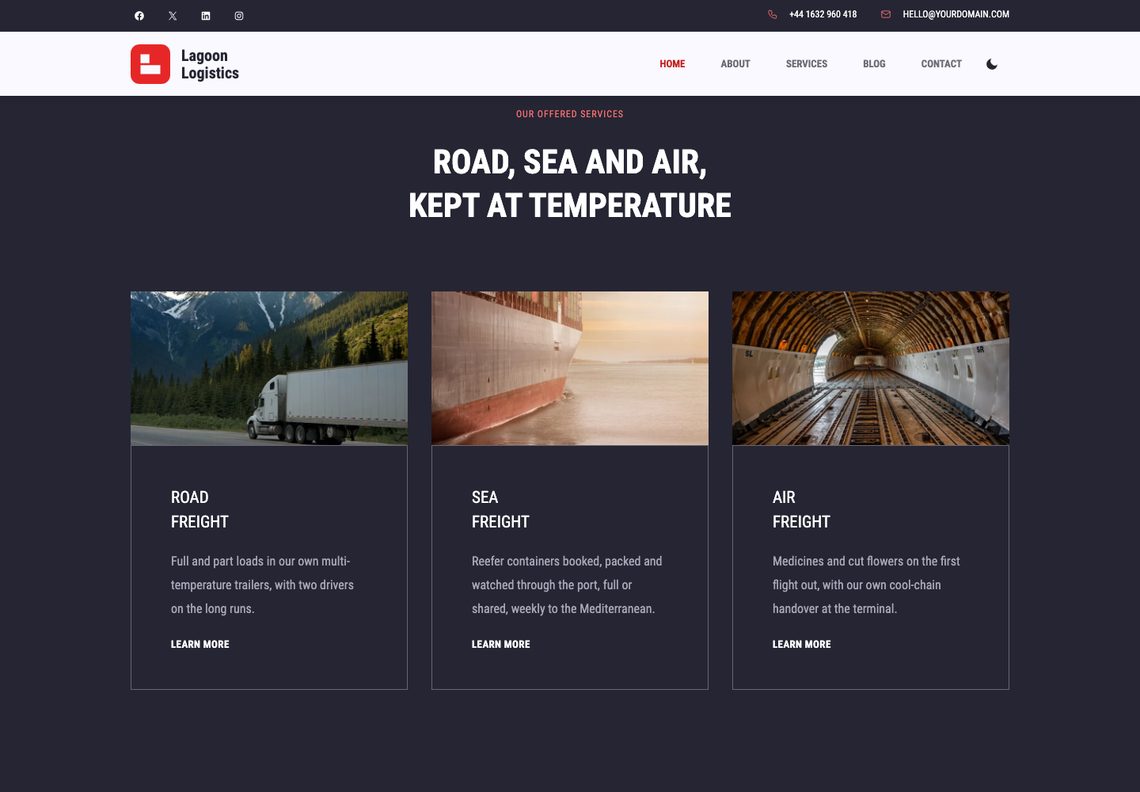
Road, sea and air on the navy band
Service cards with a photograph and a bordered box that turns white on hover. The home page shows three; the Services page shows all six — road, sea, air, cold-store warehousing, rail and customs.
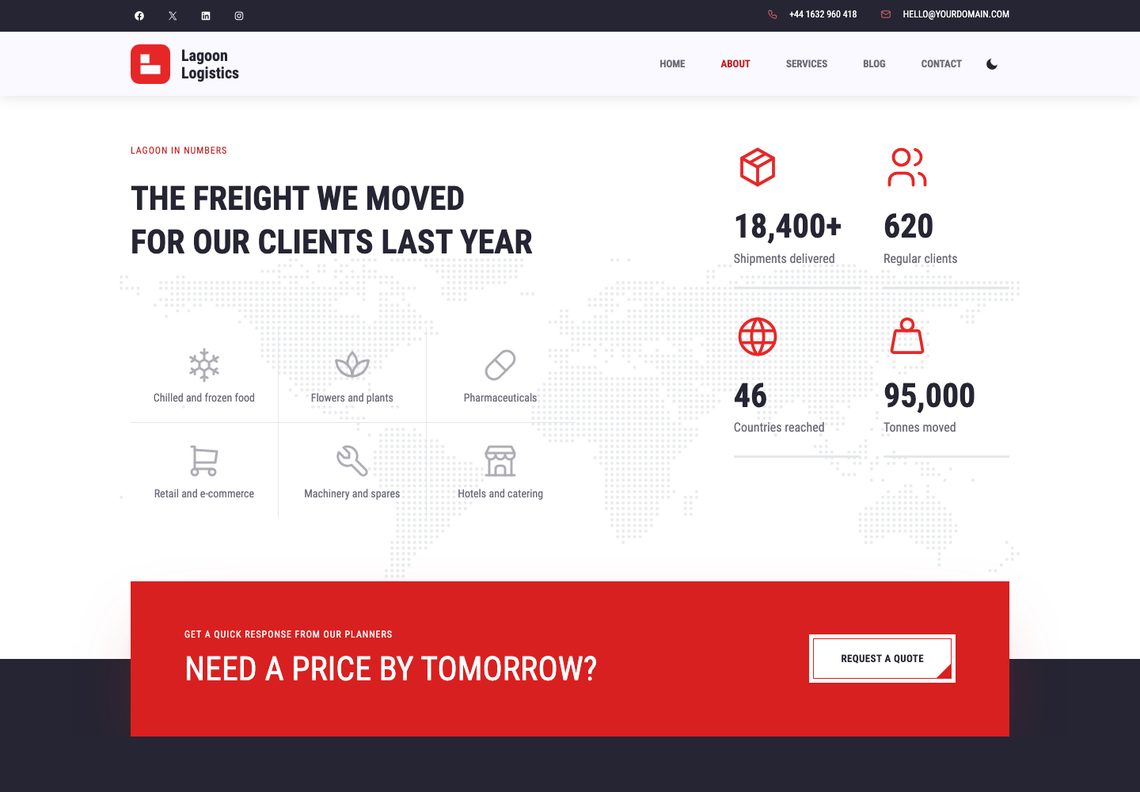
Counters over a dotted world map
The sectors you carry for in the template’s ruled grid, and four figures with line icons that count up the first time they scroll into view. Type a new number and the count follows it.
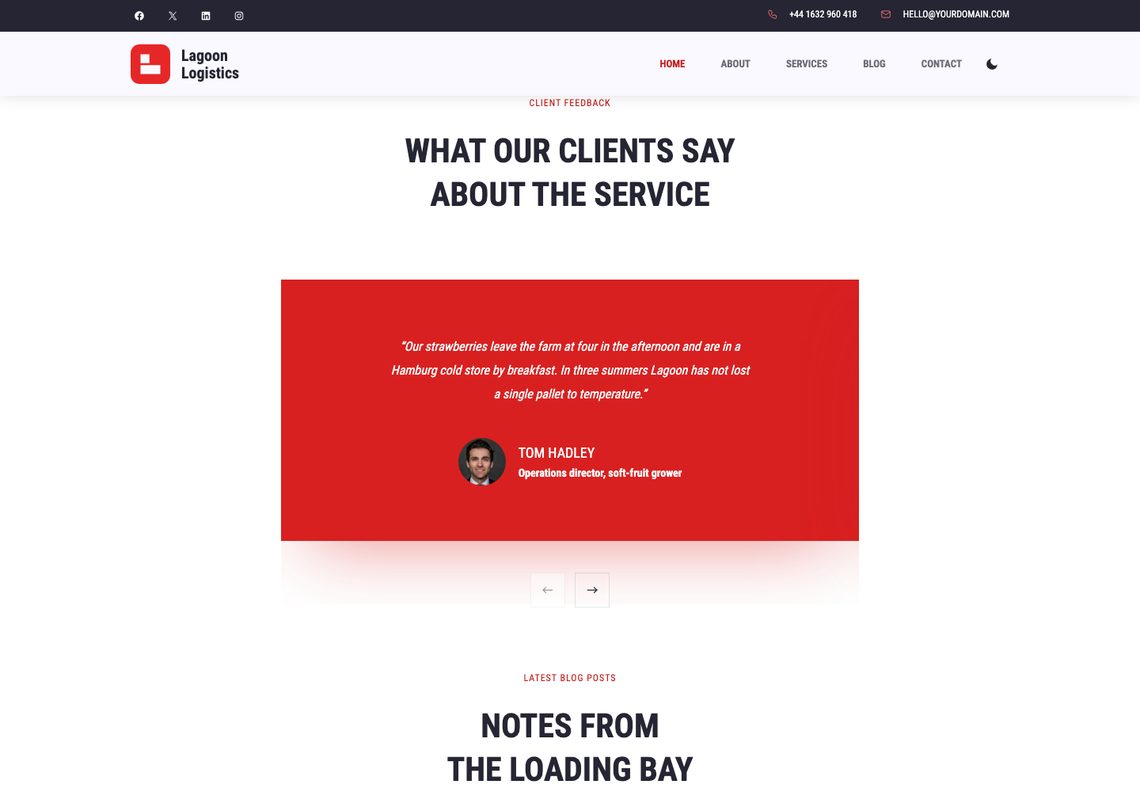
Testimonials in the red box
Client quotes with a portrait, a name and a role, one at a time in the template’s red box with arrows beneath; a finger or a trackpad moves them too.
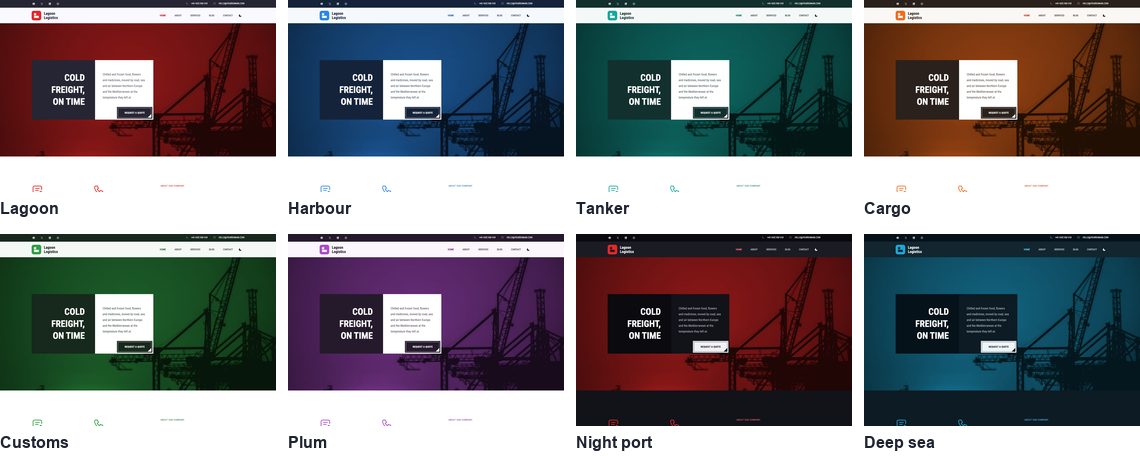
Eight palettes, the photograph included
Lagoon, the template’s own red and navy, then Harbour, Tanker, Cargo, Customs and Plum, and two dark palettes, Night port and Deep sea. The hero photograph is toned in each palette’s brand colour, and every palette is measured against WCAG AA before the theme is built, in light mode and in dark.
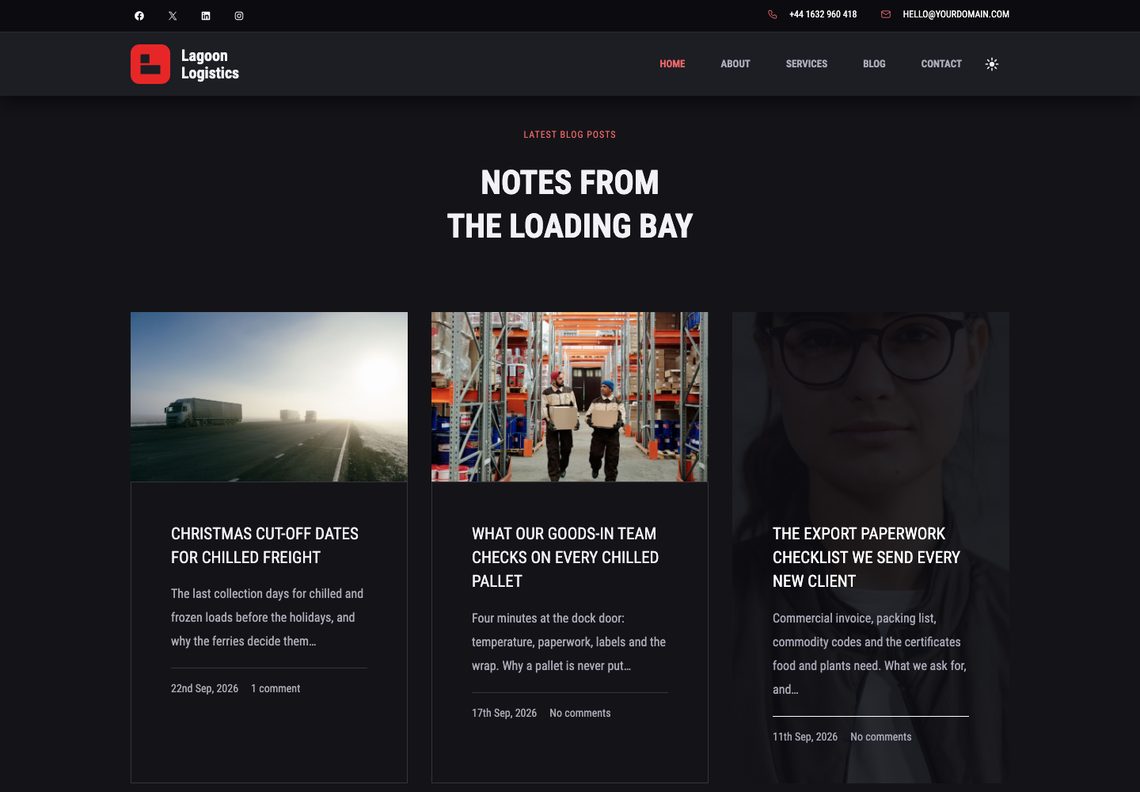
Dark mode the visitor controls
The switch in the header is the visitor’s, separate from the palette you chose. It follows the reader’s system setting until they decide for themselves.
What you get
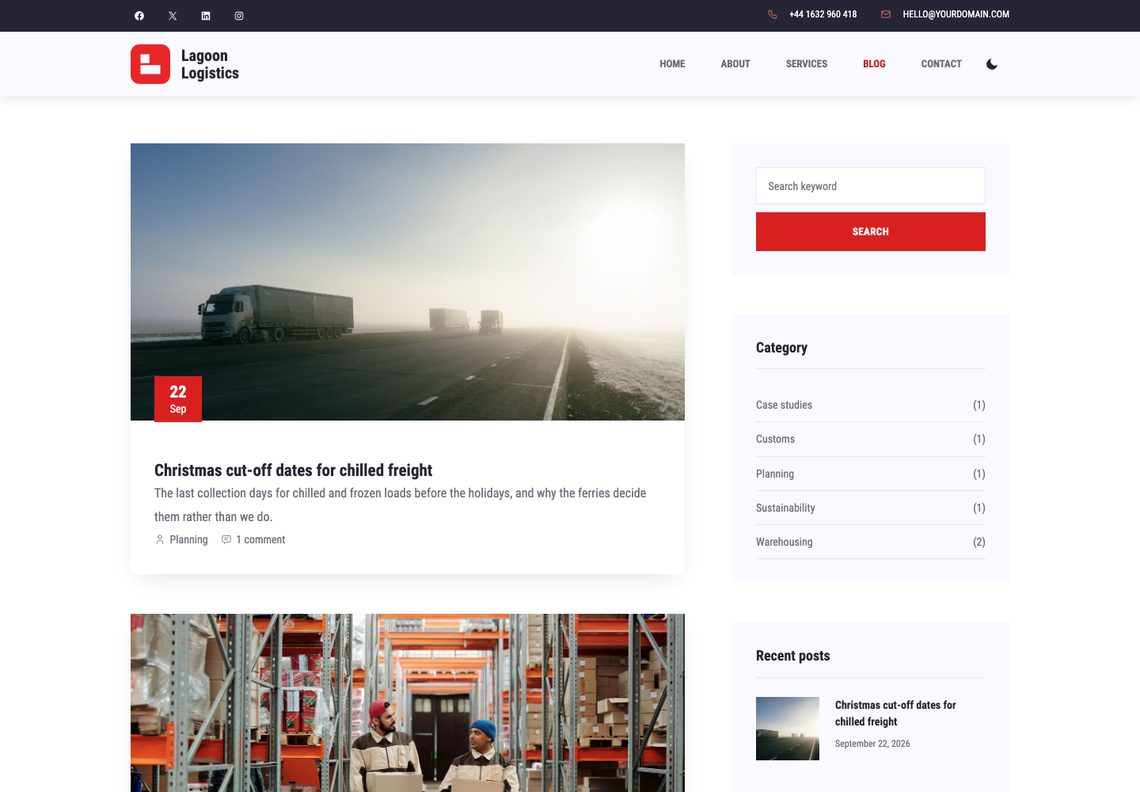
It has a blog, too
Transit notes, cut-off dates and case studies, with a red date badge on each photograph. Archives, single posts with an author box, categories, tags, search and a 404 are all designed, with a sidebar of search, categories, recent posts, tags and the newsletter.
A contact page with a map
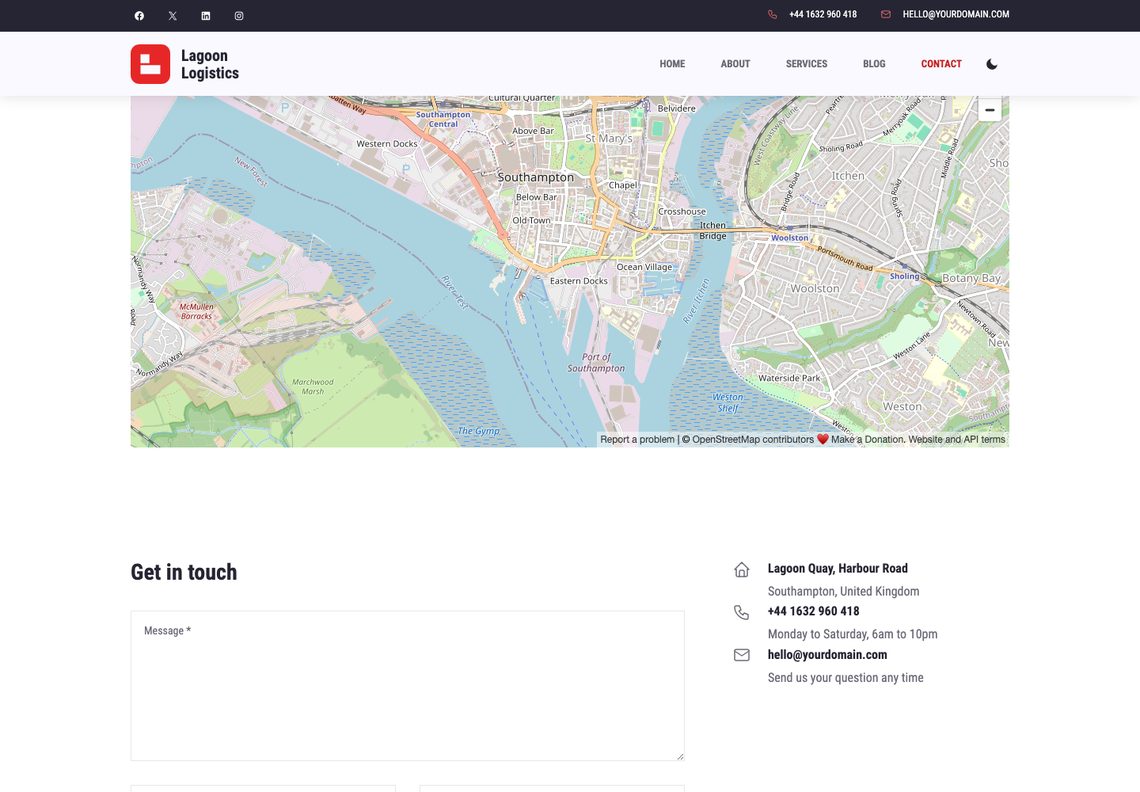
An OpenStreetMap embed across the width, then the message form beside the address, phone and email, each with its icon. Change the map by pasting a new address into its block.
Questions
No. The freight quote form, the shipment question form, the contact form, the newsletter sign-up and dark mode are part of the theme, and so are the starter pages. WooCommerce is supported if you add it, and is not required.
To the site’s admin email address, sent with WordPress’s own wp_mail(). If your host cannot send mail, any SMTP plugin fixes it. To send them somewhere else — a CRM, a transport management system, a webhook — return true from the lagoon_form_handlers filter and Lagoon sends nothing of its own. The services listed in the form come from the lagoon_quote_services filter.
No. The form asks for a price, and the thank-you message says a written price will follow by email and that nothing is booked until the customer confirms it. The theme stores nothing and charges nothing.
Not through the theme. The template’s “Track Shipment” tab would need live data from a carrier or a transport management system, which a theme does not have, so Lagoon’s second tab is an honest “Ask about a shipment” form: a booking reference and a question, answered by a person. A tracking plugin can replace the tab’s content.
No. The five starter pages are built only on a site that has no pages of its own yet, and only once. Activating Lagoon over an existing site leaves your pages alone.
Eight palettes — Lagoon (the original red and navy), Harbour, Tanker, Cargo, Customs, Plum, and the dark Night port and Deep sea — and five type pairings are one click each in the Site Editor under Styles. Each palette restyles every section, and the hero photograph is toned in its brand colour.
Yes. Add add_filter( 'lagoon_enable_dark_mode', '__return_false' ); or add_filter( 'lagoon_enable_scroll_animations', '__return_false' ); to a child theme or a small plugin. With the animations off, the counters show their figures at once and the testimonials slider and the quote tabs keep working.
The block theme is edited in WordPress’s own Site Editor and needs no plugins. The Elementor edition is the same design built for the Elementor page builder, with its widgets bundled inside the theme; it needs the free Elementor plugin, takes a Contact Form 7 shortcode for its forms, and is available on GitHub. For a new site we recommend the block theme.
Yes. Every string is translatable and languages/lagoon.pot is included.
Yes, twice a day, because it is distributed outside the WordPress.org theme directory. It sends the theme, WordPress and PHP versions, the locale, whether the site is a multisite, and an identifier derived from the site’s address with the site’s own secret key, so it cannot be turned back into the address. No personal data and no site name. The lagoon_check_for_updates filter switches it off.
The details
| Requires | WordPress 6.6 or newer |
|---|---|
| PHP | 7.4 or newer |
| Tested up to | WordPress 7.1 |
| Licence | GNU General Public License v2 or later |
| Patterns | 13 to insert (9 sections, 4 page layouts), plus 14 for the header, footer, sidebar and templates |
| Templates | 14, plus 3 template parts |
| Starter pages | 5, built on activation, with a menu |
| Styles | 8 colour palettes × 5 type pairings |
| Forms | Freight quote, shipment question, contact and newsletter, no plugin needed |
| Fonts | Roboto Condensed and Archivo, self-hosted |
| Icons | Tabler Icons (MIT), drawn in the palette’s colours |
| Form plugins | Contact Form 7, WPForms, Gravity Forms, Fluent Forms, Forminator, Ninja Forms |
| Build step | None — no npm, no SCSS |