
Put the specification on the page
Electro is a free Shopify theme for computing, audio and peripherals. Its specification table is a real block driven by a product metafield, so every product carries its own rows — which is the one thing every general-purpose free theme makes you improvise in the description.
Version 1.0.0 · free, and free of a licence key
A specification table, not a paragraph
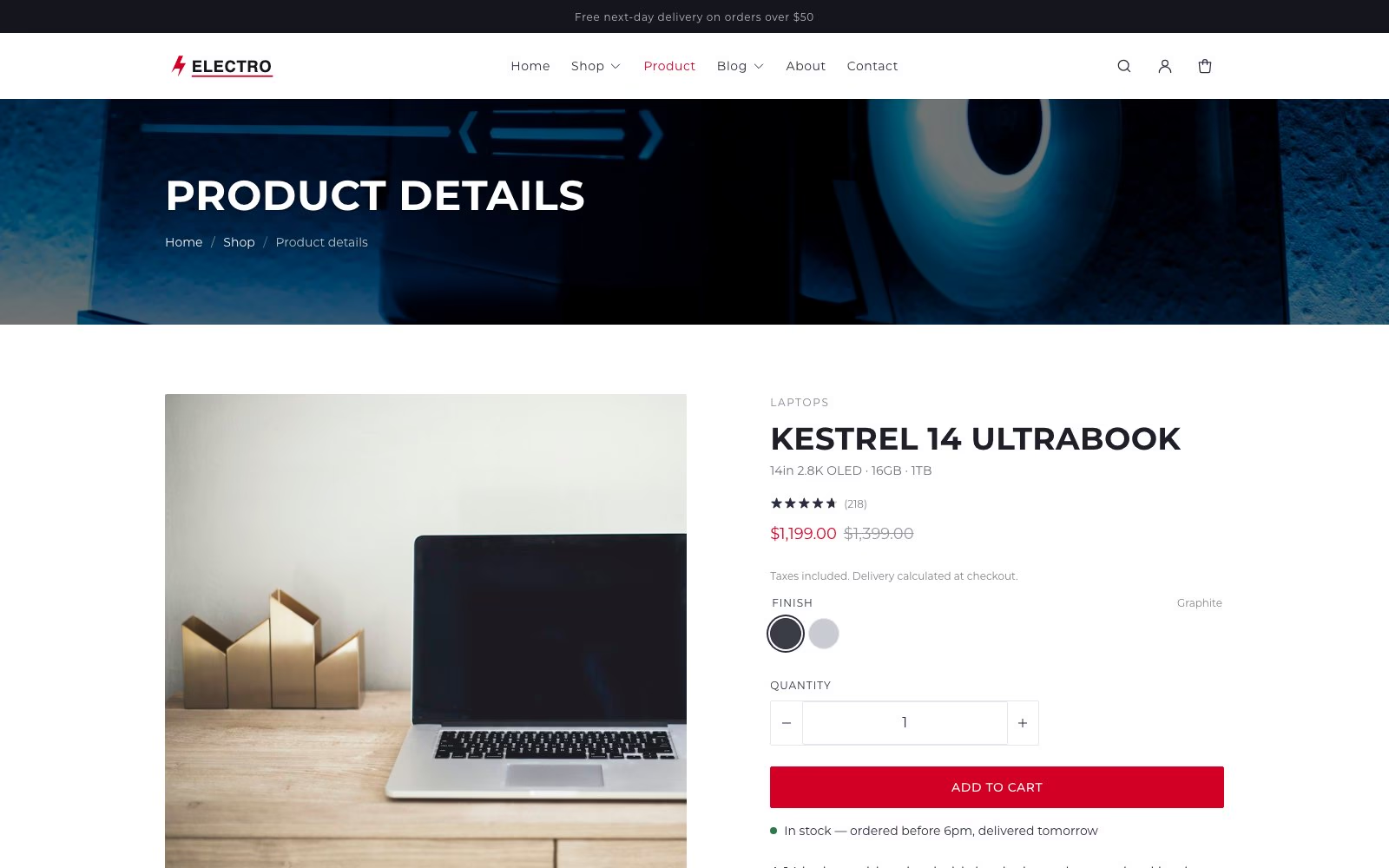
Rows come from a product metafield in the specs namespace, so each product carries its own without you rebuilding the block. Fill it in as plain Label: value lines or as JSON. A product with none set renders no table at all, rather than an empty shell, and the table scrolls inside its own container so a wide row never pushes the page sideways on a phone.
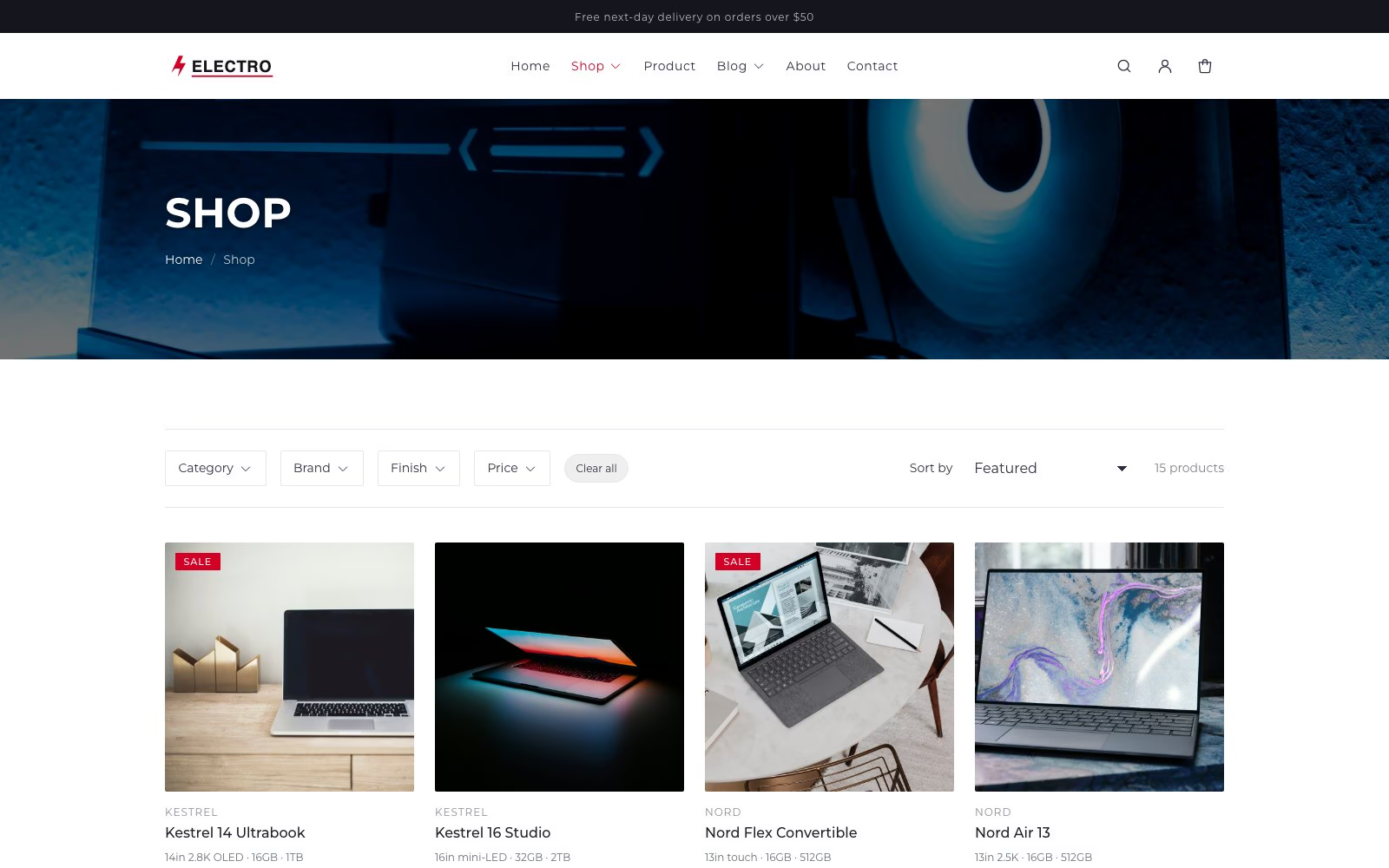
Filter by brand, not just category
Collection pages filter by category, brand, finish and price through Shopify’s free Search & Discovery app. The brand is Shopify’s own vendor field, shown above every title and matched by predictive search, because people shop by manufacturer as much as by model number.
What else is in it
Set up in three steps
No page builder, no licence key and nothing to compile.
Under the hood
Questions
Yes. No purchase, no subscription, no trial and no footer credit you have to pay to remove. The complete source is public on GitHub, so you can read exactly what you are installing before you install it.
You need an active Shopify plan to publish any theme on a live store — that is Shopify’s charge, not ours. You can upload and preview it on a development store or during a trial at no cost.
Create a product metafield in the specs namespace — the block reads the key table by default. The easiest shape is a list of single-line text, one row per line, written as Display: 14in 2.8K OLED, where everything before the first colon becomes the label. JSON objects with label and value also work if you are importing from elsewhere.
The block renders nothing at all for that product, rather than an empty table. You can leave it on the template and fill products in as you go.
No. Sections and blocks are Shopify’s own, edited in the theme editor. Collection filtering uses Shopify’s free Search & Discovery app, which is optional, and there is no paid app the theme depends on.
No. Shopify does not auto-update a theme uploaded from a zip. Releases are published on GitHub; updating means uploading the new version as a separate theme and moving your settings across, so nothing changes behind your back.
Download Electro
Shopify Online Store 2.0, theme blocks, no jQuery and no framework. No account, no email address, no licence key.